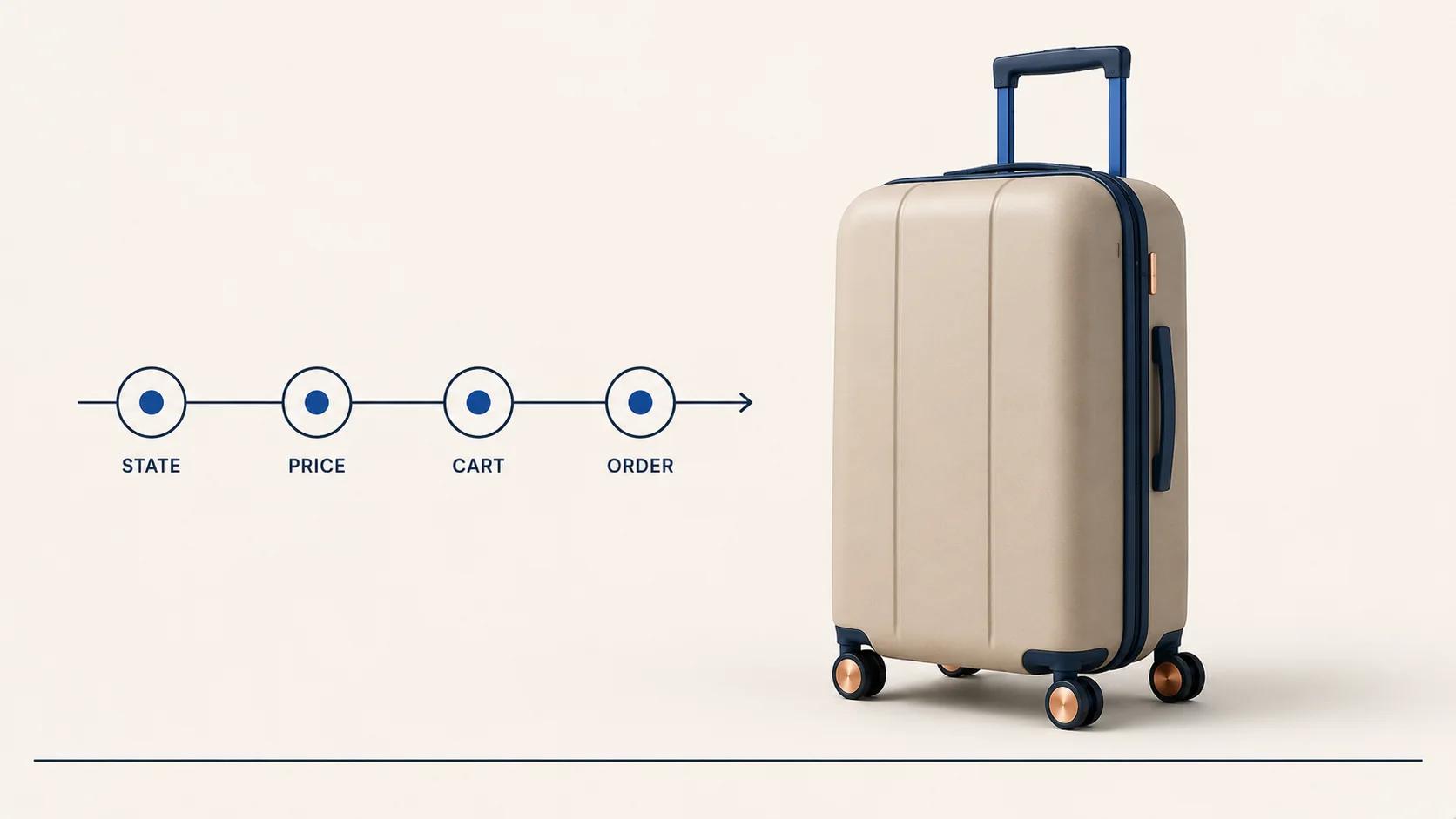
A WooCommerce 3D product configurator is transaction-ready only when one validated configuration reaches the right product or variation, an authoritative price, a distinct cart line, a durable order record and a usable production output. The rendered model is evidence of what the shopper saw. It is not, by itself, the transaction.
That distinction prevents the most expensive kind of configurator failure: a convincing visual paired with an order that does not say what to make. Treat WooCommerce as part of a state pipeline. Decide which system owns each decision, what crosses each boundary and what must still be readable after the browser session has disappeared.
Start with one resolved configuration
The browser needs a working state while the shopper changes dimensions, finishes or components. Keep that state compact and explicit. A useful resolved configuration contains:
- a stable product-family identifier;
- stable option and component identifiers, not labels copied from the interface;
- the product-rule version used to validate the choices;
- a saved configuration ID and revision when the design must be reopened;
- the WooCommerce product ID and, when applicable, variation ID;
- a customer-readable summary;
- the pricing context and currency, without treating a browser total as final; and
- references to any output that sales or production will need.
In WooCommerce's Cart and Checkout Blocks guidance checked on 31 August 2026, the server is the source of truth for critical transactional and persistent data. The guidance also says client data that must persist with the order needs to reach the server.[2] That is the right boundary for configurator work: the browser proposes a state, while an authorized server path accepts, rejects or resolves it.
Do not derive the order from mesh names, material slots or visible labels. Those presentation details change. Product, option and rule identifiers need a lifecycle that survives a translated label, a rebuilt 3D model and a new interface.
The broader 3D product configurator integration blueprint covers the full product-data, analytics and production architecture. Here, the question is narrower: what WooCommerce must receive and preserve.
For non-configurable 3D product media, where the job is to bind a viewer to WooCommerce products and variations rather than carry custom rules and pricing, use the WooCommerce 3D product viewer integration checklist. The transaction flow here begins when a resolved configuration must carry validated rules, an authoritative price, a distinct cart-line identity and a durable order record.
Map the state through six gates
A clean handoff is easier to review when it is split into gates. Each gate has one job and one failure condition. Passing five out of six is still a failed transaction.
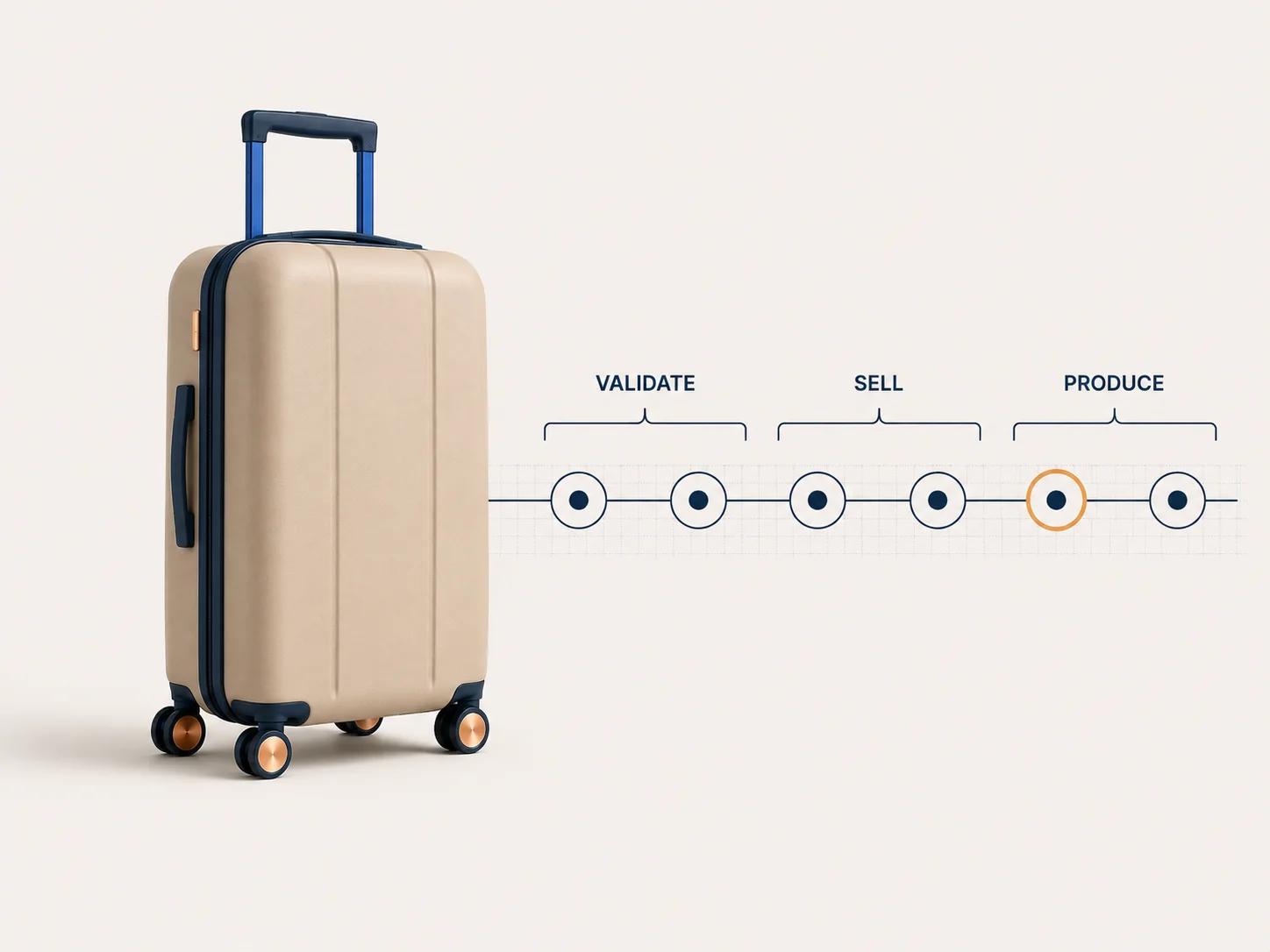
Use the map below to trace one resolved configuration through each authority before production uses it.
| Gate | Authoritative input | WooCommerce record or action | Reject or divert when |
|---|---|---|---|
| 1. Validate | Option IDs, quantities, dimensions, rule version | Server receives a proposed configuration | A rule changed, an option is unavailable, a value is out of range or the state is incomplete |
| 2. Map | Valid configuration plus catalog mapping | Product ID and, where useful, variation ID | The mapped product is unpublished, unavailable or no longer represents the chosen state |
| 3. Price | Valid state, customer context, quantity and price policy | Server-calculated line price and explanation basis | The price is stale, the required account context is missing or the result needs review |
| 4. Cart | Accepted configuration reference and readable summary | A distinct cart line with quantity, price, tax context and extension data | Two different designs merge, the summary disagrees with the state or recalculation fails |
| 5. Order | Revalidated cart line and checkout context | Order line with product identity, accepted totals and durable configuration evidence | The configuration cannot be reconstructed or the final state differs from the cart |
| 6. Produce | Order line plus approved downstream mapping | Drawing, bill of materials, cut list, specification or review task | The output lacks a version, omits a choice or requires an undocumented manual interpretation |
This is an original acceptance framework, not a WooCommerce feature checklist. The implementation behind each gate may be a focused plugin, an external configurator service or custom application code. The gate does not care where logic runs; it cares whether the handoff is explicit and testable.
Decide what WooCommerce should own
WooCommerce should own the parts of the transaction it can represent clearly. A separate product system can own richer rules and geometry without turning WooCommerce into a passive payment page.
Use a variation when it is a real sellable record
WooCommerce variable products allow control over price, stock, image and other data for each variation.[1] The documentation checked on 31 August 2026 lists variation-level SKU, regular and sale price, stock controls, tax class, weight, dimensions and shipping class. It also says a variation without a price does not appear in the store.[1]
A variation is useful when the choice has commerce meaning outside the 3D view. Size may change stock, shipping or SKU. A prebuilt module may be a separately managed sellable record. In those cases, the variation ID gives WooCommerce something concrete to price, reserve and report.
Do not create a variation merely because the 3D model has a selectable material. If ten finishes share stock, price and fulfilment behavior, forcing every visual combination into a variation matrix may create catalog work without improving the transaction. Keep the option in the governed configuration state and carry only the commerce identity WooCommerce needs.
Keep three identifiers separate
A configured line often needs three identities:
- Product ID identifies the WooCommerce product family or base item.
- Variation ID identifies a native sellable variation when one exists.
- Configuration ID and revision identify the exact validated design.
They solve different problems. The product and variation tell WooCommerce what kind of thing was sold. The configuration reference tells the configurator, support team and downstream system which design was accepted. Reusing one field for all three makes catalog changes dangerous.
The choice between an embed, existing extension and custom adapter belongs in the WordPress plugin versus custom configurator guide. This article assumes the route is already chosen and tests whether its transaction holds together.
Make the server the price authority
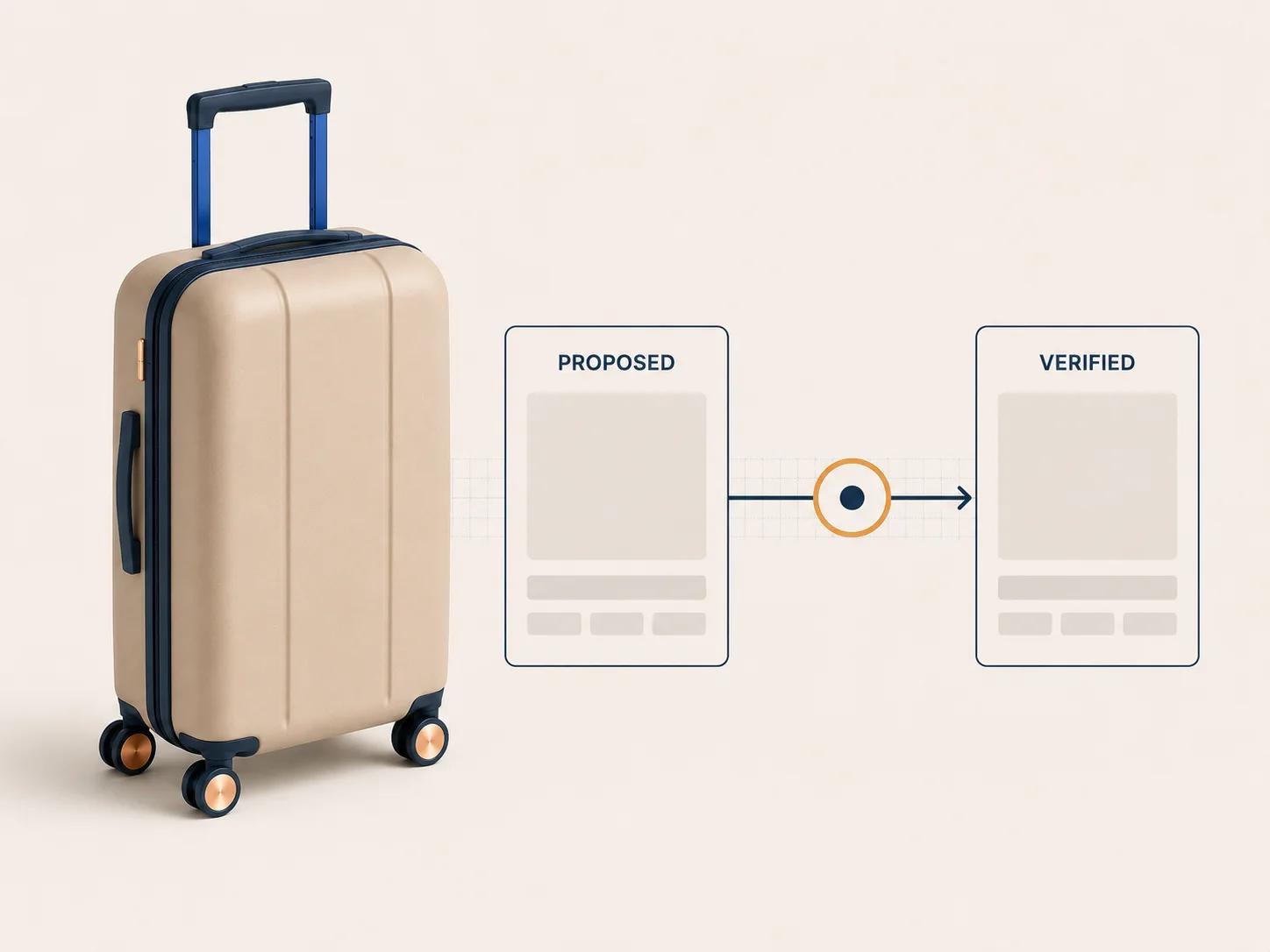
The 3D interface should explain price changes quickly, but the number on screen is still a preview until the server accepts the same state. Recalculate when the configuration enters cart, when quantity changes, when customer context changes and before the order is finalized. If the price service is unavailable, stop or route to a quote instead of silently trusting an old browser value.
Write down the owner of each amount:
- base product or variation price;
- option and component additions;
- dimension or quantity calculation;
- customer, dealer or account terms;
- currency and rounding policy;
- coupon and tax treatment;
- shipping or installation charges; and
- quote-only exceptions.
One system does not need to calculate everything. It does need to reconcile the result. If WooCommerce owns coupons and tax while an external engine owns configured additions, define the order of calculation and the evidence stored with the accepted line.
Avoid a free-text price explanation as the only audit trail. Store enough structured context to distinguish the priced configuration from a later revision, then show a short readable summary to the buyer and staff.
Make the cart line useful after the 3D view is gone
In the Store API Cart Items reference checked on 31 August 2026, an add-item request carries a product or variation ID, quantity and chosen variation attributes.[3] Its documented cart-item response contains variation data, item data, prices, totals and an extensions object.[3] That is the WooCommerce envelope. A rich configuration still needs an intentional contract inside or beside it.
At minimum, the cart line should display the selected product, the few choices a buyer can verify, quantity and accepted price. Keep a stable configuration reference behind that summary. If a design has been saved externally, the reference should resolve only through an authorized server request and should return the precise revision that entered the cart.
As checked on 31 August 2026, WooCommerce also documents ExtendSchema for adding namespaced server data to Store API cart and cart-item responses.[4] This makes extension data available to the client, but it does not validate a configuration or decide price. Use it to expose already governed data, not to turn a browser object into truth.
Test two different configurations of the same base product in one cart. They must remain distinct. Then change quantity, remove one line, restore a saved design and refresh the page. The visual, summary, price and configuration reference should still agree after every action.
Revalidate before checkout completes
A cart can sit open while rules, stock or prices change. Decide which changes invalidate the line, which trigger recalculation and which can proceed under a previously accepted version. Make that policy visible rather than surprising the buyer at the last click.
In guidance checked on 31 August 2026, WooCommerce's documented Checkout Block flow validates checkout information before processing and later posts to /wc/store/v1/checkout when the flow reaches that stage without payment errors.[6] A configurator integration needs its own final state check in the server path before the order is treated as accepted.
Return a specific recovery action when validation fails. Ask the buyer to reopen the design if an option disappeared. Reprice visibly if an accepted rule permits it. Divert to review if an engineered value now needs approval. A generic checkout error hides the decision the buyer must make.
Freeze an order snapshot for support and production
As checked on 31 August 2026, WooCommerce documents setExtensionData for sending namespaced client data in the checkout request. Its example then reads selected request data on the server, writes order metadata and saves the order.[5] Treat that as an extensibility example, not a ready-made configurator schema.
The REST API v3 order schema checked on 31 August 2026 exposes product ID, variation ID, quantity, subtotal, total, metadata, SKU and price on line items.[7] Define the additional configuration evidence your operation requires. A practical line record may include:
- configuration ID and revision;
- product-rule version;
- compact option and component summary;
- accepted pricing basis or calculation reference;
- visual proof or document reference when required;
- downstream output status; and
- a safe reopen route for authorized staff.
Do not store a huge mutable browser payload simply because metadata exists. Keep the durable order snapshot small enough to inspect and stable enough to audit. Store larger design data in its proper system, then preserve an immutable reference and the minimum readable snapshot needed if that system is temporarily unavailable.
Production should never have to infer a component from a thumbnail. If the downstream output is generated later, record its status and failure path. An order can be commercially accepted while a drawing or bill of materials is still queued, but staff need to see that distinction.
Scope the owned gaps instead of guessing a price
Implementation cost comes from unresolved ownership and exceptions, not the number of screens in a demo. Use representative products to expose the work before requesting a quote.
For each scope driver, document the current condition and the proof needed.
| Scope driver | Lower-scope condition | What expands the work | Proof to bring |
|---|---|---|---|
| Product rules | Independent, finite choices | Dependencies, calculations, territory rules or engineering review | Real valid and invalid examples |
| Catalog mapping | Stable product and variation records | External PIM, shared components, substitutions or many catalog exceptions | Product IDs, SKUs and ownership map |
| Pricing | One server-owned price path | Account terms, formulas, live services, quote states or several calculators | Known price cases and edge conditions |
| 3D state | Options map directly to prepared visual states | Generated geometry, asset variants, conditional assemblies or camera logic | Representative models and option map |
| Cart and checkout | One purchase path with a readable line | Blocks, classic templates, headless clients, subscriptions or quote fallback | Current theme, extensions and checkout flow |
| Order output | Configuration reference plus concise summary | Drawings, bills of materials, ERP jobs, approvals or later editing | Required downstream record |
| Operation | One trained owner and staged releases | Several teams, roles, locales, catalogs or synchronized platform releases | Ownership and release process |
The estimator turns your own rules, assets, integrations, pricing behavior, outputs and operating ownership into a complexity profile. It does not invent a price or commercial result. Use its gaps to decide whether a standard variant route, focused adapter, paid discovery or custom build deserves a closer look.
Run a round-trip order test

Pick the common product, the most rule-heavy product and one awkward exception. Run each through the same path in a staging store:
- Start from an explicit product and rule version.
- Make a valid configuration and save its revision.
- Change an early option and confirm invalid dependent choices clear or block.
- Map the result to the intended product and variation.
- Recalculate price on the server and compare the returned summary.
- Add two different designs of the same base product and confirm separate cart lines.
- Change quantity, remove a line, refresh and reopen the saved design.
- Complete checkout, then inspect the order without the original browser session.
- Reconstruct the approved configuration from the order evidence.
- Generate or request the production output and verify its version.
- Retire one option in staging and repeat the affected transaction.
- Simulate an unavailable pricing, configuration or output service and check recovery.
Record pass, fail and manual workaround separately. A line that requires staff to call the buyer for clarification has not passed the order test. Neither has a configuration that can be reopened only as the latest design rather than the purchased revision.
Keep platform decisions in their own lane
WooCommerce is credible when its product, variation, price, tax, cart and order records can carry the commerce transaction while a governed configurator handles richer product state. It becomes a poor fit when the project expects a viewer to replace rule validation, or expects free-text order notes to become production data.
If the main uncertainty is platform selection rather than WooCommerce implementation, compare the same product and order requirements against the planned Shopify 3D configurator app versus custom guide. Do not compare feature lists alone. Compare who owns product rules, price, cart identity, order evidence and downstream output on each platform.
Once representative tests expose a genuine custom requirement, the custom 3D product configurator service is the commercial route for discovery and implementation. Bring the state map, known price cases, current WooCommerce stack, failed tests and required production record. That is enough to start a useful technical review without pretending the scope is already known.
The order is the proof
A strong WooCommerce 3D configurator does not end at add to cart. It carries one accepted state through server validation, catalog mapping, pricing, cart, checkout, order and production. Start the design review from the order line and work backward. If the purchased product cannot be identified and reconstructed without the original browser session, the integration is still a demo.