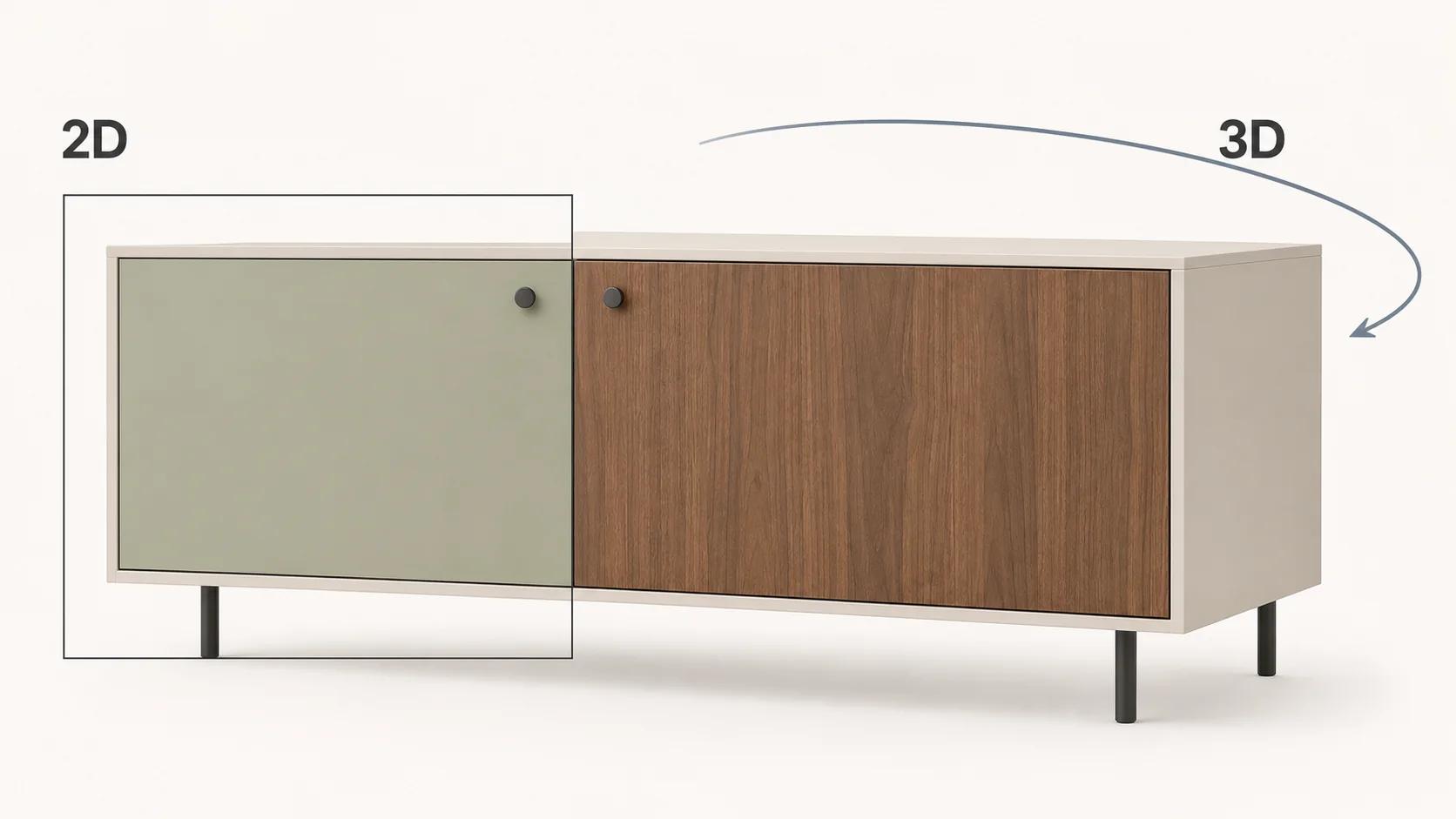
Choose a 2D product configurator when the customer's decision is mostly a surface choice shown from one or two controlled views: color, print, label, trim or a simple part swap. Choose real-time 3D when shape changes, modular assembly, hidden details, movement or inspection from arbitrary angles affects the purchase. Choose a hybrid when a fast 2D path can handle routine choices but a smaller set of products earns an interactive 3D view.
The renderer is only one layer. Product rules, option IDs, availability, pricing, cart or quote data, analytics and ownership of future updates still need a defined source of truth. A polished 3D model cannot repair uncertain product logic. A cheap 2D front end can become expensive when every catalog change triggers hundreds of new images.
This comparison focuses on that catalog-level decision. For the broader definition of rules, visuals and outputs, use What Is a 3D Product Configurator?. Here, the useful question is narrower: which visual system carries the buyer's decision with the least avoidable production and operating burden?
Start with the buying question
Do not begin with "Do we want 3D?" Begin with the detail the buyer must verify before proceeding. If the answer is printed artwork on a flat panel, a fixed front view may be enough. If the answer is whether modules fit together, how a mechanism opens or what the back and sides look like, fixed images may hide the deciding information.
| Decision dimension | 2D usually fits when | 3D usually fits when | Evidence to check |
|---|---|---|---|
| Product shape | The silhouette and part positions stay fixed | Options add, remove, resize or move geometry | Representative option rules and drawings |
| Material judgment | Color or artwork is the main distinction | Grain direction, reflectance, texture scale or edge treatment matters across views | Approved material references and viewing conditions |
| Viewpoint | One or two approved angles answer the question | The buyer needs orbit, zoom, internal views or movement | A task script naming what must be inspected |
| Catalog states | States can be composed from a stable set of layers | Many geometry and material combinations share reusable components | A valid-option count after constraints, not a marketing estimate |
| Delivery environment | Responsive images and ordinary controls cover the target devices | A tested real-time renderer and fallback path are justified | Named browsers, devices, network profile and load strategy |
| Operating model | A design team can update image layers reliably | A 3D pipeline can maintain meshes, materials, rules and runtime releases | Owners, source files, approval gates and change frequency |
A 2D or 3D label does not settle fidelity, accessibility, speed or cost. Those are acceptance questions. Treat the table as a way to expose what needs proof rather than a scorecard that awards 3D for ambition.
Define 2D and 3D by what the browser renders
A 2D configurator composes fixed views
A 2D product configurator can switch pre-made images, layered illustrations, or color and pattern treatments as the user changes options.[1] That category covers several architectures. SVG is a text-based format for scalable two-dimensional vector graphics that can work with CSS, the DOM and JavaScript.[2] Canvas can draw graphics through JavaScript, while a conventional image stack can use the HTML picture element to offer source variants for different layouts and device capabilities.[3][4]
The asset strategy matters more than the label. One 2D system may swap complete renders for every state. Another may composite a base product, door panel, fabric zone and hardware layer. Layering cuts duplication when those pieces share the same camera and do not create conflicting shadows, reflections or occlusion. It becomes fragile when an option changes the silhouette or covers another configurable part.
A fixed view can still be photorealistic. "2D" does not mean low quality. It means the customer inspects authored views rather than controlling a real-time scene.
A 3D configurator renders a scene at runtime
WebGL is a JavaScript API for interactive 2D and 3D graphics in compatible browsers without plug-ins.[5] A commerce implementation may use a higher-level engine or component, but the browser still has to load and render scene data. Khronos defines glTF as a transmission and loading format for 3D content; its structure covers scenes, nodes, meshes, materials, textures, animation and related resources.[6]
That structure lets one configured state reuse geometry and material definitions across many views. It also creates work that a flat image does not have: mesh preparation, UVs, material calibration, lighting, camera behavior, compression, runtime compatibility and visual QA on target hardware. Real-time 3D is useful when those capabilities answer a buyer question. It is waste when the product remains a flat artwork preview and nobody needs to inspect depth.
Apply six catalog tests
Test the visual decision, not "realism"
Write down the smallest visual fact that changes the order: logo placement, upholstery pairing, cabinet width, connector clearance, internal arrangement or rear access. A 2D close-up can communicate print position better than an orbiting model with weak texture resolution. A 3D scene is the stronger candidate when the deciding fact changes with viewpoint, depth, assembly or movement.
Do not promise that 3D will reproduce a physical material perfectly. The result still depends on source references, material authoring, lighting, display conditions and approval criteria. Define the acceptable difference and the views used for review.
Test the combination structure
Count valid states, then ask what repeats. A large number alone does not force 3D. If 500 states share one camera and can be built from ten clean, independent image layers, 2D may remain manageable. If 40 states change geometry, contact points and shadows, a flat layer system may require many exceptions.
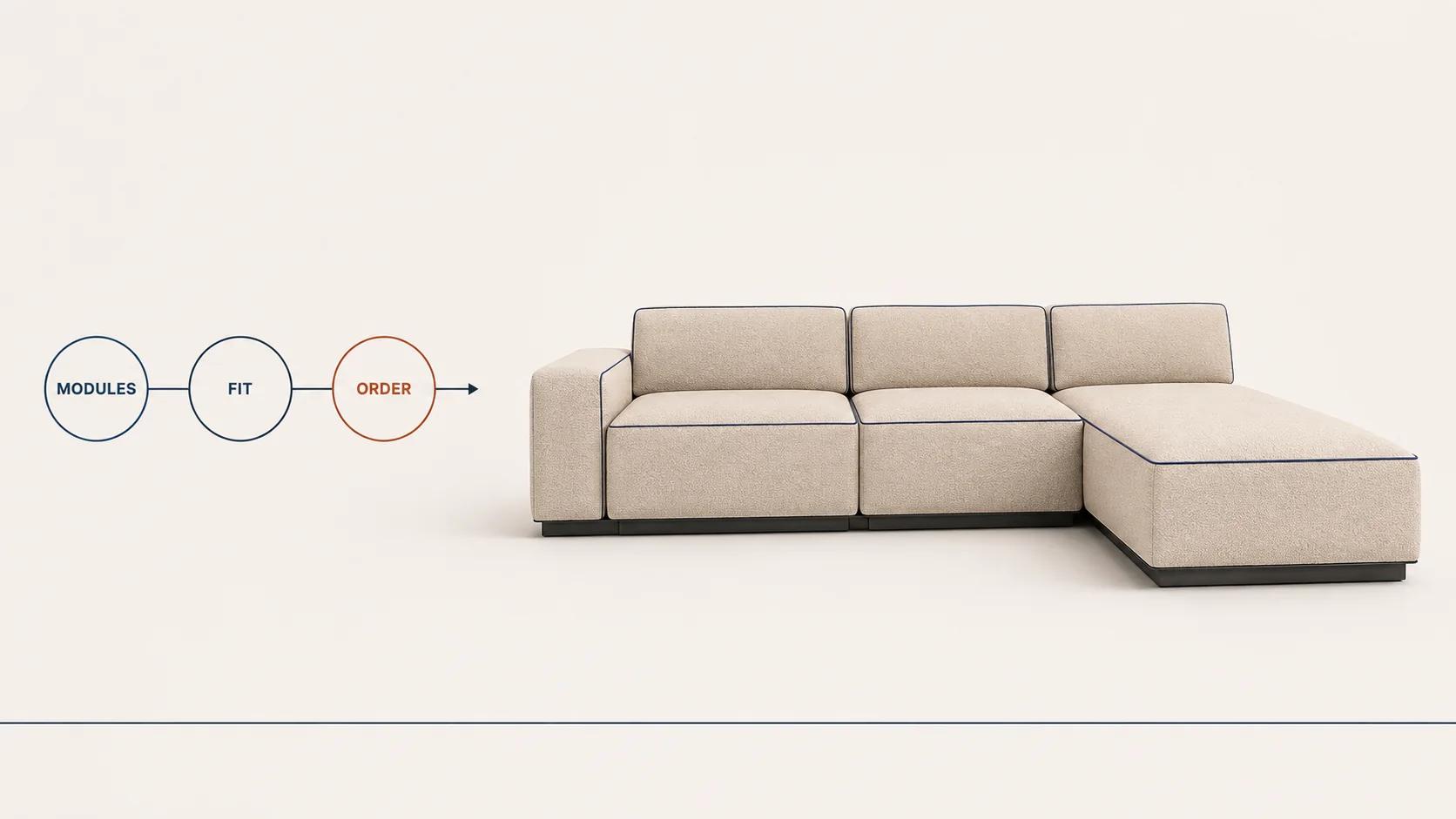
The reverse warning also applies. A 3D model does not make product rules disappear. The application still needs to know which modules can connect, which finishes are available, which SKU or quote line represents the result and what happens when an earlier choice invalidates a later one.
Test interaction and fallback
Orbit, zoom and drag are features only when they help complete a task. The visible option controls should remain ordinary, named interface components, with a text summary of the current state. WCAG 2.2 requires non-text controls to have names, functionality to work through a keyboard interface where the underlying task allows it, and a non-dragging pointer alternative for dragging interactions at Level AA.[8]
This affects both routes. MDN notes that pixels drawn on a canvas do not expose object information like semantic HTML and recommends accessible backing markup for significant canvas content.[3] A 3D scene needs the same separation: use HTML for choices, status, errors and the configured summary rather than hiding the entire purchase path inside the renderer.
Use the 2D-versus-3D decision worksheet
Complete one worksheet per product family. "Unknown" is a discovery item, not a reason to pick the more impressive renderer.
| Worksheet question | Evidence that favors 2D | Evidence that favors 3D | Record before deciding |
|---|---|---|---|
| What must the buyer inspect? | Surface treatment from an approved view | Form, depth, fit, rear or internal detail | One sentence describing the buying task |
| Does an option change geometry? | No, or only a simple independent overlay | Yes; parts move, resize, connect or disappear | Two difficult rule examples |
| How many viewpoints are essential? | One or two fixed compositions | Free orbit or several dependent views | Required views and why each matters |
| Can images be layered safely? | Stable camera, lighting and occlusion | Layer conflicts create many exceptions | A layer map using a hard product case |
| Are web-ready 3D assets available? | Not needed for the chosen experience | Available, or budgeted for production and QA | Source asset inventory and owner |
| Where does configuration data go? | Simple variant or cart mapping | Rules, pricing, quote, BOM or system integrations | IDs, payload owner and failure behavior |
| How often does the catalog change? | Infrequent updates with a repeatable render process | Frequent reuse of maintained meshes and materials | Expected monthly or seasonal change set |
| What is the fallback? | The 2D experience is already the primary path | Poster, still gallery and non-3D selection path | Named failure and low-capability states |
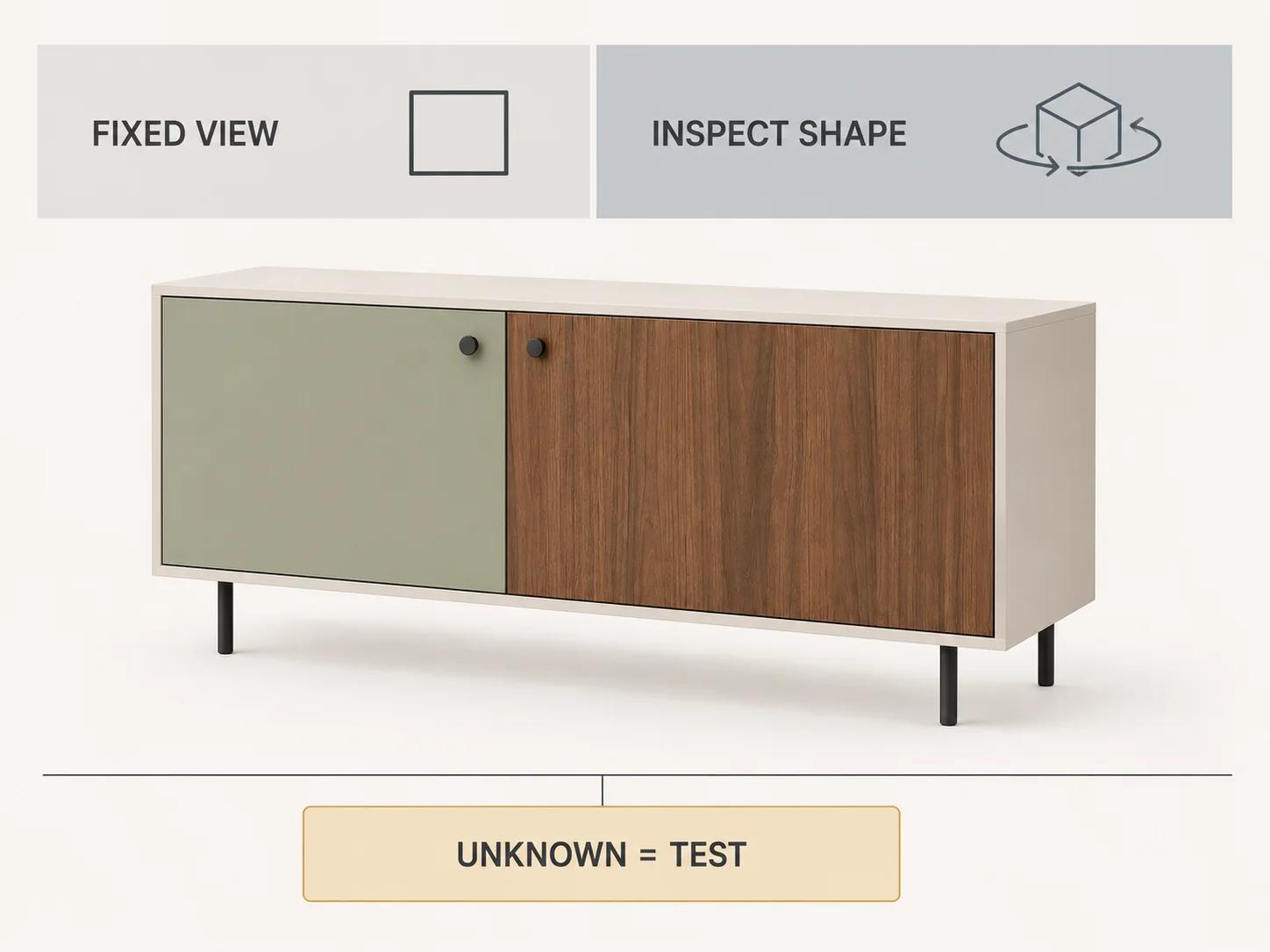
If the evidence is mixed, keep the mix. A hybrid can use semantic option controls and responsive stills for the default path, then load 3D when the buyer asks to inspect shape or assembly. It can also reserve 3D for configurable families whose geometry changes while leaving flat-print products in 2D. The 3D product configurator examples guide can help the team review interaction patterns after this worksheet has identified the job to be done.
Count states without confusing states with files
Consider a modular sideboard with six body colors, five door materials, four leg finishes, three widths and two handle styles. Before compatibility rules, that is 720 gross states. If a complete 2D render were produced for every state at three angles, the ceiling would be 2,160 images. Those figures are an illustrative calculation, not a recommendation or a claim about a live catalog.
A layered 2D design may need far fewer assets because colors and hardware can be recombined. But width changes, overlapping doors, cast shadows and reflections may force separate bases or exception layers. Measure the actual layer graph, including mobile crops and high-density derivatives, rather than multiplying combinations and calling the result a quote.
A 3D design can reuse component meshes and material assignments across those states. It still needs every visible component, approved material, valid rule and output mapping. The reusable unit changes; the production work does not vanish.
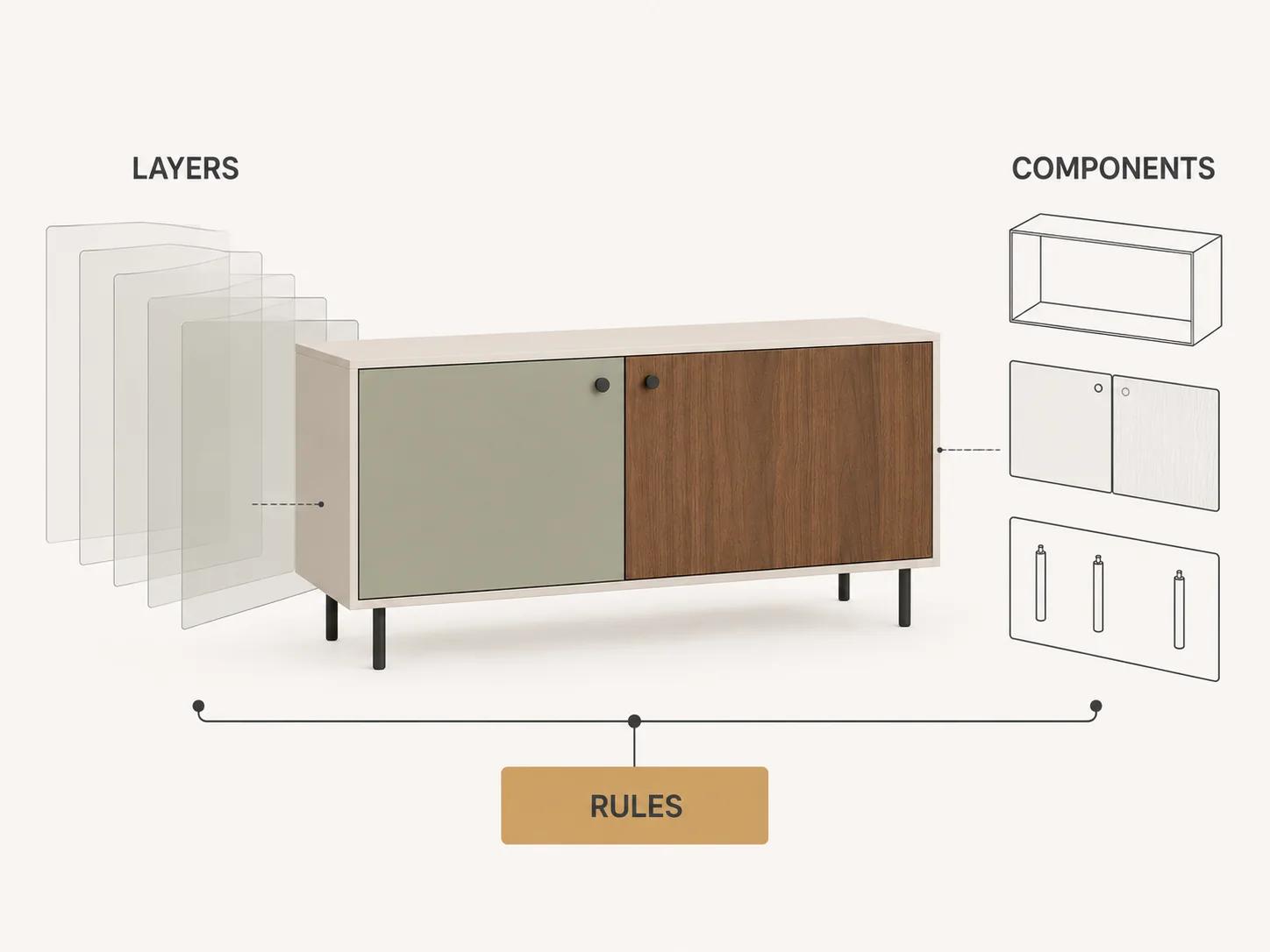
Separate catalog logic from the visual renderer
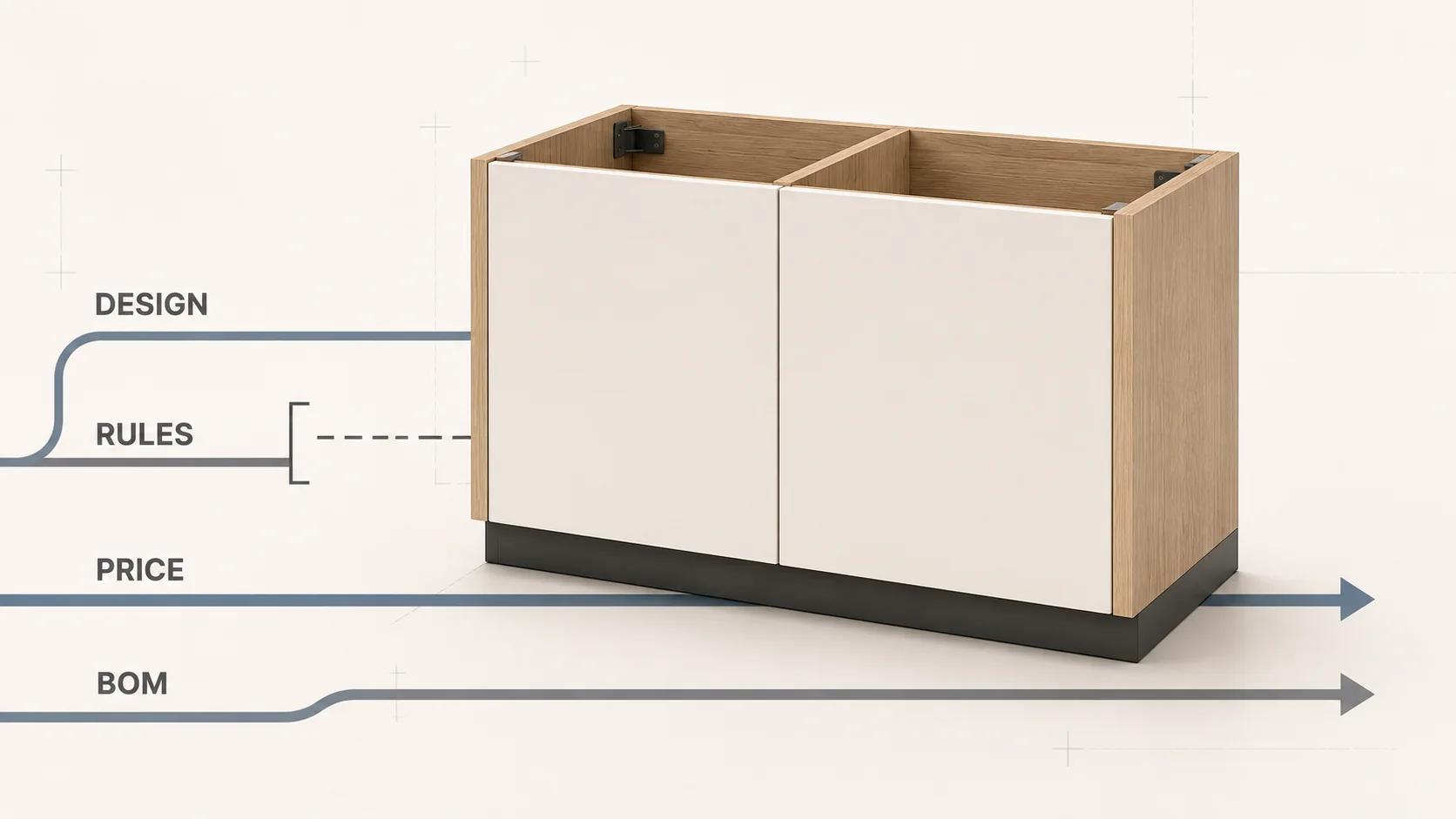
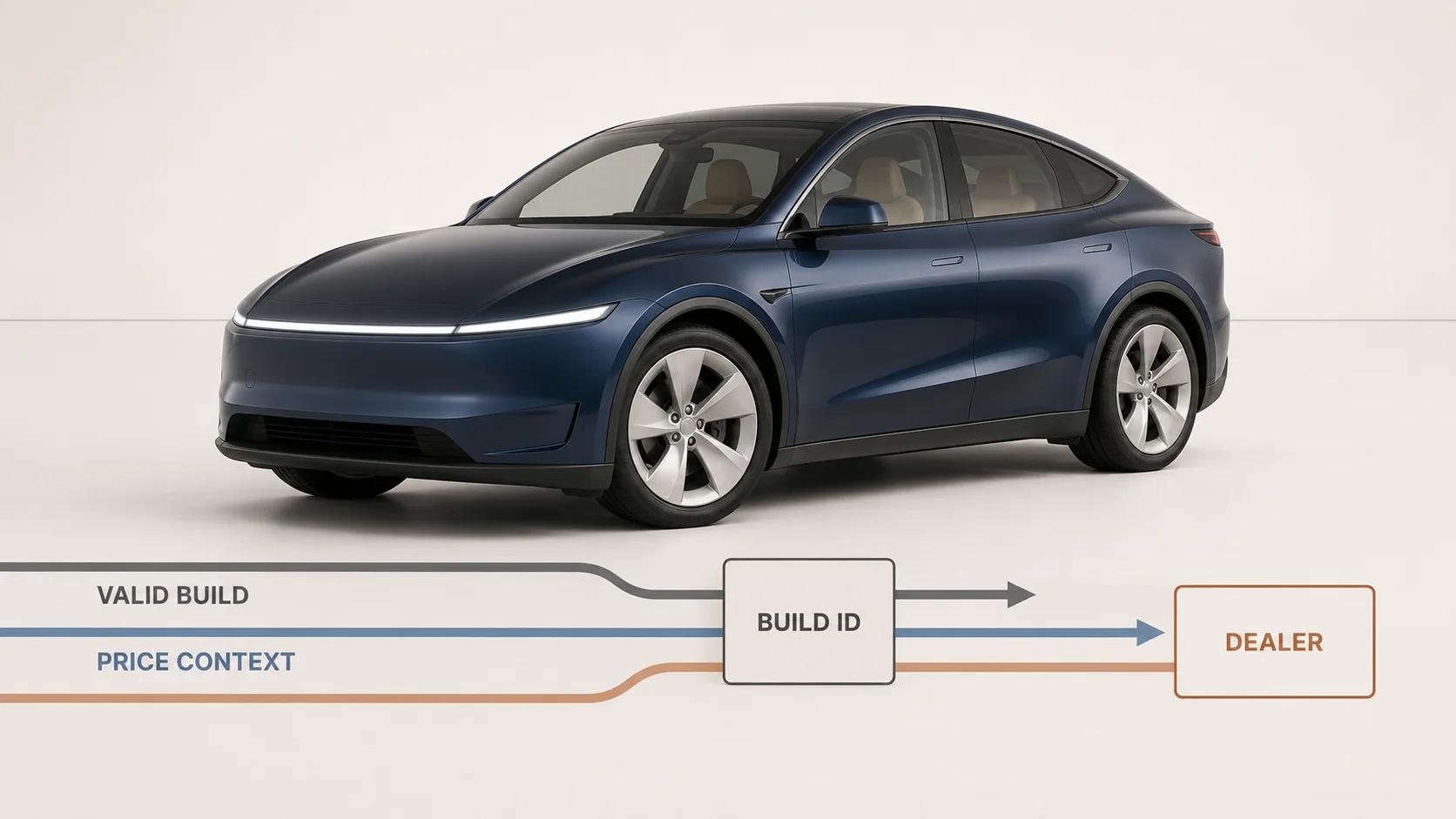
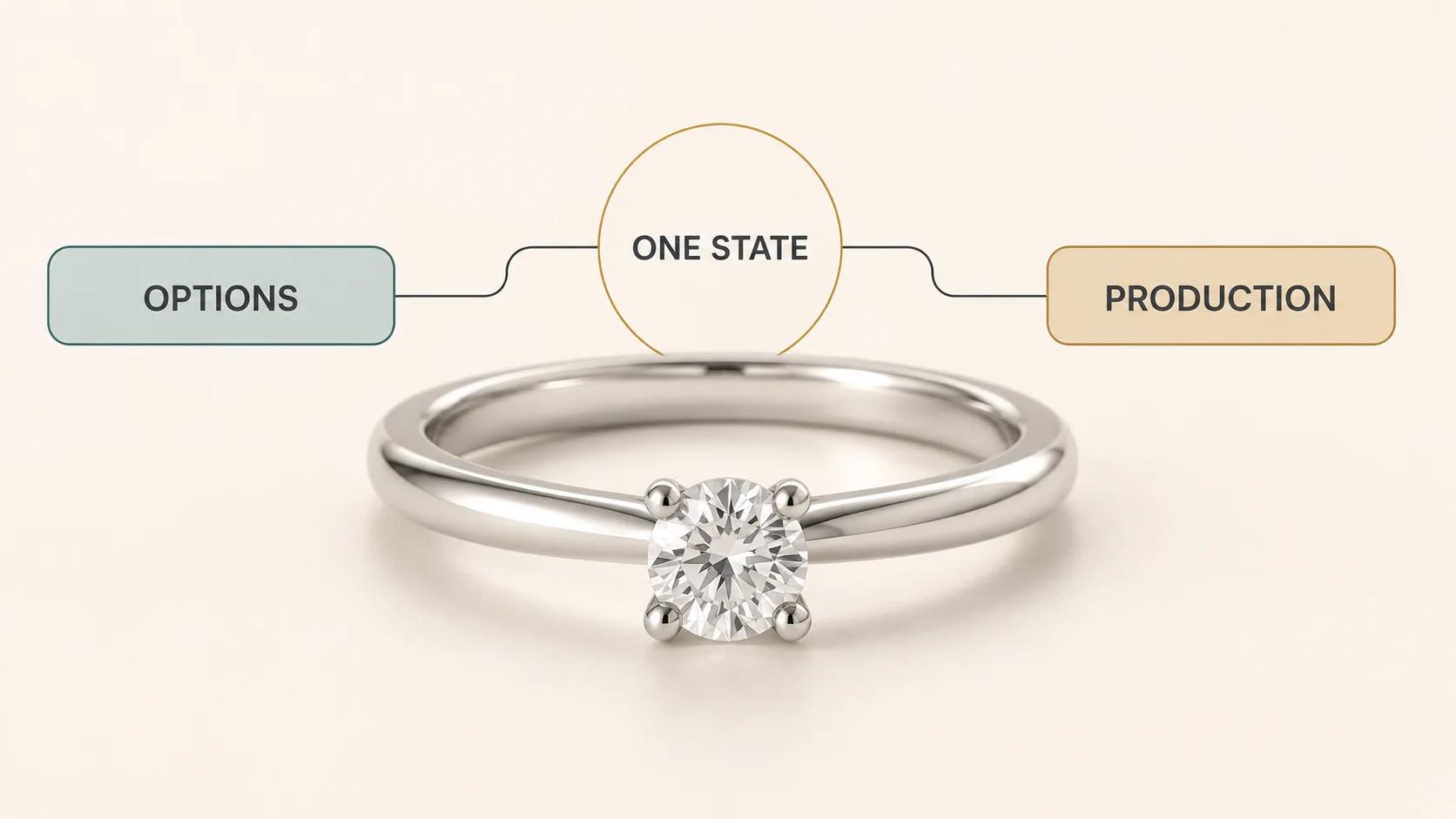
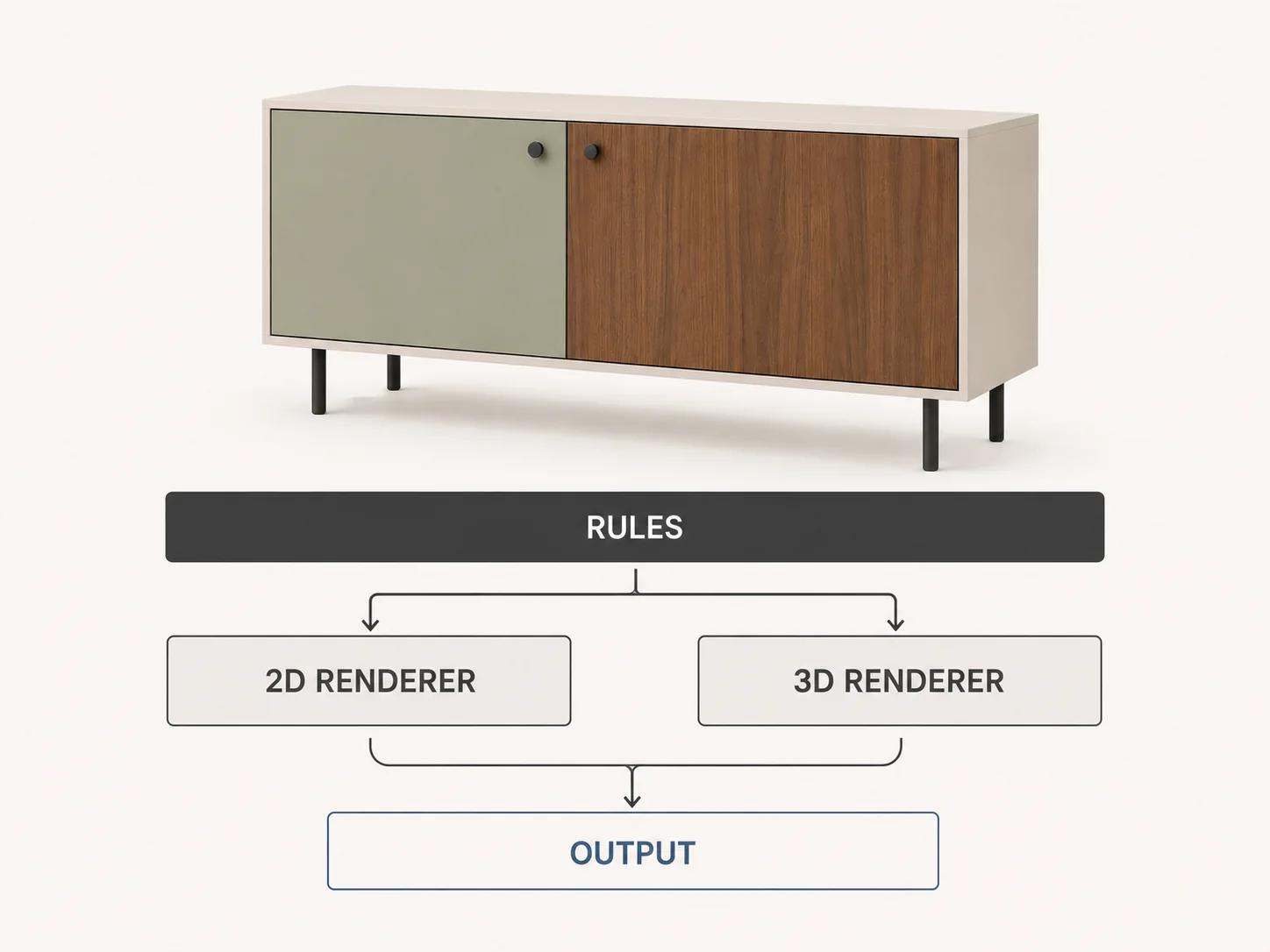
Keep one canonical configuration state with stable option IDs. Let the rule layer decide what is valid. Let pricing, availability and downstream systems read that state. Then use a renderer adapter: the 2D adapter selects image or vector layers, while the 3D adapter changes meshes, materials, transforms and camera actions.
This separation keeps a visual refresh from rewriting commercial logic. It also allows a hybrid path to show the same valid state in stills and 3D. A current Roomle project roadmap illustrates the separation in practice: it treats product logic and configuration paths, 3D data, UI/UX and integration planning, and target-system integration as distinct project work.[7] That is one vendor's implementation process, not a universal architecture, but the boundaries are useful.
Define error behavior at each boundary. If price lookup fails, keep the visual state but do not present a stale total as authoritative. If the 3D asset fails, preserve the selected options and show the approved still fallback. If an option becomes unavailable, explain the conflict before changing the customer's configuration.
Compare the cost of the next change
Initial production cost is only one line. Ask what happens when a finish is replaced, a dimension changes, a component is discontinued, a price service changes or a new sales channel needs the same configuration.
For 2D, inspect the source scene or artwork, layer naming, render recipe, derivative generation, CDN invalidation and regression set. For 3D, inspect the authoring master, optimization pipeline, materials, renderer version, device matrix and fallback assets. Neither route has a universal operating-cost advantage. The better route is the one the assigned team can update without rebuilding unrelated states or losing approval evidence.
Load strategy belongs in the estimate. Responsive picture sources can let the browser choose a suitable 2D image for the layout and display.[4] The official <model-viewer> loading examples show a poster-until-loaded pattern and an example that reveals a model on click.[9] Use those as implementation options, then test the actual product page. A poster does not prove that the model, scripts and decoders meet the project's device or performance budget.
Choose a pilot that can prove the choice wrong
Use one representative product family, including its awkward option. Record asset-preparation hours, layer or component counts, generated bytes, failed states, integration work and the time needed to make one realistic catalog change. Run the same buying tasks on named desktop and mobile devices. Review configured outputs against product references, not against whichever prototype looks more polished.
The pilot should answer whether customers can reach a valid result, inspect the deciding detail and recover from a visual failure. It should also show whether the team can operate the pipeline. Do not turn prototype engagement into a conversion, return-rate or revenue claim without a designed measurement period and enough evidence.
Double Edged's Spellexo product case study is relevant here as owned-product proof of product strategy, UX, 3D production, engineering, launch and ongoing operation.[10] The case study explicitly publishes no measured conversion or return-rate result and does not claim configurator rescue or migration outcomes. A new catalog still needs its own rules, asset, integration and operating discovery.
Turn the worksheet into a bounded scope
Write the decision as a testable statement: "Use layered 2D for flat artwork and fixed views," "use real-time 3D for geometry-changing modules," or "keep 2D as the default and load 3D for inspection." Attach the open questions, representative product, target devices, integration owners, fallback and update drill.
Then decide how the solution should be sourced. The build-versus-buy decision framework addresses that next question; this comparison does not assume that choosing 3D means commissioning a bespoke build.
The estimator returns an explainable scope profile and cost drivers rather than inventing a project price. Its live page states that timing and cost depend on verified product rules, representative assets, integrations, systems, stakeholders and acceptance criteria.[11]
If the worksheet shows that standard variant tools or a hosted platform cannot responsibly cover the product logic, UX, visualization or integrations, review the custom 3D product configurator service with the evidence attached. That keeps the service conversation about a defined product problem rather than a preference for 2D or 3D.