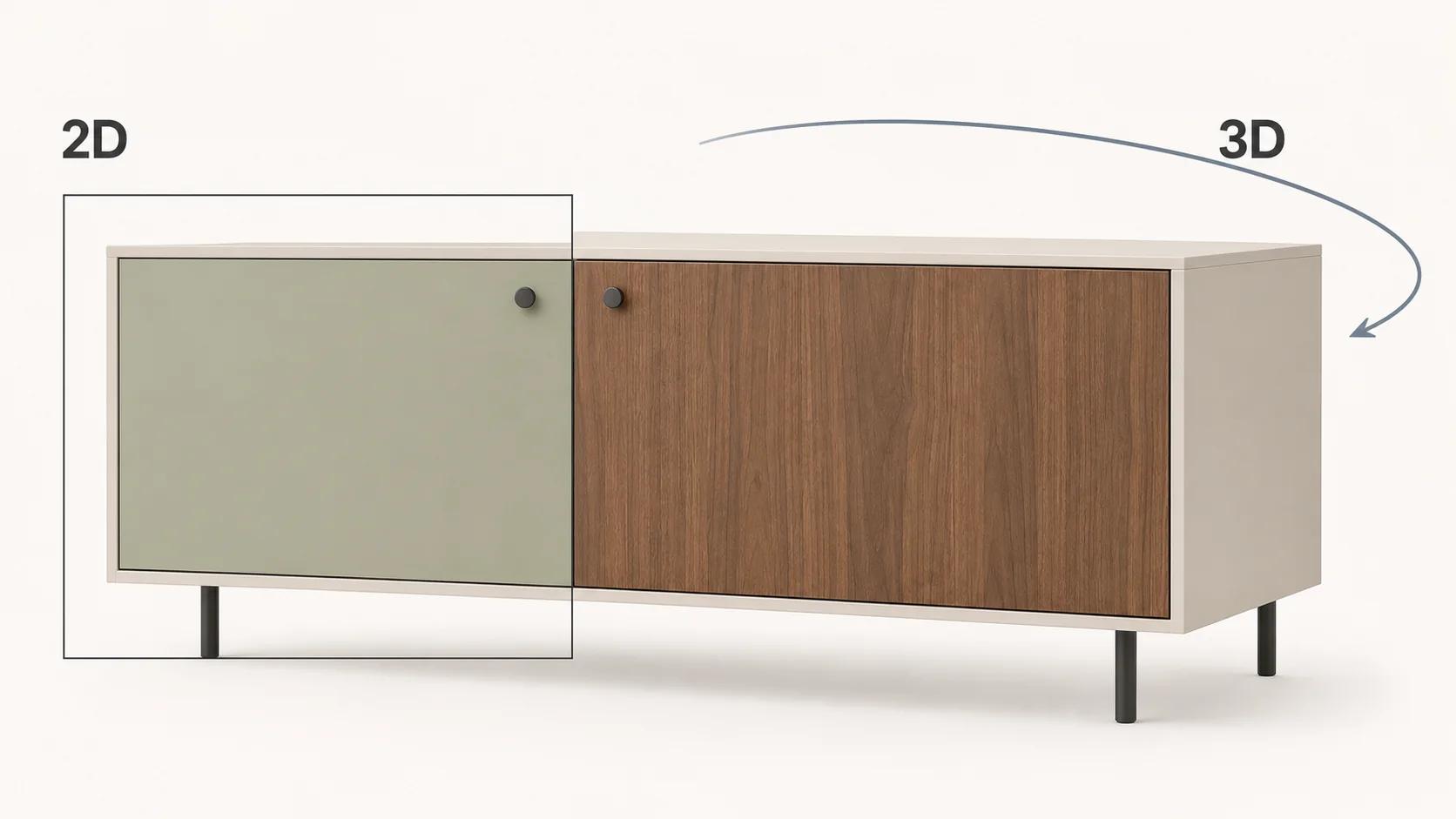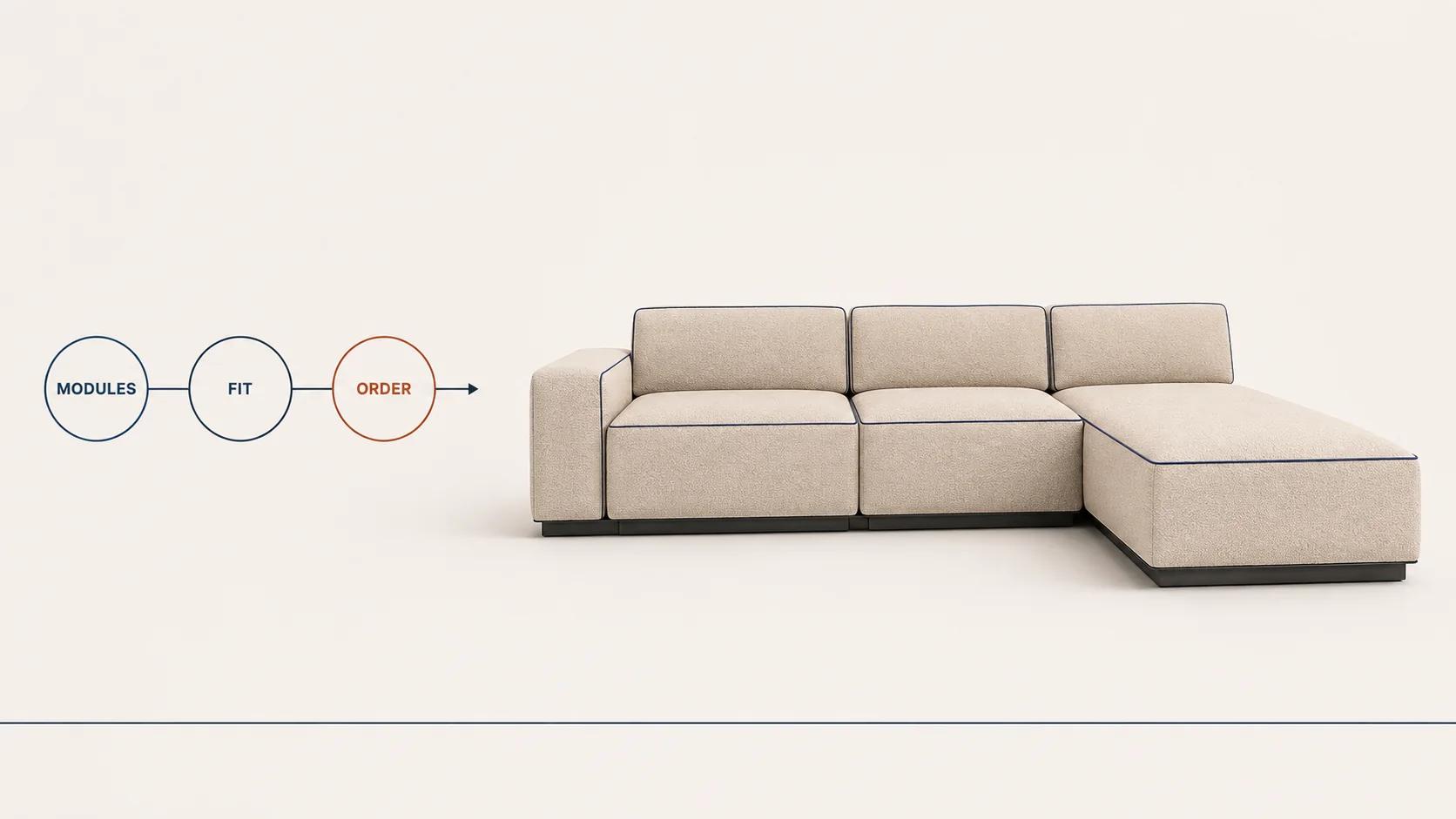
A 3D furniture configurator for a modular product has to do more than swap upholstery and arrange convincing geometry. It must keep the assembly valid, show dimensions a buyer can act on, preserve material and module identities, and turn the finished layout into an unambiguous commercial record.
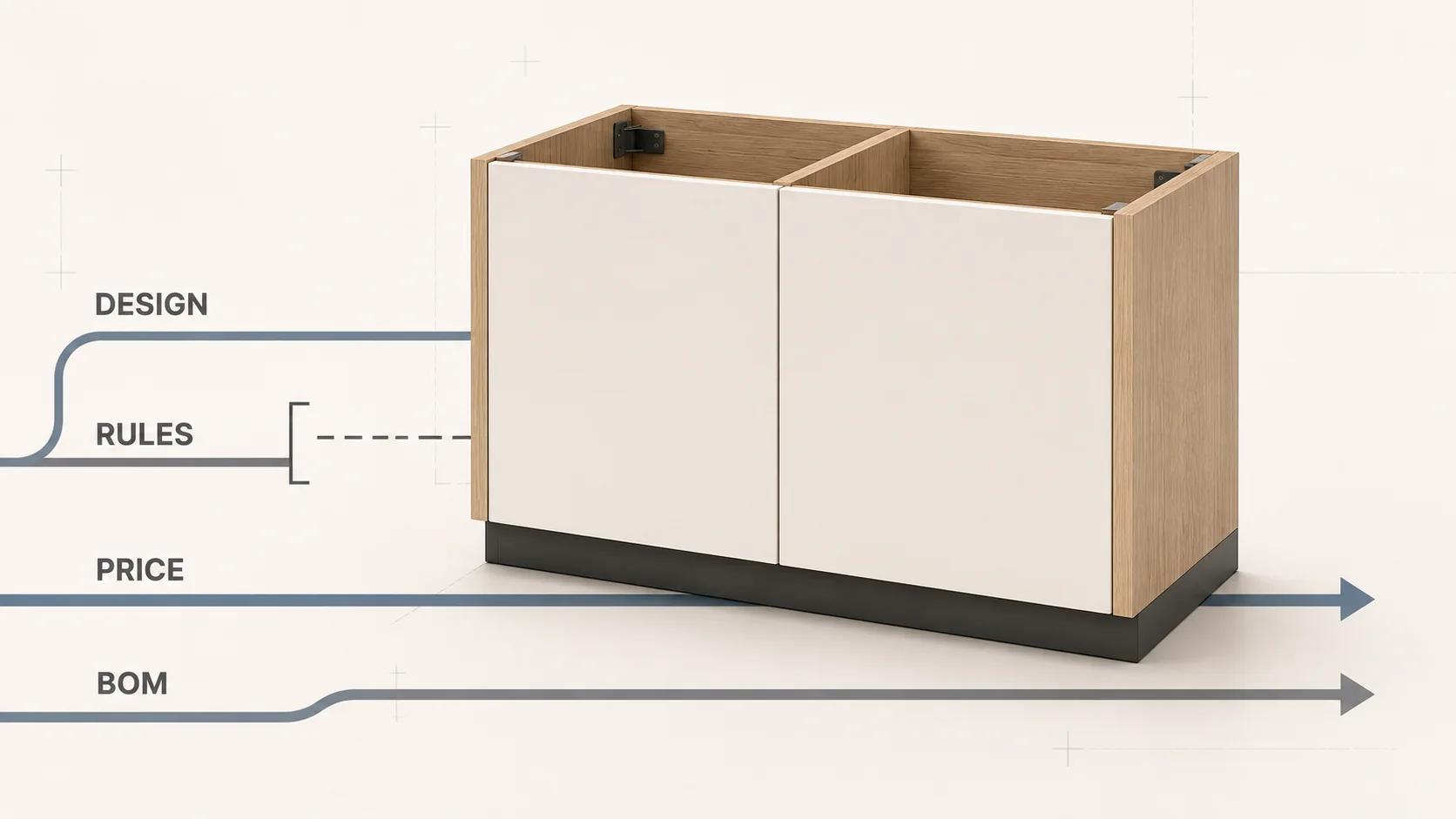
For a sectional sofa, shelving system or modular desk, the central requirement is a resolved configuration: a versioned list of modules, connections, dimensions and finishes that the rule layer accepts. The 3D scene, price or quote, bill of materials (BOM), save link and order handoff should all consume that result. None should reconstruct it from screen labels or mesh names.
This furniture playbook covers that product-specific contract. The broader manufacturing configurator guide owns the general path from rules to quote and BOM. Here, the focus is what modular furniture adds: adjacency, handed parts, terminal pieces, fabric application, room fit, spatial editing and assembly-aware output.
Start with sellable structure, not a swatch menu
A swatch configurator changes presentation. A modular furniture configurator changes structure. Adding a chaise can alter the legal neighbours, total width, exposed sides, connector count, packaging, price and downstream parts list. Removing a middle seat can invalidate what remains even if the renderer still shows a plausible sofa.
Roomle documentation checked on 31 August 2026 makes a similar technical distinction between changing parameters such as material or dimensions and combining multiple components into a new configured object. Its component model uses docking and sibling connections to relate parts.[1] That is one vendor's implementation, not a universal furniture standard, but it exposes the right planning question: is a buyer editing attributes on one product, or constructing a product from governed modules?
Write down the sellable structure before selecting software. For each family, identify:
- fixed modules and parametric modules;
- parent, child and neighbour relationships;
- allowed connection points and maximum connections;
- terminal, corner, support and filler rules;
- dimensions that affect fit, price or manufacturability;
- global finishes versus module-specific finishes; and
- the accepted output: cart item, quote request, reviewed design, BOM or production package.
A product that only needs a frame size and one fabric may fit a standard variant experience. A system with free module assembly, engineered spans, live availability, room obstacles and manufacturing output needs a different operating model.
Use the modular furniture logic worksheet
The worksheet below is an original Double Edged discovery framework. Complete it for the hardest representative arrangement, not the easiest two-seat product. The goal is to make every rule testable and every downstream owner visible.
| Decision domain | Define before build | Representative test | Evidence to retain |
|---|---|---|---|
| Module identity | Stable IDs for seats, corners, arms, backs, legs, shelves, doors, fillers and kits | Rename a customer-facing label without changing the module identity | Catalog version, module IDs and label map |
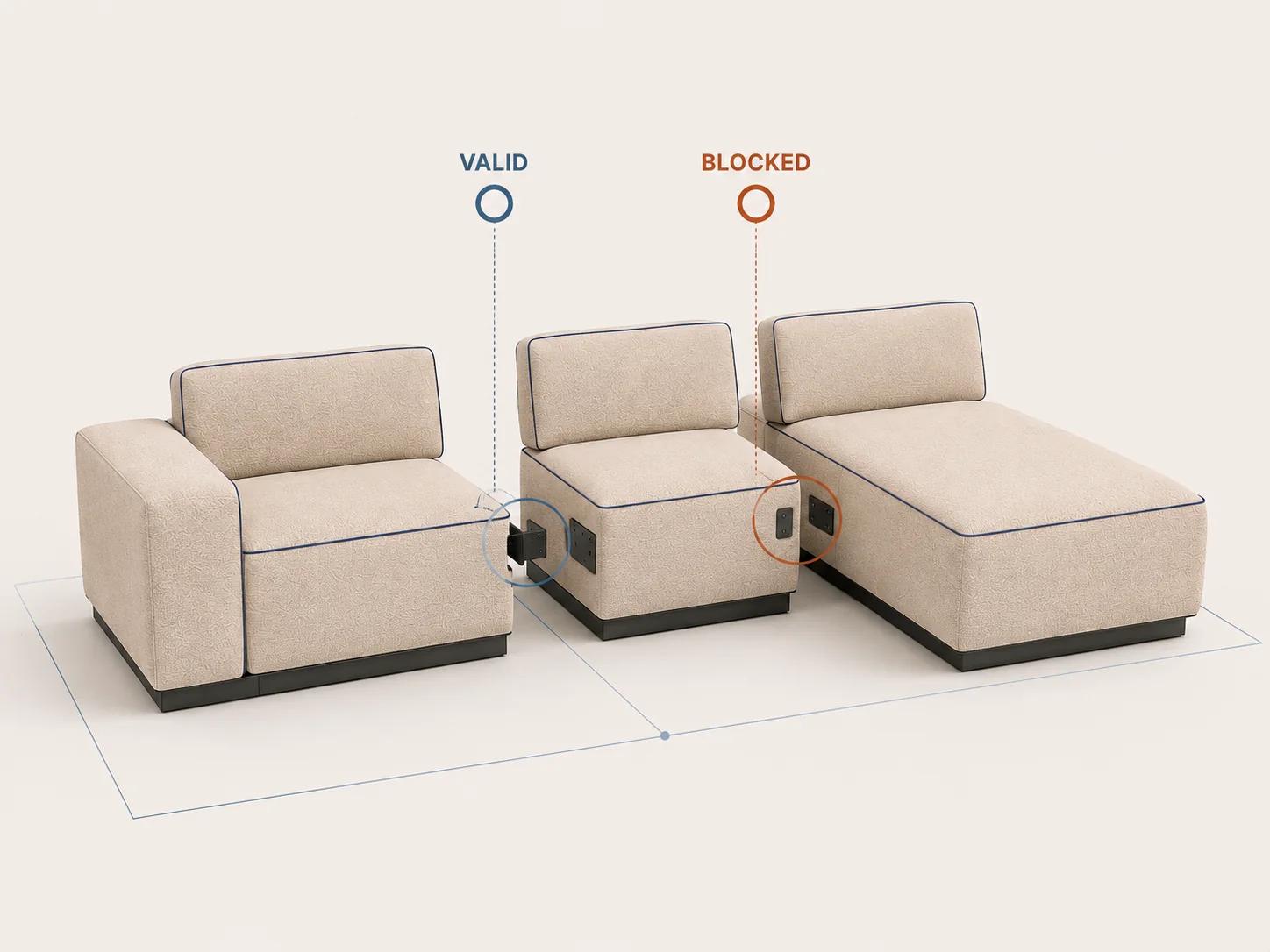
| Connection topology | Which ports can connect, allowed orientations, neighbour types and connection limits | Try a legal corner connection and an illegal arm-to-arm connection | Resolved connection graph and rejection reason |
| Structural validity | Required supports, maximum spans, terminal conditions and engineering review boundaries | Remove a support from the longest permitted arrangement | Named rule, affected modules and blocked state |
| Dimensions and clearance | Units, rounding, overall extents, seat or shelf dimensions, wall clearance and tolerances | Build the widest accepted layout next to a room obstacle | Input dimensions, calculated extents and measurement method |
| Materials and fabrics | Finish IDs, grades, application scope, direction, repeat, alternates and availability owner | Apply a global fabric, then override one permitted module | Material IDs, mapping version and visible coverage |
| Visual mapping | Which geometry, material slot, transform, camera and fallback depict each resolved choice | Withdraw one asset mapping from a valid configuration | Mapping exception, fallback state and asset version |
| Commercial resolution | Price or quote owner, currency, market, customer context, validity and unavailable behavior | Reopen a saved design after a price or availability change | Source response, issue time and new-review state |
| BOM and output | Part quantities, connector hardware, finish codes, units, packaging and manual-review flags | Compare repeated modules with handed terminal pieces | Configuration reference, BOM revision and exception state |
| Room and AR context | Floor contact, origin, real scale, collision policy, room units and supported placement path | Place the largest arrangement in a measured room scene | Model scale, room inputs, device path and observed result |
| Save, reopen and quote | Ownership, access, expiry, rule migration, readable summary and approval status | Reopen an older design after a module is retired | Historical snapshot, current resolution and disclosed changes |
Do not average the rows into a reassuring score. One unresolved load-bearing rule or ambiguous BOM line can block an order even when the visual, materials and room view look polished.
The Custom Configurator Scope and Budget Estimator maps visitor-supplied product options, dependencies, visualization, assets, integrations, pricing, outputs and operating ownership into a transparent complexity profile. It does not turn unknown requirements into a fictional price or timeline, and the profile is available before resource capture.[10]
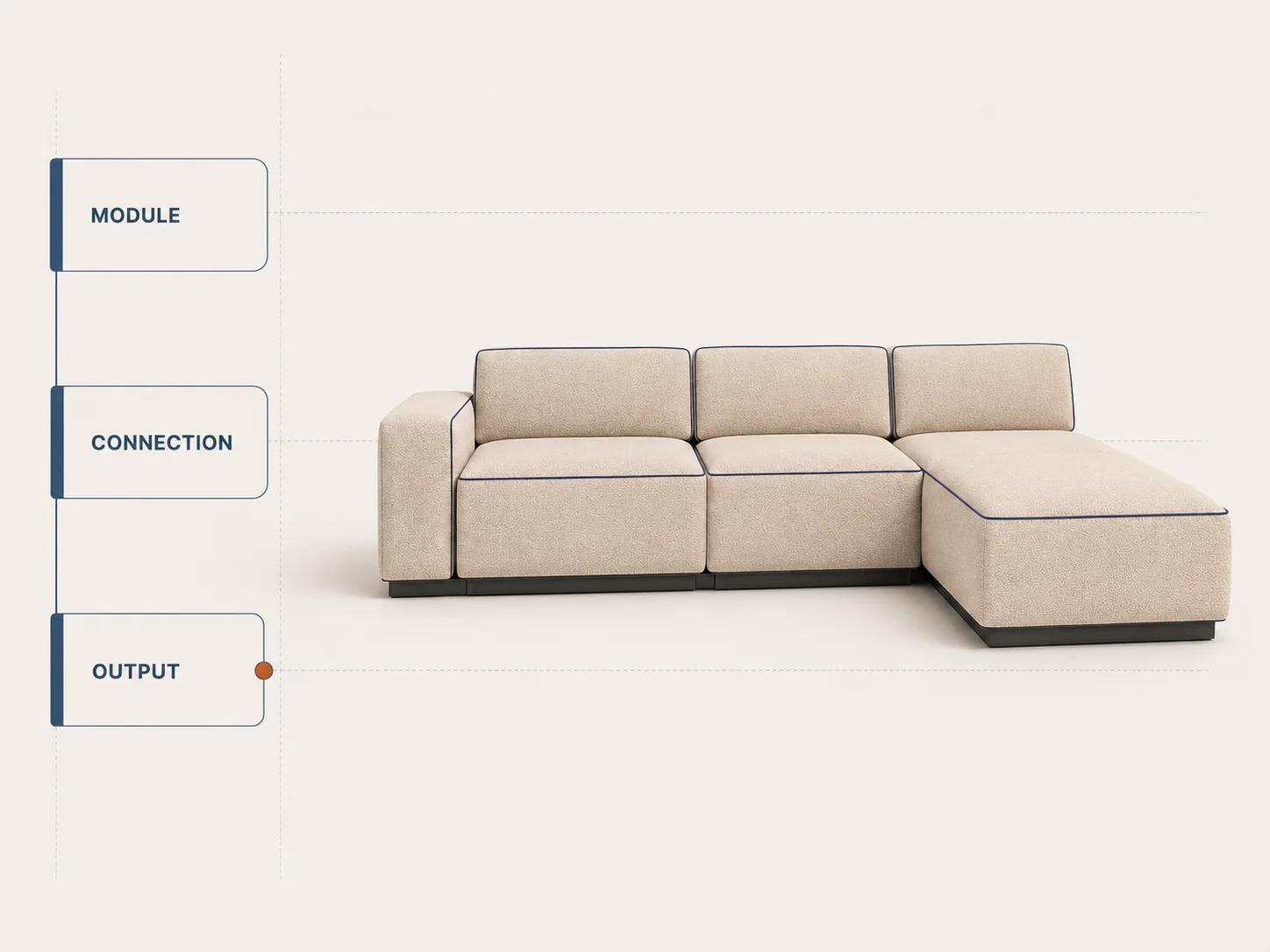
Model modules and connections as product data
A module needs a stable product identity apart from its 3D node name. Store the family, module type, handedness, sellable item or article number, connection ports, dimensional envelope, finish eligibility and lifecycle status. The visible label can change by market or language without breaking old configurations.
Treat connections as explicit relationships. A port might accept a seat on one side, an arm at a terminal edge or a corner at a specified orientation. Rules may also need to propagate a global choice, add concealed hardware, replace a foot type or prevent deletion when dependent modules remain.
Roomle documentation checked on 31 August 2026 says its component definition includes validity conditions, parameters, parent and child docking points, sibling points, subcomponents, simplified bounding geometry, part-list controls and price calculations.[1] Its documented part list aggregates components by component ID, article number and the parameter values exposed to that list.[2] Those details show why visual hierarchy and order structure cannot be assumed to be the same tree.
Keep three representations separate:
- The configuration graph records modules, connections and resolved parameters.
- The scene graph records what the renderer needs to display the result.
- The commercial structure records sellable lines, hardware, quantities, services and review flags.
Link them with versioned mappings. Do not force one tree to impersonate all three.
Make dimensions a contract, not an annotation
Furniture dimensions affect room fit, buyer understanding and sometimes the commercial result. Define the source unit, storage precision, display unit, rounding policy and whether a number is an entered value, calculated extent or advisory clearance.
The unit contract must be explicit at every handoff. Roomle's configuration format, checked on 31 August 2026, specifies one model unit as one millimetre for its runtime.[1] glTF uses metres for linear distances.[4] A conversion pipeline that silently treats either convention as universal can produce a model that looks internally consistent while entering a viewer or AR path at the wrong scale.
Show the dimensions that answer the buyer's question: overall width and depth, seat height, shelf clearance, door swing or wall offset. Keep manufacturing tolerances and installation allowances separate from nominal marketing dimensions. If a buyer enters a room width, state whether the configurator enforces a hard fit, warns about clearance or simply displays the comparison.
Test combined dimensions after every structural operation. A module's bounding box is not automatically the finished product extent when connectors overlap, legs project, doors swing or upholstery compresses. Record the calculation method and compare it with approved product data.
Separate finish selection from material truth
A fabric swatch is a product option, a visual asset and a commercial code. Those identities should be linked, not collapsed into one filename. Record the stable finish ID, display name, grade, applicable modules, mapping to texture assets, direction or rotation rules, repeat handling, fallback media and availability owner.
Decide which selections are global. “Apply to all” may be sensible for one sofa family but wrong for a system that allows contrasting cushions, wood shelves or mixed door fronts. When a global change skips an ineligible module, explain the exception rather than leaving one section visually different without notice.
Visual review should use furniture-specific references: close material views, seam direction, edge treatment, piping, grain orientation and the transition across connected modules. A good shader cannot validate that the chosen fabric is offered on the selected component, and a catalog rule cannot prove that the render represents the approved material.
Keep the 3D asset subordinate to the configuration
A runtime asset delivers presentation. It should not become the only source of product validity. The glTF specification describes glTF as an API-neutral runtime asset delivery format and explicitly says it does not mandate runtime behavior.[4] Mesh names, transforms and material slots can support a visual mapping, but they do not replace catalog IDs, engineering rules or sellability checks.
Choose an asset strategy by measuring the representative product. Some systems reuse one module mesh many times. Others need generated geometry, several levels of detail or staged texture loading. Record the tested browser, device, network profile, cache state, layout size and acceptance threshold before turning one result into a general budget.
If a resolved module has no approved visual mapping, fail visibly. Use a controlled fallback or block the affected path. A partly rendered arrangement must not appear order-ready simply because the missing component is small.
Treat room context and AR as a separate acceptance path
Room context can mean a simple floor plane, a measured planner with walls and obstacles, or mobile AR placement. Name which one the product needs. Each adds different inputs, controls and failure states.
USM's official configurator page, checked on 31 August 2026, offers starting from scratch or personalising an existing piece and says the result can be visualised in a chosen room with its AR tool.[9] That is a useful public journey example, not evidence that the same AR or room workflow fits another catalog.
A furniture room test should cover real scale, origin, floor contact, initial orientation, overall bounds and recovery when placement is unavailable. A planner also needs units, wall and obstacle ownership, collision policy, snapping behavior and a clear distinction between measured input and visual approximation.
Do not let an attractive room view approve the product. Re-resolve the configuration before quote or cart, and keep the room scene out of the BOM unless a named requirement says otherwise.
Move the resolved configuration into price, BOM and quote
Price, availability and quote behavior need named authorities. The browser can display a result, but the commercial boundary should verify the configuration reference, market, customer context and relevant versions. Decide what happens when a dependency times out or a saved design has expired: hide price, mark it unavailable, request review or resolve again. Do not preserve an old amount without a status.
A BOM needs more than the visible modules. It may include connectors, brackets, feet, cushions, fasteners, packaging or services that the scene does not render. Conversely, decorative geometry may not represent a sellable line. Derive the BOM from resolved product logic and map it to visual proof; do not scrape the scene graph.
Current 3D Cloud documentation, updated 27 April 2026, lists data-driven attachment rules, a compatibility checker, product dimensions, live pricing and inventory integrations, BOM PDF export, add-to-cart support and room-view AR among its modular configurator features.[3] This is a dated description of one platform's capabilities. It does not prove fit, data quality, price authority or production readiness for a particular furniture system.
A useful handoff record contains:
- product family, configuration and rule-set identifiers;
- module and connection records with stable IDs;
- resolved dimensions, units and calculated extents;
- finish IDs and approved visual-mapping version;
- authoritative price or quote state and validity context;
- BOM or order lines with quantity, handedness and hardware;
- exception, manual-review and approval states; and
- a readable summary and reopen policy.
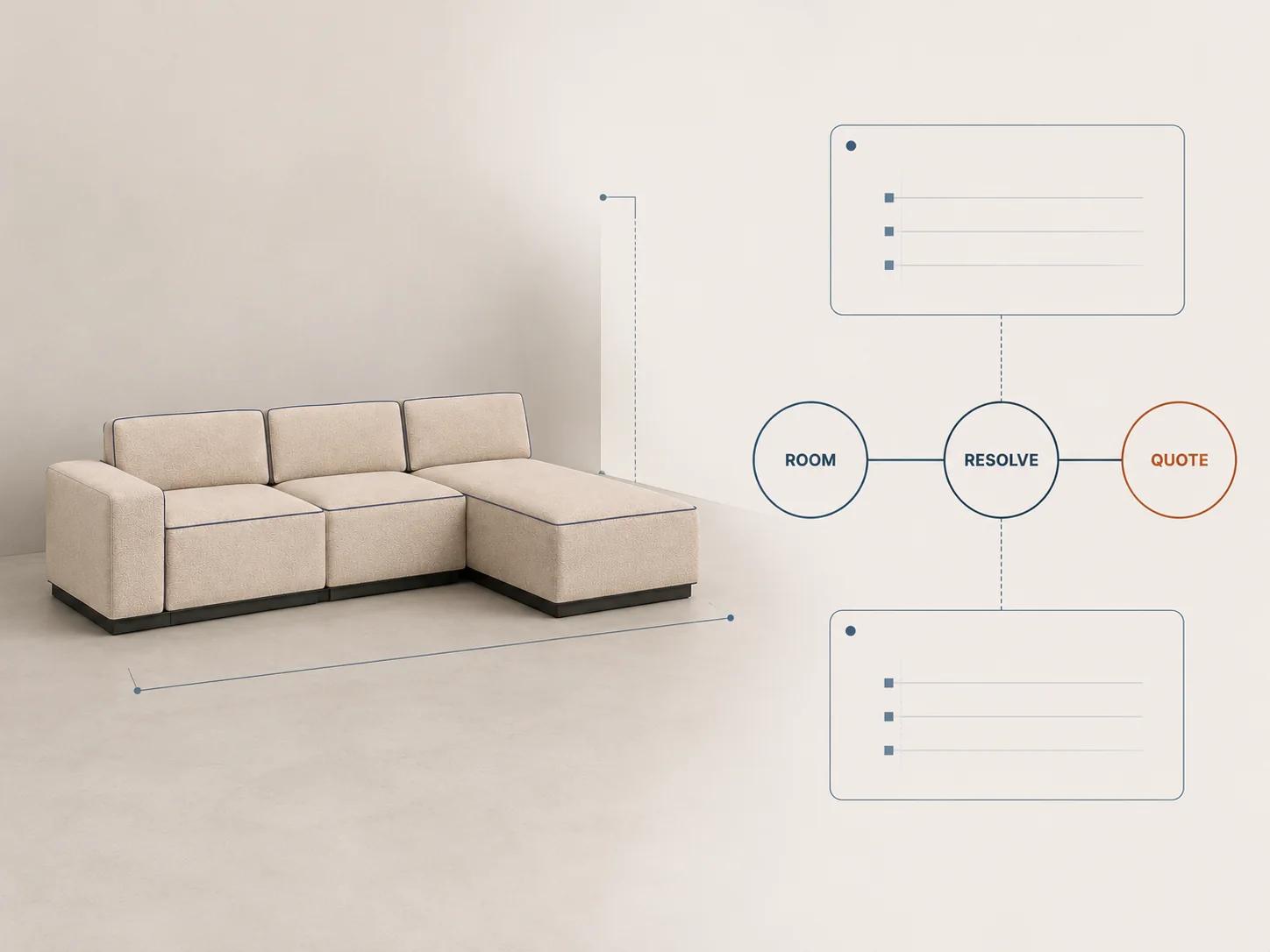
The output may stop at a reviewed quote. That can be the honest result when engineering approval, installation checks or account pricing remain human decisions. Label it clearly instead of calling a glossy PDF production-ready.
Make the interaction work without drag and colour alone
Modular editing often defaults to dragging pieces in a 3D canvas. Provide another way to add, move, rotate and remove discrete modules. WCAG 2.2 requires content functionality to be operable through a keyboard interface except where the underlying function depends on the path of movement; its guidance explicitly treats moving and sizing objects as actions that can usually be made keyboard-operable.[5]
Keep essential choices in semantic controls outside the canvas. Show the current module name, position, neighbours, dimensions and finish in text. When a choice becomes invalid or the system automatically changes a value, identify the affected item and describe the error in text.[6] Do not rely on a red outline around a connection point.
Loading, recalculation, save and quote states also need programmatic status behavior when they update without moving focus. WCAG's status-message guidance covers information about results, waiting states, progress and errors that appears without a context change.[7] Keep announcements useful rather than narrating every camera movement.
3D Cloud's current modular-configurator documentation lists keyboard controls for placing, moving, rotating and selecting products alongside drag-and-drop.[3] Treat that as a concrete vendor feature to test, not a blanket accessibility claim.
Validate structure and domain rules at different layers
A configuration payload needs structural checks and furniture rules. JSON Schema can assert instance structure and can require properties when another property is present through dependentRequired.[8] That can verify, for example, that a terminal-arm record includes its handedness field.
It cannot decide whether a particular arm is structurally valid beside a chaise or whether a span needs another support unless those business decisions have been encoded in an owned rule system. Keep engineering and catalog rules executable and give them named examples. Use the schema to reject malformed data before the rule layer interprets it.
For every important rule, retain one accepted case, one rejected case and the reason. Add boundary cases for maximum spans, mixed fabrics, terminal pieces, retired modules, stale saves, unavailable prices and BOM exceptions. A readable rejection is part of the product; “invalid configuration” is not enough for a buyer or support team to repair the design.
Approve one difficult furniture journey end to end
Choose a representative arrangement that crosses the risky seams. It should include a structural addition, an incompatible neighbour, a global finish with one permitted exception, a room-fit decision, a price or quote consequence and a BOM line that is not obvious from the render.
Retain evidence that:
- the candidate selection resolves against a named rule version;
- controls, text summary and 3D scene consume the same module IDs;
- the invalid connection is blocked with a useful explanation;
- combined dimensions match the approved calculation method;
- material mappings remain correct across connected modules;
- room or AR placement uses the intended scale and origin;
- the commercial boundary validates current state; and
- the saved configuration, quote and BOM can be reopened and compared.
Spellexo is an owned Double Edged proof point for product strategy, UX, 3D production, engineering, testing, launch and ongoing operation. Its published case study makes no measured commerce-lift, rescue or migration claim.[11] It can demonstrate operating perspective, but it does not prove that a furniture catalog's module logic, BOM or AR path is ready.
The adjacent automotive configurator playbook is useful when the question shifts to trims, option packages and dealer handoff. Do not import those assumptions into furniture. Modular products have their own connection topology, spatial editing, finish application and room-fit evidence.
If the unresolved work spans rule discovery, furniture-specific UX, 3D production and commerce integration, the custom 3D product configurator service is the commercial route. Bring one difficult arrangement, the current catalog and rule owners, source assets, price or quote path, intended BOM or order output and the people who must approve it.