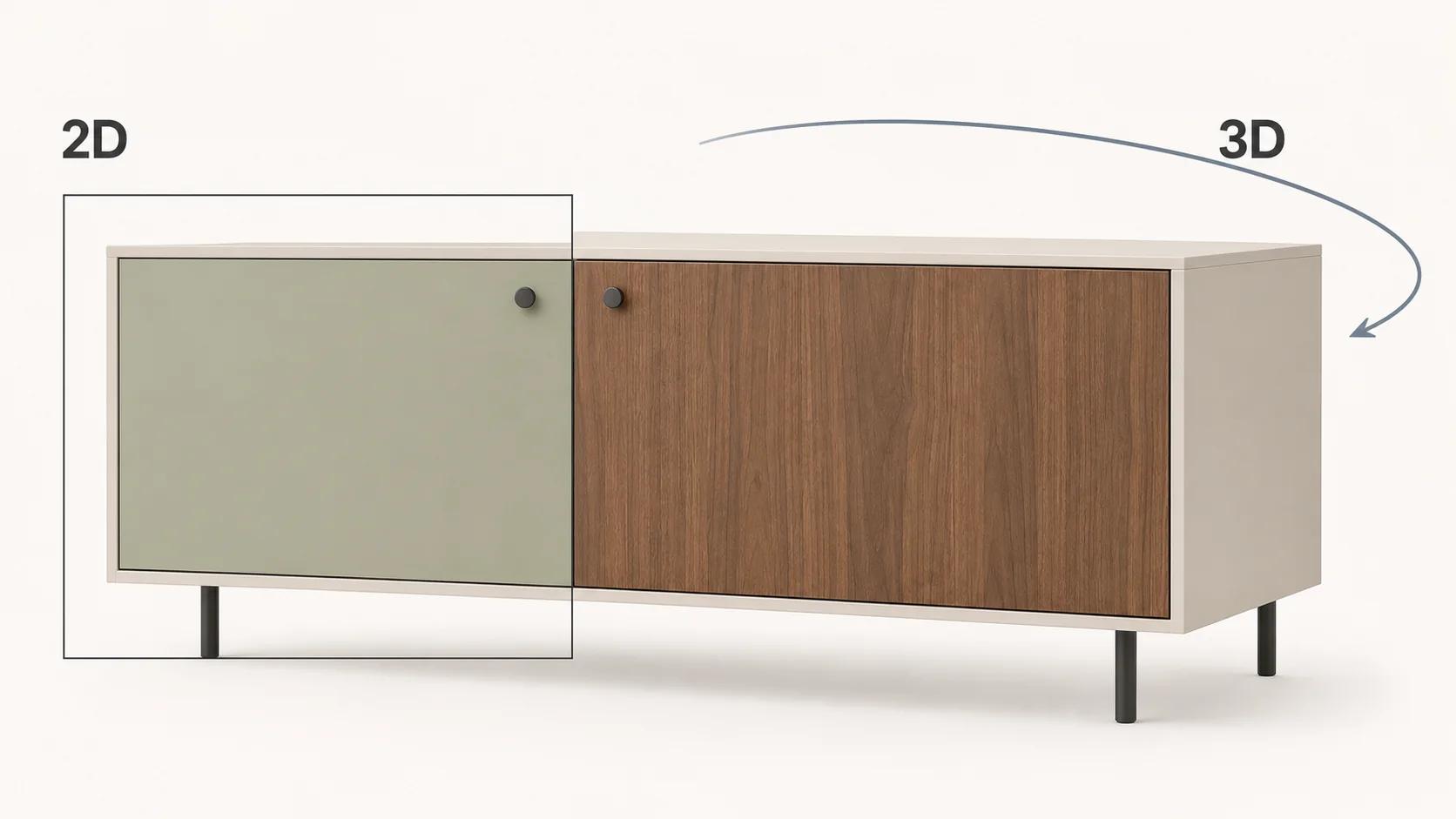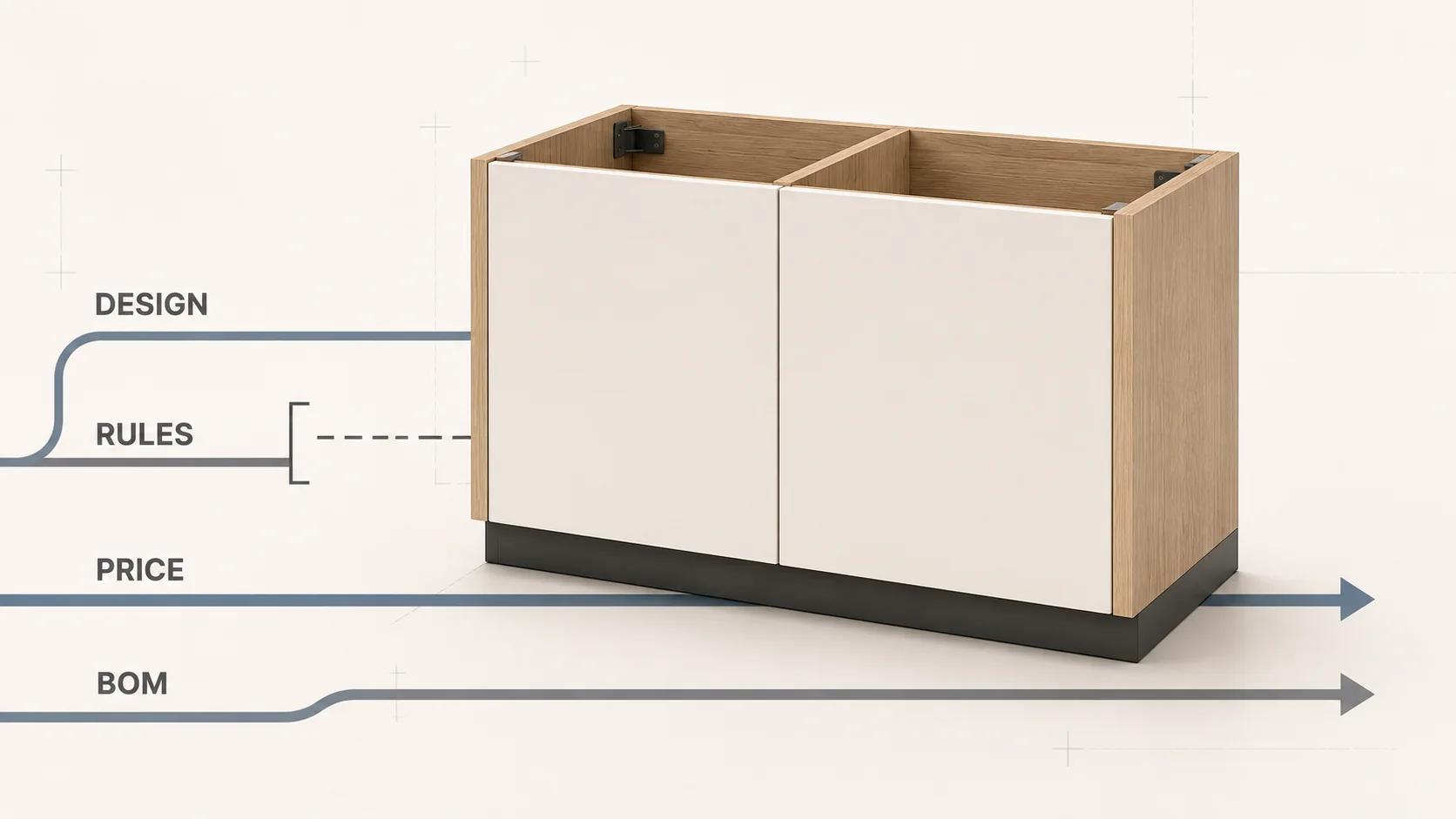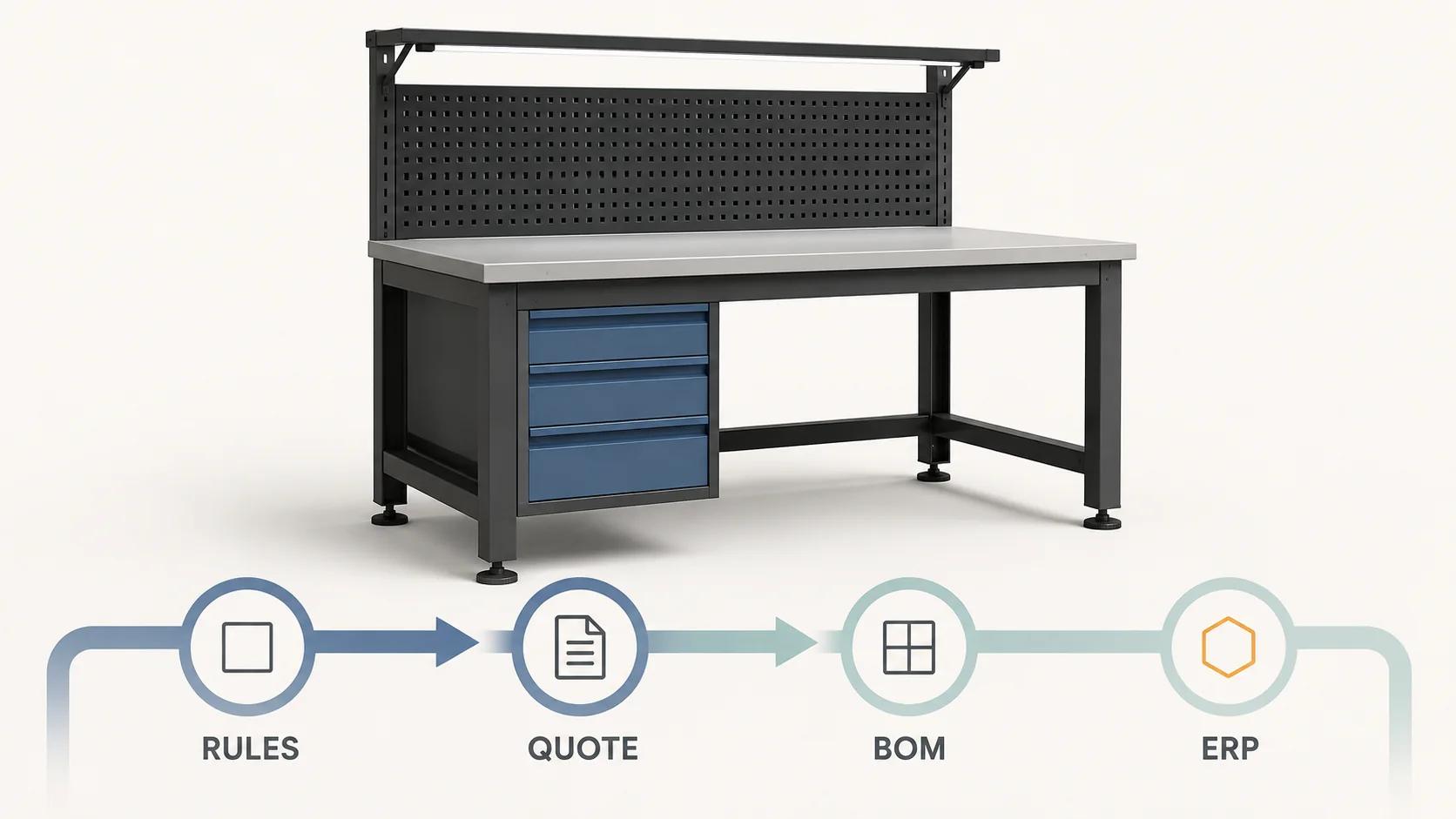
A 3D product configurator for manufacturing is ready for serious use when one identifiable configuration can survive the whole journey: guided choices, rule validation, dimensions, 3D, price, quote, bill of materials (BOM), ERP entry and production acknowledgement. The 3D view helps someone understand the product. It does not, by itself, make that product valid, priced, ordered or buildable.
The practical design is a chain of governed decisions. Every stage reads a versioned configuration, adds only the data it owns, and returns an explicit result. A price calculation cannot silently repair an invalid option. A quote PDF cannot become the only record of what was accepted. A BOM export cannot infer part numbers from mesh names. Production cannot be asked to trust a screenshot.
In Microsoft's Dynamics 365 documentation checked on 31 August 2026, a product configuration model can contain attributes, constraints, calculations, BOM lines and route operations, then create a distinct variant with a unique BOM and route. The same documented model can be used from sales quotations, sales orders and production orders.[1] That is not a universal architecture or a reason to select one platform. It shows why a manufacturing configurator must be designed as product data and workflow, not as a viewer with a form beside it.
This manufacturing playbook follows an accepted state into BOM, ERP and production acknowledgement. Use the visual CPQ architecture guide for the broader configuration, pricing, approval and quote system, or the 3D configuration software versus visual CPQ comparison when the operating model itself is still undecided.
Define what “ready” means before choosing software
Teams often use “configurator” for four different levels of work. Naming the intended finish line prevents a visual prototype from being mistaken for a production system.
| Level | The user can do | Required output | Explicit limit |
|---|---|---|---|
| Visual choice | Change finishes or visible accessories | Saved option state and image or 3D state | No buildability claim |
| Valid configuration | Select only permitted combinations and dimensions | Versioned configuration with validation result | No price or factory release unless connected |
| Quote-ready configuration | Apply commercial rules and approval gates | Revisable quote tied to configuration and price versions | Quote acceptance is not production acceptance |
| Production-ready handoff | Resolve approved operational mappings | Accepted ERP/order record, BOM or routing input, plus acknowledgement | Only in-scope configure-to-order cases bypass engineering review |
A project may stop at any one of these levels. The mistake is hiding the stop. A customer-facing selector can be valuable without generating a BOM. A sales tool can produce a sound quote while routing every order through engineering. An engineer-to-order product can use 3D for requirements capture while reserving final geometry, calculations and manufacturing definition for specialist systems.
Write the terminal state as a sentence. For example: “The implemented journey ends when ERP accepts a technically valid, commercially approved configure-to-order revision and returns an order identifier; exceptions enter engineering review.” This sentence sets the scope of the rule engine, quote process, integrations and test pack.
Give one configuration state a stable identity
The configured product needs a durable record before it needs polished 3D. Use an opaque configuration ID and an immutable revision. Store the product-family version, rule-set version, catalogue version, selected option IDs, entered dimensions with units, derived values, validation status and required review state. Add the commercial context only where its owner permits it: market, account, quantity, currency, price-list version, services and approval status.
Do not overwrite an accepted revision. If a buyer changes width after a quote is issued, create a new configuration revision and recalculate every dependent result. Keep the old quote tied to the old state. This avoids the familiar dispute in which the viewport shows one product, the quote describes another and the BOM reflects the latest edit.
In the Microsoft guidance checked on 31 August 2026, a model version must be approved and activated before use in a configuration session, and each new configuration receives a unique configuration ID that enables tracking through inventory.[3] A different stack still needs to record which definition ran, which state was accepted and which downstream object acknowledges it.
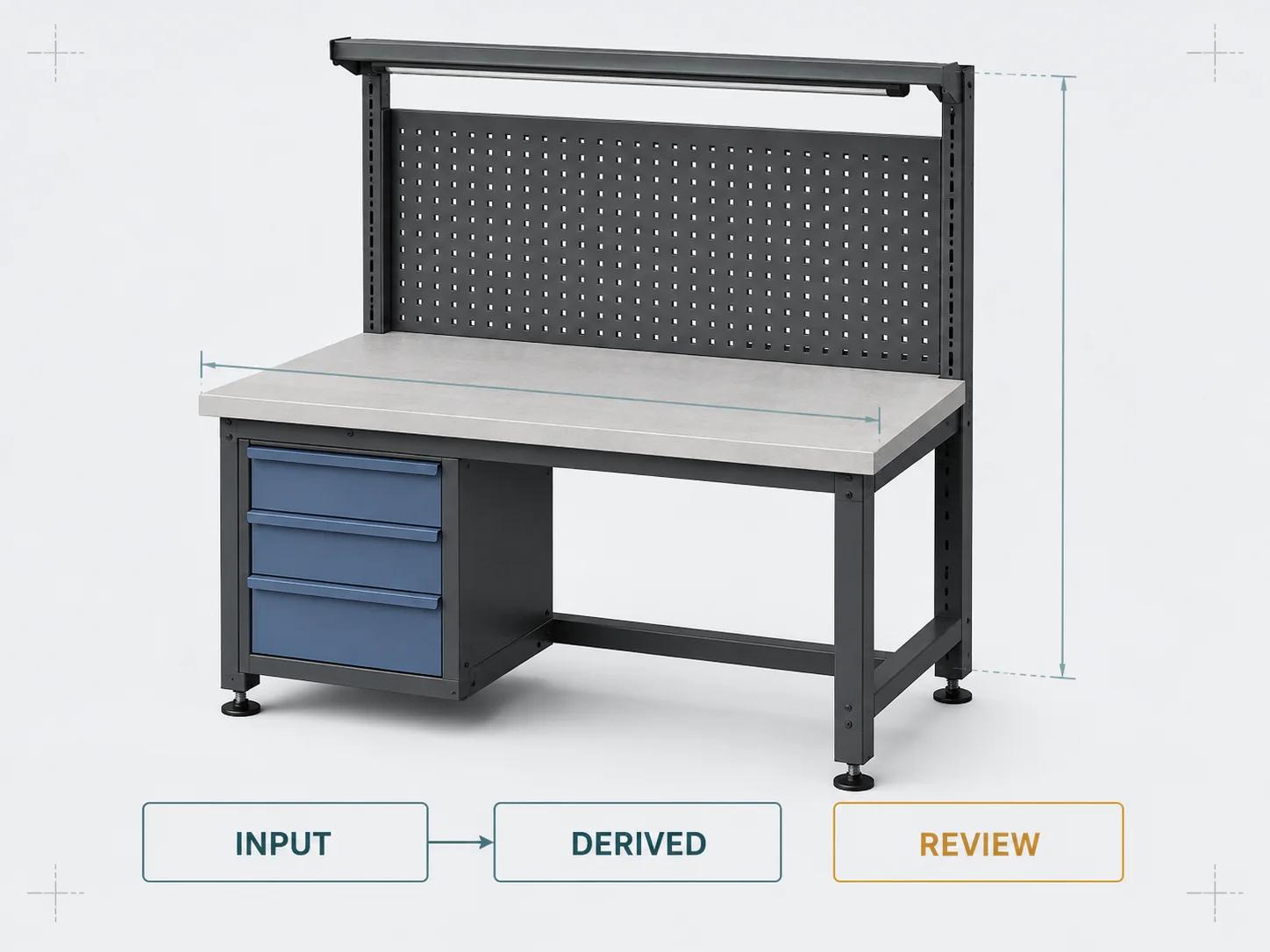
A useful configuration record contains no display-only ambiguity. Save finish_option_id, not the translated label “Silver.” Save 2400 with mm, not the string “2.4 m.” Preserve both user inputs and derived values so a reviewer can see what the customer chose and what the rules calculated.
Add lineage for values that cross system boundaries. Record whether a field was selected, calculated, imported or entered during review, along with the definition version that produced it. When two systems disagree, this makes the conflict inspectable. It also lets a later integration distinguish a customer requirement from an engineering result instead of flattening both into an undocumented property bag.
Model validity, dimensions and review states separately
Manufacturing rules are not one long list of if-statements. Split them by consequence:
- Domain rules define allowed values, ranges, increments and units.
- Dependency rules require or exclude options and modules.
- Derivation rules calculate dimensions, quantities or selections from accepted inputs.
- Advisory rules recommend an option without making it mandatory.
- Review rules permit the state to continue only as provisional, with a named technical owner.
The distinction matters in the interface and the data. “This motor requires the high-capacity drive” is a hard dependency. “Most outdoor installations use the weather kit” is guidance. “Opening width exceeds the configured-order range” is a review gate. Turning all three into disabled options gives the user no useful explanation and encourages teams to bypass the system.
In the Dynamics 365 documentation checked on 31 August 2026, the model separates constraints from calculations and allows conditions on BOM lines and route operations. Its constraint documentation says constraints restrict the model so only valid values are selected, while calculations write derived attribute values.[1] Its broader product-configuration guide also describes isolated validation of constraints, BOM-line conditions and route-operation conditions, followed by a complete model test that attempts to create the corresponding BOM and route.[3] Treat this as evidence that rule syntax, whole-product validity and output generation are separate gates.
Dimensions need the same discipline. For each dimension, define source, unit, precision, minimum, maximum, increment, dependencies and downstream meaning. A displayed overall width may be derived from bay count, module width, connector allowance and end caps. The BOM may need raw cut length, while the 3D scene needs a scaled transform. These values can share a calculation basis, but each mapping still needs its own acceptance test.
When a rule depends on structural, thermal, electrical, process, regulatory or safety engineering, call the approved calculation or route the case for review. A browser constraint is not a substitute for an unnamed engineering method.
Bind the 3D scene to product IDs, not to business authority
The 3D layer should consume the same configuration state as pricing and output mapping. Bind product option IDs to scene nodes, materials, transforms and camera behavior through a tested mapping. Give every binding a missing, invalid and unavailable behavior. If the rule engine rejects a side cabinet, the scene must not keep displaying it. If a mesh fails to load, the configuration must not quietly lose the selected component.
Keep visual and operational models distinct. A web-ready mesh may combine bolts into one draw call, use simplified geometry and represent a perforated panel with a texture. The manufacturing definition may require separate parts, tolerances, material specifications and process information. NIST describes the model-based enterprise as integration across system, service, product, process and logistics models, with product requirements matched to process capabilities.[5] Its digital-thread research describes an engineering-created model-based definition that downstream manufacturing and inspection functions reuse, while also noting gaps in data transition between processes.[6] Those definitions are broader than a commerce render.
The safe claim is narrow: the 3D experience depicts the accepted commercial configuration according to its mapping. Buildability comes from the approved rule, engineering and manufacturing records assigned to that product scope.
Use a manufacturing data-flow and responsibility matrix
The matrix below is an original Double Edged delivery framework. Replace the generic system names with the manufacturer's actual owners. “Accepted” means that the named destination returned the expected result for the same configuration revision; it does not mean every later stage has passed.
| Stage | Authoritative input | Accepted output | Accountable owner | Blocking check |
|---|---|---|---|---|
| 1. Product release | Product family, option IDs, effectivity and rule version | Published configurable catalogue | Product management and engineering | Only approved versions are selectable |
| 2. Requirements | Application answers, dimensions, quantity and user context | Normalized input state with units | Sales or product owner | Required fields are present and in domain |
| 3. Validity | Constraints, derivations and review thresholds | Valid, invalid or review-required state with reasons | Product-rule owner | No unresolved hard constraint |
| 4. 3D binding | Accepted option IDs and derived dimensions | Scene state tied to the configuration revision | 3D pipeline owner | Every required selection has one tested visual mapping |
| 5. Commercial calculation | Valid state, price list, account, currency, services and approvals | Itemized price result with version and expiry | Commercial operations | Approved examples reproduce price and rounding |
| 6. Quote | Configuration and price snapshots, terms and documents | Immutable quote revision and acceptance event | Sales operations | Quote points to exact configuration and price revisions |
| 7. Operational mapping | Accepted configure-to-order state and approved mapping table | Part IDs, quantities, variable values, services and route inputs | Engineering and ERP owner | No visual name is used as an operational identifier |
| 8. ERP or order entry | Versioned payload, customer context and quote acceptance | Order or configured-item ID plus validation result | ERP or order-management owner | Destination acknowledges the same revision once |
| 9. Production release | Approved BOM, routing, documents and review dispositions | Released work, exception or rejection | Manufacturing operations | Required production data and approvals are complete |
| 10. Reconciliation | Configuration, quote, order and production IDs | Traceable status and exception record | Product operations | Every transition can be followed in both directions |
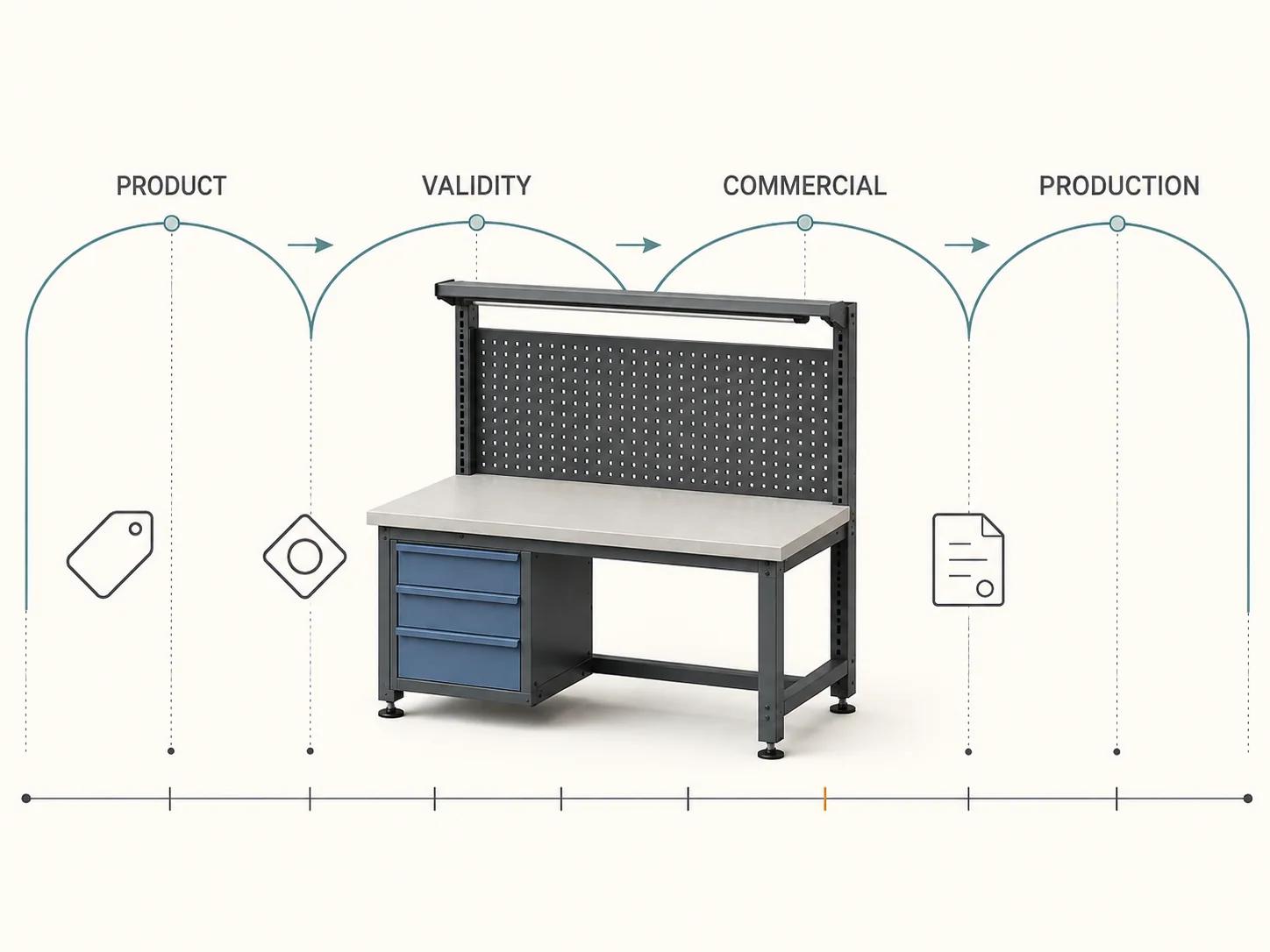
The work behind this matrix is mostly ownership and test design. Catalogue data may begin in PIM or PLM. Prices may live in ERP, CPQ or a governed pricing service. A BOM mapping may be authored in engineering and executed elsewhere. Record those facts rather than declaring the configurator the master of everything.
The Custom Configurator Scope and Budget Estimator turns these responsibilities into an explainable complexity profile. It is not a quote and does not invent project pricing; a real scope still depends on validated rules, assets, integrations, ownership and acceptance criteria.
Keep price, quote and configuration revisions connected
Pricing is its own governed model. Start with the valid product state, then apply the authorized price list, dimensional formulas, quantities, services, account terms, currency, discounts, tax treatment and approval rules. Store an itemized result and the version of every input that can change.
In the Dynamics 365 documentation checked on 31 August 2026, sales price models are based on components and attributes rather than the physical BOM and route. The documented system supports multiple price models, tests option effects on price, and selects a model for quote or order according to criteria that can include customer, region and date.[2] This is a useful warning against assuming that manufacturing cost, BOM value and customer price are one number. The customer's price may include services, channel terms or approvals that do not belong in a production BOM.
Freeze the accepted commercial state in the quote: configuration ID and revision, visible specification, price result and version, quantity, currency, terms, assumptions, exclusions, expiry, approval status and document revision. If a change affects a priced input, issue a new quote revision. If a non-priced note changes, define whether policy still requires revision. Do not leave that behavior to whichever system saved last.
Generate a BOM from mappings, not from the viewport
A configured BOM is a transformation of an accepted product state through an approved mapping. Each rule should identify the operational item, quantity equation, unit, parent assembly, effectivity, substitution policy and any variable value the destination accepts. The result should explain why each line exists.
The Dynamics 365 configuration model documented as of 31 August 2026 is a concrete example: BOM-line conditions determine which materials are included for a variant, and route-operation conditions can control manufacturing steps.[1] The same documentation describes BOM lines as individual materials and route operations as part of the model. That does not mean every web configurator can generate either output. It means the rule and master-data model must be designed to do so.
Test at least one normal configuration, every range boundary, incompatible pairs, required accessories, quantity formulas, unit conversions, substitutions, effectivity changes and review-required cases. Compare the generated result with an engineering-approved expected BOM. Include deletion tests: when an option is removed, its component, price contribution, visual geometry and route effect should all disappear from the new revision without altering the old one.
If an engineer must finish or change the BOM, label the handoff “engineering review required.” Preserve the preliminary configuration, assumptions and reasons so engineering receives a useful starting point rather than a misleading production-ready claim.
Make ERP and production handoff an explicit contract
An integration is accepted only when both sides agree on identity, schema, authority, version and failure behavior. Define configuration and quote IDs, product and part IDs, units, enumerations, required and nullable fields, timestamps, effectivity, document links, authentication, retry behavior and acknowledgement. Decide what happens when a destination is unavailable, rejects a part, accepts the order but not the BOM, or receives the same request twice.
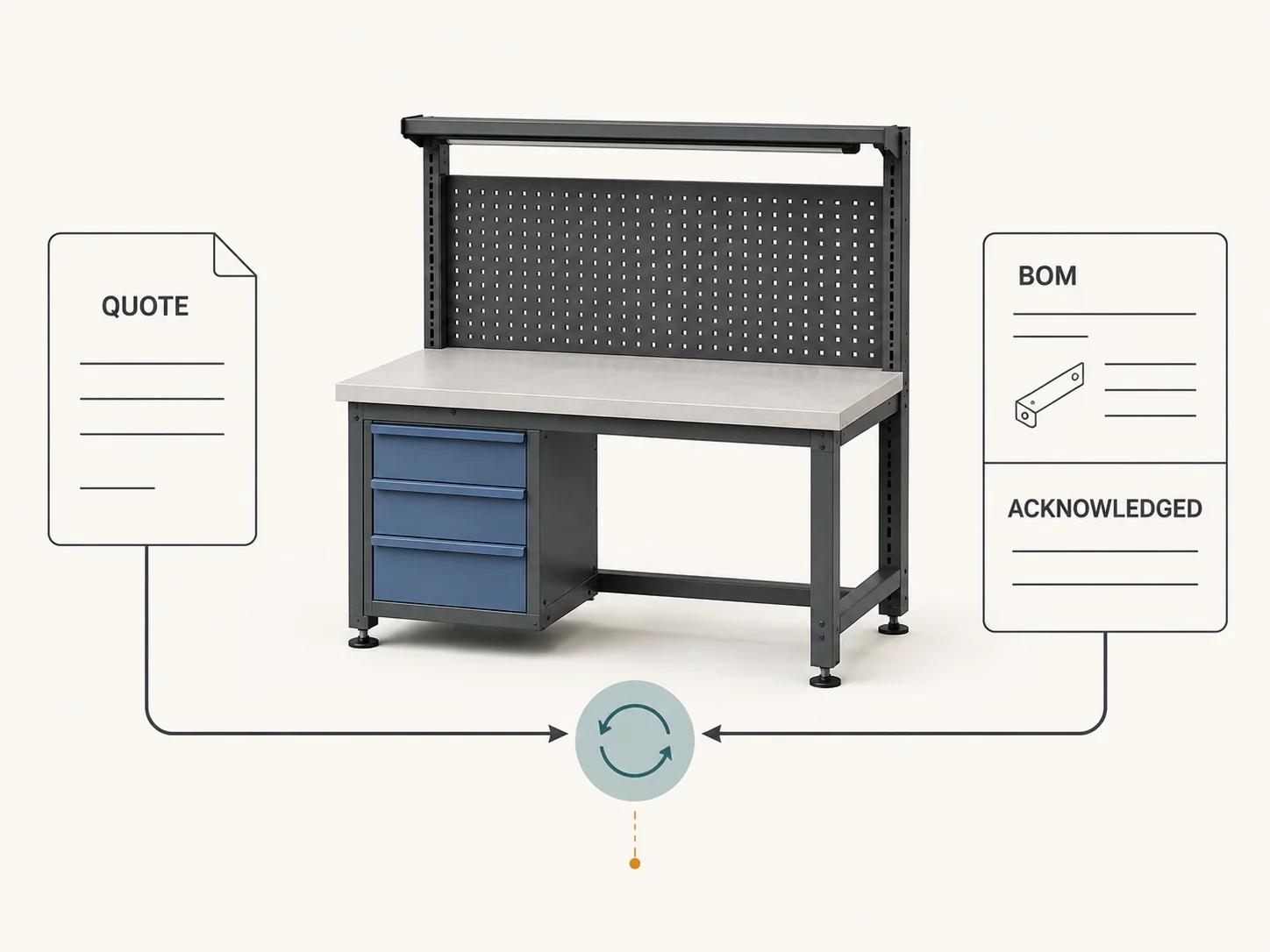
Use a request key tied to the intended business transition so a retry cannot create a second order. Keep the raw outbound revision and the destination response. Reconcile the returned order, configured item, BOM or work record to the configuration and quote that created it. A green API response is weak evidence if nobody can find the resulting object.
In the ISA overview checked on 31 August 2026, ISA-95 places ERP and business planning at level 4, manufacturing operations management at level 3, and mainly addresses the interface between those levels. Part 2 specifies conceptual interface content between manufacturing control and enterprise functions, while Part 5 defines business-to-manufacturing information exchanges.[4] The practical implication is not that every project must implement the full standard. It is that “send it to ERP” does not describe production execution, and a commerce frontend should not pretend the ERP/MES boundary does not exist.
Production acknowledgement closes only the promised handoff. It may mean ERP created a configured order, engineering accepted a review task, or manufacturing operations released work. Choose one, name it and test it. Do not label a quotation “sent to production” when the actual destination is a CRM opportunity.
Test one product across the whole thread
Build a representative acceptance pack before scaling the catalogue. Pick one product family with a normal configuration, a dimension boundary, an incompatible option, a priced service, an approval case and an engineering exception. Record expected results for each stage.
Run the pack against the released versions and keep evidence for:
- the option and dimension state saved under the expected configuration revision;
- explanations for invalid and review-required choices;
- the exact 3D nodes, materials and transforms bound to that state;
- approved price examples, rounding and price-list selection;
- a quote that names the same configuration and price revisions;
- the expected BOM lines, quantities, variable values and route inputs;
- destination rejection and retry without duplicate order creation;
- acknowledgement IDs reconciled back to the quote and configuration; and
- a post-acceptance edit that creates a new thread without rewriting the old one.
Include role and permission tests. A customer may choose options but not approve a discount. A dealer may see an account catalogue without seeing internal cost. Engineering may release rules without editing price lists. Operations may reject a mapping without changing the customer's original requirements.
Release changes with the same pack. A new rule version can affect validity, geometry, price and BOM together. Test the coupled result before activation, retain the previous version for open quotes, and define how old configurations are reopened. Monitoring should report unmapped option IDs, price disagreements, rejected payloads and stalled acknowledgements by configuration revision.
Follow the product-specific branch where the logic diverges
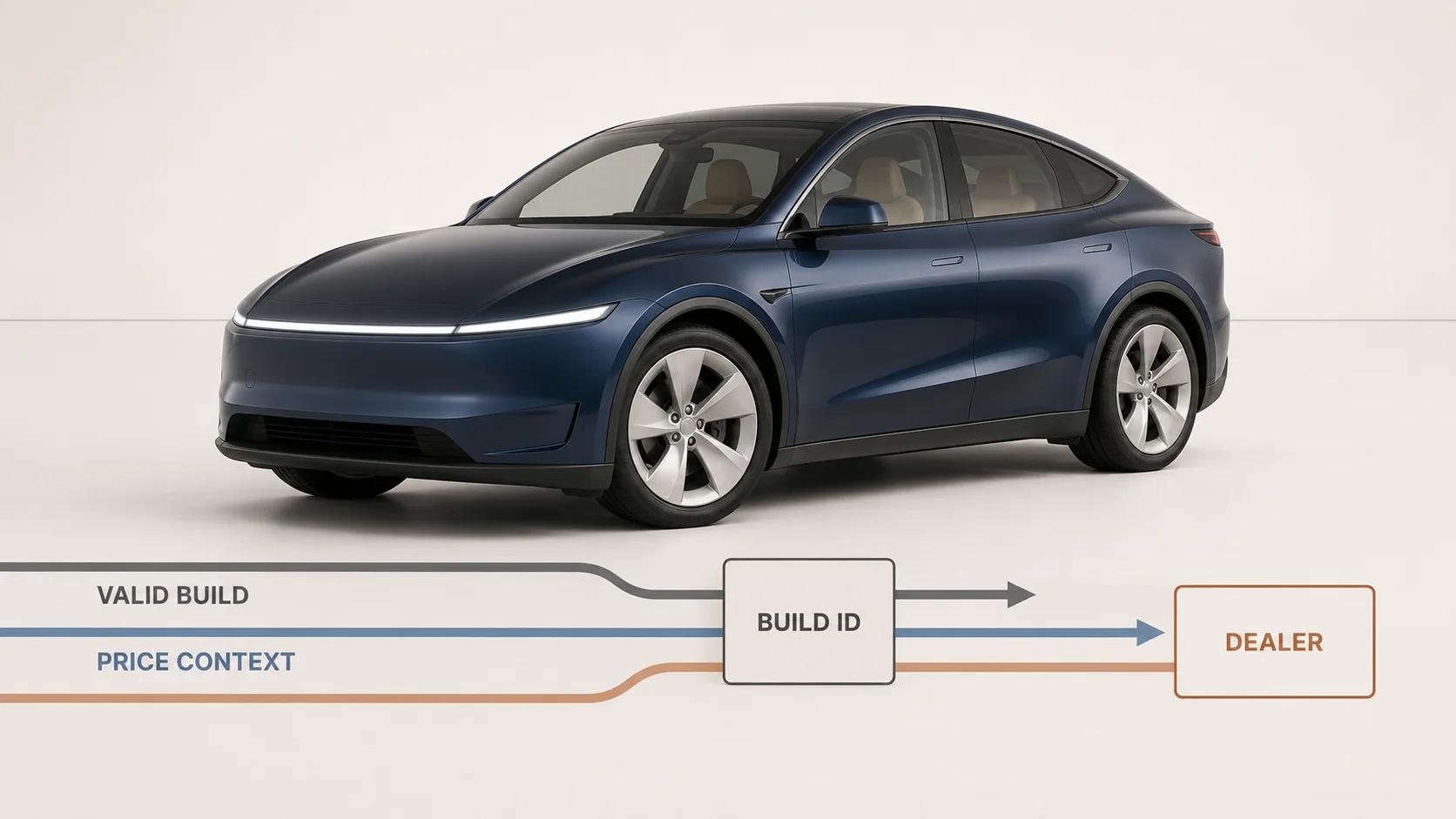
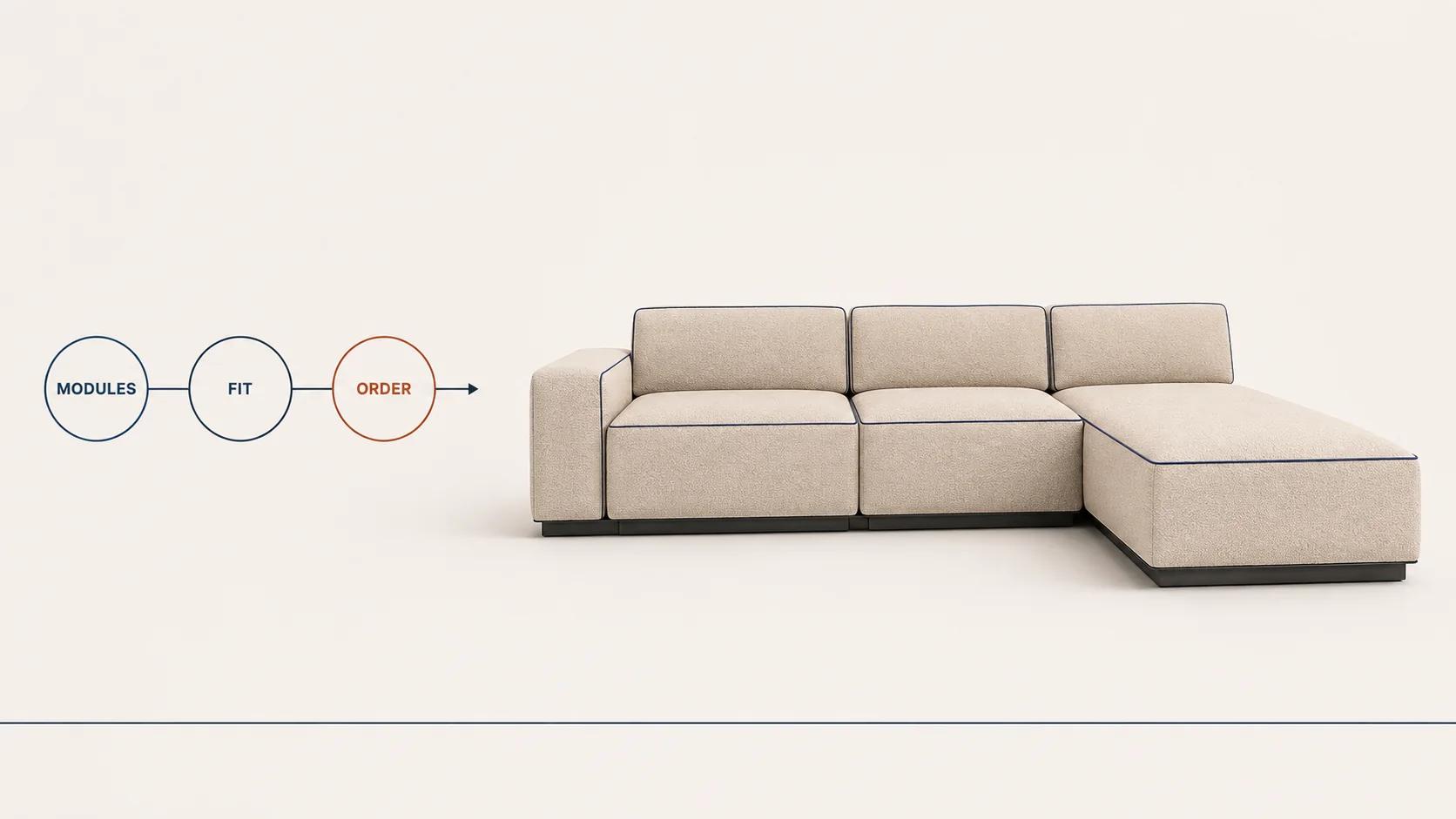
Manufacturing patterns repeat, but the difficult rules belong to each product family. The 3D furniture configurator playbook owns modules, connectors, fabrics, room context and furniture BOM questions. The 3D car configurator guide covers trim compatibility, materials, dealer handoff and automotive option logic. The cabinet configuration playbook handles cabinet dimensions, modules, hardware and manufacturing output. The 3D shoe configurator guide covers panels, colorways, sizing, personalization and production files.
Use those pages for their vertical decisions. The shared manufacturing thread here runs from governed rules through quote, BOM, ERP and production acknowledgement.
Use proof without borrowing outcomes
Spellexo is relevant here as owned-product proof of product strategy, UX, 3D production, engineering, testing, launch and operation.[7] It is not evidence that another manufacturer's configurator will reduce errors, speed quotes, improve conversion, generate a production BOM, or complete a rescue or migration. Those outcomes need that manufacturer's baseline, implementation and measured results.
A team is ready to scope a manufacturing configurator when it can bring one representative product, the real product rules, approved price examples, expected operational mappings, named data owners and acceptance cases. If the intended endpoint includes bespoke interaction, 3D, commercial workflow and system integration, the custom 3D product configurator service is the direct project route. The discovery should still begin with the configuration state and responsibility matrix, not a generic feature list.