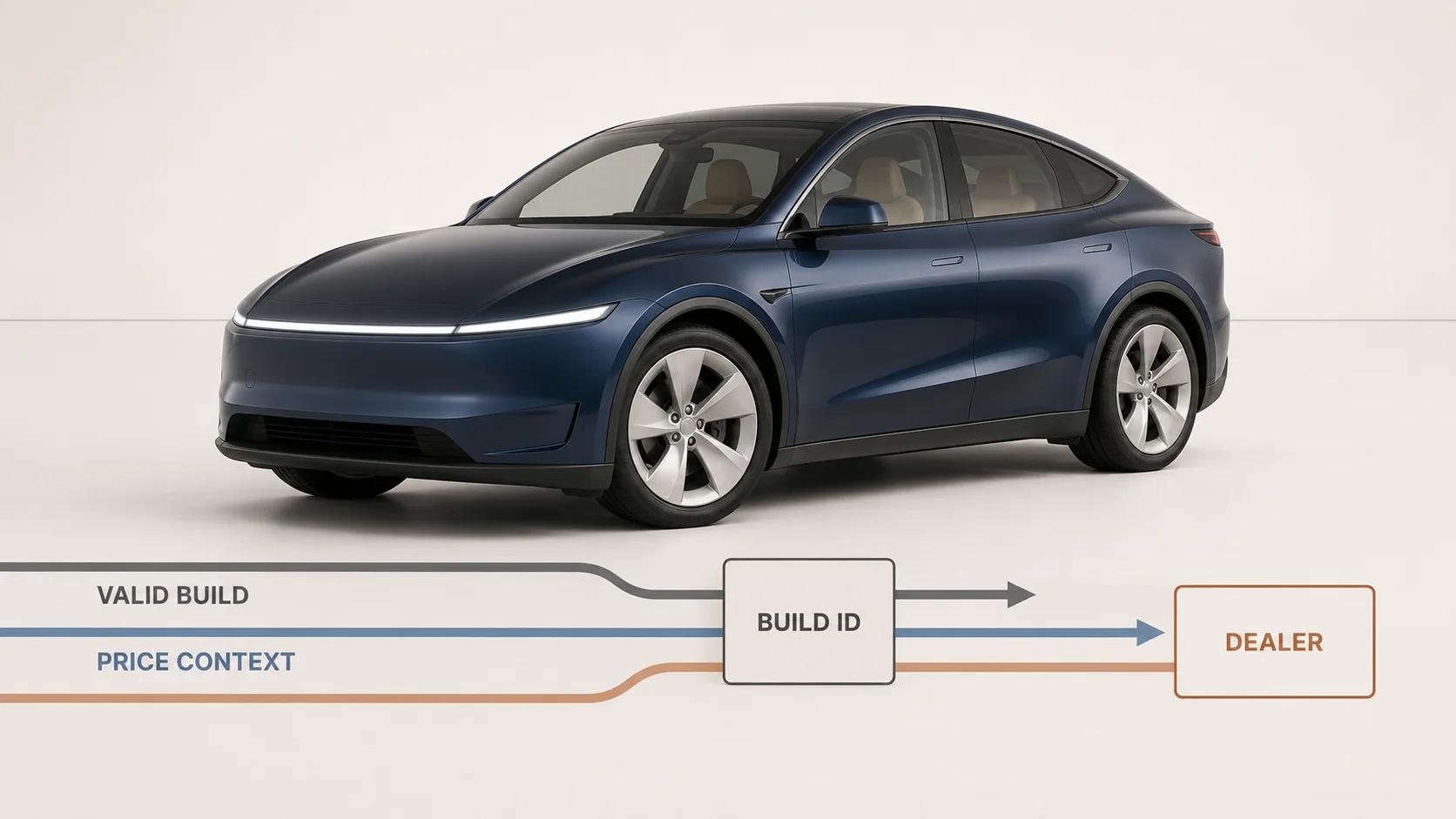
A 3D car configurator is not the rotating vehicle at the top of the page. It is a versioned configuration record with a visual interface. The record must keep model, market, model year, trim, powertrain, compatible equipment, price context and dealer handoff in agreement while the customer changes the car.
That distinction is visible in current manufacturer experiences. On 31 August 2026, a Porsche US configurator grouped exterior colors, wheels, interior materials, seats, packages and equipment around a named 2027 model. It also exposed ten visual views, a 360-degree view, a summary, save and Porsche Code actions, a PDF build, dealer selection and pricing qualifications.[1] A current Hyundai US build page likewise joined trim, exterior and interior selections to a Total MSRP and matching-inventory route, while warning that the vehicle image was illustrative and the actual model could vary.[4]
These are dated observations, not a claim that every brand needs the same interface. The useful lesson is structural: visual choice, product validity, price and the next commercial step must refer to the same build. This automotive playbook owns that problem. The broader quote, BOM, ERP and production handoff belongs to the manufacturing configurator guide.
Give every build a durable identity
Start with an explicit configuration key, not a collection of selected swatches. At minimum, the key should identify the market, language, currency, model year, model code, trim or derivative, powertrain, body style, option codes, accessory codes, exterior specification, interior specification, pricing revision and rules revision. Store friendly names for display, but let stable codes drive compatibility and handoff.
Model year and market are part of the product, not page filters. A color may keep its marketing name while its code, price or availability changes. A package may move from optional to standard. A dealer-installed accessory may look like a factory option in the interface but follow a different price and fulfillment path. If those distinctions are flattened, a saved build can reopen as a car the original rules never approved.
Porsche's current model-start page makes the boundary concrete. It says most equipment can transfer when a user changes model within a series, but some equipment is available only for certain models and therefore may not transfer.[2] That is a user-facing example of a deeper requirement: every state transition needs a compatibility result, not a best-effort copy of old selections.
A durable public build ID is useful when it resolves to an immutable or revisioned state. Porsche describes its eight-character Porsche Code as a way to reopen a build and share it with a dealer or another person.[3] A brand can use a different mechanism, but it should preserve the same essentials:
- the exact configuration and the rules version that accepted it;
- the market, model year and price snapshot that framed it;
- a new revision when a later edit changes the build;
- an expiry or migration policy when a model year closes; and
- a readable summary when an old build can no longer be ordered.
Do not silently reinterpret an old ID against today's catalog. If the build needs migration, show what changed and ask for confirmation.
Run option compatibility as a rules engine
Automotive choices are a graph. A wheel can require a tire, brake or suspension package. An interior may be restricted by seat type. A driver-assistance option may be standard on one trim, optional on another and unavailable with a particular regional derivative. The interface should explain those relationships without exposing the customer to raw engineering data.
Represent each rule with a reason code and a resolution. Four rule types cover much of the customer-facing work:
| Rule type | Example state change | Safe interface response | Evidence to retain |
|---|---|---|---|
| Requires | Selecting option A also needs package B | Explain the dependency before applying both changes | Trigger, required codes, price delta and confirmation |
| Excludes | Wheel C is unavailable with brake D | Keep the current build valid and show the conflict | Conflicting codes, rule version and rejected action |
| Substitutes | Changing trim replaces a standard seat | Preview every removal and addition before the trim change | Previous state, proposed state and accepted resolution |
| Market or date gate | Accessory E is unavailable in the selected market or production window | Disable it with a specific reason and a useful next step | Market, effective dates, source system and rule ID |
A hidden checkbox is not a rules engine. The service that validates state should be callable by the browser, saved-build loader, dealer tool and any downstream quote route. Give the same input to each channel and require the same canonical result. The 3D scene then renders that result; it does not decide whether the result is orderable.
Test rules as transitions, not only final combinations. Select A then B, B then A, change trim after selecting both, remove a required package, load the state from a link, switch market and reopen an expired model year. A system that reaches different answers from different selection orders has an architecture defect even if each final screen looks plausible.
Use an automotive configurator requirement map
The map below is an original Double Edged scoping framework. It keeps seven workstreams connected without pretending that a generic diagram can replace product discovery.
| Layer | Source of truth | Customer-facing responsibility | Release evidence |
|---|---|---|---|
| Vehicle identity | Market and model-year catalog | Name the exact derivative being configured | Stable model and trim codes in the saved record |
| Compatibility | Versioned product-rule service | Prevent or explain invalid combinations | Transition tests for requires, excludes, substitutes and gates |
| Pricing | Approved regional price sources | Show the effect of each accepted change with context | Itemized snapshot, currency, timestamp and price revision |
| Visual state | Approved geometry, material and camera mappings | Show the selected build without inventing fit or finish | Named views and variant checks against approved references |
| Interaction | Accessible browser application | Preserve orientation, feedback, undo and summary access | Keyboard, touch, screen-reader and responsiveness runs |
| Lead capture | Consent-aware customer flow | Save or submit without making basic exploration conditional | Field-purpose register, consent record and submission receipt |
| Dealer handoff | CRM, retailer or reservation integration | Deliver one complete, readable build to the chosen endpoint | Build ID, selected dealer, payload receipt and reconciliation result |
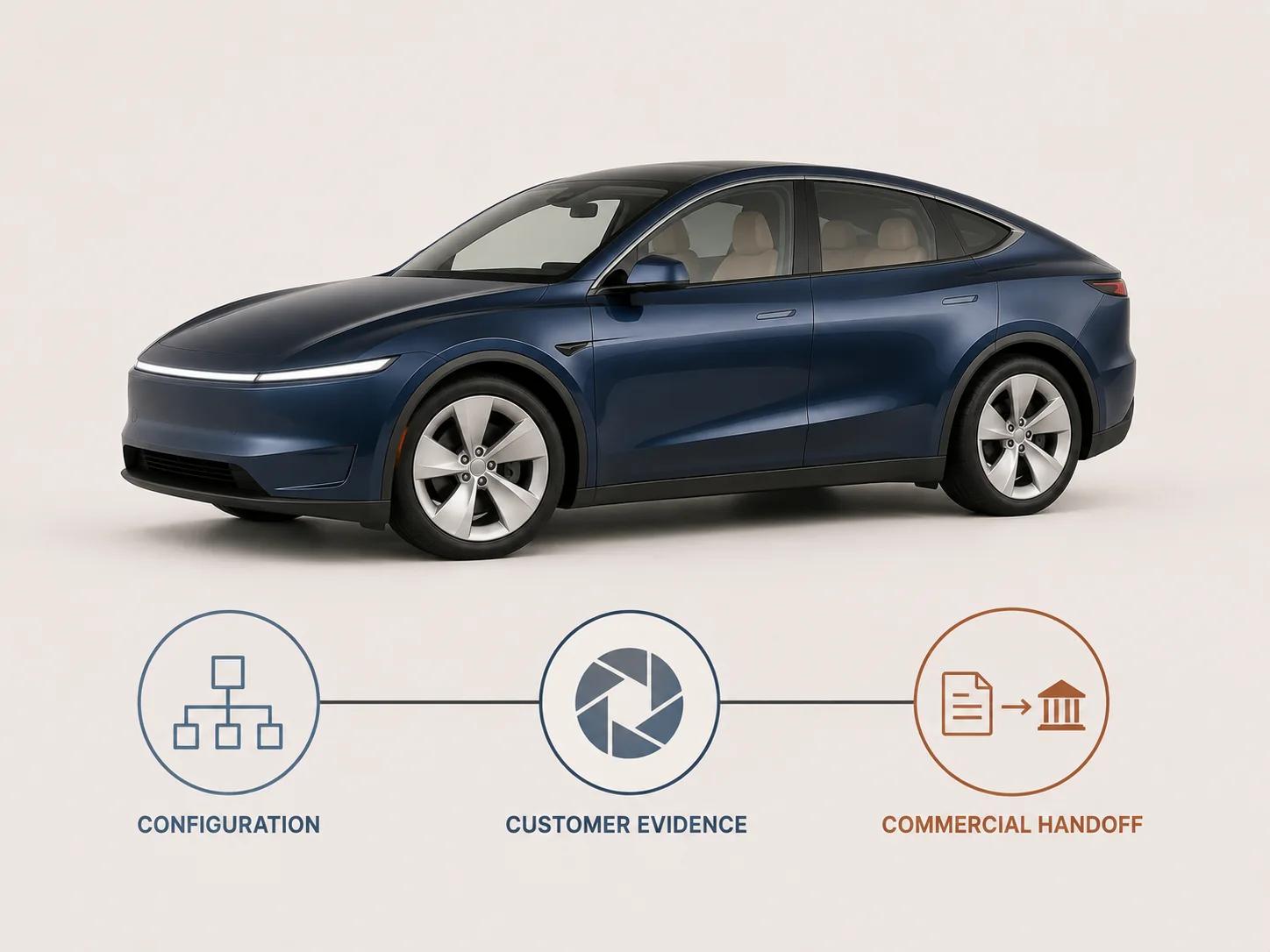
Use the map to find coupling early. A new trim is not only a catalog row. It can change rules, option prices, camera framing, geometry sets, material assignments, analytics labels and dealer payload mappings. Scope those changes as one release unit with named owners.
The estimator maps rules, assets, visualization, integrations, pricing, outputs and operating ownership into an explainable complexity profile and recommended path. It is not a quote; project pricing still depends on validated product data, systems, ownership and acceptance criteria.
Treat price as a ledger, not a decorative total
The visible total should be reproducible from line items. Keep base vehicle, factory equipment, packages, destination or delivery charges, regional fees, incentives, dealer-installed accessories and dealer adjustments as distinct concepts when they apply. Each row needs a source, effective period, market, tax treatment and display rule. Do not let the 3D option label become the pricing source.
Current US manufacturer pages show why that context matters. Porsche says its displayed MSRP excludes taxes, title, registration, dealer charges and other listed items, and that actual selling prices are set by dealers. Its model-start page also says the dealer sets the actual selling price.[1][2] The inspected Hyundai configuration showed a line for freight, a Total MSRP and a route to matching inventory rather than presenting the visual build as a completed sale.[4]
A safe summary therefore answers four questions: what is included, what is excluded, when was the price calculated and who confirms the final transaction. If the customer changes ZIP code, dealer, finance assumptions or model year, recompute from the governing source and create a new snapshot. Never overwrite the earlier submitted value in place; sales and support teams need to see what the customer saw.
The dealer payload should carry priced option codes and a human-readable breakdown. Sending only a total makes reconciliation difficult. Sending only labels makes it impossible to distinguish two similarly named packages. Codes establish identity; labels make the record usable.
Make camera and material states answer buying questions
A free-orbit camera is useful, but it is not a complete shot plan. Define named views around decisions: front and rear three-quarter views for stance and lighting signatures, side profile for wheels and proportions, a wheel close view, an interior overview, seat and trim details, and any model-specific cargo or roof state. Keep the reset view stable after each option change so the customer can compare rather than chase the vehicle around the scene. Porsche's inspected configurator combined ten prepared views with an open 360-degree view, which illustrates the value of guided and exploratory inspection living together.[1]
Map visual variants according to what actually changes. The Khronos KHR_materials_variants extension can reuse one geometry set when variants differ by material, but its own guidance says the geometry must match exactly; shape and size changes are a separate problem.[5] Paint color or upholstery may fit a material switch. A new wheel design, body kit, roof shape or seat geometry usually needs another mesh or controlled geometry state.
Material approval needs target-runtime evidence. Khronos describes consistent physically based rendering across lighting environments and renderers as an ambitious goal that remains an area of active research, and its fidelity project compares outputs across engines.[6] For a vehicle, review at least neutral daylight, a high-contrast studio environment and the released customer environment. Check color family, metallic flake response, clearcoat highlights, roughness, glass, emissive lighting, tire rubber, bright trim and interior materials. A material that looks approved in an authoring viewport has not passed the browser by inheritance.
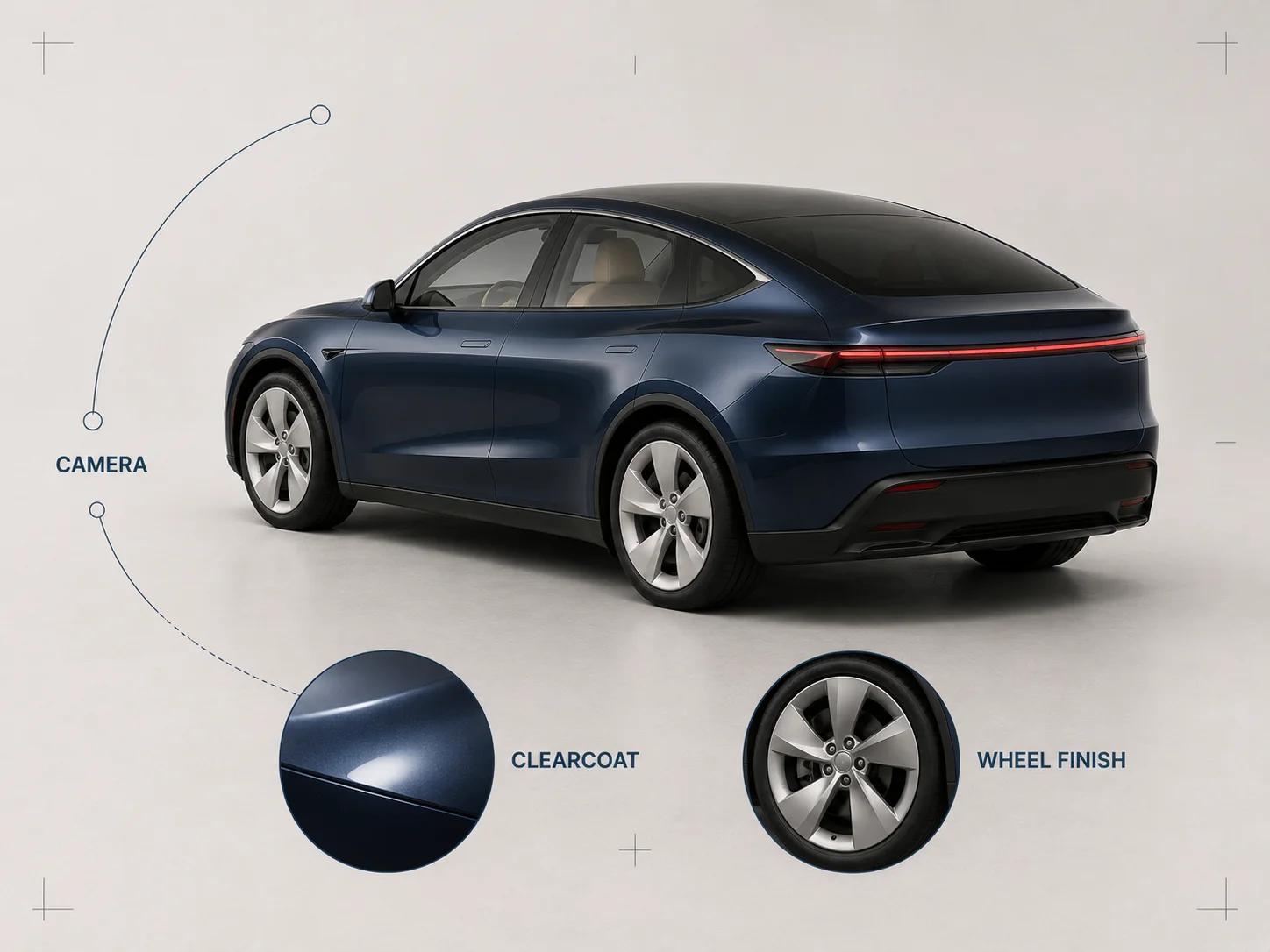
Keep a visual exception register. Some differences between offline and real-time rendering may be accepted, but missing geometry, the wrong wheel, a false paint family or an option shown when it is unavailable should block release.
Design every state change for touch, keyboard and delayed work
A configurator changes several regions at once: selected option, compatibility message, price, summary and 3D scene. The customer should receive immediate confirmation without losing focus or context. WCAG's status-message guidance requires important status changes that do not take focus to be programmatically determinable so assistive technology can announce them; its examples include results, errors, busy states, progress and form submission feedback.[7]
Do not communicate availability through color alone. Every swatch needs a text name, selected state, price effect and unavailable reason. Keep controls in a predictable order, preserve keyboard focus after a rules response, provide undo for multi-option substitutions and make the complete textual summary reachable without operating the 3D camera.
Dense rows of paint and wheel swatches also need usable targets. WCAG 2.2's Level AA target-size criterion sets a 24 by 24 CSS-pixel minimum with defined spacing and other exceptions; larger targets can still be the better design.[8] Treat that criterion as a floor, then test the actual mobile layout with long option names, zoom and real touch input.
Responsiveness belongs in the same acceptance plan as visual quality. Interaction to Next Paint observes click, tap and keyboard latency across a visit. In guidance checked on 31 August 2026, web.dev classified an INP at or below 200 milliseconds at the 75th percentile as good responsiveness.[9] This is not a promise that a complex 3D update will finish in 200 milliseconds. The interface can acknowledge the choice immediately, keep the summary accurate, show a restrained loading state and complete expensive scene work asynchronously. Measure field behavior, then reproduce slow common flows under a named device and network profile.
Hand the dealer a build, not a lead with missing context
Let customers explore before asking for contact details. Capture becomes useful when the customer wants to save, share, check inventory, request a quote, reserve or continue with a dealer. Ask only for fields needed by that chosen route, state their purpose and keep transactional contact separate from optional marketing consent.
The handoff needs a durable join key. Porsche's Code shows one public pattern for reopening a configuration and sharing it with a dealer.[3] Porsche's current summary also places dealer selection beside the saved build, while the inspected Hyundai flow links a configured trim and colors to matching inventory.[1][4] Those are separate implementations, but both keep commercial action close to the vehicle state.
A practical dealer payload contains:
- build ID and revision, market, model year, model and trim codes;
- selected factory options, packages and dealer accessories as codes and labels;
- exterior, interior, wheel and other visible-state identifiers;
- itemized price snapshot, currency, exclusions, timestamp and revision;
- selected retailer or routing rule, plus the customer's requested next step;
- contact fields and consent records appropriate to that step; and
- a customer-facing URL or document plus the integration receipt.
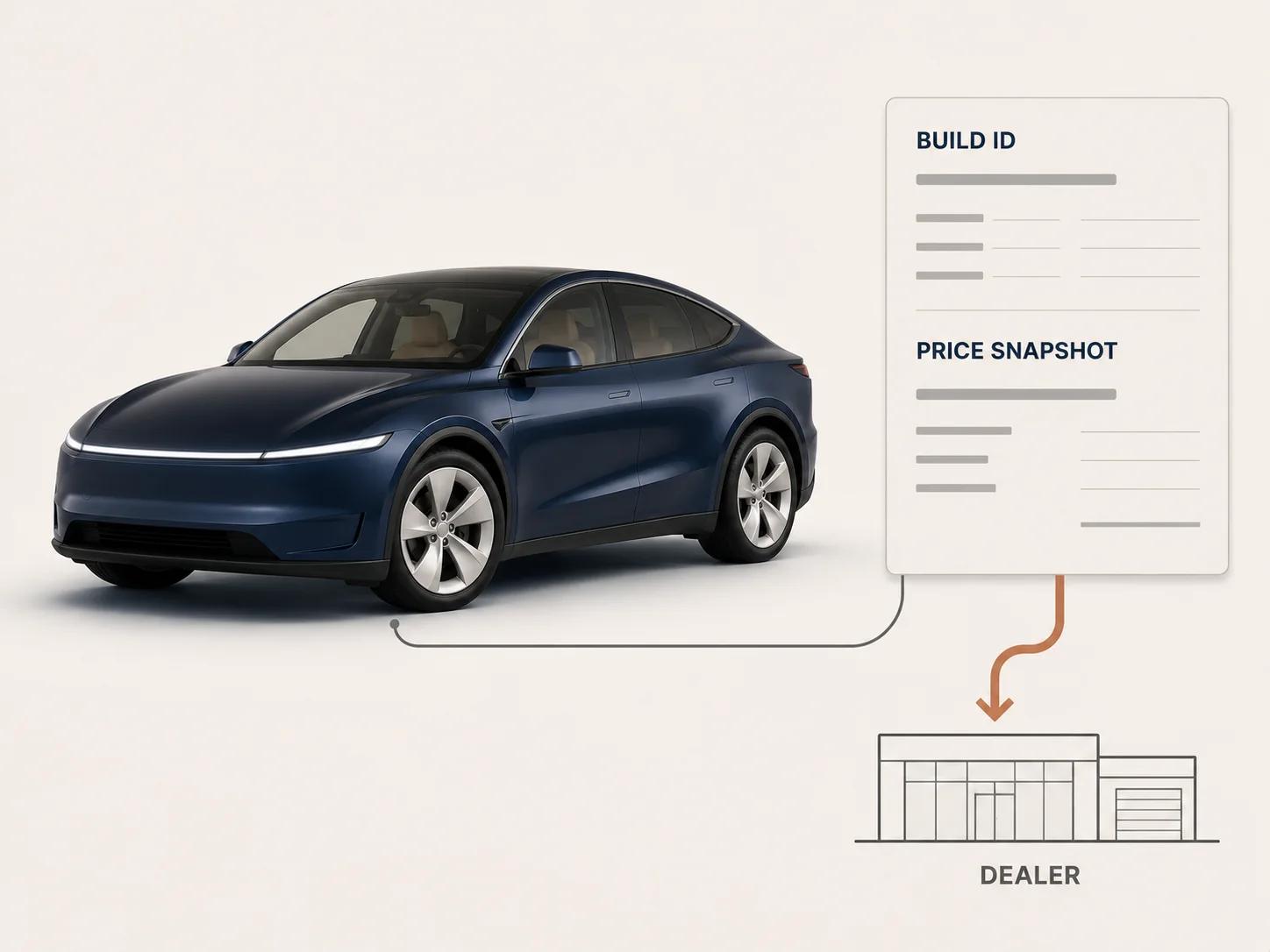
Reconcile the receipt. A successful HTTP response proves that an endpoint accepted something, not that the dealer can see the build or that its codes mapped correctly. Read the record back in the destination, compare the build checksum and alert an owner when the receiving system substitutes, drops or rejects an option.
Test journeys that cross system boundaries
Component tests will not catch a valid-looking scene attached to an invalid sales record. Run end-to-end scenarios against a frozen catalog, rules revision and price set. The thresholds below are project acceptance gates, not reported performance results.
| Scenario | Required result | Evidence |
|---|---|---|
| Change trim after choosing options | Every removal, addition and price change is explained before confirmation | Before/proposed/accepted state and rules trace |
| Select a required or excluded option | The browser and validation service reach the same valid state | Input, canonical response and rendered summary |
| Reopen a saved build | The same revision returns, or a migration report explains every change | Build checksum and migration record |
| Change market or model year | Invalid equipment does not survive silently and price context resets | Transition log and new snapshot |
| Review paint, wheel and interior | Named camera views show the correct geometry and approved material family | Captures from the released runtime and reference sign-off |
| Use keyboard and screen reader | Selection, conflict, loading and completion states remain operable and announced | Task script, assistive-technology version and findings |
| Submit to a dealer | The destination record contains the same build ID, codes, price snapshot and request | Outbound payload, inbound receipt and destination readback |
| Continue on a constrained phone | Controls remain usable and common interactions meet the stated responsiveness budget | Device, browser, network profile and raw timings |
Add failure paths: the price service times out, a 3D asset fails, inventory returns no match, the CRM rejects a field, a saved build expires and the customer changes dealer midway. Preserve a still-image and textual configuration route when 3D is unavailable. The sales record must not disappear because the scene failed to load.
Keep the automotive boundary clear
Automotive logic deserves its own playbook, but it should not absorb every configurator topic. The furniture configurator requirements own modules, connectors, fabrics, room context and furniture quote flows. The cabinet configurator guide owns dimensions, hardware, manufacturing constraints, pricing and BOM output. This page stays with model-year vehicle identity, automotive options, pricing context, camera and material review, lead capture and dealer continuity.
Spellexo may inform the operating mindset, not supply automotive proof. The Spellexo case study documents Double Edged's owned-product work across strategy, UX, 3D production, engineering, testing, launch and operation. It publishes no commerce-lift result and does not prove a car configurator, dealer integration, rescue or migration outcome. Use the product-ownership lesson: scope asset updates, interface behavior, integration monitoring and ongoing support from the beginning.
When the rule graph, asset families, regional prices, integrations and operating owners are specific enough for a build discussion, the custom 3D product configurator service is the direct project route. Bring one representative model year, trim structure, option dependency set, price source, visual asset sample and dealer handoff target. That is enough to expose the real architecture questions without pretending the first workshop can price an unvalidated program.
A car configurator is ready when one configuration can survive every handoff: browser to rules service, rules to price, state to 3D, customer to saved build and saved build to dealer. The vehicle should look right, but the decisive test is whether everyone receives the same valid car.