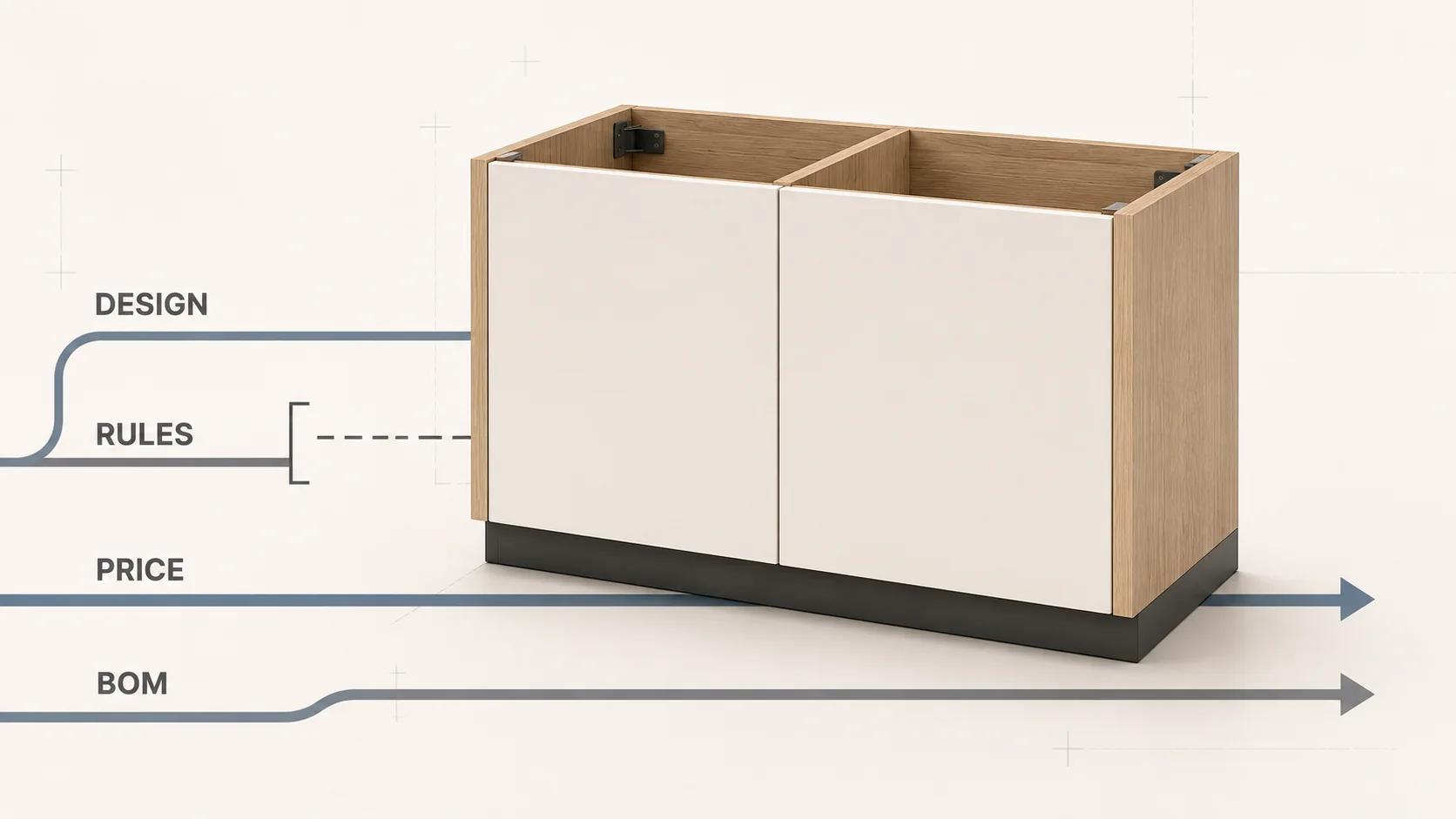
A 3D CAD cabinet design becomes a configurator only when governed product logic sits behind the model. The system needs to know which dimensions a buyer may change, how those choices alter modules and hardware, which combinations are invalid, what price basis applies, and which bill of materials (BOM) should reach manufacturing. A model that stretches cleanly can still describe something the catalog does not sell or the factory cannot make.
Parametric CAD is a useful foundation. Autodesk Fusion documents equations, relationships and logical functions for controlling geometry, with cabinet thickness and shelf-count examples in its parameter reference.[1] Autodesk Inventor goes further in a separate workflow: its parameters can control feature size and assembly relationships, take spreadsheet or iLogic inputs, and be exported to a BOM or parts list.[2] Neither fact decides which cabinet rules your business should expose. That contract must come from approved product, hardware, pricing and production data.
This guide follows the cabinet-specific path from design intent to dimensions, modules, constraints, hardware, pricing and manufacturing output. For the cross-industry architecture around rules, quotes, ERP and production handoff, use 3D Product Configurator for Manufacturing rather than duplicating that broader framework here.
A CAD model is not yet a sellable product model
CAD answers geometric questions: where a panel sits, how wide an opening becomes, or which feature follows a parameter. A product model also answers commercial and operational questions. Is the selected construction family offered in this market? Does the finish apply to exposed ends as well as fronts? Is the hardware kit valid for the door, load and opening type? Does the current price table cover every resolved component? Can the receiving production system identify the parts and operations?
Treat those as separate decisions even when one application happens to perform several of them. This prevents a render from becoming accidental evidence that a combination is orderable. It also lets the interface explain why a choice is unavailable without exposing a CAD expression or returning a generic error.
Standards belong in the product contract, not in a vague "compliant" badge. ANSI/AWI 0641-2019 states aesthetic and performance requirements for architectural wood casework and includes cabinet and drawer hardware in scope, while excluding installation and warning that its provisions do not cover mechanical and electrical safety comprehensively.[7] If that standard applies, record the edition and clauses beside the affected rules. If another standard or a project specification governs, use that instead. A configurator should not turn one reference into a universal cabinet specification.
Freeze the cabinet contract before exposing controls
Start with one named product family and one construction system. Define the measurement datum for width, height and depth; whether dimensions refer to the cabinet envelope, opening, front or installed condition; and which catalog, region and channel own the available values. A frameless base unit, face-frame wall unit and architectural casework assembly should not share formulas merely because all three look like boxes.
For each configurable value, record:
- a stable option or parameter ID, display label and unit;
- its allowed values, range or increment, including whether custom input is permitted;
- the rule source, owner, version and effective date;
- every dependent geometry, module, hardware, price and BOM field;
- the user-facing response for invalid, unavailable and quote-required states; and
- the approval evidence needed before the rule can reach production.
Avoid copying "standard cabinet dimensions" from a general article into code. The right range may depend on the manufacturer's catalog, construction method, appliance data, hardware application, market and factory limits. Store those values as governed data so a catalog revision does not require an artist to rebuild every model.
Separate inputs, derived values and constraints
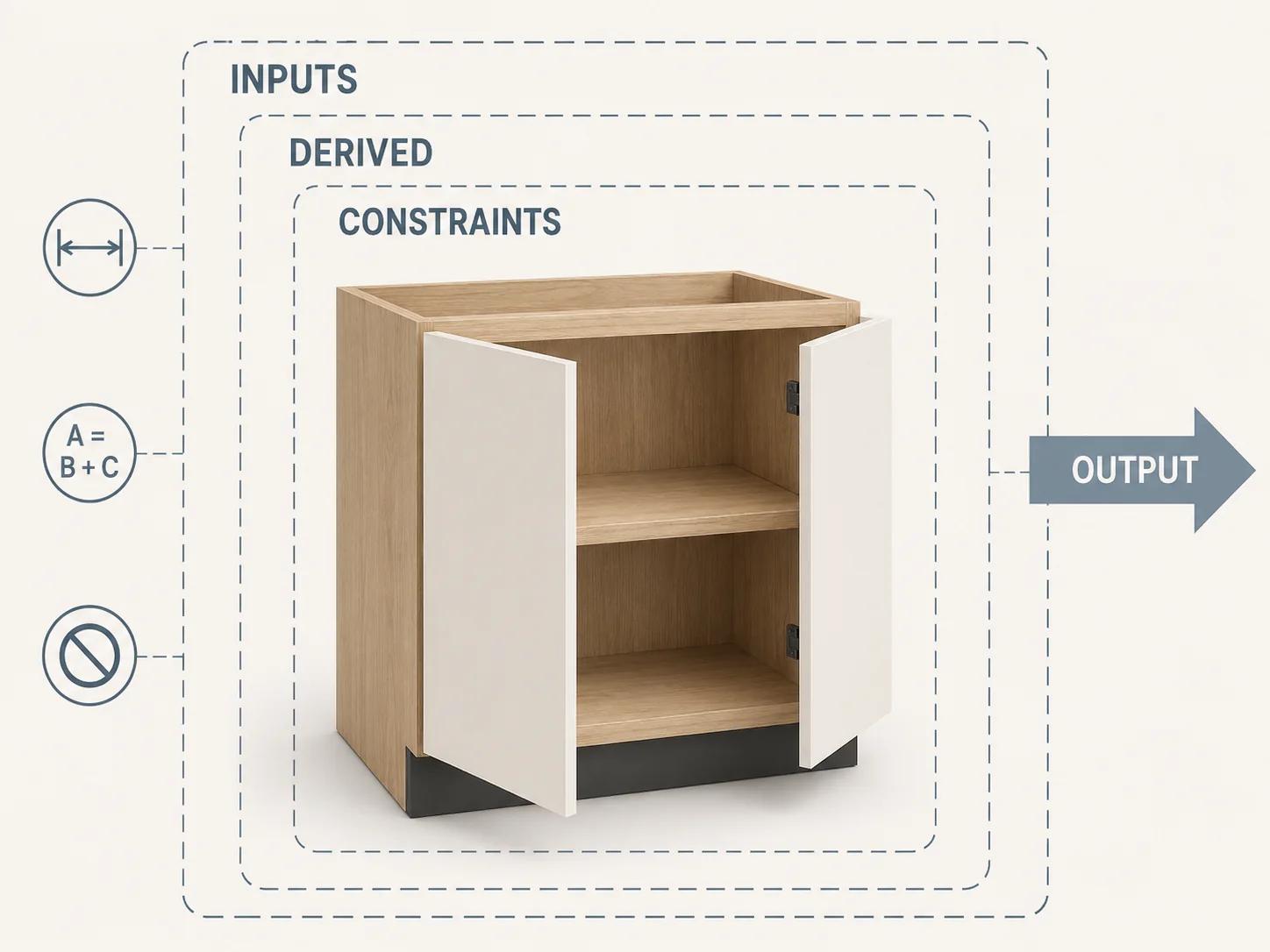
A clean rule model uses at least four layers. Inputs are the choices a permitted user can make. Derived values are calculated from those inputs. Constraints decide whether a state is valid. Outputs package the resolved state for display, pricing and production. Mixing the layers creates circular logic: the interface guesses a part size, the CAD model adjusts it, and the BOM later tries to infer what happened.
| Layer | Cabinet example | Source of truth | Required behavior |
|---|---|---|---|
| Input | Product family, construction type, overall envelope, front style, finish, internal module | Approved catalog and channel policy | Offer only named choices; preserve stable IDs behind labels |
| Derived value | Internal opening, front dimensions, panel dimensions, module position | Versioned cabinet formula for that construction family | Recalculate from authoritative inputs; never ask the buyer to enter hidden production dimensions |
| Constraint | Dimension domain, module clearance, front conflict, hardware application, manufacturing limit | Product, hardware and production rule registers | Block impossible states; distinguish permanent invalidity from temporary unavailability |
| Output | Render state, price status, configuration snapshot, BOM lines, drawings or machine handoff | Resolved configuration plus versioned adapters | Generate from one accepted snapshot and report any incomplete downstream mapping |
Fusion's documented use of equations and conditional functions is suitable for derived geometry.[1] Business validity should still live in a system that can name the rule, source and revision. Do not hide every constraint inside feature history where commerce, QA and manufacturing owners cannot review it.
Invalid and unavailable also need different states. A pull-out that collides with the chosen plumbing zone may be invalid for that configuration. A valid finish with no current price or stock status may be unavailable or quote-required. The first changes the product state; the second changes whether the business can transact now.
Build modules and hardware as dependent assemblies
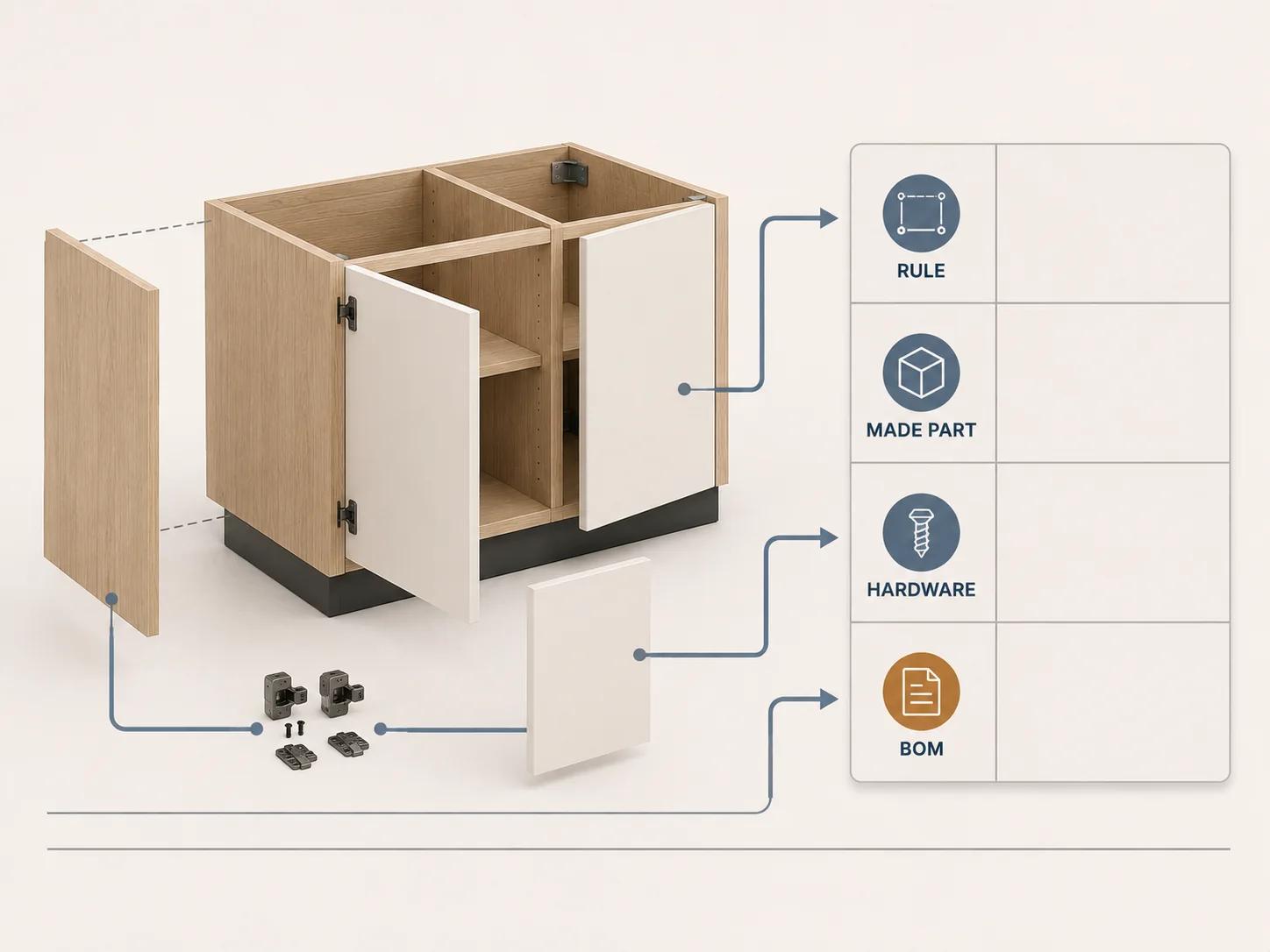
Model the cabinet as a hierarchy: cabinet family, carcass, front system, internal modules, purchased hardware and optional accessories. Each child should declare its placement references, compatibility conditions and output responsibilities. A drawer module should not merely appear at a coordinate. It should resolve its opening, front, runner family, purchased parts, panel parts and machining references.
Furniture software shows why this dependency model matters. imos describes an Article Designer for variable-size cabinet construction that uses parametric components, plus automatic updating of dependent data and production documents when a design changes.[5] That is evidence of a possible implementation pattern, not proof that any imported CAD model already contains valid cabinet logic.
Hardware rules need supplier-specific evidence. Blum's Cabinet Configurator combines cabinet dimensions and fitting selection with a collision check, then provides component and cutting lists, manufacturing drawings and BXF output that can carry cutting dimensions and drilling positions.[3] Its separate Product Configurator documents input ranges, impossible-choice messages, checked parts lists, planning information and CAD data for configured hardware.[4] These pages demonstrate the depth of data behind one supplier's applications. A bespoke cabinet configurator should version the exact supplier, product family, region and technical dataset it uses rather than generalizing those rules to every hinge or runner.
Price the resolved configuration, not the visible mesh
The 3D scene may show a door, shelf or finish, but the price service needs stable commercial identities. Resolve each visible choice to a product, material, finish, hardware or operation ID before calculating anything. A color value, texture filename or node name is not a pricing key.
A cabinet pricing model usually needs project-supplied data for the base assembly, dimension or size band, material and finish, exposed surfaces, fronts, internal modules, hardware kits, manufacturing operations, packaging, delivery zone, channel, currency, tax treatment and any quote-only exception. Those are cost and scope drivers, not a universal formula. Use only the fields that the approved price owner can maintain.
Return an explanation with the result: price status, currency, effective timestamp, price-table revision, resolved line IDs, adjustment reasons and any missing basis. An unknown price must not silently become zero. If one mandatory line cannot be priced, preserve the valid configuration and mark the transaction as unavailable or quote-required according to policy.
imos documents real-time price calculation in iX CAD and characteristic-driven price generation in NET Studio, including material-surcharge and extended calculation routes.[5][6] Those are vendor-described capabilities. They do not provide a cabinet price for another business and they do not justify inventing a budget range here.
The estimator should identify rule complexity, assets, integrations, ownership and budget drivers. Its result is a scope and complexity profile, not a quote. Project pricing still depends on validated rules, data, interfaces and acceptance criteria.
Use a cabinet rule and BOM worksheet
The worksheet below is an original Double Edged discovery framework. Put it in a spreadsheet or product-data system and add one row per governed rule or output. Text in brackets is a field to fill with approved project data, not a proposed dimension or price.
| Row ID | Layer | Required fields | Rule or output to record | Approval evidence |
|---|---|---|---|---|
| CAB-IN-01 | Product input | family ID, construction ID, market, channel | Select one approved cabinet family and construction system | Catalog owner and effective revision |
| CAB-IN-02 | Envelope input | datum, unit, width/height/depth domains, custom policy | Accept only the approved set, range and increment for this family | Product and manufacturing sign-off |
| CAB-DER-01 | Carcass derivation | panel thickness IDs, joinery allowances, back construction | Calculate openings and panel dimensions from the named family formula | CAD fixture compared with approved drawing |
| CAB-DER-02 | Front derivation | front system, overlay/inset policy, reveals, orientation | Resolve front count, dimensions and hinge side without free-text geometry | Elevation and opening review |
| CAB-CON-01 | Compatibility | module ID, opening ID, exclusion and dependency IDs | Allow, require or exclude a module for the resolved opening | Product-rule review with reason code |
| CAB-HW-01 | Hardware | supplier, region, product IDs, application ranges, drilling revision | Select a valid hardware kit and pass its references to purchased parts and machining | Current supplier data and physical/application review |
| CAB-PR-01 | Pricing | price line ID, basis, currency, effective dates, channel, status | Resolve every priced line or return quote-required; never substitute zero | Price-owner test fixture |
| CAB-BOM-01 | Made part | part ID, parent, quantity, material, cut and finished dimensions, edge, grain, finish | Emit one revision-controlled manufacturing line per resolved part | Drawing, cut-list and process comparison |
| CAB-BOM-02 | Purchased part | supplier SKU, description, quantity, unit, substitute policy | Emit the exact hardware and accessory lines selected by the rules | Supplier parts-list comparison |
| CAB-QA-01 | Traceability | configuration ID, rule-set version, catalog revision, price revision, output hash | Bind render, price and BOM evidence to one accepted snapshot | Automated fixture plus named approver |
Do not make the worksheet a second rule engine. It is the review surface that names ownership and expected output. The production rule service, CAD template, price source and BOM adapter may remain separate, but each worksheet row should link to their exact identifiers.
The hardware and made-part rows also need a precedence policy. A supplier application rule may narrow a general cabinet allowance. A machine, material or joinery limit may narrow it again. Record which source wins and reject a conflict that has no approved resolution rather than letting the last system overwrite the first.
Make the BOM a production contract
A manufacturing BOM needs more than component names and quantities. For made parts, include the parent assembly, stable part ID, material and finish IDs, quantity and unit, cut and finished dimensions, grain or pattern direction where relevant, edge treatment, machining or drilling reference, make/buy status and revision. Purchased lines need the approved supplier SKU, region, quantity, substitute policy and application reference.
Inventor documents parameter export to BOM and parts-list fields.[2] imos describes structured BOMs plus production lists containing materials, surfaces, edges, dimensions and edge patterns, while Blum's BXF description includes cutting dimensions and drilling positions.[3][5] Together they show why "export a BOM" is too vague for an acceptance criterion.
Name the receiving system and expected schema. Then validate a released configuration against its drawing, purchased-parts list, made-parts list and manufacturing instructions. Call the output manufacturing-ready only after the intended factory route accepts and verifies it. A valid JSON file or spreadsheet is not, by itself, a production handoff.
Keep one accepted snapshot across the system
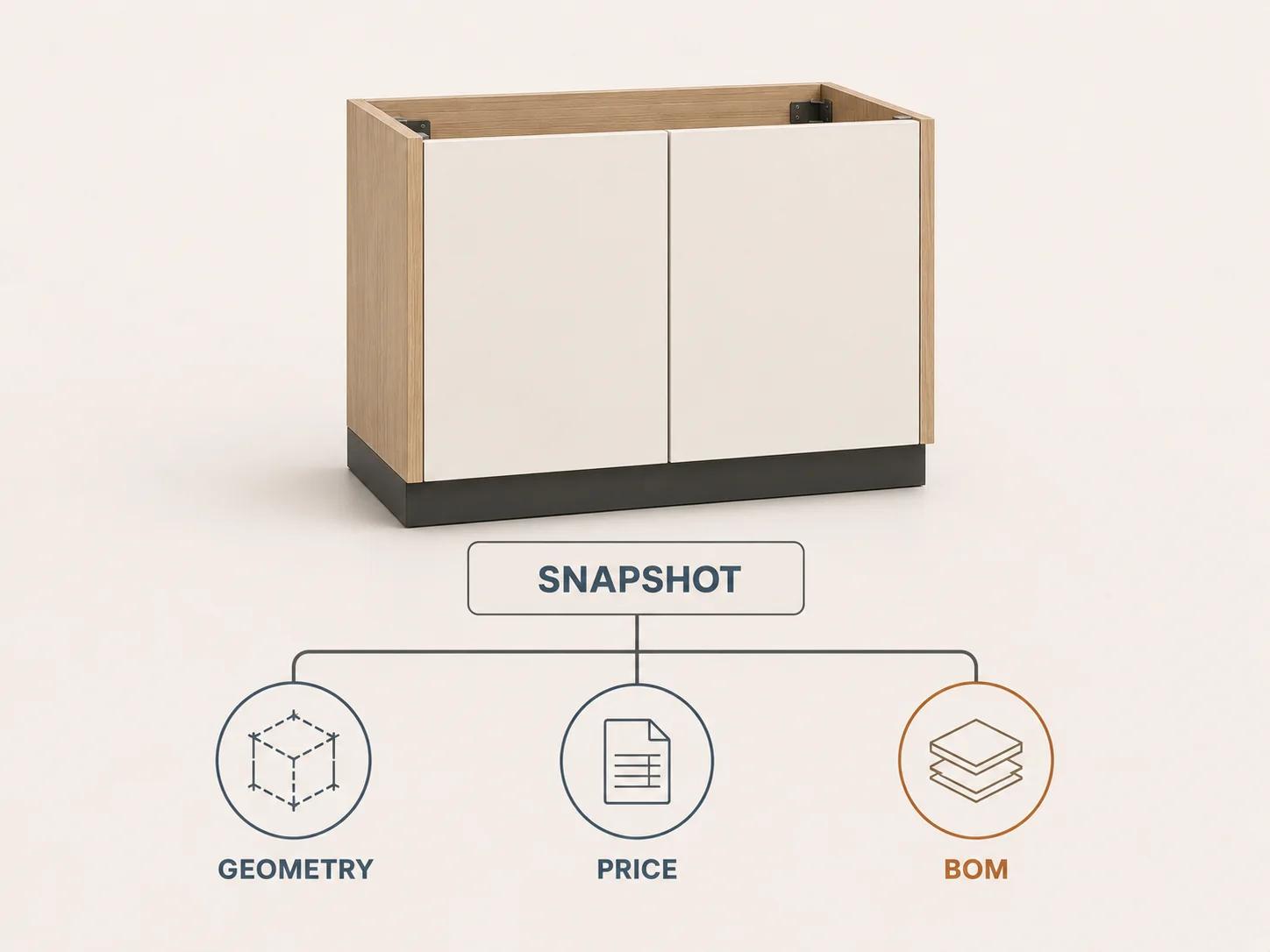
The interface, rule service, geometry generator, price service and BOM adapter should consume one immutable configuration snapshot. Store the selected stable IDs, derived values, rule outcomes, data revisions and timestamp. The 3D view may translate those values into transforms or generated geometry, but it should not become the only record of the order.
NET Studio provides one vendor example of rule-driven furniture configuration where dimensions, fronts and colors affect descriptions, images and prices, the 3D view updates, and accepted orders can move into CAD/CAM for production documents, parts lists and NC programs.[6] Treat that as an example of connected responsibilities, not a recommendation to copy its product or claim its reported efficiencies.
Cabinet-specific adapters still need named ownership: the product team owns available choices, engineering owns formulas and tolerances, purchasing owns hardware and substitutes, finance or commerce owns prices, and manufacturing owns accepted outputs. The custom 3D product configurator service is the relevant commercial route when these layers need bespoke design and implementation.
Spellexo is relevant proof only for Double Edged's owned-product work across strategy, UX, 3D production, engineering, testing, launch and operation. It is not evidence of cabinet-domain rules, cabinet pricing, BOM accuracy, factory acceptance, conversion lift or rescue and migration outcomes.
Test transitions with fixed cabinet fixtures
A viewer test can confirm that a door opens. It cannot confirm that the selected hinge kit, price and BOM changed correctly. Build a small fixture library that crosses each system boundary and keeps expected results under version control.
| Fixture | Geometry expectation | Rule and price expectation | BOM expectation |
|---|---|---|---|
| Lowest approved envelope value | Model stays valid at the exact approved boundary | Value is accepted under the named family and price status is explicit | Dimensions and quantities match the approved boundary drawing |
| One disallowed increment | No release geometry is generated | Input is rejected with the governing rule ID | No orderable BOM is emitted |
| Front-layout threshold | Front count and openings change only at the approved condition | Dependent hardware and price lines recalculate once | Old front and hardware lines disappear; new lines have stable IDs |
| Hardware substitution | Geometry uses the approved application references | Only an authorized regional or availability rule may substitute | Supplier SKU, quantity and drilling reference change together |
| Valid finish with missing price | Finish remains a valid design state | Transaction becomes unavailable or quote-required, never zero-priced | BOM keeps the finish ID and records the unresolved commercial state |
| Reopen after a rule revision | Original snapshot reproduces its released view | System identifies the historical revision and offers an explicit migration path | Historical BOM remains reproducible; migrated output receives a new revision |
For each fixture, compare the configuration snapshot, rendered state, price explanation and BOM. Add collision and opening-motion checks where they reflect real cabinet requirements, but do not treat collision freedom as structural, standards or manufacturing approval. Keep raw results and the versions of every source involved.
Scope the cabinet system around its real drivers
The largest scope variables are rarely the number of colors on screen. Count the parametric cabinet families, construction systems, module dependencies, hardware datasets and regions, price sources, user roles and channels, output schemas, machine or production routes, legacy-data conditions and acceptance fixtures. Identify which source already exists in structured form and which rules still live in drawings, spreadsheets or individual experience.
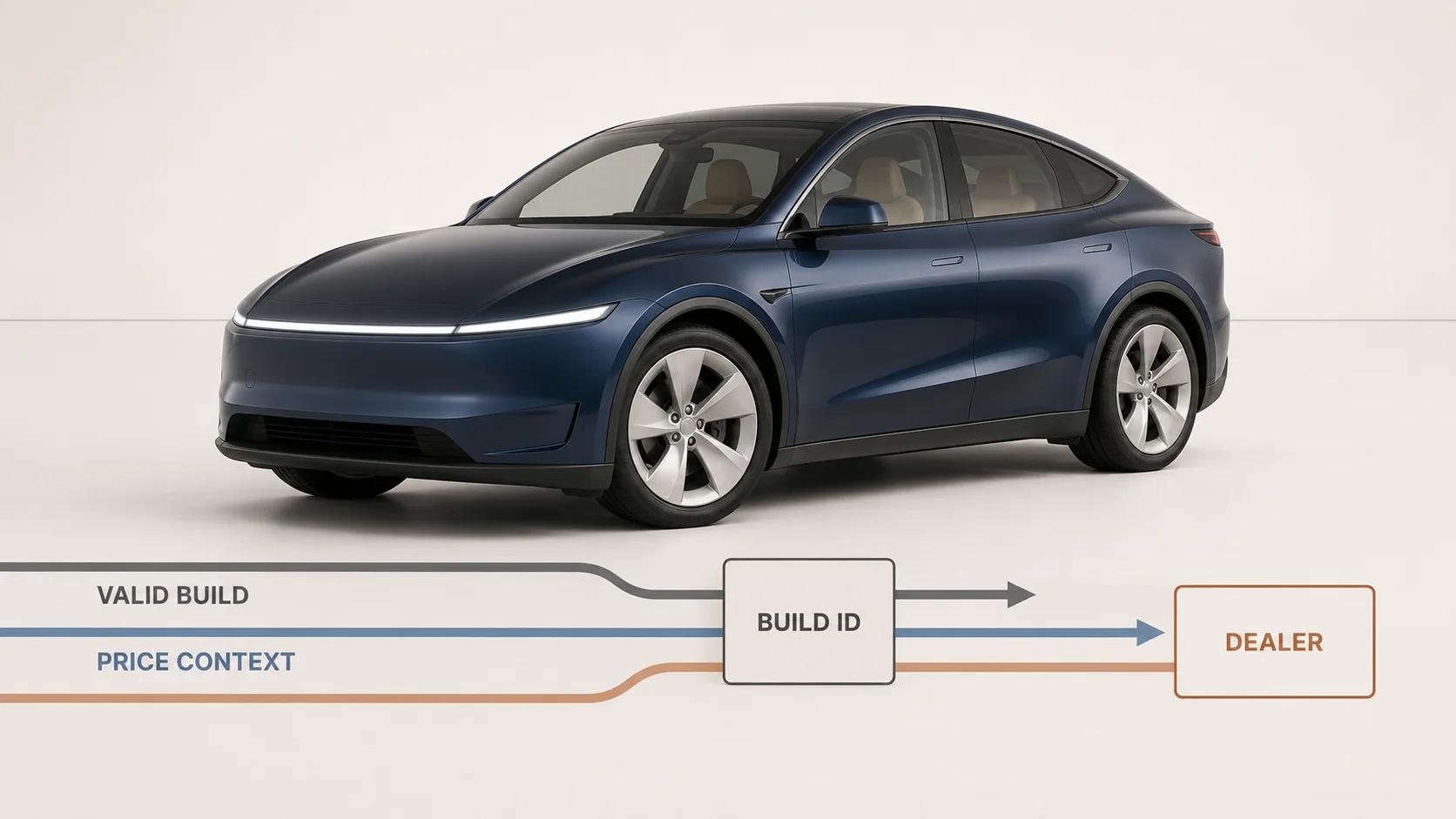
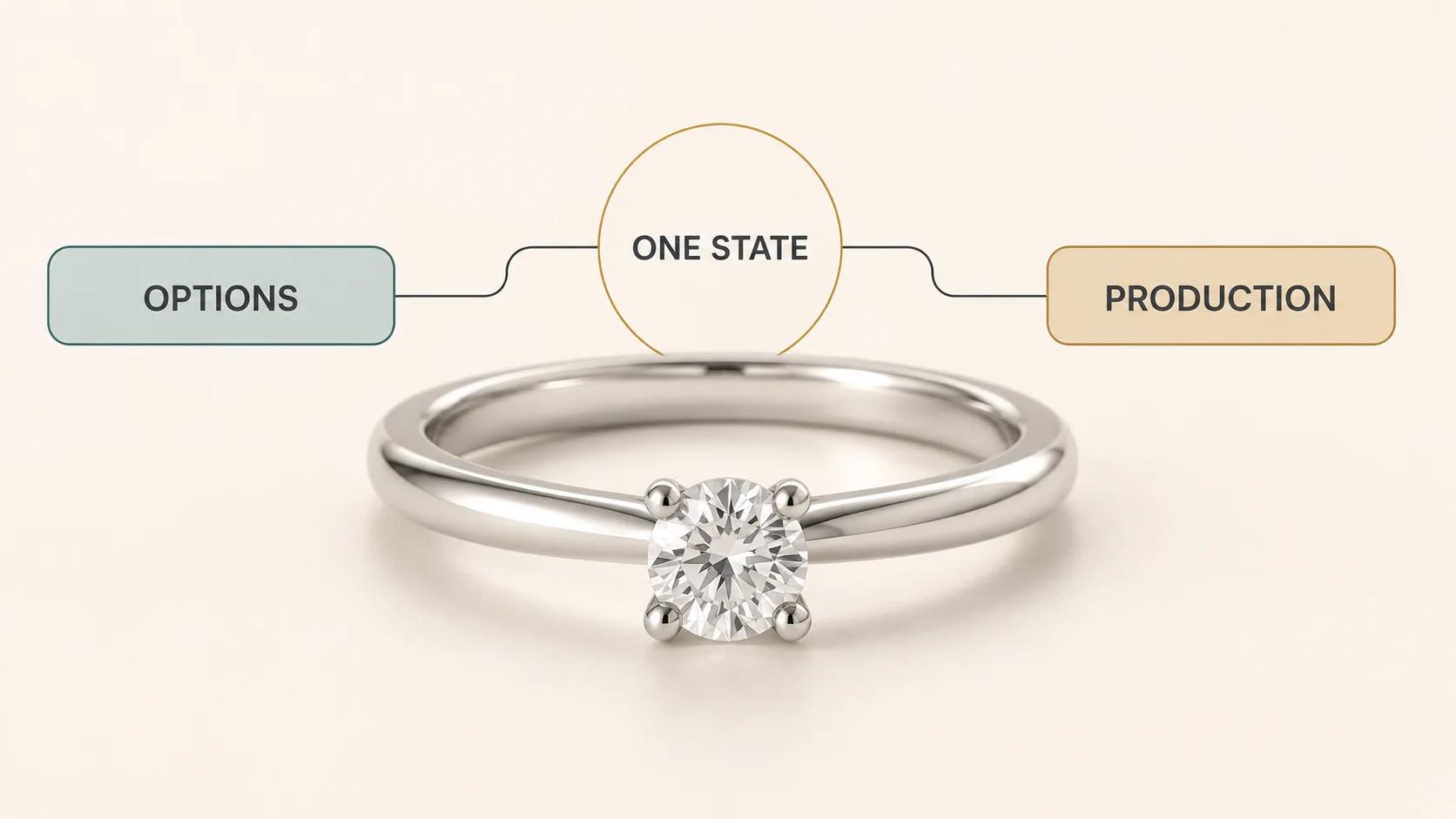
Keep discovery focused on the cabinet playbook. Use the manufacturing guide for the general rules-to-quote-and-BOM architecture and the service page when the next step is direct project help. Other verticals have different dependency graphs: automotive configurators center trim, options, dealer handoff and price, while jewelry configurators center materials, stones, inscriptions, sizing and production files. Those pages should inform their own domains rather than supply cabinet rules.
A cabinet configurator is ready for technical scoping when the team can name the product-family owner, rule sources, hardware dataset, price authority, BOM recipient, required outputs, exception policy, test fixtures and approvers. If any of those are unknown, discovery should expose the gap instead of hiding it behind a polished model.