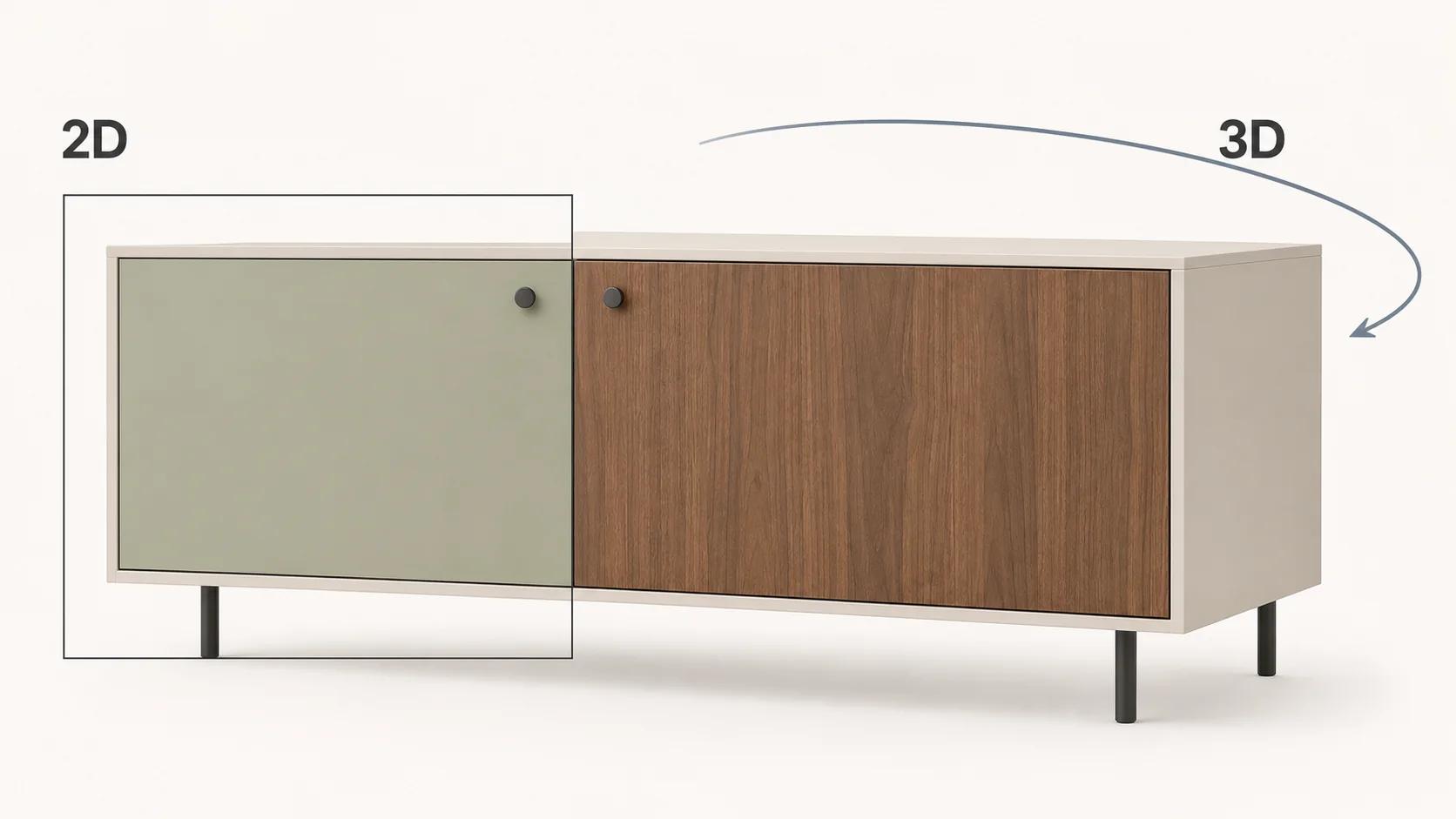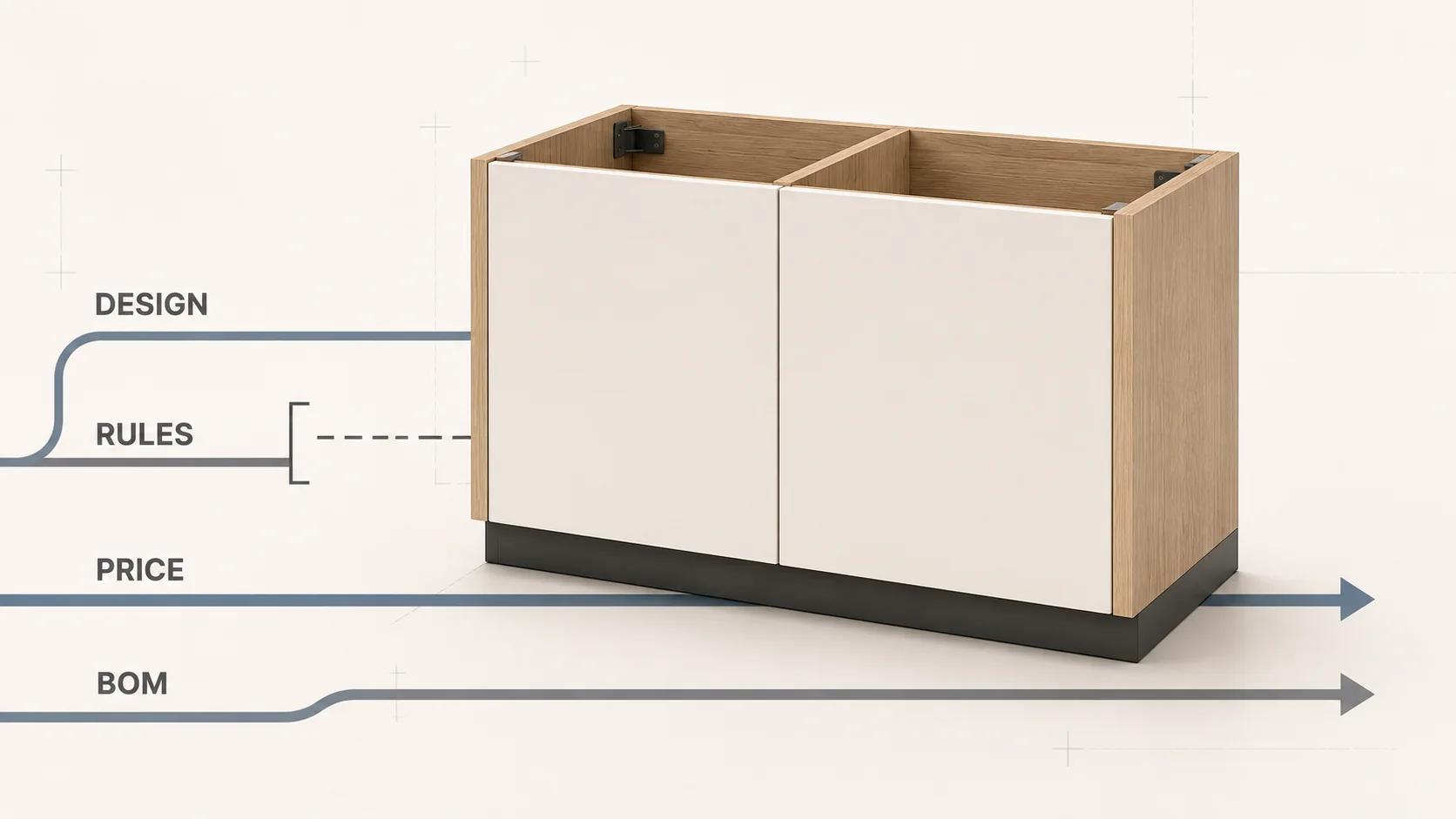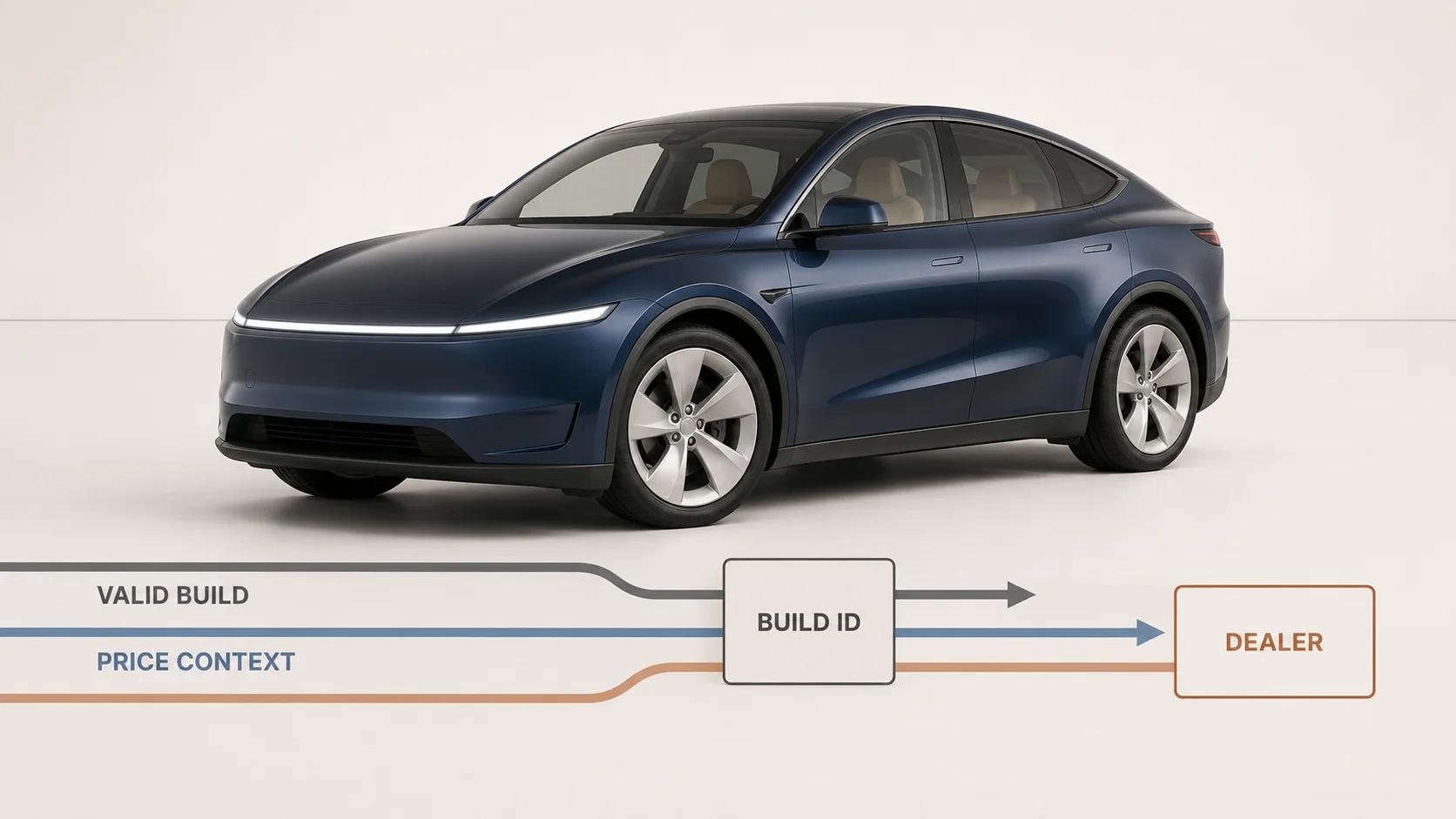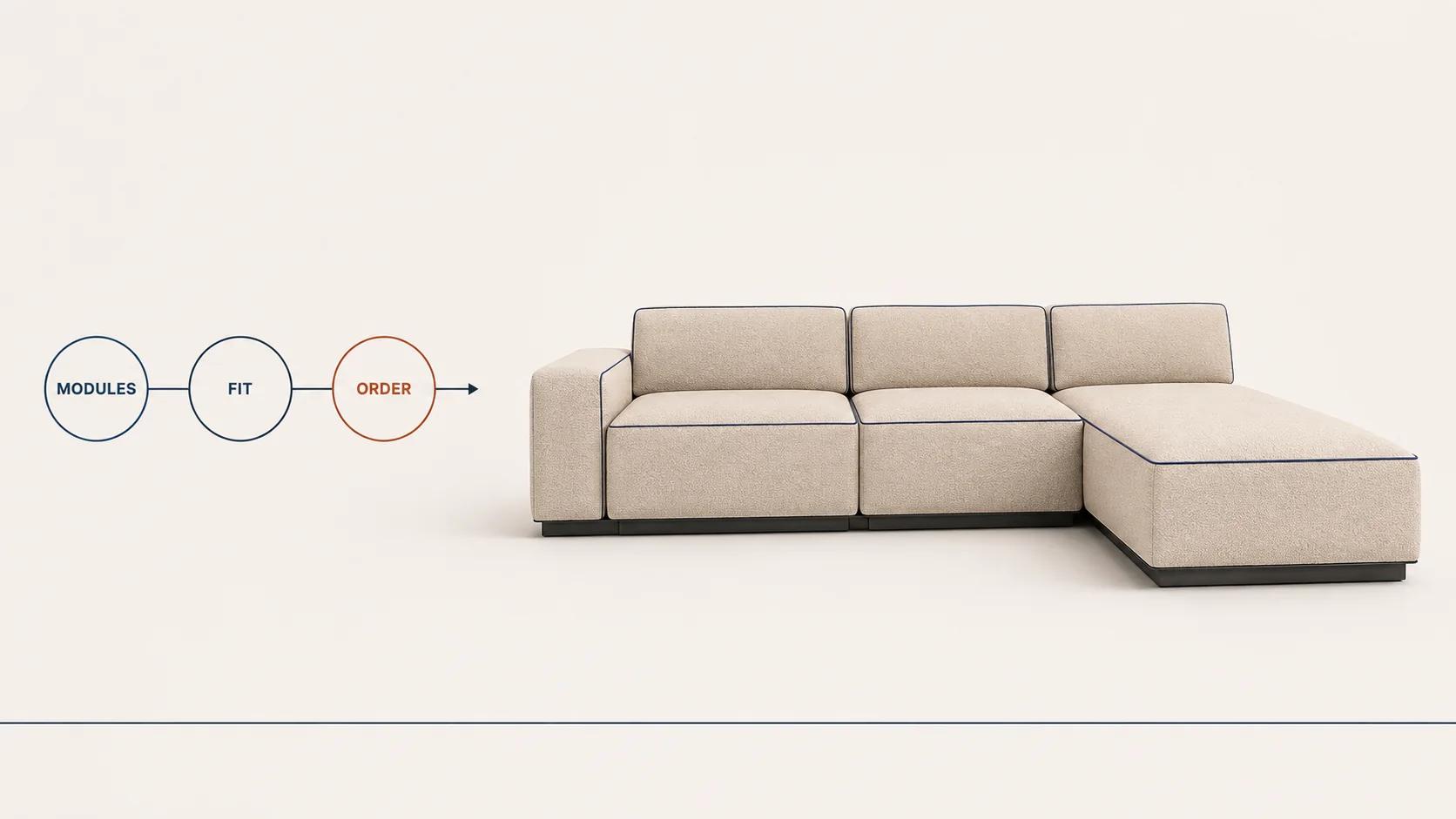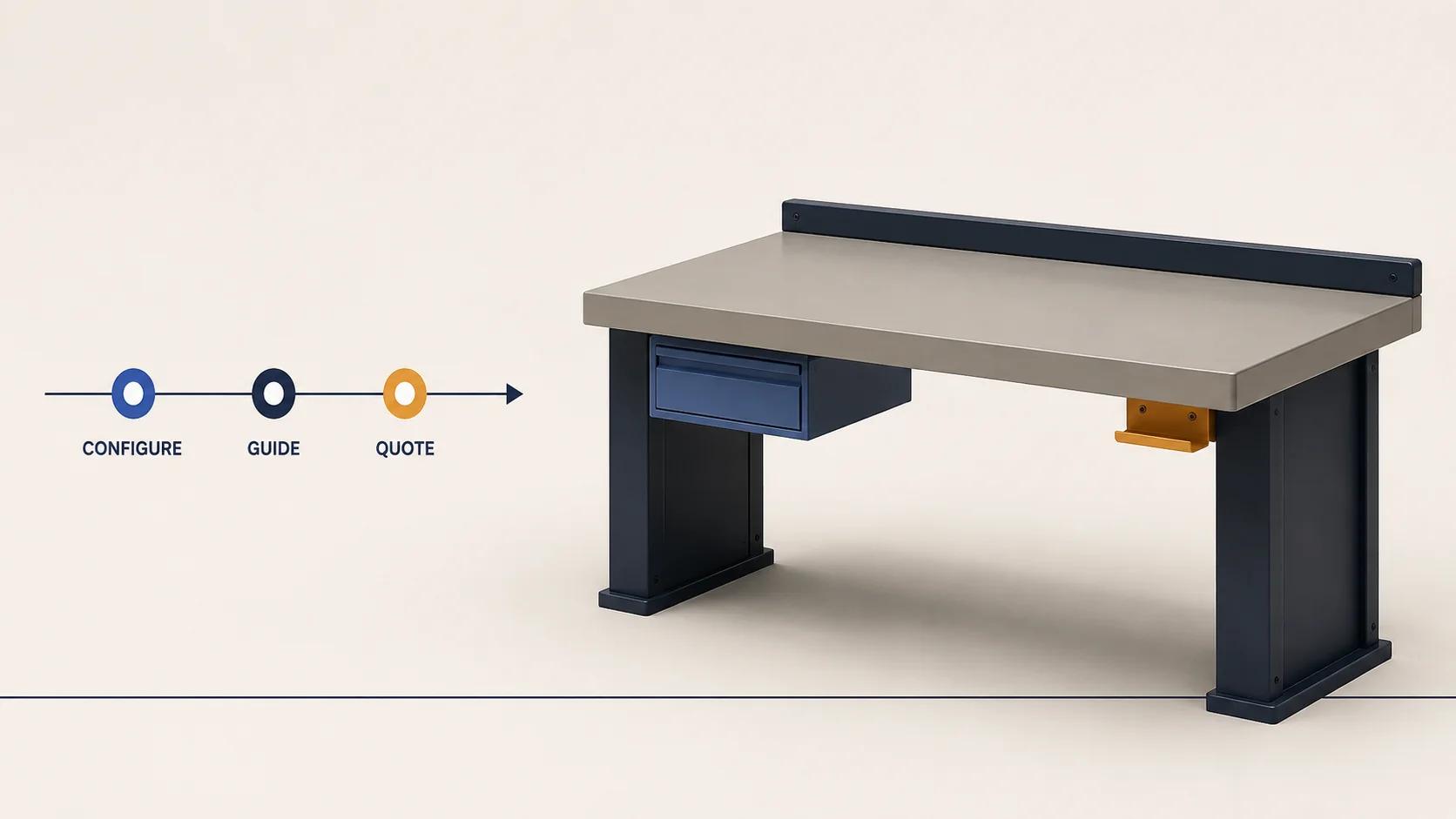
3D product configuration software and visual CPQ overlap, but they do not start from the same job. A consumer configurator helps a buyer make and understand valid product choices. Guided selling narrows a broad catalog from the buyer's needs. Visual configure-price-quote carries a configuration into governed pricing, approvals, proposal documents and an order-ready commercial record.
Choose by the record that must be trustworthy when the session ends. If the business needs a valid selection that can enter a cart or enquiry, product configuration may be enough. If it needs account-specific price, discount authority, formal approval, a revision-controlled quote or manufacturing outputs, the scope has moved into CPQ. Many complex-product businesses need both experiences connected to one product state.
The category label on a vendor page cannot settle that decision. The useful comparison is the capability boundary between the buyer experience, product rules and quote-to-order operations.
Use this comparison to choose the operating mode. Continue to the visual CPQ architecture guide for a system design that connects configuration, pricing, approvals and quote records across custom products, or the manufacturing configurator playbook when the accepted state must continue into a BOM, ERP and production handoff.
Do not buy from the category name
CPQ is short for configure, price, quote, but current products cover different portions of that chain. As checked on 31 August 2026, Oracle describes its CPQ product as supporting an opportunity-to-quote-to-order process that includes product selection, configuration, pricing, quoting, ordering and approval workflows.[1] A system can therefore be a legitimate CPQ platform even when 3D is not its main interface.
The reverse is also true. A 3D product configurator may enforce compatibility rules and show a calculated price without owning quote revisions, approval policy or customer terms. Calling it "visual CPQ" does not create those missing controls. Treat names such as configurator, guided selling and visual CPQ as vendor positioning until a working demonstration proves what the system records and hands downstream.
For this comparison, the terms describe three operating modes rather than three fixed software categories:
- Consumer configuration starts with a known product or product family and lets a buyer resolve options while seeing the result.
- Guided selling starts with needs, constraints or use context and helps the user find a suitable product or bundle.
- Visual CPQ connects a valid configuration to governed commercial and operational outputs, usually within a sales-assisted or complex B2B process.
One platform may cover all three. Separate products can also form one credible system if ownership and handoffs are explicit.
Use the configuration-to-order capability map
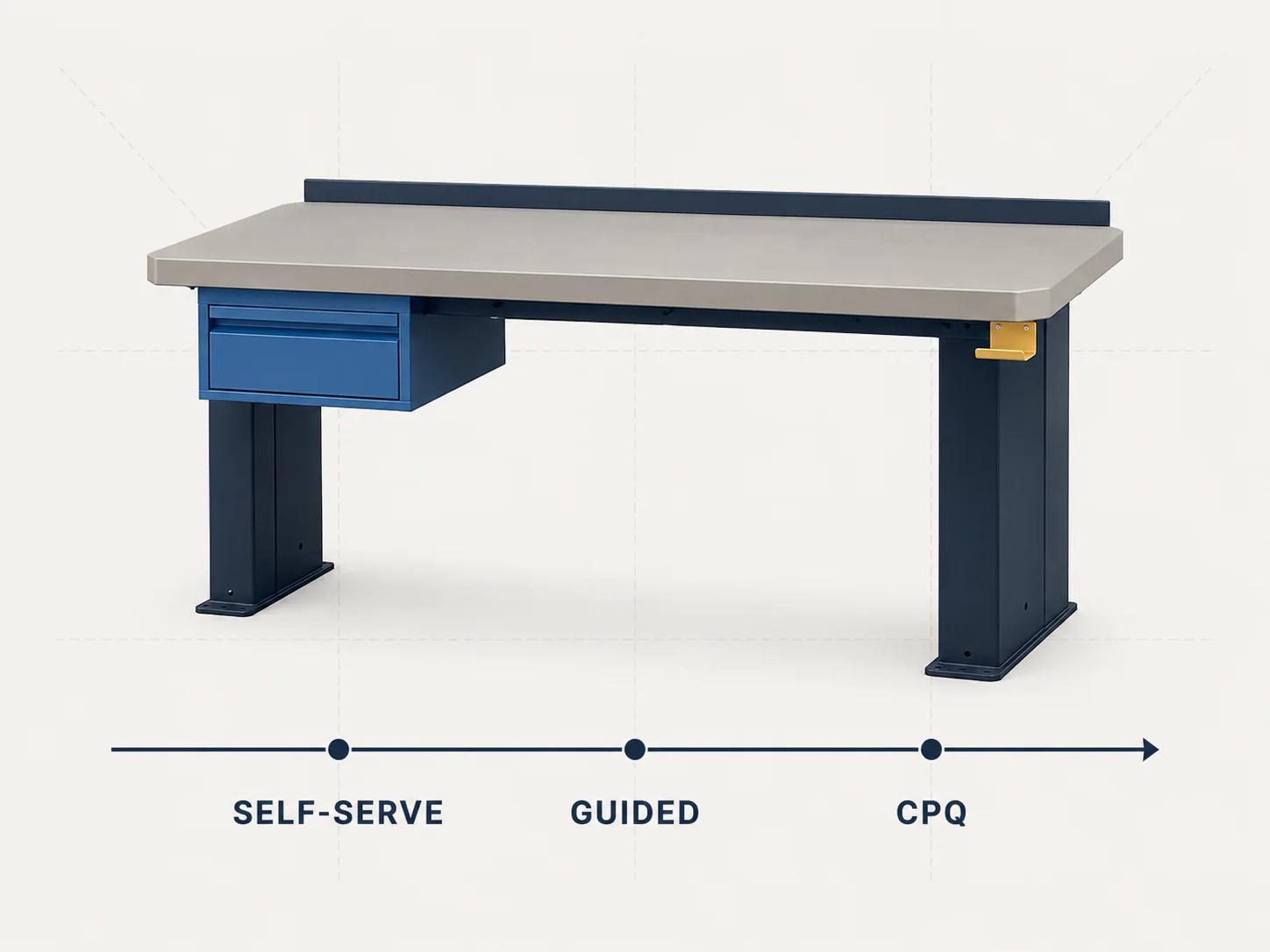
Select the lightest operating mode that can produce the required final record without a manual shadow process.
| Decision area | Consumer 3D configuration | Guided selling | Visual CPQ |
|---|---|---|---|
| Starting point | A known product, family or design | A need, application, budget band or constraint | An opportunity, account, request for quote or negotiated deal |
| Primary user | Shopper, dealer or product specialist | Buyer or seller who needs help narrowing choices | Sales, dealer, partner, estimator or commercial approver |
| Main question | "Which options create the product I want?" | "Which product and option path fits my situation?" | "What valid offer can this customer approve and order?" |
| Rules | Compatibility and visual-state rules | Eligibility, recommendation and required-item rules | Product rules plus pricing, discount, approval and document policy |
| Price | Optional display price or cart calculation | Price can help rank or filter suitable choices | Governed price tied to customer, channel, terms, quantity and approval state |
| Primary output | Resolved configuration, cart line or enquiry payload | Recommended product, bundle or configuration starting point | Versioned quote or proposal with commercial status and downstream references |
| Exception handling | Prevent, explain or recover from an invalid choice | Redirect the user to a viable path or specialist | Route exceptions for review, approval or revision without losing configuration state |
| 3D role | Makes product choices visible and inspectable | Explains differences between recommended products or solutions | Keeps the quoted configuration visually legible and may support sales or engineering review |
| Downstream handoff | Commerce cart, saved design or lead | Configurator, cart, opportunity or seller | CRM, ERP, order management, PLM or manufacturing workflow |
| Best fit | Products that can complete a controlled self-service path | Broad or technical catalogs where the right starting product is unclear | Deals that require commercial governance or formal quote-to-order control |
Do not score the table by averaging columns. Find the hardest required row. A simple consumer interface does not remove an approval requirement. A formal CPQ workflow does not guarantee a usable 3D buyer experience. The strongest requirement sets the operating mode; the remaining rows show what must be integrated.
Start with the end record
Three records often get blurred during software selection.
- The resolved configuration states the product, selected option identifiers, rule-set version and any calculated dimensions or quantities.
- The commercial record states the customer context, price basis, discounts, terms, approval status, quote version and expiration or validity rules.
- The production record contains the identifiers or generated outputs required to fulfil what was sold, such as a bill of materials, routing reference, drawing or manufacturing instruction.
A business does not always need all three. It does need to know which system is authoritative for each one. A browser scene is not a product record. A displayed total is not necessarily an approved price. A PDF is not enough if production must retype its contents into another system.
Microsoft's Dynamics 365 documentation, checked on 31 August 2026, provides a useful example of the production boundary: its product configuration models can create a distinct variant with a unique bill of materials and route, and those models can be used on sales quotations, sales orders, purchase orders and production orders.[7] That is a specific platform behavior, not a requirement for every project, but it shows why product configuration and fulfilment data cannot be judged from the front-end visual alone.
Write a one-page record contract before requesting demonstrations. List the required fields, owner, version, validation authority, edit permissions and next destination for each record. Gaps become visible quickly.
Choose consumer configuration when the transaction is controlled
Consumer 3D configuration is the better center of gravity when buyers already know the product family, the option graph is manageable, price logic fits the commerce transaction and the configured result can enter a cart or structured enquiry without sales approval.
This route still needs real rules. Changing a finish may only swap a material, while changing a module may alter geometry, compatible accessories, quantity or shipping data. The viewer, text summary and transaction payload must resolve from the same selection state. The 3D product configurator e-commerce integration blueprint owns the wider product-data, state, cart, order and production handoff pattern.
Use a consumer configuration center when these statements hold for the hardest representative product:
- every permitted buyer can access the same relevant product and option logic;
- a server or trusted commerce service can validate the submitted selection;
- the price does not need discretionary approval or negotiated terms before checkout;
- the order or enquiry can preserve stable option identifiers and a readable summary; and
- staff do not rebuild the configuration in a spreadsheet before accepting it.
If the last step depends on an unofficial spreadsheet, email interpretation or manual price override, the apparent simplicity sits only in the interface.
Use guided selling when the buyer does not know where to start
Guided selling solves selection before detailed configuration. It is useful when the catalog contains several families, technical vocabulary is unfamiliar, or the first decision depends on application, capacity, space, regulation or compatibility with something the buyer already owns.
Do not force all guidance into a 3D model. A short needs flow can identify a suitable base product, then open the visual configurator with a controlled starting state. That keeps recommendation logic separate from geometry and avoids loading an elaborate scene before the buyer has chosen the right family.
Oracle's NetSuite documentation dated 14 August 2025 makes the separation explicit in one implementation: NetSuite CPQ Guided Selling can work independently from NetSuite CPQ Configurator. Its catalogs use advanced filters to suggest items from customer needs, support required items and can prevent incomplete solutions from being quoted or sold.[2] This is evidence about NetSuite's product structure, not a universal definition. It is still a useful test: ask whether the proposed system can maintain recommendation logic independently from detailed product configuration when the business needs both.
A guided path should end with an explainable recommendation. Preserve the answers that affected it, show why a product was included or excluded, and let a qualified user correct the route. Do not hide a weak rule model behind a conversational interface.
Move to visual CPQ when a valid product is not yet a valid offer
Visual CPQ becomes the better operating center when customer and deal context can change the commercial answer. Common triggers include customer-specific price books, channel terms, quantity breaks, discretionary discounts, margin or exception approval, formal proposal documents, quote revisions and an opportunity-to-order process.
As checked on 31 August 2026, Oracle's classic Sales and Oracle CPQ integration documentation lists proposal documents, automated pricing, discounts, approvals, quote versioning and opportunity-linked quote records as parts of its quoting flow.[8] A buyer-facing configurator may feed that flow, but it should not imitate an approved quote by displaying an unchecked browser price.
The distinction is easiest to see at the exception. In consumer configuration, an invalid option should be blocked or explained. In CPQ, a technically valid product may also need commercial review because of discount, territory, account entitlement, delivery terms or non-standard scope. The system needs to preserve the product state while the commercial record moves through review, revision and approval.
Visual CPQ is not automatically the larger or better choice. It carries more governance, data ownership and operating work. If every order follows public catalog pricing and no formal quote is required, CPQ workflow can add friction without resolving a real risk.
Keep one product state across self-service and sales
A hybrid journey often starts in self-service and finishes with a seller. The buyer explores a 3D product, saves a configuration and requests a quote. A sales specialist reopens that exact state, adds account context, resolves an exception and issues a proposal. Approval or order creation should not force anyone to reconstruct the product from screenshots or labels.
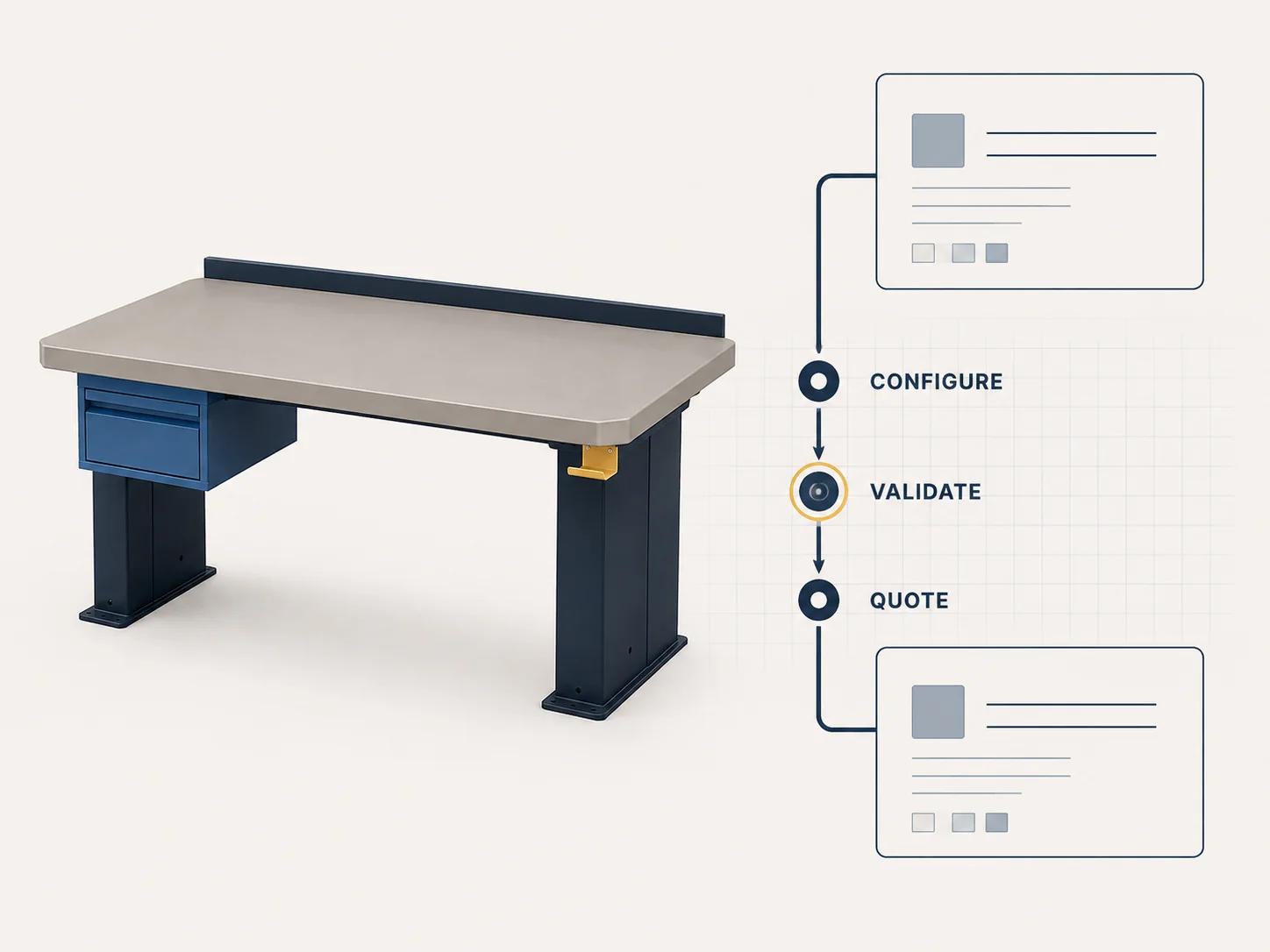
Use one canonical configuration identifier and an immutable or version-aware payload. At minimum, preserve the product identifier, selected option identifiers, rule-set version, calculated values, human-readable summary and any asset or geometry version needed to reproduce the visual state. Keep commercial fields such as discount, tax treatment, terms and approval status in the quote domain unless the product rules genuinely depend on them.
Define the handoff as an interface, not a copy-and-paste step. Specify who can create, validate, price, revise and reopen a configuration. Decide what happens when a saved design uses retired options or when the product rule version changes during quote review. The 3D product configurator API guide owns the event, state, authentication and versioning detail.
Make vendors demonstrate the difficult loop
Current first-party documentation confirms how widely product boundaries vary. As checked on 31 August 2026, Salesforce CPQ product rules include validation, selection and filtering behavior around configurations and quotes.[3] Its price-rule documentation describes conditions that inspect quote data and actions that update fields when those conditions pass.[4]
SAP's current CPQ page describes complex product configuration, optimized pricing, proposals, automated approval and exception workflows, plus connections to CRM, e-commerce and ERP.[5] Epicor's current CPQ page describes visual configuration in 2D, 3D and AR, generated quote documents and bills of materials, and CAD or production-document automation.[6] These are named vendor capabilities on the inspection date. They do not prove fit for a particular catalog or integration.
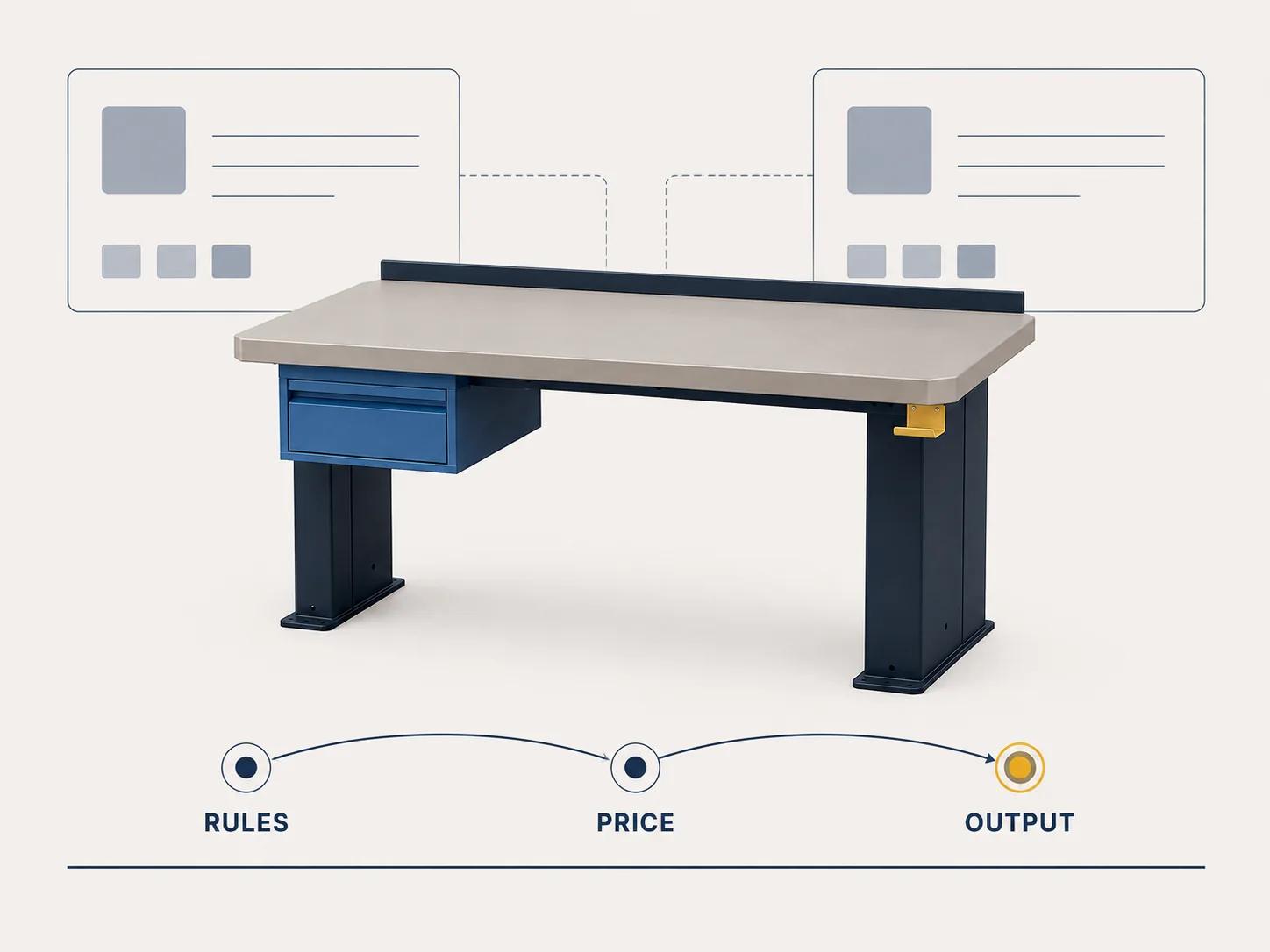
Give every shortlisted route one difficult, end-to-end scenario:
- Start from a need rather than a product SKU and select the right family.
- Configure the rule-heavy product, then change an early choice that invalidates later choices.
- Confirm that the 3D state, option summary and structured payload agree.
- Apply a customer or channel context that changes price or eligibility through the intended authority.
- Trigger one exception, approval or revision without losing the configuration.
- Produce the required cart, quote, order or manufacturing handoff and reopen it from the stored record.
Record native behavior, configured behavior, custom work and unsupported behavior separately. A polished demo that skips the exception and reopen steps has not proved the workflow.
Scope ownership before comparing licenses
License names reveal little about implementation effort. Compare the work needed to own the full loop:
- product taxonomy, stable identifiers and rule maintenance;
- 3D models, materials, variant logic and asset release controls;
- guided-selling questions and recommendation governance;
- pricing authority, discount policy, approvals and quote templates;
- CRM, commerce, ERP, PLM or manufacturing integration;
- roles, audit history, testing, monitoring and vendor-exit access; and
- exception handling when product, account or rule versions change.
The right answer may be a consumer configurator, a CPQ platform with visual capability, or a connected pair. The important constraint is one accountable owner for each record and handoff. Do not recreate the comparison as a static score that pretends to know the project's rules or budget.
The estimator maps rules, visualization, assets, integrations, pricing behavior, outputs and operating ownership into an explainable complexity profile and phased scope. It identifies cost drivers; it does not issue a fixed quote.
Make the decision from the completion event
Choose 3D product configuration software when success means a valid, understandable configuration can reach a controlled cart or enquiry. Add guided selling when users need help finding the right product before configuring it. Choose visual CPQ when success means an account-aware, governed and approvable offer can become an order without rebuilding the product state.
For Magento-specific catalog, customer-group, price, cart and approval concerns, continue to the Magento 3D configurator and visual CPQ guide. That guide covers the Magento implementation detail; this article helps you choose the operating mode.
If the proof scenario exposes a genuine custom requirement across product logic, 3D, commercial workflow and integrations, the custom 3D product configurator service is the commercial path for discovery. Bring the three record contracts and the failed demonstration steps. They are more useful than a feature wishlist.