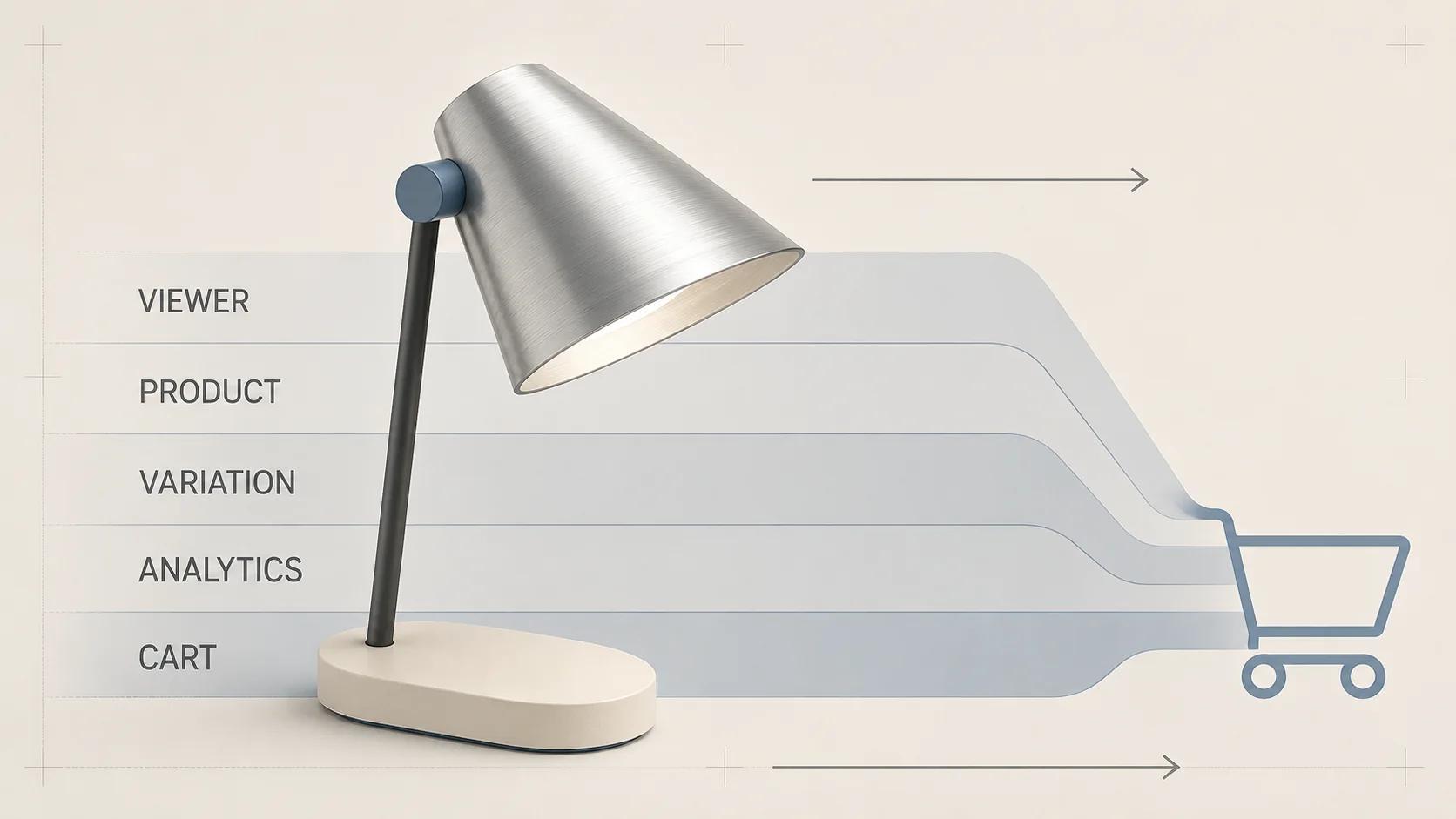
A WooCommerce 3D product viewer needs five separate contracts: the viewer runtime, the product record, variation state, analytics and the cart-to-checkout path. Choosing a viewer solves only the first. A model can rotate correctly while showing the wrong finish, sending the parent product instead of a variation to the cart, or firing duplicate commerce events.
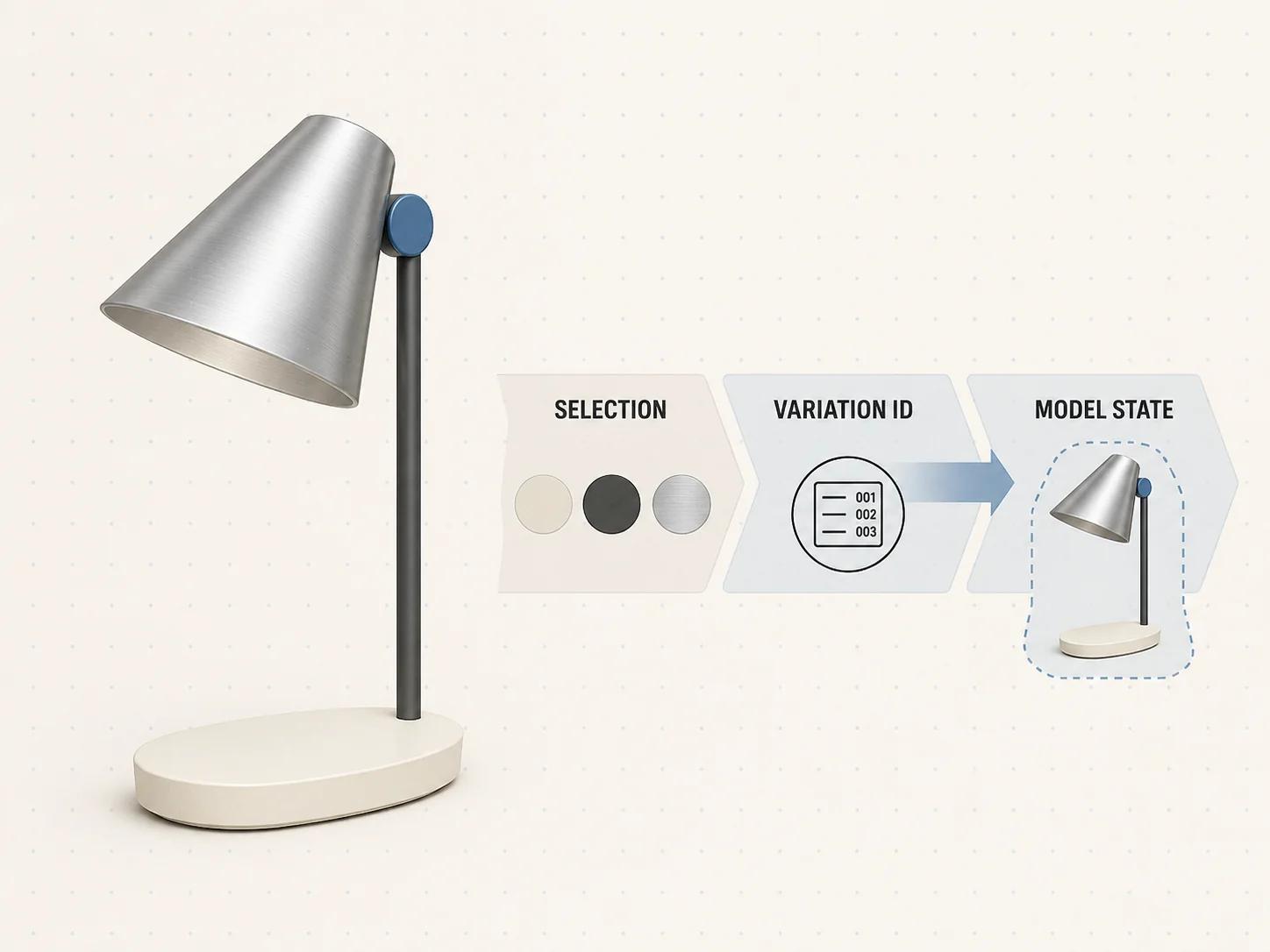
WooCommerce's current variable-product documentation makes the commerce boundary clear. A variation can own its price, stock, image, SKU and other data, and the storefront updates the matching price, image and availability after the required options are selected.[1] The 3D state should follow that selected variation; it should never become a second source of price, availability or purchase identity.
Use this guide for the WooCommerce integration decision. The interactive 3D product experience guide covers the broader viewer, controls and measurement model. Here, the practical question is narrower: which component owns each state, and what evidence must exist before release?
When the 3D experience applies custom product rules or configured pricing and must preserve a saved design as a distinct cart line and durable order record, follow the WooCommerce 3D product configurator guide. The checklist here covers viewer and product-media integration, including proof that the selected WooCommerce product or variation survives the purchase path.
Choose an integration route by ownership, not by demo speed
There are three sensible starting routes. None is automatically the best one.
Packaged viewer extension
A packaged extension is a fit when the product model is simple, the catalog uses standard WooCommerce product pages, and the extension exposes the product and variation mapping you need. Review its admin fields, storage location, viewer version, template and block compatibility, fallback behavior, uninstallation path and update policy before evaluating its visual polish.
Ask for a staging proof using one simple product and one variable product. If the extension offers only one model URL at the parent-product level, it may still work for products whose variations do not change visible geometry or materials. It is not enough for a catalog where finish, shape or accessories change by variation unless that limitation is explicit and accepted.
Custom WooCommerce plugin
A small custom plugin is usually the cleaner route when the model fields, variation mapping or event contract are specific to the store. Keep the admin data, sanitization, rendering and versioned viewer dependency in the plugin rather than scattering snippets across a theme. WordPress documents wp_enqueue_scripts as the proper front-end hook for scripts and styles.[5] Use it with product-page conditions so the viewer runtime is not added to unrelated pages.
Do not assume a classic PHP hook also behaves inside block-based Cart or Checkout. WooCommerce's current hook-alternatives reference labels individual legacy hooks as fully, partially or not supported in blocks and points some use cases to Store API alternatives.[6] Record whether the release uses classic templates, blocks or both, then test the actual path.
Headless or custom storefront
A headless storefront should read purchase data from WooCommerce rather than copying price and stock into a separate 3D service. The Store API exposes public data for published products and excludes variations from its default product collection unless they are requested as type=variation.[2] Its cart endpoint accepts the product or variation ID, quantity and chosen attributes; POST requests require a Nonce Token or Cart Token and return the updated cart or an error.[3]
Model metadata is not a reason to replace that contract. WooCommerce documents ExtendSchema for namespaced data on product, cart, cart-item and checkout responses.[4] Use a narrow extension namespace for asset revision, fallback image and viewer preset. Keep private storage credentials and authoring data out of a publicly accessible response.
| Route | Best fit | Evidence required before selection | Main exit cost |
|---|---|---|---|
| Packaged extension | Standard product templates and limited model-state rules | Simple and variable product proof, update policy, block compatibility, fallback and clean uninstall test | Migrating extension-specific fields and shortcodes |
| Custom plugin | Store-specific product fields, variation bindings or analytics | Data schema, render hook or block, dependency pin, automated mapping tests and rollback package | Maintaining code and compatibility tests |
| Headless storefront | Existing custom front end or broader composable build | Store API schema, authenticated cart flow, cache rules, server error handling and parity with WooCommerce totals | Coordinating front-end and WooCommerce releases |
Build the WooCommerce integration map first
The map below is an original Double Edged planning framework. Each row has one owner and one acceptance decision. A pass in one row does not transfer to another.
| Layer | System of record | Integration contract | Release evidence |
|---|---|---|---|
| Viewer | Versioned viewer component and its configuration | Loads one approved model revision, exposes agreed controls and keeps a still-image fallback | Viewer version, browser console, request log, interaction script and fallback capture |
| Product data | WooCommerce parent product plus controlled model fields | Product ID resolves to the intended asset revision and poster without duplicating price or stock | Product export, field schema, asset checksum and admin screenshot |
| Variation state | WooCommerce variation ID and complete attribute tuple | Every purchasable selection resolves to one model state or an explicit fallback | Mapping table and scripted selection results |
| Analytics | Store's analytics specification | Viewer events are distinct from product, cart, checkout and purchase events | Debug trace with event name, product ID, variation ID and asset revision |
| Cart and checkout | WooCommerce server state | Submitted variation, quantity and attributes survive cart, checkout and order creation | Cart response, checkout capture and test-order line item |
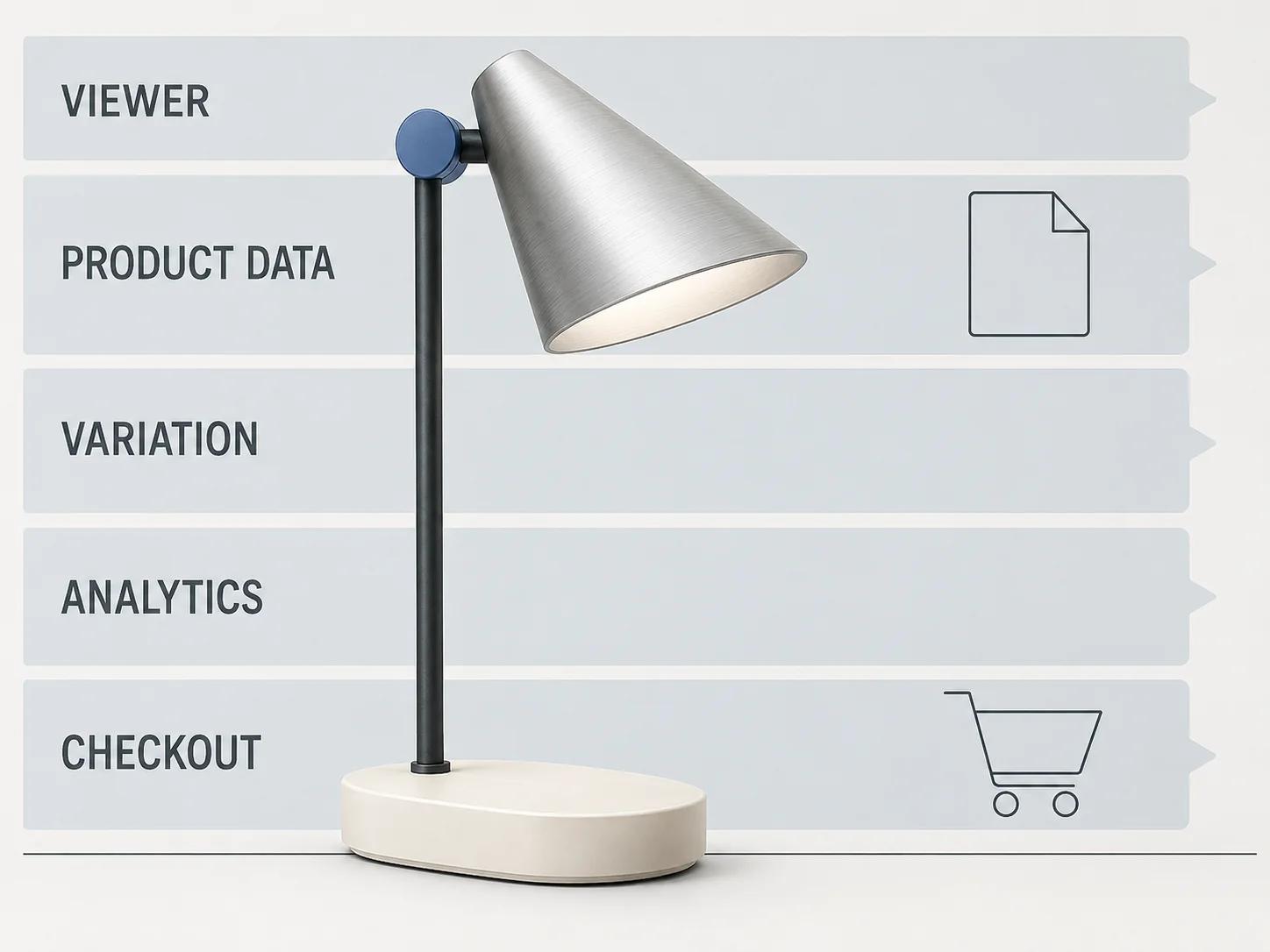
This separation catches a common design error: letting a material change inside the viewer become the selected SKU without a WooCommerce variation transition. The viewer may display cobalt while WooCommerce still owns the default ivory variation. The button can look ready and still submit the wrong item.
Bind the model to product and variation identity
Start with a plain mapping record, not an animation. For each in-scope state, record the parent product ID, variation ID, full WooCommerce attribute tuple, SKU, model asset revision, poster, visible model state and fallback rule. Use the variation ID as the purchase identity when WooCommerce has resolved one. A viewer-specific material name is an implementation detail, not a substitute for it.
For a simple product, one active model revision can map directly to the product ID. For a variable product, wait until all required attributes resolve to a valid purchasable variation before enabling Add to cart. WooCommerce's guide says customers must select the required options before adding a variable product, unless defaults already provide a complete selection.[1] Mirror that rule instead of creating a faster visual path that bypasses it.
Use explicit outcomes for every mapping row:
- load the assigned model state when the selected variation has one;
- retain the still gallery and explain that 3D is unavailable when the variation has no approved state;
- reject a stale or unknown variation rather than silently reusing the previous model;
- reset the viewer and purchase state together when the shopper clears the selection;
- preserve WooCommerce as the authority for price, stock, tax class and purchasability.
For headless builds, request the variation records deliberately and place only the model-delivery fields required by the front end in the Store API extension namespace.[2][4] Cache the model metadata by product and asset revision, but do not cache a shopper's cart or current variation as global page data.
Keep cart and checkout server-authoritative
The viewer can request a selection; it cannot declare that the item is valid. Submit the resolved WooCommerce variation ID, quantity and complete attributes through the store's normal add-to-cart route. The Store API documents those fields and returns the full updated cart on success; it can also return a current cart with a conflict response when client and server state diverge.[3]
Treat that response as the next state. Confirm that the line item has the expected variation, SKU, quantity, price and visible attributes. Then take the item through the actual Cart and Checkout implementation. A product-page success does not cover stock validation, extensions that recalculate totals, or a block integration that bypasses a legacy presentation hook.
Do not put camera angle, orbit count or temporary viewer UI state into the order. If a genuinely purchased option exists only in the viewer, model it as validated cart-item data with a documented server-side rule, or make it a WooCommerce variation/add-on before launch. That is configurator scope, not a shortcut for a basic viewer.
Load the viewer as a product feature
If the selected implementation uses Google's <model-viewer>, its upstream README describes it as a web component for interactive 3D and optional AR, lists support for the last two major versions of evergreen desktop and mobile browsers, and recommends pinning a production version so upgrades happen on a tested schedule.[7] That is the component's stated support policy, not evidence that a particular theme, model or device passes.
Load the viewer code only where the product experience needs it. Reserve the viewer's dimensions before activation, show a useful poster, keep product title, price, options and Add to cart usable while the model is unavailable, and avoid making a large model request on every catalog card. The exact asset budgets belong in the web-ready 3D model optimization guide.
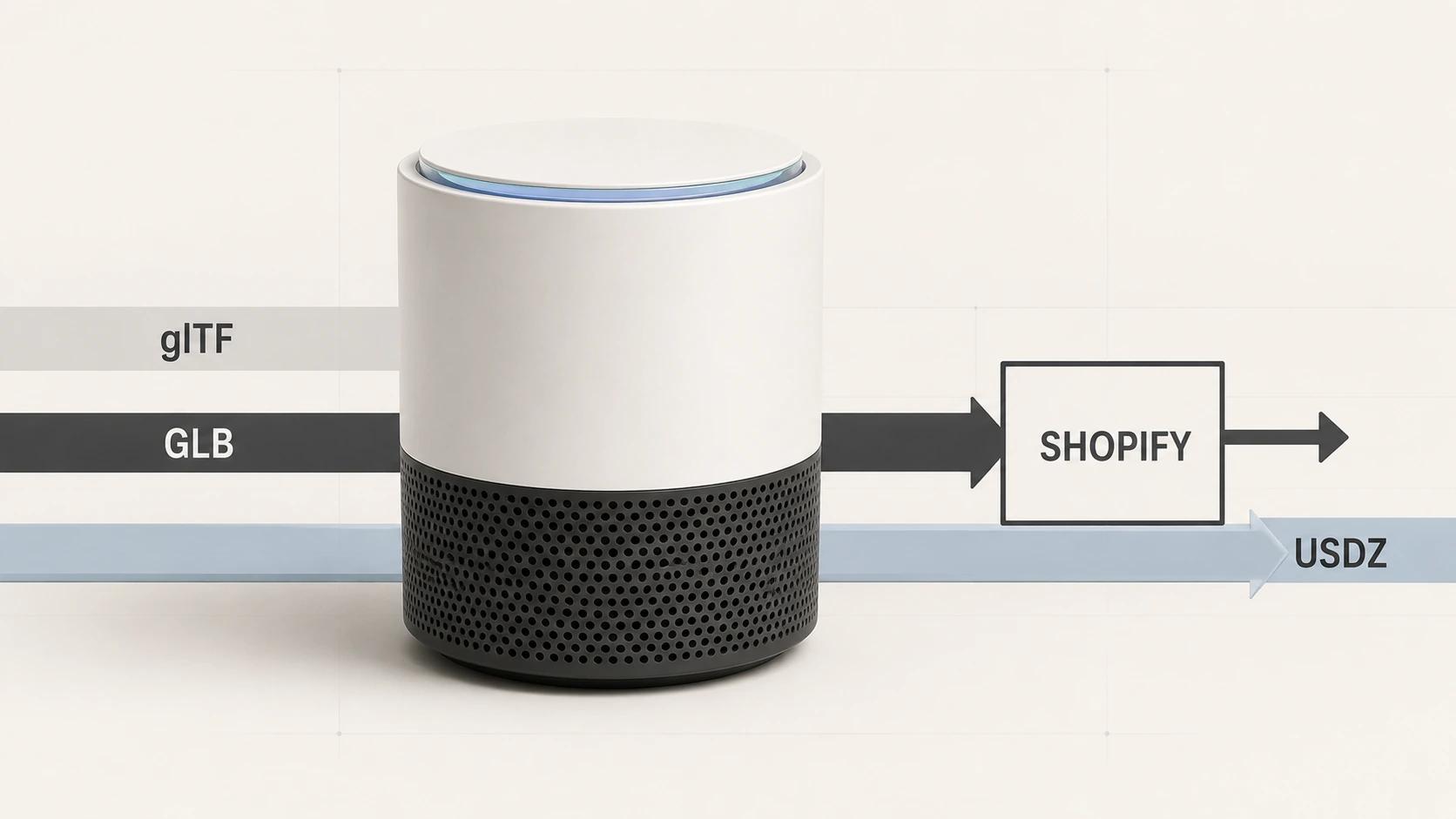
Do not copy Shopify ingest assumptions into WooCommerce. Shopify-specific GLB processing and generated-source behavior belong to the 3D product visualization for e-commerce guide. In WooCommerce, document the actual storage, CDN, cache and viewer path you have implemented.
Separate viewer analytics from commerce analytics
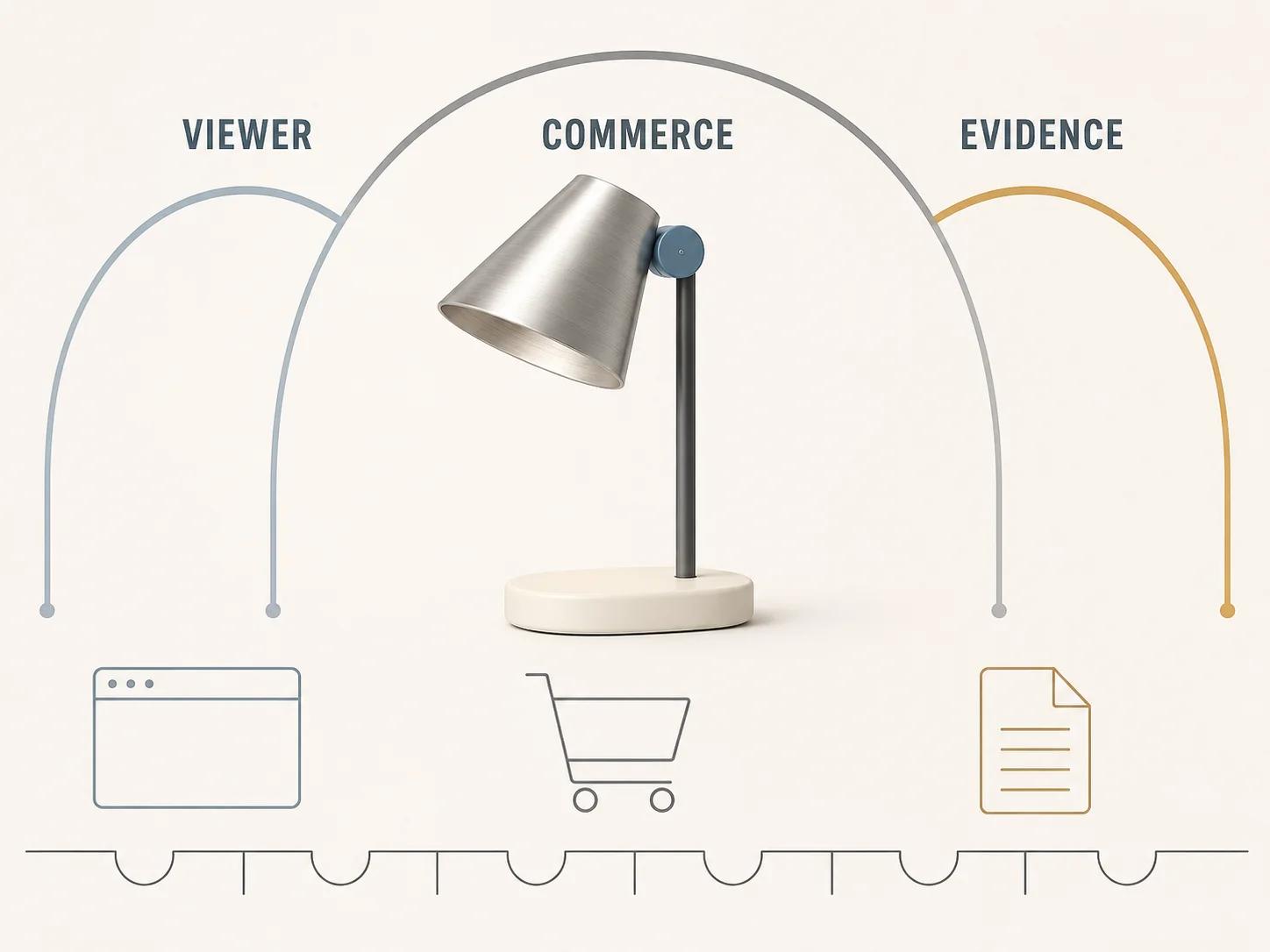
Google Analytics' current ecommerce guide treats item detail, add-to-cart, checkout and purchase as separate shopping actions.[8] Keep those commerce events attached to their real WooCommerce transitions. Opening the viewer is not add_to_cart; changing a camera angle is not a variation selection; launching 3D is not a purchase.
A small viewer event contract is enough: viewer_requested, viewer_usable, viewer_interaction and viewer_error. Carry product ID, resolved variation ID when available, asset revision, viewer version and a coarse interaction type. Do not send material names or custom text that could contain personal data. Deduplicate initialization events after variation changes and page-history restores.
This instrumentation can reveal broken handoffs and usage patterns. It cannot, by itself, prove that the viewer caused a sale, reduced returns or improved conversion. Any commercial claim needs a separate experiment design, data-quality review and stated uncertainty.
Fix the acceptance profile before running QA
The following matrix is a release specification, not a report of completed tests. Its specimen product is one brand-neutral adjustable desk lamp. de041-lamp-v07.glb is an illustrative release-candidate label, not a supplied asset; a real run must replace it with the exact tested filename, checksum and measured file properties.
Use current stable desktop Chrome on Windows 11 and current stable mobile Chrome on a named mid-range Android phone. Add Safari or Firefox when either is in the agreed browser support set. Run cold-cache network tests at 10 Mbps down, 1 Mbps up and 100 ms round-trip latency, plus an unrestricted warm-cache control. Record the exact operating system, browser, viewer, WooCommerce, WordPress, theme and extension versions.
| Gate | Test and assumptions | Starter acceptance threshold | Evidence to retain |
|---|---|---|---|
| Viewer and asset | Exact GLB revision; desktop Chrome; stated cold network; five runs after deliberate activation | Model becomes usable in a median of 5 seconds or less; 5 of 5 loads finish without a blocking console or model error; fallback remains usable when the request is blocked | Checksum, request log, console log, five timings and fallback capture |
| Variation binding | One parent product with at least three valid variations plus missing, cleared and rapid-change states; desktop and Android Chrome | 20 of 20 scripted sequences end with the intended variation ID, model state, price and availability; no stale state survives | Mapping table, sequence log and screenshots of exceptions |
| Add to cart | Exact simple and variable products; normal form or Store API route; valid token where required | 10 of 10 valid attempts return the intended product or variation and attributes; every incomplete or invalid selection is rejected | Request/response pair and cart line-item capture |
| Cart and checkout | Actual classic or block path named in scope; one test order per path | 5 of 5 journeys retain SKU, variation, quantity, price and attributes through order creation; no viewer field alters totals without a server rule | Cart, checkout and test-order records |
| Analytics | Debug environment; ten viewer sessions including reload, variation change and error | One requested and at most one usable event per initialization; expected interaction/error events carry the contract fields; zero viewer actions emit add-to-cart or purchase events | Event trace and deduplication log |
| Keyboard and fallback | Keyboard-only pass in every target browser; model request blocked; reduced-motion preference enabled | All purchase actions and agreed viewer controls remain operable, focus never becomes trapped, and fallback content supports the full purchase path | Keyboard script, focus-order notes and blocked-request capture |
WCAG 2.2 Success Criterion 2.1.1 requires content functionality to be operable through a keyboard interface except for functions whose underlying input depends on the movement path.[9] A drag-to-orbit gesture therefore does not excuse inaccessible product options, reset controls, full-screen exit or purchase actions. Name the comparable keyboard operation in the test script.
Use the private checker for the GLB gate only
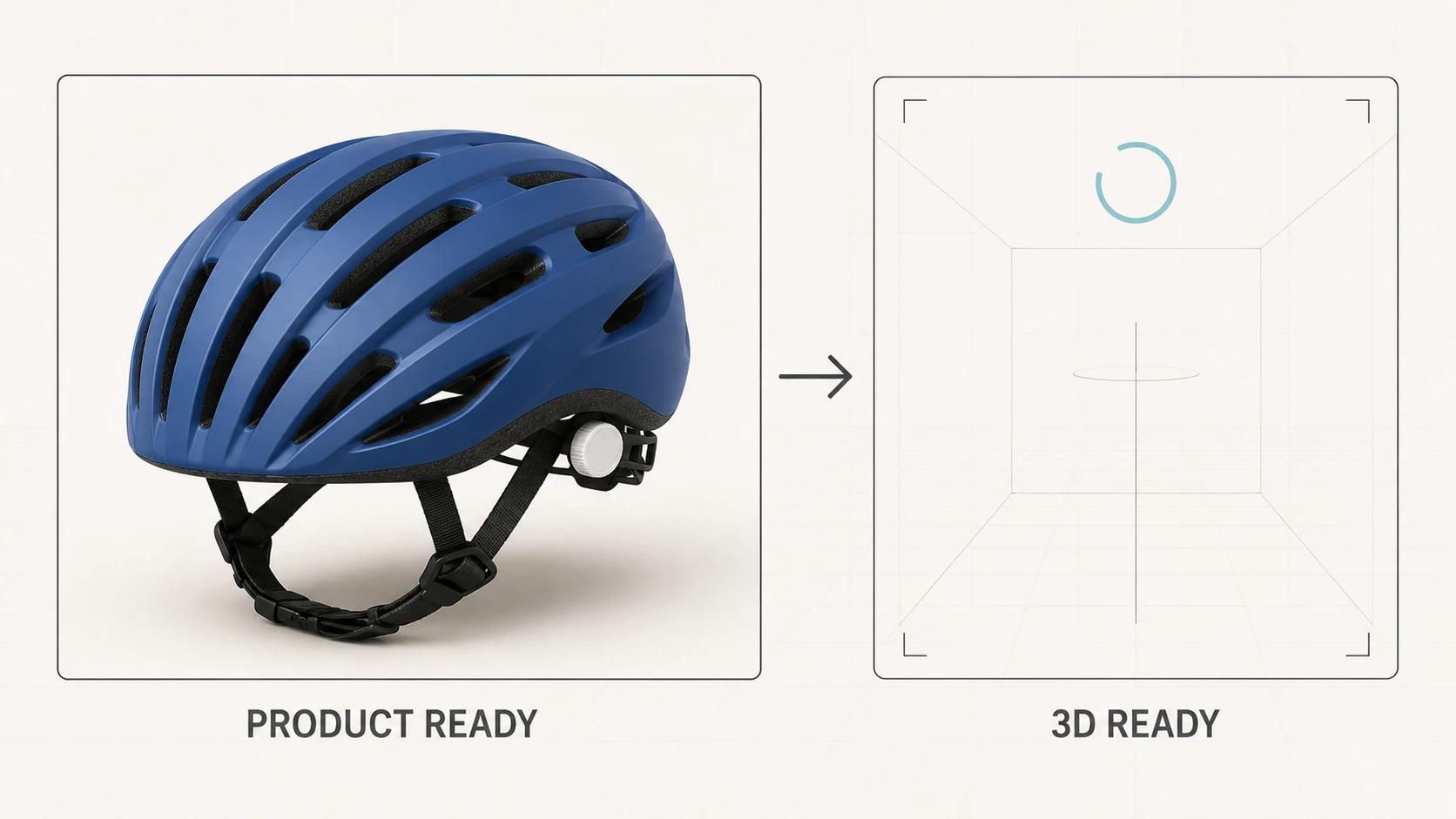
The Private GLB Readiness Checker inspects and previews a selected self-contained GLB locally in the browser, and the selected self-contained GLB remains local. It reports four separate destinations: Online store, Shopify, Product customizer and Android AR. A successful browser preview does not prove destination compatibility or performance.
Use it to inspect the release GLB before the WooCommerce viewer run, then retain the product, variation, cart and checkout gates above. The optional editable Excel QA workbook is a secondary resource for teams that need an owner-and-evidence handoff outside the browser.
Release with an owner and a rollback
Before release, assign an owner to the model fields, mapping table, viewer dependency, analytics contract and cart tests. Store the tested versions, exact asset revision, raw results, accepted exceptions and approver. Keep a still-image fallback and a way to disable the viewer without disabling product selection or checkout.
Re-run the affected gates after a model, mapping, viewer, WooCommerce, WordPress, theme, Cart/Checkout block or analytics change. A dependency update should not inherit the previous pass. Neither should a new variation whose 3D mapping was never reviewed.
If the asset, viewer integration or delivery path needs production work, bring the failed rows and exact release candidate to the web-ready and AR-ready 3D service. That creates a scoped technical handoff without turning a viewer demo into evidence that the commerce path is ready.