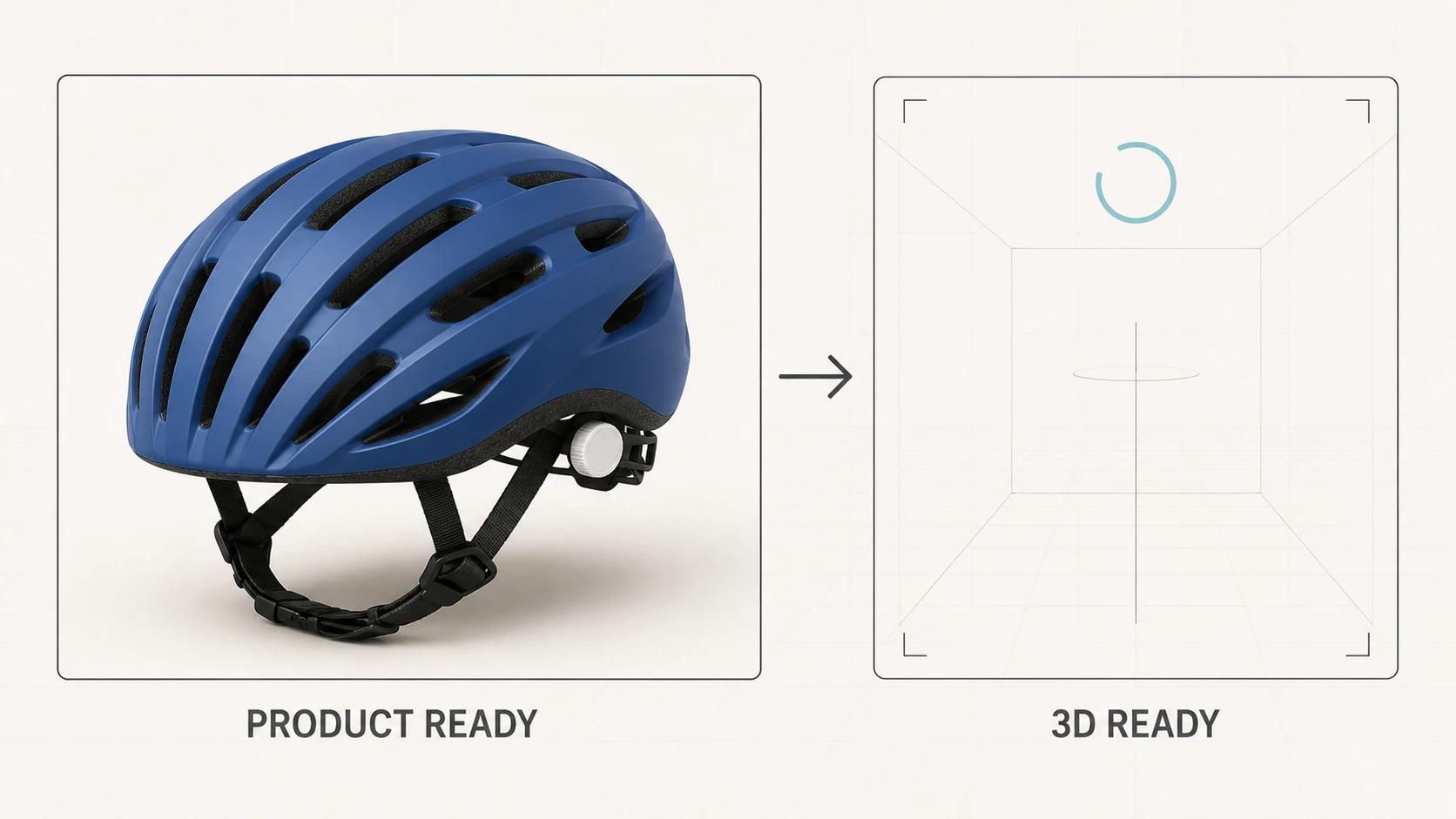
A fast 3D product page does not make the shopper wait for 3D before it becomes a product page. It sends useful product HTML, a properly sized poster, price, variants and the buying controls first. The viewer code and model arrive as a separate readiness path. If that path is slow or fails, the shopper still has a clear product view and a working purchase flow.
That architecture protects more than an audit score. It gives the team distinct things to measure: when the page becomes useful, when someone asks for 3D, when the asset finishes transferring, when the first frame appears and when the controls really respond. A single load event cannot answer all of those questions.
This implementation guide concentrates on delivery, progressive loading, fallback media, interaction readiness, accessibility, analytics and testing. The broader 3D product viewer guide owns the format and strategy overview. If the unresolved decision is whether to build, buy or use a managed viewer, use the e-commerce viewer buyer guide rather than treating page-speed work as a platform-selection shortcut.
Build the page around two readiness states
The commerce layer and the 3D layer should not share one blocking state.
The commerce layer is ready when the shopper can identify the product, understand the selected variant, review the primary media, see price and availability, and operate the buying controls. Render that layer in the initial HTML where the platform permits it. Give the media region an explicit aspect ratio so the poster-to-canvas swap does not move the product information below it.
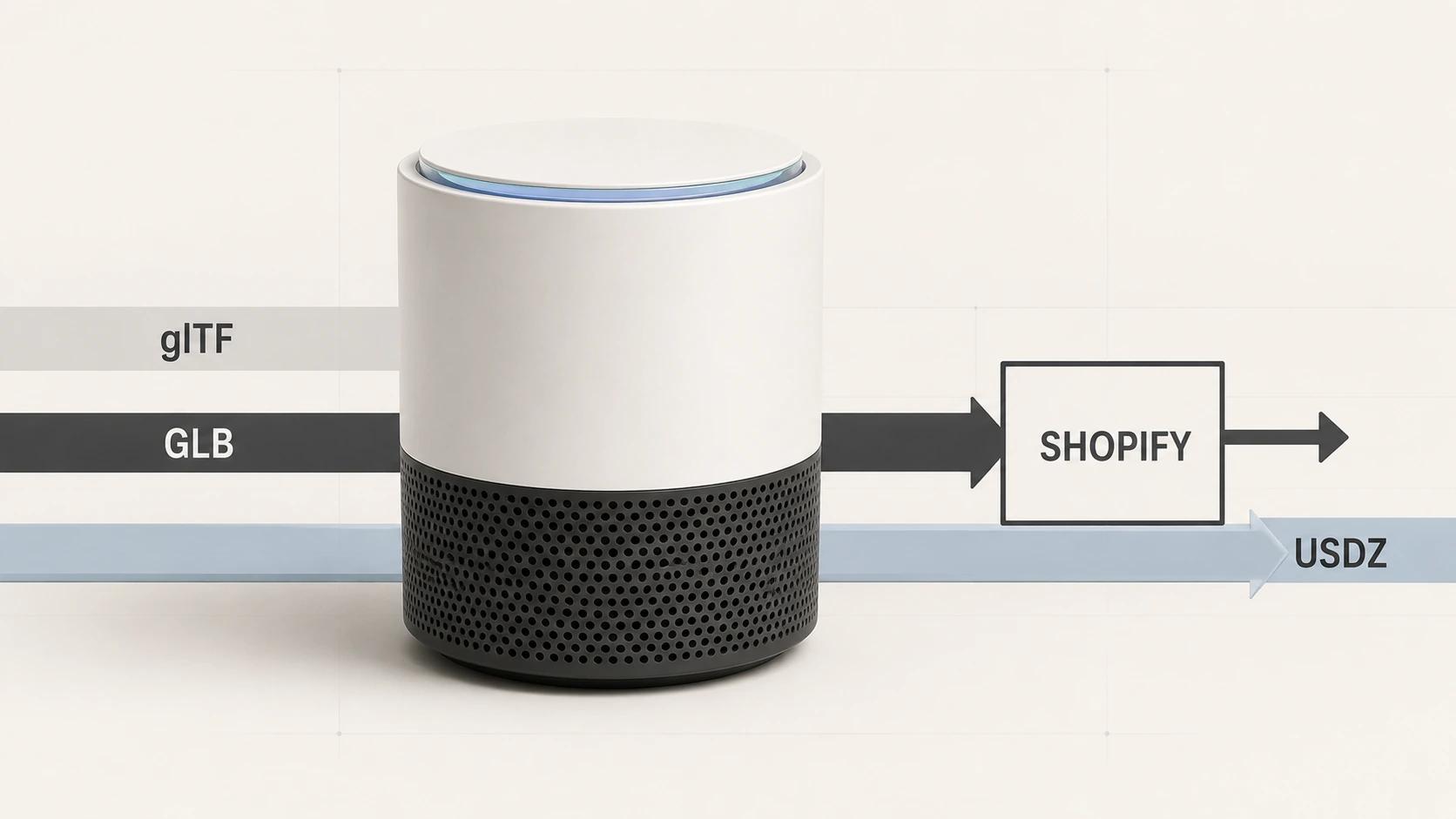
The 3D layer is ready later. It needs a supported viewer, the correct asset revision, any required decoder, successful texture and geometry processing, a rendered first frame and responsive controls. Khronos defines glTF as a delivery format intended for efficient transmission and runtime loading; a GLB can package scene structure, meshes, materials, textures and animation in one binary file.[4] That role makes GLB useful for this architecture, but the extension alone says nothing about the page's loading order or the shopper's device.
Treat the poster as product media, not a spinner background. It should match the initial camera and selected variant closely enough that the handoff feels deliberate. Keep its source discoverable in the initial HTML, do not lazy-load it when it is the likely largest above-the-fold element, and assign dimensions before it arrives. Google's LCP guidance says the likely LCP resource should be discoverable early and warns that lazy-loading it can delay rendering.[3]
Use this reference PDP wireframe and event map
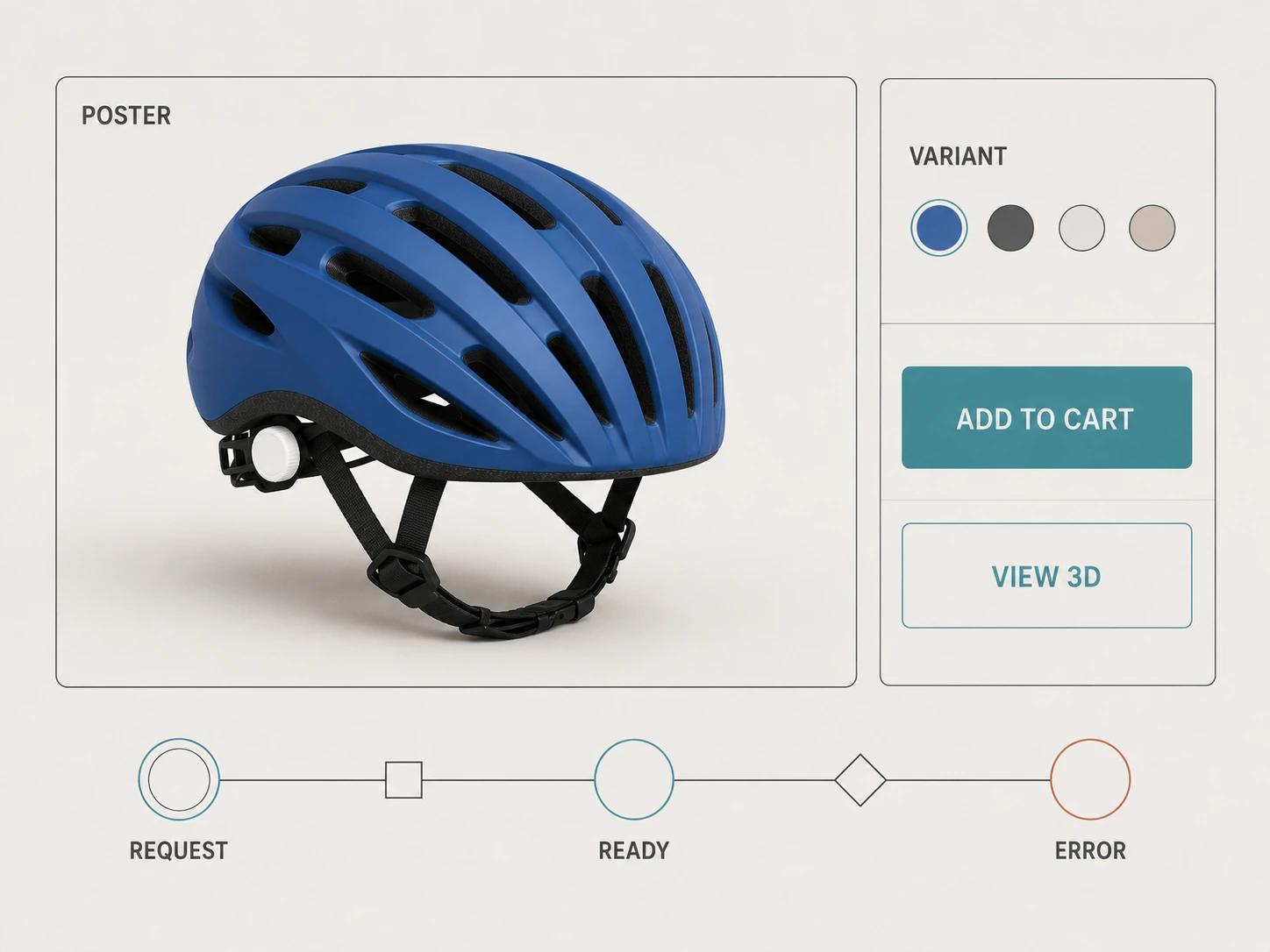
The following reference is an original Double Edged implementation framework. It is not a platform component or a claim that every product page needs the same layout.
| Semantic region | Available before 3D is ready | Viewer enhancement |
|---|---|---|
| Media | Fixed-size poster and accessible image gallery | A real View in 3D button replaces or overlays the poster only after activation |
| Product information | Title, price, availability and delivery or policy details | Viewer status is announced without moving focus |
| Buying controls | Variant, quantity and add-to-cart controls | Variant state remains synchronized with the poster and active model |
| Viewer controls | Not required for the purchase path | Labeled rotate, zoom, reset and image-view controls appear when the viewer is active |
The poster is visible without viewer JavaScript. "View in 3D" is a real button, not a click handler on the image. The buying controls do not wait for viewer_ready. A status message can announce loading or failure without moving focus. If the viewer replaces the poster, it occupies the same reserved box.
Map events to state changes before choosing an analytics vendor. This prevents one event name from meaning "downloaded" in one template and "interactive" in another.
| Event | Fire once when | Core parameters | What it answers |
|---|---|---|---|
| view_item | The product and selected item data are presented | Event: currency, value; item: item_id or item_name, plus item_variant when relevant | Was the commerce view available? |
| viewer_poster_visible | The intended poster is painted in the reserved media box | poster_version, variant_id | Did useful fallback media appear? |
| viewer_request | A user action or approved loading policy starts the 3D path | trigger, asset_version, delivery_mode | Why did 3D begin loading? |
| viewer_asset_response | The final asset response completes | asset_version, transfer_state, cache_state | Did transfer finish, and from where? |
| viewer_first_frame | The intended model produces its first valid frame | asset_version, viewer_version | Did decode and rendering complete? |
| viewer_ready | Orbit or another primary control accepts input and paints the result | asset_version, viewer_version | Could the shopper actually use 3D? |
| viewer_first_interaction | The shopper first uses a 3D control after readiness | control, input_mode | Which capability was first used? |
| viewer_error | The 3D path cannot continue | stage, error_class, fallback_state | Where did the path fail? |
| viewer_fallback_visible | The static alternative becomes or remains the active view | reason, poster_version | Did the page recover visibly? |
| add_to_cart | The platform confirms the add action | Standard commerce item parameters | Did the buying action occur independently of viewer state? |
Google Analytics lists view_item and add_to_cart as recommended commerce events that need the prescribed context; its view_item reference places product identity inside the items array and treats currency as required when value is set. Custom viewer events remain your own measurement contract.[12][14] Never fire viewer_first_interaction from a model's automatic rotation. That records animation, not intent.
Deliver geometry and textures as one tested release
Start with the visible job of the asset. A helmet viewed at product-card scale does not need the same edge density as a close detail view. Remove hidden geometry, duplicate meshes, unused animation, oversized environment data and material slots that do not change the approved image. Preserve the silhouette, openings, controls, seams, graphics and material cues that support the buying decision.
Textures often deserve more attention than polygon count. Audit every map by material and viewing distance. Resize source images to the resolution the experience can reveal, pack compatible channels where the renderer expects it, generate mipmaps and remove unused alpha. Do not give a tiny roughness variation the same allocation as customer-facing artwork.
Khronos's ratified KHR_texture_basisu extension allows KTX 2 textures with Basis Universal supercompression. Its stated purposes include more efficient transmission and lower GPU-memory use, with runtime transcoding to a platform-supported texture format.[5] That is a candidate to test, not a switch to enable blindly. Transcoding work, decoder delivery, texture quality and device support still belong in the release evidence.
Geometry compression also changes the path. The ratified EXT_meshopt_compression extension compresses buffer data used by geometry, animation and other glTF structures, and is designed so loaders can decompress buffer views efficiently.[6] Smaller transfer does not automatically mean an earlier interactive frame. Compare the uncompressed, mesh-compressed and texture-compressed candidates on the same page and device, including decoder download, parse, transcode, upload and first interaction.
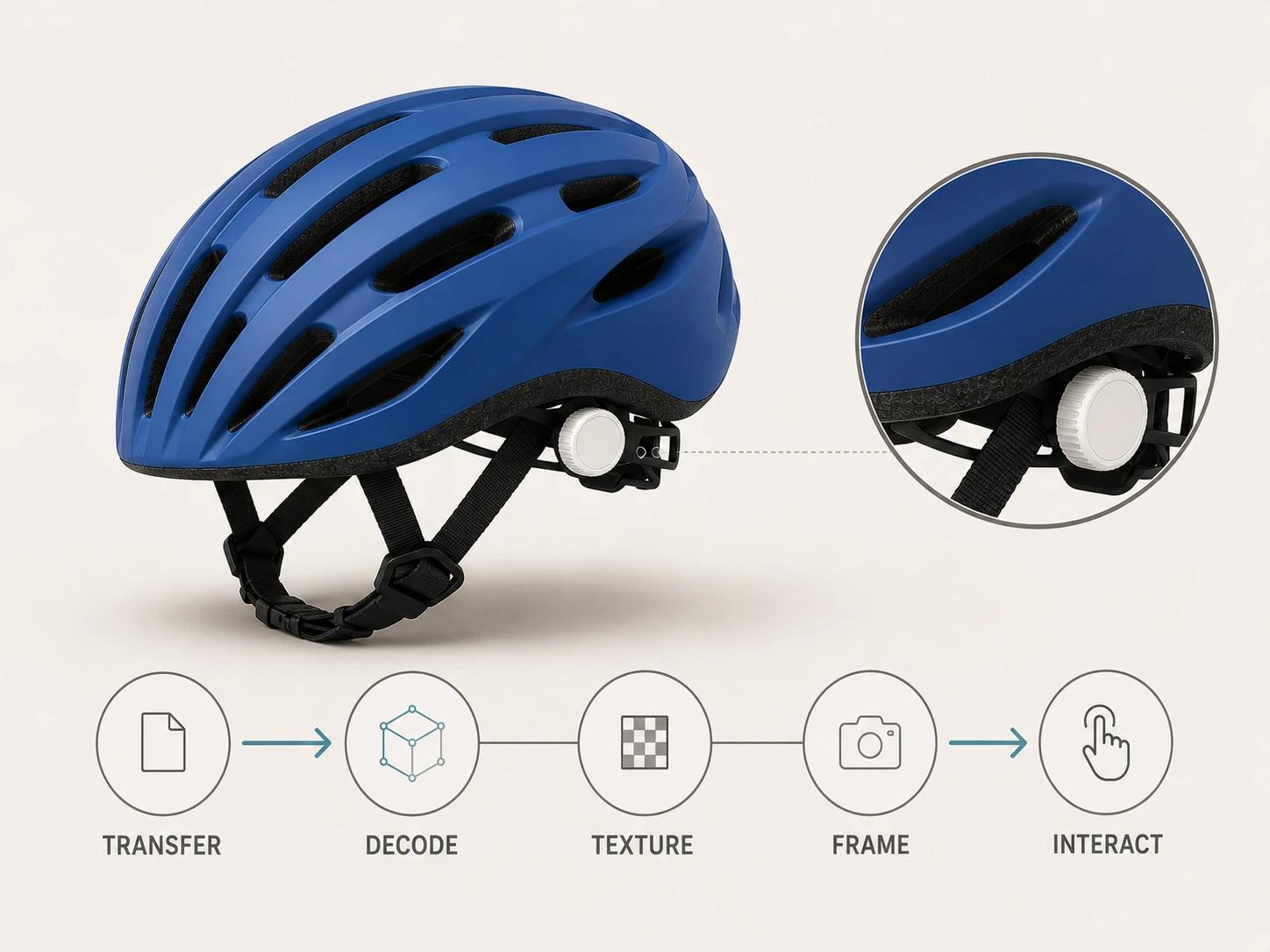
There is no honest universal GLB byte limit. A small file can expand into large textures, trigger expensive shader work or contain costly scene structure. A larger file may cache well and become interactive sooner on the target device. Derive a per-product-tier budget from a named visual reference and the release test below. Store the winning asset revision, compression settings, decoder versions and screenshot review with the result.
For Shopify-specific packaging and ingestion behavior, keep the implementation details in GLB, glTF and USDZ for Shopify 3D Product Media. This page owns the product-page loading architecture, not that platform's format acceptance workflow.
Stage loading without hiding the product
Use four stages that can fail independently:
- Send the product HTML, critical CSS, poster URL and media dimensions.
- Make the buying controls and static gallery usable.
- Load the viewer library according to an explicit policy: direct intent, proximity to the viewport or a measured idle opportunity after the commerce layer is ready.
- Request the model and decoders, render the first frame, enable controls and replace the status text.
The official <model-viewer> FAQ recommends a seamless poster as progressive enhancement and documents lazy-loaded decoder modules for Draco, KTX2 and Meshopt.[7] Its pattern is useful even if the project uses another renderer: show meaningful media first, then prove the heavier path on the actual integration.
Do not hide the poster as soon as the network response ends. Keep it until the intended variant has rendered a valid frame. If the viewer fails to initialize, a decoder is missing, a texture cannot be processed or the graphics context is lost, leave or restore the poster and expose an image-gallery control. Log the stage, but do not make the shopper read an engineering error.
Loading on interaction is not automatically best. It saves work for shoppers who never request 3D, yet it adds wait time after a deliberate click. Loading immediately can reduce that wait, but it competes with the poster, fonts, product data and buying code. Pick the policy through the fixed test and field observations rather than copying a demo's score.
Define interaction readiness after the first frame
A network waterfall can show that a GLB arrived. It cannot show that the shopper can rotate it. Mark these moments separately:
- request start and response end;
- decoder and viewer initialization;
- model parse and texture transcode;
- first valid frame;
- controls enabled;
- first input followed by the expected painted camera change.
Use performance.mark() for the implementation timings and calculate named measures such as viewer_request_to_first_frame and viewer_request_to_ready. Chrome's User Timing documentation explains that marks and measures can be inspected in traces and surfaced in Lighthouse; the audit itself is diagnostic rather than pass or fail.[13] Send only the measurements and low-cardinality diagnostic dimensions that the privacy and consent design allows.
Keep variants in the same contract. A swatch click is complete only when the selected commerce variant, poster or current 3D state, price and buying payload agree. If a new material forces a texture request, mark that transition separately. Do not count a camera move on the old finish as variant-ready.
Make fallback and accessibility part of the main design
The static gallery is not a consolation prize. It should show the product, selected finish and important details without WebGL. Product facts, dimensions, warnings and options belong in HTML, not only in hotspots or texture labels. W3C's image guidance calls for text alternatives that communicate the information or function of informative images, while decorative images use empty alternatives.[10]
Give the viewer an accessible name. Build rotate, zoom, reset, pause and image-view controls as labeled interface components with visible focus. All functions that do not depend on freehand movement need a keyboard path; WCAG's keyboard guidance explicitly requires pointer actions to have keyboard equivalents.[8] Test Tab order, activation, arrow-key behavior where implemented, Escape behavior, focus return and the absence of a keyboard trap.
Orbiting by drag and zooming by pinch are not enough. WCAG's pointer-gesture guidance requires simple single-point alternatives for path-based or multipoint gestures.[9] Provide labeled rotate steps, zoom controls and reset. Keep page scrolling available on touch instead of letting the viewer capture every vertical gesture.
Avoid automatic orbit by default. If motion starts automatically and continues alongside the product information, provide a pause, stop or hide mechanism under WCAG's moving-content guidance.[11] Also respect reduced-motion preferences for nonessential transitions. A still poster with an explicit start control is usually clearer than a product that begins moving while someone is reading price and options.
Test the fallback with JavaScript disabled, graphics acceleration unavailable, the model URL blocked and a decoder request failed. In every case, the product media, variant state and buying controls should remain understandable and operable. Automated checks help, but keyboard and screen-reader review on the rendered integration is still required.
Test a fixed fixture, then read field data separately
Performance numbers are meaningless without their conditions. The reference test below uses the fictional release fixture helmet-pdp-r17.html, helmet-cobalt-r17.glb and helmet-cobalt-r17-poster.webp. It runs in current stable Chrome with the exact build recorded, on a physical Google Pixel 7 running Android with the OS build recorded. The controlled connection is a cold cache, 10 Mbps downstream, 1 Mbps upstream, 80 ms round-trip latency, no injected packet loss and one recorded test location. Run five clean navigations and five scripted viewer interactions; save traces, waterfalls and screenshots.
These are project gates for that fixture, not universal targets or promised results.
| Gate | Acceptance condition for the named fixture and setup |
|---|---|
| Initial usefulness | Median lab LCP is at most 2.5 seconds across the five cold navigations, the poster is the intended LCP candidate, and product title, selected variant, price and add-to-cart remain usable without waiting for viewer_ready. |
| Interaction-gated delivery | In the direct-intent build, zero bytes of helmet-cobalt-r17.glb transfer before viewer_request; after the button is activated, the loading status is exposed and focus is retained. |
| 3D readiness | Median viewer_request_to_ready is at most 4.0 seconds across the five scripted interactions, every run paints the cobalt helmet, and the first rotate command produces the expected camera change without an error. |
| Visual stability | Viewer-attributable CLS is at most 0.01 through poster replacement, status changes, first orbit and fallback restoration; the saved trace identifies no unexpected shift from the media region. |
| Failure recovery | With the GLB request blocked in the same browser, device and network profile, the poster and gallery remain visible, viewer_error precedes viewer_fallback_visible, and add-to-cart still works. |
| Accessibility | On the same fixture in Chrome on a Windows 11 laptop, with exact Chrome and NVDA versions recorded and no network throttling because the test concerns operability, every viewer function has a named keyboard control, focus never enters a trap, motion can be stopped, and the fallback description identifies the cobalt helmet and selected variant. |
The 2.5-second number in the first row matches Google's current "good" LCP boundary, but one controlled median does not establish Core Web Vitals status. Current Core Web Vitals field thresholds are LCP at most 2.5 seconds, INP at most 200 milliseconds and CLS at most 0.1 at the 75th percentile, segmented between mobile and desktop.[2] For the deployed product-page URL serving helmet-cobalt-r17.glb, accept the field gate only when mobile RUM meets all three at the 75th percentile over the agreed reporting window and the report includes sample size, asset version and the observed browser, device and network mix. Field conditions are deliberately not fixed; they are the users' actual conditions.
Lab data comes from controlled device and network settings, while field data reflects real visits across varying devices, networks and locations.[1] Use the lab fixture to reproduce and prevent regressions. Use field data to decide whether released users are meeting the experience target. INP, in particular, needs real interaction data; Lighthouse uses Total Blocking Time as a lab proxy rather than measuring field INP directly.[2]
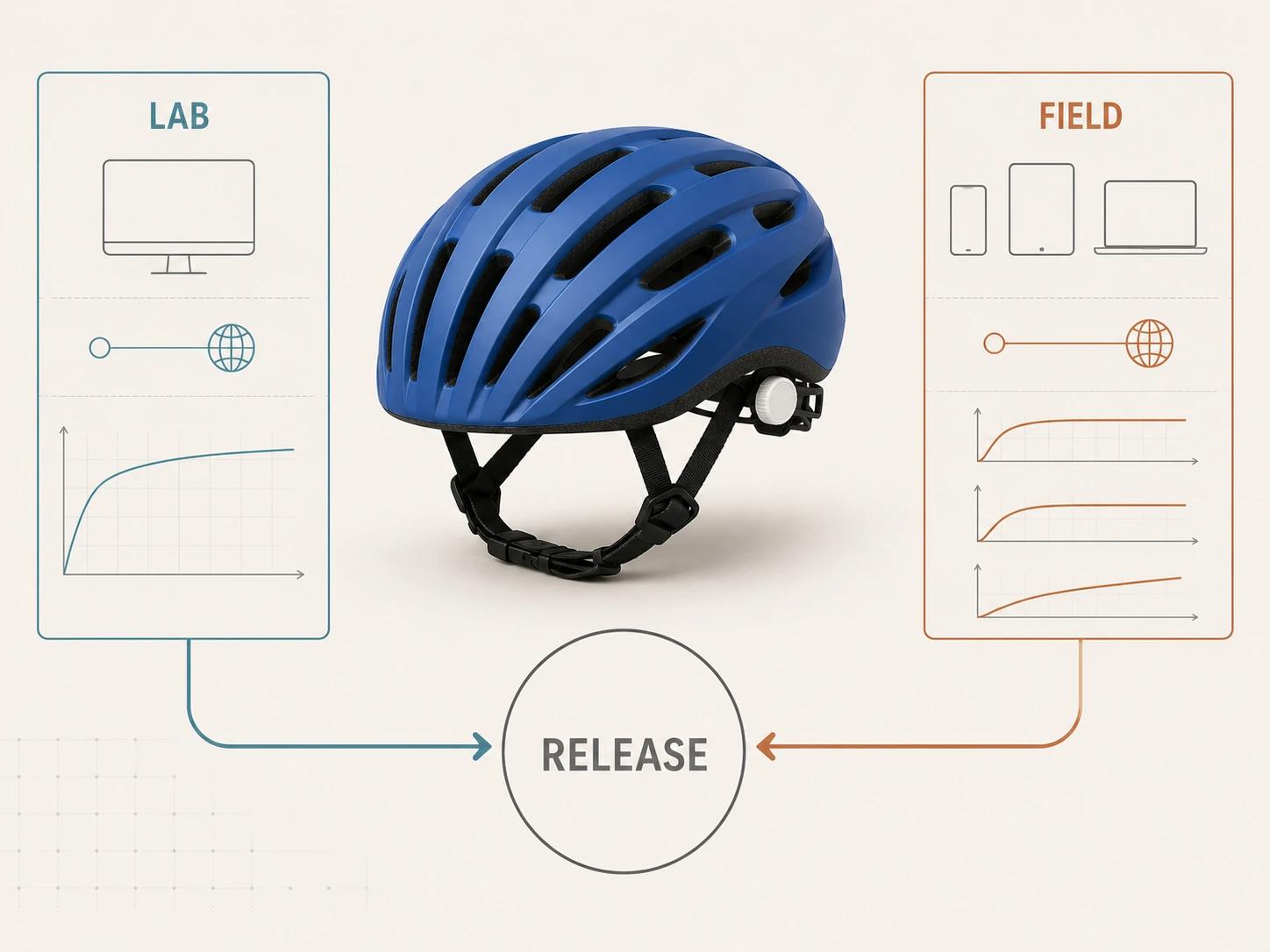
Segment viewer timings by asset revision, load policy, fallback reason and broad device class. Do not compare shoppers who requested 3D with those who did not as if the groups were randomized. An event sequence can show usage and failure. It cannot, by itself, prove that the viewer caused a conversion change.
Diagnose the slow stage before changing the asset
Use this decision tree against one saved trace and its matching event sequence:
- Is the buying path blocked before 3D is ready? Decouple product HTML, variants and add-to-cart from viewer initialization before optimizing the GLB.
- Is the poster or other LCP candidate discovered late? Fix initial HTML discovery, priority, dimensions and competing critical requests.
- Does `viewer_request` occur late? Check the chosen intent, viewport or idle policy. Do not shrink the model to repair a request that has not started.
- Does transfer dominate after the request? Inspect cache state, hosting, response headers, model and texture payloads, then compare controlled asset variants.
- Does transfer finish well before `viewer_first_frame`? Profile decoder setup, parse, texture transcode, shader work, GPU upload and main-thread contention.
- Does the first frame appear but `viewer_ready` lag? Inspect long tasks, control initialization, overlays and variant synchronization.
- Does the path fail on a device or browser? Preserve the fallback, record the failure stage and test the exact viewer, asset and decoder combination.
- Does the lab fixture pass while field data fails? Segment RUM by page template, asset revision, device class and connection data where available; do not raise a score target to hide the mismatch.
The checker inspects and previews a selected self-contained GLB locally in the browser. The selected self-contained GLB remains local. It reports four separate destinations: Online store, Shopify, Product customizer, and Android AR. A browser preview does not prove destination compatibility or performance. The optional editable Excel QA workbook is a secondary resource for teams that need a handoff record.
Bring a reproducible failure to a technical review
If the trace points to asset construction, decoder cost, viewer integration or destination behavior that the team cannot isolate, the Web-Ready & AR-Ready 3D service is the relevant review path. Bring the exact model revision, poster, page build, viewer and decoder versions, device and browser record, network profile, trace, event sequence and visual reference. That evidence makes it possible to scope a repair without promising a score, a byte limit or a commercial lift.