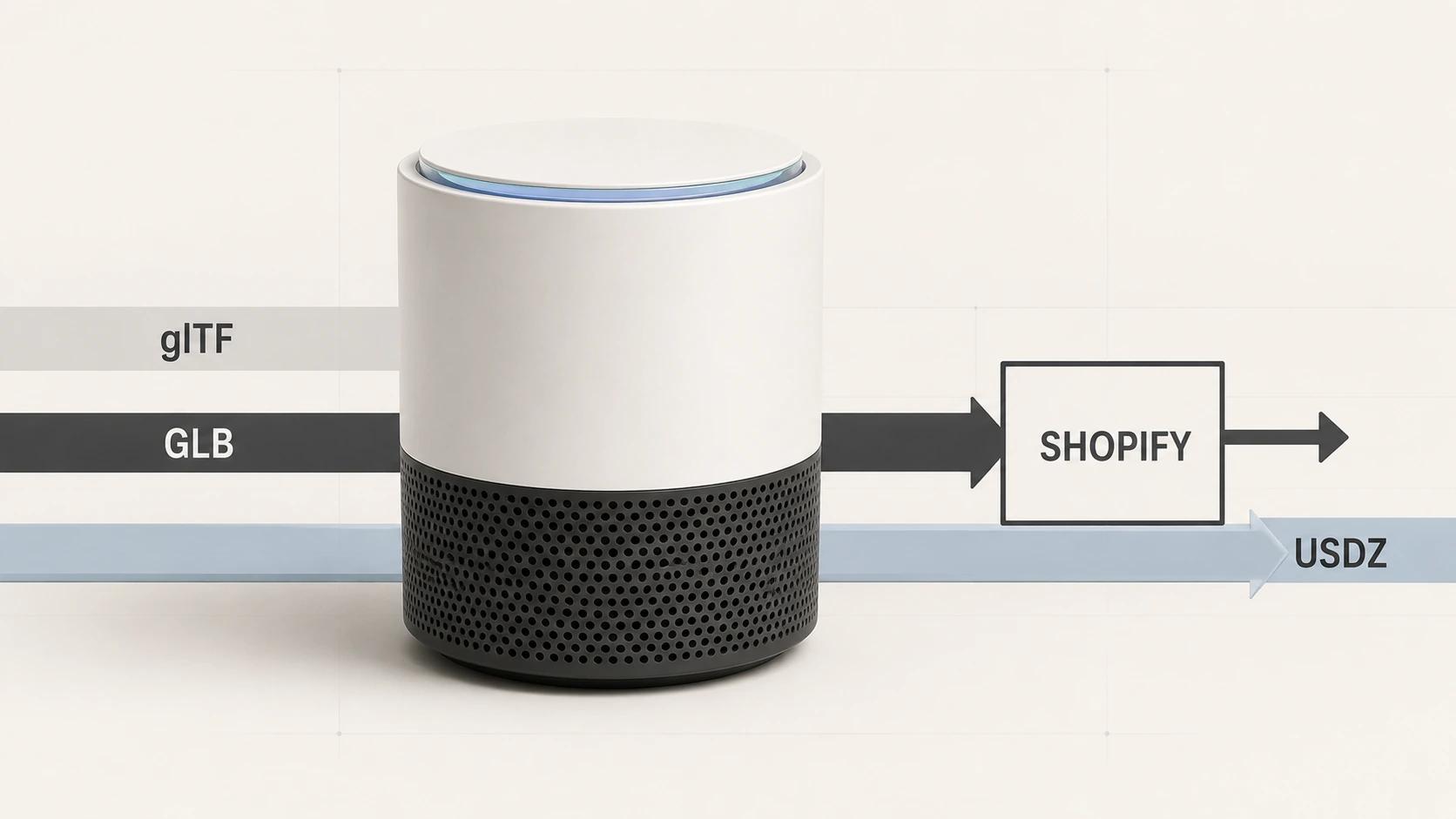
For Shopify 3D product media, glTF, GLB and USDZ belong to different layers of the delivery decision. glTF is the runtime asset specification. GLB is its binary container and is the practical controlled input when the model and its dependencies need to travel as one file. USDZ is a separate package used in Apple's Quick Look path. Shopify's current documentation accepts GLB and USDZ uploads and describes processing that makes both versions available, but that processing is not evidence of visual parity, device coverage or storefront performance.[1]
The safe workflow is to preserve an approved source asset, inspect the exact release GLB, upload it, record the sources Shopify actually creates, and test the theme, browser viewer and each AR route separately. This guide focuses on Shopify's format-and-acceptance layer. The broader responsibilities of controls, fallback content and analytics remain in the 3D Product Viewer Guide.
Treat glTF, GLB and USDZ as different layers
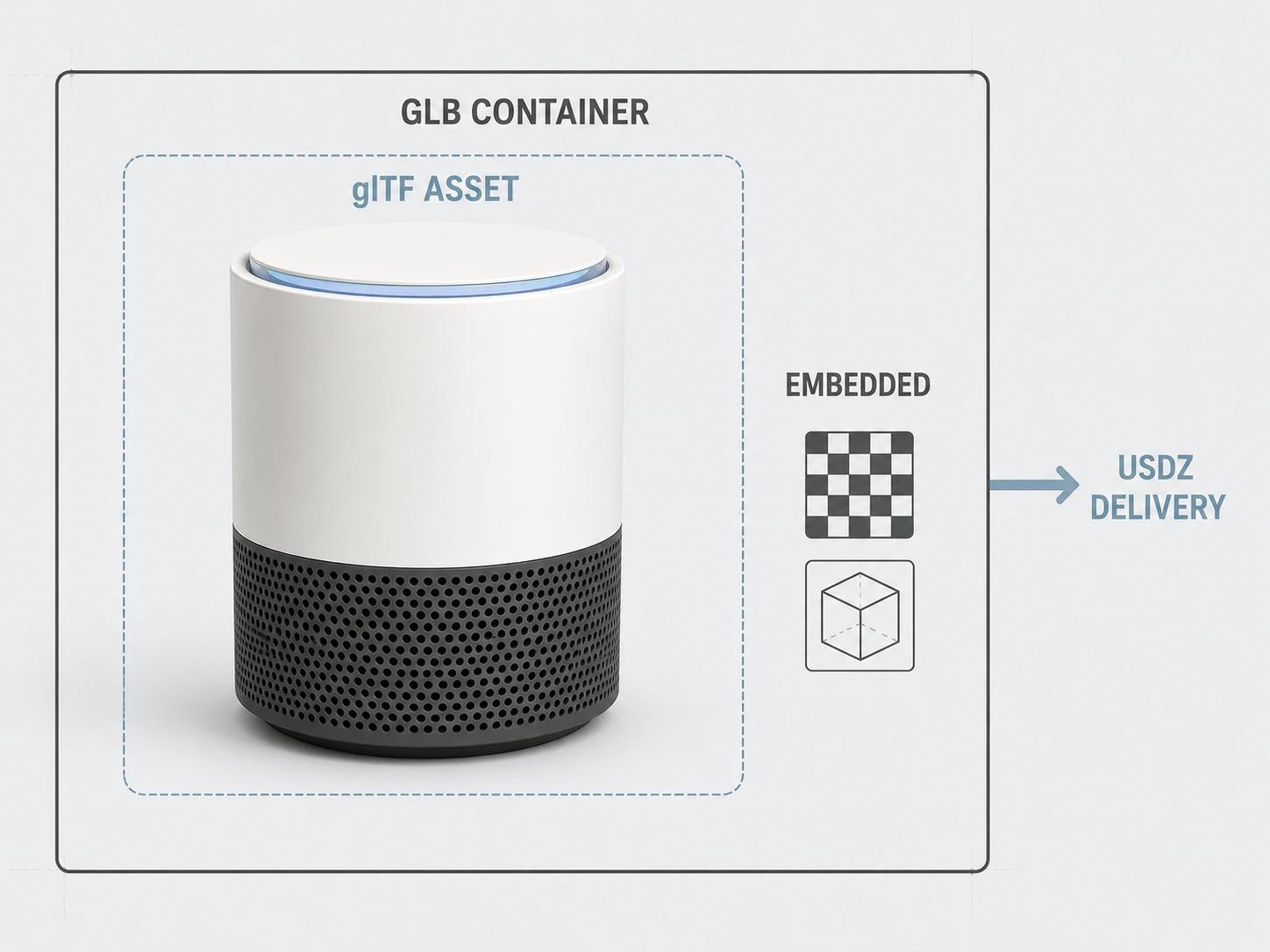
Khronos defines glTF as an API-neutral runtime asset delivery format. A .gltf file is JSON that describes the scene and can point to binary buffers and texture images. A .glb file uses the Binary glTF container, whose JSON and binary chunks can hold the scene, geometry, animation and images in one blob.[8]
That last sentence needs a qualification: the glTF specification also permits a Binary glTF asset to reference external resources. The .glb extension alone does not prove self-containment.[8] For a one-file Shopify handoff, inspect the GLB's buffer and image references and reject any undeclared external URI. “Self-contained” is an observed property of the release asset, not a synonym for its extension.
USDZ belongs to another delivery branch. Apple says built-in apps including Safari use Quick Look to display USDZ virtual objects in 3D on iPhone and iPad, and its current gallery also names Apple Vision Pro.[9] That makes USDZ relevant to Shopify AR delivery, but it does not make USDZ the same asset as glTF or GLB with a new suffix.
| Term | What it owns in this workflow | Acceptance question |
|---|---|---|
| glTF | The runtime scene and asset model: nodes, meshes, materials, textures, animation and extensions | Does the asset use the intended glTF version and only features the target runtime supports? |
| GLB | A Binary glTF container used for a controlled upload and web-runtime source | Are all required resources embedded, within the project budget and free of blocking structural findings? |
| USDZ | The Apple-facing package consumed through Quick Look | Does the post-processing USDZ open on the named Apple device with acceptable scale, materials and geometry? |
Shopify's current product-media page lists GLB and USDZ, not a loose .gltf package, as the accepted 3D model file types.[1] If a DCC tool exports .gltf JSON beside .bin and image files, treat that folder as an intermediate asset package. Resolve its paths, run structural and visual checks, then create the controlled GLB derivative for the one-file handoff. Do not rename the JSON file to .glb; the binary container has its own structure.[8]
Keep a small derivation record with the GLB: source-model revision, exporter and version, export settings, glTF extensions used, texture transforms, units, orientation, dependency result and checksum. That record makes a failed Shopify or device test reproducible. It also stops the generated USDZ from becoming the only surviving copy of a product asset that still needs revision. The handoff file is a release derivative; the authoring master remains under its own change control.
Read Shopify's current upload behavior as a dated contract
The following platform facts were checked on 31 August 2026. Shopify's Product media types page lists GLB and USDZ as accepted 3D model uploads with a maximum file size of 500 MB. It says models over 15 MB are optimized, while its processing table says files below and above that threshold are converted so GLB and USDZ versions are available.[1]
The 500 MB value is an upload ceiling, not a storefront performance target. The optimization threshold is also a processing rule, not permission to skip source optimization. If an upload crosses 15 MB, Shopify says geometry and textures can be optimized. That makes a post-processing comparison mandatory even though the page describes preservation of the visual output.[1]
Shopify's versioned Admin GraphQL 2026-07 documentation adds useful detail. It describes Model3dSource records for GLB and USDZ, calls the GLB the original model and the USDZ converted from it, and says an original GLB over 15 MB leads to optimization of both sources. Each source exposes its file size, format, MIME type and URL.[2] Record those generated records. Do not turn the wording of one API version into a permanent promise about every future ingest route.
Automatic availability is not automatic acceptance. Conversion can produce a file that opens while a critical material, label, animation, scale or thin part no longer matches the approved product. Keep the authored master and uploaded release file. Compare the generated GLB and USDZ in their actual destinations instead of treating one green upload message as a cross-platform approval.
Fix the test profile before testing
The matrix below uses one illustrative product: a compact countertop air purifier with a white cylindrical shell, dark perforated intake band and pale blue top control ring. It assumes one exact self-contained release GLB, a Shopify development store using a current Online Store 2.0 theme, HTTPS delivery, current stable desktop Chromium on Windows 11, a physical mid-range Android phone with current Chrome and required AR services, and a physical iPhone or iPad with current Safari for Quick Look.
Use a cold cache, five runs and a lab profile of 10 Mbps down, 1 Mbps up and 100 ms round-trip time. The starter asset budget is 5 MB, with zero external buffer or image dependencies and zero findings classified as blocking. The starter viewer threshold is a median of five seconds from deliberate activation to a usable rendered view. These are editorial project gates for a compact consumer product, not Shopify limits or measured results. Replace the browser, operating-system and device descriptions with exact versions before a real release run, and change a threshold in the brief before testing rather than after a failure.
Use a Shopify 3D delivery and QA matrix
This is an original Double Edged acceptance framework. A pass belongs to one row only; it does not cascade into the next row. The structural and runtime gates draw on the glTF specification,[8] Shopify's product-media, Model3d, generated-source, file-status, theme and UX documentation,[1][2][3][4][5][6][7] and Apple's Quick Look documentation.[9]
| Gate | Test assumption and evidence | Starter pass threshold | What the pass does not prove |
|---|---|---|---|
| 1. Release GLB | Exact revision and checksum; structural report; dependency inventory; approved comparison views | At or below 5 MB; zero external dependencies; zero blocking findings; all named geometry and material zones match | Shopify ingestion, generated USDZ or runtime performance |
| 2. Shopify ingestion | Exact uploaded file; admin result; versioned Model3d record | fileStatus is READY; zero unresolved file or media errors; warnings have a recorded disposition. Shopify defines READY as ready to display | Correct theme output, visual parity or AR behavior |
| 3. Generated sources | Post-processing sources records and downloaded test copies | Expected GLB and USDZ records are present; URL, format, MIME type and file size are captured; both open in their assigned test runtime | Exact parity between generated files |
| 4. Product mapping | Product-media ID, product ID, selected SKU states and gallery order | Every in-scope product state selects the intended media in 10 of 10 scripted attempts; no stale model remains after a state change | Native variant assignment, because Shopify does not assign 3D media directly to variants |
| 5. Theme viewer | Exact theme commit, product template, desktop Chromium and keyboard script | Poster appears; one deliberate activation loads the model; orbit, constrained zoom, reset and exit all pass 10 of 10 attempts; zero failed model requests | Android AR, Quick Look or a performance budget |
| 6. Online store | Public-like HTTPS page, cold cache, stated lab network and five runs | Median activation-to-usable-view is at or below 5 seconds; no viewer-caused layout shift; required stills and buying controls remain usable when the model request is blocked | Field performance or another device class; use the separate performance guide for the full page budget |
| 7. Android AR | Named physical Android device, browser, AR service version and generated source | Launch succeeds 5 of 5 times; placement reaches the expected scale band; move, rotate and exit complete without a blocking defect | Apple Quick Look or broad Android coverage |
| 8. Apple Quick Look | Named physical iPhone or iPad, Safari version and generated USDZ | Launch succeeds 5 of 5 times; critical geometry, pale-blue control ring, dark intake perforations and agreed scale all pass the reference review | Web-viewer parity, every Apple device or future Quick Look behavior |
Use the separate 3D product-page performance guide to connect the online-store gate to staged model delivery, fallback media, accessibility, event tracking and full-page performance budgets.
Inspect the post-processing sources
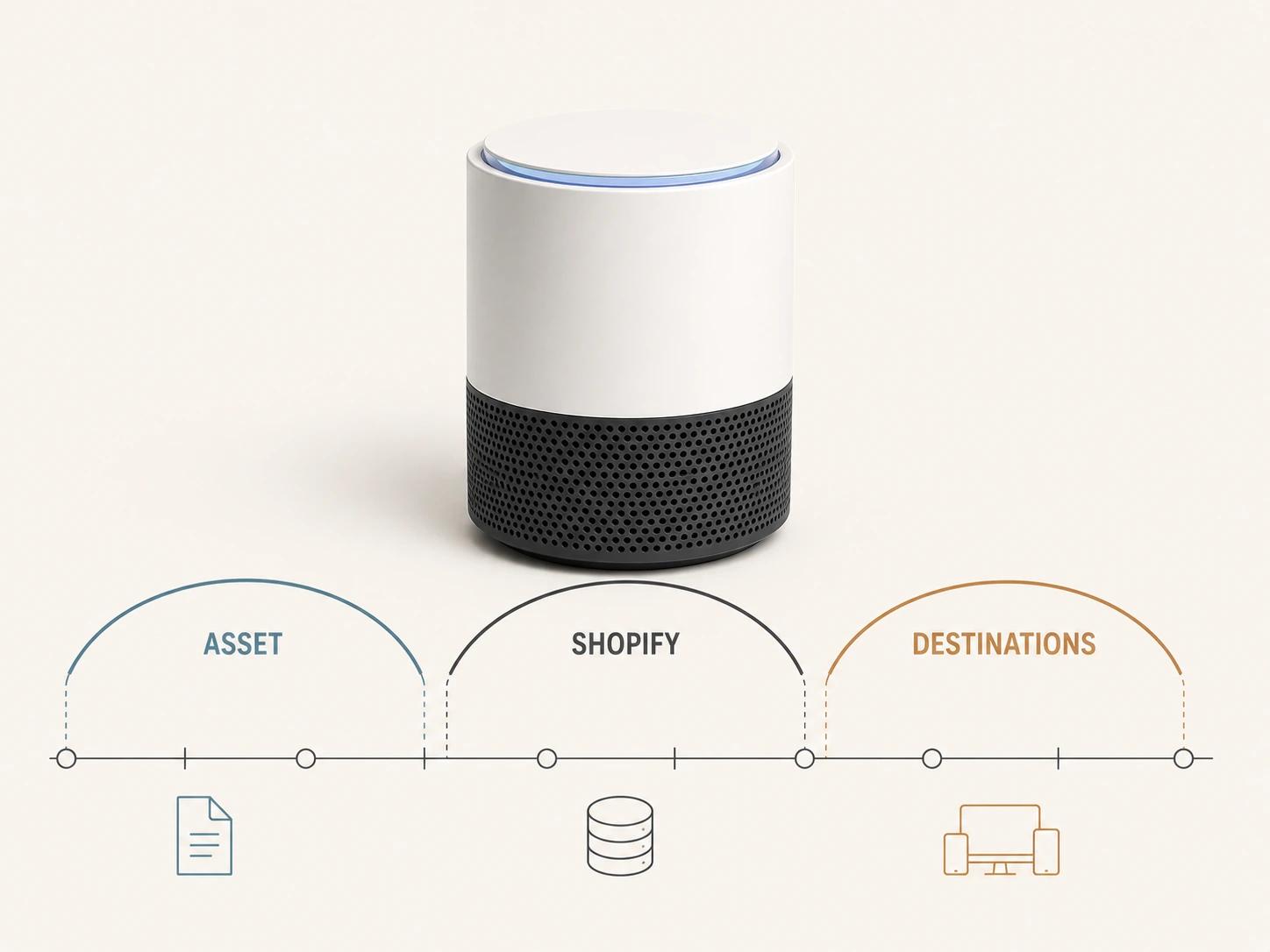
A finished upload should leave an evidence record rather than a screenshot of the media tile. Shopify's 2026-07 Model3d object exposes the filename, original source, generated sources, preview, update time, file and media status, errors and warnings.[3] Keep those values with the uploaded GLB revision and the theme release.
READY closes only the processing gate. UPLOADED has not been processed, PROCESSING is unfinished and FAILED needs investigation; even READY means ready to display, not “approved everywhere.”[4] Download or request the exact CDN sources used in release, then compare them with named product references. Record missing parts, changed normals, texture orientation, transparency, roughness, scale and animation behavior as separate checks rather than one subjective “looks right” field.
If the upload exceeded 15 MB, compare both generated sources because the current documentation describes optimization in that path.[1][2] If it stayed below 15 MB, still run the destination checks: conversion and runtime differences remain possible even when Shopify says the source geometry and materials were not optimized.
Make theme rendering a release gate
Shopify's theme guide demonstrates rendering model media with model_viewer_tag and states that Shopify-hosted 3D models use the model-viewer component. The same guide documents Shopify-XR integration for AR Quick Look in iOS Safari and Android Scene Viewer.[5] Those are implementation routes, not evidence that an installed theme version has working controls, AR buttons or the right media ID.
Inspect the actual product template. Confirm that model media receives stable space, a useful poster and descriptive alt text; that inactive gallery items do not keep capturing input; and that the AR trigger follows the selected model. Shopify's product-media UX guidance calls for inactive-by-default 3D content, keyboard operation, labeled controls, visible focus, text descriptions, live status and assistive-technology testing.[6] Turn that guidance into a task script with a named browser, keyboard and screen reader. A rendered <model-viewer> element is not an accessibility pass.
Keep product-media and variant mapping separate
Shopify's current help page says a product variant can have one assigned image and does not support assigning 3D models or videos directly as variant media.[7] A product can still hold multiple media items, and a custom theme or app can map a selection to a particular model state, but that mapping becomes implementation work.
Define it explicitly: product ID, option values, SKU, model-media ID, default state, unavailable state and fallback image. Test direct links, browser back/forward behavior and a change made before the model finishes loading. If a customizer owns the state instead, keep that contract with the customizer rather than implying Shopify's native variant media field will carry it. If the next decision is how the model reaches an ecommerce viewer, use the build, buy or managed-viewer comparison.
Test browser, Android AR and Apple Quick Look separately
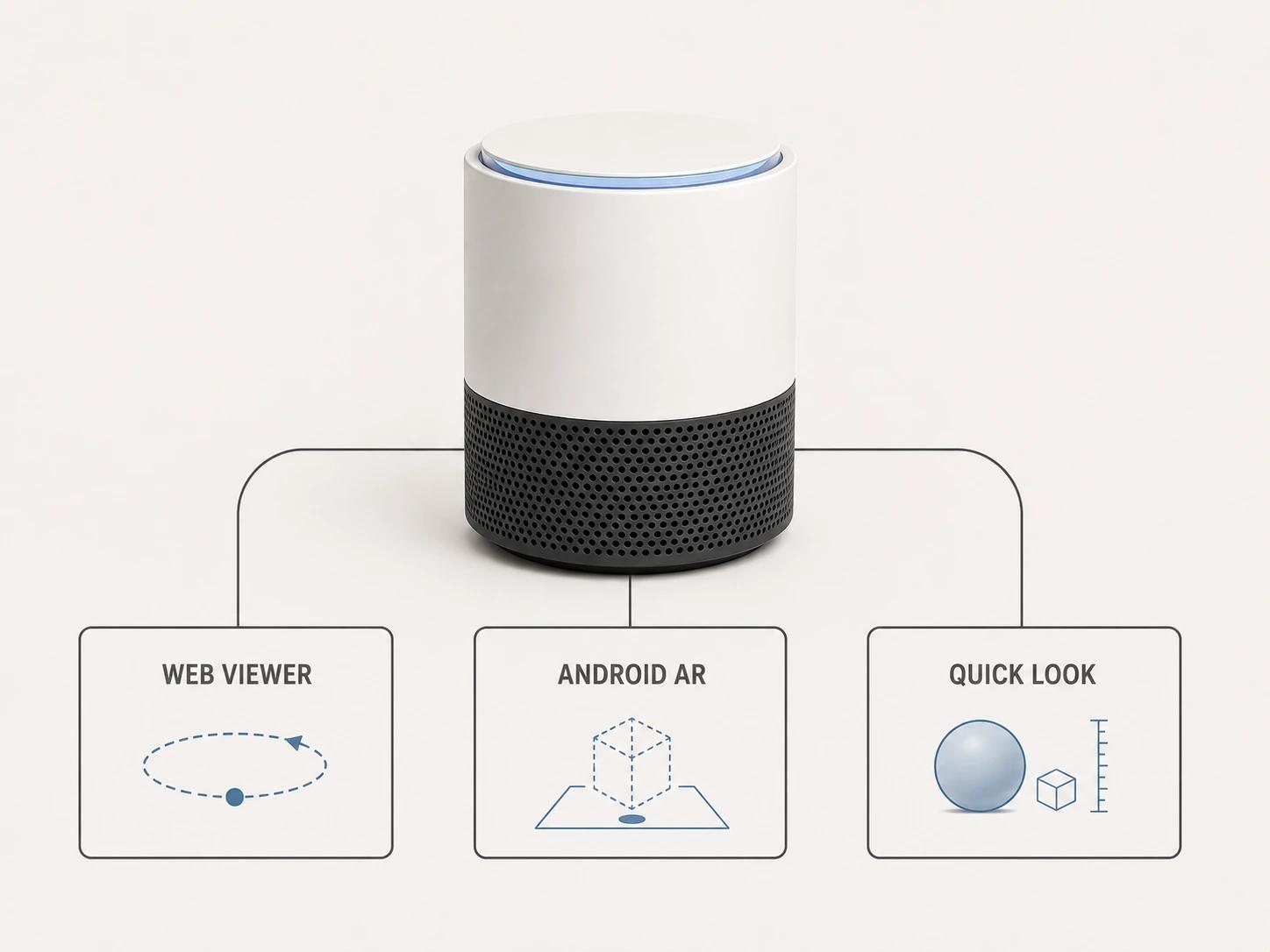
The web viewer, Android Scene Viewer and Apple Quick Look are different runtimes with different handoffs. Shopify documents Shopify-XR routes to Android Scene Viewer and AR Quick Look, while Apple documents USDZ display through Quick Look in Safari and other built-in apps.[5][9] Test the generated GLB in the released theme, Android AR on a named physical phone, and the generated USDZ in Quick Look on a named Apple device.
Use the same product-reference zones in all three reviews, but do not demand pixel equality from different lighting and rendering systems. Require the same critical geometry, visible labels, material assignments, orientation and plausible physical scale. Record differences. A missing part is a failure; a lighting difference may be an accepted runtime variance. The decision belongs in an exception register with the asset revision and device, not in an assumption that conversion preserved everything.
Use the private checker for the GLB gate only
The Private GLB Readiness Checker inspects and previews a selected self-contained GLB locally in the browser. The selected self-contained GLB remains local. It reports four separate destinations: Online store, Shopify, Product customizer and Android AR. A successful browser preview does not prove destination compatibility or performance. It also does not prove visual parity with the approved product.[10]
Use its findings to prepare the next test and keep each destination decision separate. Apple-device and Quick Look work requires its own release evidence. The optional editable Excel QA workbook is a secondary resource for teams that need an owner-and-evidence handoff outside the browser.
Release with a re-review trigger
Store the source-documentation date, uploaded revision, post-processing source records, theme commit, browser and device versions, network profile, raw results, exceptions and approver. Reopen the affected gates when Shopify changes its processing documentation, the theme or XR code changes, the model is revised, or a target operating system changes. A dated pass is useful evidence; it is not permanent support.
If the GLB, Shopify delivery or AR derivatives need production work, take the representative asset, source register and failed matrix rows to the web-ready and AR-ready 3D service. That preserves the direct service route without pretending the article or a local preview can scope every repair.