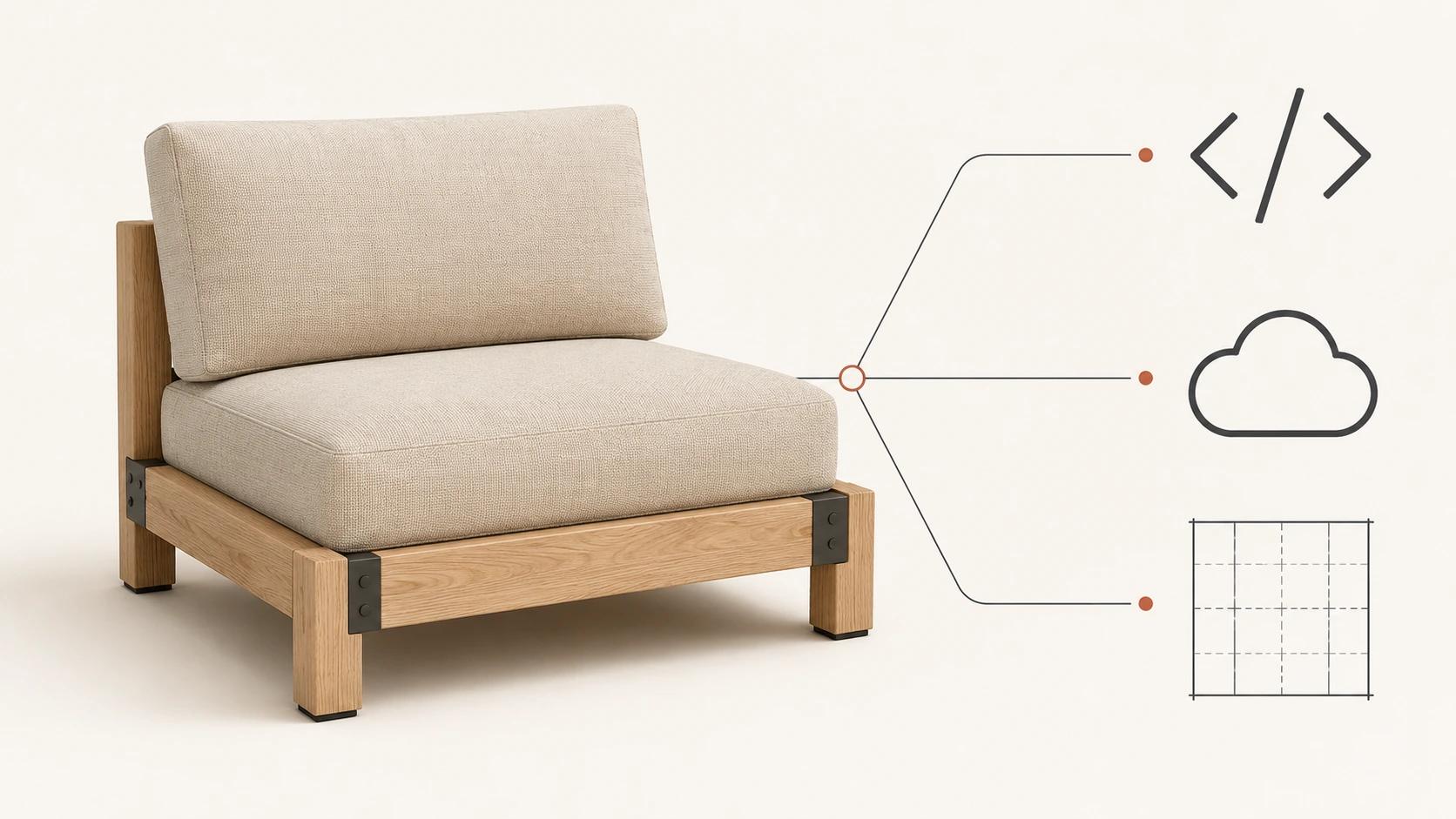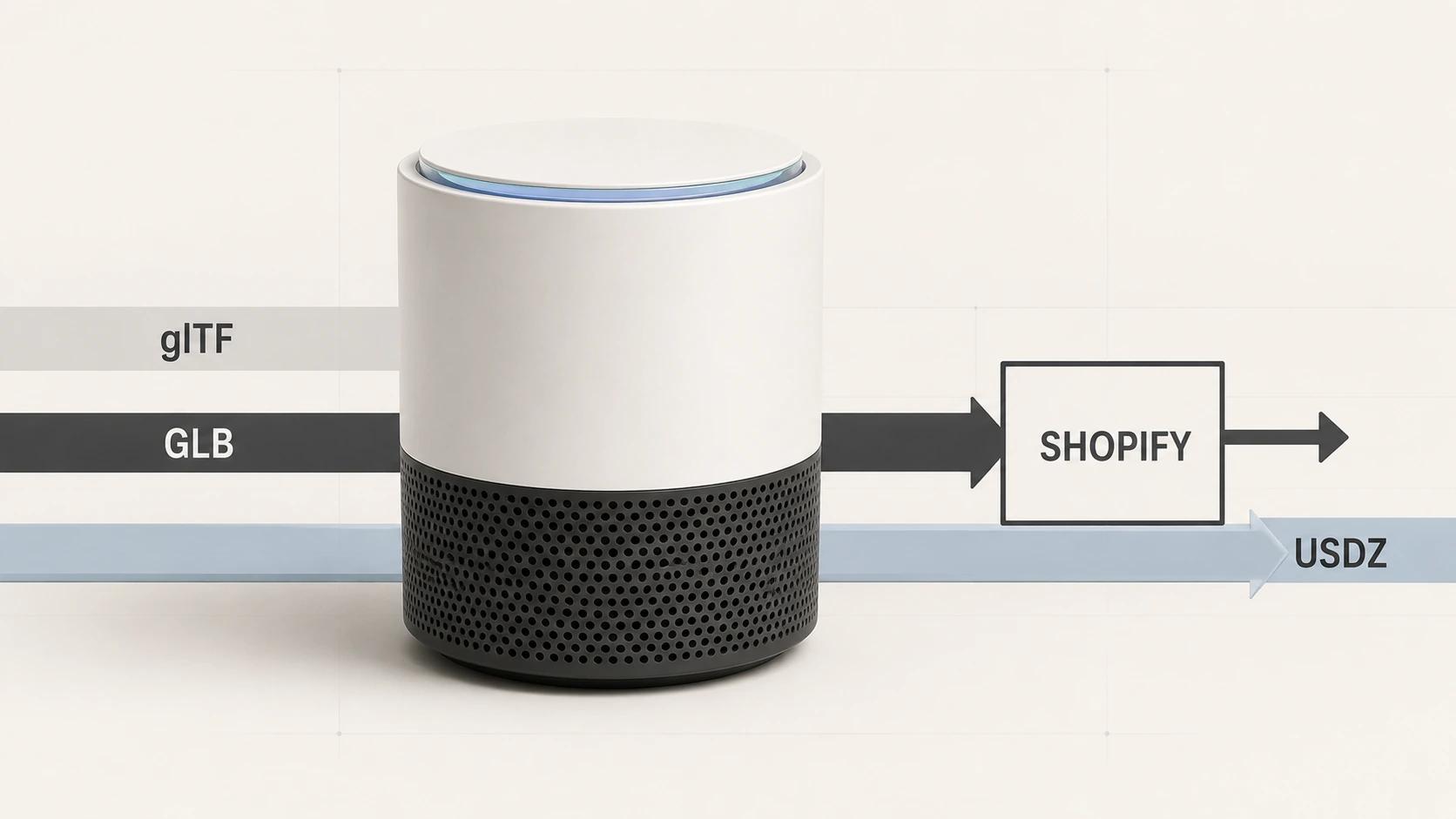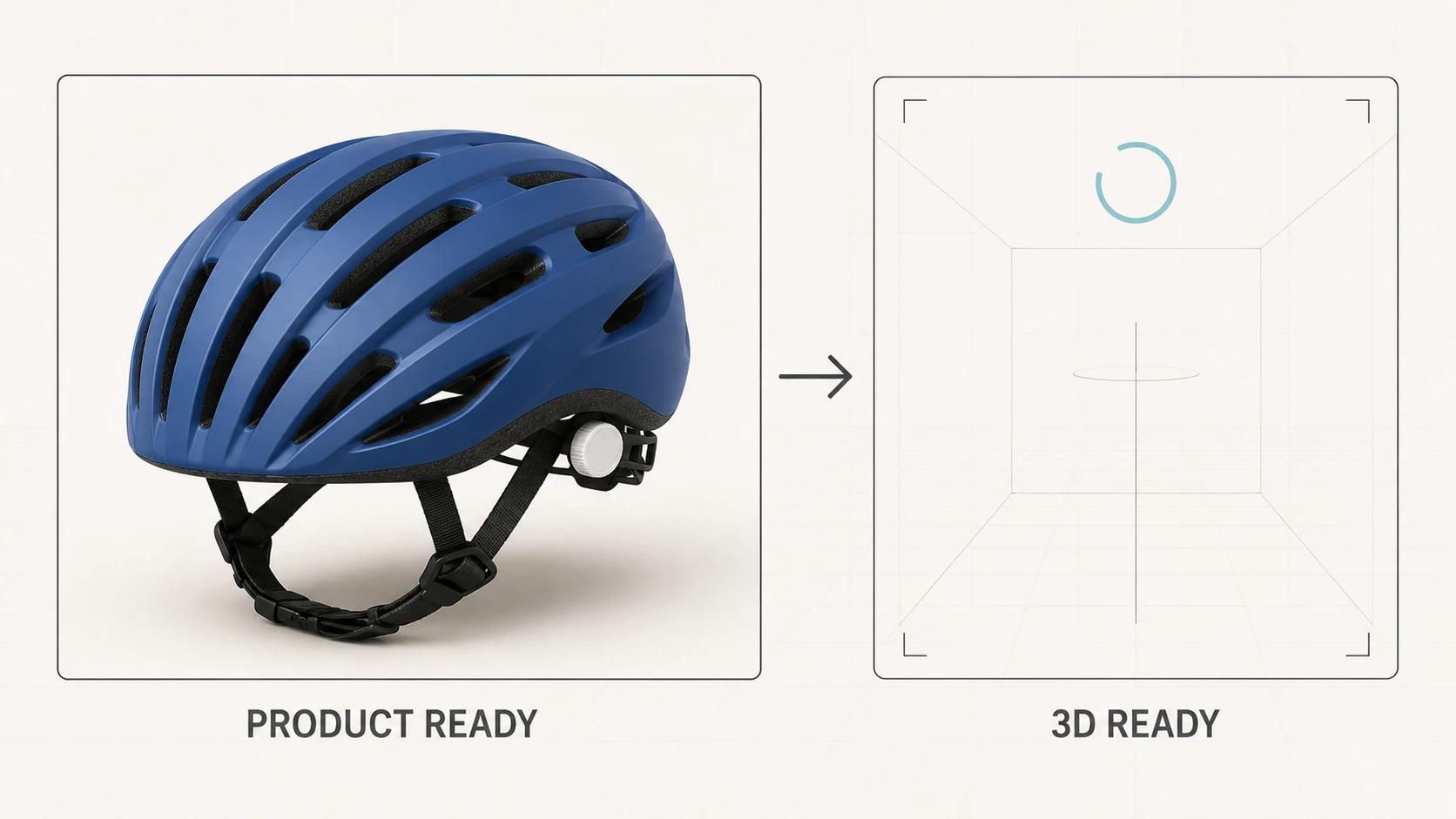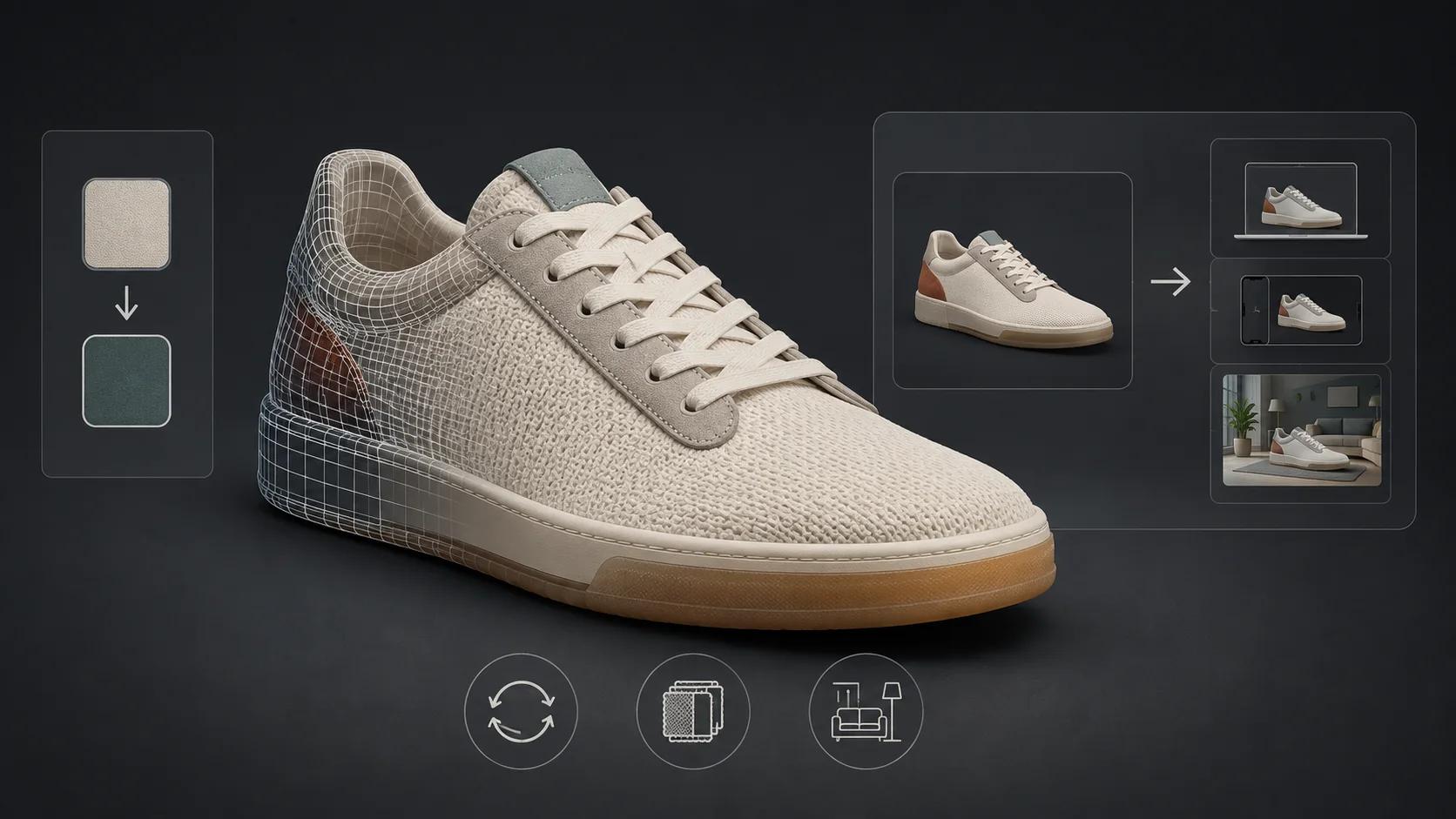
A 3D product viewer is not the model file and it is not just the orbit control wrapped around it. It is a small product system. The asset supplies geometry, materials, textures, hierarchy and perhaps animation. The runtime loads and renders that asset. The interface gives shoppers a clear way to inspect what matters. The page decides when to spend bandwidth, what appears before 3D is ready and what remains when it fails. Analytics then records whether the experience was available, used and useful enough to advance a purchase question.
Treating those responsibilities separately makes the brief testable. It also prevents a familiar failure: a GLB opens on one laptop, so the team calls the viewer finished. That test says very little about page loading, controls, keyboard access, fallback content, event quality or the exact destination where the model will be released.
Define the viewer as seven responsibilities
The following responsibility map is an original Double Edged editorial framework, not a platform standard. One vendor may own several rows, but every row still needs an owner, an input and a pass condition.
| Responsibility | What it owns | What it must not be allowed to prove |
|---|---|---|
| Asset package | Geometry, scale, orientation, materials, textures, hierarchy, animation and declared dependencies | That a browser, theme or destination will render it correctly |
| Runtime | Decode, GPU upload, rendering, camera state, lighting, resource disposal and error reporting | That the product is accurate or the controls make sense to shoppers |
| Controls and UX | Entry point, orbit, zoom, reset, hotspots, variants, instructions and exit behavior | That every available feature should be exposed |
| Progressive delivery | Poster, reserved space, activation rule, loading feedback and staged resource requests | That a small file alone protects the whole page |
| Fallback and recovery | Useful non-3D content, failure message, retry path and unaffected buying controls | That silent failure is acceptable because photography exists elsewhere |
| Accessibility | Names, instructions, keyboard-equivalent operation, focus behavior and equivalent product information | That an accessible name makes a gesture-only experience accessible |
| Analytics and acceptance | State events, business-question events, test profile, thresholds, evidence and release decision | That event volume equals customer value or that one preview equals compatibility |
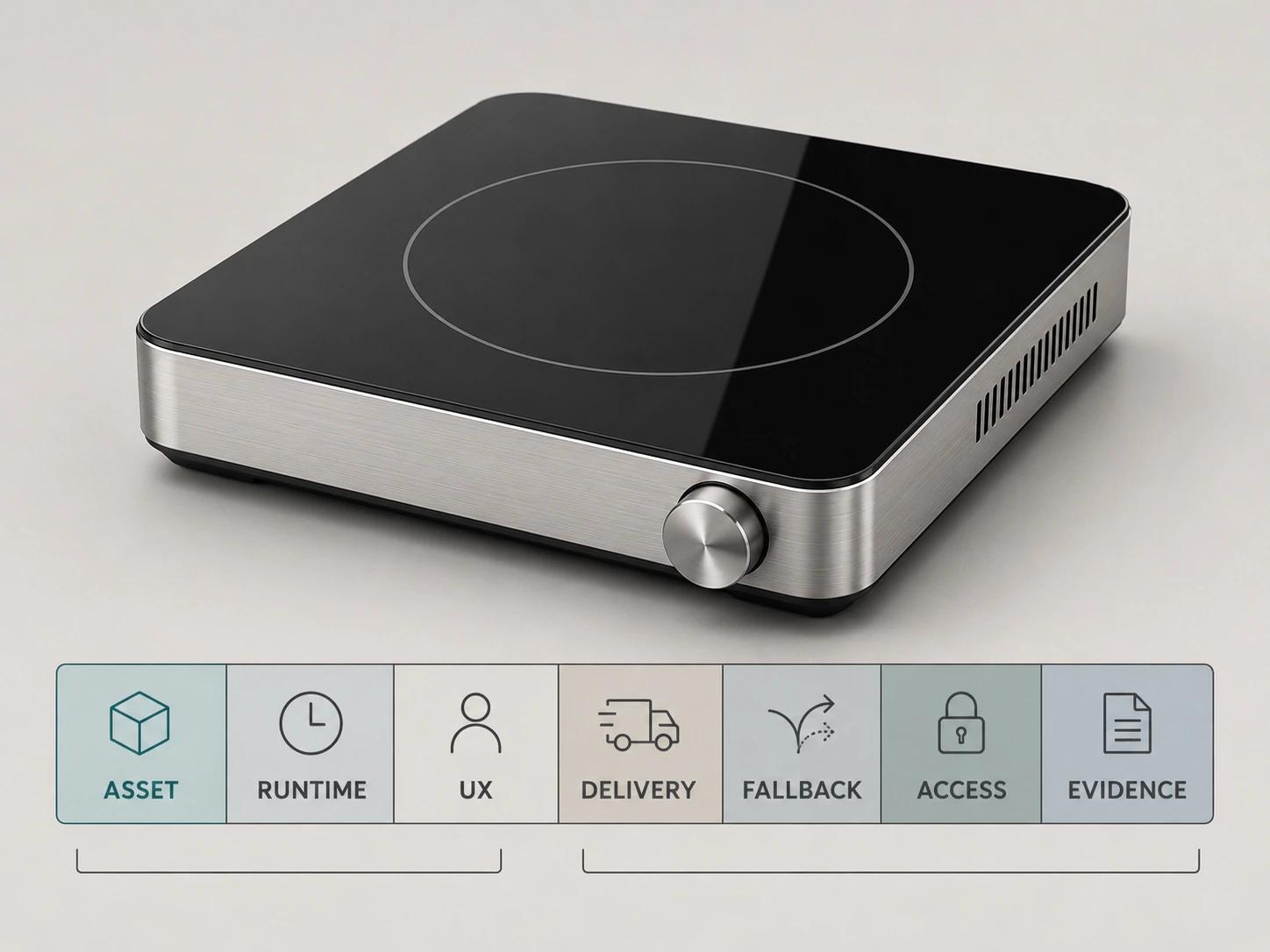
This split changes procurement. Ask who updates a model after launch, who owns viewer-version regressions, who sees load errors, who maintains variant mappings and who signs off after the host page changes. The companion decision guide on whether to build, buy or use a managed 3D product viewer handles that operating-model choice. This guide stays with the responsibilities any route must cover.
Keep the asset boundary separate from the runtime
Khronos defines glTF as an API-neutral runtime asset delivery format and explicitly says the format does not mandate runtime behavior.[1] A glTF scene can describe meshes, materials, textures, nodes, cameras and animations. A GLB places JSON and binary data in one container, but the specification also allows a GLB to refer to external resources.[1] The .glb extension therefore does not, by itself, prove that the package is self-contained.
Write two requirements instead of “support GLB.” The asset requirement names the allowed glTF version, extensions, units, orientation, material behavior, animation states and dependency policy. The runtime requirement names the viewer version, supported extensions, decoder delivery, lighting and tone-mapping setup, camera defaults, error behavior and target browser/device matrix. Record both versions with each release.
Validation belongs at the boundary, but it has layers. First, run a structural validator and classify messages as blocking, accepted or irrelevant to the destination. Next, open the exact release file through the intended runtime with the network panel visible. Then compare the rendered product with approved views for proportions, finish assignments, transparency, labels, seams and variant state. Finally, test the ingested destination asset. None of these layers can substitute for the others.
Shopify illustrates why that last step matters. Its current product-media page accepts named 3D file types and says larger uploads can enter an optimization path that changes geometry and textures while preserving visual output.[9] That is a dated Shopify behavior, not a universal upload rule. The format and platform details belong in GLB, glTF and USDZ for Shopify 3D Product Media; the viewer requirement here is to test after any destination-controlled processing.
Design controls around inspection tasks
Start with the product question. A shopper may need to see the rear connections, compare a finish, read a control layout, understand an opening mechanism or return to a known front view. Map each question to the smallest useful control. Orbit, constrained zoom and reset often cover more ground than a toolbar full of modes.
The official <model-viewer> examples show that interaction, initial orbit, target, zoom and pan are separate choices. They also show a configuration that disables viewer zoom so wheel and pinch retain their normal browser behavior.[3] The point is not that one component is mandatory. It is that camera behavior is part of page UX. A viewer that captures scroll unexpectedly or lets the camera disappear inside the product can make inspection harder than a still-image gallery.
Set a deliberate opening view, minimum and maximum distance, vertical orbit range and reset state for each product family. Test wide, tall, reflective and small-detail products rather than tuning the camera to one friendly sample. Keep controls visible when they are needed, use familiar labels, and explain the first action in one short instruction. Auto-rotation may signal that the object is interactive, but stop it on interaction and respect reduced-motion preferences. Do not let motion compete with product copy or buying controls.
Treat hotspots as editorial content. Each one needs an information owner, stable anchor, short label, keyboard route and behavior when its target is outside the current view. Remove a hotspot if it repeats nearby copy or exists only because the technology supports it. Variant controls need a stronger contract: visible name, product-data ID, asset state, price or availability handoff, analytics value and fallback behavior must refer to the same option.
Spellexo is useful here only as product-building proof. Double Edged conceived, designed, built, launched and operates that owned 3D-commerce product, including its UX, asset and delivery workflows; its case study explicitly publishes no commerce-lift result.[11] The relevant lesson is operational: click-to-load entry, source qualification, instrumented behavior and ongoing asset maintenance were treated as parts of the product, not as a single embed.
Load the experience in stages
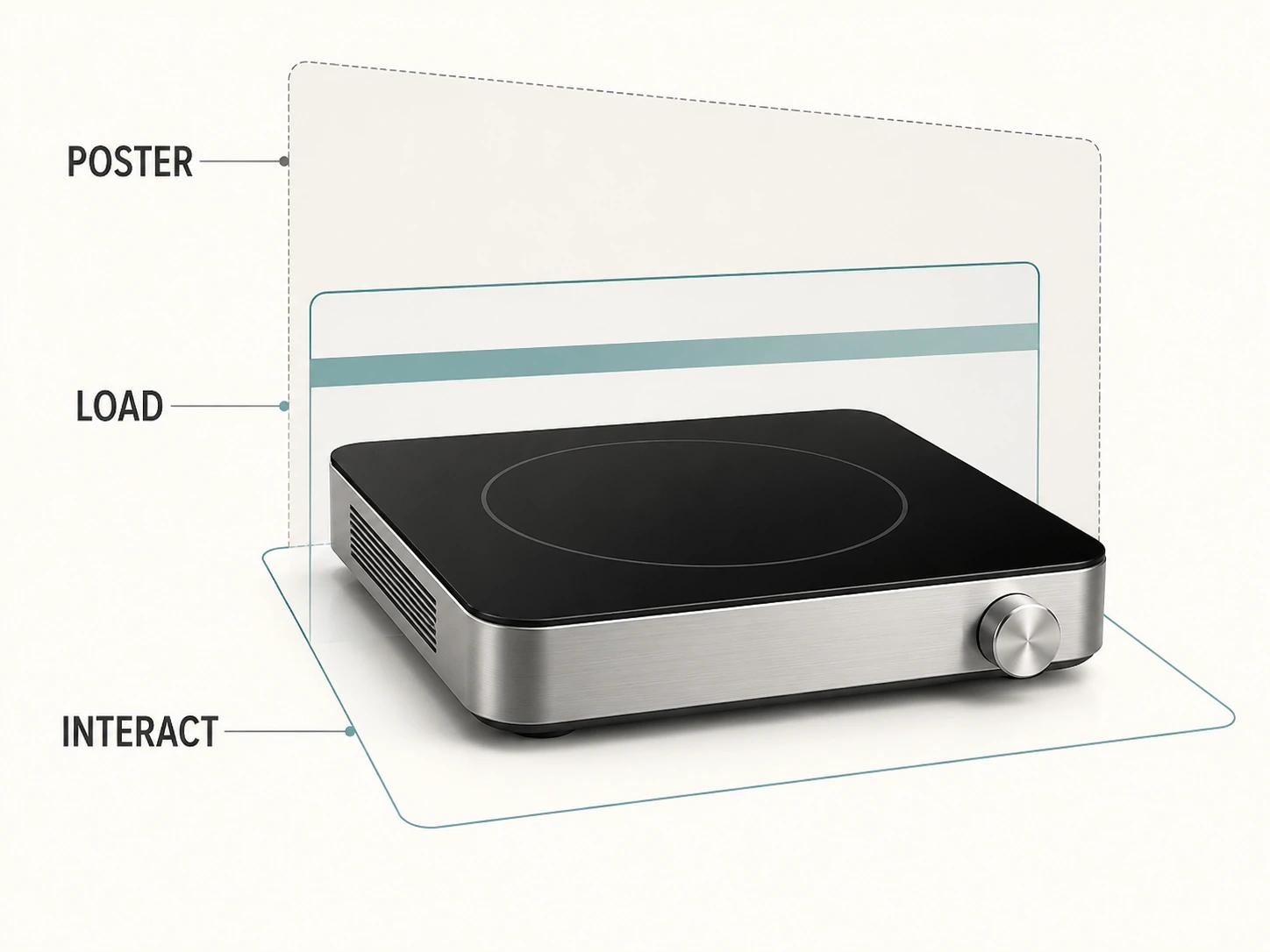
A useful loading sequence has four visible states: a stable product image, an intentional “view in 3D” action, honest loading feedback, then an interactive view that starts in the same framing. The <model-viewer> loading examples demonstrate a poster before reveal, custom loading content and a poster that remains useful when the model is invalid.[2] Those are implementation examples rather than a guarantee that every viewer handles failure well.
If the viewer is below the fold or optional, avoid downloading the runtime, model and decoder before proximity or intent justifies them. If the viewer is the primary product media, preload only what improves the chosen opening state and measure the cost against the rest of the page. Reserve its dimensions in the initial layout. Keep the poster responsive and sharp enough to work as product content, not as a blurred placeholder that pressures the shopper to wait.
Measure the page and the opened viewer separately. Current Core Web Vitals guidance defines “good” as LCP at 2.5 seconds or less, INP at 200 milliseconds or less and CLS at 0.1 or less, assessed at the 75th percentile and segmented between mobile and desktop.[4] These are page-level field thresholds. They do not say when a particular 3D model should become interactive.
Create a separate viewer-ready metric, such as the interval from an accepted activation to the first rendered frame with controls enabled. Pair it with transferred 3D bytes, decode time, long tasks and failure reason. Set its release threshold from a named lab profile and then compare it with field data. The detailed optimization work belongs in How to Make a 3D Product Page Load Fast Without Sacrificing UX, not in an unexplained universal megabyte target.
Keep the product page useful without 3D
Test failure on purpose. Block the model request, return a corrupt file, disable the rendering capability, interrupt the network and force a runtime exception. The viewer area should retain a meaningful product image, a short status and a retry action when retrying can help. Product title, variant selection, price, delivery information and the purchase route should remain usable. Log the failure without exposing a stack trace to the shopper.
A fallback is not a second-class apology. It is the baseline product presentation. Use stills that cover the views and details needed to make the decision, and keep explanatory copy in HTML. A poster may be enough for a decorative spin, but an inspection experience with labeled features needs equivalent information outside the canvas.
That principle also supports accessibility. WCAG 2.2 Success Criterion 1.1.1 requires non-text content to have a text alternative that serves the equivalent purpose, and a non-text control needs a name that describes its purpose.[5] Success Criterion 2.1.1 requires content functionality to be operable through a keyboard interface except for genuinely path-dependent input.[6]
For a viewer, acceptance should cover more than an aria-label. A keyboard user needs a discoverable way to rotate or select equivalent named views, zoom where zoom carries useful information, reset, activate hotspots, change variants and leave the component without a trap. Focus must remain visible. Instructions should say which keys work. Screen-reader output should identify the product, current state and available actions without announcing every render frame. If a spatial gesture cannot be reproduced directly, provide controls or HTML content that delivers the comparable outcome.
Run this check with the exact runtime and host page, because focus order, overlays and theme scripts can break behavior that worked in an isolated demo. Record the keyboard, browser, assistive technology and device used. “WCAG ready” is too vague for release evidence; a scripted task result and an issue log are reviewable.
Instrument states and purchase questions
Viewer analytics should answer three layers of questions. Was the experience available? Did the shopper intentionally use it? Which product question or commerce action followed? Do not fire an “engagement” event every time the camera moves. Pointer motion produces noisy volume and can leak high-cardinality values into a reporting system.
Google Analytics documents a custom event as an event name plus parameters that describe the interaction, and advises checking whether an automatically collected or recommended event already fits before adding one.[7] Its DebugView displays collected events and their parameters in real time for a debug-enabled device.[8] The implementation may use another consented analytics stack; the same event-contract discipline applies.
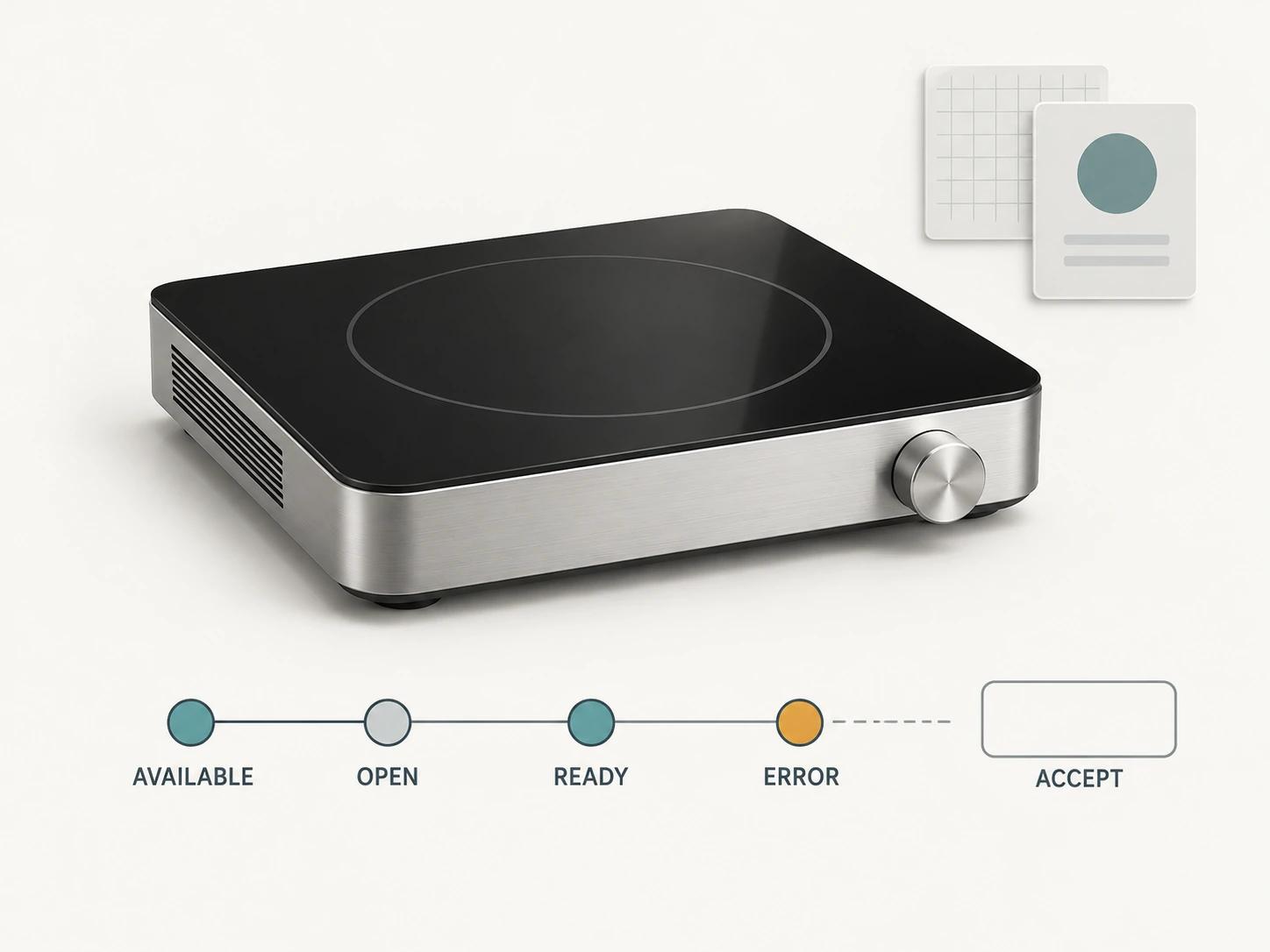
Use a compact taxonomy:
| Event | Fire once when | Example implementation fields and scopes |
|---|---|---|
| viewer_available | The runtime can offer the experience for this product state | Event: viewer version, asset revision, placement, product family |
| viewer_open | The shopper intentionally requests 3D | Event: entry point; item or content identity: product ID, variant ID |
| viewer_ready | The first usable frame appears and controls are enabled | Metric or raw diagnostic: request-to-ready duration; event: device class, network class, asset revision |
| viewer_interact | The first intentional camera or named-view action occurs | Event: bounded interaction type; item or content identity: product ID, variant ID |
| viewer_feature | A named hotspot, animation or material state is opened | Event: controlled feature ID and state ID; item or content identity: product ID |
| viewer_error | A classified asset, decoder, GPU, network or runtime failure blocks a state | Event: bounded error class, viewer version, asset revision and stage |
| viewer_exit | The opened layer closes or loses its active state | Event: furthest state reached; metric or raw diagnostic: duration |
These are fields in an implementation contract, not a GA4 recommendation to register every value as an event-scoped custom dimension. Keep reportable enum-like fields bounded. Keep product and variant identity in the appropriate commerce item or content context, and retain duration values as metrics or raw diagnostics only where the measurement design requires them. Never attach a raw stack trace, full URL, customer-entered string or unbounded model name to a reportable dimension.[7]
Keep price, add-to-cart and variant-change events owned by the commerce implementation, then attach a viewer exposure or session-state parameter only where consent and analytics design permit it. That supports analysis without claiming causation. A higher add-to-cart rate among viewer users may reflect product interest or self-selection; it is not proof that the viewer created the difference.
QA the taxonomy before release. In a consented debug session, run a fixed script repeatedly and reconcile browser logs, the analytics request and the receiving debugger. Reject duplicate opens, a ready event before the first usable frame, missing product or asset identity, uncontrolled error strings and any personal data. Keep a versioned event dictionary so a dashboard does not silently combine changed meanings.
Accept the viewer against a recorded test profile
A threshold without its assumptions is not reusable evidence. Every result should name the tested file and checksum or immutable revision, viewer and host-page versions, browser version, physical or emulated device, viewport, input method, cache state, network profile, CPU profile, consent state and run count. The table below is a starting release profile, not a report of tests already run and not a universal standard.
| Gate | Stated assumptions | Suggested acceptance threshold | Evidence to keep |
|---|---|---|---|
| Asset and dependencies | Exact release GLB; cold cache; intended production origin; network log open | Structural validator has zero messages classified as blocking; a self-contained deliverable makes zero undeclared asset requests; approved comparison views show no unresolved product or material mismatch | File hash, validator report, dependency log, comparison views and exception register |
| Controls | Current stable desktop Chromium and Safari plus stable Chromium on a representative mid-range Android device; mouse, keyboard and touch scripts | Every required inspection task passes 10 of 10 scripted attempts; reset is deterministic; normal page scroll and browser zoom remain reachable; zero focus traps | Browser/device versions, screen recording, task sheet and defects |
| Progressive delivery | Cold cache; mobile viewport; 4x CPU slowdown; custom 1.6 Mbps down, 750 Kbps up and 150 ms round-trip lab profile; five runs | Poster space is reserved before load; median lab LCP is at or below the project’s 2.5-second gate; median activation-to-usable-view is at or below a project-set 5-second gate; no unexpected layout shift from viewer reveal | Five raw traces, median calculation, request waterfall and field comparison plan |
| Page field performance | Real traffic segmented by mobile and desktop after sufficient samples exist | At least 75% of visits meet LCP at or below 2.5 seconds, INP at or below 200 milliseconds and CLS at or below 0.1 | Field report, date range, sample coverage and release annotation |
| Failure and fallback | Model blocked, corrupt response, offline interruption, rendering unavailable and runtime exception | All five scenarios retain the approved still, essential product information and purchase route; every blocking failure is classified; retry appears only for recoverable states | Scenario captures, console/network record and error-event reconciliation |
| Accessibility | Exact release page; keyboard-only pass; named screen reader/browser combination; reduced-motion setting | Every viewer task has keyboard operation or an equivalent route; focus stays visible and escapable; product information has an equivalent text/still path; zero unresolved Level A or AA blockers in the agreed WCAG 2.2 review | Task transcript, accessibility audit, assistive-technology versions and issue decisions |
| Analytics | Consented test account; debug mode; 20 scripted sessions across success, exit and failure paths | Expected state events fire exactly once per transition; 100% contain required parameters; zero personal data; commerce events remain reconciled with their owning implementation | Event dictionary, 20-session reconciliation and debugger captures |
| Destination | Exact post-ingestion asset and public page on the approved browser/device/network matrix | Every named destination passes its own file, visual, interaction, performance and analytics criteria; a pass in one destination creates no inherited pass elsewhere | Destination record, screenshots, traces, asset IDs and named approver |
The 5-second viewer-ready value and 10-of-10 or 20-session counts are editorial starting points. Change them when product complexity, customer networks or risk justify a different bar, but change the brief before testing. Do not move a threshold after seeing a failed result without recording the decision and impact.
Inspect locally, then prove each destination
Use the checker to expose file-level findings and prepare the next tests, not to collapse them into one green badge. The optional editable Excel QA workbook is a secondary handoff resource for teams that need owners and evidence outside the browser.
If the file or viewer needs production work, the web-ready and AR-ready 3D service is the commercial destination. Bring the representative source asset, exact release destinations, host-page constraints and the proposed test profile. That is enough to scope an asset and viewer acceptance path without promising that one file, preview or device proves the whole system.