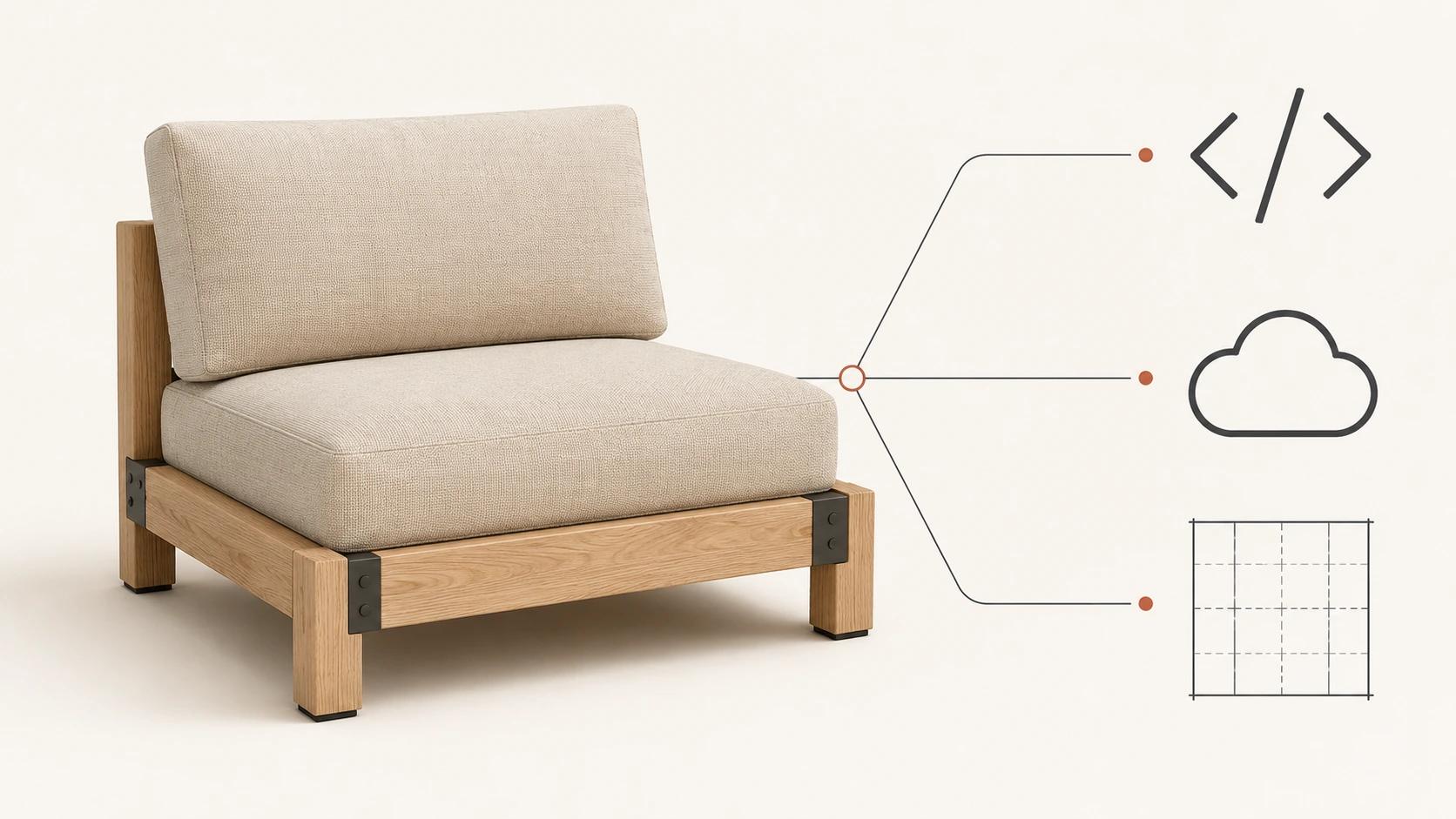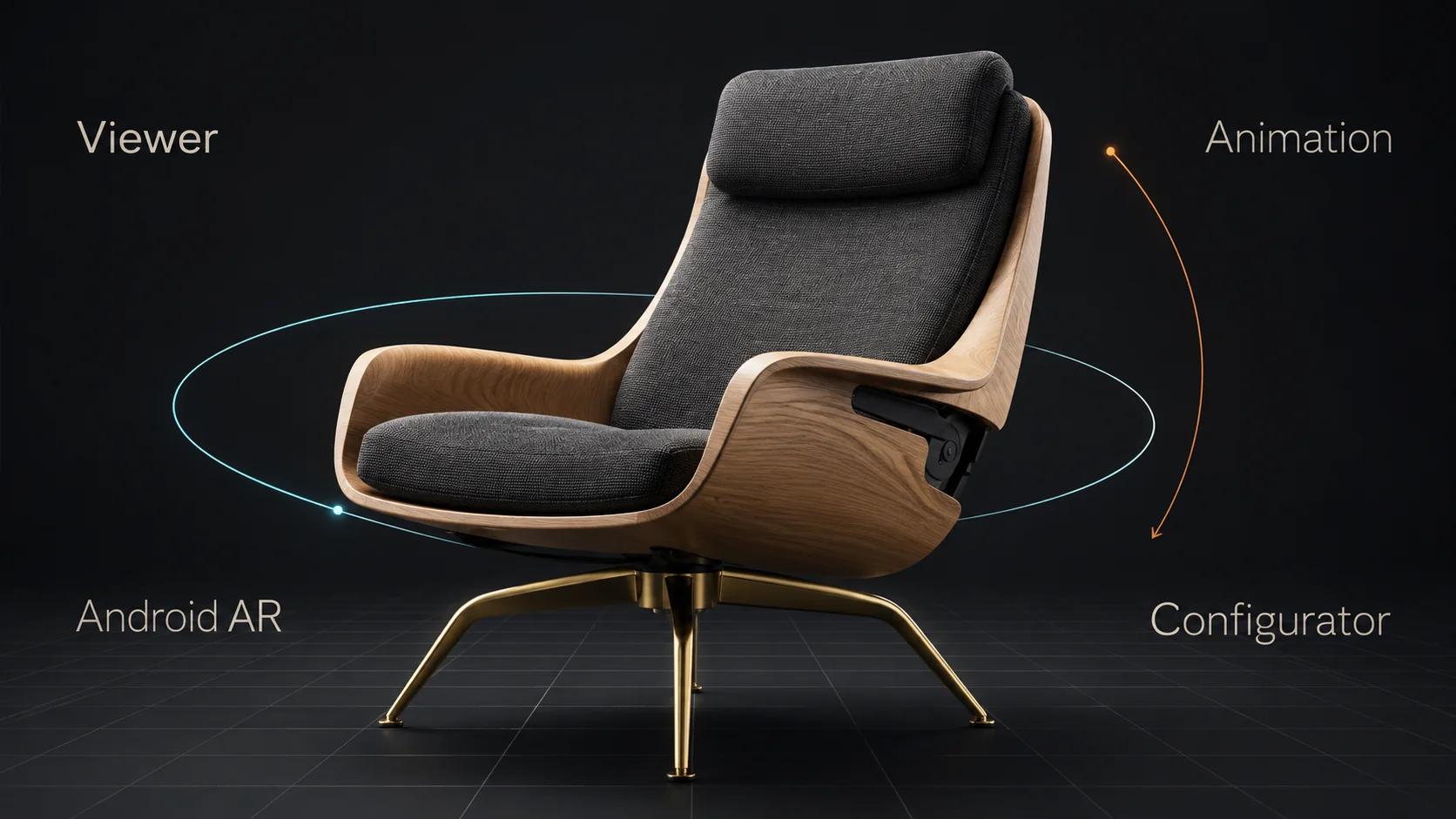
Choose an interactive 3D product experience by the uncertainty it needs to remove. A viewer is for free visual inspection. Animation is for a fixed sequence or mechanism. AR is for scale and placement in the shopper's environment. A configurator is for choices, dependencies and outputs that change with user input.
Use the lightest of those experiences that answers the buyer's question and fits the team's operating model. A more complex interface is not automatically a better one. It adds assets, states, testing, analytics, accessibility and change ownership. Sometimes the right interactive experience is a simple 3D viewer. Sometimes the right answer is a short animation with clear controls.
Choose by uncertainty, not by feature count
An interactive product brief often starts with a solution: "We need AR" or "We need a configurator." Reverse that order. Write down what the customer cannot understand, what action would resolve it and what the business must do with the result.
Four uncertainty patterns cover most first decisions:
- Inspection: The shopper wants to rotate, zoom and study form or detail. Start with a viewer.
- Sequence: The shopper needs to see how something opens, moves, assembles or changes over time. Start with animation.
- Placement: The shopper needs a grounded sense of scale or location in a real environment. Consider AR.
- Choice: The shopper needs to select among valid options and receive an accurate state or output. Consider a configurator.
The formats can work together, but combination should follow a reason. A configurator may include a viewer. A viewer may expose one approved material variant. A product page may pair a viewer with a short mechanism animation. AR may begin from the same product page. Each added layer still needs its own acceptance evidence.
This guide owns the selection decision. The broader definition and channel map live in What Is 3D Product Visualization? A Commerce Team's Guide. It does not replace the separate optimization guide or the detailed configurator UX guide.
Experience selection flowchart
Use this flow in order. Stop when one path resolves the stated uncertainty.
| Decision | If yes | If no |
|---|---|---|
| Must the shopper choose among valid product options or receive a configuration-specific output? | Choose a configurator; define rules, data and output before visual polish | Continue |
| Is the main question about real-world scale or placement? | Choose AR; verify dimensions, launch behavior and representative Android devices | Continue |
| Does the product need to explain an ordered action, internal movement or transformation? | Choose animation; define the exact sequence and user controls | Continue |
| Does free rotation or zoom reveal information that approved stills cannot? | Choose a 3D viewer; define camera, controls, fallback and GLB release | Use stills or video rather than adding interaction |
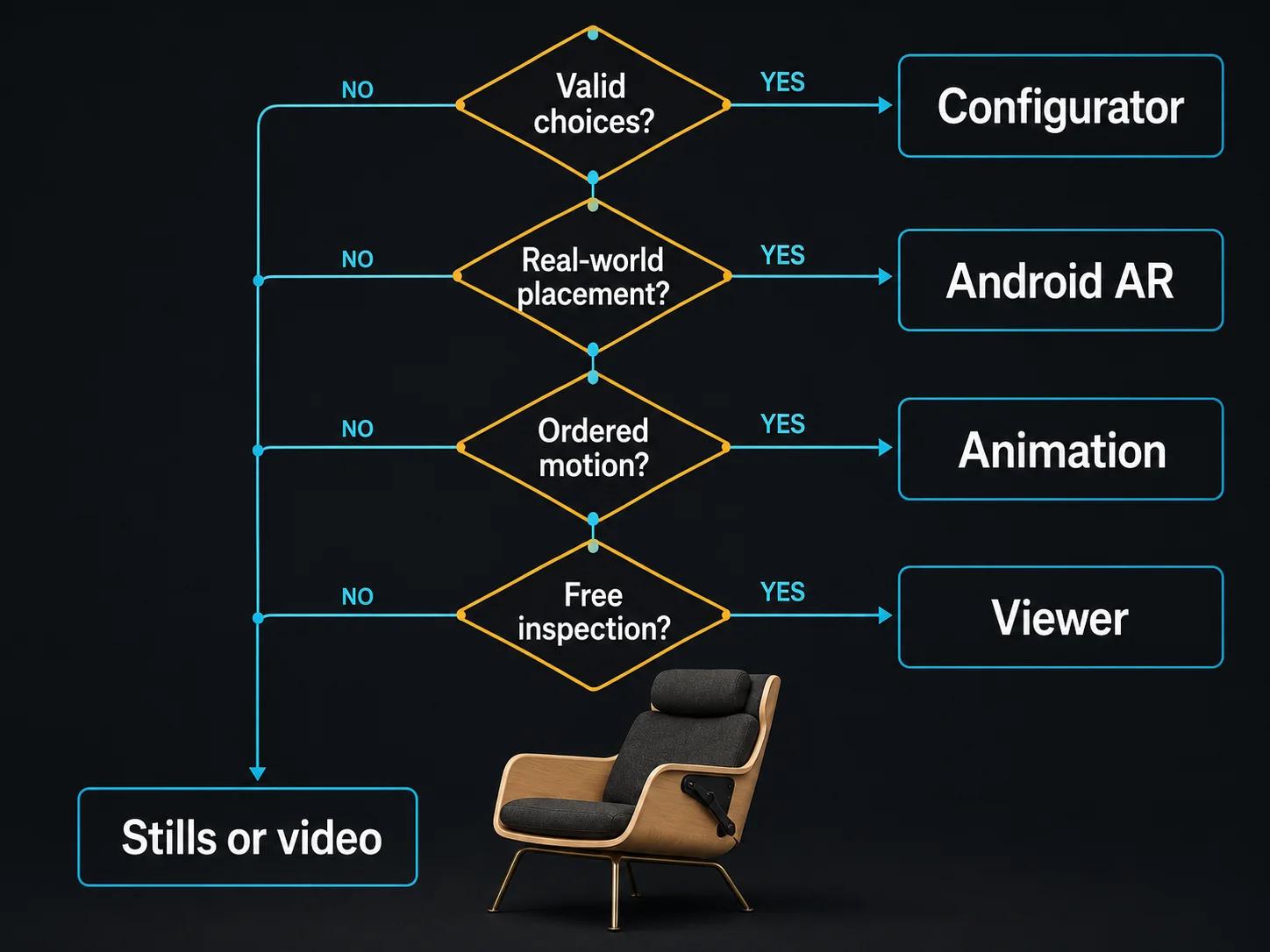
Two checks sit outside the branches. First, can the intended destination host and maintain the experience? Second, is someone named to own product changes after launch? A technically possible experience with no operating owner is unfinished scope.
Viewer, configurator, AR and animation compared
Shopify's product-media documentation treats images, videos and 3D models as separate media types.[1] That distinction is useful beyond one platform: the product content, interaction layer and commerce logic should be scoped separately even when they appear in the same gallery.
| Experience | Primary buyer task | Product input | Application or page input | What must be tested | Typical change owner |
|---|---|---|---|---|---|
| 3D viewer | Inspect shape and detail | Viewer-ready scene, often a self-contained GLB | Viewer controls, camera, lighting, loading, fallback | Visual accuracy, controls, rendering, page integration and target devices | 3D asset owner plus web owner |
| Animation | Understand sequence or mechanism | Approved scene, rig or animation setup | Player, captions or transcript where needed, poster and fallback | Sequence accuracy, encodes, controls, page behavior and claims | Content producer plus page owner |
| Android AR | Judge scale or placement | Dimensionally verified GLB and approved appearance | Documented launch route and fallback | Scale, orientation, placement, launch and representative supported devices | Asset owner plus mobile implementation owner |
| Configurator | Select valid options and produce a state or output | Addressable parts, materials and approved visual states | Product rules, data, UI, pricing or quote behavior, integrations | Rules, states, accessibility, data accuracy, recovery and outputs | Product, commerce and engineering owners |
The table does not rank the experiences. It makes their hidden dependencies visible. A viewer is not merely a GLB; a configurator is not merely a viewer with more buttons; AR is not a desktop preview; animation is not automatically accessible because it plays.
When a 3D viewer is enough
Choose a viewer when the product is mostly fixed and the shopper benefits from controlling the camera. Furniture, equipment, footwear and products with important rear, side or underside details can fit this pattern, but category alone is not the test. The test is whether free inspection resolves a material question.
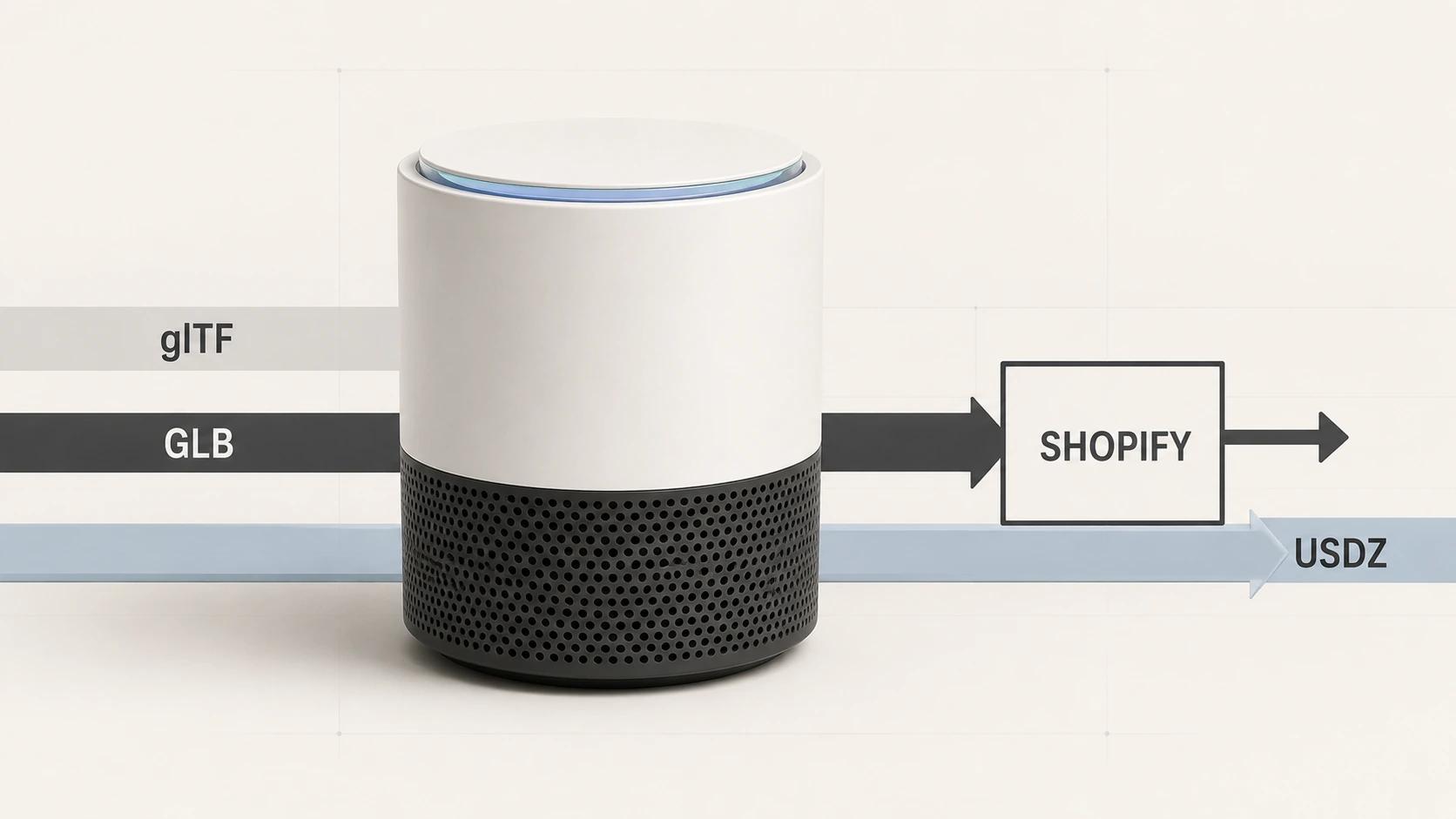
Khronos describes glTF as a delivery specification for 3D scenes and models. A binary GLB can package scene structure, meshes, buffers, materials, textures, skins and animations in one file.[2] That packaging is useful for delivery, yet the page still needs a viewer implementation with controls, lighting, camera limits, loading states and fallback content.
A viewer can include limited switching without becoming a configurator. The ratified Khronos material-variants extension represents a finite, premade set of material variants for common geometry. Its design notes explicitly say full configuration authorship is a non-goal because configurators have application-specific business logic and more complex rules.[3] That is a clean boundary:
- a finite, approved finish selector may remain a viewer feature;
- dependent components, conditional options, inventory, pricing or saved outputs point to a configurator;
- a color control that changes appearance but not the sellable product still needs accurate labeling and state communication.
Do not select a viewer because a GLB already exists. Check the model's product accuracy, presentation quality, runtime suitability, part structure and rights. Then scope the viewer and page behavior around the buyer task.
When animation is the clearer answer
Animation wins when the answer has a beginning, middle and end. It can demonstrate a latch, folding action, assembly order, internal flow or installed result without asking the shopper to discover the right camera and control sequence.
The brief should name the claim or procedure each shot must communicate. A polished orbit around the product is not a mechanism explanation. Conversely, a ten-second mechanism cut may do the job more directly than an interactive scene with hotspots and camera constraints.
Animation also has operating requirements. WCAG 2.2 states that automatically starting movement lasting more than five seconds alongside other content needs a mechanism to pause, stop or hide it unless that motion is essential.[7] The page needs visible controls, a useful poster or fallback and text support where the message would otherwise be unavailable.
Animation is less suitable when the shopper must compare many valid states, inspect arbitrary details or place the product at scale. It can support those experiences, but it should not pretend to provide their control.
When Android AR earns its place
Choose AR when the shopper's question depends on a real environment. Typical questions concern scale, footprint, clearance, reach or position relative to nearby objects. If none of those questions matter, a viewer or contextual render may be clearer and easier to maintain.
Google documents that Scene Viewer can launch web-hosted glTF or GLB models into 3D or AR from a website or Android app on supported setups. Its behavior depends on device support, required services and the selected launch mode, with a configured fallback path for cases that cannot enter AR.[4] Those conditions make AR a release path, not a property that can be declared from a desktop screenshot.
The asset brief needs verified dimensions, origin, starting orientation, material review and a decision about scaling behavior. The implementation brief needs a clear launch action and fallback. The test plan needs representative Android devices used by the intended audience. Record what was tested rather than saying "mobile compatible."
AR should not carry the whole product page. Keep essential product information and the buy path available outside the immersive view. Treat placement as a focused task that the shopper chooses to enter.
When the product needs a configurator
Choose a configurator when a shopper's input must be checked against product rules or produce an accurate downstream state. That may include dependent options, incompatible combinations, component swaps, dimensions, quote inputs, price changes, saved configurations or order data.
The first artifact should be an option-and-rule model, not a glossy 3D screen. List the choices, allowed values, defaults, dependencies, invalid states, product identifiers and outputs. Then decide which changes need live 3D, which can use images and which need no visual response.
Custom controls must expose their names, roles, states and values to user agents and assistive technology under WCAG's Name, Role, Value criterion.[6] Interaction cannot rely only on dexterous dragging either. WCAG 2.2 requires a single-pointer alternative for functionality that uses dragging unless dragging is essential or controlled by the user agent.[5] For a product customizer, that can mean buttons, lists or numeric inputs alongside direct manipulation.
A configurator also needs recovery. Shoppers should be able to understand unavailable choices, revisit earlier decisions and return to a known state. The product team needs a policy for what happens when a SKU, price, material, rule or integration changes. Those responsibilities are why a configurator is a product system rather than an embellished model viewer.
Match the experience to the operating model
The lightest technical build can still be the wrong operational choice. Compare the four paths across five ownership questions:
- Who approves product truth and visual fidelity?
- Who prepares and versions the 3D or motion assets?
- Who owns the page, viewer or application code?
- Who tests releases and records acceptance evidence?
- Who handles product, platform and campaign changes after launch?
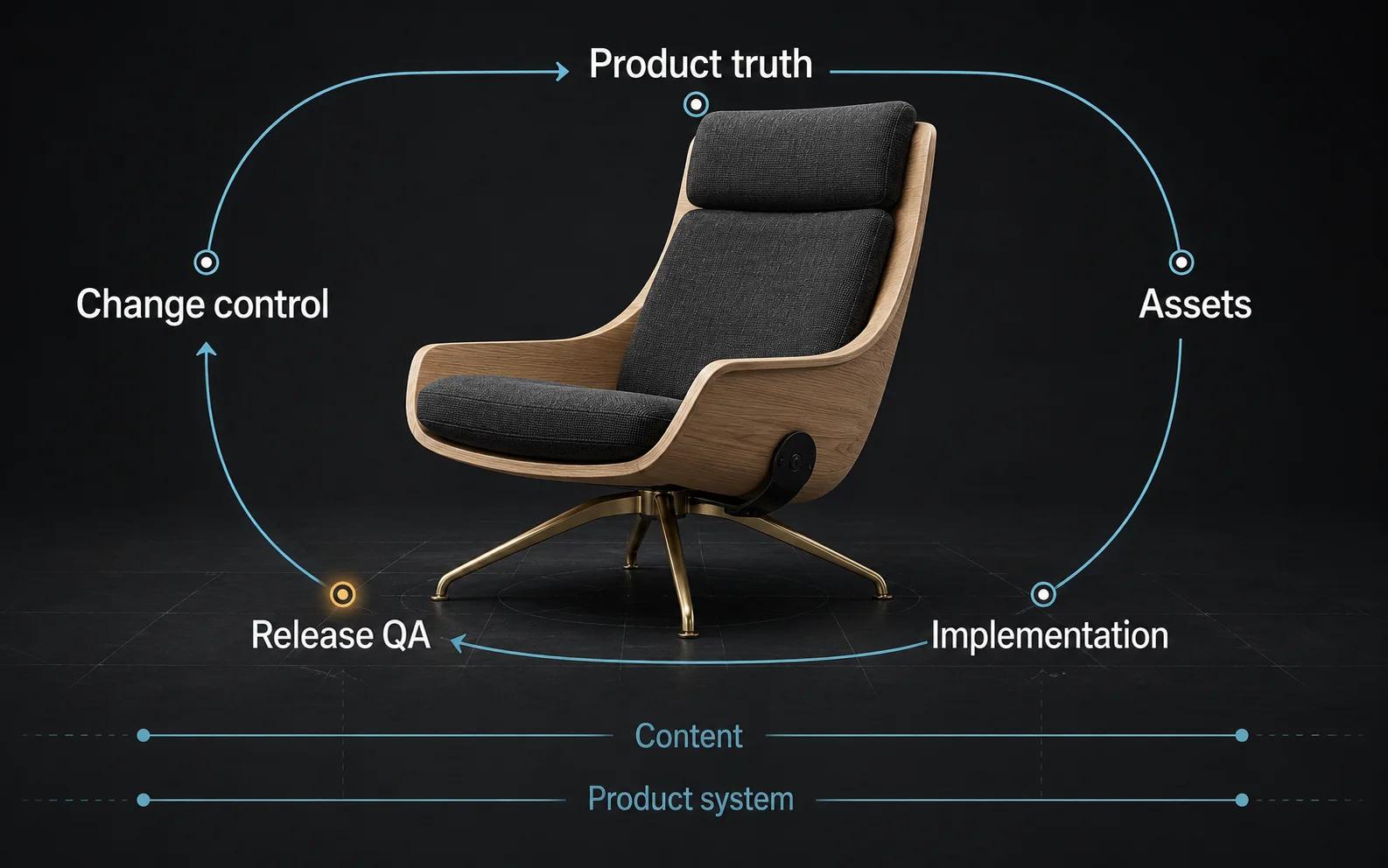
A viewer usually needs asset and web owners. Animation adds editorial, encode and page responsibilities. AR adds scale, launch and device acceptance. A configurator joins product, data, UX, engineering and commerce operations. That difference matters more than the number of controls visible on day one.
For catalogs with recurring product updates, connect the decision to A 3D Product Content Pipeline for Multi-SKU E-commerce. The pipeline page owns ingestion, versioning and catalog change management; this page only decides which experience the pipeline must support.
Treat the GLB as one layer of the release
For GLB and AR file readiness, the primary destination is the live Private GLB Readiness Checker. It inspects and previews a selected self-contained GLB locally in the browser. The selected GLB remains local. Its report uses exactly four headings: Online store, Shopify, Product customizer, Android AR.[8]
The optional editable Excel workbook is secondary. Use it when the team wants a portable issue and evidence record after the live check. Do not start with the workbook when the checker can inspect the file directly.
A local preview is valuable evidence about that file and viewer session. It does not prove destination compatibility. The checker cannot see the production theme, network headers, business rules, catalog mappings, target-device population or the final product approval. Complete a destination test with the exact release candidate, implementation and representative device or browser.
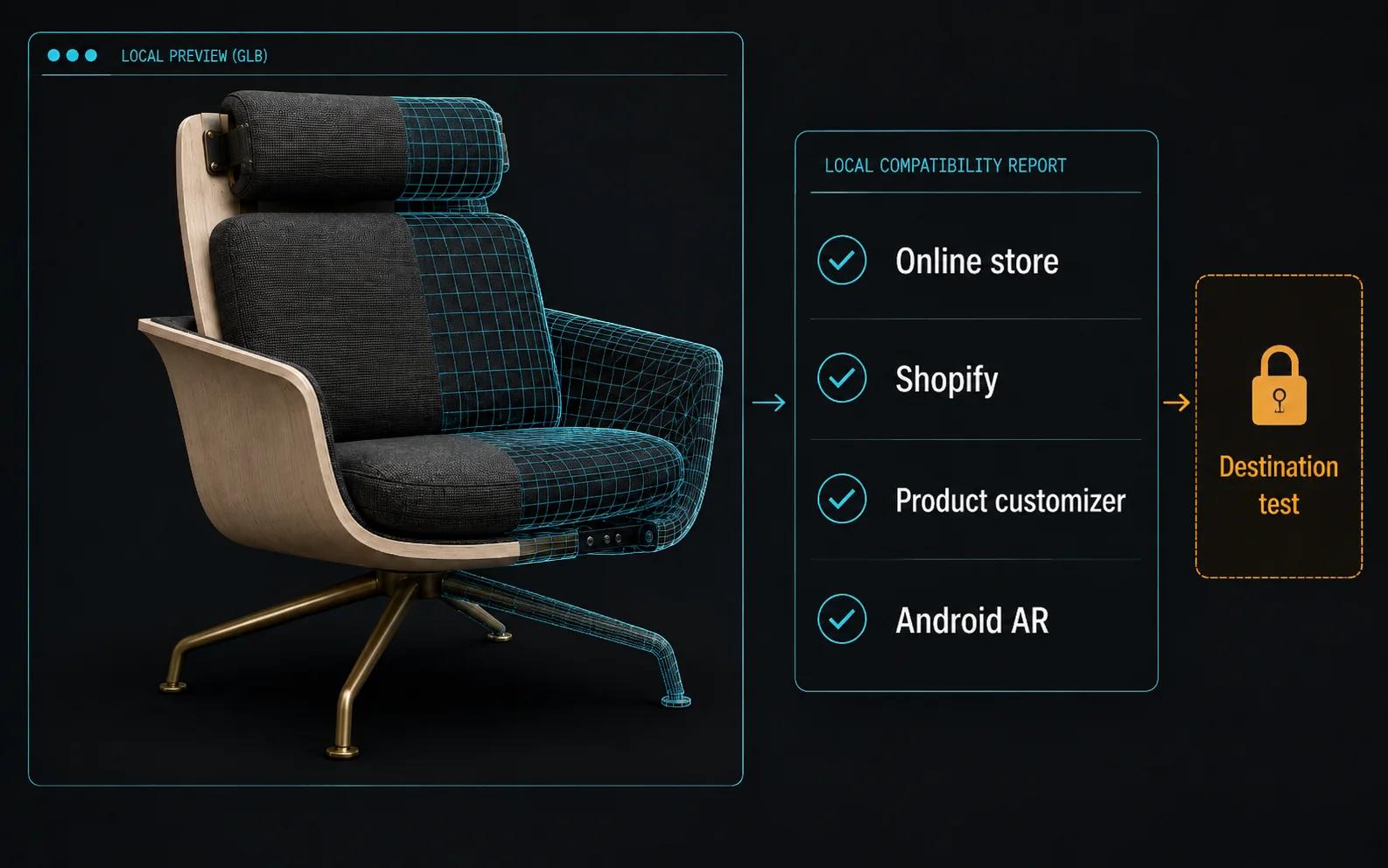
Keep three acceptance layers separate:
- Asset: specification validity, included resources, dimensions, structure, materials, textures and animations.
- Experience: viewer controls, animation playback, AR launch or configurator rules behave as intended.
- Commerce: product identity, options, price or quote behavior, analytics and handoff match the approved business flow.
A clean asset result cannot clear the other two layers. A broken experience does not automatically mean the asset must be rebuilt.
Plan a bounded representative-product rollout
Choose one product that exposes the hard part of the decision without combining every exception in the catalog. It should be commercially relevant, have usable references and include the uncertainty the experience is meant to resolve.
Define acceptance before production:
- For a viewer, name the details shoppers must inspect and the required controls and fallback.
- For animation, approve the sequence, claims, duration range, controls and derived cuts.
- For Android AR, approve dimensions, orientation, placement task, launch path, fallback and device set.
- For a configurator, approve options, dependencies, invalid states, data sources, visual states and outputs.
Then separate the product asset from the implementation. Version both. Test them together. Record defects against the right owner. A material mismatch may be an asset issue; a blank embed may be an integration issue; a forbidden option may be a rules issue.
If the experience is intended for a premium product context, the companion luxury interactive 3D guide covers material fidelity, art direction, interaction restraint and brand governance. It does not change the selection logic here.
Model the business case before expanding scope
Estimate effort around the operating work the experience creates. Useful inputs include source-asset condition, number of products and variants, visual states, animation sequences, viewer requirements, AR releases, product rules, data sources, integrations, approval rounds, launch cadence and expected changes.
Do not insert assumed conversion lift, revenue or savings. Compare a bounded scenario using visitor-supplied or approved cost drivers. Include the current alternative and the derivatives that can plausibly reuse approved product work, but keep distinct implementation and QA tasks visible.
The calculator owns that interactive comparison. If the decision reveals rules, data and integration needs beyond a viewer, the commercial destination is custom 3D product configurator services.
Before expanding from the representative product, review the evidence. Confirm that the chosen experience answered the intended question, that the team can maintain it and that the next products fit the same content and rule model. Expansion is a fresh scope decision, not an automatic reward for completing a prototype.
Frequently asked questions
- What is the difference between a 3D viewer and a configurator?
A viewer lets the shopper inspect a product, usually through camera controls and perhaps a finite set of approved presentation states. A configurator validates choices against product rules and may update components, identifiers, price, quote data or saved output. A GLB can support either visual layer, but it does not supply the whole configurator application.
- Is AR better than a 3D viewer?
They answer different questions. A viewer supports inspection on the page. AR is justified when scale or placement in a real environment is central to the decision. The AR path also needs dimensional approval, a documented launch route, fallback and representative Android device testing.
- Can animation and interactive 3D use the same source asset?
They can share approved geometry, materials and product references, but their release derivatives differ. Animation needs shot, rig, timing and encode decisions. A viewer needs a runtime asset, interaction behavior and page integration. Reuse the product truth while keeping acceptance separate.
- How should a team choose a first product?
Pick a commercially relevant product that contains the uncertainty the experience should resolve and has reliable references. Avoid both the easiest item, which may hide the hard work, and the most exceptional item, which may produce a one-off architecture.
- Does a GLB that opens locally pass Shopify, Product customizer and Android AR checks?
No. Local inspection can reveal useful file facts and prove that the model opened in that browser session. It does not prove platform ingestion, application logic, deployed integration or target-device behavior. Use the checker's destination findings as inputs, then complete the actual destination tests.