A multi-SKU 3D product content pipeline is a versioned operating system for product identity, source inputs, reusable models, materials, approvals, derivatives, destinations, and change. It is not a folder full of files and a spreadsheet that says "done."
That distinction matters once several product families, finishes, markets, and channels enter production. A model can be visually approved but mapped to the wrong SKU. A correct source can feed an outdated derivative. A channel can accept a file but show it against the wrong variant. The pipeline must make each of those states visible.
This guide covers the operational layer of 3D product content creation for e-commerce. It does not redefine 3D product visualization, prescribe which interactive experience to buy, or promise that automation removes review. The goal is a controlled path from catalog intake to channel readback, with enough structure to handle change without rebuilding the catalog by hand.
What a multi-SKU 3D content pipeline controls
The smallest useful pipeline connects five records:
- a product identity;
- an approved source asset;
- its reusable geometry and material components;
- each generated derivative; and
- every destination where that derivative is assigned.
The product identity comes first. A filename such as chair_blue_final_4.glb is not a durable catalog key. Use the identifier your commerce operation governs, then map external identifiers where they exist. For businesses that use GTINs, GS1 defines a GTIN as a unique, global, verifiable product identifier.[1] An internal SKU, product ID, engineering number, and GTIN can all appear in one record, but they should not be silently treated as interchangeable.
| Record | Key question | Minimum control |
|---|---|---|
| Product | Which sellable item or family is this? | Governed product ID, SKU mapping, status, market scope |
| Source | What approved evidence built it? | Source type, revision, rights, checksum, intake date |
| Visual master | What can downstream teams reuse? | Version, geometry family, material slots, approval state |
| Derivative | What was built for a target? | Preset, source version, QA report, output checksum |
| Destination | Where is it actually used? | Platform object ID, product or variant association, observed status |
If those records cannot be joined, the operation has files but not traceability.
Choose the right unit of reuse
A SKU is a commercial unit. It is not always a unique 3D build. Before modeling, group the catalog by what physically changes.
- A finish-only family may share geometry and switch approved materials.
- A size family may share construction but require distinct dimensions and perhaps distinct geometry.
- An accessory bundle may reuse several components while changing composition.
- A regional SKU may share the product visual but require different labels, plugs, or packaging.
- A mechanically different option needs its own geometry even if the marketing name looks similar.
Create a family matrix with rows for product IDs and columns for geometry, dimensions, material, graphics, motion, and channel restrictions. Reuse only where the cells genuinely match. This is safer than asking artists to notice similarities while production is underway.
The role boundary matters too. The person or studio producing the assets can recommend a reusable structure, but product operations must own catalog identity and sellable variation. The companion guide to what a 3D product visualizer delivers covers that responsibility split in more detail.
The versioned production pipeline

The following seven-stage model is a Double Edged editorial framework. It is a planning method, not a report of measured catalog results.
1. Register the portfolio
Import the product list before importing 3D files. Record active, planned, regional, discontinued, and blocked items. Add the reusable-family hypothesis, available evidence, intended outputs, and owner. Products with unclear identity or rights enter an exception queue rather than production.
Exit state: registered, scoped, and assigned.
2. Validate intake
Check each source package for identity, revision, completeness, rights, scale, finish evidence, and missing views. Preserve the original package and calculate a checksum. If CAD, scans, photography, or drawings disagree, the product owner resolves the conflict.
Exit state: intake approved or blocked with a named reason.
3. Build the visual master
Create the reusable geometry at real-world scale, with clear part names, useful pivots, stable material slots, and enough detail for the agreed outputs. Keep authoring assets separate from interchange and delivery files. Khronos's current guidelines make the same format distinction and cover naming, scale, origin, geometry, materials, textures, and optimization for real-time assets.[2]
A master can serve rendering and real-time production, but it should not be reduced until every target accepts one mediocre compromise. Derivatives inherit from the master; they do not replace it.
Exit state: geometry approved with known limitations recorded.
4. Resolve materials and sellable variation
Assign material IDs, not informal names such as "new gray." Each material record should include finish code, source evidence, physical scale, color-space assumptions, texture set, review setup, approver, and revision. Map sellable variants to material and geometry combinations.
Do not generate every SKU combination just because the database permits it. Generate the combinations that are sellable and approved. Invalid, future, or region-restricted combinations should remain unavailable to the publishing job.
Exit state: appearance approved and variant map frozen for the release.
5. Build and test derivatives
Run named presets from the approved master: render scenes, animation packages, real-time assets, poster frames, or other channel outputs. Store the preset version with every derivative. A rebuild should be reproducible from the source record rather than depend on an artist remembering last month's export settings.
Automated checks can catch predictable defects, but they need explicit policy. The Khronos glTF Asset Auditor compares an asset with a machine-readable audit profile and can return Pass, Fail, or Not Tested results in JSON or CSV.[3] That makes it suitable for a queue, provided the team decides which failures block a target and which require review.
Exit state: derivatives built, reports attached, exceptions assigned.
6. Approve and release
Approval should bind the product version, master version, material versions, derivative checksums, and destination list. A screenshot in chat is feedback, not a release record. Once approved, write the package to the DAM or governed asset store and prevent silent overwrites.
Exit state: release package immutable and ready for distribution.
7. Deliver and read back
Push or associate assets with their destination records, then query or inspect the destination. Confirm that the expected product or variant points to the expected asset, processing completed, fallback media exists, and the customer-facing experience loads.
Exit state: observed in the destination, not merely uploaded.
Use a canonical asset record

The canonical record can live in a PIM, DAM, pipeline database, or a well-governed combination. The system matters less than the fields and authority.
| Field group | Examples | Owner |
|---|---|---|
| Identity | Product ID, SKU, GTIN where applicable, family ID, region | Commerce operations |
| Source | Engineering revision, capture package, rights, checksum | Product or engineering |
| Master | Asset ID, version, geometry family, material slots, status | 3D production |
| Appearance | Material IDs, finish evidence, labels, approval | Product and brand |
| Derivative | Target, preset version, checksum, QA report | 3D production and channel owner |
| Delivery | DAM ID, platform file ID, product association, observed state | Commerce or implementation |
| Change | Request ID, affected records, release, rollback pointer | Product operations |
Keep status values finite. registered, intake-ready, in-production, geometry-approved, appearance-approved, derivatives-built, channel-ready, blocked, and retired are clearer than free-typed comments. A product should occupy one production state per release, even when several tasks run beneath it.
Build material libraries around evidence
A material library earns reuse when it captures decisions, not when it merely stores textures. Two vendors can both call a finish "black powder coat" while supplying different gloss, texture, or color. Give each approved finish a stable ID and keep its evidence with the record.
Separate three layers:
- the physical or specification evidence;
- the high-quality authoring material; and
- target-specific baked or compressed material outputs.
When evidence changes, create a new material version and identify affected products. Do not overwrite a texture and force every old render and web asset to inherit an unexplained change. Shared materials reduce duplicated work only when the change boundary is visible.
Separate conformance, profile and visual QA
A single green badge cannot answer every quality question.
| QA layer | What it answers | Typical evidence | What it cannot prove |
|---|---|---|---|
| Format conformance | Is the file structurally valid? | Validator report, errors, warnings, asset stats | Product accuracy or channel fitness |
| Target profile | Does it meet this target's policy? | Audit profile, measured limits, pass/fail/not-tested results | Finish approval or buyer usefulness |
| Visual and semantic review | Does it depict the right sellable product clearly? | Reference views, material evidence, variant map, reviewer decision | Runtime behavior in every destination |
| Destination acceptance | Was the right asset processed and associated correctly? | Platform status, object IDs, staging or live readback | Accuracy of the original source |
The official glTF Validator checks against glTF 2.0 and writes JSON reports with issues and asset statistics; its command-line workflow can process directories.[4] The Asset Auditor adds use-case policy. Neither tool knows whether the wrong chair color was mapped to SKU 4812. That requires identity and visual review.
Store every result against the derivative checksum. If the file changes, its earlier report is evidence for an earlier file.
Deliver through the DAM, then read back the channel
A DAM should keep the approved source, metadata, derivatives, references, permissions, and version history connected. Adobe Experience Manager Assets is one current vendor example: its documentation describes versions that preserve metadata and renditions, plus restoration of prior versions.[5] Treat that as an example of the capability to require, not a recommendation that every team use the same product.
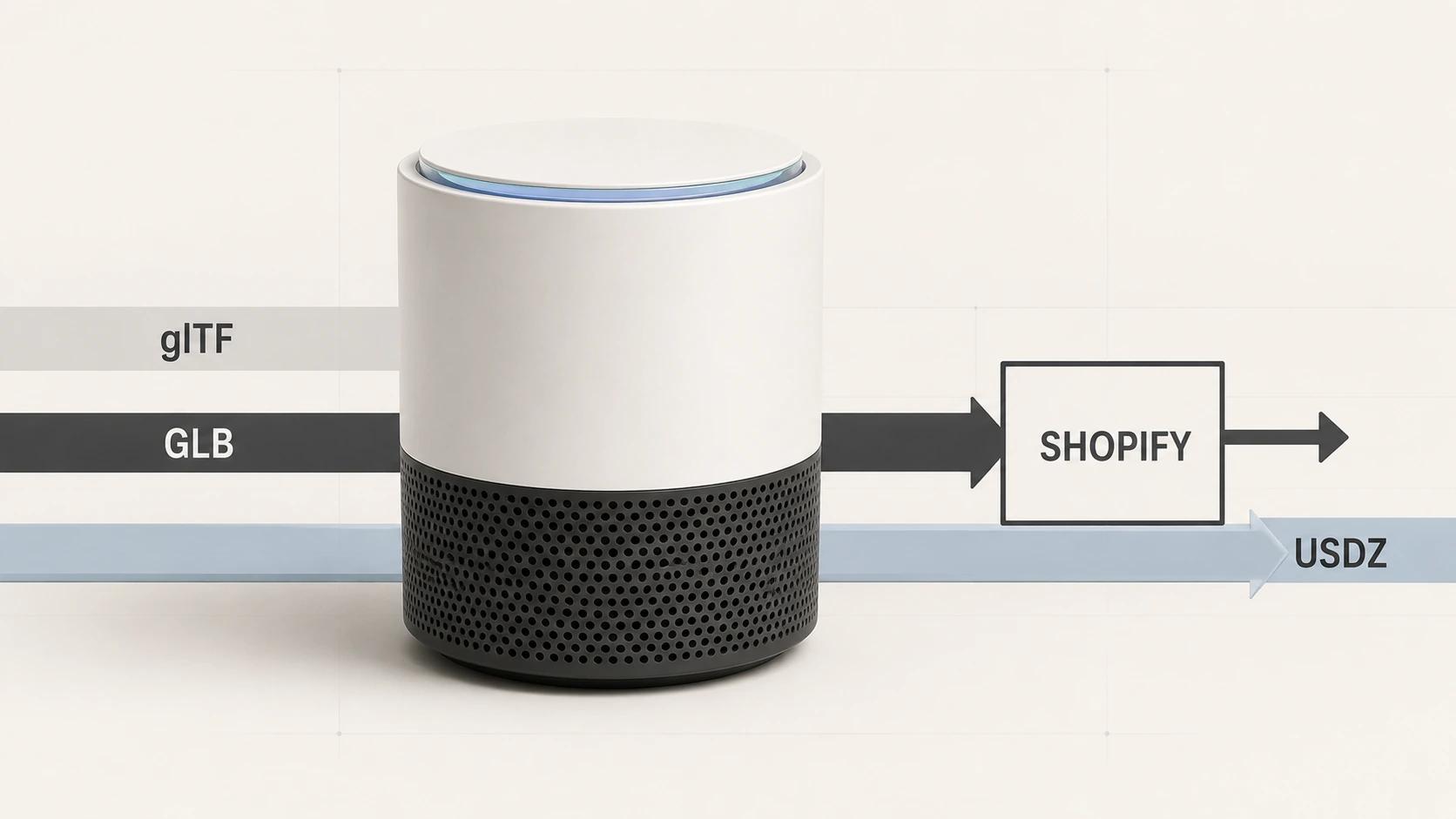
The commerce destination still needs its own readback. Shopify's current API, for example, manages files independently from products, processes them asynchronously, permits reuse, and then associates ready media with products and variants.[6] An upload response alone cannot confirm the final mapping.
Record the destination's asset ID and observed product association in the canonical record. Recheck platform behavior before implementation because vendor requirements change.
Treat product changes as impact events

Do not begin a change by opening the last scene file. Begin with the changed business fact, then traverse affected records.
| Change | Likely affected layers | Typical action |
|---|---|---|
| Copy or price only | Product data, perhaps no 3D asset | Confirm no visual change; leave master untouched |
| Finish or label | Material, graphics, derivatives, product mapping | New material or graphic version; rebuild affected outputs |
| Exterior geometry | Master, materials where UVs change, all derivatives | New master version and full visual approval |
| Option availability | Variant map, destination associations | Update valid combinations and read back channels |
| Target specification | Preset, derivative, QA policy | Rebuild target output from approved master |
| Product retirement | Destination, DAM availability, references | Unassign safely, preserve governed archive |
Every change request needs an owner, affected IDs, required approvals, release date, and rollback pointer. A derivative that cannot reveal its source and preset version is a rebuild risk.
Operate the queue by exceptions
At catalog scale, managers should not chase every healthy asset. They should see why work stopped.
Use a small exception taxonomy: missing identity, incomplete source, rights hold, geometry conflict, material evidence missing, automated QA failure, visual rejection, destination processing failure, association mismatch, or superseded change. Give each exception one owner and an age. Retry only when a retry can change the outcome.
Automation may advance an asset when its prerequisites are true. It should never turn an unknown state into an approval. Not Tested is different from Pass, and a channel upload is different from a channel readback.
Measure a pilot without inventing a business case
Pilot one representative family with enough variation to expose the system. Track:
- catalog coverage by governed product identity;
- intake completeness;
- first-pass geometry and appearance acceptance;
- automated QA pass, fail, and not-tested counts;
- exception reason and age;
- derivative-to-master traceability;
- destination association accuracy; and
- change propagation from request to verified readback.
Set targets only after the team has a real baseline. Do not claim time, cost, conversion, or return-rate improvement because the pipeline exists. Measure those outcomes separately if the business wants to use them in an investment decision.
Frequently asked questions
- Does every SKU need its own 3D model?
No. Every sellable item needs an unambiguous mapping, but several SKUs may share geometry when their physical form is identical. Finish, label, region, size, and option changes determine whether the geometry, material, graphics, or destination mapping must differ. Document the reuse rule per family.
- Should the DAM or PIM be the source of truth?
Give each system a defined authority. The PIM commonly owns product and variant data. The DAM commonly owns approved assets, metadata, versions, and renditions. A pipeline record can connect them. Avoid declaring both systems authoritative for the same field unless a tested synchronization rule resolves conflicts.
- When is a 3D asset ready to publish?
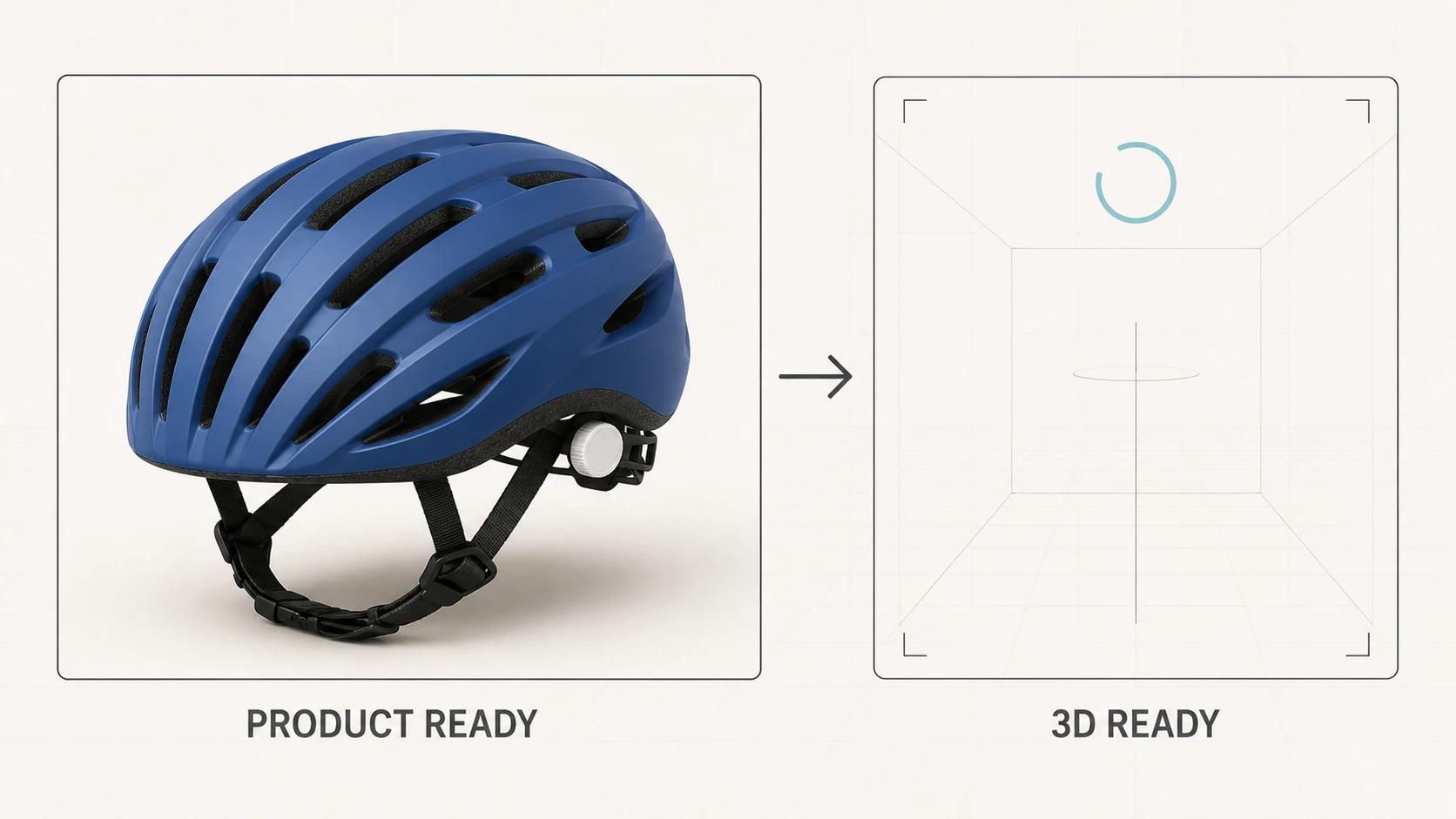
It is ready when identity, source, geometry, appearance, derivative QA, permissions, and destination requirements all pass for a named release. A structurally valid GLB may still depict the wrong variant, and a visually approved model may still fail platform processing. Readiness is the intersection of those checks.
- Does this pipeline also build configurators?
It can supply governed assets to one, but configurator rules, pricing, state, cart behavior, and integrations are separate concerns. Use the decision guide to interactive 3D product experiences before expanding an asset pipeline into application scope.
Build the operating system before the backlog
The durable asset is the relationship between a product, its approved visual master, its materials, its derivatives, and its destinations. Once that relationship is explicit, the team can automate repetitive work without automating ambiguity.
Double Edged supports the production layer across reusable 3D product models and controlled commerce derivatives. Review the 3D product modeling service for direct service fit.