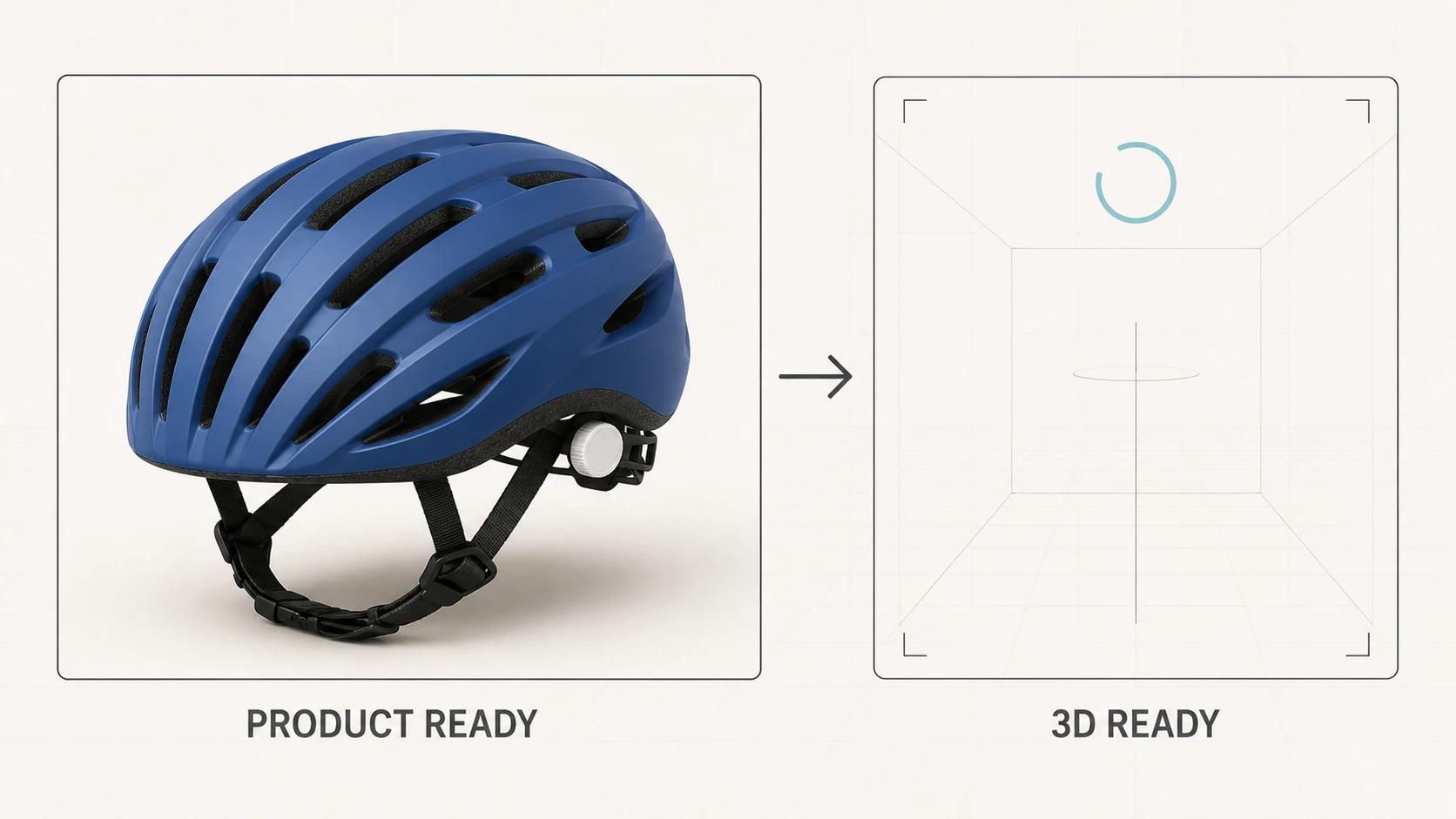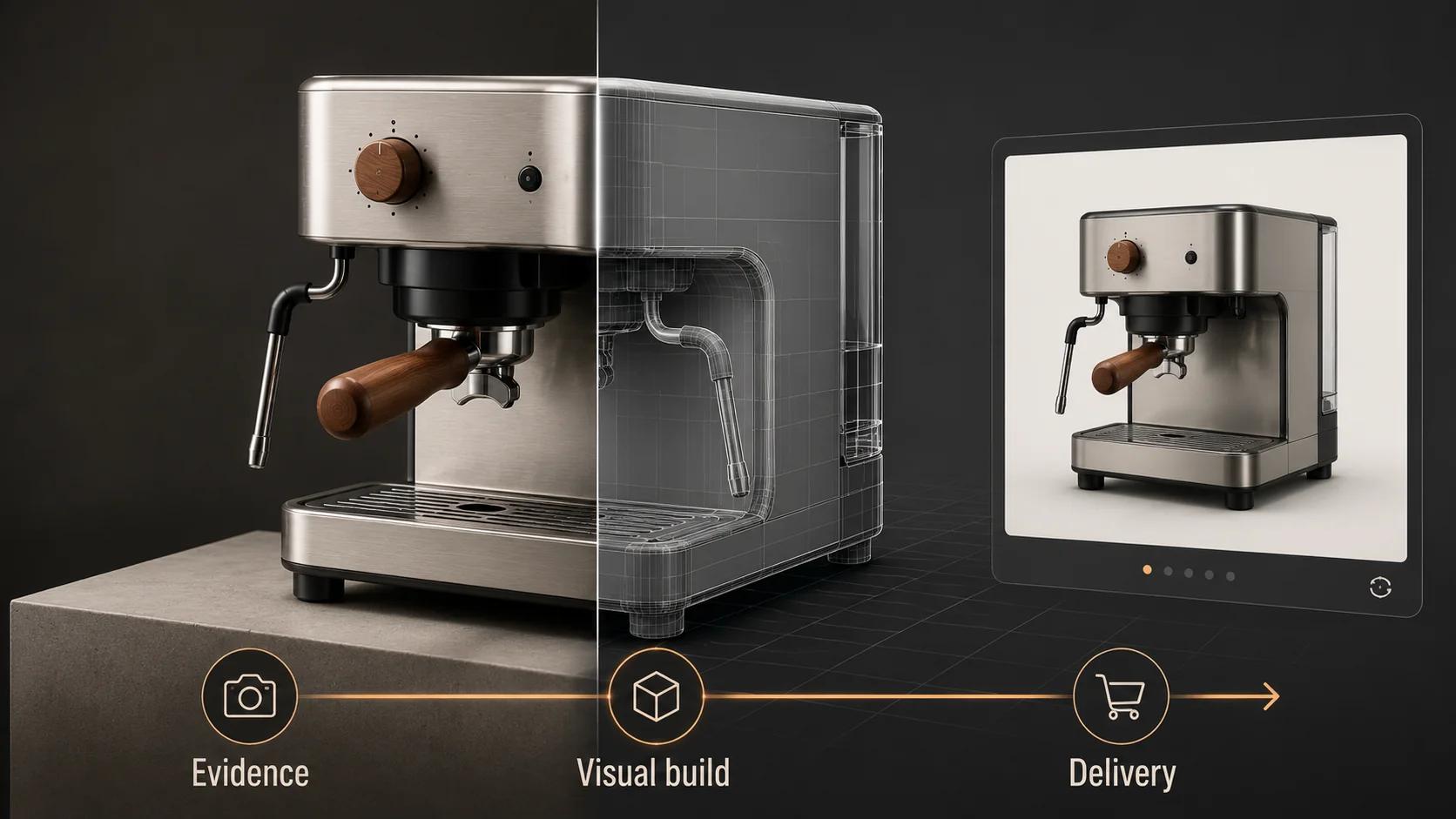
A 3D product visualizer turns product evidence and a channel brief into approved visual assets. Depending on the scope, that can mean product models and materials, still renders, animation-ready scenes, real-time files, review records and a structured handoff. It does not automatically include storefront code, product rules, hosting or ongoing asset management.
The title causes confusion because "3D product visualizer" can also mean a piece of software or an interactive customer-facing tool. In this guide, it means the specialist or studio function doing the visual production. The useful question is not which job title appears on the proposal. It is who owns each decision and what your team can operate after delivery.
For the wider category map, including the difference between stills, animation, viewers, AR and configurators, read What Is 3D Product Visualization? A Commerce Team's Guide. This article stays with the role, inputs and handoff.
What the role covers
The visualizer's core job is translation. Product drawings, CAD, photographs, samples, brand direction and variant data arrive in one form. The required customer-facing output needs another. Someone has to resolve the geometry, build materials, choose lighting and cameras, prepare motion or real-time exports, and show the merchant what still needs a decision.
That work has three boundaries.
First, the visualizer should not invent product truth. If the drawing, sample and product-page photo disagree, the merchant or manufacturer must identify the approved revision. A good visualizer can expose the conflict and explain its visual consequence. They cannot decide which product you sell.
Second, a beautiful preview is not the whole handoff. The team may need editable source files, texture masters, approved exports, product identifiers, version notes and destination-specific QA. Those items should appear in the scope, not as assumptions.
Third, an asset is not the same thing as an implemented experience. A GLB can be ready for a viewer while the product page still lacks loading behavior, a poster, accessible context, analytics or a connection to the catalog.
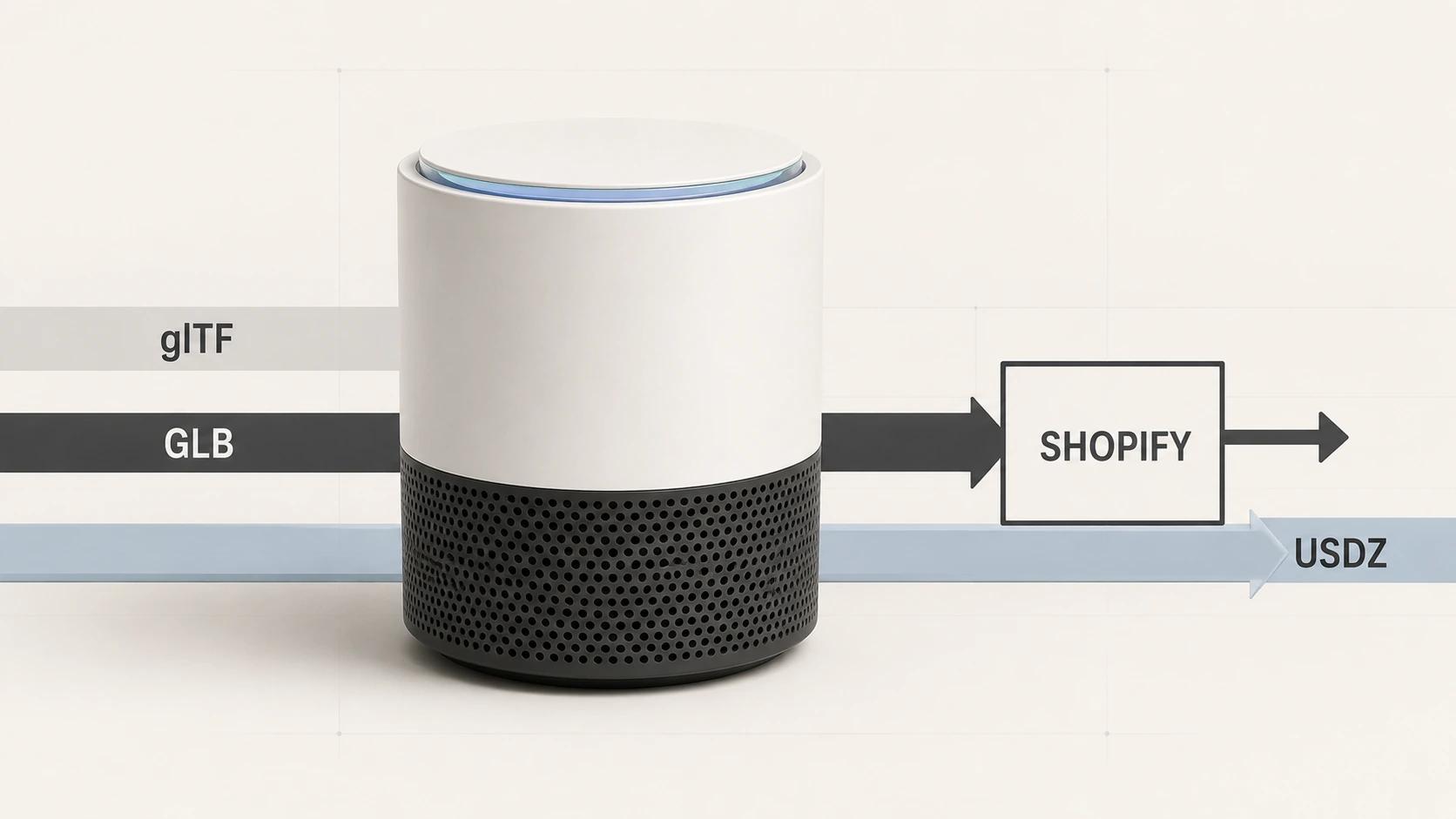
Official guidance reflects this split. Khronos distinguishes native authoring formats, interchange formats and delivery formats, then treats geometry, UVs, materials, textures, animation and optimization as publishing-target decisions.[2] The person preparing the asset needs to know the destination before making those choices.
The deliverables and responsibility matrix
Use this matrix as a starting contract. One supplier may own several columns, but the decisions still need separate owners.
| Workstream | Merchant or manufacturer owns | 3D visualizer owns | Implementation owner owns | Acceptance evidence |
|---|---|---|---|---|
| Product truth | Approved revision, dimensions, components, labels and variants | Flag conflicts and translate approved evidence | Preserve product IDs and revision mapping | Named revision and signed product references |
| Visual brief | Audience, channel, required views, brand direction and usage | Convert the brief into cameras, lighting, materials and shot or interaction plan | Confirm layout, device and platform constraints | Approved output list and review frames |
| Geometry | Source CAD, drawings, measurements or reconstruction access | Build or prepare geometry to the required fidelity and structure | Confirm runtime or integration limits | Silhouette, proportions and part review |
| Materials | Approved finish, color, sample and branding evidence | Build material and texture representation for the target renderer | Provide renderer, tone, fallback and device constraints | Neutral material review plus destination check |
| Still or motion output | Required crops, messaging and legal approvals | Render, composite, edit and deliver the scoped versions | Publish in the correct component or media slot | Final dimensions, format and content approval |
| Real-time asset | Required use cases and product behavior | Prepare scale, origin, geometry, materials, textures and exports | Build viewer behavior, loading, fallback, hosting and telemetry | Asset audit plus target-device test |
| Configuration | Valid options, dependencies, price and availability data | Prepare switchable visual states when contracted | Implement rules, state, price, cart and data connections | Valid-state test against source product data |
| Release and maintenance | Name product, brand and business approvers | Deliver versioned files, source package and change notes | Release, monitor and own rollback or updates | Recorded version, owner and destination |
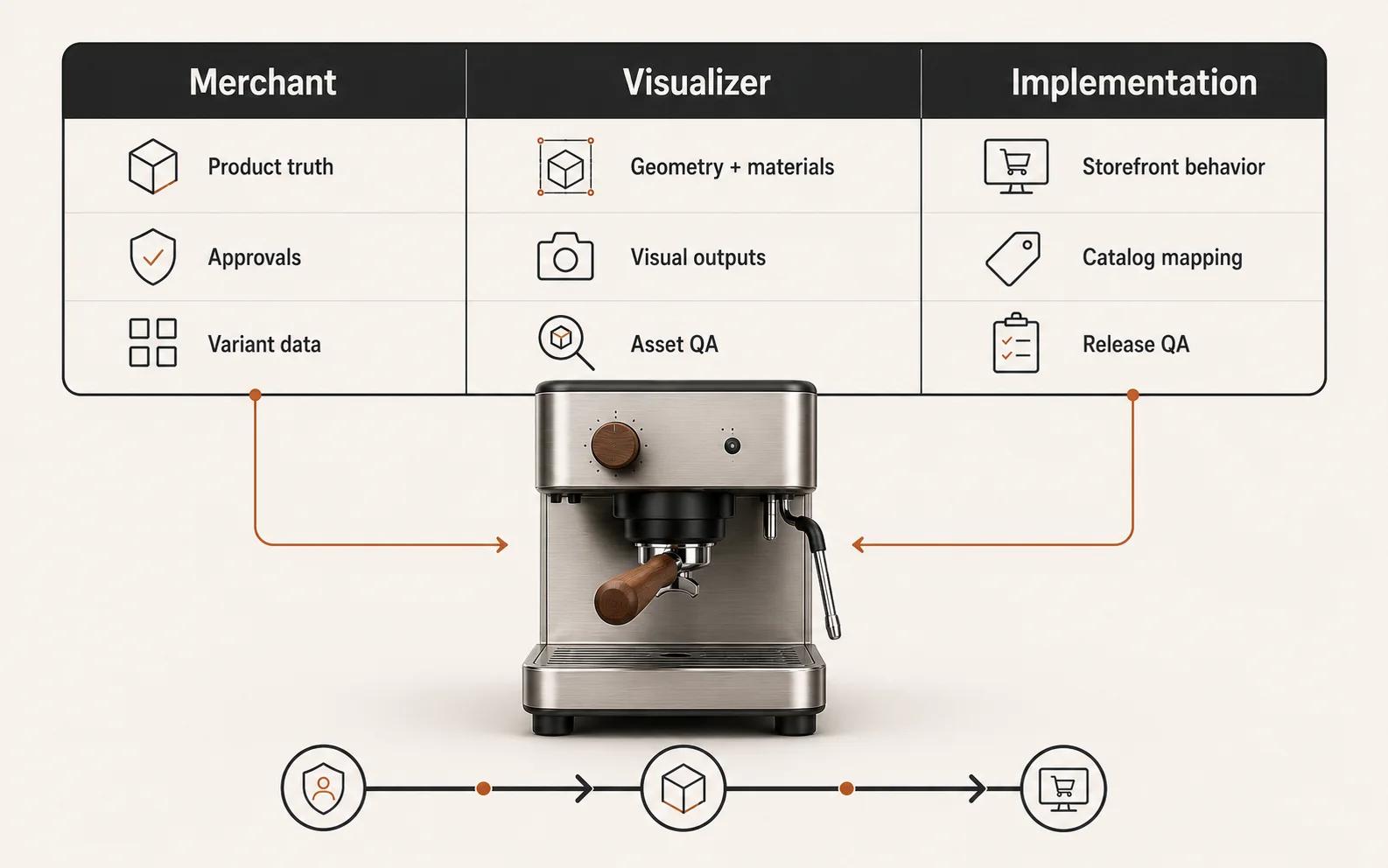
The matrix prevents a common failure: assigning a task to everybody and a decision to nobody. If the same studio handles visual production and implementation, keep the acceptance columns anyway. They show whether a problem belongs to the product definition, the asset or the storefront.
Shopify's guidance for people creating merchant models makes the review relationship explicit. It says expectations should be discussed before modeling, the producer and merchant should both review the result, and the merchant is best placed to judge whether it represents the product accurately.[1] That is a sensible division even when Shopify is not the destination.
What should be in the handoff, not just the preview
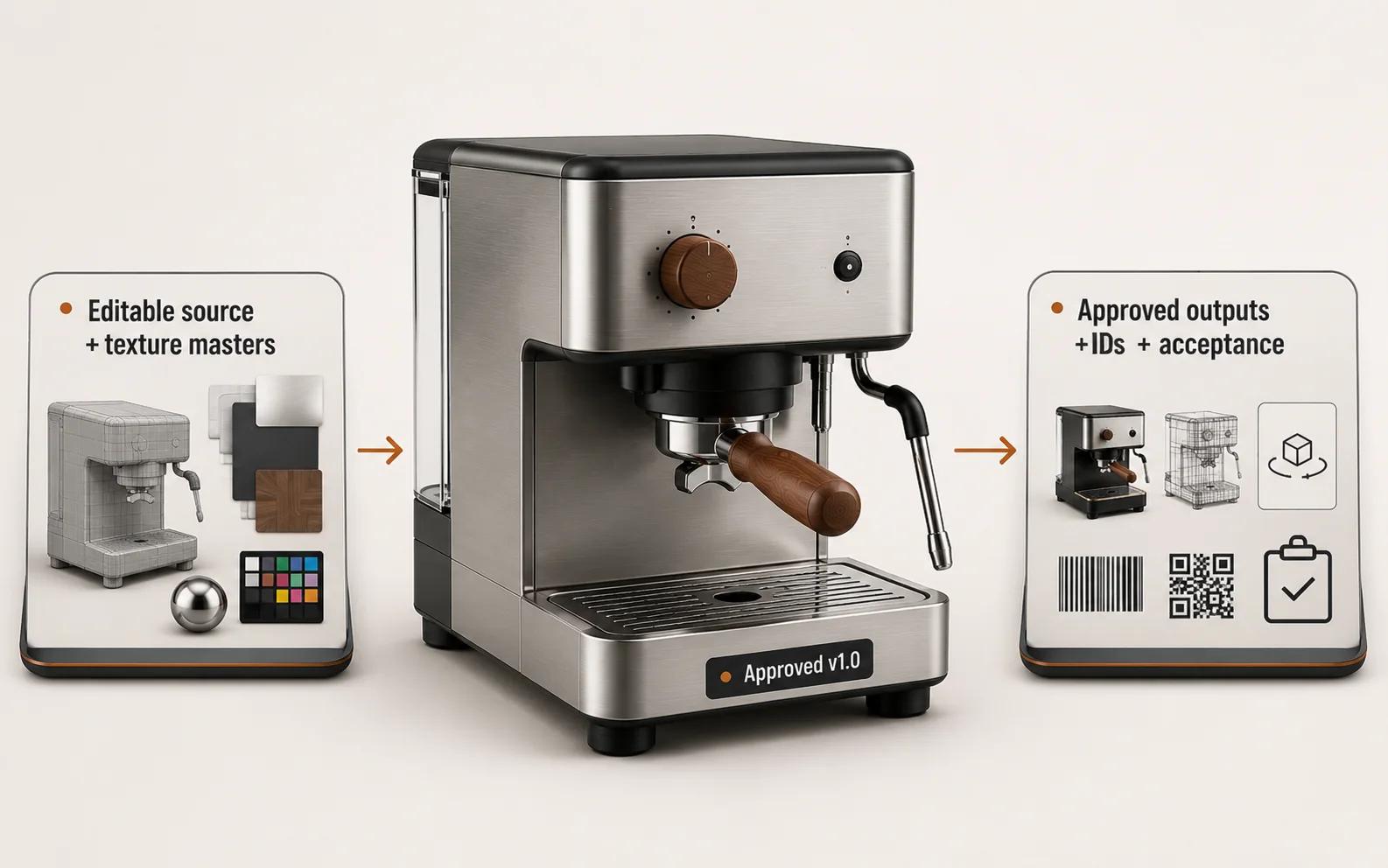
A review link helps people comment. It does not tell the next operator what they own. Ask for a handoff manifest with six sections.
- Scope record: product IDs, revision, approved output list, destinations, rights and known exclusions.
- Editable source: the contracted native scene, linked assets, texture masters, fonts or licenses where applicable, and enough structure for the agreed future edits.
- Approved delivery files: renders, videos, GLB, USDZ or other named exports, with dimensions, color profile, compression and filename convention where relevant.
- Product mapping: SKU or product ID, variant labels, material names, animation names and any element naming that implementation relies on.
- Acceptance record: product, material, visual and technical approvals, including the exact file version each approval covers.
- Operating notes: software or plugin dependencies, export settings, unsupported features, archive location, change process and maintenance owner.
Do not assume that a delivery GLB is the editable master. Khronos' format guidance separates authoring from delivery and notes that target files may bake or package data differently.[2] If future colorways, geometry revisions or animations matter, name the source package and reuse rights in the contract.
The handoff also needs exclusions. If the visualizer delivered a product model but not a viewer embed, say so. If the stills were approved but the real-time export was not, separate those statuses. Clear exclusions are far easier to manage than an impressive folder whose readiness is unknown.
Where visual production stops and implementation begins
A real-time model can be technically valid and still produce a poor product-page experience. Google's model-viewer documentation separates the model source from camera controls, lighting and environment, animation, and the AR modes available on supported devices.[4] Its full component reference also covers poster behavior, loading progress, AR tracking state, material and variant controls, and semantic text for people who use a screen reader or need extra context.[5]
Those are implementation and content responsibilities. The visualizer may handle them, the merchant's frontend team may handle them, or both may work together. Put one name beside each item:
- asset hosting and cache behavior;
- poster and loading state;
- camera limits and interaction prompt;
- semantic description and non-3D fallback;
- AR device behavior and failure state;
- product and variant mapping;
- analytics events;
- release, monitoring and rollback.
Do the same for configurators. Preparing switchable meshes and materials does not define which combinations are valid, what they cost, whether they are in stock or what reaches the cart. Those decisions need product data and implementation ownership.
What your commerce team must supply
The fastest way to make a visualizer guess is to send a folder called "references" with no hierarchy. Give each source a status.
Start with a product evidence register. List the current CAD or drawing, approved dimensions, reference photographs, physical sample access, material samples, color standards, labels, logos and variant data. Mark each item authoritative, supporting, provisional or superseded. Identify the person who can resolve conflicts.
Then provide the output brief: destination, customer question, required views or motion, crops, resolution, device expectations, launch date and usage rights. Separate launch requirements from possible later reuse. Future-proofing everything can add structure that no approved destination needs.
Shopify's merchant-model guidance names model complexity, texture complexity, variant quantity, dimensional accuracy and the quality and quantity of product photos as factors that affect the work.[1] Treat that as a useful input checklist, not a universal estimate formula.
For multi-SKU work, assign stable identifiers before production expands. A 3D Product Content Pipeline for Multi-SKU E-commerce covers that catalog operating problem in depth. This page does not duplicate the pipeline design.
How to review the work without turning feedback into guesswork
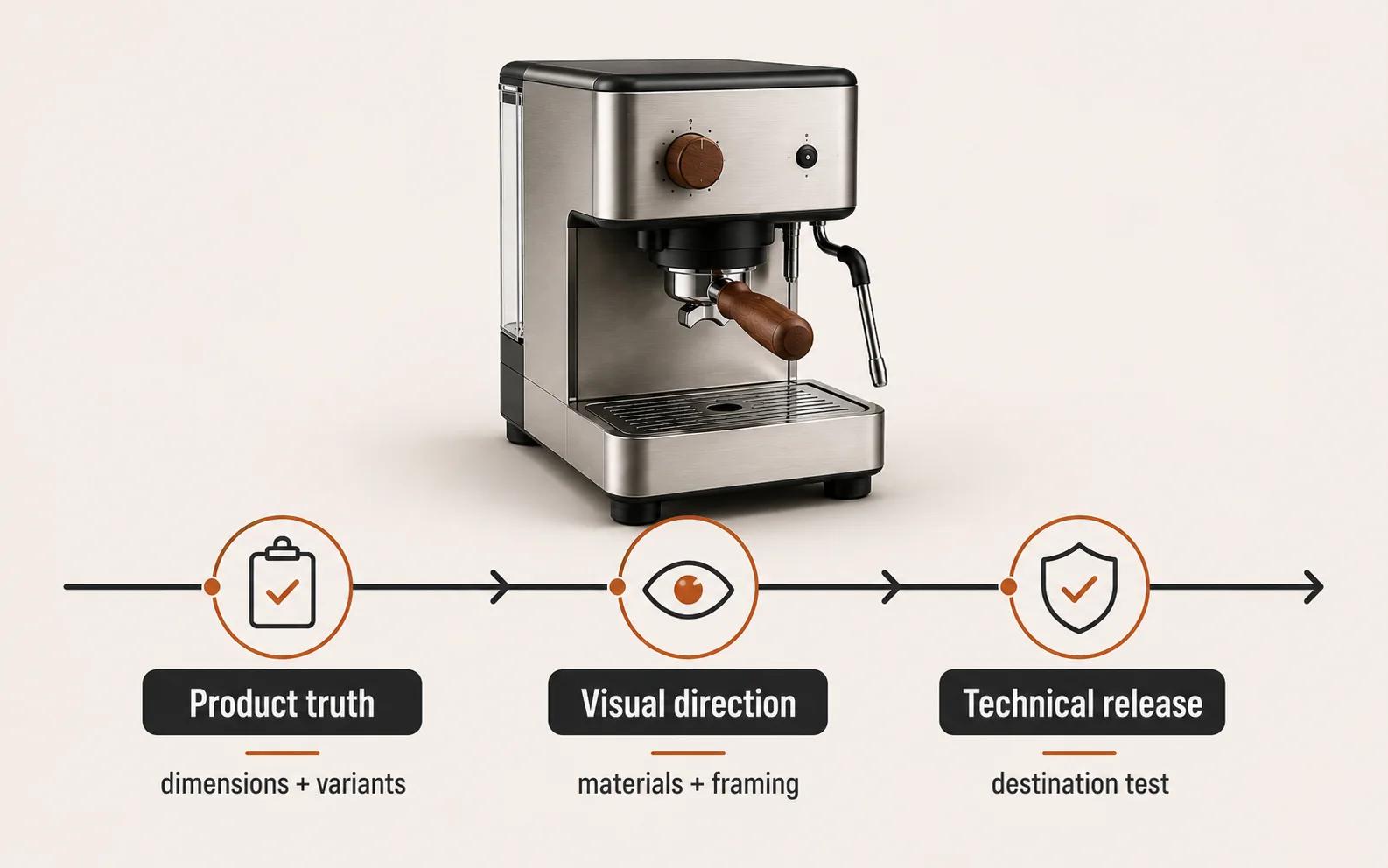
Use three named approval gates.
Product truth comes first. Compare silhouette, proportions, dimensions, components, labels and variant-defining details against the approved evidence. Record conflicts and decisions. A brand reviewer cannot approve a measurement they do not own.
Visual direction comes next. Review material character under a neutral setup before campaign lighting. Then approve the required cameras, composition, background, shadows, motion and hierarchy at the real delivery crop. "Looks off" should become an observation with a location and expected reference.
Technical release comes last for each destination. Check scale, origin, geometry, textures, file integrity, naming and target behavior. The Khronos glTF Asset Auditor shows how technical checks can be expressed through a use-case-specific audit profile, including a comparison between supplied product dimensions and model dimensions.[3] Automated checks are useful, but they cannot decide whether the finish matches the approved physical sample.
Keep one consolidated review log. Each comment needs an owner, affected version, evidence and disposition. Freeze an approved stage unless a later technical finding requires it to reopen. Otherwise a material change can arrive during final export and quietly invalidate every approved render.
How to scope the role before a quote
Ask these questions before comparing proposals:
- Which exact outputs and destinations are in the first release?
- Which product source is authoritative, and what must be reconstructed?
- How many geometry, material and label variants exist?
- Who owns product, visual and technical approval?
- Are editable source files and texture masters included?
- Who prepares real-time or AR exports, and who implements the experience?
- How are product IDs and variants mapped into the handoff?
- What review rounds, usage rights, archive period and update process are included?
Double Edged's current rendering page provides a bounded example of public scope. It lists white-background renders, hero and detail imagery, material and color variations, and marketplace-ready sets. It also asks for CAD or reconstruction inputs, required channels and dimensions, and material and product-accuracy references.[6] Those are stated deliverables and inputs, not evidence of a customer outcome.
Bring one representative product, the best available source evidence and the destinations you need. The first conversation should resolve the handoff and responsibility boundaries before it tries to price a whole catalog.
If you are deciding between internal software, a freelance specialist and a studio, continue with 3D Product Visualization Software vs a Studio: Which Operating Model Fits?. When the need is defined and rendering is the commercial fit, review the 3D product rendering service.
A useful visualizer engagement ends with more than attractive pixels. Your team should know what was approved, which source and delivery files it owns, where each asset can be used, and who takes responsibility for the next release.