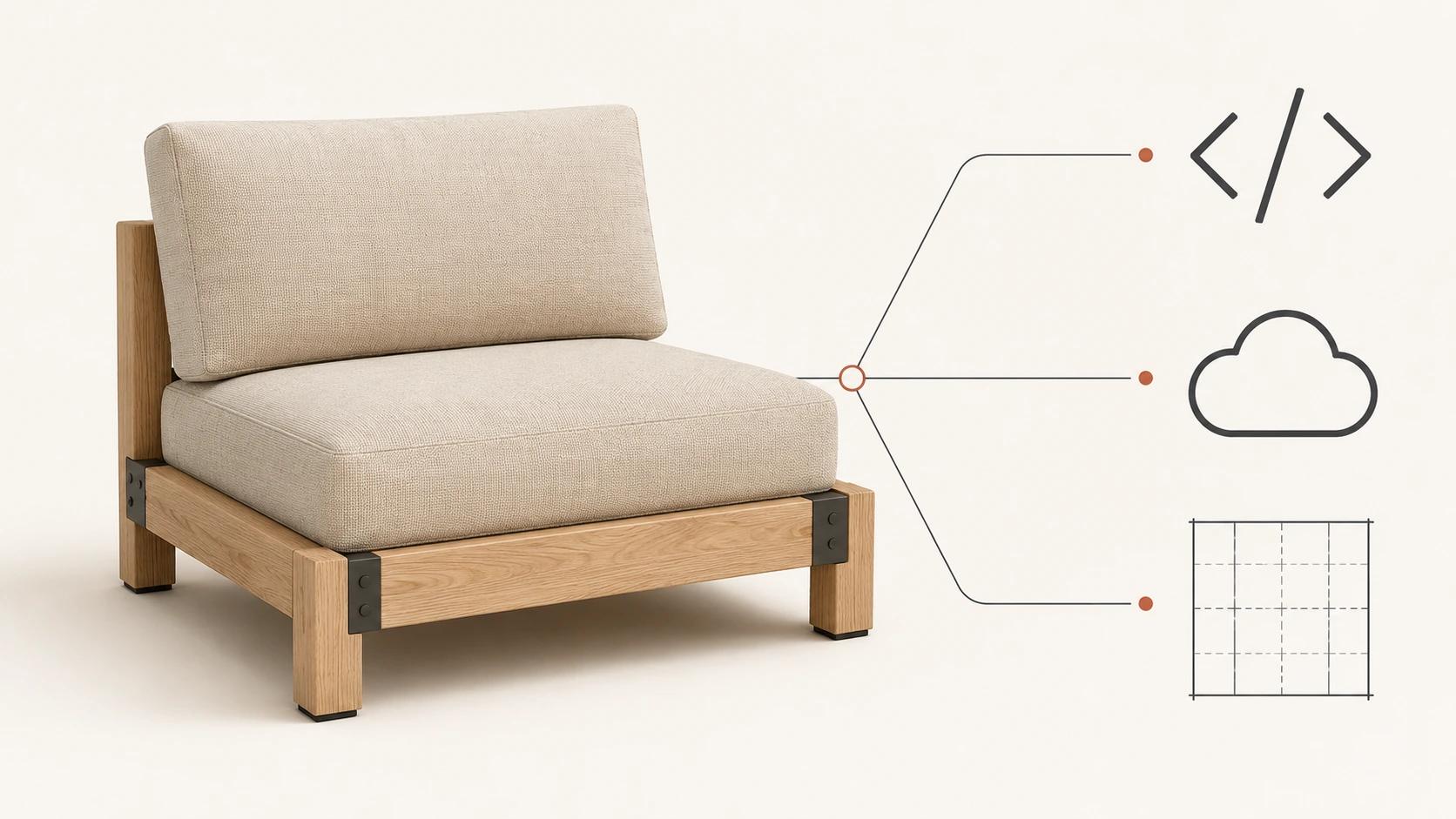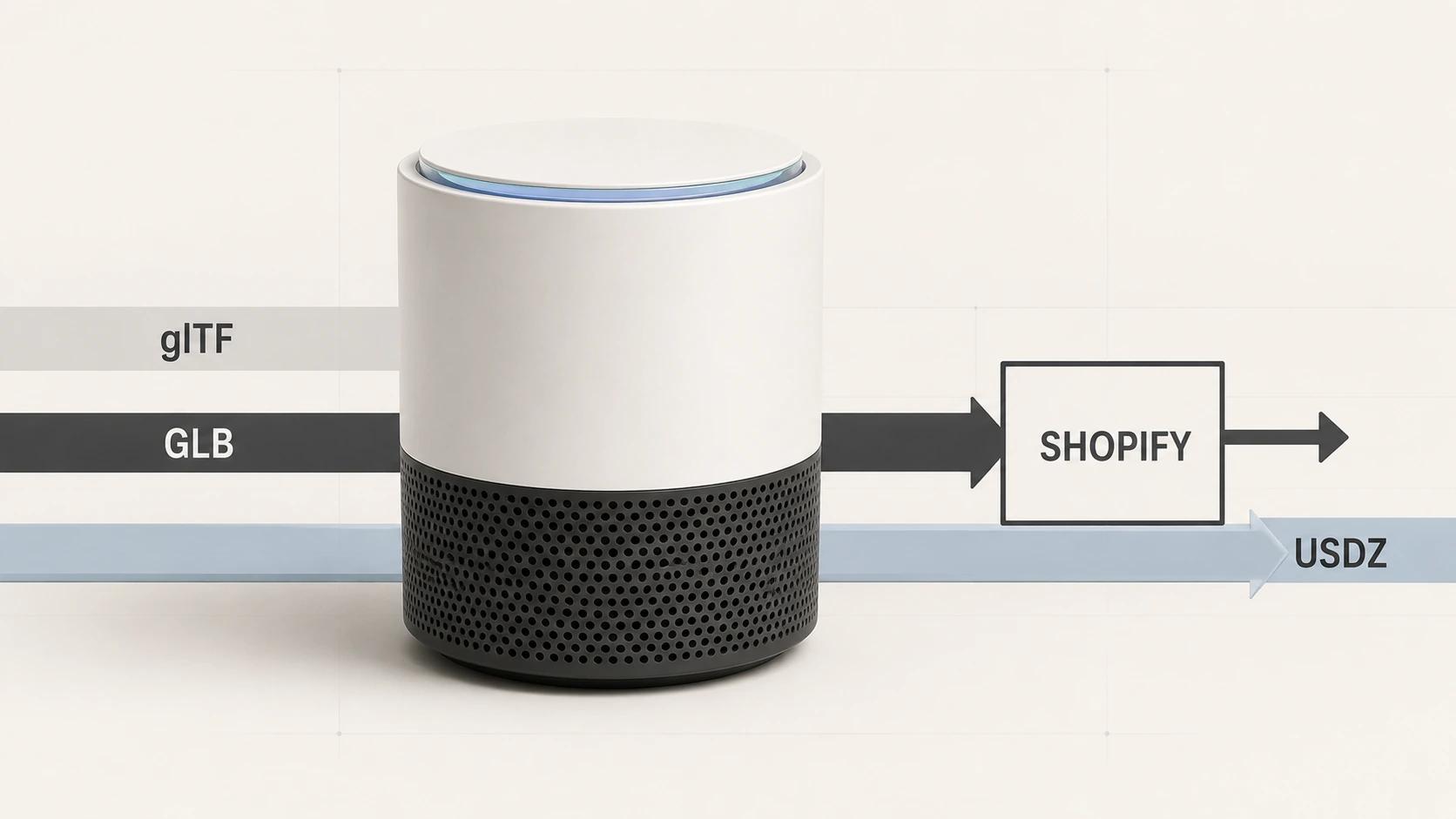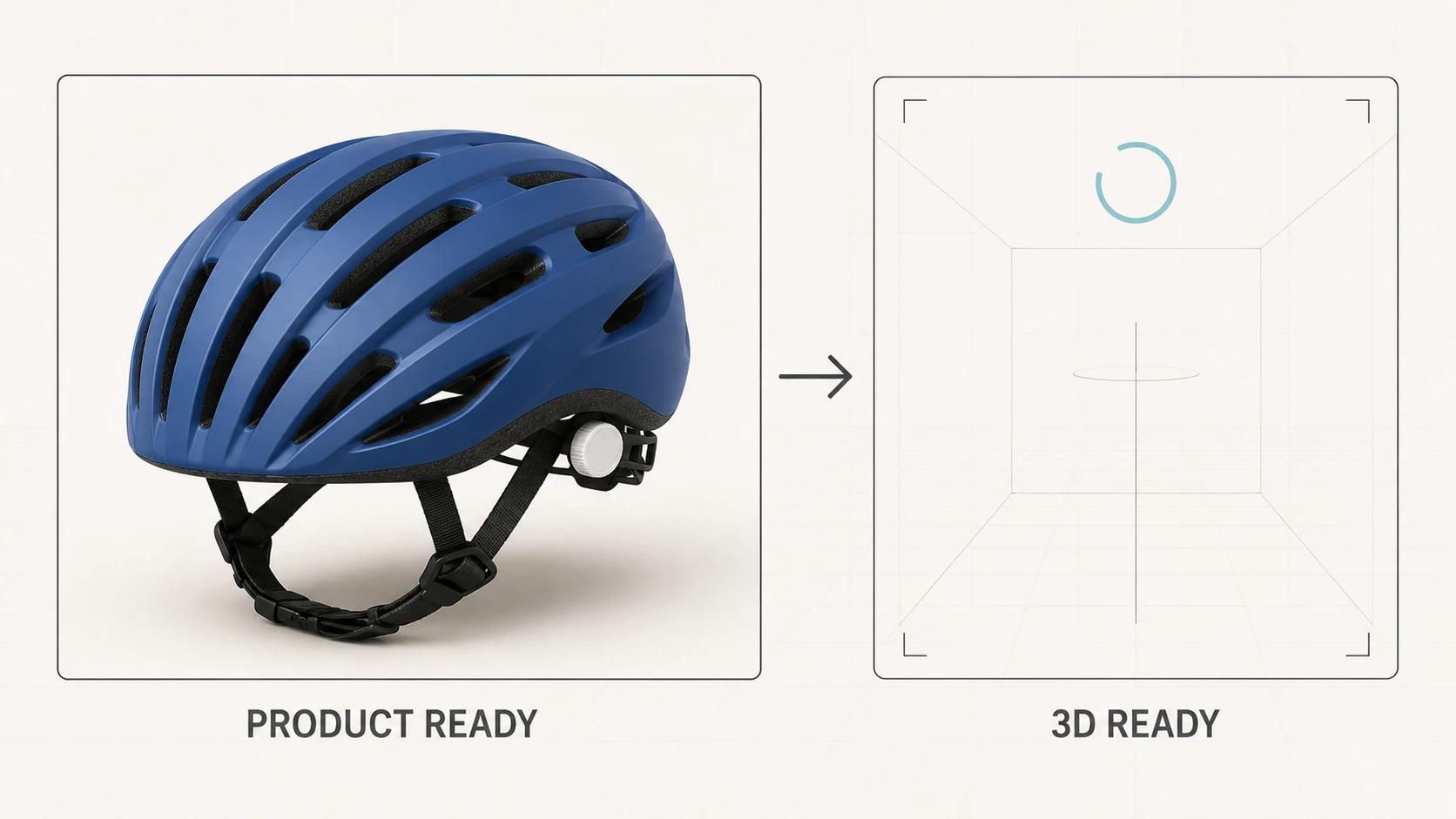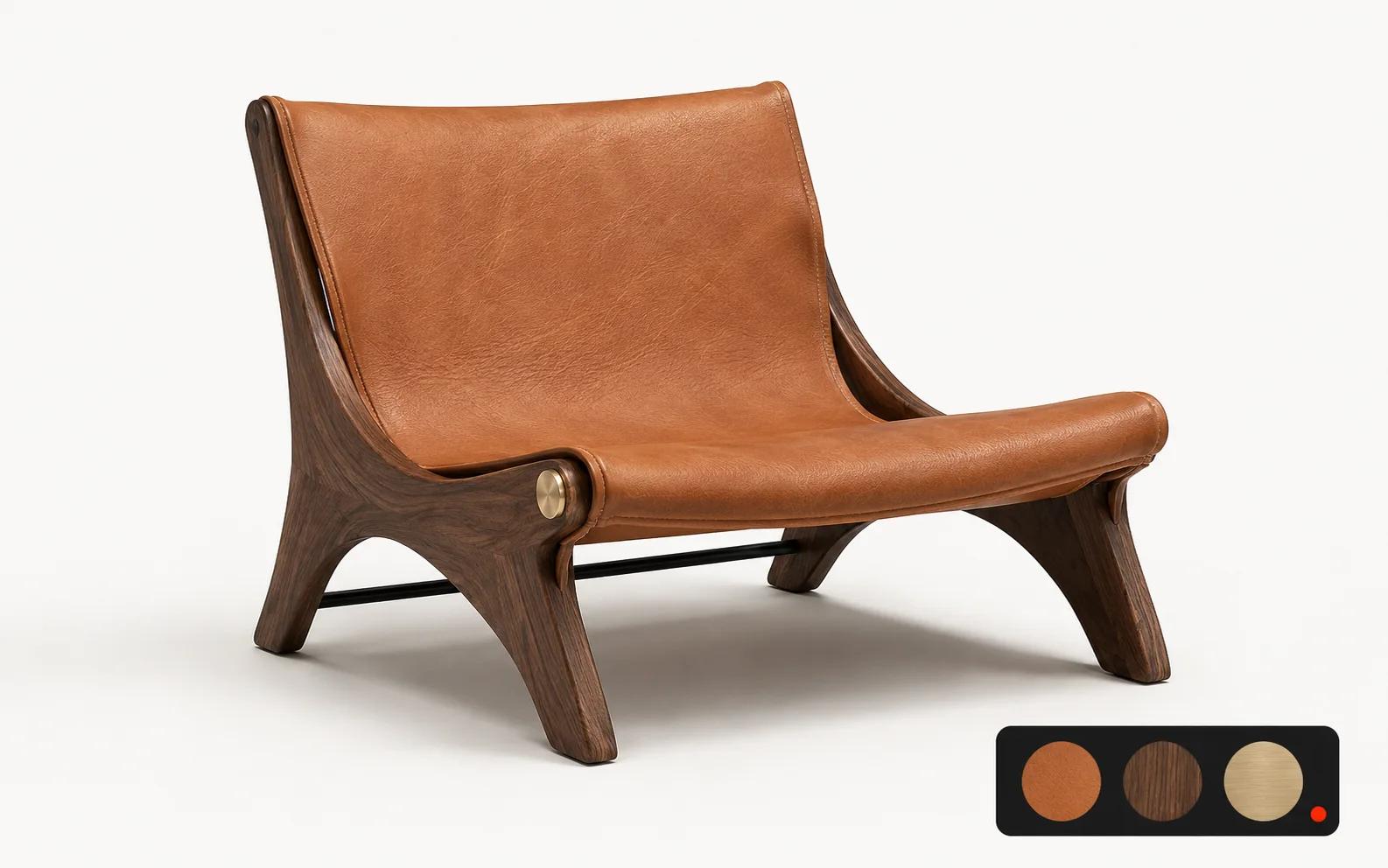
Luxury 3D works when it gives the buyer more control without surrendering product truth. The model must preserve silhouette, scale, material response and the exact state being sold. The interface should reveal the next useful choice, then get out of the way. Loading and fallback behavior need the same art direction as the finished scene.
That is a stricter brief than "make the product spin." A credible luxury experience joins four systems: a governed product model, a material and lighting standard, an interaction model, and a commerce state that remains accurate as options change. This guide focuses on those luxury-specific decisions. For the broader category, start with what 3D product visualization includes. If the format itself is still undecided, use the viewer, configurator, AR or animation decision guide rather than treating every brief as a configurator.
What current luxury experiences show
We inspected six official brand destinations on 30 August 2026. A brand counted as a verified current example only when the official page exposed rendered behavior or a deployment-specific marker such as a live canvas, a product-specific WebGL frame, a first-party feature frame, or explicit feature content on the product page. We ignored technology words found only in scripts. This was a dated spot-check, not a market-share study, and it did not test checkout, camera permission or every device.
Five brands met that bounded threshold, with different levels of verification:
- RIMOWA's current UNIQUE journey lets a buyer preview body, luggage-tag, handle and wheel colors before purchase.[1] On the product-specific configurator, the suitcase occupied the main stage beside a narrow option area. The rendered page contained a 960 by 1000 canvas tagged three.js r155, and the network loaded the brand's 3D configurator bundle and product distribution assets.[2] This is direct runtime evidence of a live 3D configuration surface.
- Porsche's model selector led into a live 911 Carrera configuration route with exterior, wheel, interior and equipment choices.[3] Porsche's own 2026 newsroom description says its configurator presents selected features in a photorealistic 3D view and updates exterior colors, wheels and design packages in real time.[4] The observed route proves the current configuration journey; the newsroom page supplies the first-party description of its 3D behavior.
- Cartier's current virtual try-on category grouped 15 watch models under a dedicated "Try on to choose your watch" journey.[5] A sampled Santos de Cartier product page loaded a visible 801 by 801 iframe titled "3D Product View" from webgl.cartier.com, with a product-specific ID in the URL.[6] That product frame is a stronger deployment marker than a generic mention of virtual try-on.
- Bulgari's official Divas' Dream product page exposed "Virtual try-on" and explained that the smartphone experience processes the view locally on the device.[7] Our automated browser received a 403 response, so we verified the current product-page feature content but did not claim that the camera flow completed.
- Burberry's current virtual scarf try-on route embedded a full-viewport, first-party frame at a scarves-vto-2025 path.[8] The frame remained blank in the headless capture. We count the current deployment shell, not successful try-on behavior.
Rolls-Royce provided a useful boundary. Its official page says the configurator begins a Bespoke commission, but our capture stayed on the campaign landing page and exposed no product viewport or strict 3D marker.[9] It is therefore not included in the five verified 3D or try-on examples.
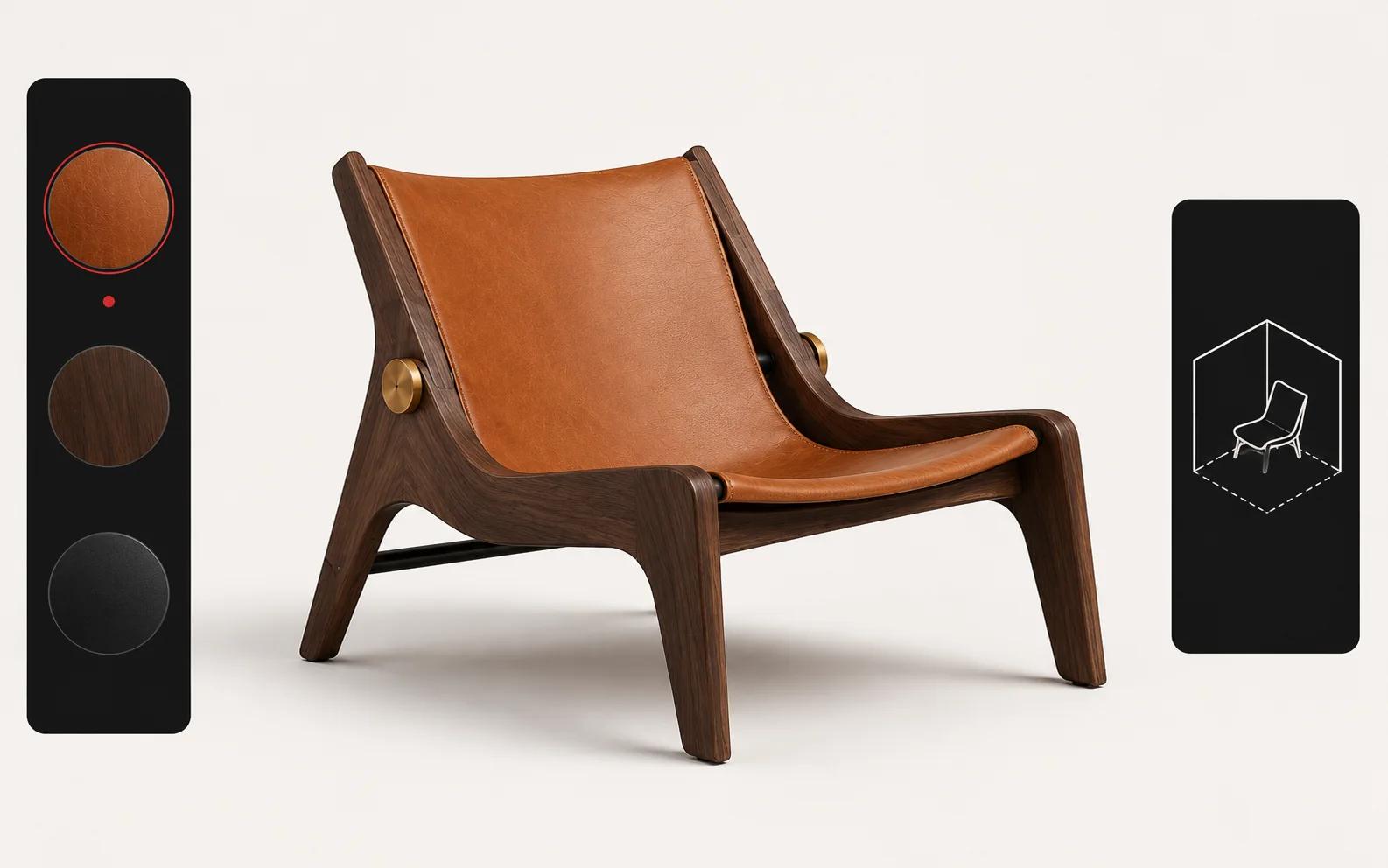
The observations support a practical pattern: one product stays visually dominant while the interface changes its state. They do not prove why any brand chose that pattern, whether it improved sales, or whether it works on an untested device. Our design inference is narrower: luxury teams should make the product the stable point of attention and add interaction only where it resolves a real uncertainty.
Build from a product truth model
Before wireframes, define what must remain true in every state.
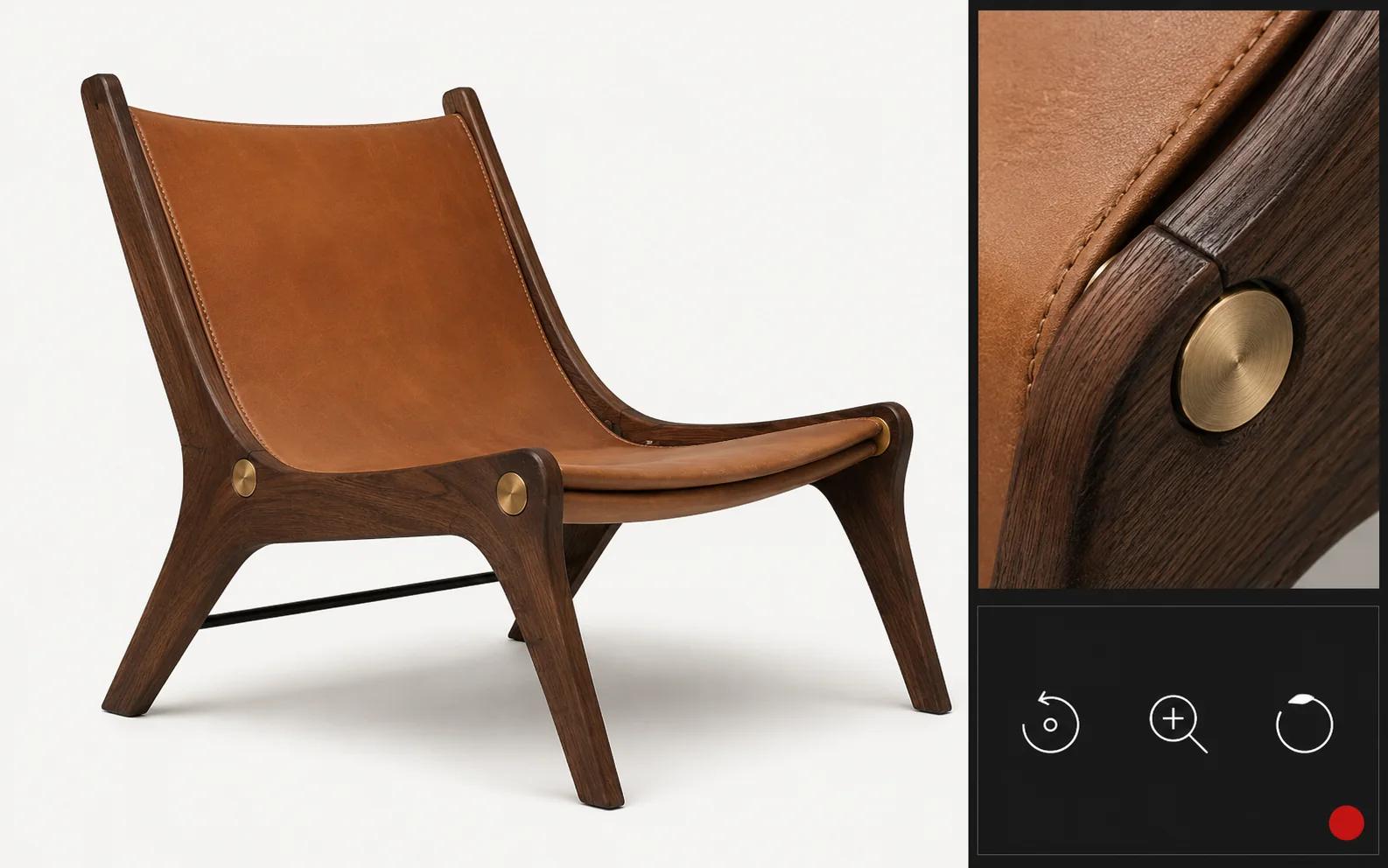
Start with the product's controlled geometry: approved dimensions, edge profiles, seam paths, hardware placement and variant-specific parts. Add a material library that records more than color. Leather grain scale, weave direction, clear-coat depth, brushed-metal direction, gemstone behavior and translucency all need reference conditions and named approvers.
Then separate three kinds of choice:
- Visual choices change what the buyer sees, such as finish or upholstery.
- Rule choices determine what combinations are valid, such as hardware that is unavailable with a particular body.
- Commercial choices affect SKU, price, lead time, quote, inventory or checkout behavior.
A polished image can hide a broken relationship between these layers. A launchable experience cannot. Every visible state needs a corresponding valid product state, and every saved or purchased state needs a stable identifier that downstream systems understand.
Use a release matrix, not taste alone
The following matrix is a Double Edged experience-design rubric. It is a planning and QA recommendation, not a claim that the sampled brands use this exact process.
| Layer | Release question | Practical test | Block release when |
|---|---|---|---|
| Silhouette and scale | Does the product remain proportionally correct from every allowed view? | Compare approved dimensions and controlled camera views against signed references. | A view distorts form, clips the product or implies the wrong scale. |
| Material response | Do highlights, roughness, grain and transmission identify the intended material? | Review each hero material under the approved neutral and dramatic light rigs. | Leather reads as plastic, metal direction changes, or transparent parts lose thickness. |
| Variant fidelity | Does every selectable finish map to the right geometry, material and commerce state? | Run a generated list of allowed options and inspect representative edge combinations. | A visible state has no valid SKU, or a valid option displays the wrong asset. |
| Camera and interaction | Can the buyer reach important details without losing orientation? | Test the default view, rotation limits, zoom bounds, reset and keyboard path. | Controls hide details, trap focus, or let the camera enter broken views. |
| Loading and fallback | Is there a deliberate state before, during and after the 3D load? | Throttle the connection, disable WebGL, interrupt an asset request and retry. | The stage goes blank, layout shifts, or the buyer cannot continue with images. |
| Rules and messaging | Are unavailable combinations prevented and explained in brand language? | Trigger each dependency, exclusion and required choice from a clean session. | The interface silently changes a selection or permits an impossible product. |
| Mobile and input | Does the core decision work with touch, keyboard and common viewport sizes? | Use the agreed browser-device matrix and both portrait and landscape where relevant. | A required control is obscured, too dense to use, or dependent on hover. |
| Governance | Can an owner identify the asset, rule and copy version behind a live state? | Trace sampled states from URL or saved configuration to source records and approvals. | Nobody can reproduce, approve or roll back a customer-visible state. |
Plan the work in five phases
1. Frame the buyer's uncertainty
Name the decision the experience must improve. A watch try-on may need to communicate scale on the wrist. A furniture viewer may need to show proportion and finish. A made-to-order product may need to prevent invalid combinations. Record what static photography already does well so 3D does not replace a stronger format without cause.
2. Prove one representative product
Choose a product that contains the hard parts: a difficult material, meaningful options and at least one rule dependency. Build a reference pack with approved CAD or dimensions, macro material photography, color targets, construction details and a variant table. The proof is accepted only when brand, product and commerce owners agree on the same state.
3. Prototype the decision path
Test the default view, the first useful action, option grouping, reset behavior and fallback before polishing every asset. Use real labels and representative rules. A prototype with generic swatches will not reveal whether the final taxonomy is understandable or whether option names fit a mobile control.
4. Connect commerce state
Decide which system owns product data, rules, price, availability, saved configurations and analytics identifiers. Define failure behavior for each dependency. If live pricing is unavailable, say so. If a configuration must become a quote rather than a cart item, carry the selected state into that handoff without asking the buyer to describe it again.
5. Validate and govern
Run visual, functional, performance and accessibility checks against a named release candidate. Keep the acceptance evidence with the asset and rule versions. Launch to the agreed scope, observe failures and decision-path behavior, then expand only after the team can operate updates safely.
Treat loading as part of the art direction
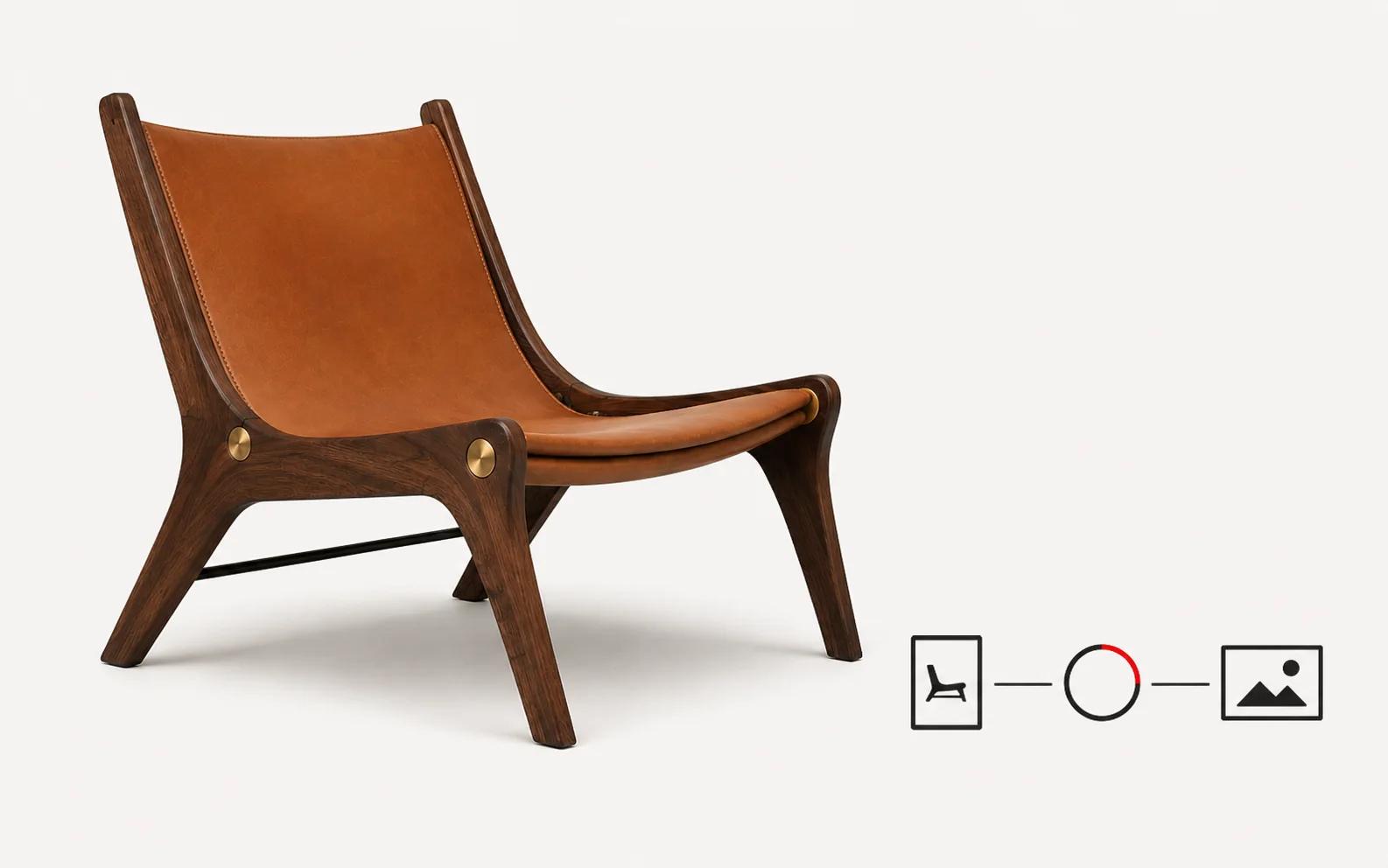
A premium stage should never collapse into an empty rectangle. Start with an art-directed poster that matches the first interactive camera. Keep product information and the purchase path usable while 3D prepares. Show progress only when it is honest, preserve the stage dimensions, and provide a clear retry or image fallback.
Choose eager or click-to-load behavior from the page's job and measured budget, not from a blanket rule. A configurator whose main purpose is interaction may justify an immediate load. A product page where 3D is secondary may benefit from loading after intent. Test both the initial page and the opened experience. Do not turn one successful desktop run into a promise of universal device reach.
Keep the experience premium after launch
Luxury quality drifts when new variants bypass the original craft standard. Assign named owners for geometry, materials, product rules, commerce data, interface copy and release approval. Require a change record for every new option. Keep a small set of golden configurations that exercise the hardest materials and dependencies, then replay them before each release.
Analytics should describe the decision path without pretending that interaction equals value. Track whether people open the experience, reach relevant details, change options, encounter invalid states, recover from errors and complete the intended handoff. A sales or return-rate claim needs its own measurement design and comparison; none of the brand observations above supplies that proof.
Spellexo can be used selectively as Double Edged's owned-product proof across product strategy, UX, 3D production, engineering, testing, launch and operation. It is not evidence of merchant sales lift, configurator rescue or migration results. Double Edged remains the broader studio, including bespoke configuration work that can be explored through custom 3D product configurator services.
Questions to settle before discovery
Bring concrete answers, or mark them unresolved:
- Which product and buyer decision anchor the first release?
- Which dimensions, materials and variants have approved references?
- Which combinations are invalid, conditional or commercially different?
- Where do price, inventory, product data and saved states live?
- What must work without 3D, without a camera, or after a failed asset request?
- Which browsers, devices, markets, languages and input methods will be tested?
- Who approves visual truth, rules, copy and release status?
- What observed behavior would justify expanding beyond the first product?
FAQ
- Does a luxury 3D experience need free rotation?
No. Give the buyer only the control needed for the decision. Guided detail views, constrained rotation, configuration or try-on may be clearer than an unrestricted camera. The product and its uncertainty should determine the interaction.
- Can a brand use the sampled experiences as an ROI benchmark?
No. This review verified current feature surfaces and disclosed capture limits. It did not access the brands' sales, return, engagement or experiment data. Treat any commercial outcome as unproven until measured in the brand's own journey.
- When is a custom configurator justified?
Custom work becomes more plausible when product rules, guided choices, visual states or commerce integrations exceed a standard variant selector. Simple color swaps may be better served by an existing platform feature. Discovery should choose the lightest system that can represent the product honestly.
A luxury 3D experience earns its place by making a difficult product decision clearer while preserving the standard set by the physical object. Start with one representative product, define truth before interface, and refuse to launch a visual state the business cannot build, price, explain or support.