A 3D product web interactive asset is web-ready only for a named use case, device, viewer and network profile. There is no useful universal answer such as “every GLB must be under 5 MB.” A 2 MB asset can still stall on texture decode, shader setup or too many primitives. An 8 MB asset may be acceptable when a customer deliberately opens one detailed model on a fast connection and the page protects its critical path.
Set the scenario first. Measure the exact release file second. Change one class of cost at a time, then compare transfer bytes, geometry, texture memory, visual fidelity and time to a usable view. Khronos defines glTF as a runtime asset delivery format and describes a mesh primitive as the data for a GPU draw call, which is why one file-size value cannot describe the whole runtime burden.[1]
Use this guide for the optimization and test method. The interactive 3D product experience guide covers wider viewer, control, fallback and analytics decisions. Direct production help is available on the service page rather than inside this informational guide.
Write the load budget before touching the model
A budget should say what loads, when it loads and what a pass means. Start with the customer action: does the model arrive with the page, after a deliberate tap, after a variant selection or only after an AR handoff? Then name the slowest supported device class and a reproducible network profile.
The starter profiles below are Double Edged editorial gates, not platform limits, market benchmarks or promised results. Replace them with product-specific thresholds before release. Each row assumes a cold cache, five runs and a median result; record the exact browser build and physical device used.
| Scenario | Test profile | Starter asset gate | Runtime acceptance gate |
|---|---|---|---|
| Opt-in product-page viewer | Physical mid-tier Android phone, current stable Chrome, 10 Mbps down, 1 Mbps up, 100 ms round-trip latency | One selected GLB at or below 4 MiB; zero external dependencies when the handoff requires a self-contained file; zero blocking validator findings | Median deliberate-activation-to-usable-view at or below 2.5 seconds; orbit and zoom respond without a blocking defect in 10 of 10 attempts |
| Immediately visible desktop product view | Four-year-old integrated-GPU laptop, current stable Chromium, 20 Mbps down, 5 Mbps up, 50 ms latency | Initial 3D payload at or below 3 MiB; no unrequested variant textures; viewer and decoder bytes reported separately | Median request-to-usable-view at or below 1.5 seconds; no model-caused displacement of buying controls |
| Multi-product selector or configurator | Physical mid-tier Android phone, current stable Chrome, 10 Mbps down, 1 Mbps up, 100 ms latency | Only the selected product state downloads; initial selected-model payload at or below 2 MiB; later state payloads measured as separate requests | Selected state becomes usable within 2 seconds in the five-run median; ten scripted state changes produce the intended geometry and materials |
Chrome DevTools supports custom network profiles with explicit download, upload and latency values, but simulated throttling is still a lab condition.[8] Use it while iterating, then repeat the acceptance run on the physical target. A desktop trace is not a substitute for the named phone.

Separate asset, viewer and page budgets
Keep three ledgers even when one team owns all of them. The asset ledger covers the GLB and any explicitly external model resources. The viewer ledger covers the JavaScript, WebAssembly decoders, environment maps and shaders needed to display it. The page ledger covers everything competing for the same network and main thread: product images, fonts, analytics, recommendations and buying UI.
Khronos’s current Asset Creation Guidelines 2.0 address geometry, instancing, mesh compression, UVs, textures, material separation and inspection as connected parts of real-time asset preparation.[4] That connected view is useful, but the release report still needs separate numbers. If a 700 KB geometry saving introduces a 150 KB decoder that the site did not previously ship, record both. If the decoder is already cached from another model, show the cold and warm paths rather than counting the cache once and calling it universal.
| Budget ledger | Include | Acceptance evidence |
|---|---|---|
| Asset | GLB transfer bytes, required external model resources, primitives, uploaded vertices, texture pixels and estimated GPU allocation | Inspect report, validator output, network request sizes and signed visual comparison |
| Viewer | Viewer bundle, decoder and transcoder modules, environment map, startup work and shader preparation | Production-build manifest, cold network trace, performance trace and blocked-dependency test |
| Page | All critical product-page resources and work scheduled before the 3D view becomes usable | Full-page trace on the named device, stable layout and usable buying controls with 3D available and blocked |
Do not move a cost between ledgers to make one target pass. A split .gltf package may make the JSON file look tiny while buffers and images still cross the network. A compressed GLB may lower transfer bytes while raising decoder or transcode work. The decision uses the combined customer path, with each cost still visible enough to diagnose.
Inventory the release GLB before optimizing it
Keep the authoring master untouched and make a checksum-addressed release copy. Record its byte size, validator result, extensions, scene count, nodes, meshes, primitives, rendered and uploaded vertices, animations, texture formats, dimensions and estimated texture memory. Also capture the viewer bundle and any decoder requests. Otherwise a “smaller GLB” can hide a new runtime dependency.
glTF Transform’s inspect command reports whether an asset is geometry-heavy, texture-heavy or burdened by draw calls; its documentation warns that the all-in-one optimize defaults may not suit every scene.[6] That is the right order: inspect, choose a hypothesis, produce a candidate and inspect again. Keep the raw reports, command, tool version and both hashes.
Do not treat triangle count as the single geometry metric. Record primitives, uploaded vertices, render vertices, index type, vertex attributes and material boundaries. The glTF specification maps each primitive to the data required for a GPU draw call.[1] Fewer primitives can help, but merging them blindly can break material variants, object selection or animation ownership.
Build a one-variable candidate ladder
Do not jump from the authoring export to one opaque “optimized” output. Make a short ladder so a failed review has a likely cause:
- Candidate A: cleanup only. Remove unreferenced data and duplicates without changing visible geometry or texture encoding. Require identical scene functions and zero new validator findings.
- Candidate B: geometry storage. Add quantization or a chosen geometry codec while keeping texture bytes unchanged. Require the same triangles, required object identities and visual-reference pass unless simplification is explicitly part of this step.
- Candidate C: texture dimensions. Resize only the maps whose measured on-screen density exceeds the target viewing envelope. Require every critical label and edge to pass the signed maximum-zoom views.
- Candidate D: texture encoding. Apply class-specific encoding to the accepted dimensions. Require color, normal, roughness, metalness and alpha checks under their named lighting and zoom states.
Name each output with the source revision and operation, then hash it. Compare every candidate with the last accepted rung, not only with the original. If Candidate C fails while A and B pass, the team can restore B and revisit texture resolution without rerunning an unrelated mesh reduction. This costs a few more files during production and saves guesswork during review.
An automated pipeline can reproduce the command sequence, but approval still belongs to evidence from the target viewer. Store the parameters in version control and forbid an encoder upgrade from replacing accepted derivatives silently. When the tool version changes, rebuild a sample set first and repeat its structural, visual and runtime gates before touching the catalog.
Reduce geometry against visible error, not a ratio
Start with waste that has no customer value: hidden internals that never appear, duplicate meshes that should instance, abandoned nodes, unused accessors and accidental subdivision. Re-export and validate before applying lossy simplification. If a component must remain selectable, animated or swappable, preserve its identity even when joining would produce a smaller report.
Quantization trades attribute precision for smaller transmission and memory. The ratified KHR_mesh_quantization extension expands the allowed component types for mesh attributes; its worked example reduces a typical static PBR vertex from 48 bytes to 20 bytes by using narrower storage, while warning that quantization error depends on the application.[2] That is evidence for testing quantization, not permission to assume the error is invisible.
Use a geometry acceptance sheet tied to the viewing envelope:
- Compare the baseline and candidate from the eight agreed product angles at the maximum allowed zoom and target viewport size. Pass only if the silhouette, holes, thin parts and product seams remain within the signed-off visual reference.
- Check named dimensional anchors. For a compact tabletop product, a project might set a 0.5 mm maximum deviation on mounting holes and control clearances; that number must come from the product brief, not this article.
- Preserve all required variant, animation and selection IDs. Run ten scripted selections or animation starts and require the intended target every time.
- Require zero new validator errors and a written disposition for every warning. A smaller file with a new unsupported required extension is not an accepted candidate.
Simplification can be useful after those gates exist. Choose its error tolerance and target ratio by iteration. Stop when the next reduction fails the named view or dimension, then keep the previous candidate. “50% fewer triangles” is an operation report, not a quality result.
Treat texture pixels, transfer and GPU memory separately
Texture work often changes more than the GLB byte count. Record every map’s slot, dimensions, channels, encoded bytes, mip levels and estimated GPU allocation. A 2048-pixel base-color map and a 2048-pixel normal map have different error patterns, so they should not inherit one quality setting.
Khronos’s KHR_texture_basisu extension allows KTX2 images with Basis Universal supercompression as an alternative to core PNG or JPEG, with runtime transcoding to a platform-supported block-compressed format.[3] The extension distinguishes color from non-color data and notes ETC1S as a general choice for color while UASTC is generally suited to non-color maps such as normals and roughness-metallic data.[3]
That distinction matters in review. Downscale base color until labels, stitching and edge contrast fail at the maximum approved on-screen size. Review normal maps under raking light for block artifacts and changed highlights. Check roughness and metalness across the full lighting turntable, not only a front screenshot. Alpha edges need their own zoomed comparison.
Khronos’s glTF-Compressor exposes texture format, resolution, file size and estimated GPU memory, then provides before-and-after 2D and 3D comparison views.[5] Use that kind of side-by-side inspection, but keep acceptance in a written matrix. “Looks fine” is hard to repeat after a tool or encoder update.
Compression also adds a compatibility decision. <model-viewer> documents on-demand auxiliary decoders for Draco and KTX2, and says Meshopt support must be configured rather than assumed.[9] Count those requests in the page test, confirm that the released viewer supports every required extension, and test the blocked-decoder fallback. A compressed asset that cannot decode in the actual build has no useful load budget.
A measured before-and-after GLB report
The following run is original evidence produced for this article on 31 August 2026. Its retained file-level audit bundle is stored under the production evidence path work/content-production/evidence/DE-042/ and indexed by evidence-manifest.json. It is not a client result, browser or performance result, or release recommendation.
The tested input was Khronos’s MaterialsVariantsShoe.glb, whose source page describes one shoe with three material variants sharing geometry and most textures.[10] The downloaded baseline SHA-256 was e1d7cb190382111e5a5b37b51e9a7f007f7eb2ab1b6185e0188e8d0a0d1265a7. On Windows 11, gltfpack 1.2 produced the candidate with geometry quantization, ETC1S KTX2 for color maps, UASTC KTX2 for normal and attribute maps, and a 1024-pixel texture limit. Named nodes, materials and extras were retained. The output SHA-256 was eed34fe7b30f385a43c75c3bbc3375625cccfa65da915c3ee3db57666c8f02cf. The exact input, archive, executable and output are retained in that production evidence path as baseline.glb, gltfpack-windows.zip, gltfpack.exe and candidate.glb; gltfpack-report.json, gltfpack-stdout.txt and gltfpack-stderr.txt retain the report and complete command streams.
gltfpack.exe -i baseline.glb -o candidate.glb -tc color -tu normal,attrib -tl 1024 -kn -km -ke -r gltfpack-report.json -v
gltfpack documents that its default path optimizes and quantizes geometry, while its texture options can produce KTX2 and choose class-specific encoding.[7] We inspected both files with glTF Transform 4.4.2. Complete output is retained there as baseline-inspect-stdout.txt, baseline-inspect-stderr.txt, candidate-inspect-stdout.txt and candidate-inspect-stderr.txt. This was a CLI-only file test: no browser rendered either asset, no physical device was involved and no network throttling was applied. Its evidence threshold was complete hashes, byte counts, inspect rows and zero validator errors, with every warning recorded; visual and runtime acceptance remained deliberately untested.
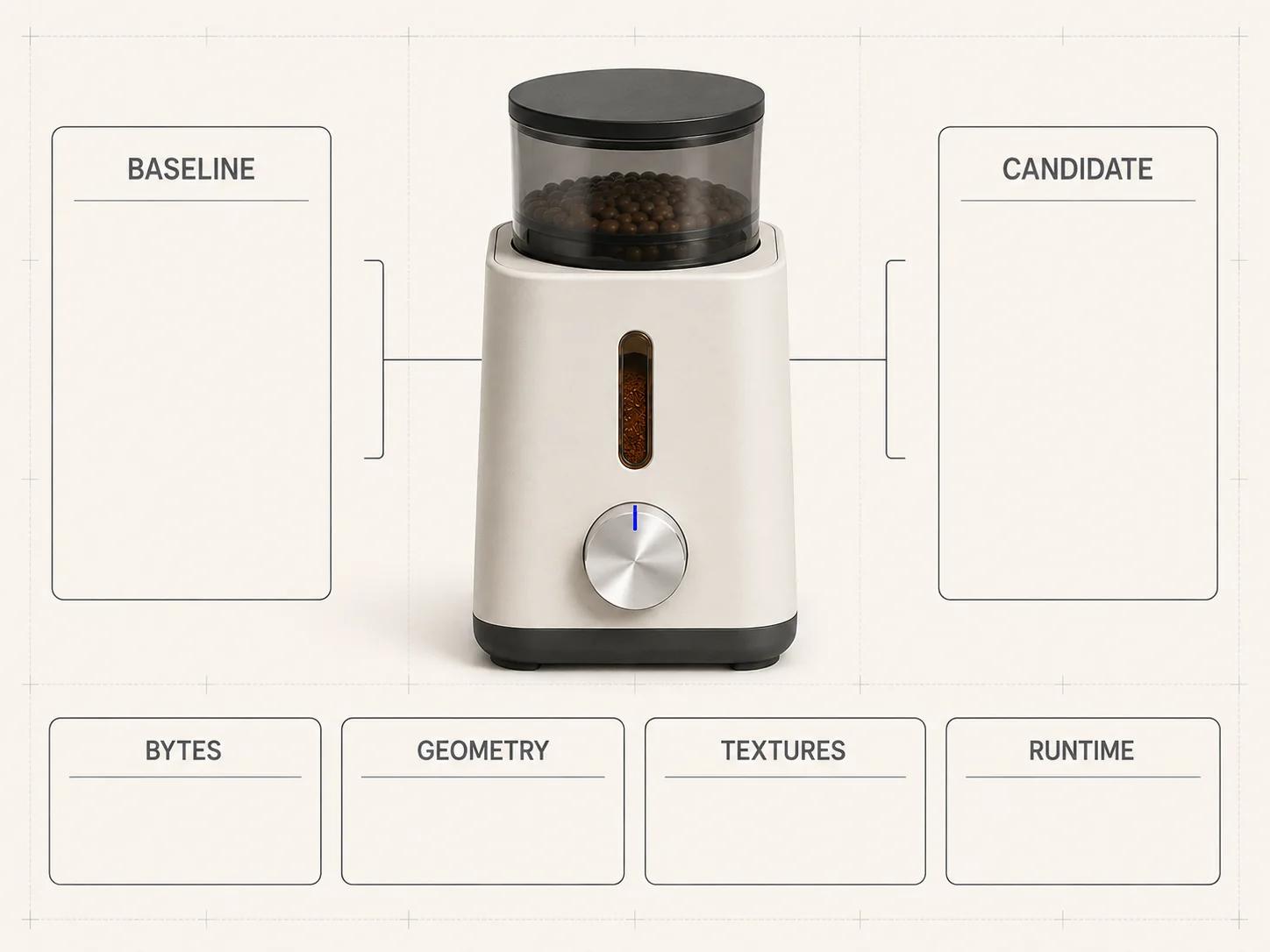
| Metric | Baseline | Candidate | What changed |
|---|---|---|---|
| GLB bytes | 7,833,592 | 2,762,352 | 5,071,240 fewer bytes, a measured 64.74% reduction |
| Triangles | 22,700 | 22,700 | No simplification |
| Draw calls in report | 1 | 1 | No reduction |
| Uploaded vertices | 13,540 | 13,540 | No reduction |
| Estimated mesh GPU allocation | 705.68 KB | 312.22 KB | Narrower quantized attributes and indices |
| Texture dimensions | Five at 2048 × 2048 | Five at 1024 × 1024 | Each map’s width and height halved |
| Estimated texture GPU allocation | 111.85 MB | 4.90 MB | Tool estimate changed after KTX2 encoding and resizing |
The result says exactly what the tools observed: the candidate is smaller, the geometry count is unchanged and the reported memory estimates fell. It does not prove visual parity, browser compatibility, decode cost, frame rate or a faster usable view. Both validation runs reported zero errors. The baseline emitted one tangent-space warning. The candidate emitted 11 warnings and 6 infos; its info rows include incomplete KHR_texture_basisu validation, and its warning set retains the baseline tangent-space warning. Complete output is retained there as baseline-validate-stdout.txt, baseline-validate-stderr.txt, candidate-validate-stdout.txt and candidate-validate-stderr.txt. No baseline/candidate visual review and no browser run were performed, so this candidate is not release-approved.
Test the candidate in the target page
Use the exact production viewer build and serve both files through the same cache and compression rules. Disable the cache for each cold run. Mark the deliberate activation, model request start, decoded asset availability and first controllable frame. Keep the raw network log and performance trace for five baseline runs and five candidate runs on the named physical device.
Accept the candidate only when it passes every row established before the run: byte budget, required-extension support, zero blocking validation findings, visual reference views, scripted product states and median activation-to-usable threshold. Report p50 and the slowest run rather than selecting the cleanest trace. If the model is slow after its request completes, move to the asset, viewer and integration checks for a slow 3D model instead of compressing textures again without a hypothesis.
Run the diagnostic decision tree
- The GLB misses the byte gate. Split the inspect report into geometry bytes and texture bytes. If textures dominate, test dimensions and encoding by map class. If geometry dominates, test unused data, instancing, quantization and then bounded simplification. The large-GLB diagnostic and repair plan owns the file-size triage in depth.
- The GLB passes but time-to-usable fails. Check request scheduling, decoder delivery, parse and texture transcode spans, shader compilation and main-thread contention. Keep this as an integration investigation rather than changing the asset at random.
- The candidate is fast but visually wrong. Restore the last accepted candidate and isolate the failed map or mesh operation. Increase only the relevant precision, resolution or quality setting, then rerun all named views.
- Web passes but another destination fails. Keep the destination failure separate. The AR product visualization launch guide owns AR readiness; a browser pass cannot approve it.
Optimization answers whether the asset meets a named web load budget. If AR fails on a particular device or route, use the interactive 3D product experience guide to isolate device support, delivery, scale and material behavior instead of treating every AR fault as a file-size problem.
The Private GLB Readiness Checker inspects and previews a selected self-contained GLB locally in the browser, and the selected self-contained GLB remains local. It reports four separate destinations: Online store, Shopify, Product customizer and Android AR. A successful browser preview does not prove destination compatibility or performance, and it does not prove visual parity. The optional editable Excel QA workbook is a secondary resource for teams that need a handoff record.
Close the release record
Archive the approved source revision, baseline and candidate hashes, commands, tool versions, inspect and validator reports, viewer commit, decoder versions, physical devices, browser builds, network profile, raw runs, visual references, exceptions and approver. Reopen the affected gates when the model, encoder, viewer, browser or destination changes.
Platform integration remains a separate decision. For WooCommerce, use the WooCommerce 3D product viewer options and integration checklist rather than treating an optimized GLB as proof that the storefront implementation is complete.
If the evidence points to asset repair, texture rebaking, variant-safe restructuring or a production delivery pipeline, take the failed rows and representative source asset to the web-ready and AR-ready 3D service. The useful handoff is the measured failure, not a request to “make the file smaller.”