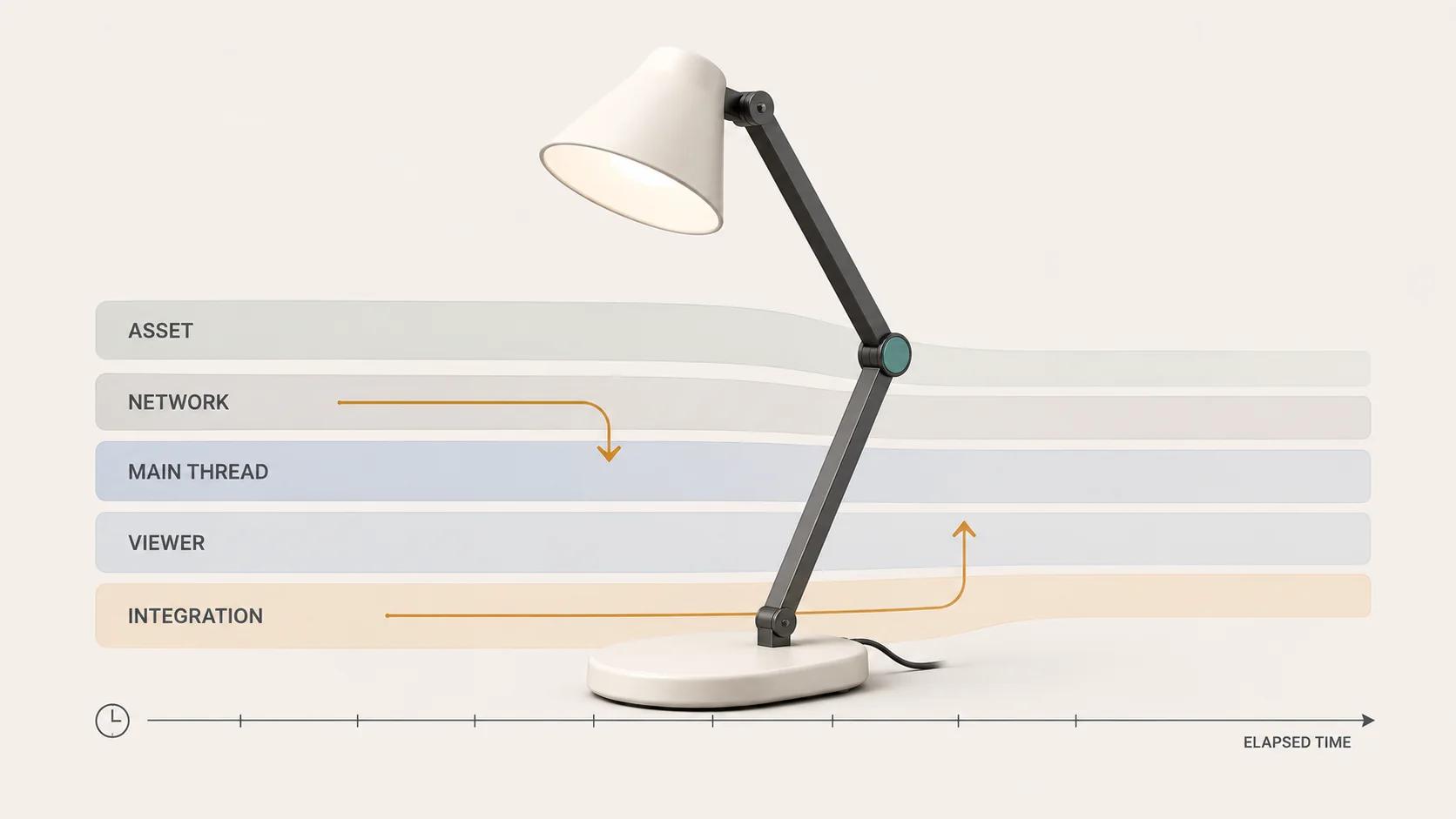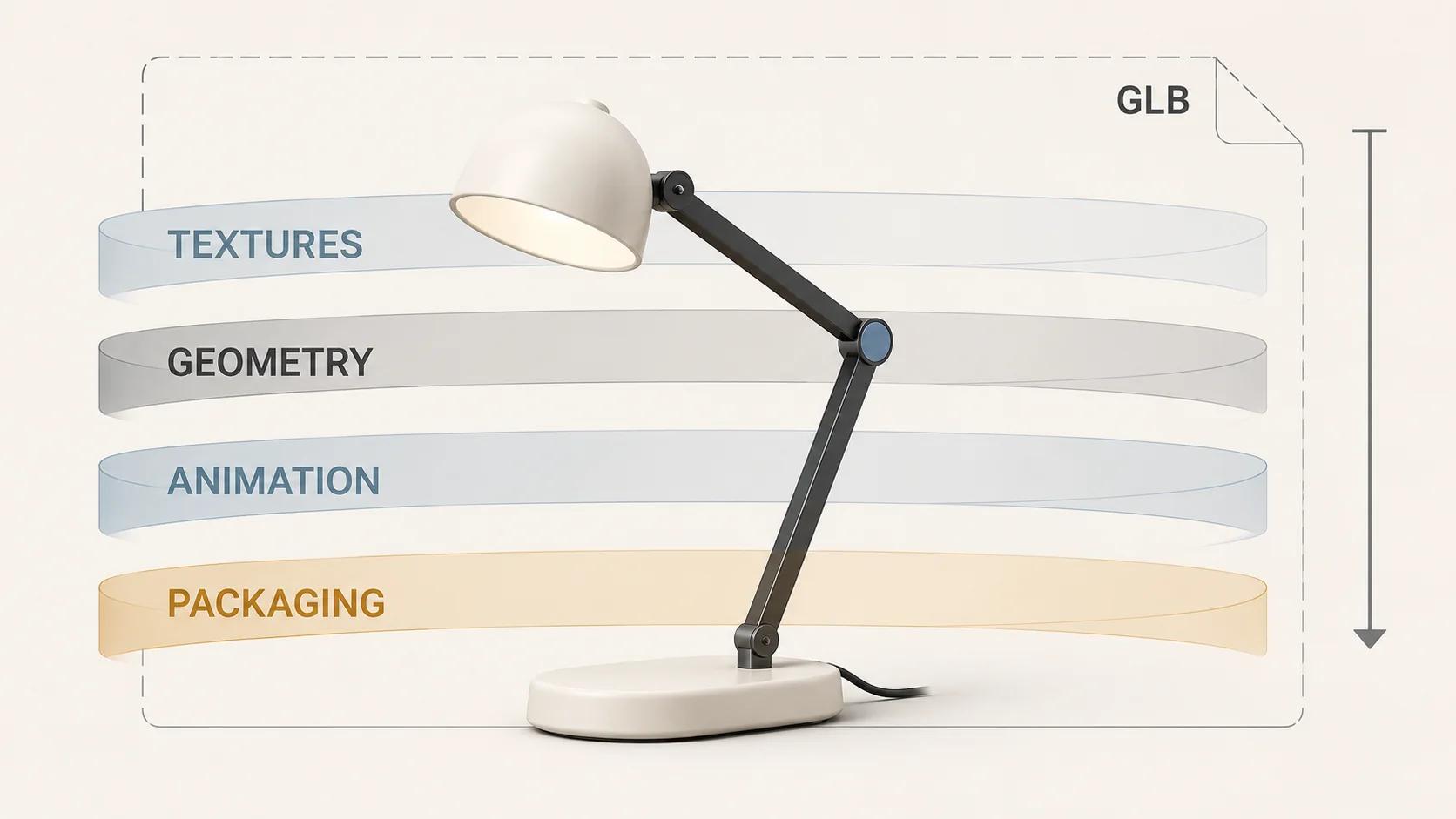
A GLB that is too large needs a byte ledger before it needs a compression setting. Attribute the exact release file to textures, geometry, animation and packaging; identify which category owns the excess; then change one cause at a time. A smaller file that damages a product label, adds an unsupported decoder or still arrives too late has not been repaired.
There is no useful universal file-size target detached from a product and delivery path. A compact item used above the fold on mobile needs a different budget from a detailed machine opened on demand. This guide helps isolate the fault and choose a repair. The broader web-ready 3D model optimization guide covers the category-level geometry, texture and load-budget overview.
Freeze the test profile before changing the GLB
Every recommendation below uses one explicit, illustrative release profile. It is a test design, not a client result and not evidence that any asset has passed.
| Test field | Fixed profile for this diagnostic | Starter acceptance threshold |
|---|---|---|
| Release file | desk-lamp-rc17.glb, with its SHA-256 recorded before each test run | The exact checksum under review appears in every report; no source file or later derivative is substituted |
| Desktop runtime | Windows 11 laptop, Intel Iris Xe graphics, 16 GB RAM, Chrome 152 | Zero Khronos Validator errors; all named product zones pass a fixed visual comparison |
| Mobile runtime | Pixel 7a, Android 16, Chrome 152 | The viewer opens and completes 10 of 10 scripted orbit, zoom and reset attempts without a blocking defect |
| Network | Cold cache, 10 Mbps down, 1 Mbps up, 100 ms round-trip latency; five runs | GLB transfer at or below 5 MB and median deliberate-activation-to-usable-view at or below 5 seconds |
| Visual review | Three fixed cameras: front three-quarter, side and label close-up | Silhouette, hinge gap, shade perforations, cable exit, label edge and material assignments match the approved comparison in every view |
The 5 MB and five-second values are editorial starting gates for this compact desk-lamp example. They are not glTF limits, market benchmarks or measured results. Replace the file, hardware, browser and threshold in the brief before testing a real release. Do not relax a gate after seeing a failure.
Turn the GLB into a byte waterfall
GLB is a container, not one indivisible payload. The glTF specification defines a JSON chunk and a binary chunk; the binary data can hold geometry, animation data and embedded images. It also permits a GLB asset to refer to external resources, so the extension alone does not prove that the release is self-contained.[3]
Start with a structural report and a content inventory. Khronos glTF Validator checks GLB format correctness, internal references, buffers, accessors, animation data and images, and emits found issues plus asset statistics in JSON.[8] glTF Transform's inspect command reports model contents and is intended to expose whether a scene is geometry-heavy, texture-heavy or draw-call-heavy.[4][9]
| Waterfall layer | Evidence to record for desk-lamp-rc17.glb | Likely repair | Pass under the fixed profile |
|---|---|---|---|
| Textures | Encoded bytes, dimensions, channels, material slot and maximum projected screen size for every image | Resize over-specified maps; remove duplicates; choose a runtime-supported texture encoding | Texture total falls without changing the six named product zones in any comparison view |
| Geometry | Triangle and vertex counts, primitive count, attributes, indices and morph-target bytes by mesh | Remove hidden detail; weld or deduplicate; simplify only within an error gate; then test mesh compression | Geometry total falls, Validator stays clean and the silhouette, hinge and perforations still pass |
| Animation | Clip names, duration, channels, keyframes, skins and morph data | Remove unused clips and channels; deduplicate or resample keys only after timing is frozen | Every retained clip starts, ends and loops at the approved times on both devices |
| Packaging | JSON size, BIN size, unused resources, duplicate accessors, extension list and external URIs | Prune unreachable data, deduplicate, repack and validate | One intended self-contained GLB, no undeclared dependency and zero Validator errors |
| Delivery outside the file | Model request initiator, transferred size, cache state, decoder requests and activation timing | Defer the request, keep a poster, cache deliberately or repair viewer integration | Five cold-cache runs meet the transfer and activation gates without hiding buying content |
Chrome DevTools' Network panel records each resource and exposes its content, size, timing and initiator; its documented hard-reload and throttling workflow makes the network profile reproducible.[2] Keep those observations separate from decoded geometry and texture memory. The transferred GLB, a decoder request and GPU-ready texture memory are different costs.
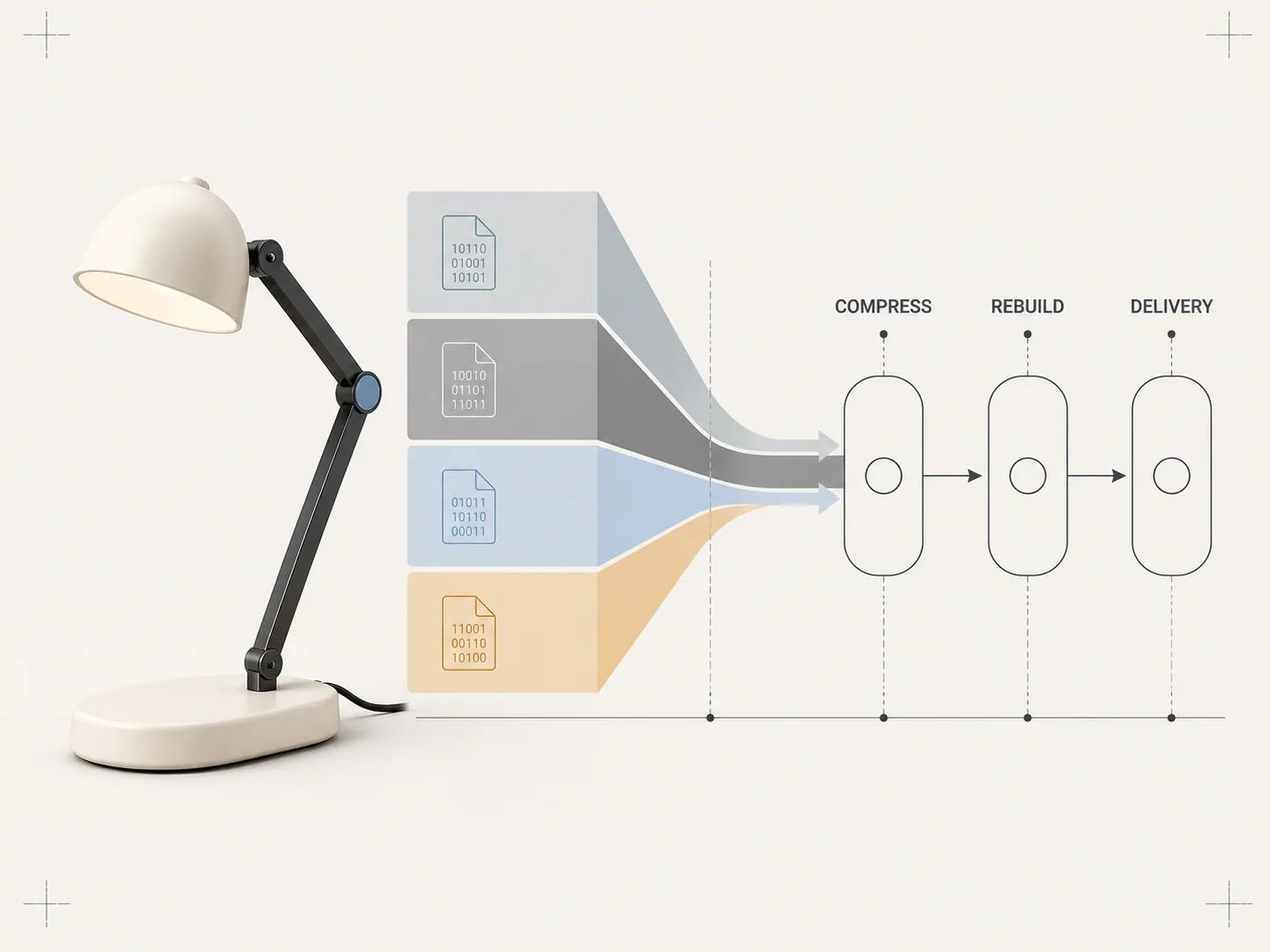
Follow the diagnostic decision tree
- Does Validator report an error, an unexpected external URI or a revision mismatch? Rebuild the package first. Compression cannot repair a broken reference or prove that the intended file was tested.
- Do textures own the largest removable byte block? Take the texture branch. Work from projected display size and material importance, not one quality percentage applied to every map.
- Does geometry own the excess? Take the geometry branch. Remove invisible construction detail, duplicates and excess precision before adding a codec.
- Do animation, morph targets or unused scene resources own the excess? Keep only the approved product behavior, then prune and repack.
- Does the GLB meet its byte gate but miss activation time? Stop shrinking blindly. Test request timing, decoder cost, cache behavior, viewer code and main-thread work. The 3D model website performance troubleshooting guide owns that asset-versus-viewer investigation.
The Private GLB Readiness Checker inspects and previews a selected self-contained GLB locally in the browser, and the selected self-contained GLB remains local. It reports four separate destinations: Online store, Shopify, Product customizer and Android AR. A successful browser preview does not prove destination compatibility or performance. The optional editable Excel QA workbook is a secondary resource for teams that need a handoff record.
Run each repair as a controlled experiment
Keep the original authoring master and create one release derivative per branch. Name the operation in the derivative, such as desk-lamp-rc17-pruned.glb or desk-lamp-rc17-textures-1024.glb, and record its checksum. Never test a filename that can be silently overwritten. The baseline and derivative must use the same Windows laptop, Pixel 7a, Chrome 152 builds, cold-cache network profile, camera positions and scripted interactions defined above.
Change one variable per run. If the first derivative prunes unused resources, do not also resize textures and add Meshopt compression. Run Validator, collect the byte waterfall, compare the six product zones, complete the 10 interaction attempts on each device and capture five cold-cache activation timings. Keep the derivative only if it preserves zero Validator errors and every relevant visual or behavior gate while moving the measured failure toward the 5 MB and five-second thresholds.
A repair log should answer six questions without reconstructing the session:
- Which exact input checksum and exporter revision produced the derivative?
- Which single operation changed, with its settings recorded in full?
- Which waterfall layer lost bytes, and how many bytes moved from the total?
- Did a new decoder, transcoder, request or extension enter the delivery path?
- Which structural, visual, animation, interaction and timing gates passed or failed?
- Was the derivative accepted, rejected or returned to the authoring source, and who made that decision?
Stop the branch when two successive safe adjustments produce negligible savings, when a critical product zone fails, or when the required runtime cannot load the chosen extension. That is evidence to rebuild or change delivery, not an invitation to lower quality until the number turns green. The method also prevents a valid texture win from being credited to a geometry change made in the same export.
Repair geometry without turning compression into the first move
Record per-mesh triangles, vertices, attributes, primitives and morph targets before editing. Remove geometry the approved views can never reveal. Merge genuine duplicates and weld only where hard edges, UV seams and material boundaries remain correct. glTF Transform documents prune, dedup, weld, simplify, draco and meshopt as separate operations rather than one opaque "make small" switch.[4] Its simplifier is explicitly lossy, targets fewer triangles and vertices, and stops early when its error threshold would be exceeded.[12]
Compression comes after that cleanup. KHR_draco_mesh_compression stores compressed mesh data that a loader must decode; when the extension is required and unsupported, the loader must fail the asset.[5] EXT_meshopt_compression defines compressed buffer views and can reproduce vertex and index data exactly, although its own guidance says preprocessing affects compression efficiency.[6]
For the fixed profile, accept a geometry repair only when the exact derivative is at or below the 5 MB total gate, Validator reports zero errors, all six product zones pass at three cameras, and both named browsers load the chosen extension. Measure decoder requests in the same five cold-cache runs. The model-viewer documentation confirms support for Draco and Meshopt but also documents auxiliary decoders, so byte savings must be judged with the delivery path rather than from the GLB alone.[1]
Repair textures from viewing evidence
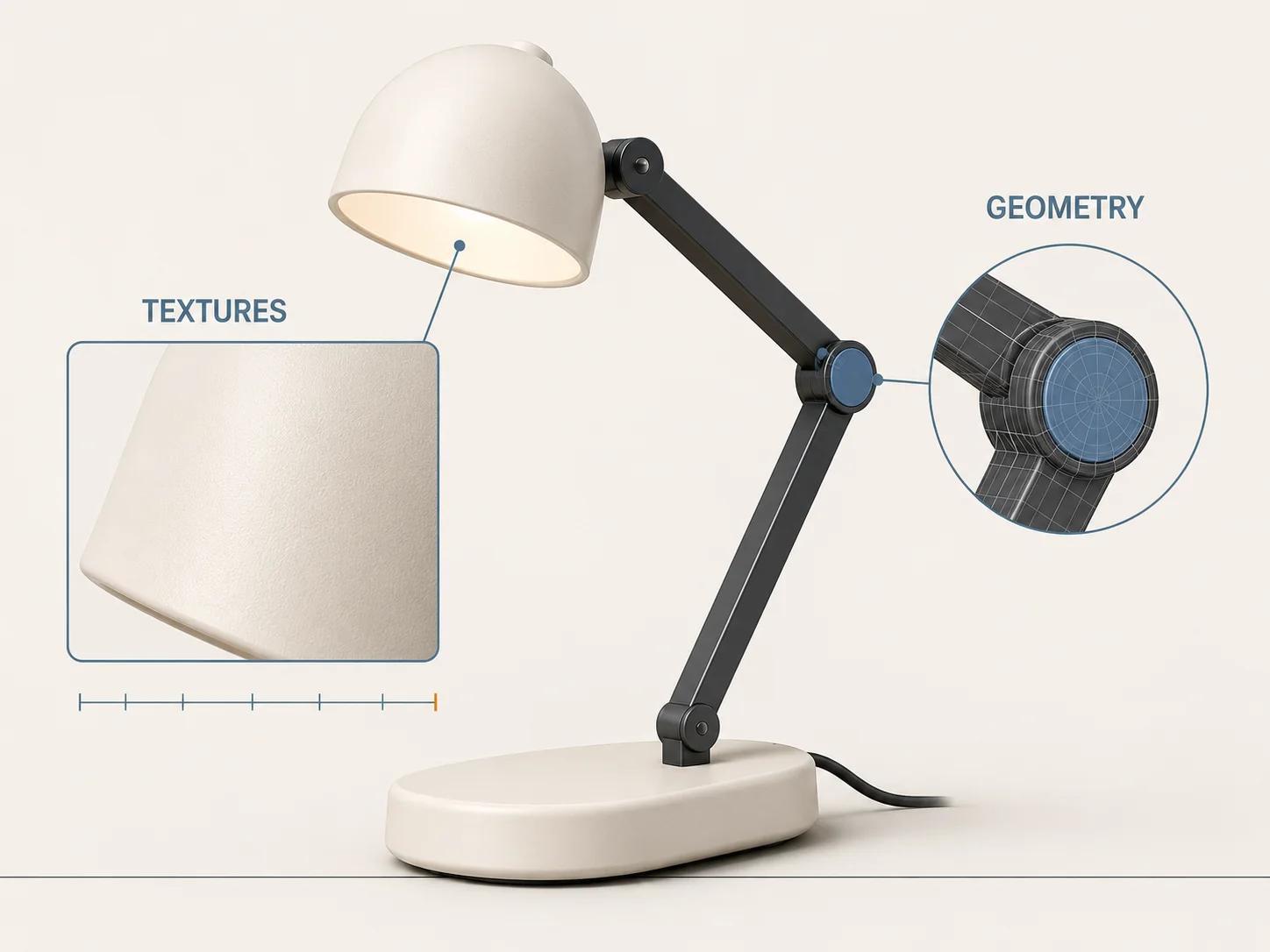
List every image by material slot, dimensions, encoded bytes and maximum projected size in the released viewer. A 4K image is not automatically wrong, but it needs a visible job. Downsize maps that never occupy enough screen pixels to use that detail. Preserve label edges, normal-map response and roughness breaks with the fixed close-up instead of judging only the whole-product view.
The glTF Transform texture operation can resize images and convert them to JPEG, PNG, WebP or AVIF.[11] KHR_texture_basisu adds KTX2 images with Basis Universal supercompression for more efficient transmission and reduced GPU memory footprint, with runtime transcoding to a supported block-compressed format.[7] That makes KTX2 a candidate, not an automatic answer: confirm support in the exact viewer and device profile, and include its transcoder request in the cold-cache record.
Accept the texture branch only when the total GLB reaches the 5 MB gate, the label close-up and five other zones pass on both devices, and median activation remains within five seconds across five runs. If the file shrinks but a critical label or material breaks, restore that map and seek savings elsewhere.
Remove animation and packaging baggage
Retain a written clip list before touching animation. Remove test motions, orphaned channels and unused morph targets. Resample only against the approved timing and loop behavior. The glTF Transform CLI separates animation resample and sparse operations from scene cleanup, while its prune operation removes properties not referenced by a scene.[4][10]
Then repack and validate. A size reduction is accepted only if every retained clip passes on the Windows and Android profiles, the checksum identifies the derivative under test, there are zero Validator errors, no unintended external dependency remains and all five cold-cache runs use that exact file. If unused data cannot be removed safely because the export is structurally tangled, return to the authoring source and rebuild instead of stacking more transforms onto an uncertain release.
Change delivery behavior when bytes are no longer the main fault
A GLB below the agreed budget can still arrive at the wrong time. The model-viewer loading examples document poster-led loading, manual reveal and lazy behavior, while the API notes that model loading and reveal are separate decisions.[1] If the product does not need to be interactive on first paint, keep a useful still image, reserve stable space and request the GLB on deliberate activation or near-viewport intent. Do not conceal essential product information behind the viewer.
Re-run the fixed Chrome network profile after the change. Accept the delivery repair only when the exact GLB stays at or below 5 MB, the model request begins at the intended trigger, the poster and buying controls remain usable when the GLB is blocked, and the median activation-to-usable-view is at or below five seconds on both named devices. If timing still fails, the problem has moved beyond file size into viewer or page integration.
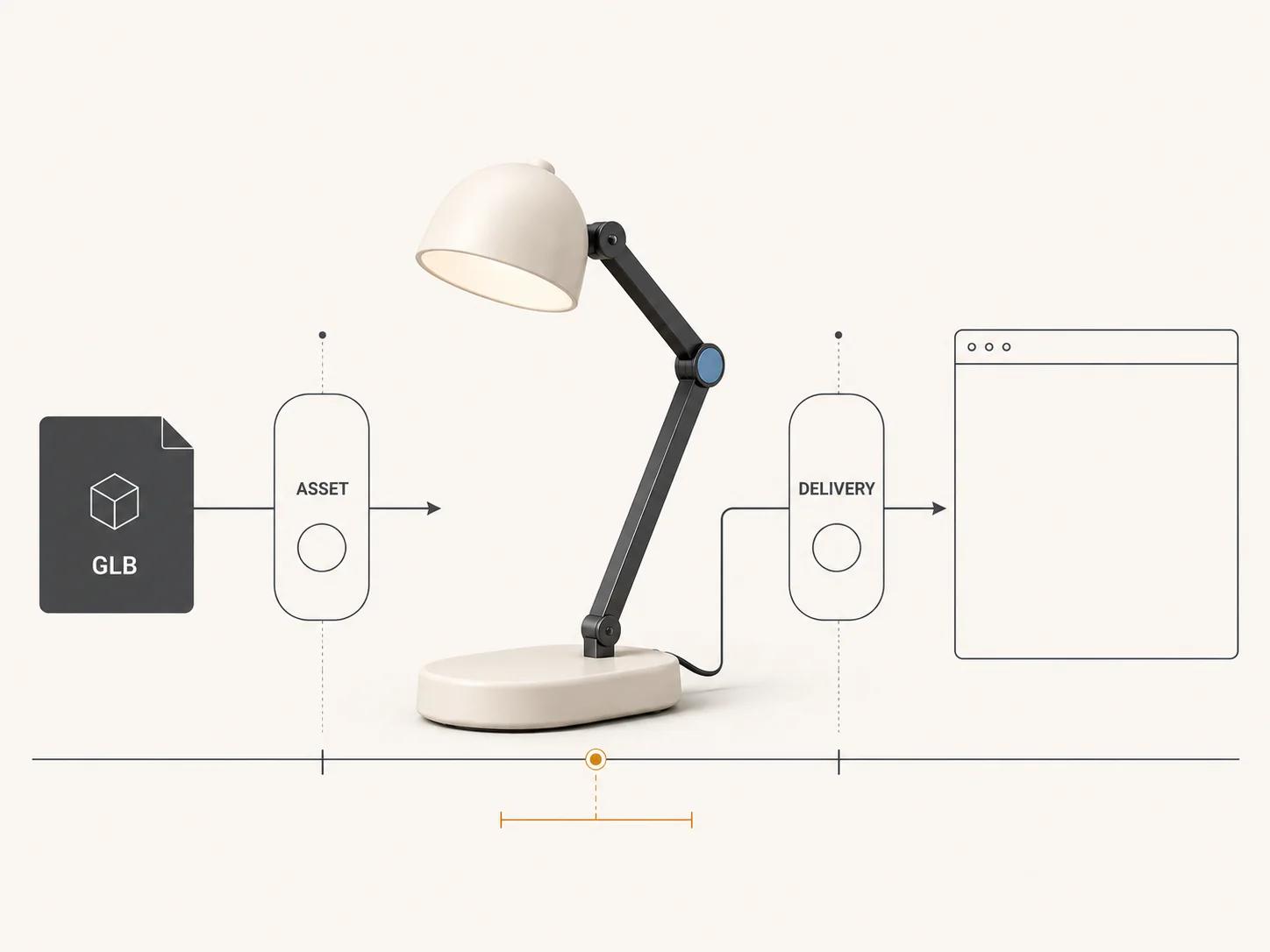
Choose compress, rebuild or change delivery
Compress when the structure is valid, removable waste is gone, one measured byte category remains large and the target runtimes support the codec. Rebuild from the authoring source when the package contains broken dependencies, unexplained duplicates, tangled animation, destructive export artifacts or detail that cannot be reduced without losing the approved product. Change delivery behavior when the exact release GLB meets its byte and visual gates but request timing or integration still misses the activation threshold.
Store the before-and-after checksums, inspection reports, Validator output, device and browser versions, network profile, five raw timings, visual exceptions and approval. If the representative asset needs production work after this evidence is assembled, the web-ready and AR-ready 3D service is the commercial review route. The article diagnoses the branch; it does not turn a generic file-size complaint into a project scope or promise an outcome.