Product 3D visualization for e-commerce works best as a system of channel-specific outputs, not as one file pushed everywhere. Start with the buyer's unanswered question. Use stills when the channel needs an immediate, controlled view; video when timing or mechanism matters; a 360 view when rotation is enough; GLB when the shopper should inspect the object freely; AR when placement and scale are the question; and a configurator when the product has choices or rules that must respond to input.
That sequence matters because every richer format adds production, implementation, testing and ownership work. The right plan is usually the lightest experience that answers the question on the channel where it will run. It may include several outputs, but each one needs a job.
Start with the buyer's unanswered question
The phrase "3D visualization" can refer to a rendered image, a turntable, an interactive model, an AR placement experience or a rules-driven configurator. Those outputs may begin with related source geometry, yet they are not interchangeable deliverables.
A commerce team can make the first decision with six questions:
- Does the buyer need a fast, art-directed view or control of the camera?
- Is the uncertainty about appearance, hidden function, scale, fit, placement or available choices?
- Does the destination accept the intended media type, and under what current rules?
- Will the experience depend on product data, prices, inventory or option logic?
- Who will test it after the asset leaves the 3D production tool?
- Who owns future revisions when the product, campaign or platform changes?
If a single approved angle resolves the question, a still is enough. If a hinge, assembly or transformation must unfold over time, use motion. If shoppers only need to turn an item around a fixed axis, a 360 sequence can be simpler to operate than live 3D. Free inspection calls for a viewer-ready model. Placement calls for AR and a real-device release path. Valid combinations, changing materials or conditional parts point toward a configurator rather than a plain viewer.
This page is the channel guide. For the broader category definition, see What Is 3D Product Visualization? A Commerce Team's Guide. The distinction protects the production brief from becoming a vague request for "something interactive."
Channel-by-format decision matrix
The matrix below is a planning framework, not a compatibility table. "Strong fit" means the format commonly answers the stated channel need; the destination still has to accept, render and govern the actual deliverable.
| Format | Buyer question it answers | Product detail page | Marketplace or product feed | Social and paid media | Campaign landing page | Operating burden |
|---|---|---|---|---|---|---|
| Art-directed stills | What does it look like, and which detail matters first? | Strong fit for gallery, variant and detail views | Strong fit when exported to current image rules | Strong fit for crops and sequences | Strong fit for controlled storytelling | Low once the shot system is approved |
| Rendered video or animation | How does it move, assemble or work over time? | Strong fit when controls and loading are handled | Conditional on the destination's current video support | Strong fit for short narrative cuts | Strong fit for demonstrations | Medium; edits, encodes, captions and versions must be managed |
| 360 image sequence | What is visible around the product? | Strong fit when fixed-axis rotation is enough | Usually delivered as derived frames unless the destination supports the interaction | Useful as derived clips or frames | Strong fit for simple rotation | Medium; frame count, player and fallbacks need ownership |
| GLB in a 3D viewer | Can I inspect shape and detail from my chosen angle? | Strong fit with an implemented viewer | Conditional on current 3D-media or feed rules | Usually a source for rendered derivatives, not a universal post format | Strong fit when interaction earns its place | Medium to high; asset, viewer and integration are separate layers |
| AR | How large is it, and how might it sit in my space? | Conditional on a supported launch path and device testing | Conditional on program eligibility and asset review | Better as a route into the experience than an assumed native format | Strong fit when placement is the central task | High; scale, placement, device behavior and fallback need testing |
| Configurator | Which valid option or combination should I choose? | Strong fit for choice-heavy products | Usually represented by approved derivatives or selected configurations | Strong for campaign variants generated from approved states | Strong fit for guided selection | Highest; rules, data, UI, 3D states, integrations and operations all need owners |
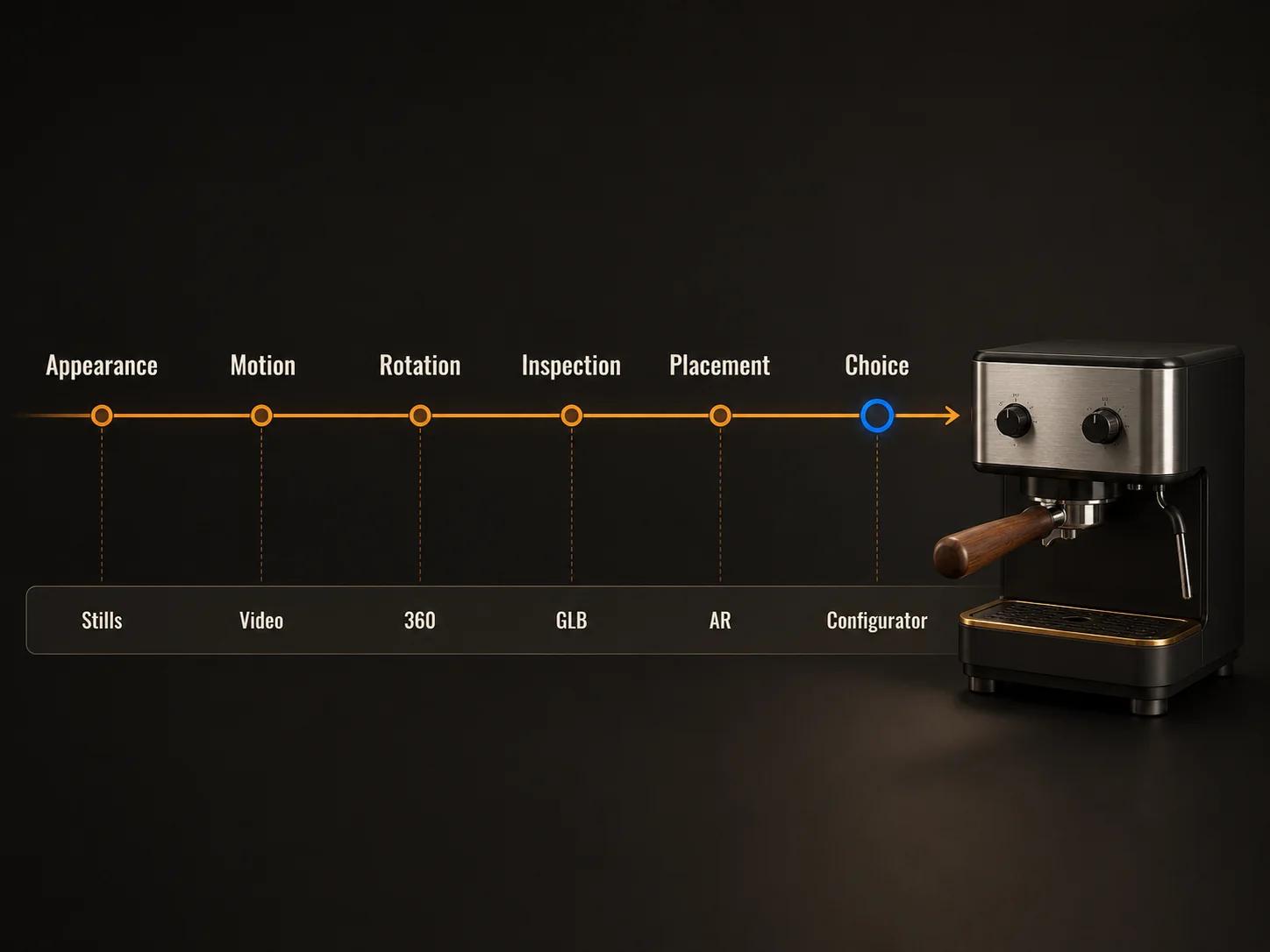
Shopify's theme documentation treats images, video and 3D models as distinct product-media types, which is a useful reminder that one product page can carry several media jobs rather than forcing a single winner.[2] Google Merchant Center separately documents a 3D-model-link workflow for eligible products and currently accepts a public glTF or GLB URL subject to its own requirements and review.[3] Those are platform facts, not a promise that the same upload or presentation works on every marketplace.
What each format is good at
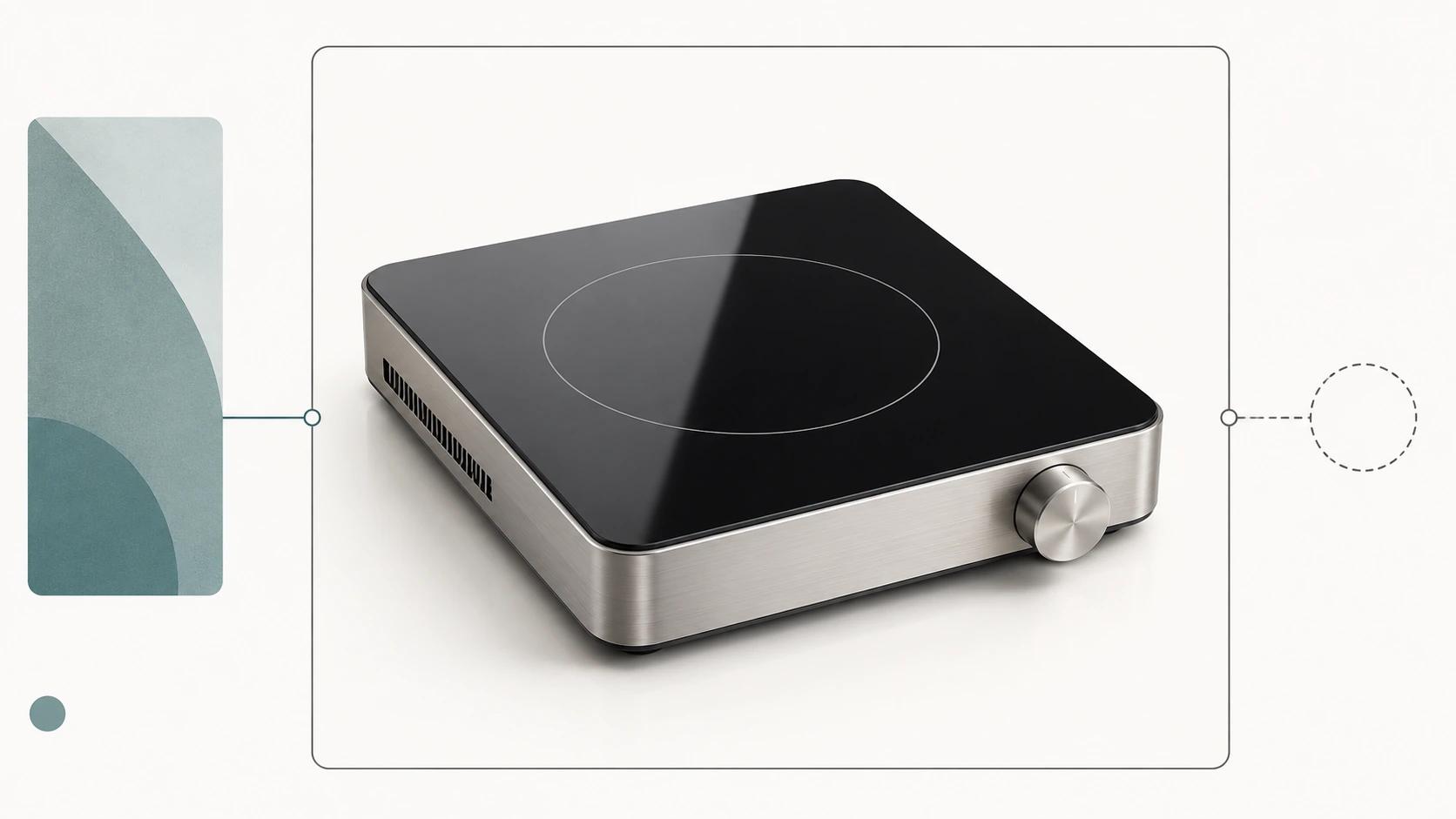
Stills establish the approved visual truth
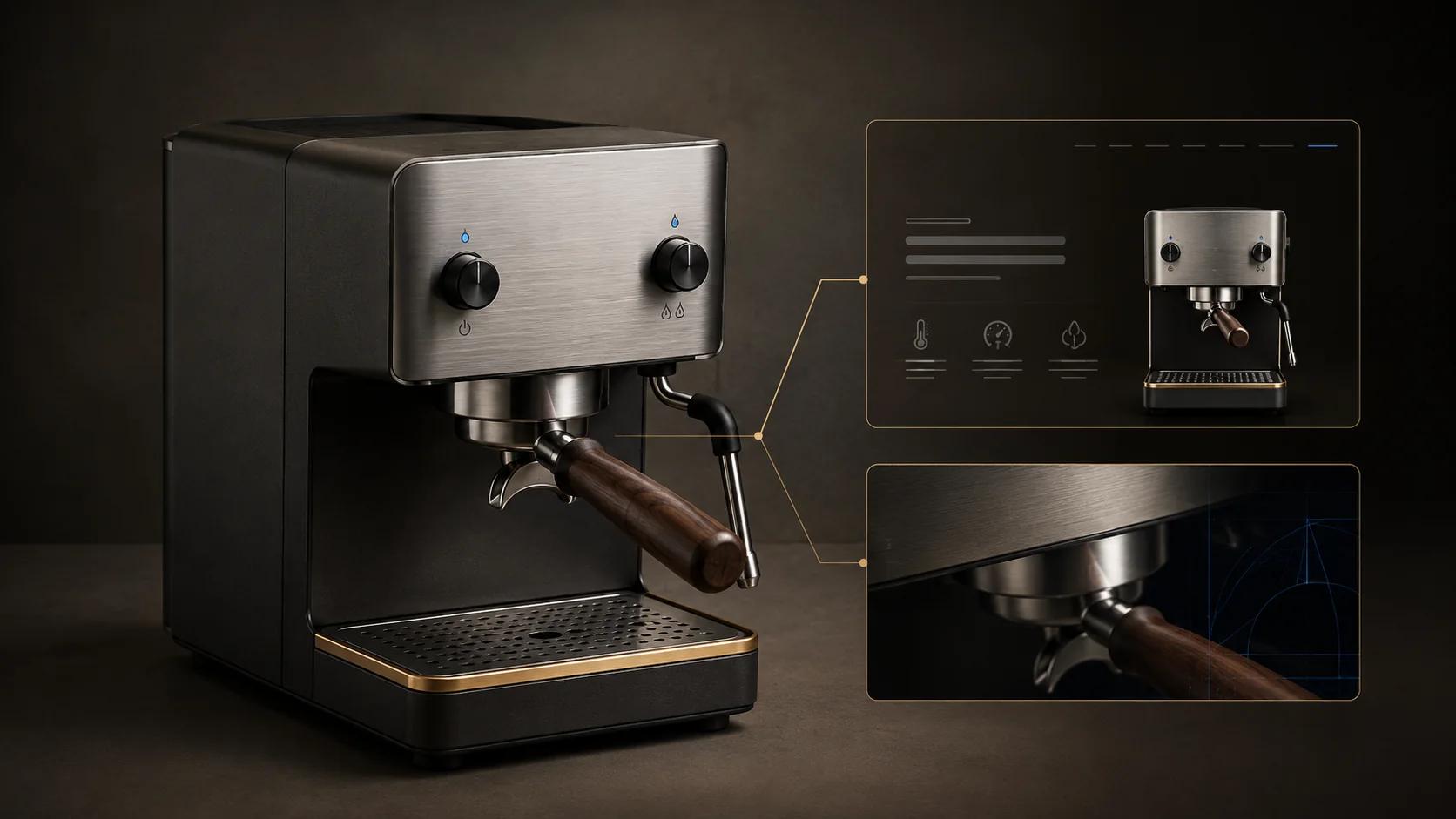
Stills give the brand precise control over camera, lighting, background, crop and the order in which features appear. They also travel well across listings, ads, email and retailer handoffs because the team can export purpose-made derivatives from an approved master scene.
Treat the shot list as a coverage plan rather than a pile of hero images. A useful set may include a clean overview, a scale cue, a feature close-up, a material detail, a rear or underside view and a contextual view. The exact set depends on the product and channel. The platform-specific image checklist belongs in the separate marketplace-readiness article, not here.
Video explains time, sequence and cause
Use video or rendered animation when the information changes over time: an opening mechanism, installation step, internal flow or before-and-after state. Keep the communication goal separate from the master timeline so shorter edits can be produced without rebuilding the scene.
Motion also needs user control. WCAG 2.2 says automatically starting motion that lasts more than five seconds and appears alongside other content needs a way to pause, stop or hide it unless the movement is essential.[4] That requirement should shape the player and page behavior, not merely the video export.
A 360 view provides rotation without full scene freedom
A 360 sequence is a set of rendered frames shown through a player. It is useful when the shopper should rotate around a stable product but does not need arbitrary camera movement, live materials or scene interaction. The team controls lighting and perspective in every frame, which can make approval simpler than a live viewer.
Its limits are equally clear. A 360 does not reveal any angle that was not rendered, does not carry semantic part structure and does not become AR. Export selected frames for destinations that only accept images or video rather than assuming they will host the spin interaction.
GLB carries a runtime 3D scene
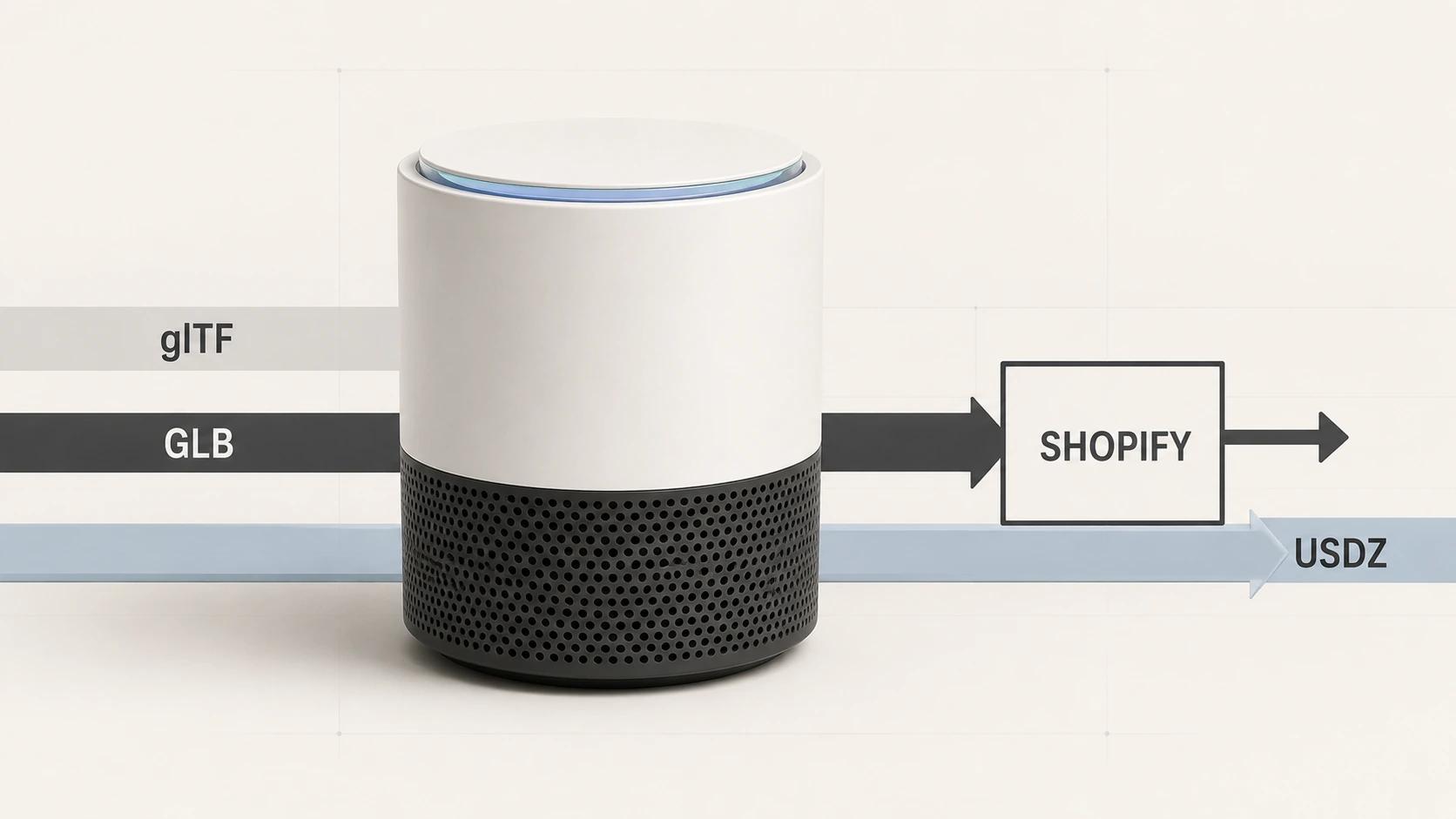
Khronos defines glTF as a delivery specification for transmitting and loading 3D scenes and models. A binary .glb can contain the scene structure, meshes, buffers, materials, textures, skins and animations in one file.[1] That makes GLB a practical delivery candidate for browser viewers and other documented destinations, but "one file" does not mean "one approval."
A viewer still controls camera behavior, lighting, loading states, controls, fallbacks and analytics. The model supplies content; the viewer supplies the interaction environment. Materials can also look different under different rendering and lighting implementations, so visual approval belongs in the target experience.
AR answers a placement question
AR is most useful when scale and context are material to the buying task: whether an object fits a surface, how it occupies a room or where a product sits relative to nearby objects. It should not be added merely because a 3D model exists.
The release needs verified physical dimensions, a sensible starting orientation, a clear launch action and a fallback for unsupported or failed states. Google documents that Scene Viewer can launch web-hosted glTF or GLB models into 3D or AR on supported Android setups, with behavior depending on the device, services and configured mode.[6] That is why a desktop or in-page preview cannot stand in for an Android AR test.
A configurator is a product system
A configurator joins visuals to choices, dependencies and business data. A simple color switch may be manageable inside a viewer, while conditional components, pricing, saved configurations or quote output require a fuller application model. The 3D asset needs stable naming and addressable parts, but geometry alone does not encode the product rules.
Keep this section at the selection level. The architecture of rules, pricing, UI and integrations belongs to the dedicated configurator cluster, while this guide only identifies when the channel need has crossed from viewing into configuration.
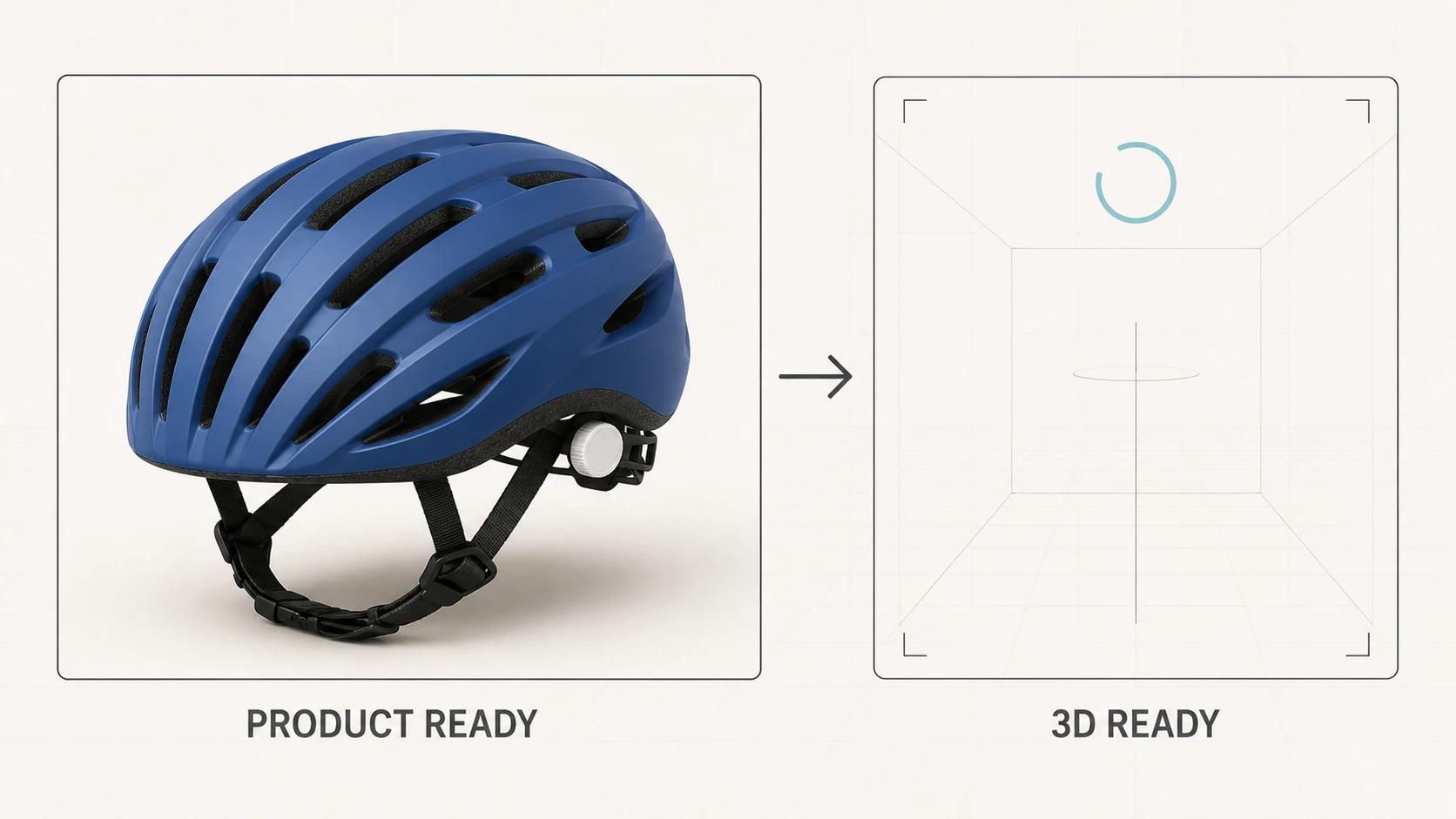
Build controlled derivatives from one approved product source
Reuse is strongest when a team reuses governed product truth, not when it assumes every channel can consume the same file. A practical workflow has six gates:
- Source intake: collect CAD, drawings, material references, photography, variant data and usage rights. Manufacturing geometry is an input, not automatically a commerce asset. The handoff is covered in 3D Visualization for Manufacturing: From CAD to Commerce.
- Product-truth approval: confirm proportions, components, dimensions, labels, colors and finish intent against named references.
- Master scene: organize reusable geometry, materials, cameras and animation controls without tying the source to one export.
- Channel derivatives: render stills and motion; prepare the 360 frames; create viewer-ready GLB; define AR placement; build configurator states only where justified.
- Destination QA: test the actual asset in the actual page, platform, feed, viewer or Android AR path. Record the tested version and environment.
- Release and change control: preserve source, derivative, approval and deployment versions so a product change can be traced to every affected output.
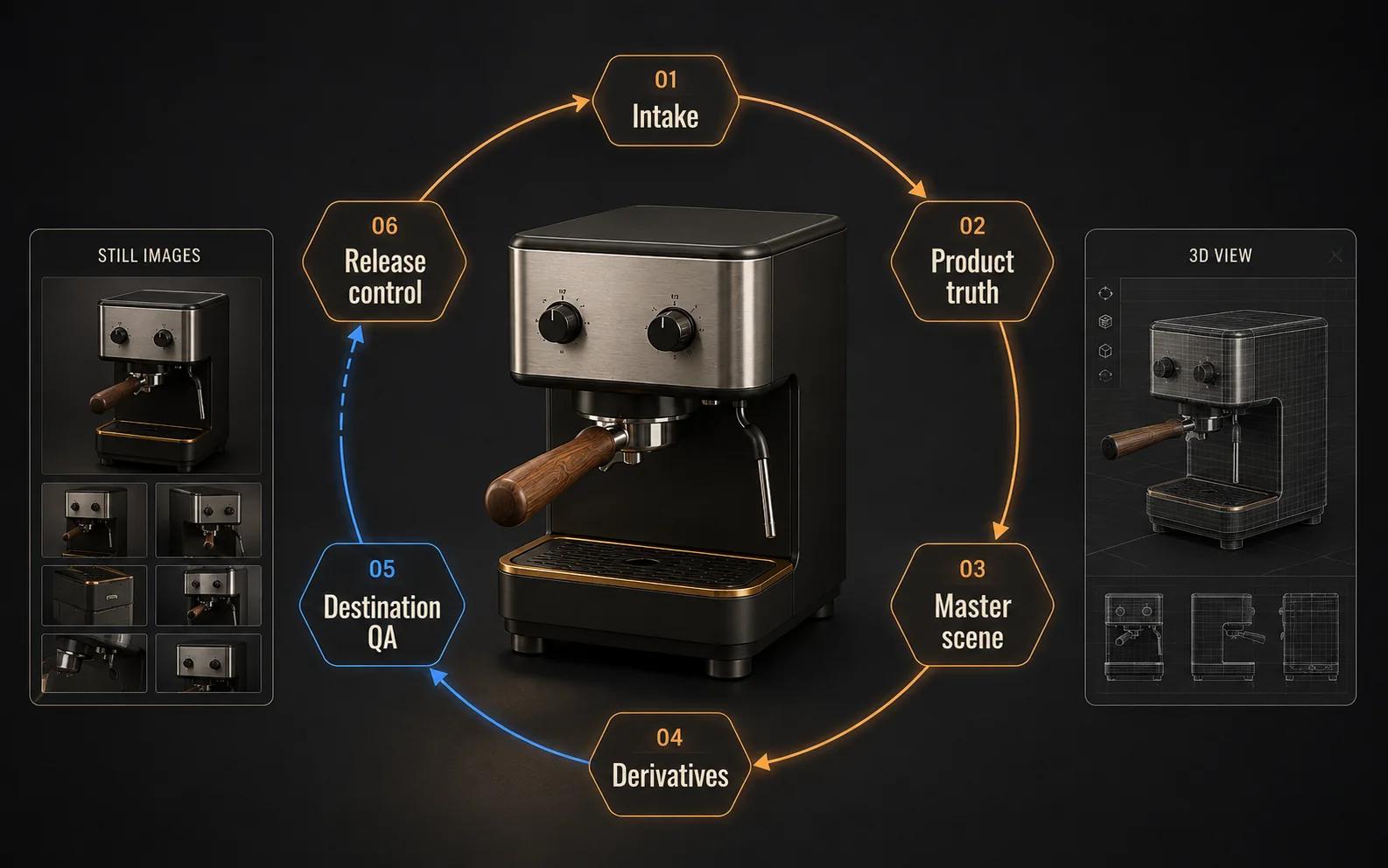
This is not a promise that one source asset eliminates channel work. Each derivative may need its own topology, textures, framing, encode, interaction logic or acceptance evidence. Reuse reduces duplicated decisions only when the source and approvals stay organized.
Treat GLB and AR as destination-specific releases
A GLB that opens in one browser has passed one useful check: that file opened in that viewer session. It has not proved Shopify acceptance, storefront integration, product-customizer addressability or Android AR behavior.
The live Private GLB Readiness Checker inspects and previews a selected self-contained GLB locally in the browser. The selected GLB remains local. Its report uses exactly four destination headings: Online store, Shopify, Product customizer, Android AR.[5] The optional editable Excel workbook is a secondary handoff for recording evidence and actions, not the primary check.
The checker can surface file facts, validation problems and destination-specific review points. It cannot know the theme code, production headers, option rules, customer devices, product intent or final visual approval. A successful browser preview therefore does not prove destination compatibility or acceptable performance. Finish the job in the intended destination with current platform documentation, a deployed integration and representative devices.
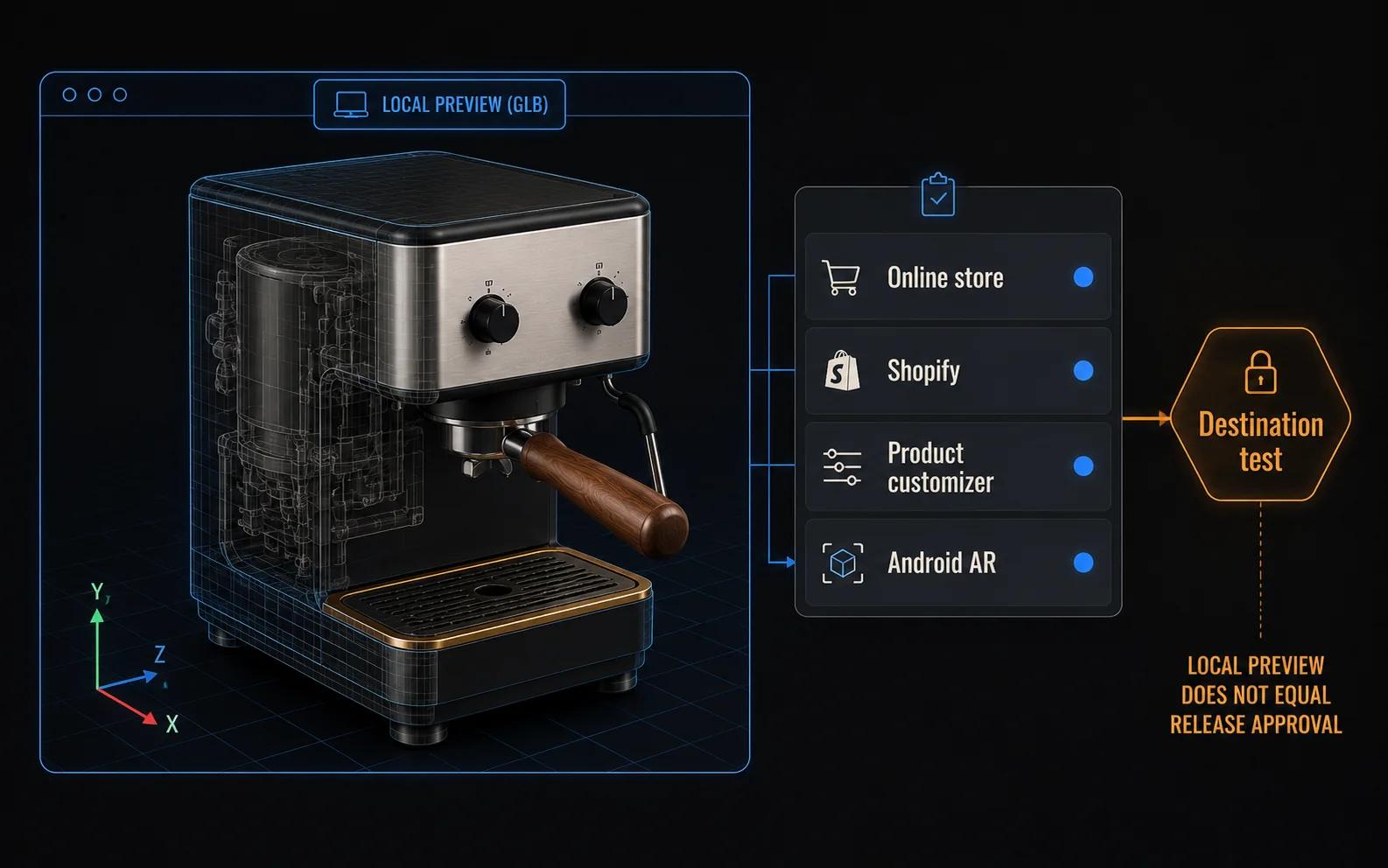
A defensible acceptance record names the exact file version, destination, page or viewer build, device and browser where relevant, network assumption, checks performed, observed result, owner and release decision. "Works on my machine" is not a release record.
Three practical channel plans
Product detail page with a broad audience
Lead with a strong poster or hero still. Add detail and scale views, then use video for a mechanism that cannot be understood from images. Add a 360 or GLB viewer only if free inspection resolves a real gap. Keep the buy path usable while richer media loads or fails. If AR is relevant, present it as a separate placement task and test its launch path.
Marketplace and product-feed distribution
Build from destination rules backward. Supply approved stills first, then add supported video or 3D fields only where the current account, category and region qualify. Preserve a mapping from each submitted derivative to the master product version. Do not treat one marketplace's acceptance as evidence for another.
This plan deliberately avoids a platform-by-platform image specification. That belongs to the marketplace-ready checklist. Here, the decision is which information deserves a format and which destinations can receive it.
Social and campaign production
Use the master scene to render channel-native crops, short motion cuts, feature loops and still sequences. A campaign landing page can carry a richer viewer or guided experience, while the social asset provides the reason to open it. Keep claims, product state and finish consistent between the ad, landing page and product page.
For concrete inspiration, the companion 3D E-commerce Examples guide examines experience patterns rather than repeating this format matrix.
Model the business case around reuse, not novelty
The useful commercial question is not "How much does 3D cost?" in isolation. It is which approved product decisions can be reused across a defined set of products, variants, shots, campaigns and channels, and which outputs still require distinct production or implementation.
List the current photography or CGI process, source-asset condition, product and variant count, required outputs, launch cadence, revision frequency and destination work. Then compare a bounded representative-product scenario. Keep costs and effort as user inputs or approved internal figures. Do not insert assumed sales lift, conversion gains or universal savings.
The calculator is the interactive owner of that decision. This article should not imitate it with made-up numbers. If the chosen scope requires production support, the commercial destination is 3D product rendering services.
A production and release checklist
Before production:
- Name the buyer question for every requested format.
- List each destination and confirm its current submission or integration rules.
- Separate product-truth references from art-direction references.
- Confirm dimensions, variants, labels, materials and rights.
- Decide which source decisions are reusable and which derivatives need separate approval.
Before release:
- Review stills at their final crops and sizes.
- Test video controls, captions where required and non-motion fallbacks.
- Verify the 360 player and exported frame alternatives.
- Validate the GLB, inspect it locally, then test the real viewer and destination.
- Test AR scale, orientation, launch and fallback on representative Android devices.
- Test configurator rules, unavailable combinations, state recovery and output.
- Record file, integration and approval versions with named owners.
- Recheck every destination after a material asset or code change.
The checklist is intentionally evidence-based. A green asset review does not clear an integration, and a clean integration does not approve the product's visual accuracy.
Frequently asked questions
- Is GLB the only file needed for e-commerce 3D?
Not by itself. A self-contained GLB may package the runtime scene, but the commerce experience also needs a viewer or documented destination, controls, loading and fallback behavior, visual approval and release testing. Some channels will use rendered derivatives rather than the model.
- Should every product page include interactive 3D?
No. Use it when free inspection answers a material buyer question better than controlled stills, video or a 360 sequence. The added asset, viewer and QA work needs a clear owner.
- Can the same 3D model produce stills, video and AR?
A governed source can feed all three, but the deliverables are separate. Rendering may use higher-detail geometry and art-directed materials, while runtime and AR releases need destination-specific preparation and tests. Reuse the approved product truth, then make controlled derivatives.
- What should a team test first?
Start with product accuracy and the simplest intended channel. For a GLB, inspect and validate the file locally, then test the actual viewer, page and target destination. For AR, include real Android devices and verify scale and placement rather than relying on an in-browser preview.