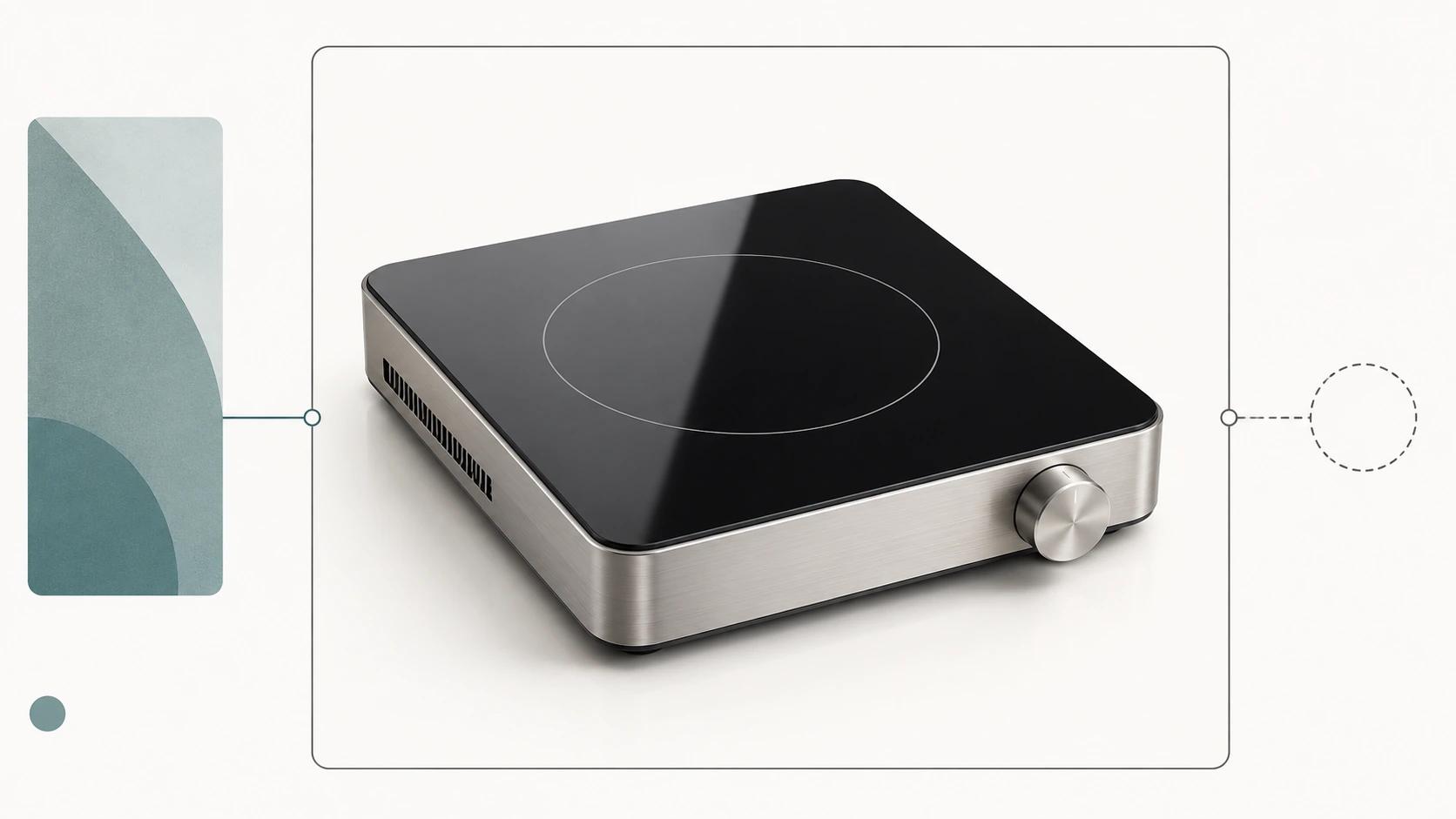
Manufacturing CAD is a strong starting point for product visualization. It is rarely the finished commerce asset.
Engineering models are built to define, make, inspect, or service a product. A customer-facing model has a different job: show the right product clearly, load in its destination, use approved finishes, and stay traceable to a product revision. STEP files, for example, can carry parts, assemblies, and product and manufacturing information for exchange among CAD, manufacturing, analysis, and inspection systems.[1] That richness is useful, but a product page does not need every fastener, internal feature, tolerance, or manufacturing note.
A reliable 3D visualization workflow therefore keeps engineering truth and commerce delivery separate. Preserve the governed CAD source. Create an approved visual master from it. Then publish controlled derivatives for still rendering, animation, web 3D, AR, or other agreed channels.
This guide explains that handoff for manufacturing and commerce leaders. It does not replace the broader 3D product visualization guide, compare production costs, or design a manufacturing configurator. The focus here is narrower: how a product moves from CAD intake to customer-facing visual approval without pretending the files are interchangeable.
What changes between CAD and commerce?
The word "model" causes trouble because three different assets can share it. Naming the layers removes much of the ambiguity.
| Asset layer | Authority | Built for | Typical contents | What it must not become |
|---|---|---|---|---|
| Engineering source | Engineering or PLM | Design, manufacture, inspection, service | Precise geometry, assembly structure, PMI, internal parts, product revision | A casually edited marketing file |
| Visual master | Jointly approved production source | Reusable visual production | Approved exterior geometry, useful part hierarchy, clean topology, material definitions, pivots, named variants | The manufacturing authority |
| Channel derivative | Commerce or channel owner | A specific placement and device context | Render scene, animation package, GLB, USDZ, poster frame, thumbnails | An undocumented new master |
The visual master is the bridge. It should retain the features that affect what a buyer sees or understands, while removing or rebuilding data that makes production fragile. Channel files are outputs from that bridge, not one-off edits that drift away from it.
Export choices matter before an artist touches the model. Autodesk's current Inventor documentation exposes options for protocol, assembly structure, PMI, units, resolution, and tessellation. It also notes that tighter approximation can increase file size.[2] "Send the STEP" is therefore incomplete. The handoff needs the source revision and the export recipe.
The six-gate CAD-to-commerce workflow

A useful production plan has approval gates, not one large review at the end. The following six-gate framework is a Double Edged editorial method. It is a scoping tool, not a claim about measured client results.
Gate 1: identify the product authority
Start with identity and permission. Record the product family, SKU or engineering identifier, CAD revision, export date, source system, units, included configuration, and the person allowed to approve geometry.
Also decide what the visualization team is permitted to receive. Hidden mechanisms, supplier parts, personal data in file properties, and proprietary internal geometry may be irrelevant to the customer experience. Engineering or security should remove them deliberately rather than asking production to guess.
Pass condition: one named revision, one approved configuration, and written scope for visible and restricted geometry.
Gate 2: audit the translation
Open the exchange file in a neutral review environment and compare it with the engineering source or approved reference views. Check scale, orientation, assembly completeness, duplicate parts, missing faces, inverted normals, naming, and transformed component positions.
Do not treat a successful import as proof of equivalence. STEP can carry semantic and graphic PMI, and NIST distinguishes machine-interpretable PMI from its visual presentation.[1] The commerce workflow may not need that data, but the team should know whether it was intentionally excluded or silently lost.
Pass condition: a translation report that lists accepted differences and blockers.
Gate 3: build the visual master
The artist or technical modeler now creates production geometry. That may involve removing unseen internals, fixing shading, separating moving parts, rebuilding thin features, creating sensible pivots, and preparing UVs. Some products need careful retopology; others can use cleaned tessellation. There is no honest universal conversion button.
The master should remain at real-world scale and preserve the silhouette, interfaces, clearances, seams, controls, safety-relevant features, and option-dependent geometry that buyers need to judge. Khronos's current commerce guidance requires 1:1 real-world scale for product models and specifies one meter per glTF unit.[3]
Pass condition: geometry approval against a short, product-specific checklist, not an aesthetic thumbs-up.
Gate 4: rebuild appearance from evidence
CAD colors are often organizational aids, not approved finish definitions. Build materials from named finish specifications, physical samples, controlled photography, scan data, or an approved color-and-material library. Record which evidence controls base color, roughness, metal response, transmission, texture scale, print, labels, and decals.
A screen review alone cannot certify physical color. It can confirm consistency within an agreed viewing setup. Label that limitation in the approval record.
Pass condition: each sellable finish maps to a material ID, evidence source, approver, and revision.
Gate 5: approve the reusable master
Review geometry and appearance before generating every output. Use fixed cameras for silhouette comparisons, close views for controls and seams, and a neutral lighting setup for materials. Log decisions against asset IDs rather than passing screenshots around without context.
This gate creates the reusable production source. Khronos distinguishes authoring and interchange files from delivery files, and its guidance notes the tension between accurate geometry and efficient real-time performance.[3] The approved master should be rich enough to feed later outputs without forcing the web file to carry everything.
Pass condition: approved master version plus a documented list of known visual limitations.
Gate 6: publish and test channel derivatives
Create each derivative from the approved master under a named preset. A still-render scene may retain high-detail geometry and large textures. A real-time asset needs a controlled scene graph, sensible material count, validated scale, compressed delivery, and testing in its actual viewer. glTF is designed for efficient runtime transmission and loading, while GLB can package the scene in one binary file.[4]
Export success is only the start of acceptance. Test appearance, interaction, file processing, product association, device behavior, fallback media, and analytics hooks in the destination.
Pass condition: channel owner signs off on the deployed or staging experience, not the file sitting in a folder.
What engineering should hand over
A usable intake pack is smaller than a data dump and more specific than a single CAD attachment. Ask for:
- the native source reference or controlled exchange file;
- product family, SKU, configuration, and engineering revision;
- export application, format version, units, tolerance or tessellation settings, and assembly-structure choice;
- approved exterior and option-specific drawings or reference views;
- a visible-parts list and an explicit list of geometry to omit;
- finish specifications, label artwork, decal locations, and packaging boundaries where relevant;
- motion limits for doors, hinges, controls, or telescoping parts;
- named geometry and finish approvers; and
- intended channels, launch dependency, and acceptance criteria.
Use a transfer manifest with checksums for the source package and keep the original immutable. That manifest is an operational recommendation, not a substitute for the manufacturer's PLM or document-control policy.
Decide what stays exact and what can be simplified
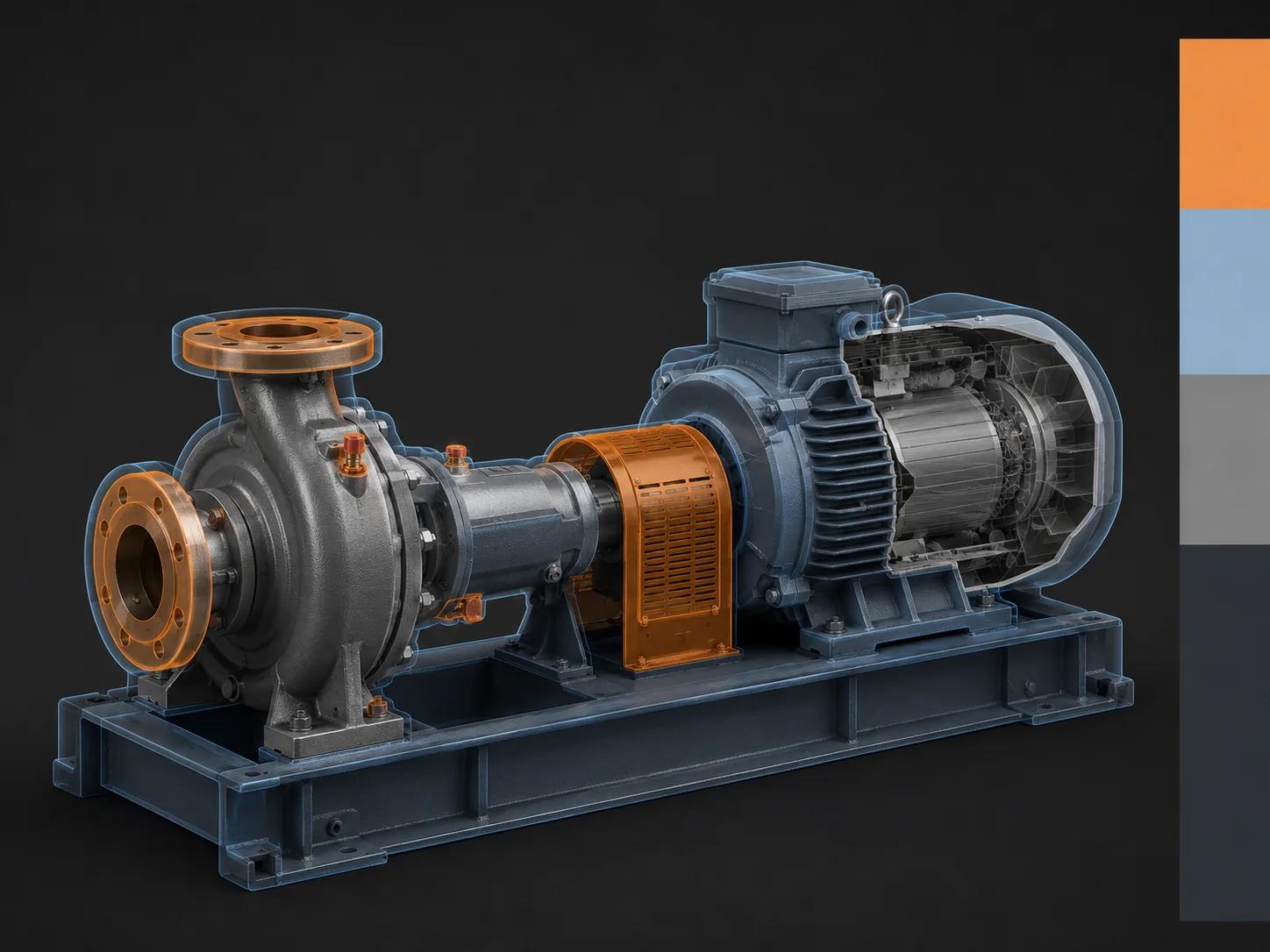
A commerce model does not need equal fidelity everywhere. It needs deliberate fidelity. Classify features by the harm an incorrect representation could cause.
| Risk tier | Examples | Production rule | Approval owner |
|---|---|---|---|
| Must match | Overall dimensions, silhouette, mounting interfaces, controls, visible ports, safety labels, sellable option geometry | Preserve or rebuild against controlled references; no unlogged approximation | Engineering or product owner |
| Must look right | Gaps, seams, edge softness, visible hardware, finish response, texture scale | Optimize while matching approved reference views and material evidence | Product plus brand or commerce |
| May simplify | Hidden internals, invisible fasteners, manufacturing construction detail with no external effect | Remove from the visual master unless needed for animation or service content | Engineering confirms omission |
| Channel dependent | Micro-text, underside detail, transparent internals, very fine perforation | Keep in the master when useful; simplify per derivative and viewing distance | Channel owner with production lead |
This prevents two bad extremes. Keeping every internal component can expose sensitive information and burden production. Aggressive cleanup can remove the very connector, latch, or option difference a buyer needs to verify.
Define channel-ready deliverables before production
The destination sets the acceptance test. Do not approve a generic "web model" and decide later where it will run.
| Deliverable | Business question | Acceptance evidence |
|---|---|---|
| Product stills | Can the buyer identify the exact product and finish at required angles? | Approved shot list, crop-safe output, color-managed review, SKU mapping |
| Technical animation | Does the sequence explain the intended operation without inventing behavior? | Engineering-approved motion, labels, timing, narration or caption review |
| Interactive web model | Can the user inspect useful details on target devices without a broken or misleading state? | Viewer validation, device test, load and interaction checks, fallback poster |
| AR derivative | Is scale and placement credible in the supported environment? | Real-size check, origin check, supported-device test, visible limitation note |
| Marketplace or commerce-platform media | Does the platform accept, process, associate, and display the right asset? | Platform status, product and variant mapping, storefront inspection |
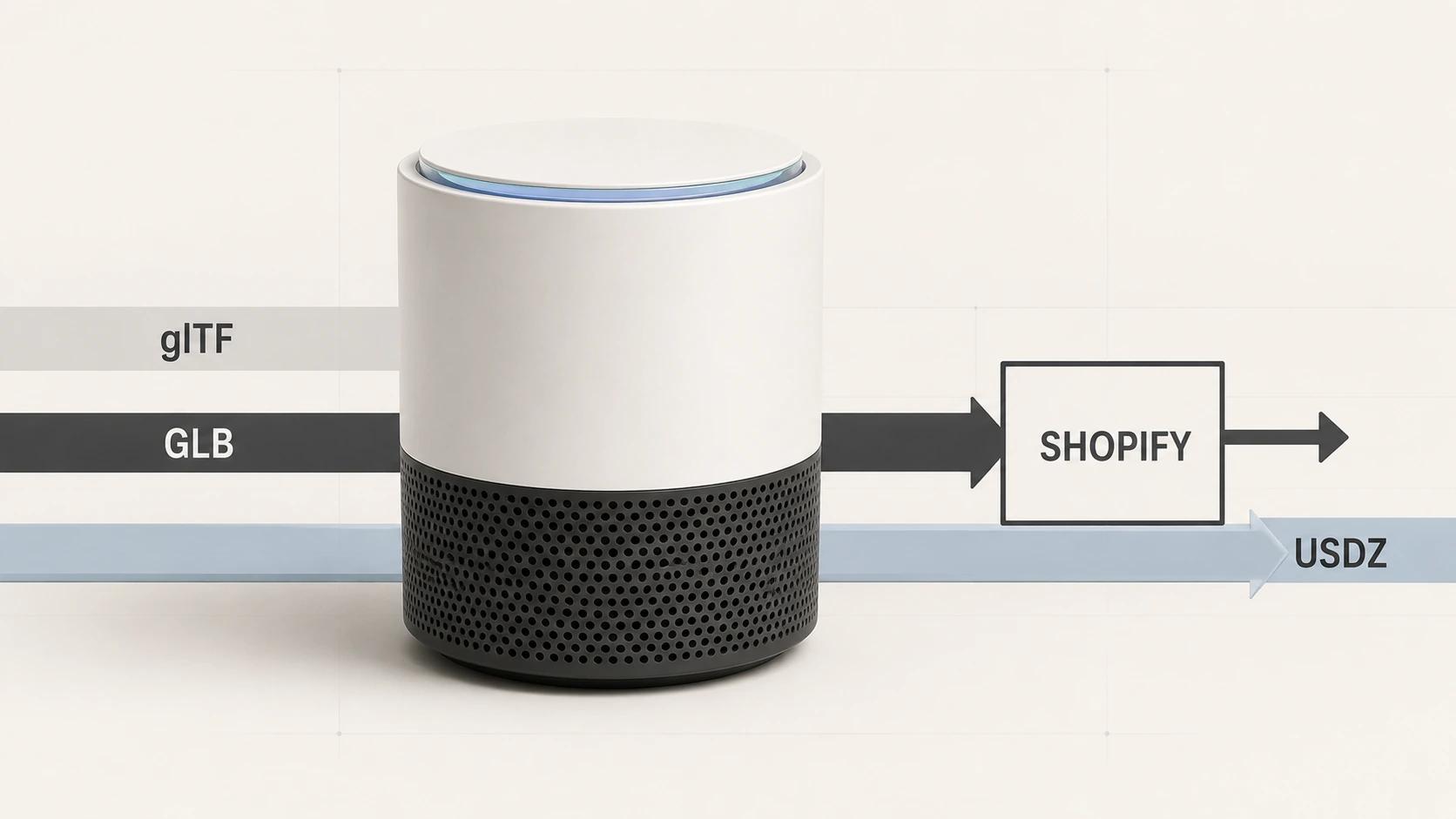
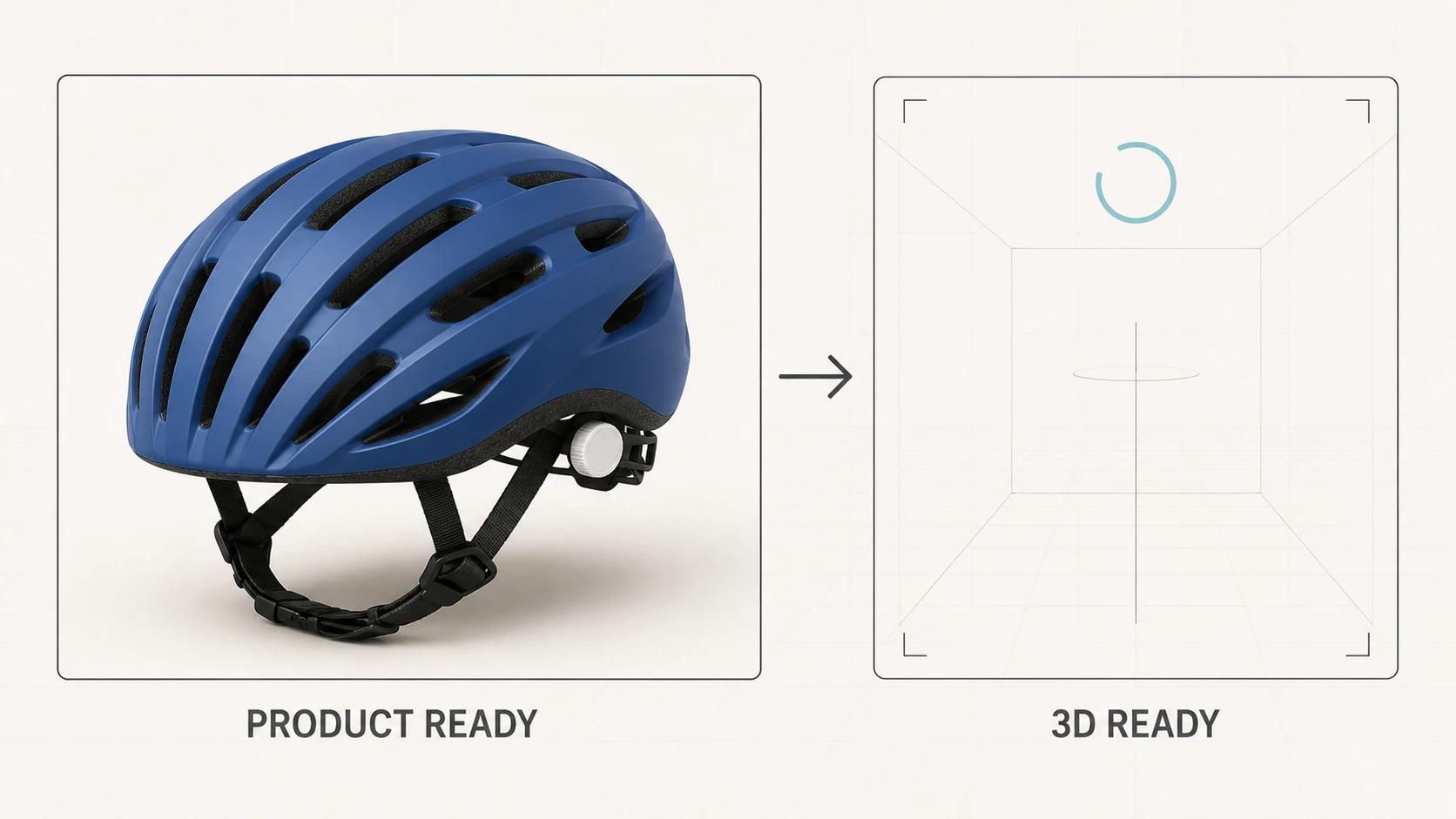
For one current platform example, Shopify documents GLB and USDZ as 3D model formats. It processes files asynchronously and requires a READY state before product association; variant media must already belong to the product.[5] Those details belong in the delivery checklist, not in an artist's memory. Recheck them before publication or implementation because platform rules can change.
For a fuller channel and format decision model, use the companion guide to 3D product visualization for e-commerce. This article stops at the manufacturing handoff and approval system.
Run a controlled pilot
Choose one product family that reveals the real pipeline. The easiest SKU can hide the work; the most complex assembly can stall it. A useful pilot has representative surfaces, at least one option or finish variant, accessible engineering ownership, and a real destination for acceptance.
Before production starts, capture a baseline package:
- the approved CAD revision and export settings;
- the required visual outputs and target placements;
- the risk-tier decisions for visible features;
- the material evidence and approvers;
- the naming and version scheme; and
- the pass or fail checks at every gate.
At the end, review where decisions queued up. Did engineering spend time re-exporting assemblies? Did material approval wait on physical samples? Did a platform reject a technically valid file? Those observations tell you what to standardize before adding SKUs. Do not turn one pilot into a claim about catalog-wide speed or savings unless the organization measures the later rollout.
Assign ownership before files move
A short responsibility table is more useful than a vague request for collaboration.
| Decision | Accountable owner | Production input | Required record |
|---|---|---|---|
| CAD revision and permitted geometry | Engineering or product | 3D production lead | Intake manifest |
| Visible geometry fidelity | Product owner | Engineering and 3D production | Geometry approval |
| Finish and label fidelity | Brand, product, or commerce | 3D production and suppliers | Material approval |
| Derivative preset and technical QA | Channel owner | 3D production and development | Acceptance report |
| Product and variant association | Commerce operations | Channel implementation | Staging or live readback |
| Change release | Product owner | All affected owners | New master and derivative versions |
When a product changes, return to the earliest affected gate. A label change may only require material and derivative updates. A housing change requires geometry review. Never overwrite the approved master and hope downstream files remain understandable.
Frequently asked questions
- Can we upload a CAD file directly to a product page?
Sometimes a platform or converter can ingest the file, but ingestion is not approval. You still need to verify visible geometry, remove restricted detail, rebuild or approve materials, create a suitable delivery asset, and test the destination. Keep the CAD source as engineering authority and treat the commerce file as a versioned derivative.
- Which CAD format should engineering provide?
Use the format that preserves the required geometry and assembly information reliably between the named source and receiving tools. STEP AP242, JT, native CAD, or another format may fit, but the answer depends on the source system, assembly complexity, PMI needs, licensing, and receiving stack. Record the protocol, units, structure, and export settings alongside the file.
- Can one 3D model serve renders, animation, web 3D, and AR?
One approved visual master can feed all of them. One identical file usually should not. High-quality rendering and responsive real-time delivery have different geometry, texture, scene, and testing needs. Generate traceable derivatives instead of reducing the master until it is mediocre everywhere.
Turn one approved product family into a working pipeline
The first deliverable is not a beautiful render. It is a repeatable agreement about product identity, visual truth, ownership, and acceptance. Once that agreement survives one representative family, the team can standardize intake, material libraries, derivative presets, and change control without confusing speed with automation.
Double Edged supports the production side of that handoff across reusable product models and their customer-facing derivatives. Review the 3D product modeling service for direct service fit.