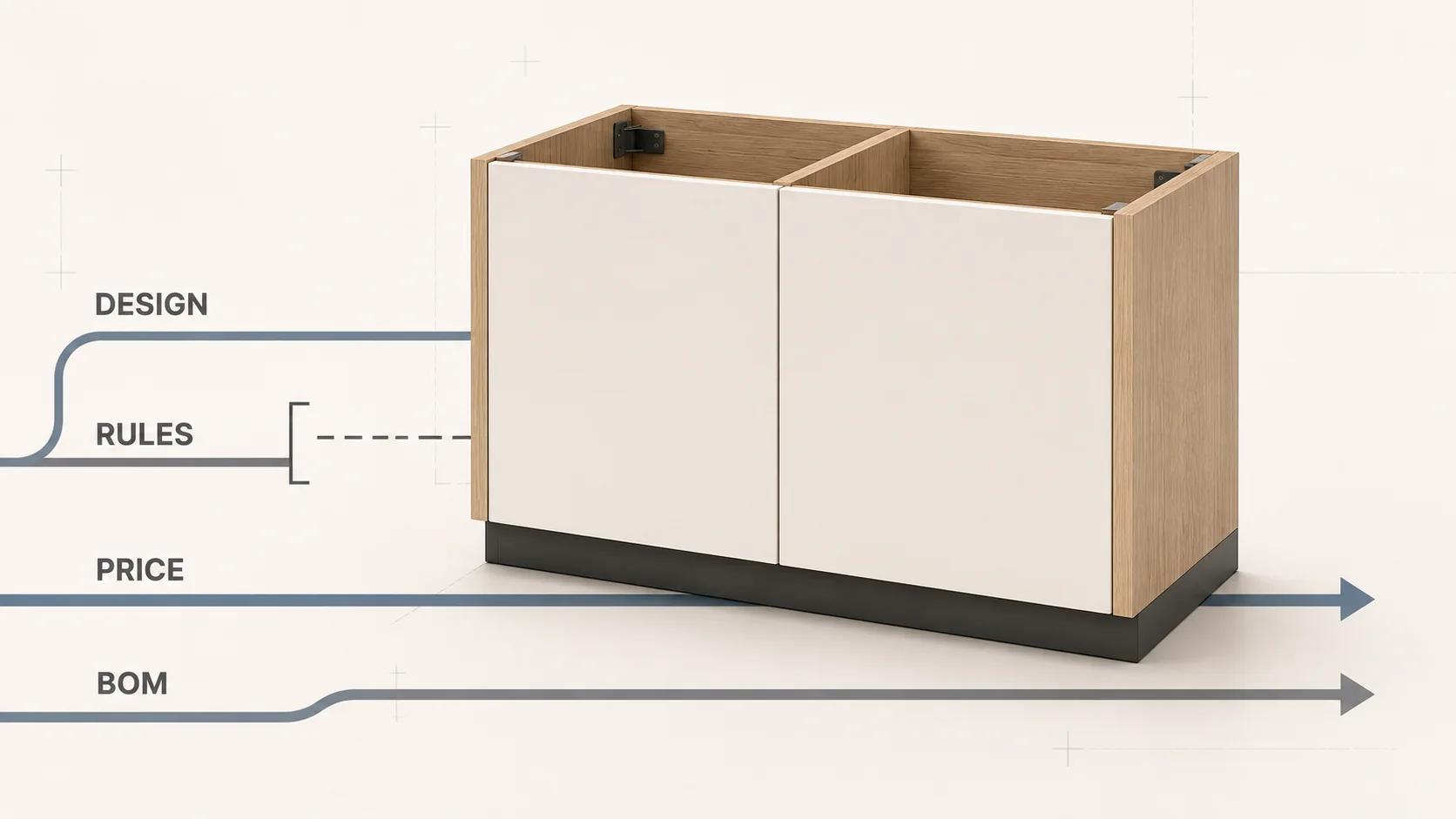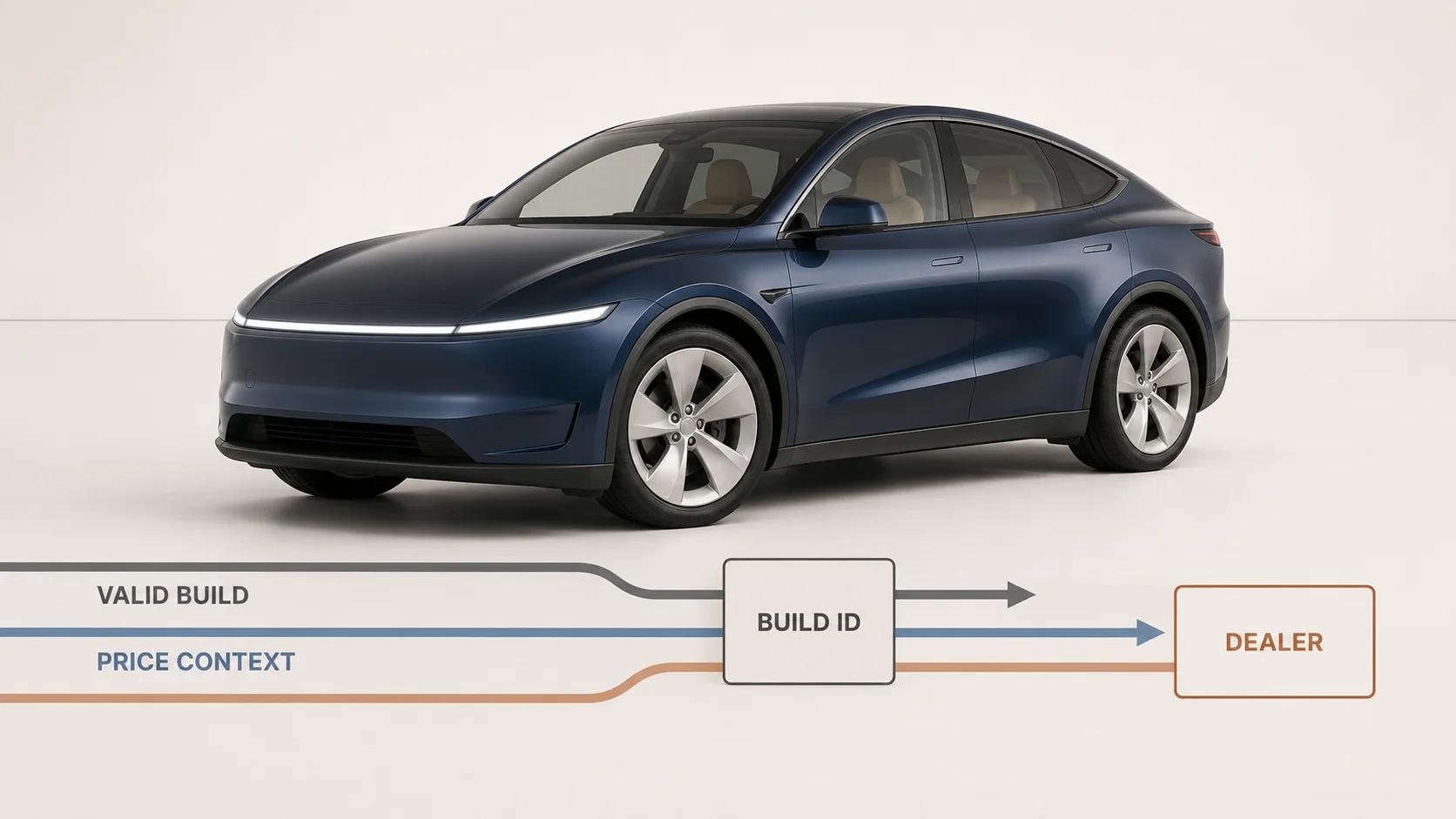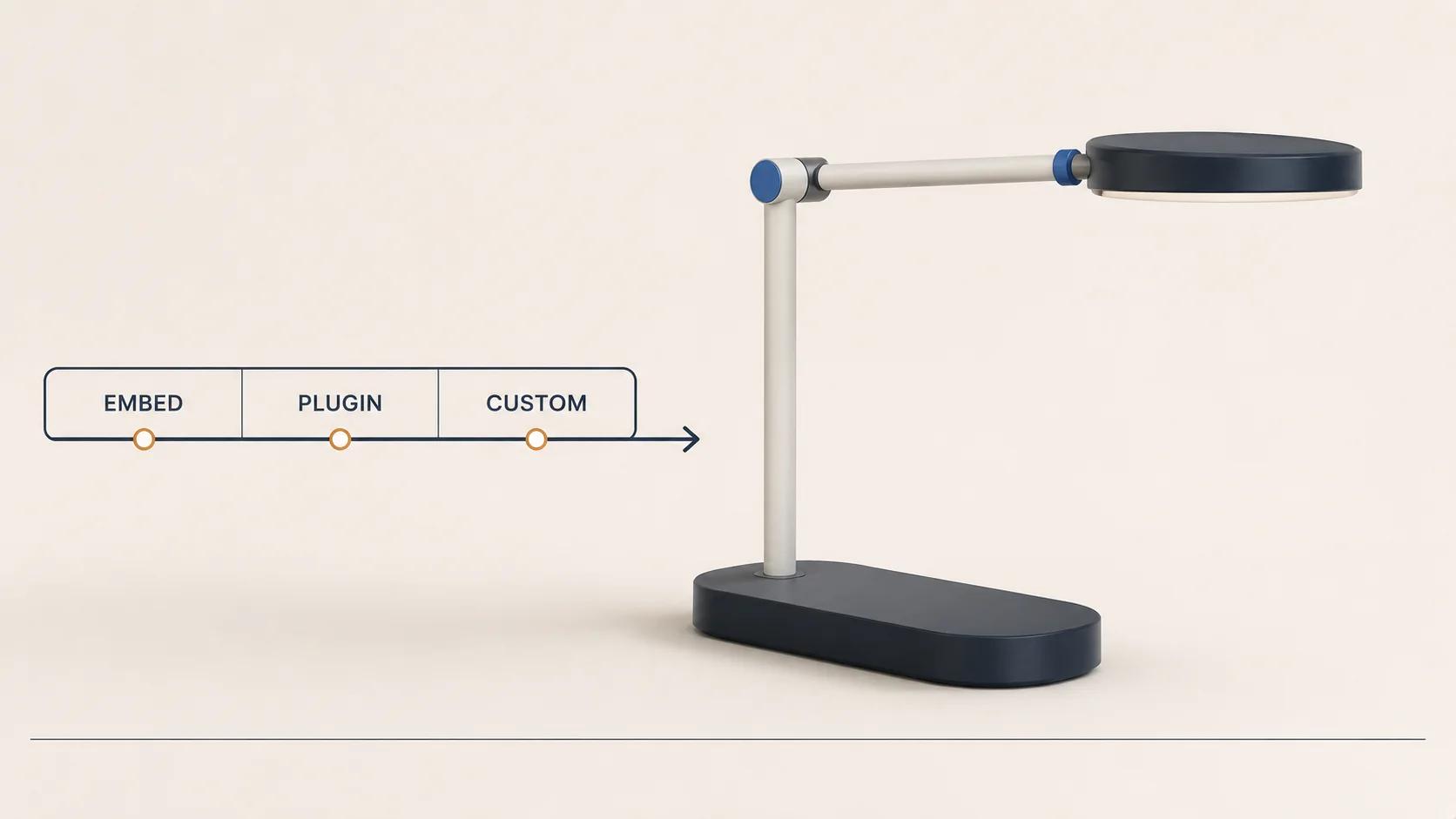
A WordPress 3D product configurator should start as an embed or off-the-shelf plugin only when that route can preserve the product's valid choices, price, cart record and operating workflow. Choose a custom build when the configuration cannot be represented faithfully by the available catalog fields, plugin rules or transaction model.
That makes the 3D viewer a poor starting point for selection. A polished model may prove that a browser can render the product. It says nothing about whether WordPress can administer the options, whether WooCommerce can price them, or whether the order gives production an unambiguous specification.
There are three practical routes:
- An embed keeps most configurator logic in an external application and places the experience inside a WordPress page.
- An off-the-shelf plugin uses a vendor's existing option, rule and commerce model.
- A custom integration adds a purpose-built front end and WordPress or WooCommerce adapter, normally packaged as site-specific plugin code rather than changes to WordPress core.
The right route is the least custom one that passes the whole transaction, not the one that launches the fastest demo.
Define "plugin" before comparing it with custom
WordPress uses plugins as its normal extension mechanism. Its hook system lets one piece of code interact with another at defined points through actions and filters.[1] A bespoke configurator integration can therefore be a custom plugin. In procurement discussions, however, "plugin" usually means an off-the-shelf extension with a pre-existing data model and settings screen.
Keep those meanings separate:
- Off-the-shelf plugin: you configure the vendor's product fields, rule types, displays and pricing options.
- Custom plugin or adapter: a developer owns the WordPress integration contract, including data retrieval, editor controls, validation, cart handoff and order persistence.
- External embed: the configurator runtime is hosted elsewhere; WordPress supplies the page and may receive only a result or transaction handoff.
This guide compares those implementation patterns. The wider product-data, state, cart, analytics and production flow belongs in the 3D product configurator integration blueprint.
Use the six-contract WordPress decision matrix
A plugin is a fit only if every load-bearing contract fits its model. One failed contract can force custom work even when the other five look simple.
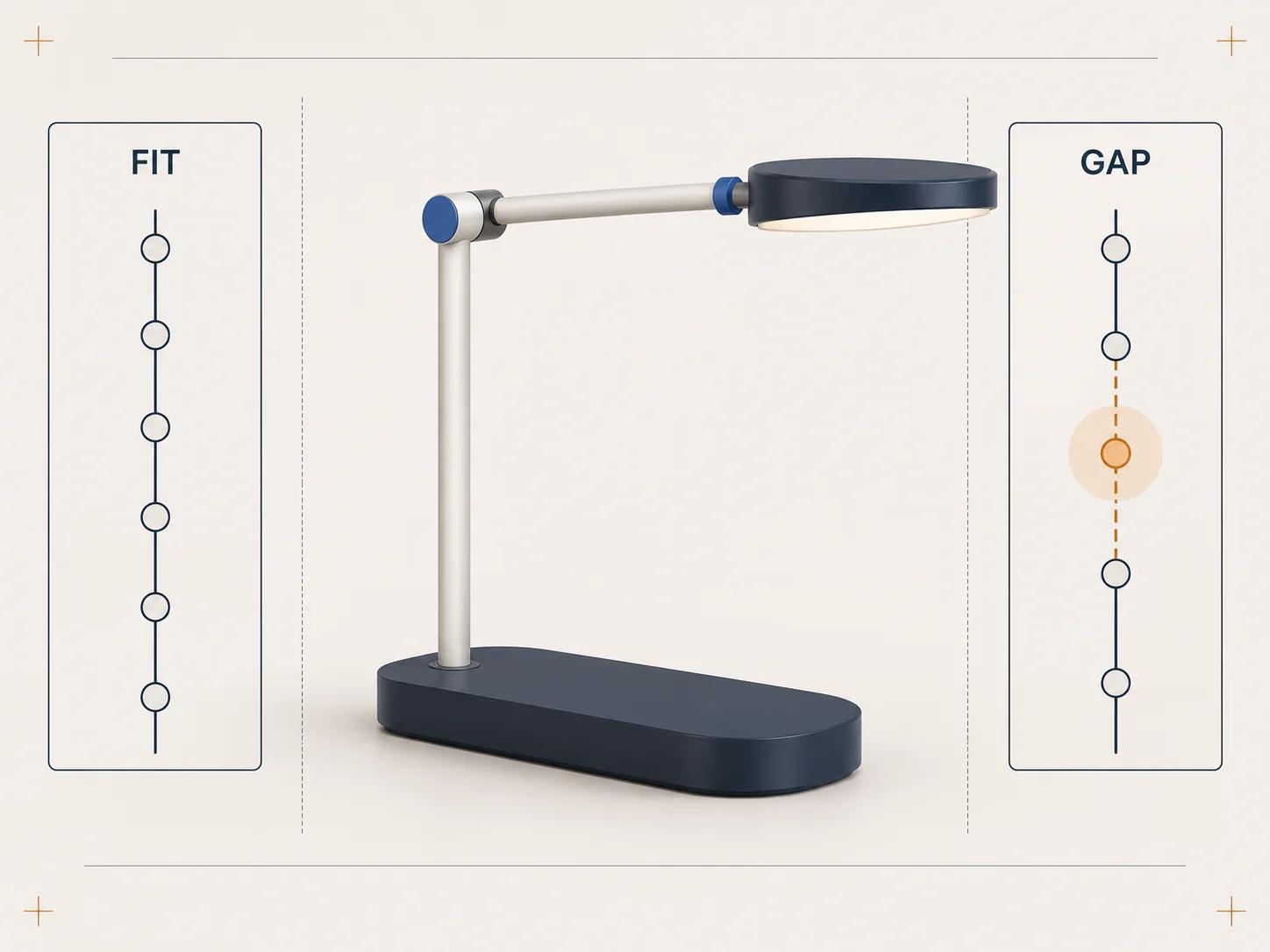
Matrix note: Assess the hardest representative product, not the easiest SKU.
| Contract | Embed is credible when | Off-the-shelf plugin is credible when | Custom build is indicated when |
|---|---|---|---|
| Product rules | An external system owns validity and can return a resolved configuration | Options and dependencies map to supported fields and conditions | Validity depends on engineering constraints, calculations, territories, customer types or versioned rule sets |
| Catalog and inventory | WordPress needs only a product reference and final handoff | Options map to products, variations, add-ons or components the plugin understands | One choice changes multiple records, availability sources, lead times or production resources |
| 3D state | The external application owns asset loading and state | The plugin can bind every supported option to the required visual state | Geometry, materials, assemblies or camera behavior require a purpose-built runtime and asset pipeline |
| Price | The external service returns an authoritative quote that the store can verify | Pricing is expressible through the plugin's supported fees, component prices or variation prices | Price needs server calculations, account terms, regional rules, live services or approval |
| Cart and order | A stable configuration ID and human-readable summary can cross the boundary | The plugin persists enough detail through cart, checkout, order and email | Production needs a versioned payload, generated document, manufacturing identifiers or later reconfiguration |
| Operations | Another system owns rules, assets, releases and support | Merchandisers can maintain the catalog safely in the supplied admin | Teams need governed publishing, roles, previews, migrations, audit history or coordinated WordPress and 3D releases |
Do not average the answers. If a plugin passes five rows but cannot create a production-safe order record, it has not passed. If an embed keeps pricing outside WordPress but the checkout silently trusts a browser value, the handoff is incomplete.
Know what current WooCommerce extensions actually model
"Plugin" is too broad to be a technical requirement. WooCommerce's own extension families solve different product structures, and a field add-on is not interchangeable with an inventory-backed component.
Product Add-Ons suits input, not stocked components
As checked on 31 August 2026, WooCommerce Product Add-Ons supports choices, text, file uploads, dates and several fee types. Its add-ons are not individual products and do not have their own SKUs for inventory tracking.[5] The same documentation says add-ons on a variable product are inherited by all variations and cannot be defined differently per variation.[5]
That can be enough for engraving text, a finish surcharge or a customer upload. It is a warning sign for a modular product whose selected parts must reserve stock, for rules that differ by base variation, or for a 3D assembly that needs a stable component identity.
The current Product Add-Ons documentation also says the extension has no built-in conditional logic and points users to a separate Gravity Forms integration for conditional fields.[5] Do not infer that limitation applies to every option plugin. Treat it as a dated finding about this specific extension.
Composite Products suits catalog-backed assemblies
WooCommerce's comparison guide, marked as reviewed in July 2026, positions Composite Products for configurations in which each component is a real, inventory-tracked item, while Product Add-Ons captures inputs that are not stocked products.[4]
Composite Products adds conditional "Scenarios" that can hide component options or entire components, change the main product image and trigger custom-coded actions as selections change.[6] Its documentation also states that one option can be selected under each component out of the box; multiple products in one component require combining it with Product Bundles.[6]
This is a stronger base for a kit assembled from sellable parts. It still does not prove fit for continuous dimensions, generated geometry, rules maintained in an ERP, dealer-specific prices or manufacturing outputs. Test those requirements rather than treating the word "composite" as approval.
Choose an embed when WordPress is the host, not the rule engine
An embed works well when the external configurator already owns product logic, 3D assets and release operations. WordPress can provide the landing page, editorial content and product context while the embedded application returns a compact result.
Write the handoff before choosing an iframe or script tag. At minimum, decide:
- which product and rule-set version the configuration used;
- whether the result is a valid, expired or draft state;
- where authoritative price and availability are calculated;
- what identifier and readable summary enter the cart or enquiry;
- how an order, quote or support agent reopens the exact state; and
- what happens when the external service is slow or unavailable.
An embed becomes risky when it merely paints a 3D experience over a WordPress product form. Two independent selectors can drift: the model shows one finish while the cart contains another variation. Give one system authority over the resolved state, then make every visible selector consume that state.
The WordPress REST API can exchange JSON between a plugin or custom application and the site. Public site content is generally public through the API, while private content and protected metadata require authentication unless deliberately exposed.[2] That boundary matters if configuration rules, account prices or saved designs are not public catalog data.
Use an off-the-shelf plugin when its data model is already your product model
A plugin route is strongest when merchandisers can express the catalog without coded exceptions. The representative product should fit the plugin's native concepts: options, products, variations, components, fees and supported conditions.
Check the operating work, not only the customer screen. Ask an editor to add an option, retire a finish, replace a 3D asset, change a dependency and preview the affected products. Then update WordPress, WooCommerce, the theme and the plugin in a staging environment. A selection made before the update should still produce the same valid cart and order result afterward, or fail with a clear recovery path.
For block-based product pages, WordPress documentation checked on 31 August 2026 recommends registering new block types on the server with PHP and block.json, rather than relying on client-only registration.[3] That does not require every configurator to become a block. It does mean the editorial insertion method, front-end rendering and server behavior need an explicit contract if a plugin adds a custom configurator block.
Avoid custom code that reaches into undocumented plugin internals. Prefer documented hooks, APIs and templates. If a required integration depends on a private class or copied vendor file, record that as custom ownership because an extension update may change it.
Choose custom when product truth crosses systems
Custom work is justified when the configurator must coordinate several authorities rather than decorate one product record. Typical signals include:
- compatibility rules are versioned outside WordPress;
- dimensions or quantities drive generated geometry;
- selections reserve several inventory items or production resources;
- pricing needs a server-side service, customer account or approval;
- a configured product must generate a drawing, bill of materials, quote or manufacturing reference;
- editors need governed rule and asset releases rather than free-form fields; or
- the same configuration must work across WordPress, sales tools and support.
Custom does not mean replacing WordPress. A practical design can keep WordPress as the content and commerce shell, use a focused browser application for 3D and state, and add a site-specific plugin for authorization, catalog data, validation and transaction handoff. The 3D web configurator architecture guide covers that browser, state and deployment boundary in more depth.
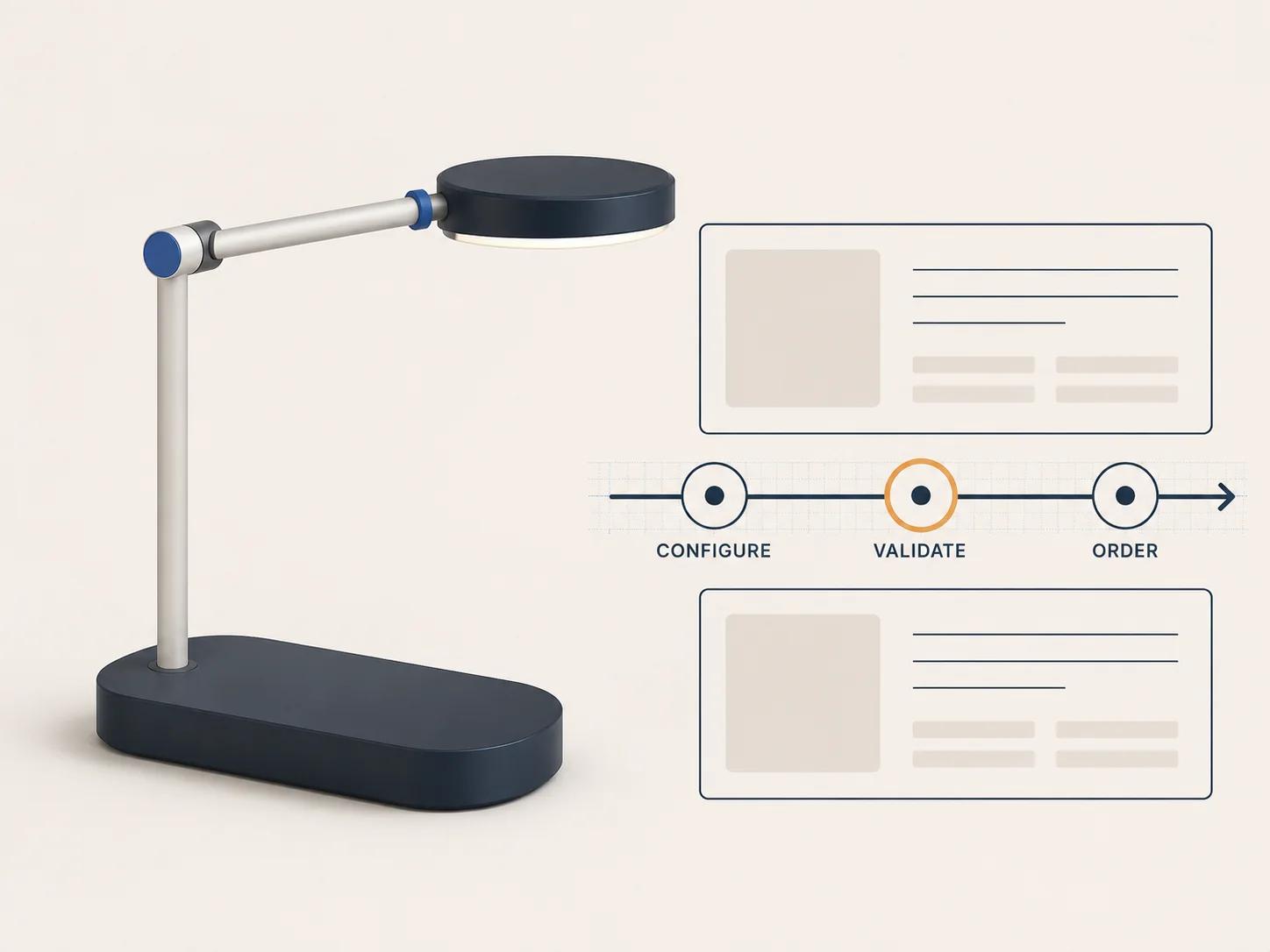
Define one resolved configuration payload before implementation. Give it stable option identifiers, a product and rule version, a display summary and a server-verifiable reference. Do not let the rendered mesh, a label copied from the page or a price held only in JavaScript become the order's source of truth.
Make cart and order persistence a pass-or-fail gate
A valid selection has little commercial value if it turns into an opaque line item. The cart should show enough detail for the buyer to catch a mistake. The order should preserve enough structured detail for service, fulfilment and production to identify what was approved.
As checked on 31 August 2026, WooCommerce provides an official Store API extension mechanism. Its ExtendSchema can add namespaced custom data to cart and cart-item endpoints so a plugin's server-side data is available to the client.[7] The same documentation requires data and schema callbacks and advises that those callbacks return arrays consistently.[7]
That is an integration surface, not a complete configurator transaction. Your implementation still has to validate the submitted configuration, calculate or verify price on the server, persist the right order metadata and decide how changes are versioned. For that detailed flow, use the WooCommerce configurator cart, pricing and rules guide.
A useful acceptance test starts with the order and works backward. Give fulfilment a test order without access to the shopper's browser session. If the team cannot identify the chosen product, options, configuration version, approved price basis and required output, the cart contract is not ready.
Price the ownership, not only the installation
A license comparison misses most of the decision. Scope the work that remains after installation:
- product-rule cleanup and exception handling;
- WordPress and WooCommerce data mapping;
- 3D model preparation, material variants and asset delivery;
- product-page UX and accessible non-3D information;
- server validation, pricing, cart and order persistence;
- editor tools, roles, preview and release controls;
- staging tests across theme, plugin and platform updates; and
- monitoring, support and vendor-exit planning.
An off-the-shelf plugin can still require substantial catalog and 3D production work. A custom integration can reuse WordPress and WooCommerce primitives rather than rebuilding them. Compare the owned gaps in the six-contract matrix, then decide whether adapting the product to a plugin creates more risk than owning focused custom code.
The public Custom Configurator Scope and Budget-Driver Estimator maps product rules, assets, visualization, integrations, pricing, outputs and operating ownership into a transparent complexity profile and recommended next step.[8] Use that profile to organize discovery inputs; project pricing still depends on validated requirements and acceptance criteria.
Run a representative-product proof before committing
A homepage demo is too forgiving. Build a proof around three products: the common case, the rule-heavy case and the awkward exception that staff already handle manually. Use real option identifiers and a staging catalog, but no sensitive production credentials.
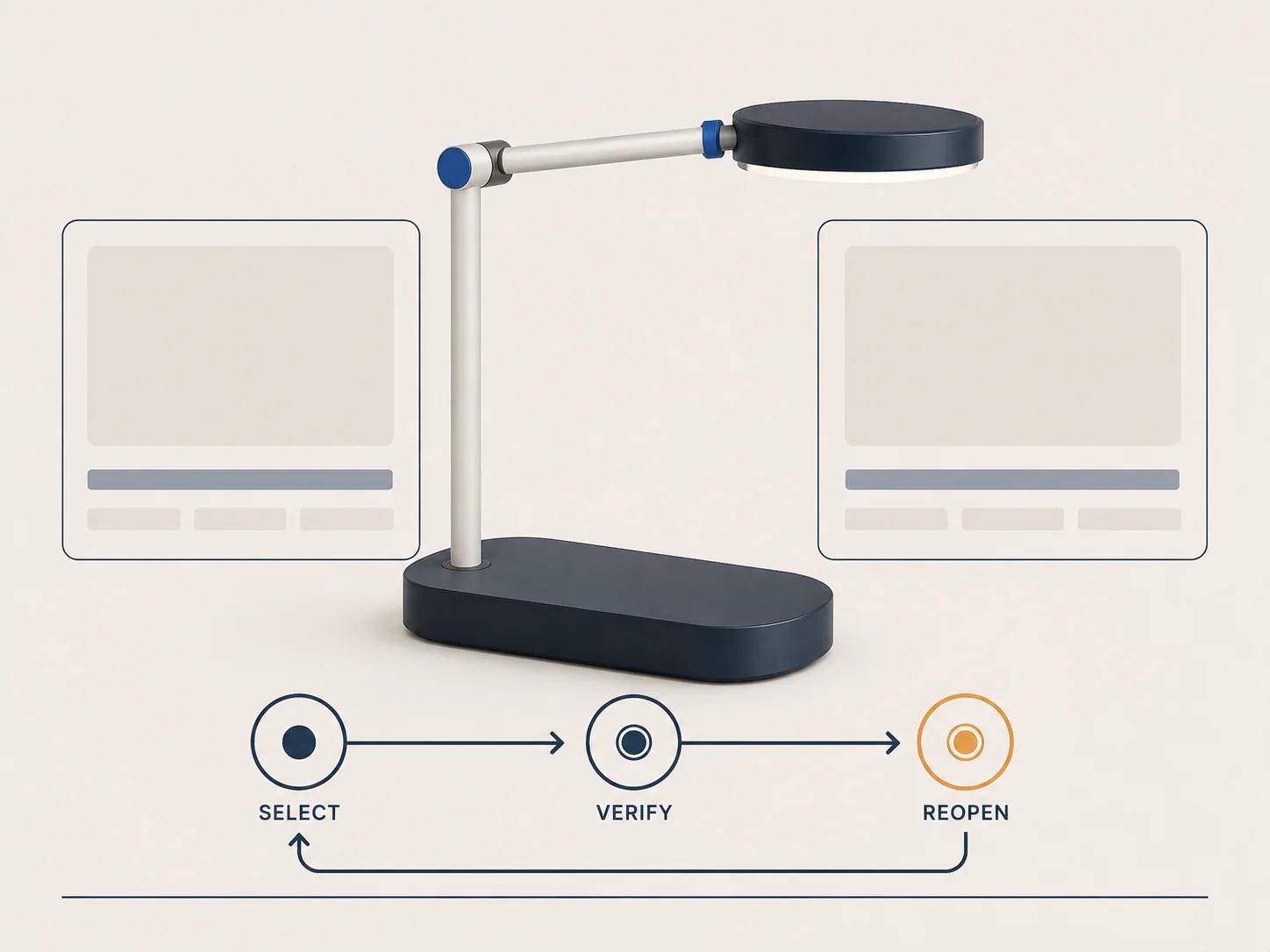
For each product, run this sequence:
- Open a saved or linked configuration and confirm its version.
- Change an early choice and verify that downstream invalid choices clear or resolve visibly.
- Compare the visual state, text summary and selected catalog records.
- Recalculate price through the intended authority rather than accepting a browser total.
- Add the result to cart, change quantity, remove it and add it again.
- Complete checkout and inspect the order as an administrator.
- Reopen or reconstruct the configuration from the stored record.
- Change one rule or asset in staging and repeat the affected cases.
- Test a failed asset request, unavailable option and expired saved state.
- Confirm what an editor, support agent and production user can each see and change.
Record pass, fail and workaround separately. A workaround that requires staff to read a free-text note on every order is an operating cost, not a pass. A visual mismatch is not cosmetic when it changes what the buyer believes they approved.
Make the decision from the hardest contract
Use an embed when an external system already owns the complete configuration and WordPress needs a controlled presentation and handoff. Use an off-the-shelf plugin when its native product, rule, price and order concepts match the catalog and editors can operate them safely. Build a custom integration when a load-bearing contract needs data, logic or outputs the chosen extension cannot own.
The Spellexo case study documents Double Edged's ownership of product strategy, UX, 3D production, engineering, testing, launch and ongoing operation.[9] It publishes no measured conversion or return-rate result and does not claim rescue or migration outcomes for an existing configurator.[9]
Once the matrix and proof test expose a genuine custom requirement, the custom 3D product configurator service is the commercial route for scoped discovery and implementation. Bring the failed contracts, representative products, current catalog model and required order output. Those inputs make the first technical conversation useful.