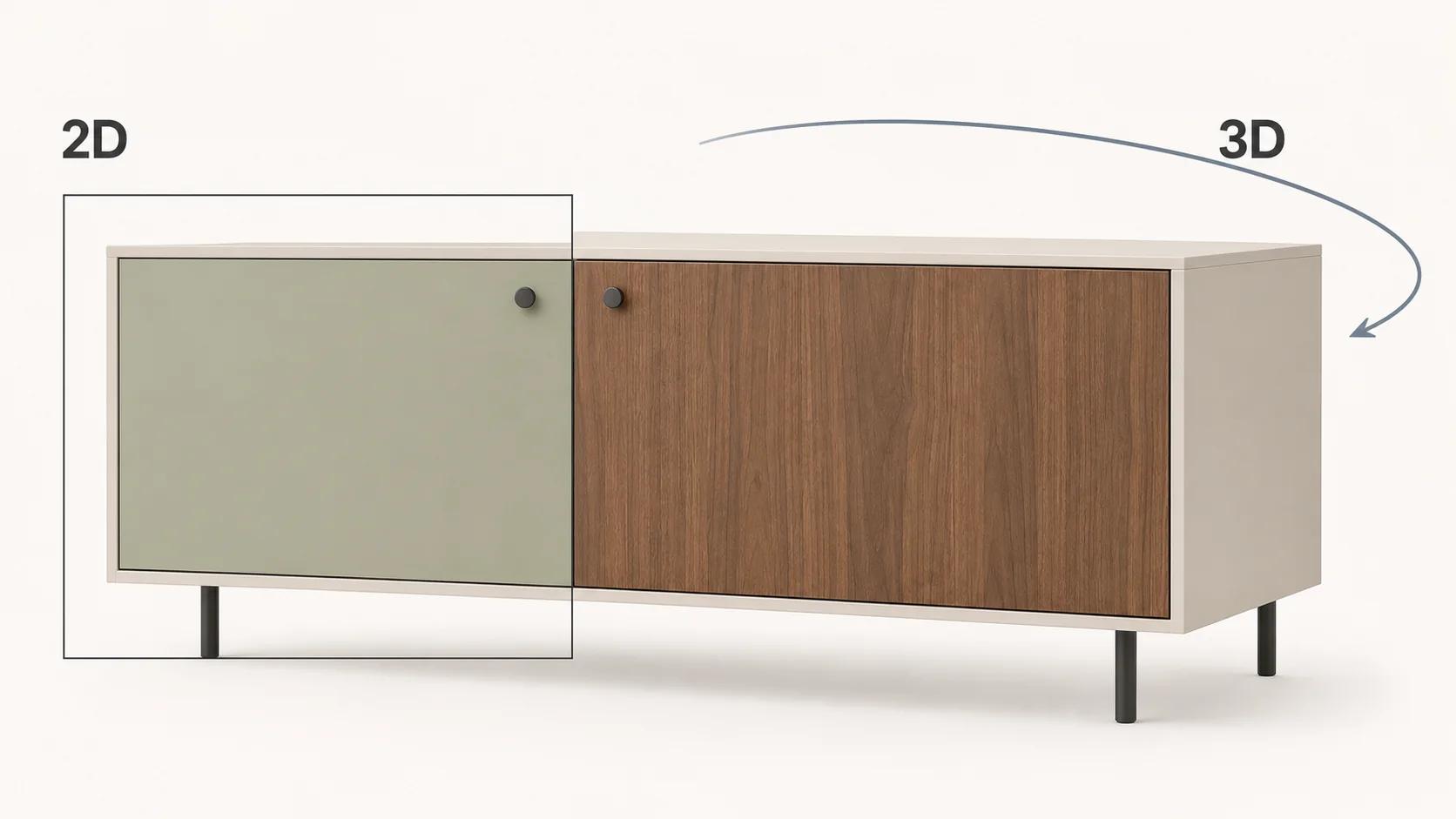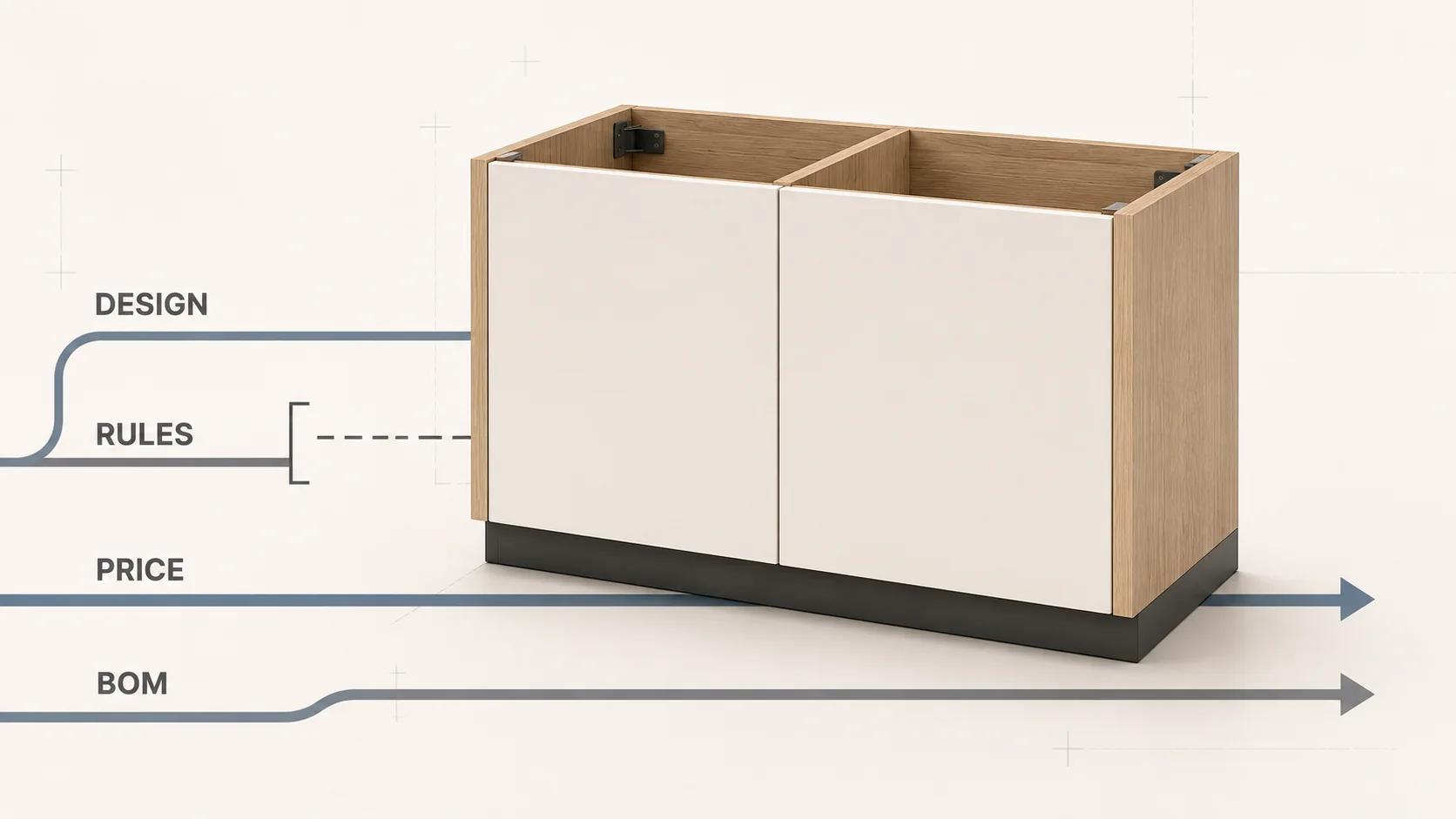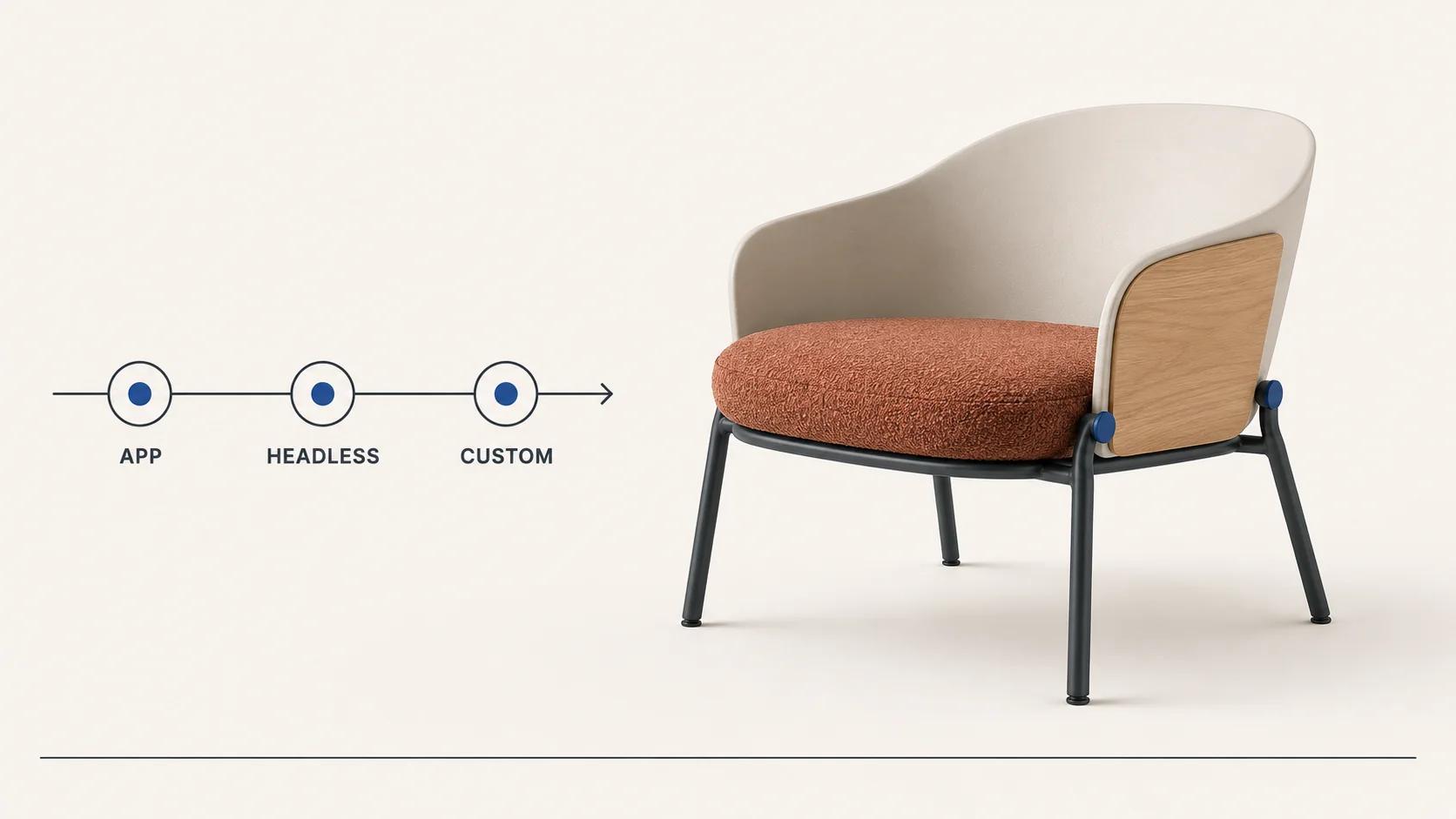
Choose a Shopify 3D product configurator app when its existing option, rule, price and cart model already matches the product you sell. Use a headless embed when the experience needs its own interface and 3D runtime but can still hand a clear merchandise choice into Shopify. Build a custom experience when validity, price, saved designs or production outputs need owned logic that an app cannot represent safely.
The decision is not "app or code." A custom Shopify application can use app extensions, and an off-the-shelf configurator may run most of its logic outside Shopify. The useful question is where product truth lives, then what crosses into the cart and order.
A convincing spin, material swap or animation proves only the visual layer. Before selecting a route, make the hardest representative product complete one round trip: configure, validate, price, add to cart, place a test order, and reopen the exact accepted design without the original browser session.
Compare the three routes with six contracts
The least custom route is usually the sensible starting point, but only after it passes every load-bearing contract. A route that fits the theme and fails the order is not a partial success.
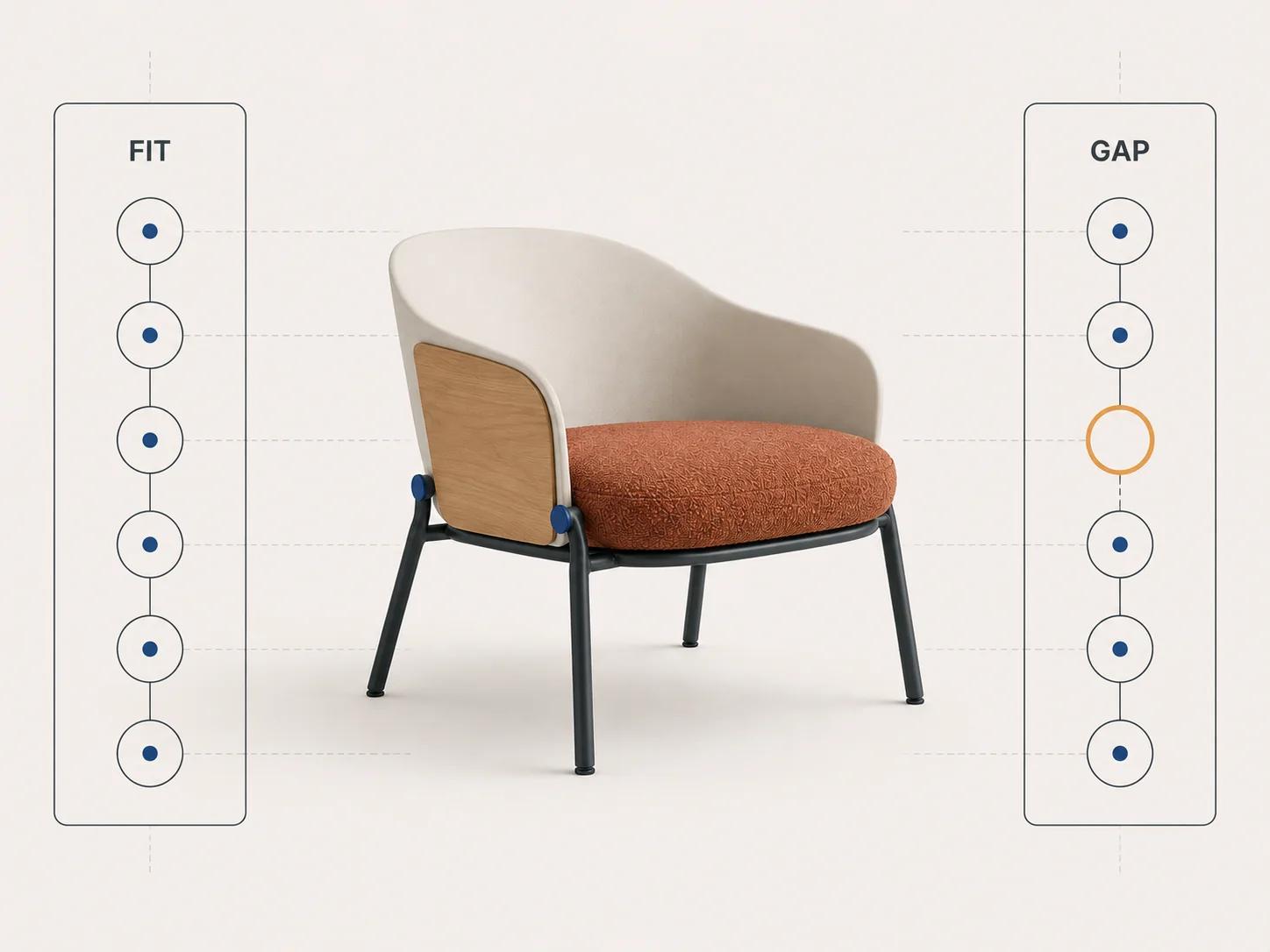
Assess the hardest product and transaction, not the cleanest demo.
| Contract | Shopify app is credible when | Headless embed is credible when | Custom experience is indicated when |
|---|---|---|---|
| Product state | The app can express every valid option, dependency and default | An external configurator owns validity and returns one resolved result | Rules depend on calculations, approvals, territories, customer types or versioned engineering data |
| Shopify merchandise | Each buyable result maps cleanly to a variant, component set or supported app pattern | A stable result maps to a known variant or an explicit quote path | One design spans several records, generated parts or a product structure Shopify should not flatten |
| Price | The app's documented mechanism produces the price that checkout will charge | Shopify can price the mapped merchandise without trusting a browser total | Price needs server calculations, account terms, live services, approval or a plan-specific function |
| Cart and order | The selected variant and necessary properties remain readable through checkout and order | A compact configuration reference and summary can cross the boundary | Operations need a versioned payload, generated document, bill of materials or reliable reconfiguration |
| 3D and UX | Supplied controls, model states and mobile behavior fit the product | A separate runtime needs more layout or rendering freedom than the theme surface allows | Geometry, materials, accessibility and interaction require a purpose-built product experience |
| Operations | Merchandisers can maintain options, assets and releases in the supplied admin | A vendor or internal team clearly owns the external runtime and Shopify adapter | Teams need governed rules, roles, previews, migrations, audit history or coordinated releases |
Do not average these rows. If an app passes five contracts but production cannot tell which configuration was ordered, it has not passed. If a headless interface returns a price that Shopify cannot verify, the handoff is unfinished. The wider data, analytics and production architecture belongs in the 3D product configurator integration blueprint; this guide stays with the Shopify route decision.
Test whether the Shopify product model can carry the configuration
As checked on 31 August 2026, Shopify products have a maximum of three product options, and a valid combination of option values is represented by a variant.[1] Shopify also says all merchants can create products with up to 2,048 variants.[2] Those are platform capacities, not a design instruction.
A chair with upholstery, leg finish and size may fit the native model. A modular storage system with dimensions, component compatibility, door clearances, installation rules and account pricing probably does not. Even when the theoretical combination count is below 2,048, creating every combination can make merchandising, media, imports and testing harder than the product requires.
Shopify's theme guidance says the selected variant should keep media, price and selector state in step. It also describes an option-value selection that has no matching variant, in which case the selected variant is null.[1] Test that empty state deliberately. A configurator must not show a plausible 3D product while silently retaining the last valid variant and price.
That same changelog, checked on 31 August 2026, warns that apps outside Shopify's in-support GraphQL product APIs may give a downgraded or broken experience above 100 variants.[2] If a proposed app depends on a large variant catalog, load the hardest real product in a duplicate theme and test its admin, storefront, cart and order behavior. A vendor's general compatibility statement is not that test.
Separate variants, properties and configuration identity
Use variants for merchandise identities that need Shopify price, inventory, availability or fulfilment behavior. Use line item properties for compact context such as engraving text or a configuration reference. Shopify documents properties as supplementary customization information collected inside the product form.[4]
Properties do not become a product model merely because they reach checkout. A label such as Walnut / left return / 2200 mm is readable, but it does not prove that the combination passed current rules or that production can reconstruct it. For rule-heavy products, save the resolved design first and pass a stable configuration ID, revision and short human-readable summary into Shopify.
Choose an app when its product and transaction model already fit
An app route is strongest when the merchant can set up the representative product without hidden scripts, manual order notes or coded exceptions. The app should have a clear answer for option dependencies, variant mapping, price, cart detail, model preparation, mobile behavior, accessibility, analytics, failure recovery and export.
Shopify theme app extensions provide app blocks and app embed blocks without editing theme code.[3] Shopify maps inline page content to app blocks and floating or overlaid elements to app embed blocks.[3] That can reduce theme coupling, but it says nothing about the app's product logic. Confirm that the published theme accepts the intended block, that quick views and alternate product templates behave correctly, and that uninstalling or disabling the app leaves a usable purchase path.
For a theme storefront, Shopify's Ajax Cart API adds a variant by ID and quantity and can attach properties as key-value pairs.[5] The same API can split one variant into separate lines when properties differ, and its line item key changes when line characteristics change.[5] Test duplicate configurations, quantity changes, cart edits and removal. Do not use the mutable line key as the permanent identity of a saved design.
An app is a good fit when staff can maintain the catalog and 3D states in its normal admin, every supported choice maps to the intended merchandise and price, and a test order gives service and production enough structured information. If the team must repair most orders by reading screenshots or free-text notes, the installation was easy and the operating model was not.
Choose a headless embed when the experience needs independence
A headless embed or externally hosted configurator can own a richer interface, rule engine and 3D runtime while Shopify remains the commerce destination. This route suits a focused product experience that needs more rendering or layout freedom than a theme block, provided the transaction result is still simple enough to map cleanly.
Write the handoff before selecting an iframe, web component or JavaScript mount point. Define which service owns validity, where price is calculated, what Shopify merchandise is added, which summary the buyer sees, how the design is saved, and what happens when either system is unavailable.
For a custom storefront, Shopify's Storefront API cart treats merchandise as a product variant and accepts custom key-value attributes. Its cartCreate flow uses a quantity and variant merchandiseId, and the cart journey can return a checkout URL.[6] That is a transaction surface, not a persistence strategy. A long configuration should not be squeezed into cart attributes if support, quoting or production must reopen it later.
Keep one resolved configuration object outside the visual component. The 3D scene, option controls, text summary and cart adapter should all consume that object. If the embed fails, the page should explain whether the buyer can retry, continue with a non-3D selection, request a quote or recover a saved design.
Choose custom when the Shopify boundary needs owned logic
Custom work is justified when the difficult part is not placement on the product page but control across systems. Common signals include calculated dimensions, rules maintained outside Shopify, customer-specific prices, mixed buy-and-quote journeys, generated production files, saved revisions, approval gates, or one configuration that expands into several fulfilment items.
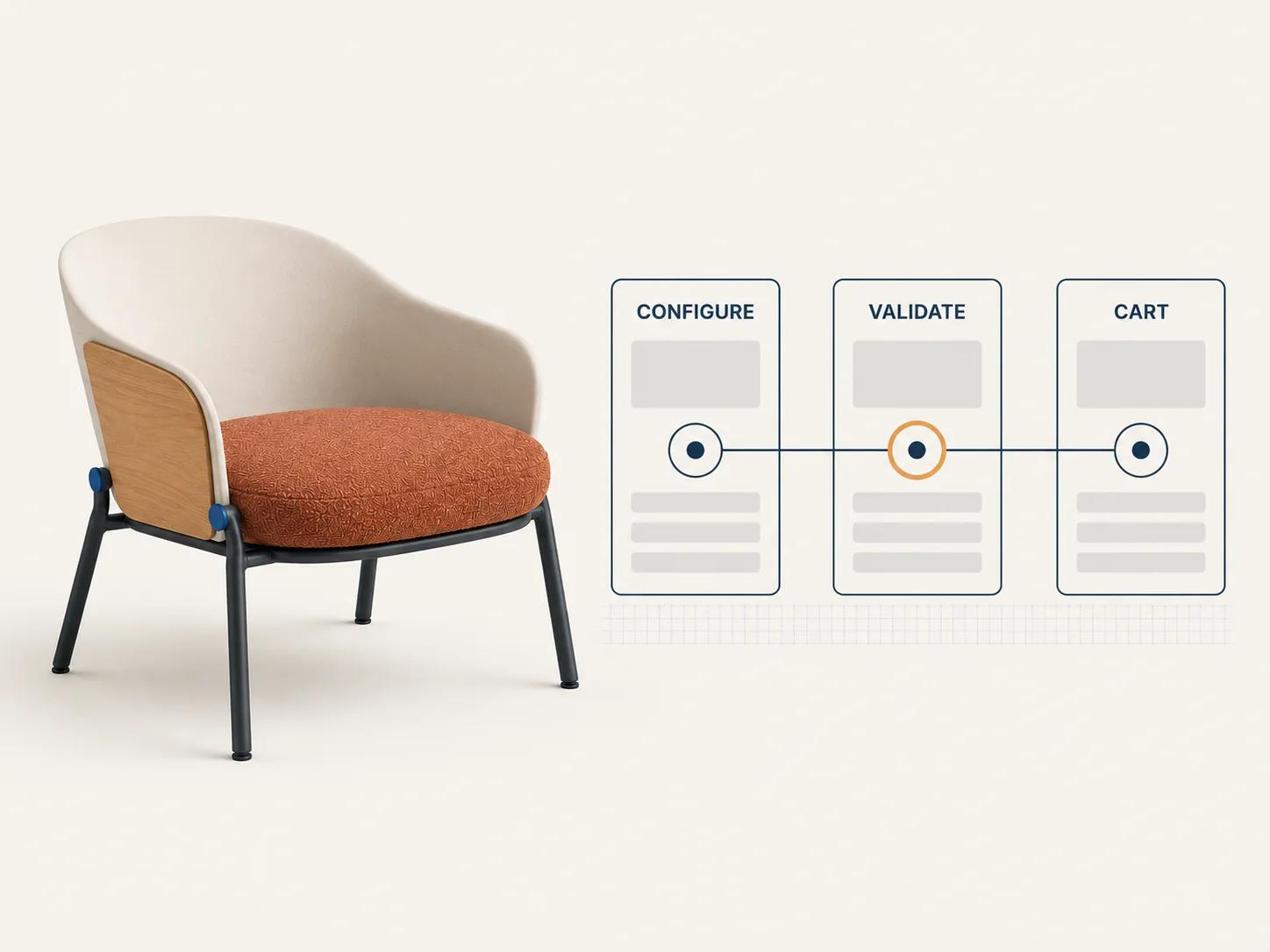
A practical custom route can still use Shopify rather than replace it. A theme app extension can provide the customer-facing entry point. A separate service can validate and save the configuration. A Shopify adapter can resolve the correct variant or components, request authoritative price, and attach a stable reference to the transaction.
In documentation checked on 31 August 2026, Shopify's Cart Transform Function API can expand a cart line into components, merge lines, or update line presentation such as price, title or image.[7] The same documentation limits lineUpdate or update operations to development stores and Shopify Plus stores.[7] It also lists surface and selling-plan compatibility constraints. Verify the intended store plan, checkout path, subscriptions, markets and other cart apps before putting a transform at the center of the design.
Custom should narrow the owned gap. It should not recreate Shopify's catalog, checkout and order system without a reason. Record the boundary as an interface: accepted inputs, validation result, merchandise mapping, price authority, saved revision, error behavior and downstream output.
Keep 3D state subordinate to product state
Shopify can display GLB or USDZ product media on a product page when the theme supports 3D media.[8] That native viewer can be the right answer for a product that needs inspection rather than configuration. A rule-driven configurator has a different job: each accepted choice must update the product state, and the 3D view must reflect that state rather than invent its own parallel selection.
Create a state map before producing all the models. List each option ID, allowed value, affected geometry or material, price effect, inventory or component effect, and output requirement. Mark visual-only changes separately from commercial choices. Two finishes can share price yet need different asset states; two visually identical components can require different SKUs or production instructions.
Test a low-spec mobile device, keyboard navigation, reduced motion, slow asset delivery and a failed model request. The buyer still needs the selected options, price basis and next action when 3D is unavailable. A loading spinner is not a fallback.
Scope the ownership behind the purchase
App subscription or development cost is only one line in the decision. Include product-rule cleanup, Shopify catalog mapping, 3D production, material variants, responsive UX, accessibility, pricing integration, saved-design storage, cart and order presentation, production outputs, editor roles, staging, monitoring, support and vendor exit.
The estimator maps rules, assets, visualization, integrations, pricing, outputs and operating ownership into an explainable complexity profile and recommended next step. The profile does not require an email. An editable Word scope and budget-driver brief is available as a separate handoff. It is not a quote, and it does not turn unknown requirements into a price.
Run a representative-product transaction proof
A vendor demo usually starts with a tidy product. Your proof should start with the product most likely to break the chosen route: many options, a dependent choice, a price-changing component, an unavailable combination, an asset-heavy state and a production-specific output.
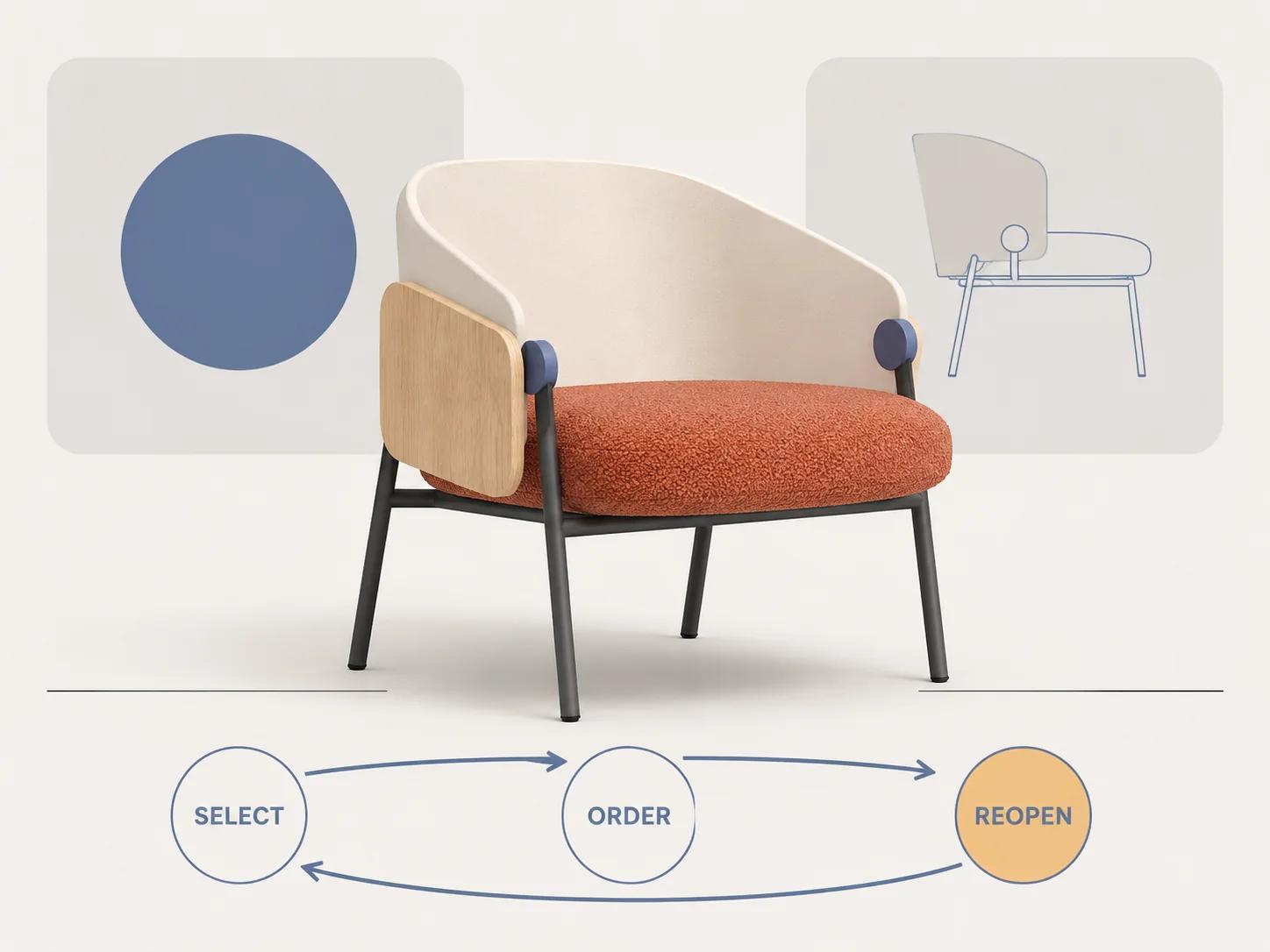
Run one documented sequence:
- Open the product through its normal collection, search or campaign route.
- Select a valid configuration and confirm that text, 3D, merchandise and price agree.
- Change an early choice and verify that invalid downstream choices clear visibly.
- Try an impossible combination and confirm that it cannot retain a stale variant or price.
- Save or share the design, then reopen the intended revision in a clean session.
- Add it to cart twice with different properties and inspect line identity, quantity and edit behavior.
- Complete checkout using the intended market, customer type and payment path.
- Inspect the order without the original browser session or vendor admin already open.
- Ask service or production to identify the product, choices, revision, price basis and required output.
- Change one rule, option or 3D asset in staging and repeat every affected case.
Record pass, fail, workaround and owner separately. A workaround that asks staff to reconcile every order manually is recurring work. A configuration that cannot be reopened is not saved merely because the cart still shows a label.
Decide from the hardest contract
Choose the app when its native product model, Shopify mapping and operating tools pass the proof without bespoke exceptions. Choose the headless embed when a separate experience is useful and the Shopify transaction remains narrow. Choose custom when a load-bearing rule, price, persistence or production contract needs owned logic.
Platform details should remain separate. The WooCommerce configurator cart, pricing and rules guide follows that platform's state-to-order flow; the Magento integration and visual CPQ guide covers catalog, customer-group and enterprise approval concerns. Neither should be used as a shortcut for Shopify behavior.
Spellexo is relevant only as Double Edged's owned-product proof of product strategy, UX, 3D production, engineering, testing, launch and ongoing operation. It is not evidence of a Shopify migration, rescue or commercial uplift. When the proof exposes a genuine custom requirement, the custom 3D product configurator service is the route for scoped discovery and implementation. Bring the failed contracts, representative product, current theme and app stack, catalog model, intended markets and required order output.