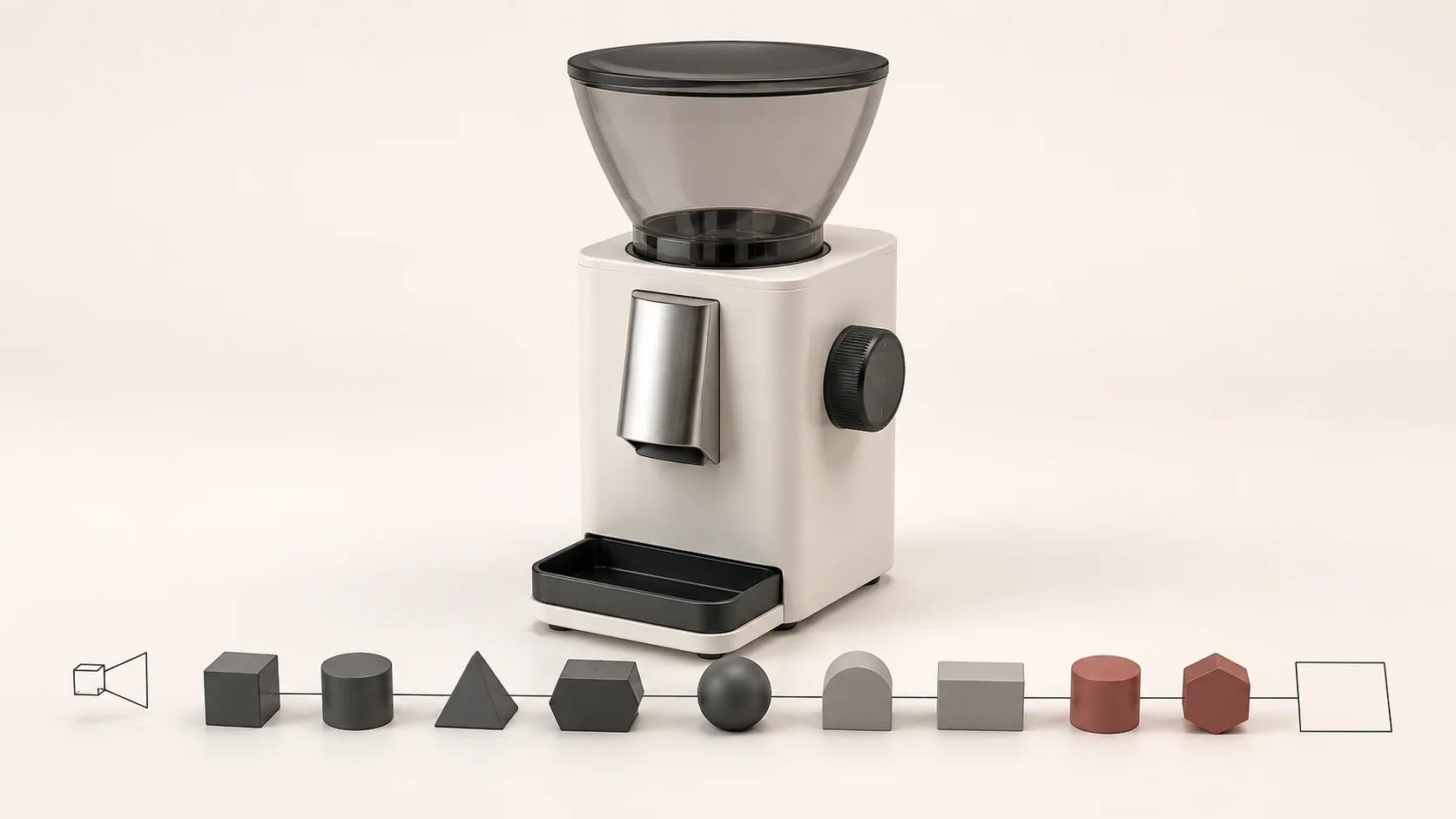
3D product rendering software gives you the means to import or build a model, assign materials, light a scene and produce images. Professional production wraps those tools in a system for resolving product facts, planning the image set, directing the look, controlling revisions and accepting the final files.
That distinction is more useful than a ranked list. A fast CAD visualizer may be the sensible choice for one approved product and a small set of studio views. A general 3D application with a production renderer may suit art-directed campaigns, difficult geometry or animation. A texture authoring tool may solve the material bottleneck while doing little for cameras or delivery. None of those purchases decides which product revision is correct or whether all required variants reached the final folder.
Choose from the commercial output backwards. Name the images or experiences, the source evidence, the people who will operate the workflow and the acceptance checks. Then compare software capability with the production work that remains.
Start with the commercial output
"We need rendering software" is not yet a brief. The buyer may need a single concept image, a repeatable product-detail-page set, several hundred color and camera combinations, a launch campaign, product animation or a web-ready 3D asset. Each output puts pressure on different parts of the toolchain.
A fixed still needs trustworthy geometry, materials, camera, lighting and a delivery specification. A variant catalog also needs stable product identifiers and controlled combinations. Animation adds time, motion, rigging or part behavior. A web model needs a separate real-time preparation and test path. The 3D product rendering process, inputs and deliverables guide covers the wider production brief; this comparison stays with tool capability and the make-or-partner decision.
Use these four questions before looking at product pages:
- What must ship: stills, animation, reusable scene files, real-time assets or a combination?
- What source material exists, and who can resolve conflicts in it?
- How many products, variants, cameras, crops and language versions must be governed?
- Who will own materials, art direction, review, final QA and future updates?
The answers reveal whether the bottleneck is software access, specialist craft, operational capacity or product governance. Buying a renderer only fixes the first one.
Compare workflow shapes, not a brand leaderboard
The named behaviors below were checked in first-party documentation on 30 August 2026. Blender and Autodesk references are versioned; KeyShot and Adobe pages are live manuals that can change. Recheck the exact edition, licence tier, operating system, file support and hardware requirements before procurement.
CAD-connected visualization
This workflow starts close to engineering geometry and aims to shorten the path to controlled product views. It can be a good fit when the CAD is current, the product is mostly hard-surface construction and the team needs repeatable studio imagery.
Import is still a technical decision. Autodesk's 3ds Max 2026 documentation exposes controls for welding, smoothing, normals, UV generation and maximum surface deviation when linking DWG data. Smaller deviation values produce a closer surface mesh with more faces.[1] KeyShot's import manual, inspected on the same date, documents units, orientation, tessellation, NURBS import, material retention, hierarchy and geometry updating, with options varying by source format and edition.[2]
Those controls are useful because translation changes the working scene. They do not tell you whether the incoming assembly is the launch revision, whether a cosmetic seam is missing or whether an engineering material name matches the finish customers will see.
KeyShot also documents Studios as a Pro feature that stores combinations of cameras, environments, image styles, model sets and multi-materials.[3] Its Render Queue can batch still, animation, KeyShotXR and Configurator jobs and can add saved cameras, model sets, Studios and material choices.[4] That is meaningful variant and output machinery. Someone must still define valid combinations, review the resulting set and reconcile every job with the requested shot matrix.
General 3D application plus renderer
A general digital-content-creation application gives an artist broader control over modeling, UVs, scene structure, animation, cameras, lighting and compositing. Its flexibility suits products that need reconstruction, soft parts, detailed environments, motion or unusual visual treatment. The tradeoff is a wider operating surface: conventions, asset libraries, plug-ins, scripts and render settings need ownership.
Blender 5.2, for example, documents background command-line rendering for a single frame or an animation, with arguments for the source file, output path, format, frame range, engine and threads.[5] That can support a controlled batch process. Blender also exposes separate render passes such as diffuse information, lighting, depth and normals for compositing.[6] Automation and passes expand what the tool can do; they do not create a naming system, validate a SKU or decide which corrections are allowed after approval.
Commercial DCC stacks may also separate the host application from the renderer. Autodesk's 2026 Arnold for 3ds Max guide distinguishes the MAXtoA integration inside 3ds Max from Arnold's full node and settings documentation.[8] Treat plug-ins, versions, render nodes and scene dependencies as part of the receiving environment, not as invisible details.
Specialist material authoring
A material tool addresses a narrower problem. Adobe's Substance 3D Painter export documentation, inspected 30 August 2026, lets a project apply settings across Texture Sets or override individual sets. Output presets determine generated texture names, formats and bit depths, with color-space information present when color management is enabled.[7]
That can make a texture handoff more systematic. It does not establish the physical finish, repair the model, light the scene or prove that the maps will look identical in another renderer. The production brief still needs a material reference, destination shader setup and approval condition.
Real-time delivery toolchain
A high-resolution still and a web-ready product model can share source work, but they have different acceptance tests. The Khronos 3D Commerce guidelines, version 2.0.0 and last updated August 2025, distinguish authoring, interchange and delivery formats and cover geometry, UVs, materials, textures, publishing targets and runtime optimization.[9] A still render cannot prove correct scale, origin, interaction, download behavior or device performance.
If interactive 3D is a confirmed output, include optimization and destination testing in the tool comparison. If it is only a possible future use, preserve an editable source asset without making the current still-image project carry an undefined implementation scope.
A capability matrix tied to commercial outputs
The matrix below is an editorial decision tool, not a scorecard for named products. Mark each required cell as built in, available through an agreed companion tool, handled manually or absent. A capability counts only when the team can operate and test it with the real product data.
| Capability | PDP still set | Campaign or lifestyle image | Large variant catalog | Product animation | Web-ready 3D | What professional production still supplies |
|---|---|---|---|---|---|---|
| CAD and mesh intake | Correct form and scale | Usable hero geometry | Repeatable part structure | Clean moving parts | Optimizable source structure | Revision authority, import inspection and a repair record |
| Modeling and UV control | Visible-detail correction | Custom scene and close-up detail | Stable part and material zones | Rig-ready topology where needed | Deliberate low-cost geometry and UVs | Decisions about what is accurate, visible and reusable |
| Material authoring | Approved finish response | Art-directed surface behavior | Governed finish library | Stable materials across frames | Destination-compatible maps and shaders | Samples, finish mapping and neutral review conditions |
| Cameras and lighting | Consistent product views | Purpose-built composition | Locked camera templates | Shot continuity through time | Viewer setup rather than fixed art direction | Shot intent, crop safety and visual approval |
| Variants and automation | A few controlled exports | Usually secondary | Product-by-camera-by-finish execution | Frame and version management | Build and optimization jobs | Valid combinations, identifiers, exception handling and completeness QA |
| Passes and compositing | Clean finals and transparency | Flexible retouching control | Repeatable post treatment | Sequence compositing | Limited relevance to the runtime asset | Pass specification, color pipeline and final-image acceptance |
| Packaging and handoff | Named channel files | Masters and campaign crops | Reconciled manifest | Frames, edit and masters | Delivery files plus viewer tests | Rights, dependencies, archive, validation and accountable release |

One application may cover many cells. A small stack may cover them better. More tools also create more handoffs, conversion points and version dependencies. Compare the complete path, not the longest feature page.
What professional production adds around the software
Professional production is a scope of responsibility rather than a claim about one secret application. A capable internal team can perform the same functions. When you commission them, make these controls visible in the proposal and acceptance record.
Product truth
The team indexes CAD, drawings, dimensions, physical references, material evidence and artwork, then records which source controls each visible decision. A model that opens without errors may still represent the wrong revision. Production assigns that conflict to an approver instead of asking an artist to guess.
Shot and variant governance
Each output receives a stable ID tied to product, camera, finish, crop and destination. The product render shot-list framework is the companion for planning a complete launch set. Software queues execute jobs; the shot system decides which jobs should exist and catches omissions or invalid combinations.
Look development and direction
Materials are judged against evidence under a controlled setup before campaign lighting changes their appearance. Camera and lighting choices answer a visual purpose: show a mechanism, preserve proportions, leave copy space or make several products feel like one range. Craft matters here because a plausible image can still misstate a finish or hide a selling detail.
Review and change control
Reviews separate product corrections from new direction and added scope. The approver points to the controlling source, affected views and required result. This keeps a late change to one finish from quietly reopening every approved camera or variant.
Delivery and quality assurance
The final check covers product and variant IDs, dimensions, crops, profiles, transparency, naming, artifacts, package completeness and contracted source files. For animation or compositing, it also covers frames, passes and dependencies. For real-time delivery, it covers the actual destination. The output is accepted because it passes stated checks, not because a render button completed.

When an in-house software workflow is a sensible choice
Self-production can fit when the output is bounded and the team already owns the missing decisions. A practical case has authoritative source geometry, a small product range, uncomplicated finishes, a modest shot system, an operator with 3D and color knowledge, and a reviewer who can approve both product accuracy and presentation.
The first job should tolerate learning. Internal concept reviews, sales visualizations with clear status or a controlled PDP pilot can expose import and material problems without making a large launch depend on a new workflow. Record the time spent on cleanup, material development, revisions and packaging. Render time alone is a poor measure of the effort.
Professional production becomes easier to justify when source files conflict, geometry needs reconstruction, materials are hard to match, the imagery carries major art direction, many variants must stay synchronized, animation or real-time outputs join the scope, or nobody inside the business can own final QA. These are responsibility signals, not a promise that an external team is automatically better. Evaluate the proposed process and evidence.
A hybrid can be sound too. An external team may establish clean assets, materials, cameras and templates, while an internal operator runs governed updates. Or the internal team may own product data while a specialist handles campaign imagery. Write the boundary down, including editable files, licences, training, change support and who accepts future releases.
Test one representative product before choosing
A demo scene proves that software can render its own example. A useful trial uses your source files and one product that exposes the real difficulty without combining every catalog exception.
| Trial area | Evidence to use | What to observe | Accept only when |
|---|---|---|---|
| Import and form | Current CAD or mesh plus controlling dimensions | Scale, silhouette, normals, part structure and visible cleanup | A named reviewer can reconcile the result with the source |
| Hardest material | Physical sample or approved finish reference | Texture scale, direction, gloss, transparency and edge response | The finish is approved under stated review conditions |
| Priority shot | One real PDP or campaign frame | Camera, detail visibility, lighting, shadow and crop safety | The image answers its intended commercial question |
| Meaningful variant | One geometry, material or artwork change | Mapping, naming and propagation across the shot | The correct state appears without corrupting the approved base |
| Delivery sample | Actual format, dimensions, profile and naming rule | Output integrity, packaging and receiving workflow | The downstream owner can use and trace the files |
Do not turn this into a synthetic speed contest. Note operator time, unresolved assumptions, manual steps, failure recovery and review quality. A fast first render can conceal hours of source repair; a flexible tool can be the wrong fit if only one person knows how the scene works.
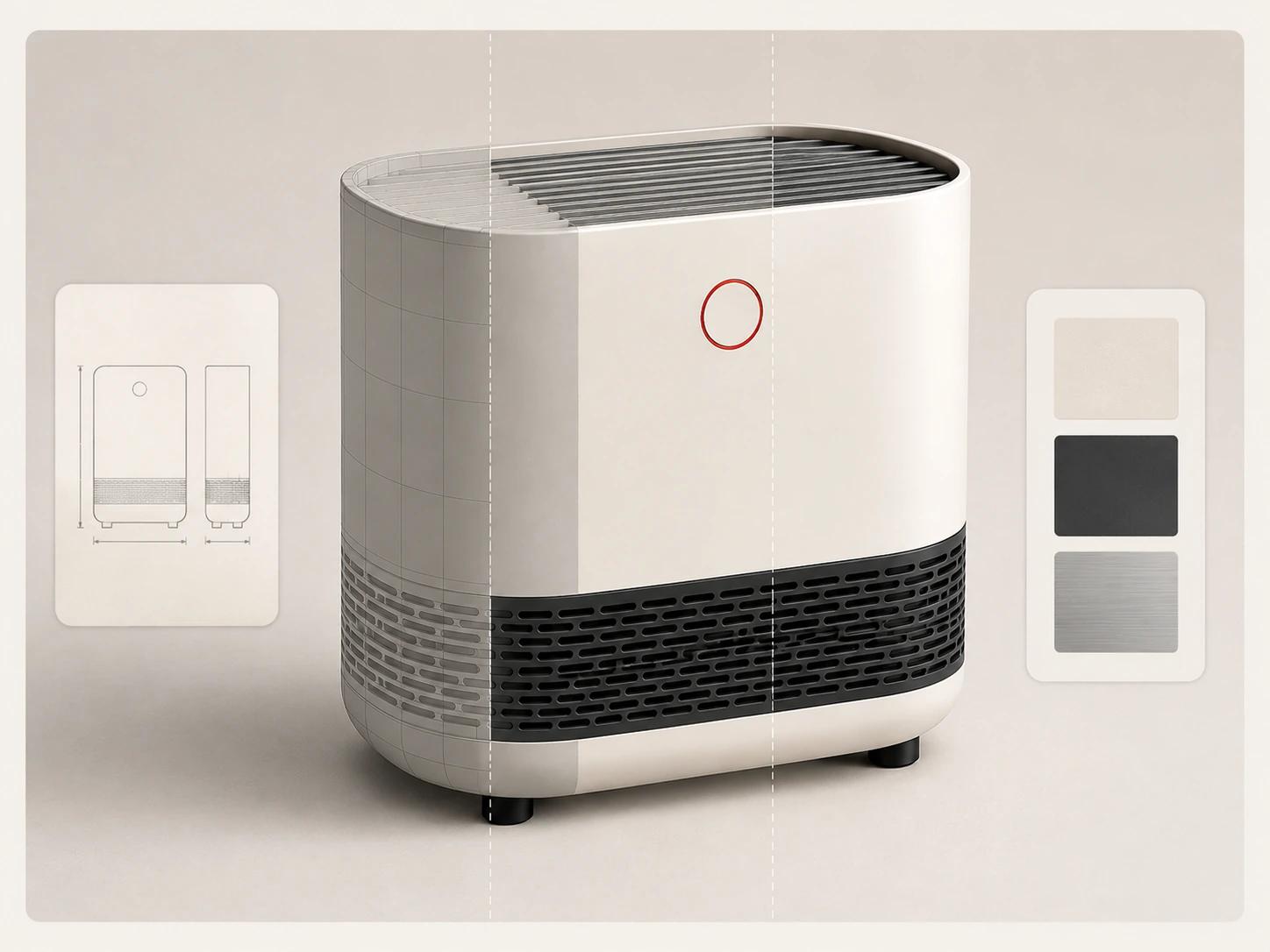
Count the complete production system
The licence is one cost line. Add onboarding, workstation or render capacity, plug-ins, asset preparation, material work, scene setup, review, revisions, variant execution, post-production, delivery packaging, storage and maintenance. For an external scope, ask which of those lines are included and which assumptions would change the estimate.
Reuse deserves the same discipline. A scene is reusable when the geometry is approved, product structure and materials are governed, cameras or lighting templates are understandable, dependencies are transferable, rights permit the next use and someone can update the asset when the physical product changes. An undocumented scene file is access, not an operating asset.
Model three paths with your own figures: build the capability internally, commission a complete output package, or establish a hybrid system. Keep speculative future channels separate from confirmed first-release requirements, then test how reuse changes the later product or output cycles.
Compare production and reuse assumptions with your own catalog inputs. The calculator models cost scenarios; it does not forecast sales, conversion or revenue.
Make the selection accountable
Choose software when the team can operate it, govern the source assets and accept the outputs. Choose professional production when the business needs accountable resolution of the full image system, not simply access to a render engine. Choose a hybrid when the handoff can be made explicit and the internal team has a real maintenance owner.
Ask every software vendor or production partner to demonstrate the representative trial against the output matrix. Record the exact version and licence tested, companion tools, hardware, unsupported steps, editable deliverables, dependencies and acceptance owner. Current feature availability is a dated observation, not a permanent promise.
There is no universal winner. CAD-connected visualizers, broad DCC-and-render stacks, specialist material tools and real-time pipelines solve different problems. The defensible choice is the smallest system that can produce the required commercial outputs, preserve product truth and leave an operable handoff.
If the decision has moved from tool fit to supplier fit, use the guide to choosing a 3D product rendering company to structure the review, then check the live 3D product rendering service page for the proposed evidence, process and deliverables. Bring the representative product, its available sources and the output matrix rather than a software wish list.