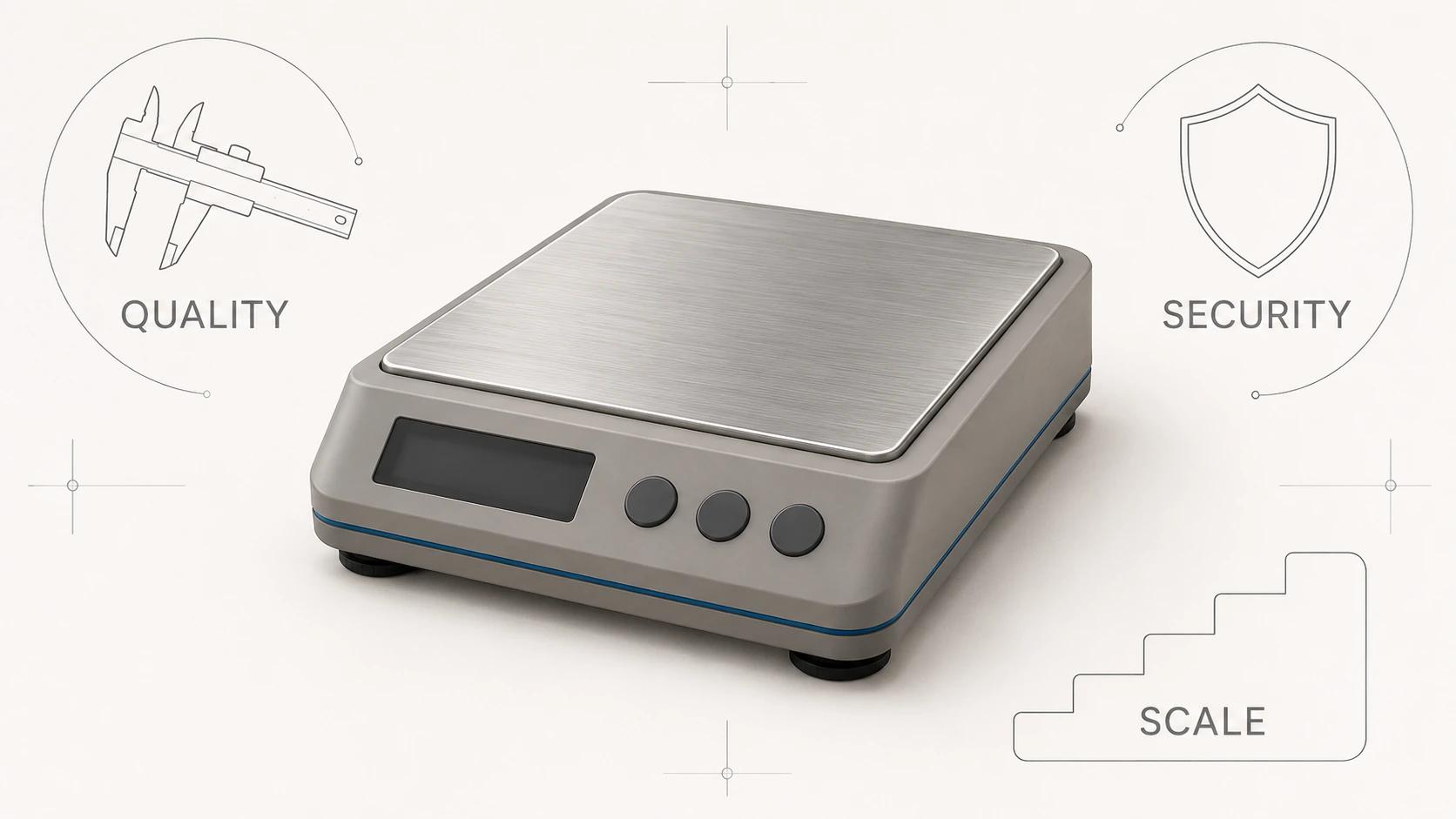
3D animation video production is easier to control when the client approves a sequence of specific decisions, not a succession of videos that simply look "more finished." The client does not need to direct the software. The client does need to confirm the purpose, product truth, message, shot logic, timing, visual treatment, sound, accessibility and delivery requirements before each decision becomes an input to later work.
That makes approval precise. Script approval means the words and claims can proceed to visual planning. Storyboard approval means the shot order and visual argument can proceed to timing. Animatic approval means the cut can proceed to detailed motion and rendering. None of those decisions silently approves an inaccurate product surface, an unlicensed music track or an export that has not been tested at its destination.
This is a dependency map rather than a promised calendar. The number of products, source condition, simulation needs, destinations, reviewer availability and scale of requested changes all affect production. A useful project plan names the gates and owners without inventing a standard number of days for each one.
If you are still choosing between launch spots, technical sequences, loops and other outputs, begin with the 3D product animation formats and use cases guide. For audience questions, feature hierarchy, explanation architecture and purposeful motion, use How to Create a 3D Product Animation That Explains the Product.
This page starts once a client needs to govern an actual production. It owns approval objects, decision owners, revision consequences, change routing and delivery acceptance. It does not repeat the creative method for designing the explanation.
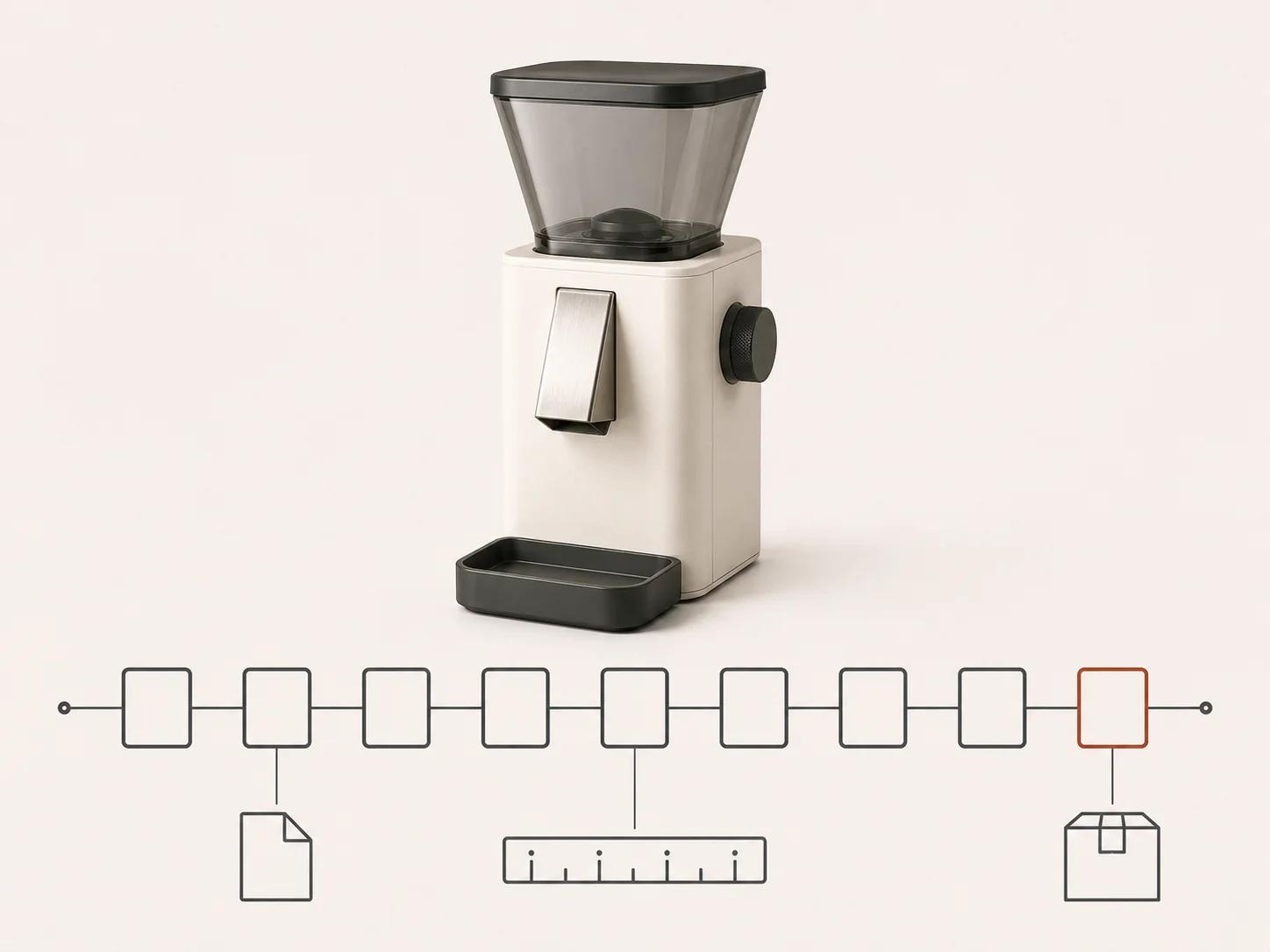
Use nine approval gates, not one final approval
A stage gate is a recorded decision about a defined review object. It should say what was reviewed, who decided, which version passed, any conditions attached to the decision and which downstream work may now begin. "Looks good" in a message thread does not provide that traceability.
The following approval-stage timeline is an original Double Edged editorial framework. Studios may group the work differently, and stages can overlap when the dependencies are understood. The client decisions remain distinct even when one review meeting covers several of them.
| Gate | Client decision | Evidence to approve | If the input changes later |
|---|---|---|---|
| 1. Discovery | Purpose, audience, required action, destinations and decision owners are correct | Signed brief, audience statement, destination matrix and responsibility list | Recheck scope, message, format and delivery assumptions |
| 2. Script | Spoken words, on-screen copy, product claims and pronunciation notes are accurate | Numbered script with claim owners and open issues resolved | Reopen narration, captions, timing and affected shots |
| 3. Storyboard | Shot order, camera intent, visual explanation and copy placement communicate the approved script | Numbered panels mapped to script lines and product evidence | Reopen the affected panels, asset needs and cut structure |
| 4. Asset preparation | Geometry, finishes, labels, mechanisms and allowed assumptions represent the intended product state | Asset register, issue log, material board and approved reference views | Revalidate every shot that exposes the changed feature |
| 5. Animatic | Duration, pacing, camera moves, transitions and information density work as a timed sequence | Timecoded low-detail cut with temporary audio clearly marked | Reopen shot timing and any production work based on it |
| 6. Production | Look development, motion, lighting and rendered frames follow the approved plan | Approved look frames, motion previews and shot-status record | Reopen only the shots and dependencies touched by the change |
| 7. Sound and captions | Voice, music, effects, mix intent, captions and accessibility outputs are suitable | Versioned mix, caption file, transcript and rights record | Recheck timing, intelligibility, captions and licensed uses |
| 8. Review and revision | Remaining comments are consolidated, in scope and correctly resolved | Timecoded review with owner, disposition and replacement version | Route each new request back to the gate it changes |
| 9. Delivery | Master, derivatives, filenames, metadata and destination tests match the acceptance matrix | Delivery manifest, checksums or stable file IDs, and test record | Correct the failed derivative without confusing it with the master |
1. Discovery defines the decision the video must support
Discovery should end with a brief that a production team can test, not a collection of adjectives. Name the audience, the question they bring, the one message they should retain and the action the video supports. List every intended destination and placement because a silent website loop, a narrated sales presentation and a paid-social derivative do not share one review context.
Record the product state too. Is the animation depicting the current manufactured item, a pre-release design or a concept with unresolved details? Identify who can approve mechanical behavior, packaging, legal copy, brand treatment and the final release. If an internal mechanism must be explained, decide which details may be exposed and which remain confidential. The guide to exploded views and cutaways in 3D technical animation covers that narrower communication choice.
The discovery gate passes when stakeholders agree on a bounded job: audience, message, product state, required outputs, controlling evidence, exclusions and named approvers. It does not pass because everyone likes a mood reference.
2. Approve one numbered script and its claim owners
The approval object is one numbered script or beat-sheet version covering narration, on-screen copy, claims, pronunciations, units and product names. Each line needs an identifier so the decision record can connect it to later panels, voice takes, caption cues and review comments. The client should also receive an open-issues list rather than assume that silence means every line is cleared.
Assign authority before collecting preferences. A product owner verifies capabilities and sequences. A legal or regulatory owner handles claims that require that review. Marketing judges tone and emphasis without being asked to validate engineering. The consolidated client owner records the disposition of conflicts and the exact version permitted to proceed.
Script approval is therefore a release decision, not writing advice. It states the approved file ID, approvers, conditions and unresolved exclusions. A later claim change reopens narration, captions, timing and affected shots; it is not merely a voice edit.
3. Approve one storyboard version and its dependencies
The explanation-design guide linked above owns how creators turn viewer questions into shot logic. This gate starts when that work becomes a client review object: numbered panels mapped to approved script lines, product evidence, open assumptions and the outputs each panel may affect.
Autodesk's current Inventor guidance describes storyboards as a way to plan cameras and actions while producing a sample that can be reviewed and refined.[1] The software is only one example. For governance, the useful property is that the sample has a version identity and can be accepted, conditionally accepted or rejected before later work relies on it.
The approval record should name the panel range reviewed, the controlling script version, unresolved technical checks, decision owners and downstream work released. A new shot, reordered claim or unlisted product state after approval routes back to this gate instead of arriving as an informal production note.
4. Asset preparation establishes product truth
Asset preparation is where source material becomes a production-ready representation. The client should supply available CAD, drawings, dimensions, finish references, label artwork, packaging, approved photography and any motion or assembly information. The studio should return an asset register that identifies what was received, what was converted or rebuilt, what is missing and what assumptions are proposed.
Do not treat CAD availability as automatic visual approval. A file may contain hidden construction geometry, old parts, manufacturing detail that should not render, unresolved variants or surfaces with no appearance information. Review the visible configuration against the intended product state. For every assumption, record the affected component, the evidence used and the person authorized to accept it.
Approve neutral reference views before cinematic lighting makes small errors harder to see. Check silhouette, proportions, openings, controls, seams, labels, finish boundaries and any moving relationship the animation will expose. If the product has several variants, name the one each shot represents. Asset approval is a product-truth decision, separate from approval of the film's look.
Teams comparing potential studios can use the brief and evaluation rubric for a 3D product animation studio to define source expectations and ownership before this gate.
5. Approve one timecoded animatic and its conditions
The approval object is an exact timecoded file built from storyboard panels, rough 3D layouts or simple motion previews. Its register must identify every temporary voice, music cue, effect, model, caption and technical assumption so nobody mistakes a placeholder for a licensed or approved final asset.
Reviewers compare that file with the approved storyboard and primary-output brief. They record decisions on duration, frame shape, readability, unresolved technical checks and any conditions attached to the approval. Autodesk distinguishes quick preview renders used to inspect component and camera motion from the more detailed final render.[1] That separation supports a bounded gate: the timed version can pass without implying that final product truth, look, sound or export has passed.
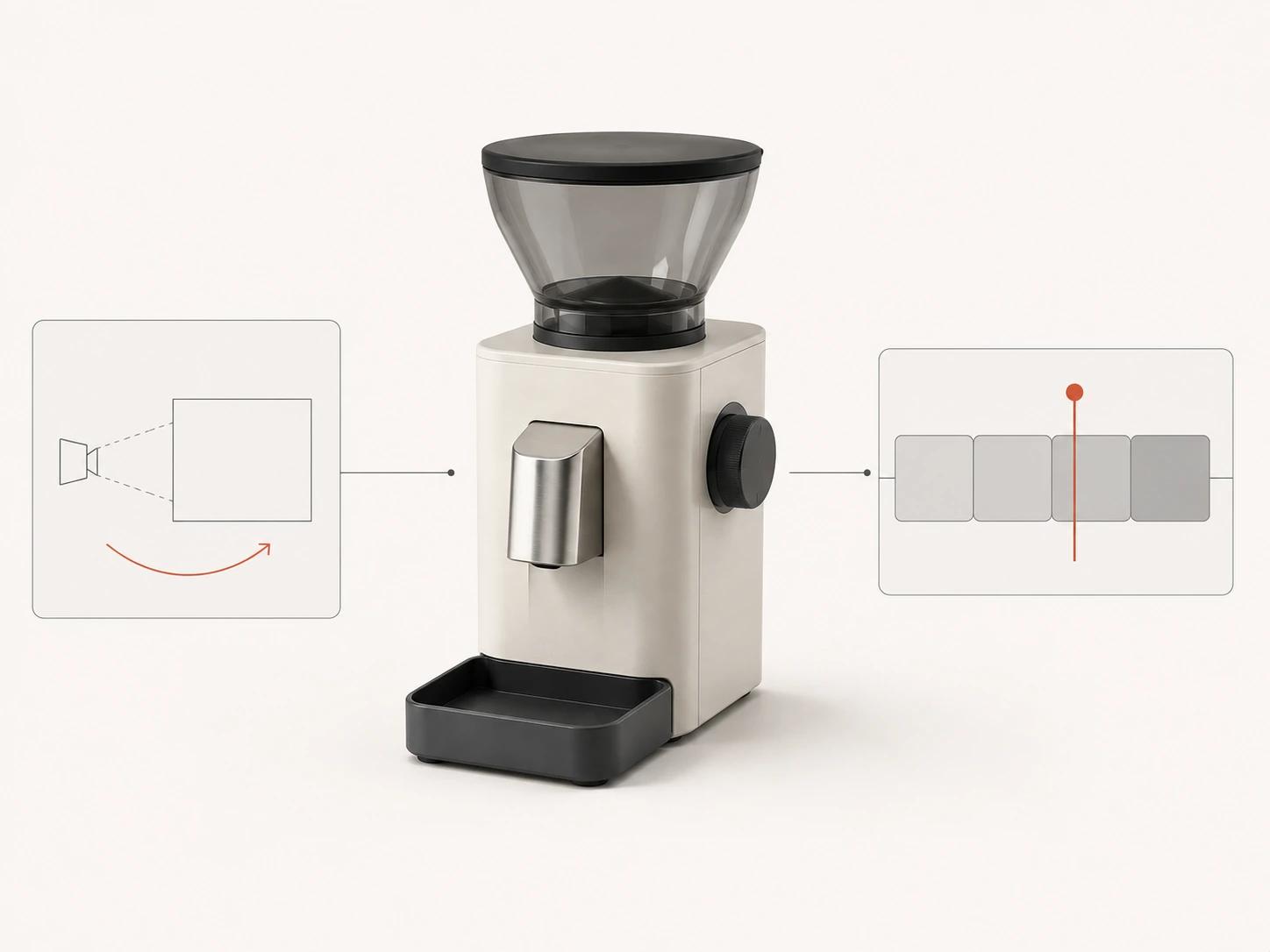
Animatic approval lists deliberate placeholders, excluded decisions and shots still awaiting technical validation. Once approved, a request to reorder the story, add a feature or lengthen a demonstration reopens this gate. Calling it a polish note would hide the dependency being changed.
6. Keep look, motion and rendered-shot approvals separate
Production governance needs three distinct review objects: representative look frames, motion or layout previews, and rendered shots. One broad production approval should not allow a creative pass to conceal unresolved product motion or allow a technically correct preview to stand in for final pixels.
The look record names frame IDs, materials, lighting intent, color configuration, review transform, display assumption, decision owner and conditions. OpenColorIO is designed to provide a consistent color-management experience across supporting production applications, but that still requires a defined configuration rather than an assumption that every viewer interprets a frame identically.[6]
The motion record names shot IDs, product and camera states, technical owner, creative owner and any open validation. Technical approval covers the represented behavior; creative approval covers presentation. Neither decision automatically releases the other.
Rendered-shot review uses the exact output version and records geometry, material, lighting, label, continuity and sequence defects by frame or timecode. Blender's current manual describes intermediate renders for checking timing, lighting, placement and materials, and it documents frame-sequence rendering as a stable approach that supports post-production and recovery.[2] This supports asking how the studio isolates and replaces failed frames; it is not a requirement to use Blender or one file format.
Keep shot statuses explicit: blocked, in progress, ready for client review, changes requested or approved. Approve by shot and version. If a revised material affects six shots, reopen those six and their dependents instead of making the entire film's status ambiguous.
7. Record rights, accessibility and final audio acceptance
This gate governs acceptance rather than teaching sound or caption design. The review record identifies the exact voice, music, effects, mix and stem versions; pronunciation decisions; synchronization issues; documented usage rights; and the playback contexts tested. Language or channel derivatives should name the source stems they inherit.
Caption acceptance starts from the approved script but has its own file ID, timing review, speaker treatment and meaningful non-speech audio check. WCAG 2.2 requires captions for prerecorded audio content in synchronized media at Level A, subject to its stated media-alternative exception, and includes audio description for prerecorded video at Level AA.[3] The applicable conformance target and legal obligations depend on the destination and organization, so the appointed accessibility owner must define and accept them.
The decision record should say which captioned, muted and described versions were reviewed, by whom and under which destination profile. Approval of narration alone does not release captions, accessibility alternatives, music rights or the final mix.
8. Route review comments to the decision they change
A useful review note includes timecode or shot ID, the observed problem, the controlling reference and the requested decision. "Make it premium" gives the production team no test. "At shot S07, replace the warm-grey housing with approved finish FG-12 from material board v4" can be checked.
Consolidate stakeholder comments through one client owner. The owner does not have to agree with every request, but should resolve conflicts before sending the list. Record whether each note is accepted, rejected, answered or deferred, then attach it to a replacement version.
| Comment changes | Route it back to | Evidence needed before work resumes | Downstream states to recheck |
|---|---|---|---|
| Audience, message or required action | Discovery | Revised brief and decision owner | Script through delivery |
| Claim, narration or on-screen copy | Script | Approved wording and claim source | Panels, timing, captions and affected renders |
| Shot order, camera intent or visual explanation | Storyboard or animatic | Revised panels or timed cut | Asset needs and affected production shots |
| Geometry, finish, label or mechanism | Asset preparation | Corrected source and product-owner decision | Every shot exposing the change |
| Material treatment, motion or lighting | Production | Approved reference frame or motion note | Named shots, composite and color review |
| Codec, crop, caption format or destination | Delivery, unless creative content also changes | Updated destination specification | Affected derivative and ingestion test |
9. Delivery proves that the approved work arrived intact
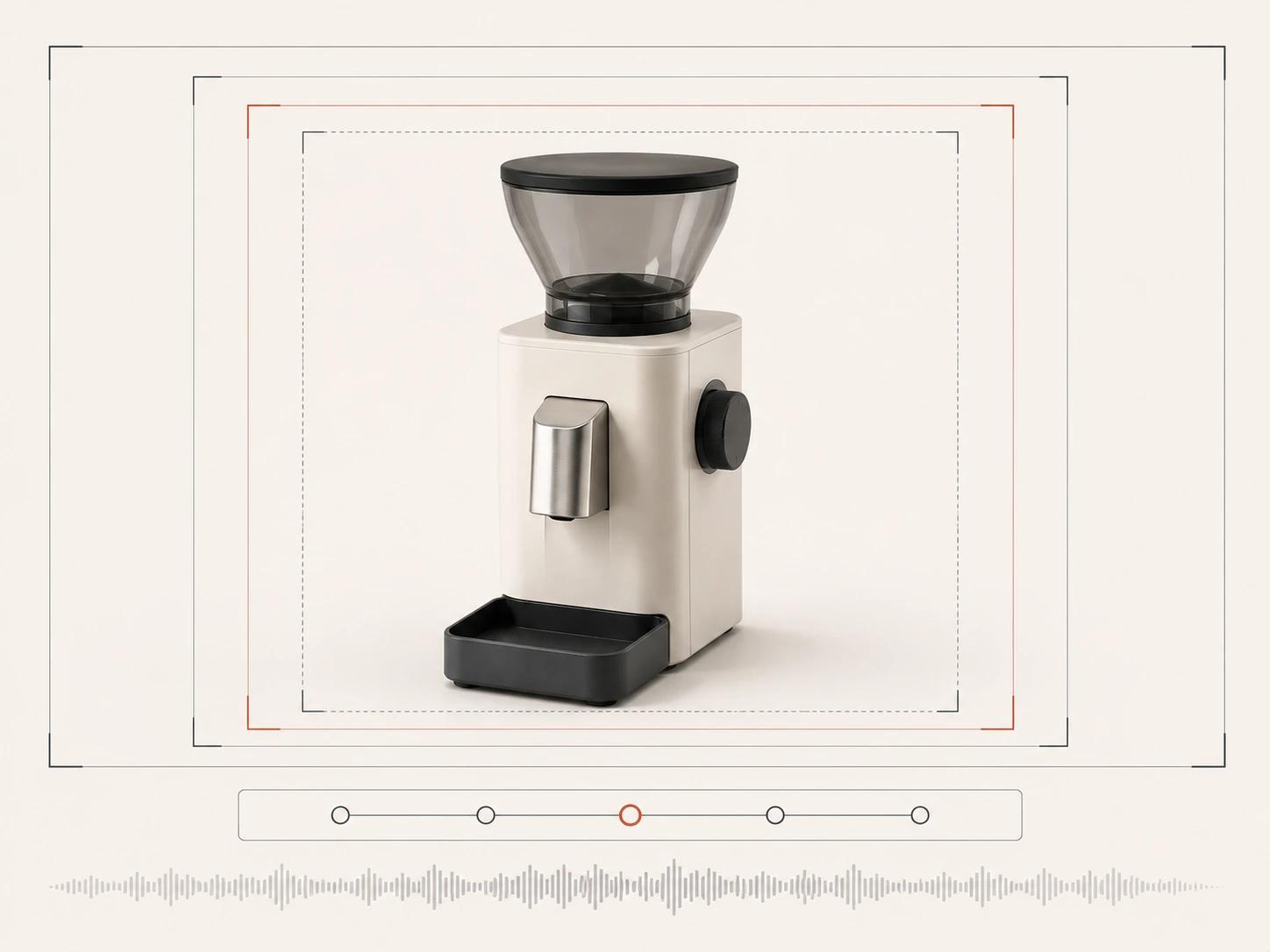
Define delivery before rendering begins. The acceptance matrix should name the primary master and each derivative: dimensions, aspect ratio, frame rate, duration, container, codecs, color tags, audio layout, caption method, filename and intended destination. It should also state whether the client receives image sequences, project files, editable 3D assets, stems or only finished media. Rights and ownership belong in the agreement, not in assumptions made when a download link arrives.
There is no universal "high-quality MP4" setting. YouTube's current upload guidance specifies an MP4 container, named audio and video codecs, frame-rate handling, bitrate guidance, aspect-ratio behavior and color-space treatment.[4] Vimeo publishes its own accepted and recommended codecs, frame-rate, color, scan and audio settings.[5] These are destination documents, not permanent rules for every channel. Record the requirements checked for this release and create derivatives from an approved master.
Inspect every delivered file rather than accepting the folder name. Confirm duration, first and last frames, image and sound sync, caption presence, language, crop, color interpretation and filename. Test representative uploads where access permits, then record the result without treating successful ingestion as proof of creative or product accuracy. Preserve a manifest with stable file IDs or checksums so a corrected derivative cannot be confused with the approved master.
This guide owns client-side production governance: approvals, revision consequences, change routing and delivery acceptance. Direct project scope belongs on the 3D product animation service route.
Bring the decisions, not a finished solution
A useful first production conversation needs the product, intended audience, message, available source evidence, destinations and internal decision owners. The stage map can then expose what is known, what needs validation and which approval should happen next. It does not require the client to arrive with a complete script or a guessed schedule.