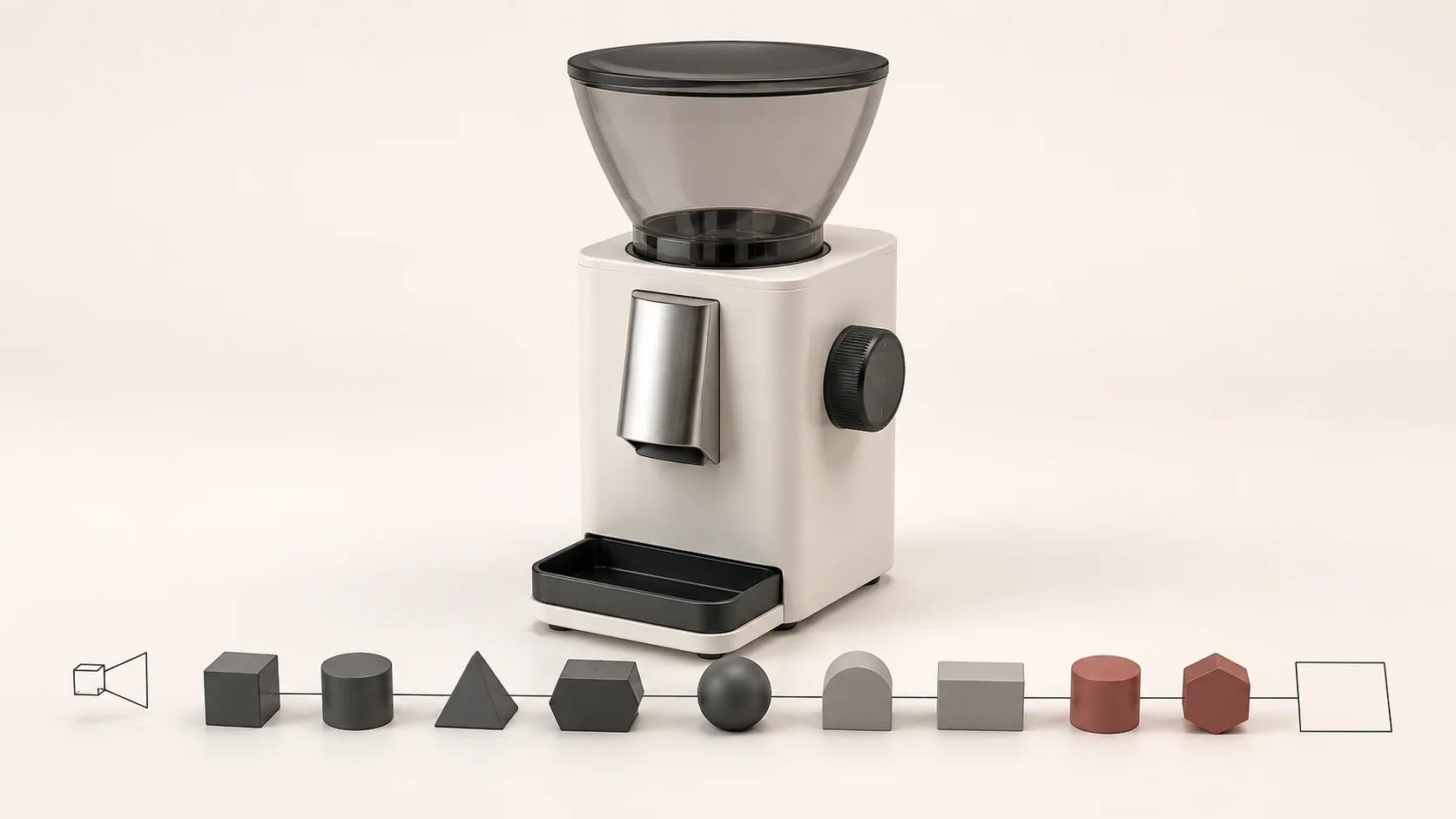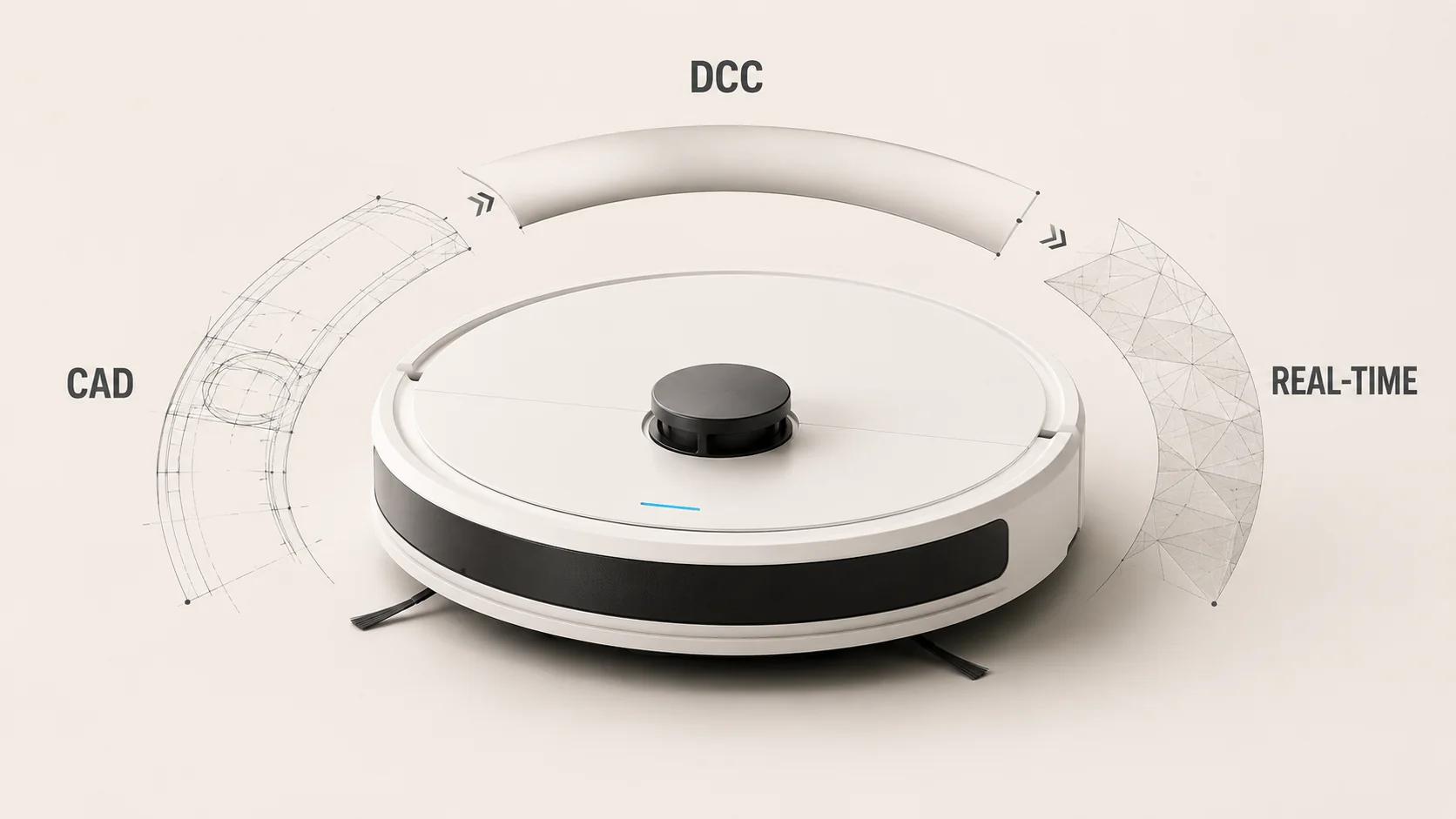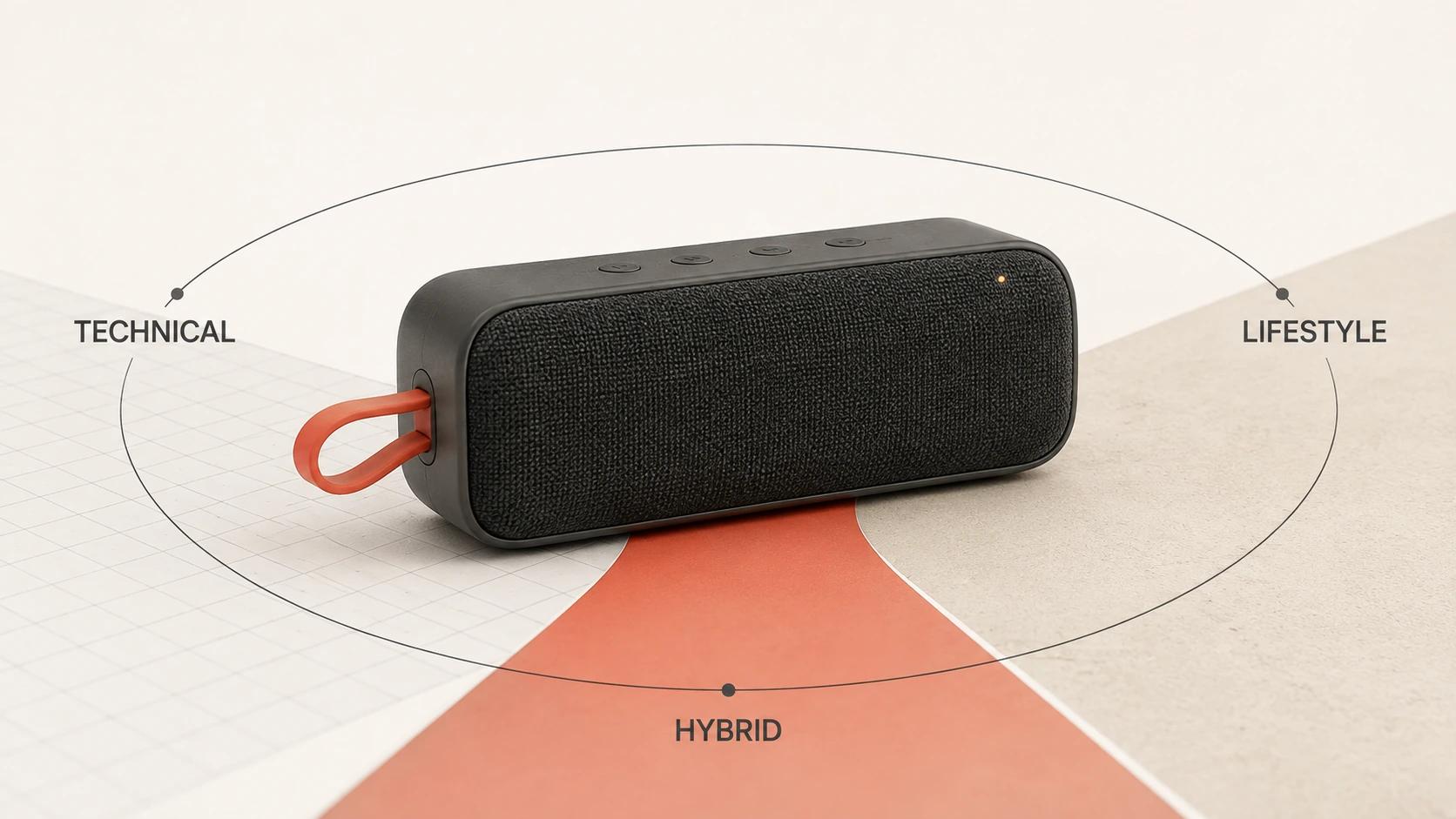
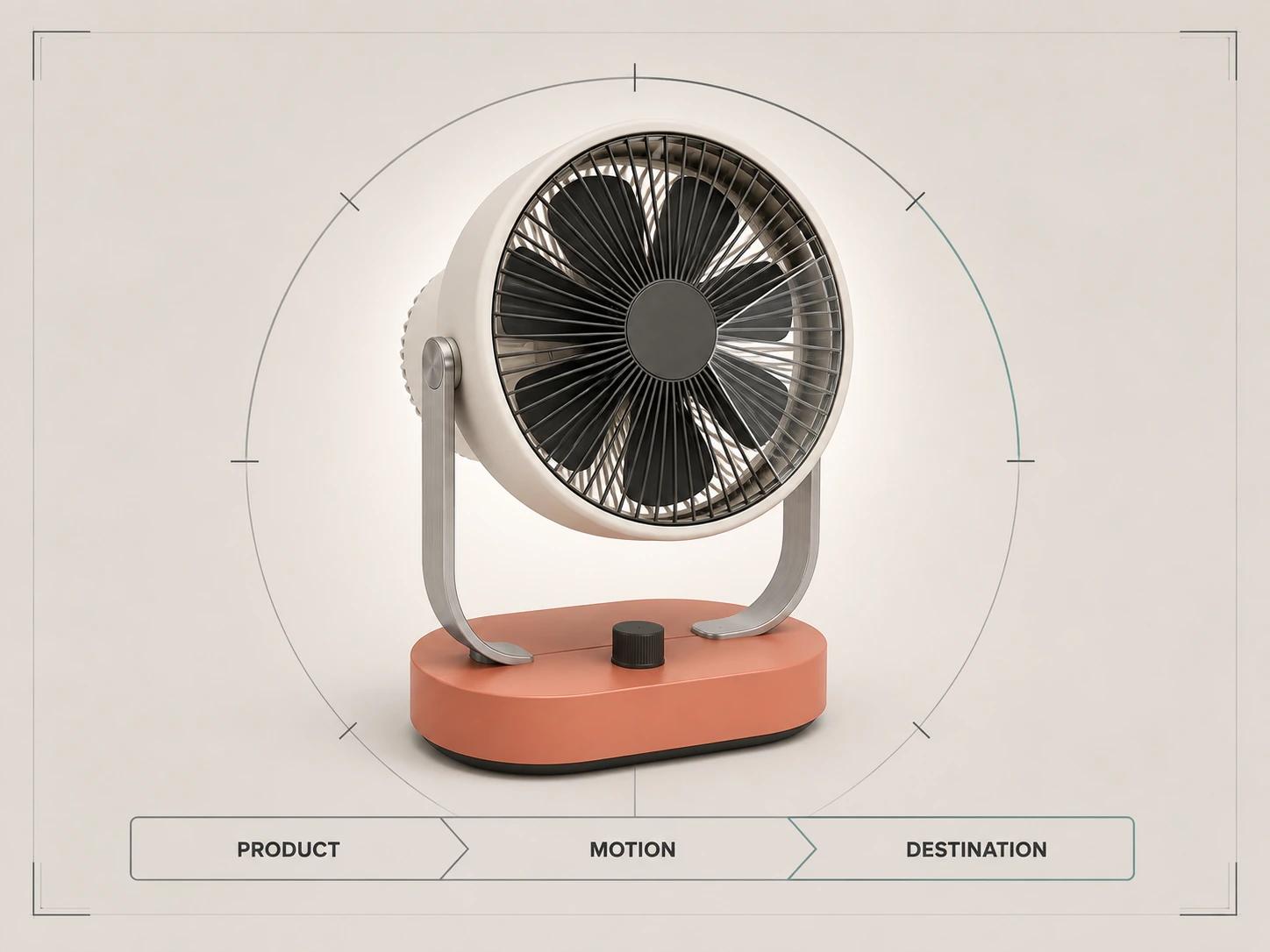
Choose a 3D product animation format by the buyer question it must answer, then create delivery versions for the places where that answer will be seen. A feature film, explainer, loop, launch spot, technical sequence and social derivative are different story formats. MP4, MOV and WebM are file containers. Mixing those two decisions is how a brief ends up with a technically valid file that has no clear job.
The practical order is: define the audience and decision, select the story format, identify the proof the motion must carry, approve one master sequence, and only then make destination-specific versions. That keeps an awareness film from becoming an overstuffed product manual and stops a precise technical sequence from being cut into a social clip that no longer explains the mechanism.
Use this page to choose and package a story format across the funnel. Project pricing, explanation design, client production governance, and technical, lifestyle or hybrid visual language remain separate decisions, linked where they become relevant.
Start with a decision, not a duration
Runtime is a consequence of what the viewer must understand. A six-second loop can be too long if it repeats an empty camera move. A ninety-second technical sequence can be too short if it skips the action that proves how parts engage. Before discussing seconds, lenses or render settings, write one sentence in this form:
After watching, this audience should understand [one product truth] well enough to [take one next step].
The product truth must be observable in the animation. “Premium engineering” is not yet a shot. A sealed bearing, a controlled airflow path, a folding joint or a surface finish under changing light can be shown. If the claim depends on a test result, certification or measured performance, the animation may illustrate the mechanism, but it cannot manufacture the evidence.
One animation can support several funnel stages, but it should have one primary job. Derivatives can change the opening, crop, captions and call to action. They should not quietly change what the source sequence proves.
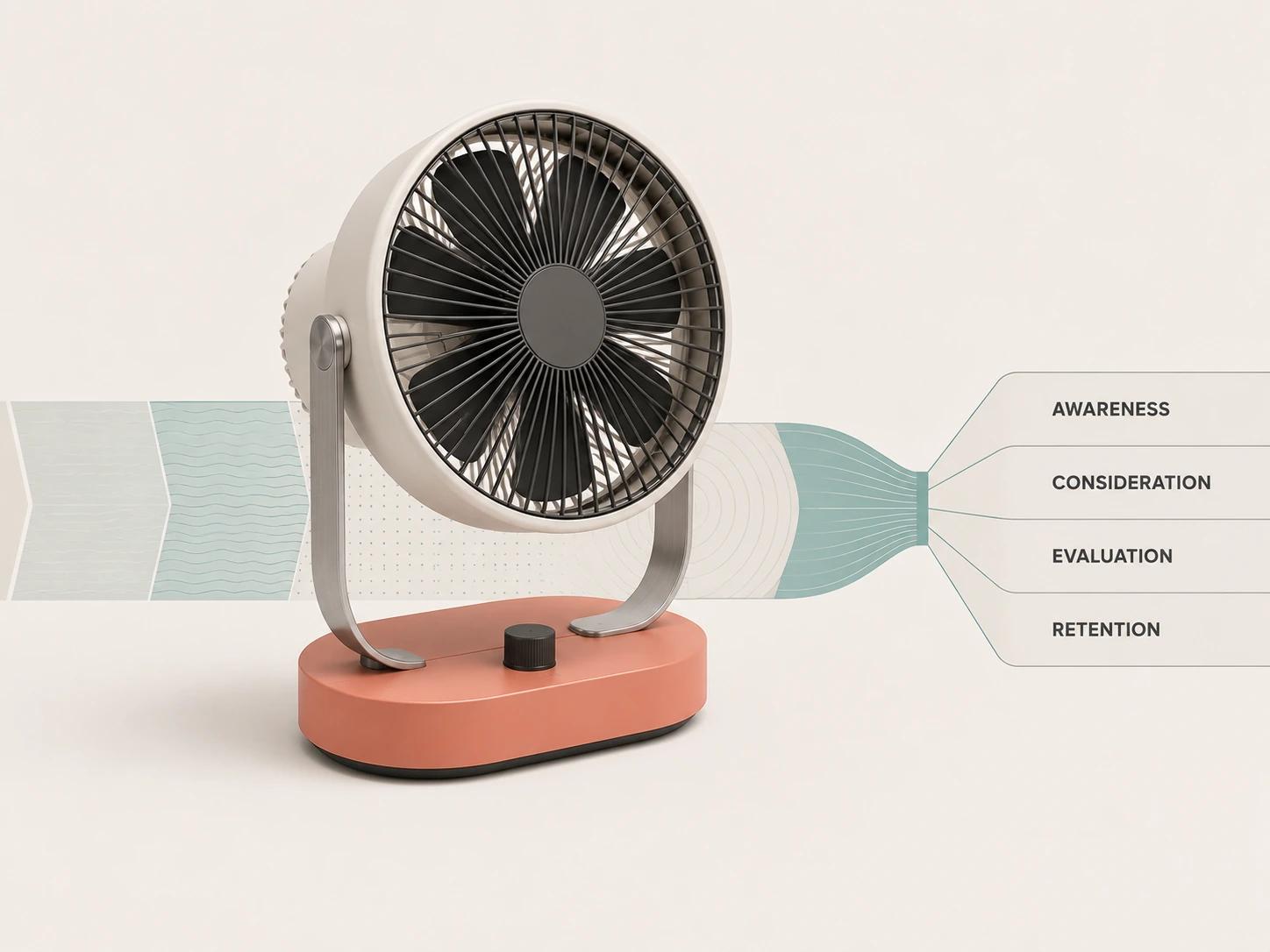
Use the six-format funnel map
The following map is an original Double Edged editorial framework. It is a scoping tool, not an industry standard. “Feature film” here means an evergreen, polished film built around a product feature, product family or design proposition, not a cinema-length production.
| Story format | Buyer question it should answer | Primary funnel job | Natural destinations | Minimum proof in the sequence |
|---|---|---|---|---|
| Feature film | Why is this product worth noticing or remembering? | Awareness and brand consideration | Campaign page, presentation opener, PR asset, event screen | One legible proposition supported by product-led shots rather than mood alone |
| Explainer | What does it do, and why does that matter? | Consideration | Landing page, sales follow-up, product education | A visible cause-and-effect chain between feature, operation and user-relevant outcome |
| Loop | What changes, moves or feels distinctive at a glance? | Consideration and page engagement | Homepage module, product page, email landing page | One motion idea that reads without a beginning-heavy setup or an audio dependency |
| Launch spot | What is new, and what should I do next? | Awareness and campaign activation | Launch page, paid placement, keynote, announcement post | A release-specific message, product reveal and destination-appropriate call to action |
| Technical sequence | How is it assembled, installed, operated or maintained? | Evaluation, onboarding and retention | Sales deck, support article, training module, trade-show explanation | Verified order, orientation, part identity, clearances and motion behavior |
| Social derivative | Can I grasp the idea inside a feed before I scroll? | Reach, retargeting or reminder | Vertical, square or landscape social placement | An immediate product-readable opening, crop-safe action and captions when audio carries meaning |
Feature films build a memorable product proposition
A feature film earns attention through composition, material behavior, camera rhythm and a controlled reveal. It works best when the product itself can carry the idea: a new form, a distinctive mechanism, a material story or a family of coordinated products. It fails when the shots could be reused for any object after swapping the logo.
Keep the proposition narrow. An evergreen feature film about modularity can survive beyond a launch date. If it also tries to explain assembly, list every finish and announce an offer, it loses the pace that made it a film. Put deeper proof in linked explainers or technical sequences.
Explainers connect motion to meaning
An explainer has a causal spine. A part moves, a path opens, a component locks, or a layer changes state; the viewer sees what happened and why it matters. The camera should serve that chain rather than circle the product while labels do all the work.
Start with the objection or confusion the sales team repeatedly encounters. Then show only the geometry and context needed to resolve it. If the animation needs constant narration to make the mechanism intelligible, the visual hierarchy may still be unfinished.
Loops hold one idea in a stable frame
A good loop makes the join unimportant. The product may rotate through a useful angle, move between two configurations, reveal one internal flow or let light travel across a surface. The action should remain understandable when the viewer enters at any frame.
Loops are poor containers for ordered instructions. If step three only makes sense after steps one and two, use a controlled sequence with playback controls. A loop also needs a deliberate resting frame so the page does not feel broken when motion is paused or reduced.
Launch spots are time-bound
A launch spot combines a reveal with a specific release message. It can borrow shots from an evergreen feature film, but the edit usually has a date, event, product name or campaign action attached. Preserve a clean, text-free master so the core footage can outlive the launch graphics and be localized without rebuilding the render.
A launch spot is not automatically the long master from which every channel version should be cut. If its first ten seconds depend on suspense, a short feed placement may need a different opening shot rather than a faster version of the same edit.
Technical sequences protect order and orientation
A technical sequence treats motion as information. Exploded views, cutaways and transparency can reveal concealed parts, but every abstraction needs rules. Name which housing disappears, which components move, whether spacing is literal or diagrammatic, and when the view returns to the assembled product.
Engineering reference still controls the claim. Animation can clarify the path of air or the order of an assembly; it does not certify flow rate, load capacity, tolerances or safety. Product and technical owners should approve the depicted state before marketing polish hides a mistake.
Social derivatives are authored edits
A social derivative is not simply “the master, but vertical.” Reframing can remove a moving part, crop a label or turn a wide cause-and-effect shot into an unexplained close-up. Plan a safe action area while storyboards are still cheap to change, and identify shots that can survive more than one crop.
Choose the visual language separately from the story format. The guide to technical, lifestyle and hybrid 3D product animation video handles that choice without turning this pillar into a second format page.
Separate the story format from the file format
A filename extension does not fully describe a video. MP4, MOV and WebM are containers that can hold encoded video, audio and metadata; the codec inside is a separate decision.[1] Asking for “a high-quality MOV” therefore leaves out the codec, frame size, frame rate, color handling, audio, alpha requirement and intended use.
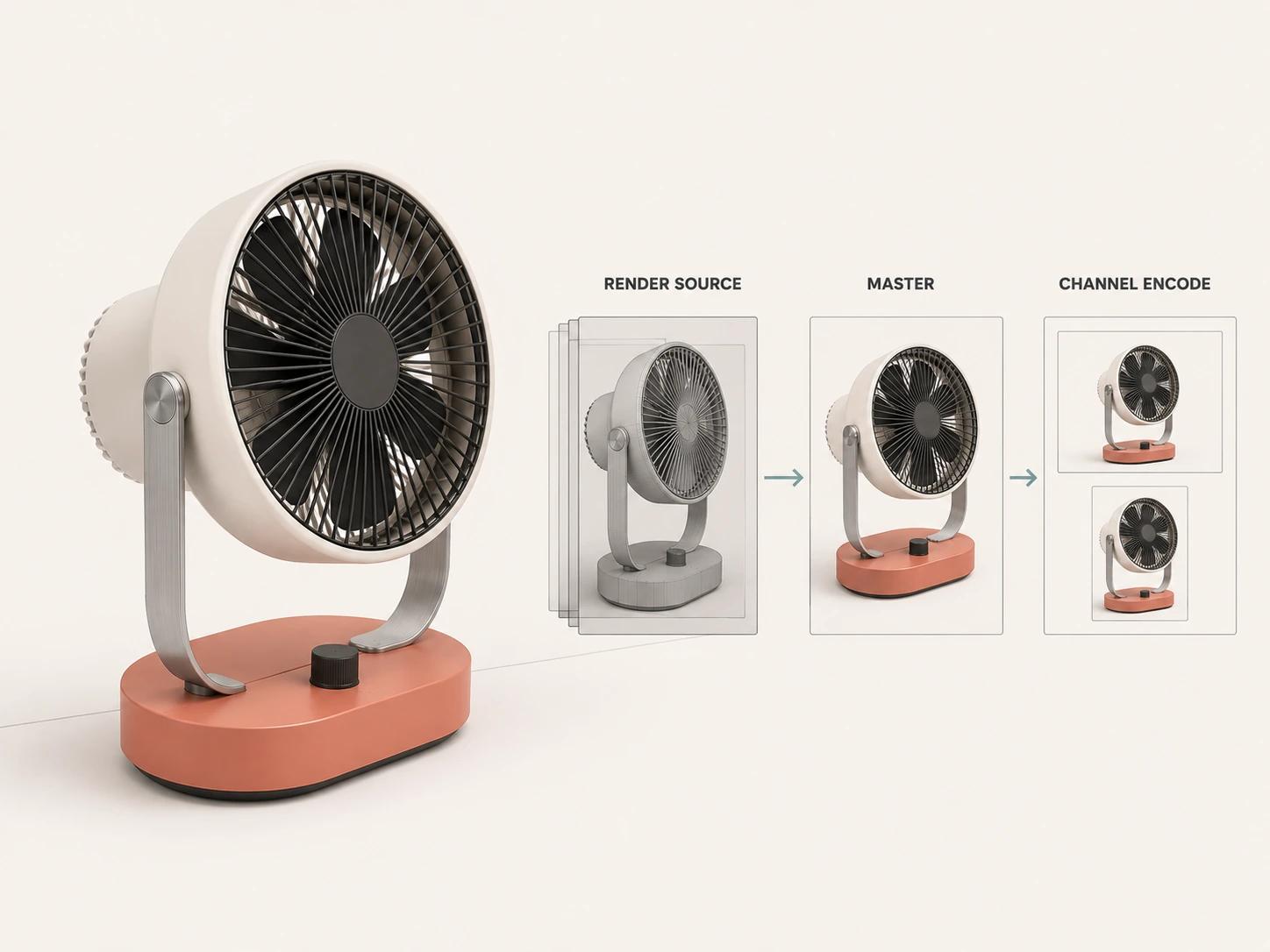
Use three delivery layers so review files do not become accidental masters:
| Layer | Purpose | Typical choice to evaluate | What the specification must name |
|---|---|---|---|
| Render source | Preserve frames for compositing, rerender recovery and high-quality finishing | OpenEXR image sequence when its HDR, color precision, channels or multipart support suit the pipeline | Resolution, frame rate, channels, bit depth, color space, compression, naming and frame handles |
| Editorial or interchange master | Preserve an approved moving-image master for editing, localization and derivative exports | An agreed mezzanine codec such as an appropriate Apple ProRes family member | Container, exact codec, raster, frame rate, scan, color, alpha, audio layout and clean/texted versions |
| Channel encode | Meet a website, commerce platform, ad system or player requirement | MP4/H.264, WebM or another destination-approved combination | Current destination spec, aspect ratio, bitrate method, file-size ceiling, captions, poster and playback behavior |
OpenEXR is designed for high-dynamic-range, high-precision image storage and supports floating-point pixels, several compression methods, multiple views, deep data and multipart files.[2] Those capabilities make it a production option, not a universal handoff rule. A simple animation may not need every channel or part, while a compositing-heavy sequence may depend on them.
Apple describes ProRes as a family built for high-quality post-production and notes that ProRes 4444 and 4444 XQ can carry alpha channels; other members trade data rate, color sampling and workflow purpose differently.[3] Specify the family member. “ProRes” alone is incomplete, just as “MOV” is incomplete.
Delivery should follow the destination's current documentation. YouTube currently recommends an MP4 container with H.264 video for uploads and says content should be encoded and uploaded at the same frame rate at which it was recorded.[4] That is a YouTube recommendation, not a master-file standard for every website, social network or post-production team.
Design the master around derivatives
Derivative planning begins before animation. Record the required orientations, maximum useful crop, smallest legible feature, text languages, audio states and destinations in the storyboard. A wide camera move that barely keeps a product in frame may have no viable vertical crop. A close-up designed for a phone may not hold enough detail on an event screen.
Build flexibility where it has a named use:
- Keep clean plates when titles, labels, legal lines or calls to action will change.
- Separate dialogue, music and effects when localization or silent playback is expected.
- Give editors handles around shots that will be re-timed.
- Protect critical moving parts inside every approved crop, not just the opening frame.
- Decide whether simulation caches and rigged source assets must be retained for later revisions.
- Version the approved master and every derivative against one shot list.
Do not promise that every shot can fit every ratio. Some information is inherently wide: an exploded assembly, a before-and-after comparison or a flow path across a long product. Author a replacement vertical shot when reframing would damage the explanation.
For question-to-evidence design, storyboard reasoning and purposeful motion, use How to Create a 3D Product Animation That Explains the Product. Client approvals, revision control and final delivery belong in 3D Animation Video Production: A Client's Stage-by-Stage Guide. This page stays focused on choosing and packaging the output.
Put motion in the right page context
On a product detail page, animation usually has to coexist with still images, specifications, controls and purchase information. The motion should answer a question those elements cannot answer as efficiently. A short configuration loop may clarify a folding action; an explainer may show a concealed mechanism; a technical sequence may be better placed lower on the page beside the relevant specification.
Implementation is part of the acceptance test. Shopify's current documentation says product pages need a theme that supports the video or 3D media being added.[5] An accepted upload does not prove the live template places it well, gives it usable controls or keeps adjacent content stable. Test the real page on representative phones and desktops.
For a self-hosted website loop, prefer a video implementation over treating a large animated GIF as the default. web.dev documents the container/codec distinction, shows multiple <source> files as a browser fallback and recommends video for animated content that would otherwise be delivered as a large GIF.[6] Measure the actual encodes and page rather than assuming one codec or bitrate wins for every shot.
Autoplay needs restraint. WCAG 2.2's Pause, Stop, Hide criterion requires a mechanism to pause, stop or hide moving content that starts automatically, lasts more than five seconds and appears alongside other content, unless the movement is essential.[7] Give a loop a useful paused state, avoid flashes, honor reduced-motion behavior in implementation and keep controls operable.
If audio carries information, captions belong in the delivery plan. WCAG 2.2 requires captions for prerecorded audio content in synchronized media, with a stated exception when the media is clearly labeled as an alternative to equivalent text.[8] Captions should include meaningful non-speech audio, not only dialogue. If the important information is visual, provide an appropriate text alternative or description rather than assuming captions solve it.
Write requirements that can be approved
“Make it cinematic” cannot be tested. A usable brief names the decision, evidence and approver for each part of the animation.
| Brief field | State this before production | Acceptance evidence |
|---|---|---|
| Audience and funnel job | Primary viewer, known question and next step | One-sentence decision statement approved by the content owner |
| Product truth | Controlling CAD, drawings, samples, finishes and claim sources | Assumption log plus product-owner sign-off on modeled and animated states |
| Story format | Feature film, explainer, loop, launch spot, technical sequence or social derivative | Storyboard shows why that format fits the buyer question |
| Motion rules | Axes, sequence, speed relationships, collisions, clearances and diagrammatic departures | Playblast compared with engineering or product reference |
| Camera and crop | Primary canvas, derivative canvases, safe regions and replacement shots | Crop overlays on the actual moving action |
| Materials and light | Approved finish references and what lighting may change | Neutral review frames plus graded review sequence |
| Text and audio | On-screen copy, localization, narration, music, effects and silent state | Clean master, texted master, stems and caption plan as required |
| Delivery | Source frames, interchange master, channel encodes, posters and filenames | Automated file inspection plus playback in each target destination |
| Accessibility | Controls, captions, visual alternatives, flashes and reduced-motion behavior | Page-level review, not only a media-file review |
| Approval | Product truth, narrative, technical output and release owner | Named decisions tied to immutable version IDs |
The specific look can then be chosen without confusing style with purpose. A technical sequence may use a polished lifestyle opening. A feature film may include one precise cutaway. The format describes the job of the edit; the visual language describes how the product appears while doing that job.
Review meaning before polish
Review rough motion early. A grey playblast can expose a reversed hinge, impossible collision or unreadable transition before lighting and simulation make the shot expensive to question. Use seven gates:
- Product gate: Geometry, finish assignments, labels, accessories and variants match the controlling evidence.
- Motion gate: Part order, axes, clearances and timing relationships are correct; any diagrammatic spacing is declared.
- Meaning gate: A viewer in the intended audience can state the point without being coached by the production team.
- Continuity gate: Product state, camera direction, lighting logic and component identity remain coherent between shots.
- Claim gate: Labels and narration stay within approved product evidence; visual effects do not imply unverified performance.
- File gate: Every master and derivative matches its named codec, dimensions, frame rate, color, audio, caption and filename specification.
- Destination gate: The final asset is tested in the real player, page or platform context, including crop, controls, paused state and adjacent content.
This is another Double Edged editorial framework, not a claim that every project needs seven formal meetings. One reviewer may own several gates. The decisions should remain distinct because a beautiful render can still depict the wrong product, and a correct master can still fail in its destination.
Scope the package before discussing cost
Price and schedule depend on the approved product assets, shot count, runtime, motion complexity, simulations, environments, resolution, review burden and number of genuinely authored derivatives. The 3D product animation cost guide owns those variables. Do not use a runtime-only quote as a substitute for a shot and delivery scope.
A sensible handoff package may include source frame sequences, one high-quality interchange master, a clean text-free master, the approved primary edit, named channel derivatives, caption files, audio stems, poster frames and a manifest tying them to the final approvals. It should include only what the team has a reason and right to retain.
For direct production support, the 3D product animation service covers scoping, product-led motion, finishing and delivery. Bring the product evidence, primary audience, buyer question and intended destinations; those four inputs make the first format decision far more useful than arriving with a duration alone.
Choose the format in one pass
Use this order for a first brief:
- Write the one product truth the animation must make observable.
- Name the audience, funnel job and next decision.
- Choose one primary story format from the six-format map.
- List the proof, product sources and approval owners needed to support it.
- Map the primary master and every necessary destination derivative.
- Test meaning, product truth, accessibility and channel behavior before release.
The strongest 3D product animation is not the longest or the most cinematic. It is the one whose motion, evidence and delivery format all serve the same buyer decision.
Bring the decision map to a production conversation
Share the product evidence, the format you are considering, the question it must answer and the destinations that need a derivative. That is enough to identify the missing proof and turn a vague request for “a 3D animation” into a reviewable scope.