There is no honest universal answer to "What does a 3D product render cost?" until the work has boundaries. A studio needs to know what product evidence exists, what must be built or repaired, which finishes matter, how many genuinely different images and variants are required, who approves them, and what files and rights must be handed over.
That does not make cost unknowable. It means the useful answer is a scope model rather than a borrowed price band. This guide shows the inputs to make visible, three example scope structures to compare, and a worksheet you can copy into a brief. It contains no vendor average, invented internal range or implied quote.
The short answer: price the work units, not the word "render"
A final image is the last visible artifact of several kinds of work. The same image count could describe a product that arrives as approved render-ready geometry or one reconstructed from conflicting drawings and photographs. It could describe repeated cameras across colorways or separately art-directed compositions. It could end with flattened web files or include layered masters, passes and a reusable 3D source package.
For a useful estimate, define these eight cost drivers:
- Source readiness
- Product and geometry complexity
- Material and finish evidence
- Variant structure
- Shot and scene requirements
- Output and finishing requirements
- Review and change control
- Delivery, reuse and rights
The estimate can then state which inputs are confirmed, which are assumptions, and which changes would trigger a revised scope. For the full production sequence behind those work units, read 3D Product Rendering: Process, Inputs and Deliverables. This page owns the cost-scoping decision rather than repeating that workflow.
Cost is the result of scope
A weak request asks for a rate per image. A stronger request identifies the product revision, source files, finish list, shot matrix, variant logic, review owners and delivery package. The second request lets two estimators price the same thing.
Use this working equation as a briefing aid, not as a pricing formula:
Project scope = source preparation + product build + material work + shot and scene work + variants + review work + output preparation + agreed handoff
Each term needs a unit. "Material work" might mean applying an already approved library finish, authoring a finish from a physical sample, or resolving an appearance that has no authoritative reference. "Variants" might mean a color swap, new label art, changed geometry or a different open/closed product state. The words look compact; the production implications are not.
A quote should also separate assumptions from exclusions. If the estimator assumes that supplied CAD is current and complete, write that down. If animation, a real-time model, packaging artwork cleanup or a source scene is excluded, say so before approval.
Eight drivers that change a rendering estimate
The table below is an original buyer-side framework. It does not prescribe how a studio must price the work. Its job is to turn an ambiguous request into observable inputs.
| Driver | Input to record | What changes the scope | Evidence to attach |
|---|---|---|---|
| Source readiness | Available CAD, mesh, drawings, photos, sample and revision status | Translation, cleanup, reconstruction, measurement and conflict resolution | Source index with an authority note |
| Product complexity | Visible parts, mechanisms, soft forms, internal detail and required close-ups | New geometry, topology repair, articulation and hidden detail that becomes visible | Approved views, dimensions and exploded references |
| Materials | Finish zones, samples, codes, graphics and tolerance for interpretation | Material authoring, texture work, matching, decals and controlled review | Finish schedule, swatches and current artwork |
| Variants | Material, artwork, geometry and state changes | New combinations, remapping, changed parts and per-variant approval | Variant matrix tied to SKU or revision |
| Shots and scenes | Camera list, background, props, environment and crop family | New compositions, custom scenes, styling and channel-specific cameras | Shot matrix with intended use |
| Outputs | Dimensions, aspect ratios, transparency, print, layers and passes | Extra exports, final-resolution rendering, compositing and technical packaging | Delivery matrix and receiving requirements |
| Review | Decision gates, approvers, review format and change rules | Additional explorations, reopened approvals and conflicting feedback | Named owners and change record |
| Handoff and rights | Finals, source scene, reusable model, dependencies, usage and archive | Packaging editable assets, licensing dependencies and future-target preparation | Deliverable and rights schedule |
1. Source readiness
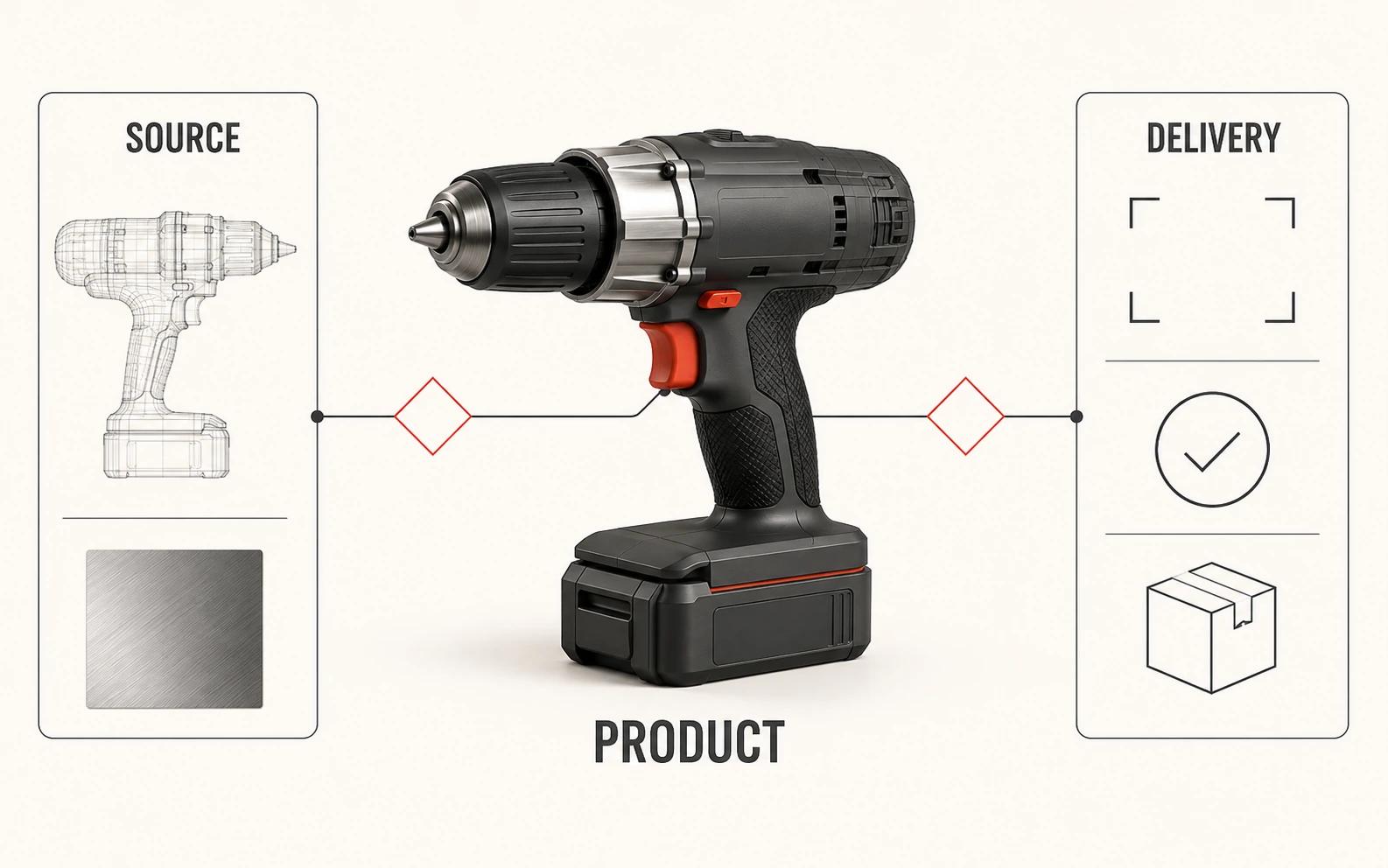
Do not classify a file as "CAD supplied" and stop there. Record its native format, units, revision, part structure, visible completeness and authority. A manufacturing assembly may contain accurate dimensions but omit appearance details. A polygon mesh may look finished in one view yet have topology, normals or surface breaks that fail under a close camera.
CAD conversion itself contains choices. Autodesk's current DWG/DXF import documentation exposes incoming-unit handling, object-derivation methods, UV-coordinate generation and surface-deviation controls. For 3D solids, smaller maximum surface-deviation values create a more accurate mesh with more faces.[1] That does not prove one setting is right for every product. It proves that "use the CAD" is not a complete scope instruction.
Give each source a status: approved, usable with a named assumption, or blocked. If sources conflict, state which owner decides. The estimator can then isolate reconstruction and cleanup instead of hiding uncertainty inside a blanket contingency.
2. Product and geometry complexity
Count the visible problems the images must solve. A smooth housing, stitched soft component, perforated grille, transparent reservoir and articulated hinge ask for different construction and review. Complexity also depends on the cameras. A detail hidden in a frontal product-page view may need accurate internal geometry for an exploded or transparent shot.
Record which parts move, separate, deform or appear through another surface. Mark the closest intended crop. List intentional simplifications and hidden components that are outside scope. This produces a reviewable geometry requirement instead of an adjective such as "high detail."
3. Material and finish evidence
Count finish zones and classify the evidence for each. An approved digital material already used in the same pipeline is different from a supplier name, a phone photograph or a sample that must be interpreted under controlled light. Graphics deserve their own line: label variants, print effects, embossing and placement changes can alter both material setup and review.
The realism question belongs here only when it changes the acceptance test. Photorealistic 3D Product Rendering: What Actually Creates Realism? covers the craft in depth. In a cost brief, name the visible material behavior, the evidence that controls it and the camera distance at which it must hold up.
4. Variants are not all equal
Use five variant classes in the worksheet:
- Finish: the geometry and graphics stay fixed while an approved material or color changes.
- Artwork: labels, printed patterns or legal copy change on otherwise stable parts.
- Geometry: a component, dimension, feature or accessory changes.
- State: the same product opens, folds, extends, fills, illuminates or disassembles.
- Scene: the product stays fixed while the environment, styling or supporting objects change.
Then count valid combinations, not every theoretical permutation. Identify a base version, list what each variant inherits, and mark exceptions. This makes reuse visible without pretending a geometry revision is a quick color swap.
5. Shot and scene requirements
A shot matrix should name each camera and its purpose. Separate repeated exports from new compositions. A front, side and three-quarter diagnostic set is different from three campaign images with distinct staging, lighting and retouching. A transparent cutout is different from a product placed in a built environment.
Record background treatment, props, crop families, copy space, camera consistency and whether each scene already exists. For e-commerce planning, use 3D Product Renders for E-commerce: PDPs, Ads and Marketplaces to define the destination-specific image system, then bring the resulting matrix back to this cost worksheet.
6. Output and finishing requirements
Write the final package before estimating. Pixel dimensions and aspect ratio affect output, but they are only part of it. State whether the work ends at flattened images or includes transparency, layered retouching files, masks, render passes, print-intended versions or archived source data.
Rendering quality also has an operational tradeoff. Blender's Cycles manual says a higher final-render sample count produces a cleaner image at the cost of longer render time, while adaptive sampling can stop refining pixels that have already crossed a noise threshold.[2] Do not turn that fact into a universal sample count. Ask for an acceptance test at the actual delivery crop.
Render passes are separate intermediate images such as diffuse color, light distribution, depth and normals that can be recombined in compositing.[3] OpenEXR is designed for high-dynamic-range scene-linear data and supports multi-part, multi-channel use cases with metadata.[4] If the receiving team needs those capabilities, name the channels, color pipeline and application that must open the package. "EXR included" is not enough.
7. Review and change control
The estimate needs a decision path. Name one product-accuracy approver, one visual-direction approver and one person who consolidates feedback. State which evidence closes geometry, material, camera and final-file decisions.
Distinguish a correction from a direction change. A correction brings an output back to an approved source. A direction change reopens an approved choice. A scope addition introduces a new product state, view, variant, environment or deliverable. The contract decides commercial treatment; the brief should at least make the event visible.
Avoid an undefined revision count. Specify review stages, what each stage decides, the review-file format and what happens when the source product revision changes after approval.
8. Delivery, reuse and rights
Final JPEG or WebP files, layered masters, render passes, a native scene and a reusable model are different deliverables. List the software/version constraints, external dependencies, texture sources, fonts, stock elements, plug-ins, licenses, archive responsibility and permitted future uses that matter to the handoff.
If a web viewer, AR asset or configurator-ready model is required, scope it as another publishing target. Khronos' current 3D Commerce guidelines treat geometry, UVs, materials, textures, publishing targets and optimization as connected real-time concerns; they also describe the tension between accurate geometry and small, performant delivery assets.[5] A still-render source may help, but an untouched still-production scene is not automatically a tested real-time deliverable.
Separate first-build work from reusable work
A first product may contain discovery that later products can reuse: a camera family, background scene, lighting rig, material library, naming convention or output preset. Keep those elements separate from product-specific geometry, unique finishes, variant exceptions and one-off art direction.
| Scope element | Reuse candidate | Condition that must be true | Do not assume |
|---|---|---|---|
| Product source | Approved editable geometry and material setup | Revision, rights and ownership are recorded | A flattened image can recreate the source |
| Image system | Cameras, lighting and background rules | Later products fit the intended composition and scale | Every product works in one camera |
| Finish library | Validated material definitions and source textures | The physical finish and review setup are comparable | A finish name proves visual parity |
| Output preset | Crop, profile, naming and export rules | The destination requirements remain unchanged | One export satisfies every channel |
| Review method | Owners, gates and file IDs | The same decision owners and evidence remain available | Old approval covers a changed product |
Reuse is a scope hypothesis until those conditions are checked. Record what the next product can inherit and what still requires approval. Do not convert the hypothesis into a savings figure without actual comparable project records.
Enter your own catalog, production and reuse assumptions. Treat the result as a model to review, not a promised price, saving or commercial outcome.
Three example scopes without invented prices
These examples are structures, not packages, tiers or estimates. Replace every bracketed field with your inputs and ask the estimator to show assumptions and exclusions against the same structure.
| Scope structure | Source and product | Image system | Variants and review | Delivery and exclusions |
|---|---|---|---|---|
| Controlled product set | One named product revision; source status and visible-detail limit recorded | Buyer enters the required camera list, background and crop family | Buyer enters finish/artwork states; geometry and material approvals are separate | Named flattened finals; animation, real-time assets, source scene and unlisted crops excluded unless added |
| Expanded commerce image system | Product list and shared/unique parts mapped; source conflicts assigned | Product-page, detail and campaign compositions listed separately | Valid combinations and per-product exceptions recorded; full contact-sheet review included | Channel exports and agreed masters listed; new environments, props and later SKUs treated as additions |
| Reusable source and handoff | Editable source requirements, naming and revision ownership defined | Initial still set plus future camera or scene reuse assumptions documented | Base product, inherited materials and geometry exceptions mapped | Native scene, textures, dependencies, rights and archive test stated; real-time preparation remains separate unless specified |
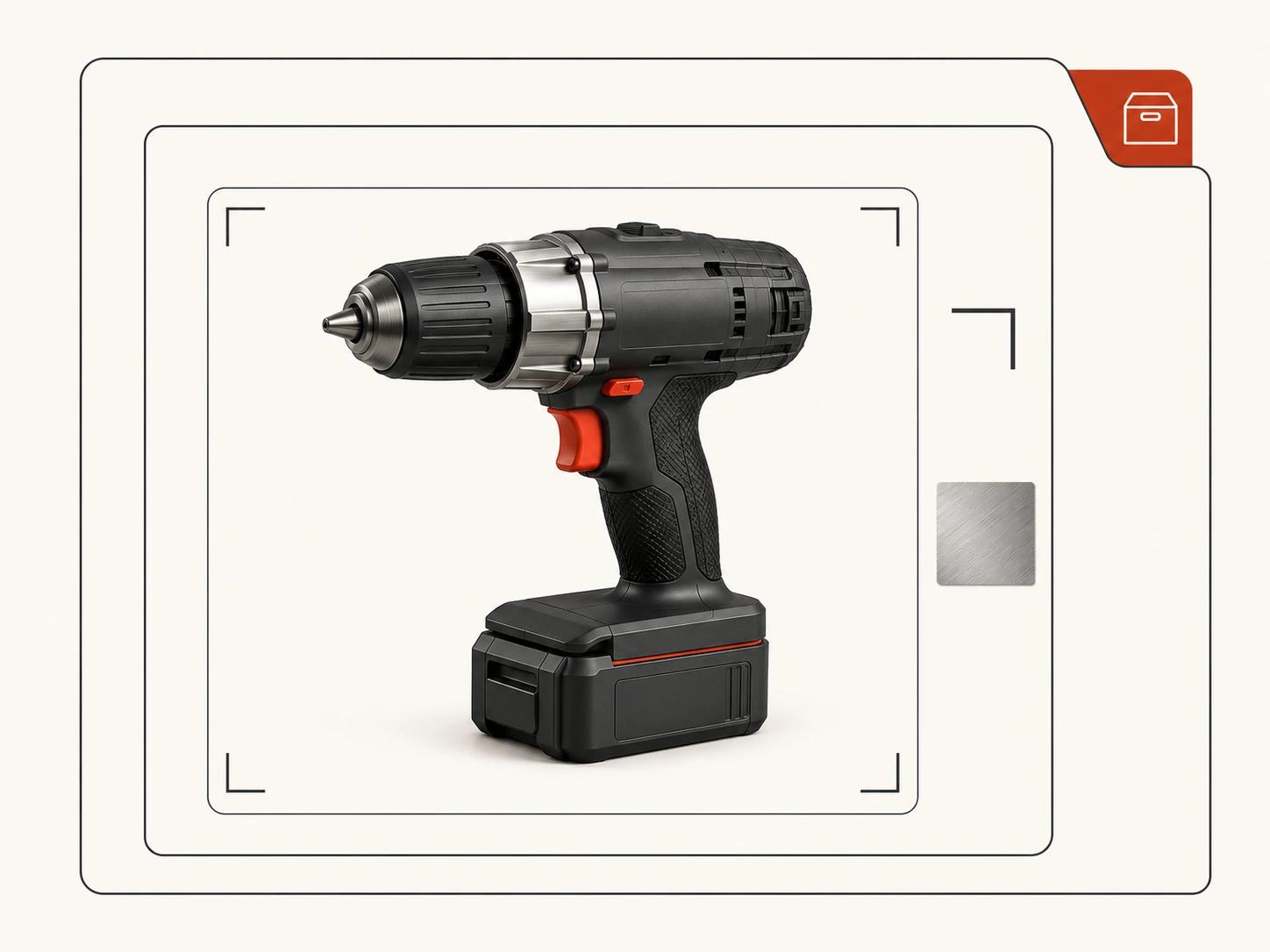
The controlled set is useful when the product truth is stable and the buyer needs a bounded image family. The expanded system fits a catalog or campaign where shared rules and exceptions must both be visible. The reusable-source structure adds governance and editable handoff, but it does not promise that every future asset will be cheaper. Each example becomes estimable only after the buyer supplies quantities and acceptance criteria.
Copy this editable scope and cost-driver worksheet
Copy the table into your brief, project document or spreadsheet and replace the prompts in the final column. The article itself is the editable framework; there is no binary download and no hidden price data.
| Section | Field | What to record | Your input |
|---|---|---|---|
| Project | Purpose | What each image must help its audience see or decide | [Enter] |
| Project | Product boundary | Product IDs, revision, included components and launch priority | [Enter] |
| Sources | Geometry | File types, units, revision, completeness, rights and authority | [Enter] |
| Sources | Other evidence | Drawings, photos, samples, finish schedule and current artwork | [Enter] |
| Sources | Conflicts | Contradictions, provisional facts, decision owner and deadline | [Enter] |
| Geometry | Visible complexity | Close-ups, mechanisms, soft forms, transparent parts and internals | [Enter] |
| Materials | Finish zones | Evidence, texture scale, direction, graphics and approval method | [Enter] |
| Variants | Change matrix | Finish, artwork, geometry, state and scene changes; valid combinations | [Enter] |
| Shots | Camera matrix | Stable shot ID, purpose, crop, background, scene and reuse rule | [Enter] |
| Outputs | Final files | Format, dimensions, aspect ratio, profile, transparency and naming | [Enter] |
| Outputs | Editable files | Layers, masks, passes, EXR channels, scene or model requirements | [Enter] |
| Review | Gates | What is approved at geometry, material, camera/set and final stages | [Enter] |
| Review | Owners | Product approver, visual approver and consolidated feedback owner | [Enter] |
| Change | Triggers | New revision, source conflict, new view, variant, scene or deliverable | [Enter] |
| Handoff | Rights | Usage, editing, source ownership, dependencies and third-party limits | [Enter] |
| Handoff | Archive | Included files, software/version, opening test and retention owner | [Enter] |
| Assumptions | Estimate basis | Every fact the estimator has treated as true but not yet verified | [Enter] |
| Exclusions | Outside scope | Work that requires a separate decision or estimate | [Enter] |
Add two columns when comparing responses: "Estimator interpretation" and "Difference from brief." Do not ask each vendor to silently fill gaps in a different way, then compare totals as if the scope were equal.
Make estimate comparisons possible
Normalize the work before judging the total. Check that every estimate refers to the same product revision, source condition, shot matrix, variant combinations, output package and rights. Then reconcile these questions:
- Is source cleanup visible as a line or assumption?
- Are new compositions separated from repeated exports?
- Are finish, artwork, geometry and state variants distinguished?
- Does the review plan name stages and decision owners?
- Are corrections, direction changes and additions identifiable?
- Are layered files, passes, source scenes and reusable models explicit?
- Are dependencies, licenses, archive terms and exclusions written down?
A lower total can reflect a narrower handoff, fewer decision rounds, a stronger assumption about supplied CAD or the exclusion of product-specific work. A higher total can reflect work the other estimate left unnamed. This checklist does not tell you which response is right. It shows where to ask a precise question.
Do not use a cost guide to manufacture certainty. If the product evidence is incomplete, commission a bounded source audit or discovery step and define its output: a source inventory, conflict log, representative conversion test and revised scope. The result should reduce unknowns, not promise a final price before the product can be inspected.
Prepare the estimate request
Send one representative product, its current source index, the finish and variant matrix, the intended shot list, delivery requirements and named approvers. Mark unknowns rather than smoothing them over. Ask the estimator to return the completed assumptions and exclusions with the scope.
When that record is ready for a production conversation, the 3D product rendering service page is the commercial destination. Keep direct hiring questions there; keep this worksheet as the shared evidence behind the request.