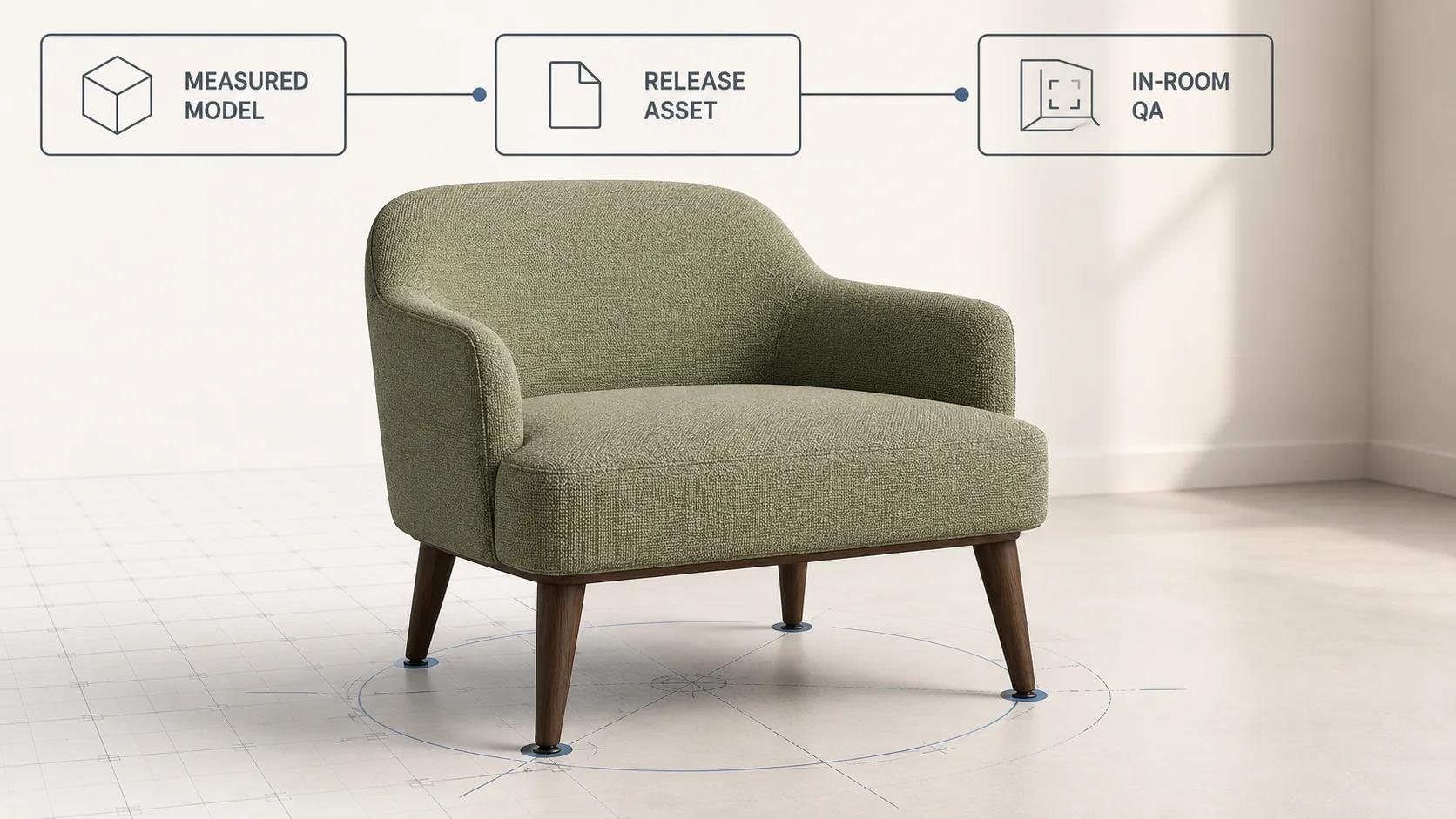
Augmented reality for furniture is ready for release only when the exact product identity and dimensions survive the trip from the source model to the shopper's room. A chair that opens on a phone can still be the wrong width, float above the floor, pivot around an awkward point, lose its fabric response or become slow enough that the placement never starts. The launch decision needs evidence for each of those risks.
The practical sequence is: approve a measured product specification, create one controlled release asset, inspect its structure, compare its dimensions and material zones, then test each mobile destination with named devices and a fixed network profile. Keep the first placement at true scale during acceptance. Letting a shopper resize later is an interaction choice, not a repair for a bad export.
This guide follows the furniture-specific path from model to in-room view. The interactive 3D product experience guide covers general viewer controls, loading, fallback and analytics. The AR product visualization launch guide covers wider strategy and content readiness. Vehicle configurations, parts and dealer workflows remain in the separate automotive AR guide.
Begin with a measured furniture record
The source of truth should be a product record, not a viewport screenshot. Give every release candidate a product ID, variant ID, source-model revision and measurement date. Record overall width, depth and height, seat height, floor-contact points, front direction, clearance for moving parts and the materials a reviewer must recognize. If a configurable sofa changes width or orientation, each valid configuration needs its own dimensions and asset-state mapping.
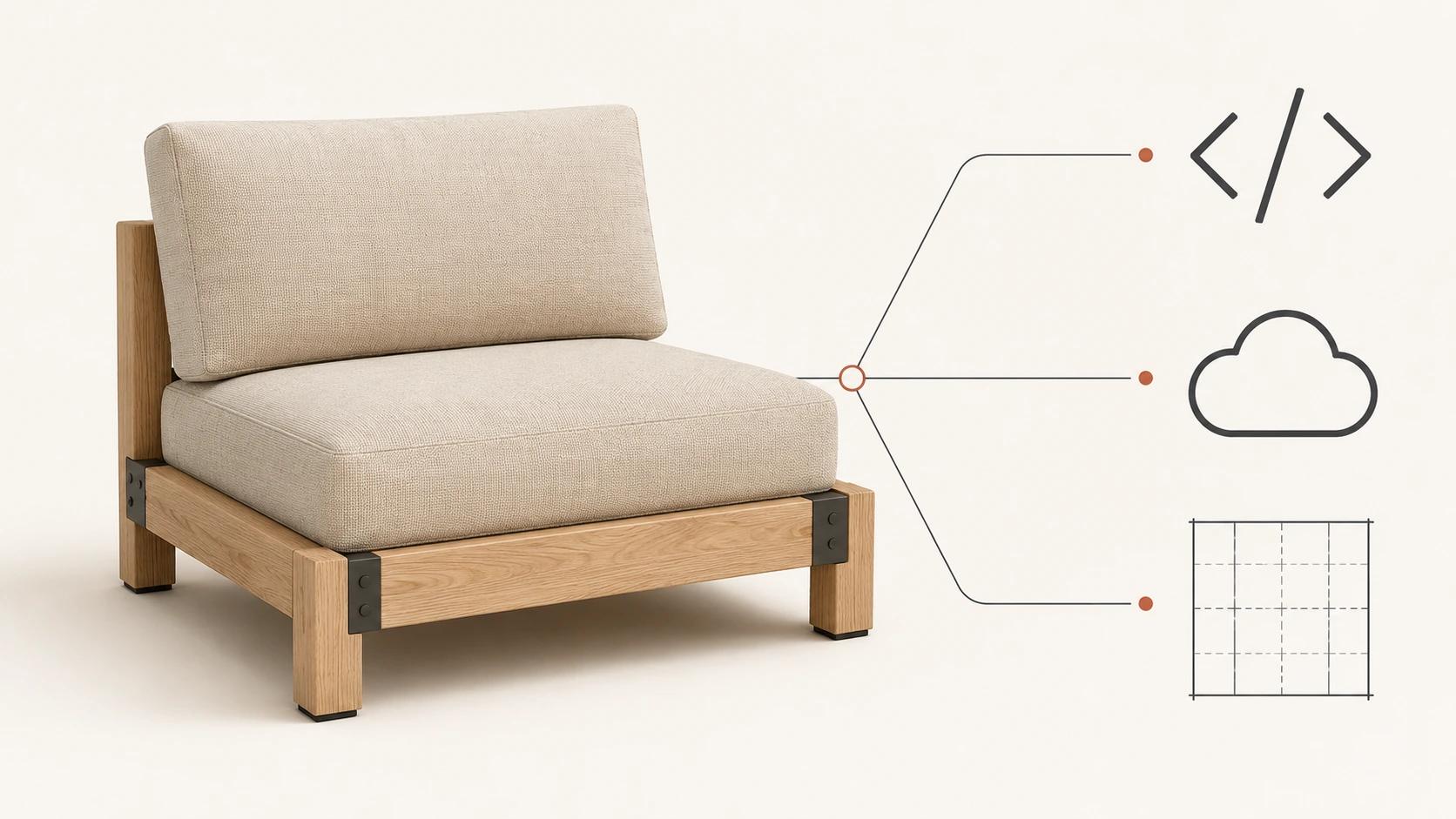
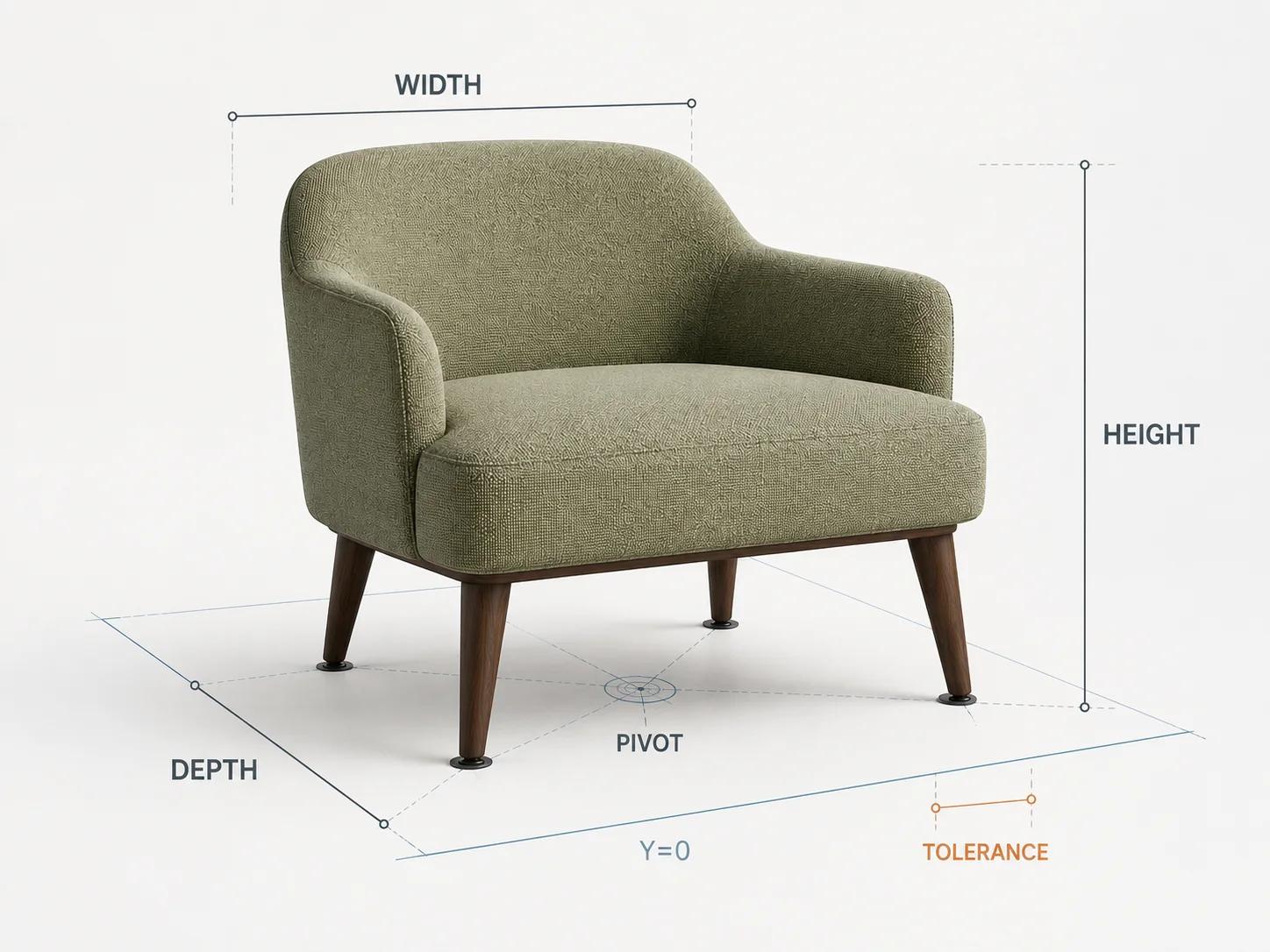
For the worked method in this article, the illustrative product is one brand-neutral low lounge chair: 0.78 m wide, 0.84 m deep and 0.76 m high, with a 0.42 m seat height. It has a broad rounded back that curves into short arms, a thick muted sage woven seat and four exposed tapered dark-walnut legs with small black floor glides. These dimensions and files are examples for the test method, not measurements of a real product or a claim about a completed project.
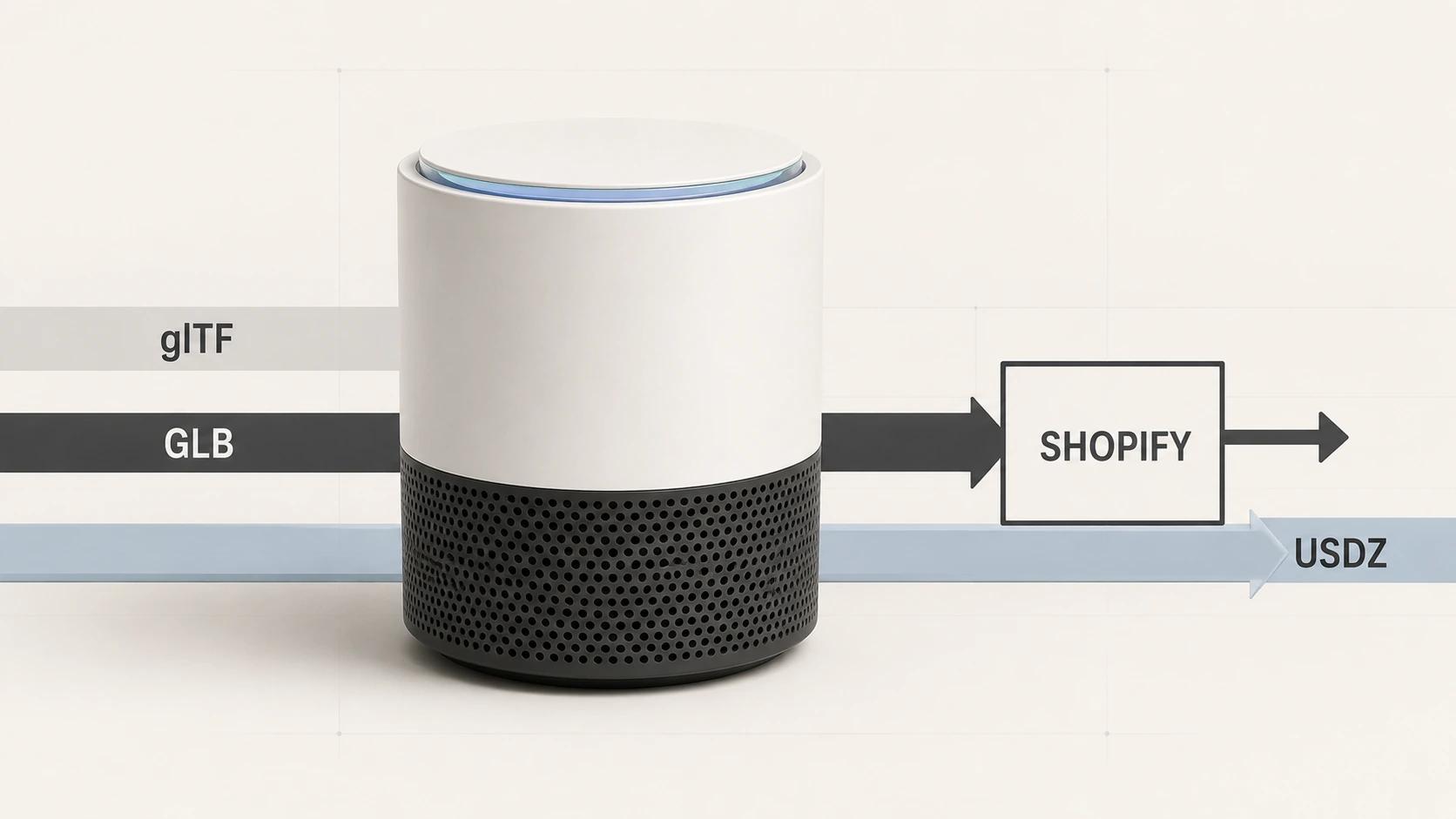
The notional release pair is lounge-chair-r17.glb for the web and Android route and lounge-chair-r17.usdz for Apple Quick Look. A real run must replace those names with the exact production filenames, record a checksum for each file and attach the approved dimension sheet. This article reports no executed asset or device test.
Do not approve a family from one friendly sample. Choose a boundary set: the widest configuration, the deepest configuration, the lightest fabric, the darkest material, the thinnest visible leg and any state with moving geometry. The checklist can stay the same, but each boundary asset gets its own row, checksum and result.
Fix the test profile before reviewing the model
A pass has meaning only inside a stated test profile. The starter profile here uses current stable desktop Chrome on Windows 11 for browser inspection, a physical Google Pixel 8 with current stable Chrome and current Google Play Services for AR for the Android route, and a physical iPhone 15 with current stable Safari for Quick Look. Record the exact hardware identifier, operating-system build, browser version and AR-service version at execution time. “Latest phone” is not an evidence field.
Use a cold cache and a shaped mobile connection of 10 Mbps down, 1 Mbps up and 100 ms round-trip latency for launch timing. Run five cold starts per destination. Local structural and dimension checks do not use that network profile; their evidence comes from the exact file, validator output and measurement comparison. The starter mobile gate is a median of five seconds or less from deliberate AR activation to a placeable chair, with all five launches completing and no individual run exceeding eight seconds.
Those timing numbers, the 1% dimension tolerance and the other thresholds below are Double Edged editorial starting gates for this chair profile. They are not platform limits, measured outcomes or promises of field performance. Set project thresholds before running the test, and change them through the brief rather than after a failure.
Lock dimensions, orientation, pivot and floor contact
The glTF 2.0 specification uses a right-handed coordinate system, defines +Y as up and +Z as forward, and uses metres for linear distances.[2] Compare the transformed release bounds, not only the dimensions displayed in the authoring tool. Hidden parent scale, unapplied unit conversion or a rotated root can make the mesh look normal in one viewer while producing the wrong in-room size.
For lounge-chair-r17.glb, the starter dimension gate is the greater of 1% or 10 mm on width, depth and height when compared with the approved product record. The seat height uses a tighter 8 mm limit because it is a useful human-scale reference. Record both values and the difference; a checkbox hides too much.
Place the four floor glides on a common base plane at Y=0. The starter floor-contact gate allows no glide to sit more than 5 mm above or below that plane. Put the root pivot at the centre of the floor footprint unless the interaction design names another point. Then rotate the chair through 90°, 180° and 270° in the test viewer. Its floor-footprint centre should drift no more than 20 mm from the placement anchor. This catches the common case where a chair swings in a wide circle because its pivot was left near the modelling origin.
A camera target and an export pivot solve different problems. The camera target controls the web inspection view. The asset root controls placement and rotation. Keep both in the release record so a later camera adjustment cannot silently move the product's physical anchor.
Treat material response as a destination test
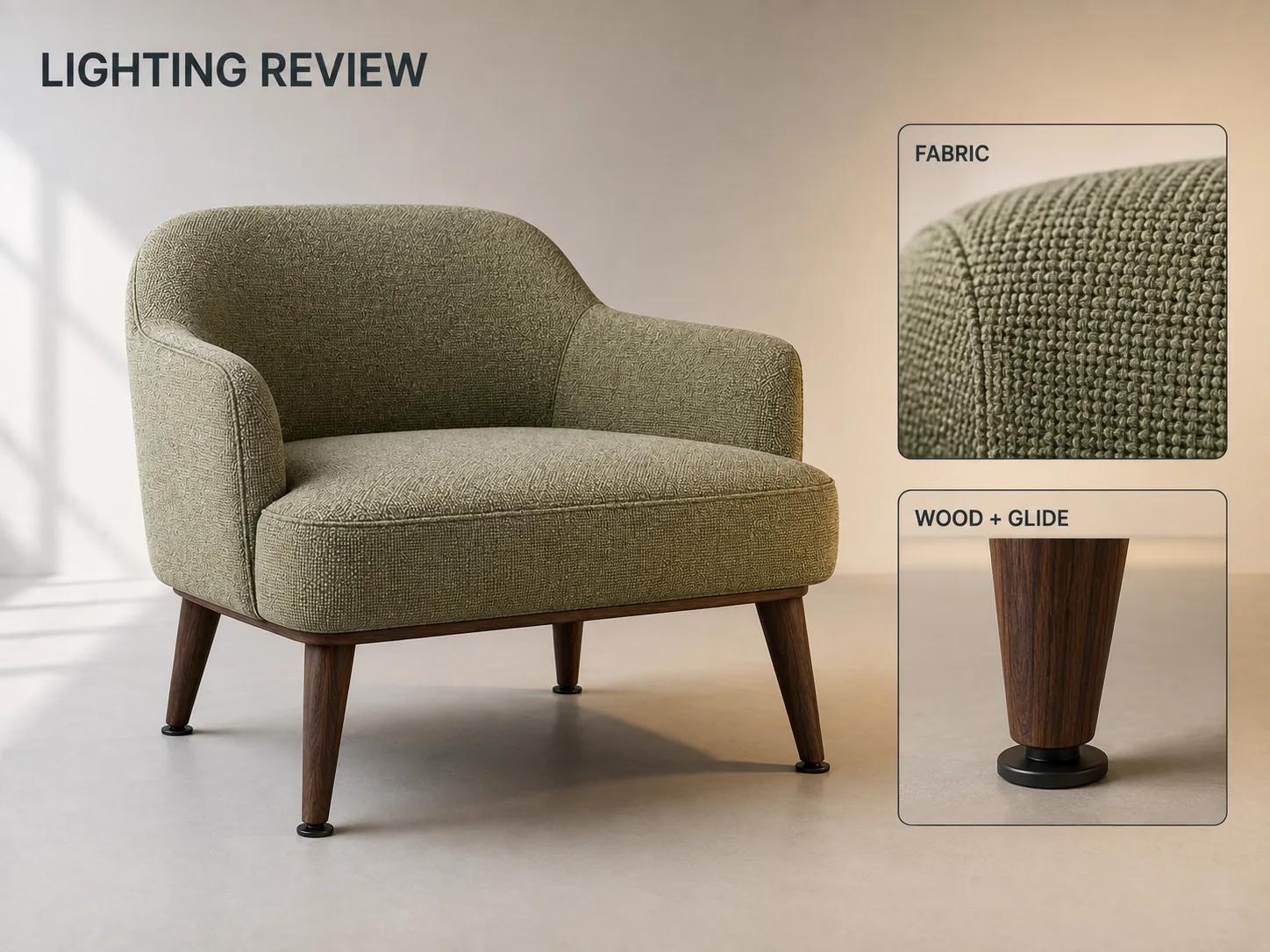
The glTF material model is based on physically based rendering and uses metallic-roughness parameters, including base colour, metalness and roughness.[2] That gives runtimes a common description, but it does not make two lighting systems produce identical pixels. Furniture review should identify the product cues that must survive rather than demand a vague “photoreal” result.
For the lounge chair, the named zones are sage woven fabric, dark-walnut legs, black floor glides, the seam around the seat cushion and the shadow gap below the back. Review all five zones in the controlled browser view, Android placement and Quick Look. The starter gate is 5 of 5 zones present with the correct material assignment, no missing texture, no unintended transparency and no obvious UV seam across the front-facing fabric. Record runtime differences separately from asset defects.
Google's current Scene Viewer guidance lists PBR materials, a maximum texture resolution of 2048 × 2048, ten recommended materials, a 10 MB model-size guideline and 30,000 to 50,000 triangles as an ideal range, with 100,000 as the recommended triangle limit.[1] For this compact chair, use a stricter starter budget of 8 MB, 50,000 triangles, eight materials and no texture above 2048 × 2048. These are release-profile limits for the tested GLB, not rules for every furniture asset or for USDZ.
The same Scene Viewer page says hard shadows are rendered automatically and recommends against baking shadows into the model.[1] Keep studio-floor shadows out of the furniture textures. Test the chair in one bright room with indirect daylight and one dimmer room with warm artificial light. Pass when all five named zones remain identifiable, no zone clips to featureless black or white, and the model has no baked shadow that travels with it. Do not use this review to claim colour accuracy under arbitrary room lighting.
Use a furniture AR acceptance checklist
The matrix below is an original Double Edged acceptance framework. It defines a planned test, not a report of results. Every pass belongs to the named file, runtime, device, network and threshold in its row. Blank version or checksum fields mean the test has not started.
| Gate | Exact artifact | Runtime, device and network | Starter acceptance threshold | Evidence to retain |
|---|---|---|---|---|
| 1. Identity and dimensions | lounge-chair-r17.glb, lounge-chair-r17.usdz, product record and both checksums | Offline product-record review; no network | Product and variant IDs agree; width, depth and height differ by no more than the greater of 1% or 10 mm; seat height differs by no more than 8 mm | Approved dimension sheet, calculated differences, filenames and checksums |
| 2. GLB structure | Exact lounge-chair-r17.glb | Khronos glTF Validator in the recorded desktop Chrome version; local file, no network required after load | Zero validator errors; every warning has a written disposition; all buffers and images required by the release are embedded | Full validator output and dependency inventory |
| 3. Android asset budget | Exact lounge-chair-r17.glb | File inspection plus Pixel 8 Scene Viewer route; shaped 10/1 Mbps, 100 ms RTT for launch | At or below 8 MB, 50,000 triangles, eight materials and 2048 × 2048 per texture; all declared extensions supported by the tested route | Asset statistics, extension list and network log |
| 4. Pivot and floor contact | Exact GLB and converted USDZ | Recorded desktop browser, Pixel 8 Android AR and iPhone 15 Quick Look; network excluded from geometry measurements | Four glides within 5 mm of Y=0; floor-footprint centre drifts no more than 20 mm through four quarter-turns; no visible floating or floor penetration after placement | Axis view, four rotation captures and measured base-plane offsets |
| 5. Materials and UVs | Exact GLB and USDZ | Controlled browser view, Pixel 8 AR and iPhone 15 Quick Look; normal room network after assets load | All five named zones present and assigned correctly; no missing texture, unintended transparency or front-facing fabric UV seam | One approved reference view and matching captures from every runtime |
| 6. Room lighting | Exact GLB and USDZ | Both physical phones in the named bright-indirect and dim-warm rooms; no throttling | Five of five zones remain identifiable; no featureless clipping; no baked shadow moves with the chair | Room description, exposure conditions and paired captures |
| 7. Android launch and scale | Exact product-page URL and GLB on Pixel 8 | Recorded Chrome, Google app and Play Services for AR versions; five cold starts at 10/1 Mbps and 100 ms RTT | Five of five launches complete; median activation-to-placeable at or below 5 s; no run above 8 s; first placement within the dimension tolerance before any resize | Raw timings, launch outcome, first-placement measurement and fallback result |
| 8. Apple Quick Look | Exact product-page URL and lounge-chair-r17.usdz on iPhone 15 | Recorded Safari and iOS versions; five cold starts at the same shaped network | Five of five launches complete; median at or below 5 s; no run above 8 s; first placement, materials and floor contact meet their named gates before gestures | Raw timings, Quick Look captures, scale check and any runtime exception |
| 9. Page and fallback | Exact release page, poster, GLB and USDZ URLs | Desktop Chrome, Pixel 8 Chrome and iPhone 15 Safari at the shaped network, plus one blocked-model request per browser | Poster and product facts remain usable; the AR action names the experience; a failed or unsupported route reaches a useful 3D, image or error fallback without blocking buying controls | Request log, keyboard script, unsupported-device route and failure-state capture |
Khronos's hosted glTF Validator accepts glTF or GLB, performs validation locally in the browser and says submitted assets are not uploaded.[5] Its result closes the structural row only. It cannot approve chair dimensions, material identity, floor contact or mobile delivery.
Test browser, Android AR and Quick Look separately
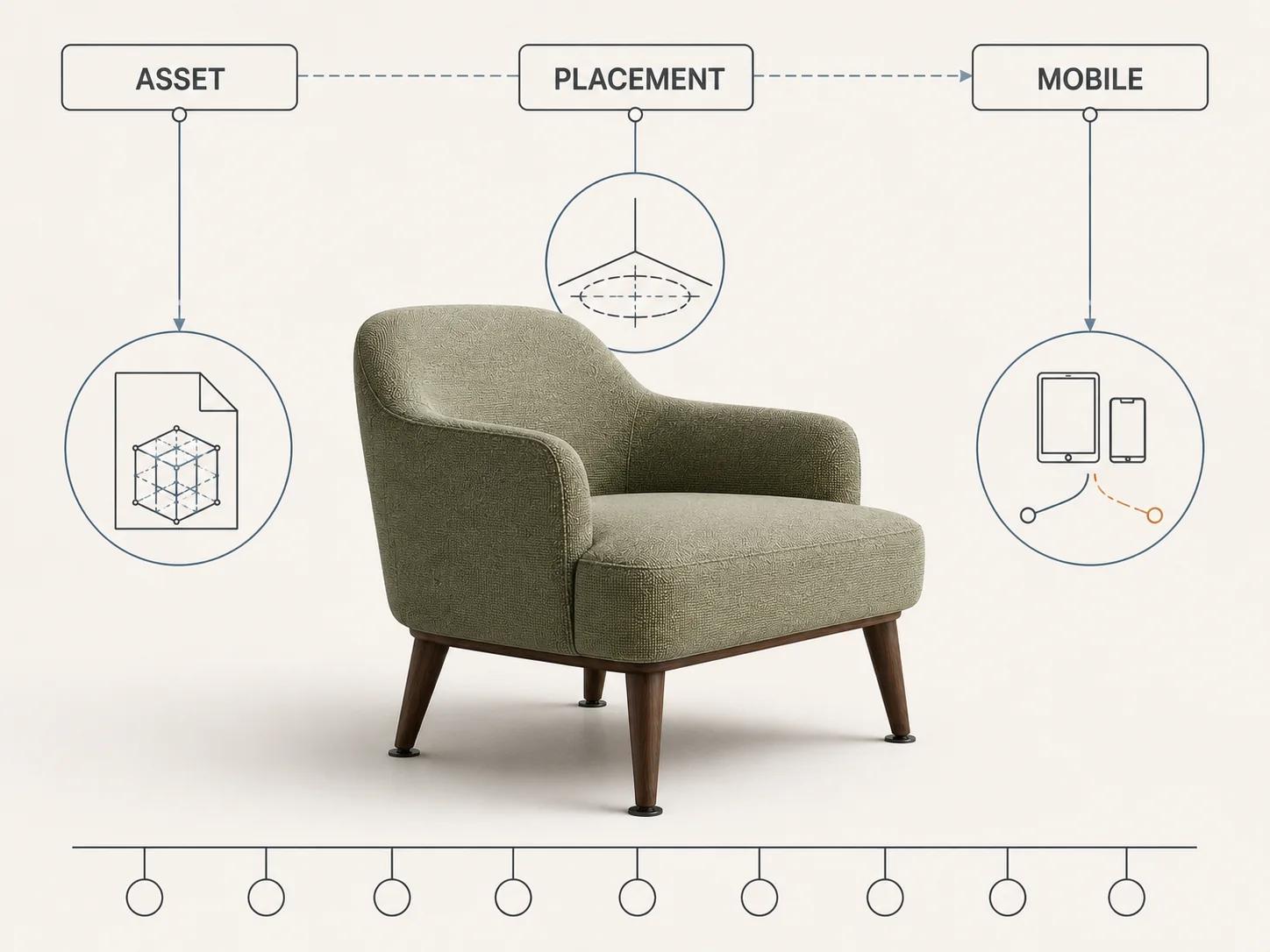
Google documents Scene Viewer as an Android 3D and AR route. Its current runtime requirements call for an ARCore-supported device, Android 7.0 or later, recent Google Play Services for AR and a recent Google app; it also documents fallback behavior when the AR route is unavailable.[1] Device eligibility is the start of QA, not evidence that a particular furniture asset passed.
An embedded <model-viewer> can hand an AR-capable Android device to Chrome WebXR or Scene Viewer according to its configured AR modes, and Google's guide says AR features require a supported device and Google Play Services for AR.[4] Record which route actually opened. A browser preview, WebXR session and native Scene Viewer session are different test observations even when they start from one GLB.
For the true-scale Android check, Scene Viewer documents resizable=false as the setting that prevents user scaling in AR.[1] Use it during acceptance if the implementation permits, then test the intended shopper behavior separately. Keep furniture on floor placement; enabling vertical placement belongs to wall-mounted products, not chairs and sofas.
Apple documents AR Quick Look with .usdz or .reality input, placement on surfaces that ARKit finds, and touch gestures for moving and scaling content. It also documents launching a linked USDZ from Safari into Quick Look.[3] Capture the initial scale and contact before a reviewer pinches or moves the chair. A good Android result cannot approve the derived USDZ, and a good Quick Look result cannot approve the GLB on Android.
Use the private checker for the GLB gate
The Private GLB Readiness Checker inspects and previews a selected self-contained GLB locally in the browser, and the selected self-contained GLB remains local. It reports four separate practical destinations: Online store, Shopify, Product customizer and Android AR. A successful browser preview does not by itself prove destination compatibility, visual parity or acceptable performance.
Use the checker beside the GLB structure and destination-preparation rows. It does not report Apple Quick Look or USDZ acceptance; those require the separate physical-device test above. The optional editable Excel QA workbook is a secondary handoff resource for teams that need owners and evidence outside the browser.
Route the failure to the right owner
If dimensions, dependencies, material assignments or the pivot fail before deployment, repair the release asset and regenerate its derivatives. If the direct file passes but the product page launches the wrong state, loses its poster or reaches a dead fallback, repair the integration. If GLB passes and USDZ fails, keep the shared source revision fixed while investigating conversion and Quick Look behavior. Do not hide a single-runtime exception behind a general “AR ready” status.
The release record should carry the source revision, exact file checksums, conversion settings, destination URLs, device and software versions, network profile, raw timings, captures, exceptions, owners and approval date. Reopen affected rows after a model revision, conversion change, viewer update, page-template change or target operating-system update.
When the failed rows require production work, take the measured product record, release assets and evidence to the web-ready and AR-ready 3D service. That service owns direct hiring intent. This article remains the furniture AR test method and acceptance boundary.