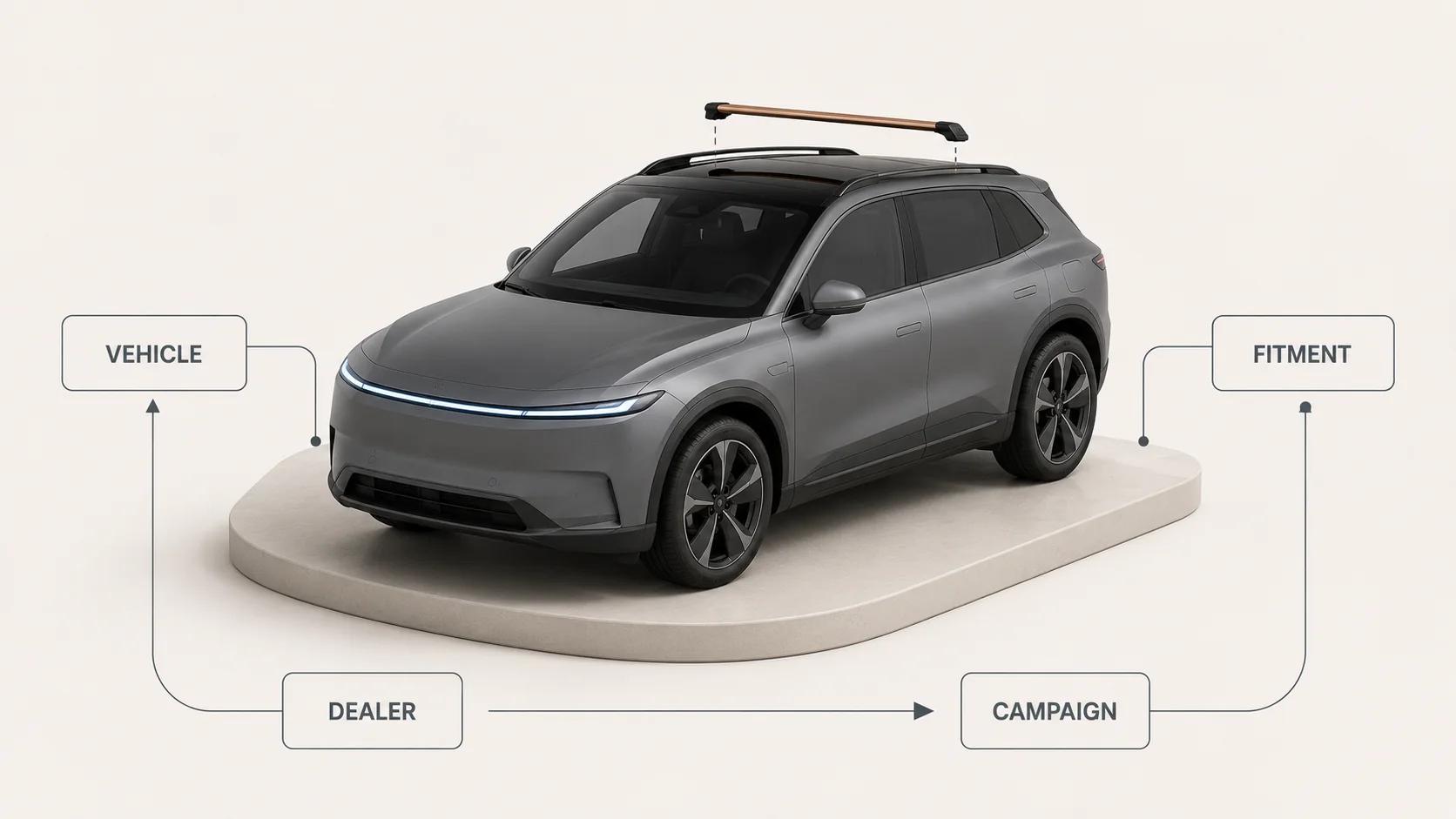
Automotive augmented reality needs a narrower brief than "put the car in AR." Vehicle visualization, accessory fitment, dealer tools and marketing activations answer different questions. They rely on different product identities, 3D states and evidence. A vehicle that looks convincing in a phone camera does not prove that a part fits, that a dealer has the configuration in stock or that a campaign changed sales.
Start with the commerce decision. Decide which vehicle or part state the shopper is allowed to see, which system owns that state, and what a pass means on each destination. Then build the smallest web-ready asset that can answer the question. This automotive guide owns that use-case and acceptance layer. The broader interactive 3D product experience guide owns general viewer controls, loading, fallbacks and analytics architecture.
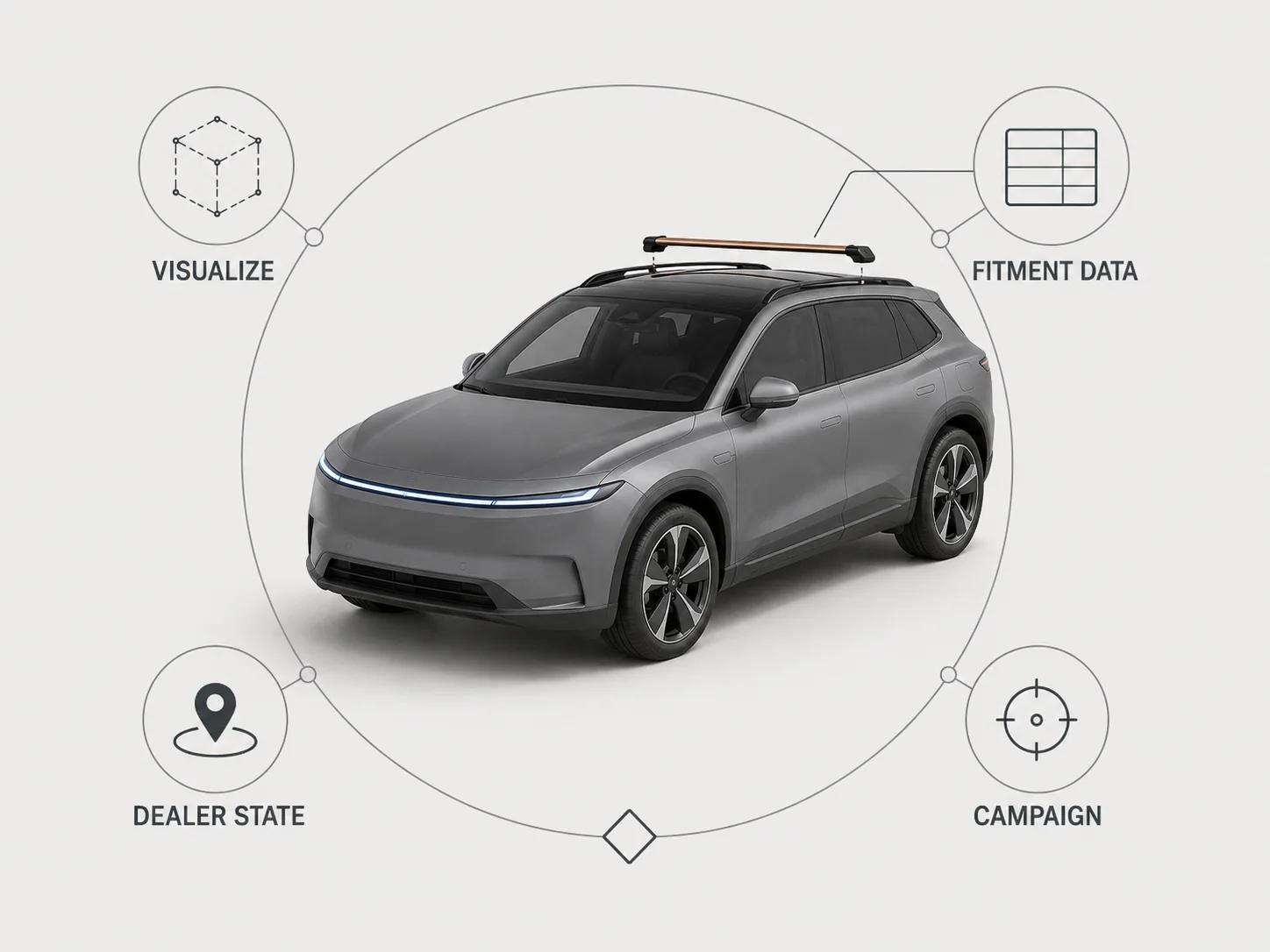
Split automotive AR into four jobs
The use-case map below is an original Double Edged framework. It is deliberately strict about the stop line. "Looks right" can be useful evidence for visual review, but it cannot inherit authority from inventory, fitment or pricing systems.
| Automotive AR job | Shopper or dealer question | Identity and source of truth | Useful 3D or AR state | Release evidence | Stop line |
|---|---|---|---|---|---|
| Vehicle visualization | What does this configured vehicle look like? | Model year, market, body, trim, paint, wheel, interior and option codes | A controlled whole-vehicle configuration with only valid combinations | Every in-scope configuration ID selects the approved geometry, materials and fallback stills | Does not prove availability, price, lead time or road specification |
| Accessory or part fitment | Is this part listed for my exact vehicle, and where does it sit? | A fitment or application record plus the merchant's part and vehicle IDs | Host vehicle reference zones, part geometry and a named mounting pose | The fitment record matches first; visual placement then passes clearance and orientation review | A convincing overlay does not certify mechanical, electrical, safety or legal compatibility |
| Dealer tool | Can a salesperson explain this inventory unit and its options consistently? | Inventory-unit or configuration ID, dealer location, freshness time and content revision | Guided exterior, interior or feature states with a visible summary | The tablet, QR handoff and customer fallback preserve the same ID and disclose stale data | Does not create a live stock or finance quote without those integrations |
| Marketing activation | Can a visitor explore one campaign story or launch object? | Campaign, market, consent and creative revision | A bounded scene, feature animation or scale-labelled model | The experience loads, the intended event sequence records correctly and a non-AR route remains available | Interaction is not evidence of a sale, conversion lift or dealer visit |
Automotive parts need a data contract before a visual one. The Auto Care Association describes ACES as the aftermarket standard for managing and communicating product fitment data. Its current page says ACES uses supporting relational databases and gives Year, Make, Model lookup as a catalog example; it listed version 5.0 as current when checked on 31 August 2026.[1] An ACES application or another approved fitment record can authorize a catalog match. The rendered overlay cannot.
Furniture AR has a different center of gravity: dimensions, floor contact and room placement. Keep those decisions in the separate augmented reality furniture guide rather than applying a room-placement checklist to vehicles and parts.
Give every visible state a stable commerce identity
A vehicle configurator should never ask the renderer to invent a combination. Build a configuration manifest upstream. Each row should carry the market, model year, body, trim, paint, wheel, interior, option and accessory IDs; the 3D node or material state; the approved fallback image; and the revision that signed the row off. Invalid combinations should be absent or explicitly disabled, not merely hidden after the model loads.
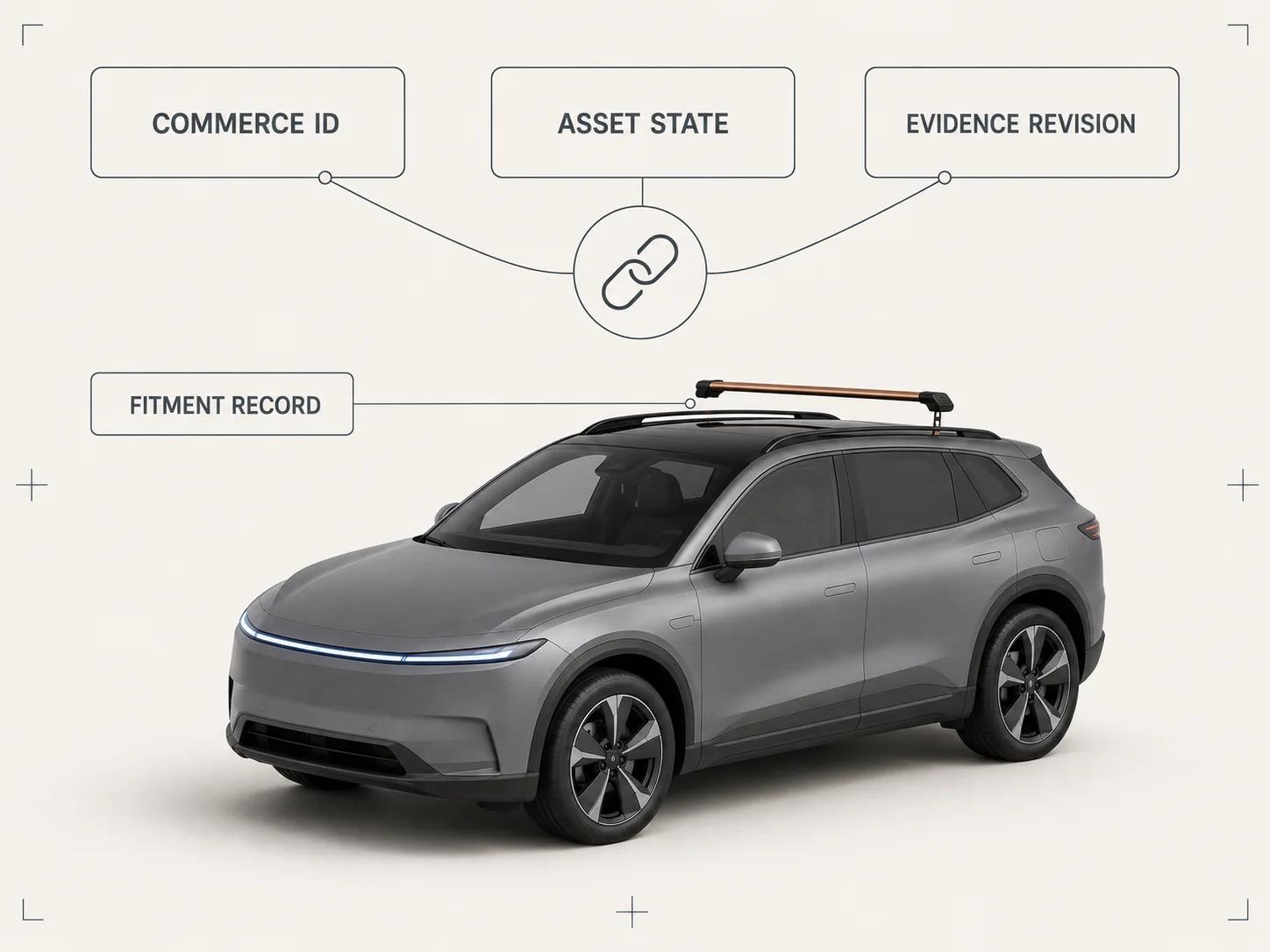
Keep three identifiers separate:
- The commerce ID selects what can be offered.
- The asset-state ID selects what the viewer renders.
- The evidence revision identifies what reviewers approved.
For dealer use, add the inventory unit, location and freshness timestamp, but do not bake volatile price or stock text into the model. The interface can retrieve current data and label its timestamp. If that request fails, the experience should say that availability needs confirmation instead of displaying the last known value as current.
Accessory work needs one more join: the vehicle application record to the part ID. Store the fitment result and the visual review as separate fields. The first answers whether the catalog lists the part for that vehicle. The second checks whether the intended geometry, orientation and visible clearance appear correctly in the named 3D state. Neither field should silently approve installation instructions or regulated safety claims.
Build a measured release asset, not a showroom master
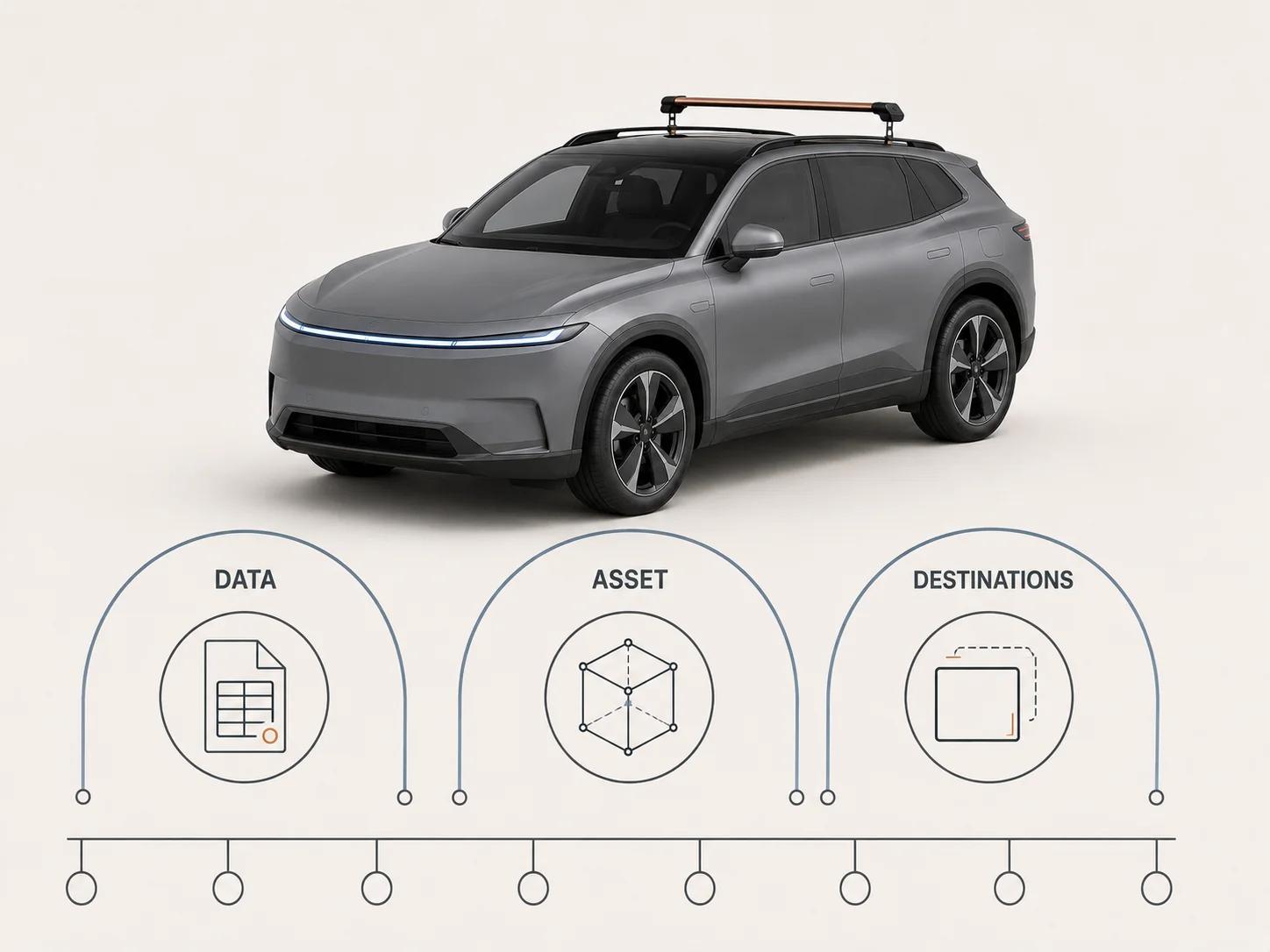
Automotive source files often contain detail that a commerce runtime does not need: hidden assemblies, engineering hierarchy, high-resolution trim, manufacturing metadata and many material variants. Preserve that master. Export a controlled release derivative for each destination and record its source revision, exporter, settings, dimensions, coordinate convention, extensions, texture set and checksum.
Scale deserves its own gate. The glTF 2.0 specification says that linear distances are in meters and that mesh vertex positions are meters after the node's global transform.[2] Check the release model against approved vehicle dimensions or a measured part reference before testing placement. Put the vehicle ground plane, wheel contact and part mounting origin in the handoff sheet. A runtime should not repair a bad scale by applying an undocumented transform.
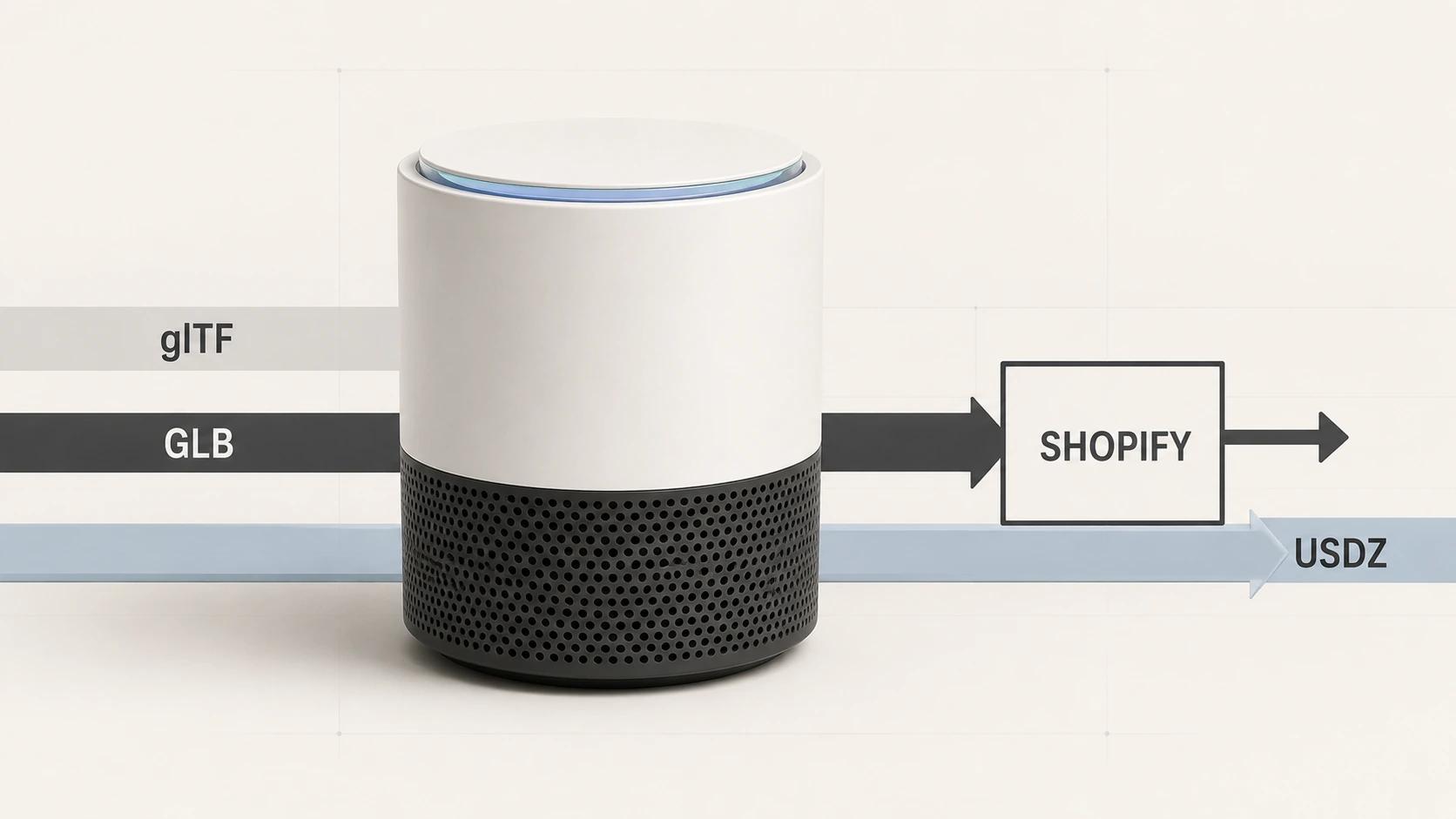
A .glb suffix does not prove a one-file handoff. Khronos notes that Binary glTF can store JSON, buffers and images in one binary blob, but may still refer to external resources.[2] Inspect dependencies in the exact release file. The hosted Khronos glTF Validator accepts glTF or GLB, runs validation locally in the browser and says submitted assets are not uploaded.[3] Save its report or equivalent command-line output with the release record, then add project checks for dimensions, naming, material assignments and allowed extensions. Structural validity and product accuracy are different approvals.
For a full vehicle, keep panel gaps, lamps, wheels, glass and the named trim cues that drive the decision. Remove unseen mechanical detail unless a feature state genuinely needs it. For an accessory view, use the minimum host-vehicle geometry required to explain location and clearance. That gives the part enough context without shipping an entire showroom-quality vehicle for a small fitment question.
Choose the runtime before defining a pass
Web viewer, Android AR and Apple Quick Look are separate destinations. Google's current <model-viewer> guidance supports glTF and GLB for browser display. On supported Android devices, its AR route can use WebXR or Scene Viewer, while AR availability still depends on device and browser support.[4] That means a working desktop orbit view is not an Android AR pass.
Google's Scene Viewer documentation adds another boundary. Its AR path requires an ARCore-supported device with suitable Android, current Google Play Services for AR and the Google app. The documented modes can fall back to native 3D or a supplied browser URL when AR is unavailable.[5] Test the intended mode and the fallback; do not count a fallback 3D view as a successful AR placement.
The same page documents destination-specific validator limits, including a recommended binary size of 10 MB, a 15 MB maximum, a recommended 100,000-triangle ceiling and a recommended 2048-by-2048 texture ceiling.[5] These are Scene Viewer constraints recorded from the page checked on 31 August 2026, not universal automotive budgets. A web configurator or another runtime needs its own profile.
Apple's Quick Look gallery says built-in apps including Safari display USDZ virtual objects in 3D on iPhone, iPad and Apple Vision Pro.[6] Treat USDZ as a separate release derivative. Open it on the named Apple device and compare scale, orientation, critical geometry and materials with the approved state. Do not infer that a checked GLB proves the generated or separately exported USDZ.
Fix the test profile before the first run
Use one illustrative candidate to make the method concrete: a brand-neutral compact electric crossover with a matte mineral-grey body, black panoramic roof, graphite five-spoke wheels and a removable satin-copper roof-rack crossbar. Call the release candidate AV-17 in the worksheet. This is a test identity, not a client product or a measured result.
The package contains the exact self-contained GLB, a separately reviewed USDZ, the 12-row configuration manifest, the part application record for the crossbar, approved reference views and recorded product dimensions. The lab profile is cold cache, 10 Mbps down, 1 Mbps up and 100 ms round-trip latency, with five runs per performance row. Use current stable Chromium on Windows 11 for the web configurator, one named ARCore-supported Android phone with current Chrome and Google Play Services for AR, and one named iPhone with current Safari. Replace every generic device and version description with its exact value before executing a real release test.
These starter thresholds are editorial project gates for this example. They are not reported results, platform guarantees or a claim that every automotive asset should use the same budget.
| Gate | Tested file, data and environment | Starter acceptance threshold | What the pass does not prove |
|---|---|---|---|
| Identity mapping | AV-17 GLB, 12-row manifest and desktop Chromium | 12 of 12 scripted selections load the intended geometry, paint, wheel and crossbar state; invalid combinations remain unavailable; visible summary and fallback match the same commerce ID | Stock, price, legal specification or another market |
| Asset structure and scale | Exact GLB checksum, Khronos report, dependency inventory and recorded dimensions | Zero validator errors; zero undeclared external resources; every warning has a disposition; overall dimensions and mounting origin are within 1% of the approved release sheet | Runtime material parity, AR tracking or part compatibility |
| Web configurator | Exact GLB, poster, cold-cache network profile and five Chromium runs | Median deliberate-activation-to-usable-view at or below five seconds; zero failed model requests; buying information and still-image fallback remain usable when the model is blocked | Field performance, Android AR or commercial lift |
| Android AR | Same GLB on the named ARCore phone, intended Scene Viewer or WebXR mode, measured floor markers and five launches | Launch succeeds 5 of 5 times; the intended scale mode is visible; ground contact and orientation pass all five reviews; fallback opens when AR is unavailable | Apple behavior, mechanical fitment or broad Android coverage |
| Apple Quick Look | Reviewed USDZ on the named iPhone and Safari version, with five launches | Launch succeeds 5 of 5 times; dimensions remain within 1% of the release sheet; mineral-grey paint, black roof, graphite wheels and copper crossbar pass the named reference views | GLB parity, every Apple device or future Quick Look behavior |
| Accessory application | Dated application record, vehicle ID and crossbar part ID; desktop and mobile selection scripts | Every supported test vehicle returns the approved part and every unsupported control is rejected; visual state uses the same vehicle and part IDs in 10 of 10 attempts | Installation approval, load rating, safety certification or legal compliance |
| Dealer and fallback journey | Dealer tablet, QR handoff to the named Android and iPhone, model request blocked once per device | The same configuration ID survives 10 of 10 handoffs; stale inventory is labelled; keyboard path reaches every web control; fallback summary remains complete without 3D | A live quote, finance approval or purchase |
The matrix makes a failure actionable. If scale fails, return to the asset derivative. If a part application fails, return to catalog data. If Android launches only the 3D fallback, fix the AR route or device support. A green material review cannot close any of those rows.
Make the dealer journey useful without AR
A dealer tool should start from a known vehicle or inventory unit, not a blank visualizer. Show the selected identity in plain text, preserve it through a QR or link handoff and keep volatile availability outside the 3D asset. If the customer opens the link on an unsupported device, the page still needs approved images, configuration details, accessory information and a route back to the dealer.
Web controls also need a keyboard path. WCAG 2.2's Keyboard Accessible guideline says to make all functionality available from a keyboard, and its criteria include Keyboard and No Keyboard Trap.[7] Test configuration controls, camera reset, full-screen entry and exit, AR launch, error recovery and the link back to product information. Native AR viewers need their own device-level review; a keyboard pass on the web page does not cover them.
Instrument availability, deliberate activation, state changes, AR launch requests, launch outcomes, fallback use and exits as separate events. Do not name an AR button click "AR success." The planned visual-commerce measurement guide owns the full event and decision model; this page only requires enough evidence to distinguish the four automotive jobs.
Use the private checker for the release GLB
The Private GLB Readiness Checker inspects and previews a selected self-contained GLB locally in the browser, and the selected self-contained GLB remains local. It reports four separate destinations: Online store, Shopify, Product customizer and Android AR. A successful browser preview does not prove destination compatibility or performance.
Use the result for the GLB row, then run the named browser, configurator, device and data tests above. Apple Quick Look and USDZ need separate release evidence. The optional editable Excel QA workbook is a secondary resource for teams that need an owner-and-evidence handoff outside the browser.
Release a decision record, not a demo link
Store the commerce and asset IDs, source revision, checksums, exporter, manifest, fitment record, browser and device versions, network profile, raw results, exceptions, approver and next review trigger. Reopen affected rows when the vehicle state, accessory application, asset, runtime, device target or dealer integration changes.
If the asset or destination route needs production work, bring that record and the failed rows to the web-ready and AR-ready 3D service. The handoff should say whether the job is vehicle visualization, accessory fitment, dealer enablement or a campaign. That boundary is more useful than a request to "make the car work in AR."