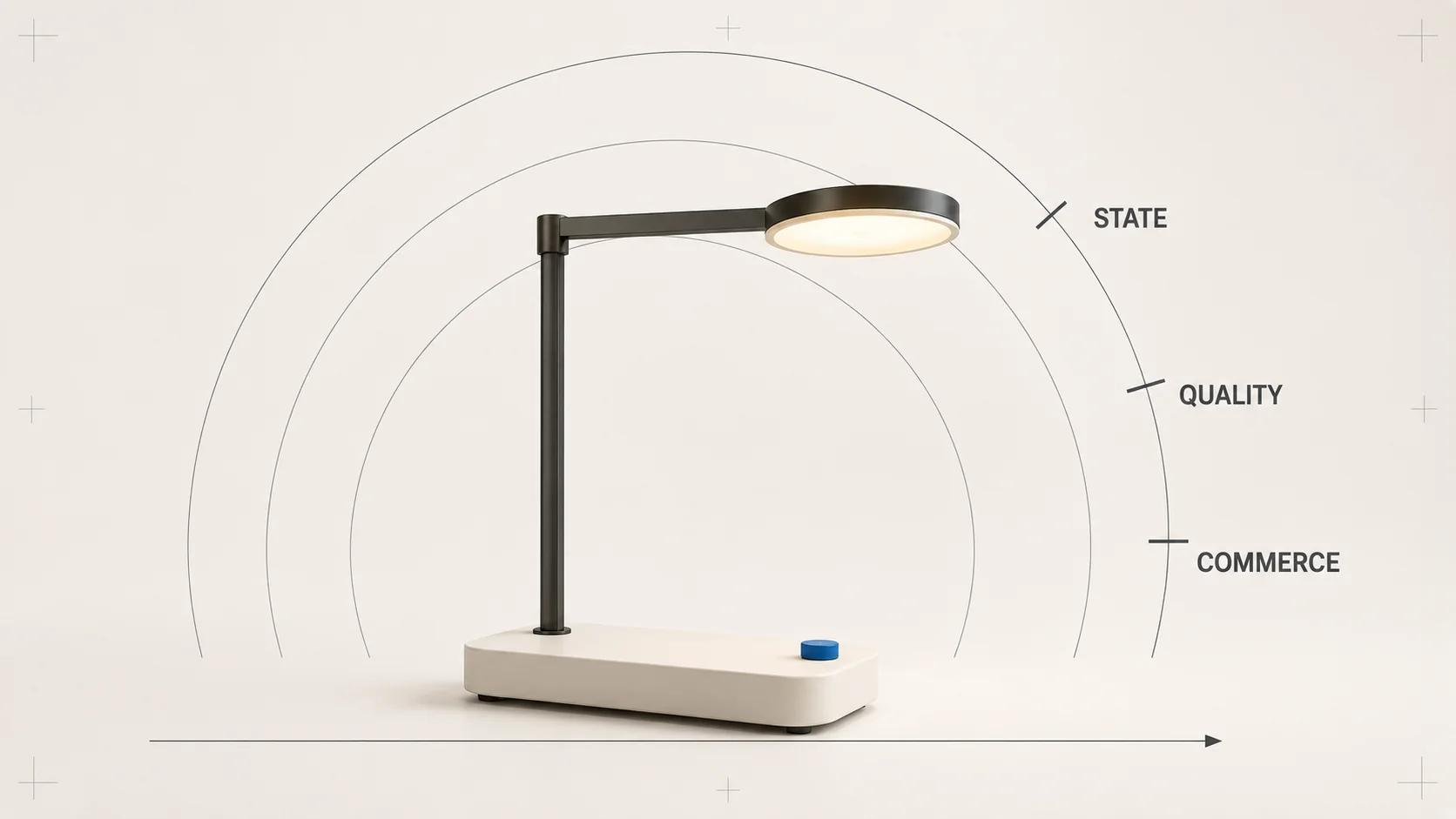
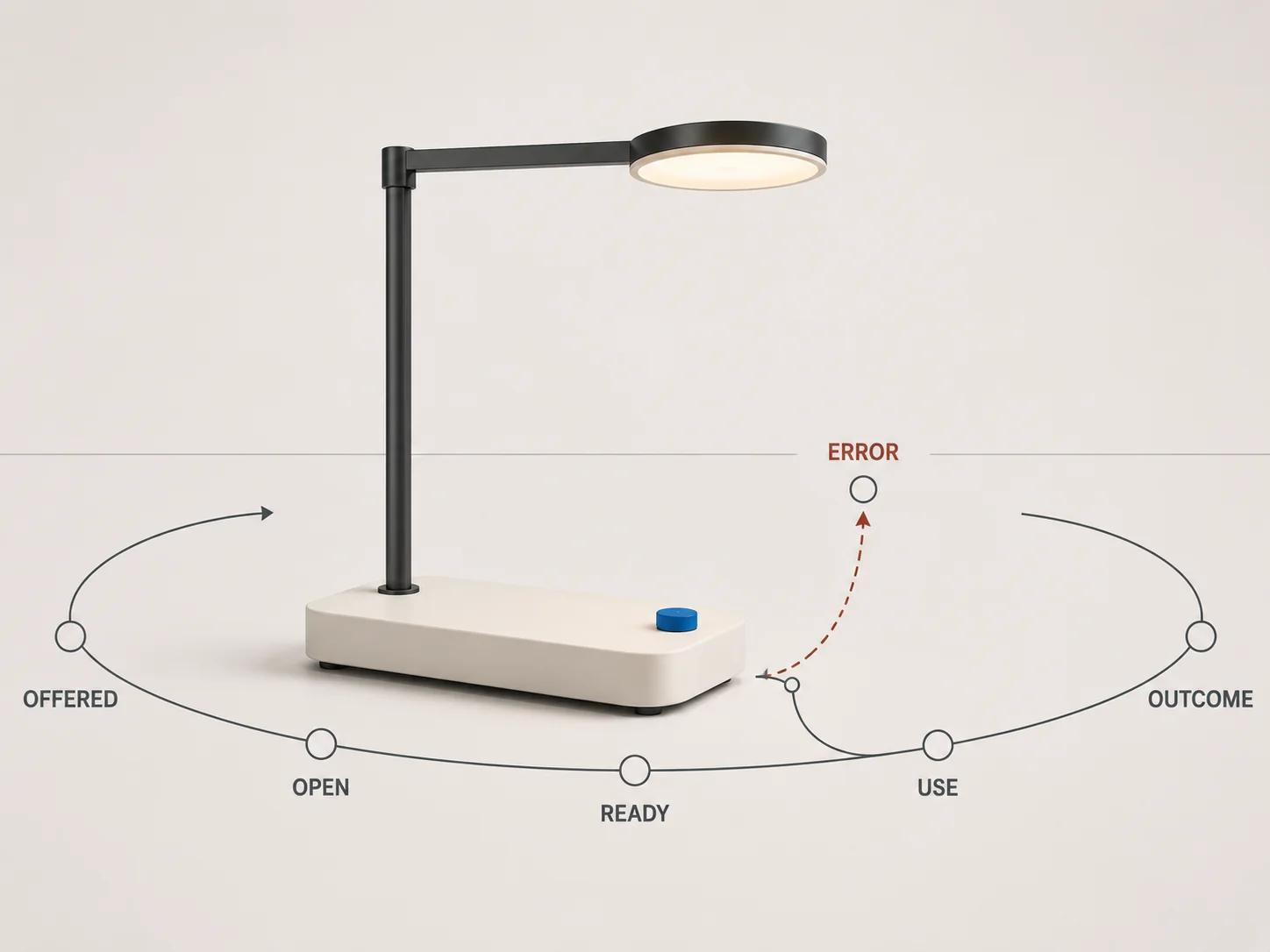
A 3D product viewer for visual commerce should be measured as a sequence of states: the experience was eligible, offered, opened, ready, used and followed by a commerce action, or it failed along the way. Raw orbit counts cannot tell you whether the model loaded, whether a shopper inspected a useful feature or whether the viewer helped answer a product question.
Start with an event contract, not a dashboard. Give every event one firing rule, a small parameter set, an owner and a test. Then calculate rates with explicit denominators. Keep page performance, viewer readiness and commerce outcomes separate. This produces evidence a product, marketing and engineering team can review without turning an association into a universal lift claim.
The interactive 3D product experience guide owns the wider format, UX, fallback and performance architecture. This guide stays with measurement: which transitions to record, how to validate them and what each KPI can legitimately support.
Model the viewer as a state machine
A page view is not viewer exposure. Exposure is not intent. Intent is not a usable first frame. Build the data model around those distinctions.
Use one attempt record per product, variant and viewer opening. The attempt begins when an accepted pointer or keyboard action requests 3D. It ends when the viewer closes, the product state changes, the page becomes inactive or a blocking error prevents progress. If policy permits a join key, keep it ephemeral and out of reporting dimensions. Product, asset and viewer revisions matter more for diagnosis than a permanent user identifier.
Before the attempt, record whether the viewer could be offered for the selected product state. That eligibility denominator exposes missing assets, unsupported placements and configuration gaps. After opening, record readiness only when the first meaningful frame is visible and required controls can respond. A download completion callback is too early if shader work, product-state binding or control setup is unfinished.
Meaningful use should be sparse. Record the first deliberate orbit, named view, hotspot, animation or material change. Do not send every pointer move. A long stream rewards restless gestures and inflates event volume without showing whether the shopper learned anything.
Use one versioned event and KPI specification
The following table is an original Double Edged specification. Event names are examples for a custom analytics implementation, not a platform standard. The firing rules are the contract.
| Event | Fire once when | Required low-cardinality parameters | KPI role and QA gate |
|---|---|---|---|
| viewer_offered | The 3D entry control is visible, enabled and valid for the current product state | product_id, variant_id, asset_revision, viewer_version, placement | Denominator for offer and open rates. In 20 scripted sessions, it must fire once only when the control is actionable. |
| viewer_open | A trusted pointer or keyboard action is accepted and starts a new attempt | All offer fields plus entry_point, input_type, attempt_sequence | Numerator for open rate and start of ready latency. Reject automatic opens, double taps that create two attempts and events fired before consent permits collection. |
| viewer_ready | The first product frame is visible, the intended product state is bound and required controls respond | ready_ms_band, cache_state, device_class, network_class, asset and viewer revisions | Numerator for ready success. Compare exact User Timing data in engineering telemetry; send bands to analytics when exact values add cardinality without decision value. |
| viewer_first_use | The first deliberate camera, named-view or feature action changes viewer state after readiness | interaction_type, product and variant IDs, seconds_to_use_band | Numerator for meaningful-use rate. Fire once per attempt; automated rotation and prompts do not qualify. |
| viewer_feature | A named product feature, animation or configured material state is intentionally opened for the first time | feature_id, state_id, product and variant IDs | Measures feature reach against ready attempts. Use a governed feature dictionary rather than free text. |
| viewer_ar_request | The shopper deliberately requests an available AR route | destination_requested, entry_point, product, variant and asset revisions | Measures AR intent only. It is not a launch, placement or compatibility success event. |
| viewer_error | A classified asset, network, decoder, GPU, binding or runtime failure blocks a state transition | error_stage, error_class, recoverable, asset and viewer revisions | Numerator for blocking-error rate. Map raw messages to a short dictionary and keep stack details in technical logs. |
| viewer_exit | The active attempt closes, loses its valid product state or reaches a defined page-exit boundary | furthest_state, duration_band, exit_reason | Closes attempt reconciliation. Every open must have one ready or blocking error and one terminal record, allowing a documented page-exit exception. |
An implementation can adapt browser-component signals to this contract. The current official <model-viewer> documentation says its load event fires after the first render frame, while poster-dismissed can occur later because shader compilation may add delay. It also exposes camera-change with a user-interaction source, classified loading and WebGL errors, and progress covering concurrent download and processing work.[1] Those signals are useful adapters. They are not business events by themselves, and another runtime will have different hooks.
Measure timing at the transition it describes
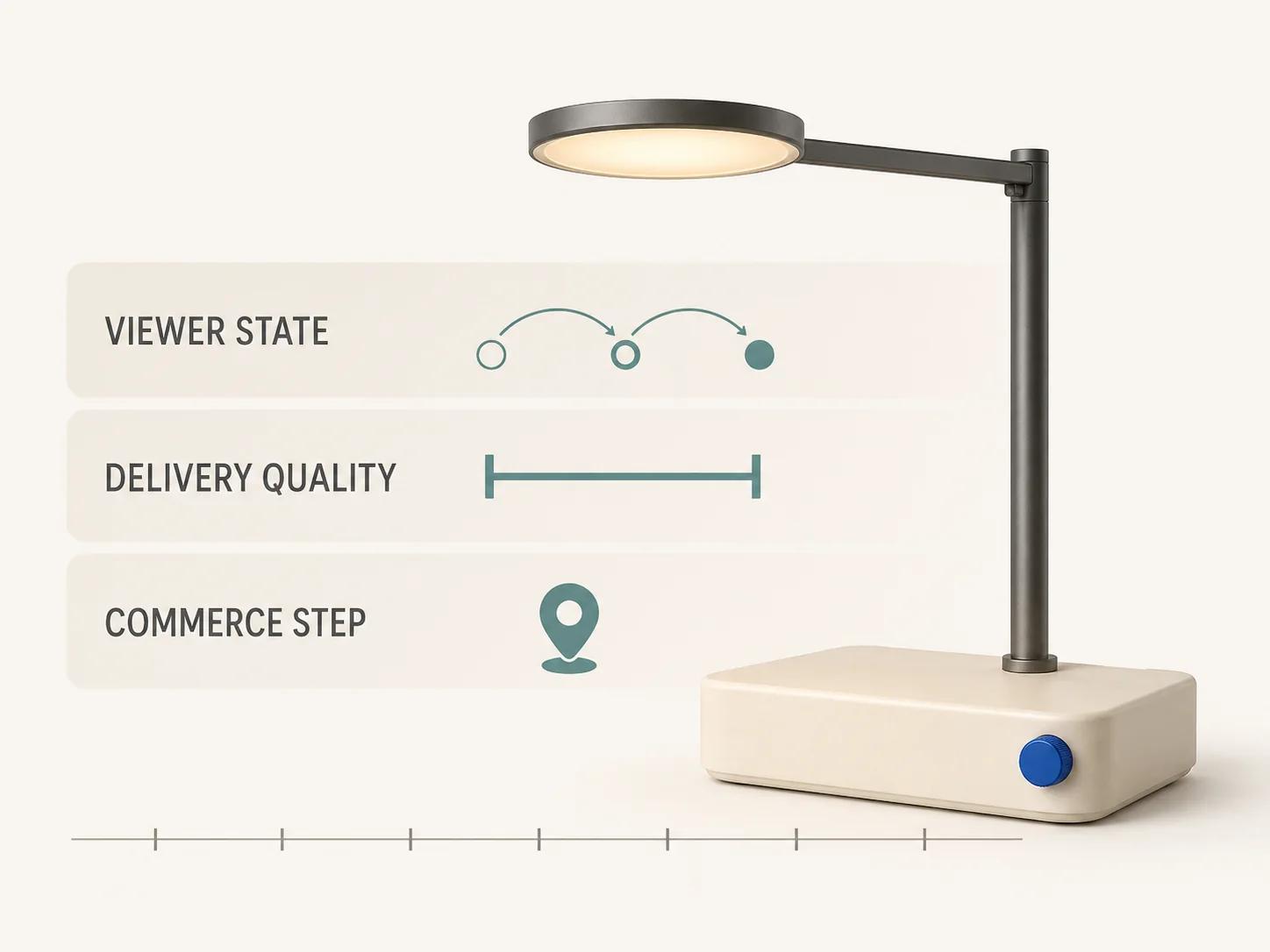
Define viewer_ready_ms from the accepted viewer_open action to the first usable viewer state. W3C User Timing provides high-resolution mark() and measure() entries for application-defined intervals, including metadata on marks and measures.[2] Mark the opening action from its event timestamp, mark the usable state after rendering and control setup, then measure between them. Keep raw timing in performance telemetry and report percentiles, not an average alone.
Resource Timing can add fetch start, response end, transfer size, encoded body size and decoded body size for HTTP(S) resources. Cross-origin detail may be zeroed unless the resource response grants access through Timing-Allow-Origin.[3] Verify the field before designing a dashboard around bytes. A CDN migration can otherwise turn a real value into zero and look like an optimization.
Event Timing measures the interval from physical input through the next paint and separates input delay from processing time. Its specification excludes continuous events such as pointermove, touchmove, wheel and drag from the exposed event set.[4] Use it for discrete viewer controls and the first accepted interaction where supported. Use viewer-specific frame sampling for drag smoothness; do not pretend Event Timing supplies a complete orbit-frame metric.
Keep these three clocks distinct:
- page experience: LCP, INP and CLS for the complete product page;
- viewer readiness: accepted open to usable first frame;
- viewer interaction: a named input to its visible response.
One clock cannot stand in for another. A fast page can open a slow model, and a fast model can sit inside a page with poor interaction latency.
Calculate rates with explicit denominators
A KPI name without a denominator invites argument. Publish the formula beside the chart and exclude test traffic, duplicate attempts and sessions where required consent was absent.
| KPI | Formula | What it supports | What it does not support |
|---|---|---|---|
| Offer coverage | eligible product-page sessions with viewer_offered ÷ in-scope product-page sessions | Asset and implementation coverage | Shopper interest or commercial value |
| Open rate | sessions with viewer_open ÷ sessions with viewer_offered | Intent to try the offered viewer | Readiness, meaningful use or causation |
| Ready success | attempts with viewer_ready ÷ attempts with viewer_open | Delivery reliability under the observed mix | A performance threshold without latency percentiles |
| Ready latency | p50, p75 and p95 viewer_ready_ms for successful attempts, with failures reported separately | Typical and tail waiting time by named segment | Experience of failed attempts if they are silently removed |
| Meaningful-use rate | ready attempts with viewer_first_use ÷ attempts with viewer_ready | Deliberate use after the viewer became usable | Product understanding or purchase intent by itself |
| Blocking-error rate | attempts with a blocking viewer_error ÷ attempts with viewer_open | Reliability and the affected stage | The frequency of non-blocking warnings |
| Commerce progression | eligible sessions reaching an existing commerce event ÷ eligible sessions, split by viewer state | Association between viewer state and a later commerce step | Incremental lift caused by the viewer |
Google Analytics recommends checking for an automatically collected or recommended event before creating a custom event, and describes a custom event as a name plus parameters. Its guidance also warns that high-cardinality dimensions can be rolled into an (other) row or trigger sampling in some reports.[5] Keep asset revisions and feature IDs governed; do not send camera coordinates, URLs or raw error strings as report dimensions.
Leave commerce actions with the commerce layer. GA4 documents view_item, add_to_cart, begin_checkout, purchase and refund among its ecommerce events.[6] Do not create viewer_add_to_cart as a rival source of truth. Join the viewer state to the existing event in an approved warehouse model or attach a small exposure state where the analytics design and consent policy allow it.
Fix the test profile before choosing a threshold
Every technical gate needs the tested artifact and conditions. The profile below is a starter acceptance contract, not a report of completed tests and not a universal benchmark. Before execution, record the exact release GLB filename and SHA-256, viewer build, host-page build, browser versions and physical device model. If any identity field is missing, the run is not release evidence.
Use a cold cache, a 10 Mbps down, 1 Mbps up and 100 ms round-trip lab network, one current stable desktop Chromium build on Windows 11, one named mid-range physical Android device with current stable Chrome, a mobile viewport, and five timing runs per file and browser combination. Record any CPU throttling rather than leaving it implicit.
| Gate | Starter acceptance threshold under that profile | Evidence to retain |
|---|---|---|
| Event integrity | Twenty scripted attempts produce every expected transition exactly once, 100% of required parameters and no event before its firing condition | Event dictionary version, browser log, outbound requests and receiver records |
| Viewer readiness | All five cold runs reach viewer_ready; median open-to-ready time is at or below 5 seconds; every failure in forced-failure runs produces one classified blocking event | Five traces, raw User Timing entries, resource waterfall, file hash and failure captures |
| Discrete controls | Ten of ten orbit-start, named-view, reset, feature and exit tasks produce the expected visible state; each observed discrete response is at or below the project-set 200 ms gate | Event Timing entries where supported, screen recording, task sheet and device versions |
| Page field performance | At least 75% of page visits meet LCP at or below 2.5 seconds, INP at or below 200 milliseconds and CLS at or below 0.1, segmented between mobile and desktop | Field report, date range, sample coverage and release annotation |
| Fallback | Blocked model, corrupt response, offline interruption, unavailable rendering and runtime exception all leave approved product media and the purchase route usable | Five scenario records, console and network evidence, visible fallback captures |
For GA4 implementations, DebugView shows events and their parameters in real time after debug mode is enabled, subject to privacy and consent controls.[7] Reconcile the browser log, transport request and receiver view. A green debugger row alone does not prove the event fired once, carried the right identity or joined to the intended product state.
The page thresholds come from current Core Web Vitals guidance.[8] The 5-second viewer-ready gate, five-run method, 20-attempt reconciliation and control-task thresholds are editorial starting points. Replace them before testing when the product, audience network or risk needs another bar. Never move them after seeing a failure without recording the decision.
Separate observed association from causal evidence
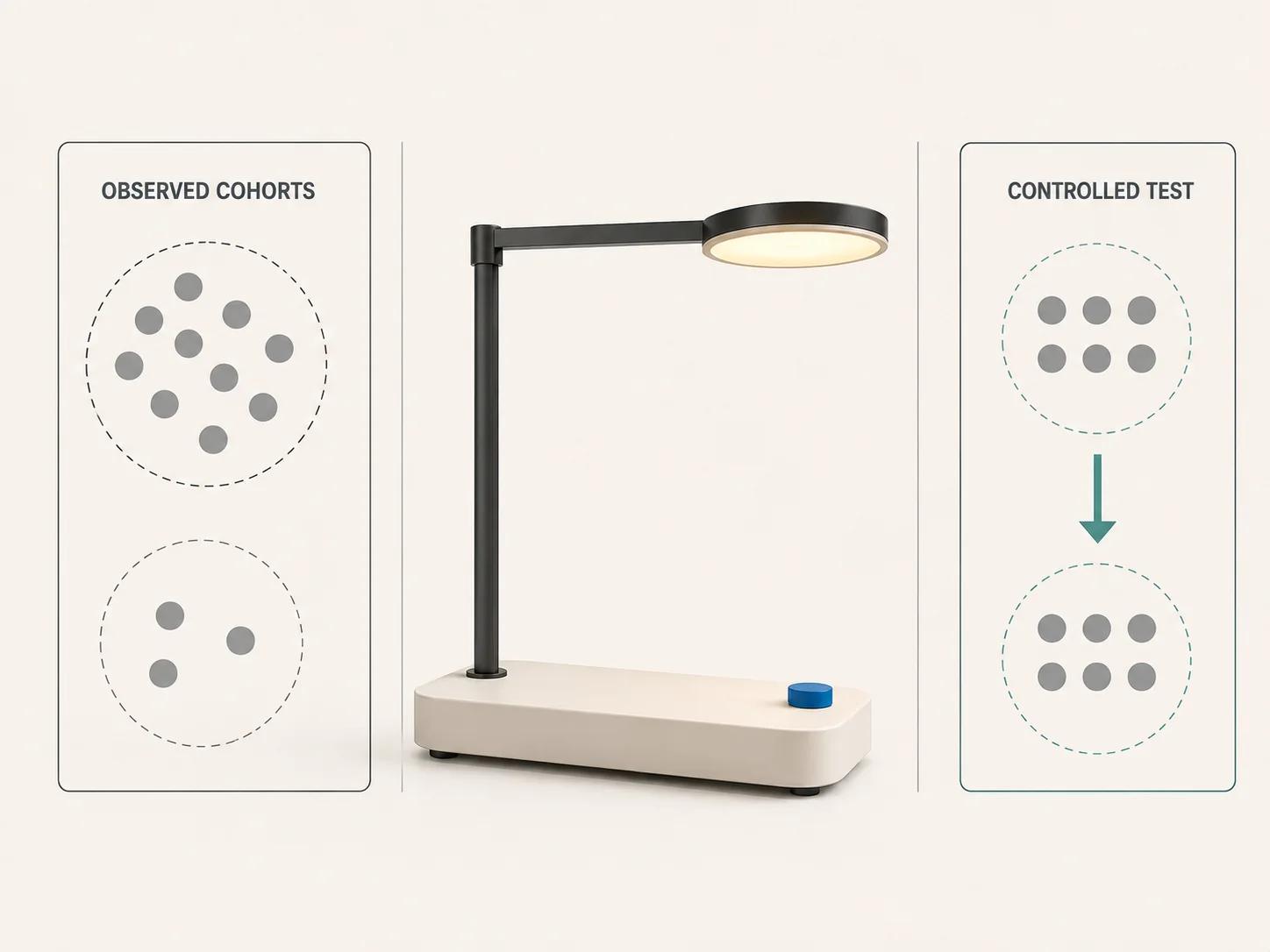
Viewer users select themselves. They may already be more interested, have a compatible device, choose a higher-consideration product or spend longer on the page. A commerce rate among users who opened 3D is descriptive, even when the difference is large.
Use an evidence ladder:
- validate instrumentation and reliability;
- report eligible cohorts by offered, opened, ready and meaningfully used states;
- compare commerce progression with the same eligibility, product and time definitions;
- run a controlled experiment when the decision requires an incremental estimate.
For that experiment, randomize eligible sessions before 3D assets download. Keep product content, offer placement and commerce behavior equal apart from the treatment. Define one primary commerce metric, viewer-ready and error guardrails, page-performance guardrails, exclusions, minimum runtime and decision rule before reading results. Analyze the assigned groups, not only the treatment users who chose to open the viewer. Publish uncertainty and negative findings. The method earns a causal interpretation; an interaction segment does not.
Keep browser, commerce and AR outcomes separate
A browser viewer event cannot prove an external AR runtime completed. The current <model-viewer> documentation limits detailed ar-status states to WebXR sessions, except for a failure emitted when all requested modes fail to start.[1] Record viewer_ar_request as intent, then use destination-specific evidence for launch, placement and exit where the destination can return it. State missing telemetry instead of converting an unavailable callback into success.
The planned automotive AR commerce guide owns configurator, parts and dealer use cases. Its outcomes still need separate eligibility and destination definitions; they should not inherit a browser-viewer pass.
The Private GLB Readiness Checker inspects and previews a selected self-contained GLB locally in the browser. The selected self-contained GLB remains local. It reports four separate destinations: Online store, Shopify, Product customizer and Android AR. A successful browser preview does not prove destination compatibility or performance. The optional editable Excel QA workbook is a secondary handoff resource, not the main experience.
Use the checker findings to prepare the file and destination tests in the measurement plan. If the viewer itself needs a managed product route, review Double Edged interactive 3D products with the event contract, exact asset and acceptance profile already defined. That keeps the commercial conversation attached to a testable brief rather than a promised lift.