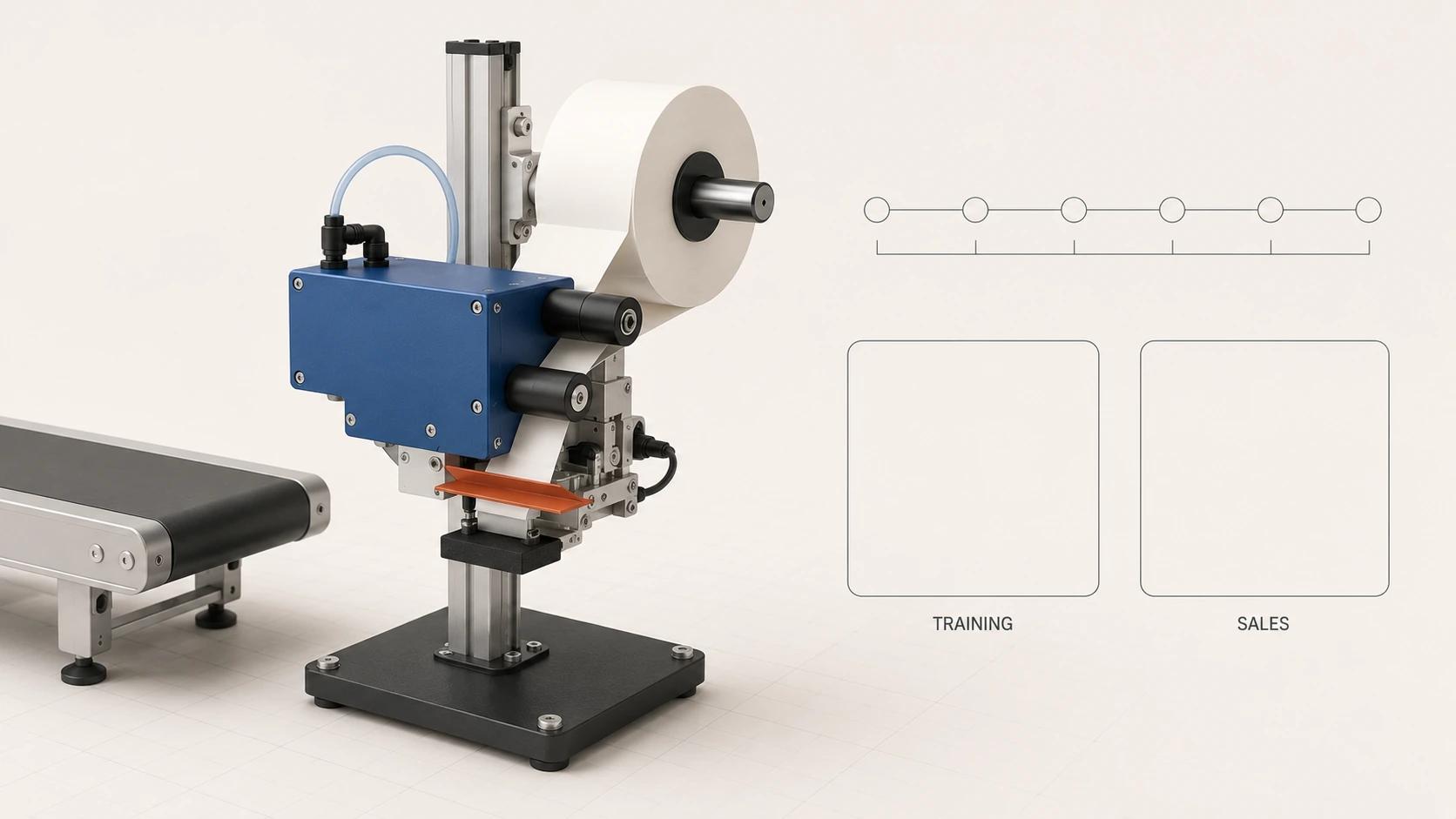
A machine installation animation should begin as a controlled technical explanation, then branch into training and sales cuts. The shared master can show where the machine arrives, what connects to what, which parts stay hidden in a normal camera view, and what the completed installation enables. The two audiences should not receive the same edit with a different title card.
Training needs an approved sequence, task boundaries, hazard context, verification points and links back to the controlling documents. Sales needs a shorter account of fit, integration and product value without depicting shortcuts. Both need the right revision of the machine and site interface.
Teams evaluating machine installation 3D animation services should define that authority boundary before comparing visual style, reuse plans or deliverables.
Animation supports communication. It does not replace approved engineering, installation, lockout/tagout, manufacturer instructions or site safety instructions.[1][4][5] It is not permission to perform the work. Installation and training remain the responsibility of the organizations and qualified people appointed under the applicable law, approved procedures and site controls.
This guide owns that industrial planning layer. For the wider choice among feature films, explainers, loops, launch spots and technical sequences, use 3D Product Animation: Formats and Use Cases Across the Funnel.
Set the authority boundary before storyboarding
The most consequential production decision is not the camera angle. It is deciding which source controls each visible action.
For a US general-industry example, OSHA's lockout/tagout standard requires an employer energy-control program with procedures, employee training and periodic inspections where the standard applies.[1] The same standard assigns training, certification and coordination duties that a video file cannot perform on its own. It also requires the onsite and outside employers to inform each other of their lockout or tagout procedures when covered outside servicing personnel are involved.[1]
Machine guarding is another real-world control, not a visual preference. OSHA's general machine requirements address guarding for points of operation, ingoing nip points, rotating parts and other machine-area hazards, and require fixed-location machines to be securely anchored.[2] A transparent guard in a cutaway can clarify hidden geometry, but the depiction must not imply that a removed guard is an acceptable operating state.
These US sources do not create a universal installation procedure. The applicable jurisdiction, machine design, manufacturer documentation, site engineering and approved safety program control the real job. ISO 20607:2019 separately addresses preparation of safety-relevant parts of a machinery instruction handbook across machine life-cycle phases and information about residual risks.[5] That is another reason to treat the manufacturer's current handbook as an input, not something the animation silently rewrites.
Record four labels on every potentially sensitive shot:
- controlling document and revision;
- responsible technical reviewer;
- intended audience and use;
- status: draft depiction, approved depiction or excluded from release.
If the source material conflicts, stop the shot. The animation team should log the conflict and ask the named authority to resolve it rather than choose the visually convenient version.
Freeze the installation truth package
A useful brief starts with more than CAD. Assemble a truth package before timing scenes:
- approved machine assembly and site-interface geometry, including guards, service clearances, anchors, utilities and connection points;
- the current manufacturer installation and operation instructions, plus approved site procedures that apply to the depicted work;
- the actual installation sequence, task ownership and hold points, reviewed by the machine manufacturer or appointed engineering authority and the site installation lead;
- identified energy sources, isolation points and verification requirements taken from the approved machine- and site-specific controls;
- labels, interface language, units, destination markets and accessibility requirements;
- a revision register that names the source file, owner, issue date, approval state and superseded version.
Do not reconstruct concealed routing from the exterior mesh. Ask for the approved cable, pneumatic, hydraulic, guarding and foundation information needed for the shot. When the information is unavailable, omit the detail or show a clearly non-procedural concept state. An attractive guess can become dangerous when viewers interpret it as instruction.
The truth package also needs a site envelope. Record floor level, approach route, lift or handling constraints, neighboring equipment, working clearances, utility origin points and the final operator/service zones. A clean studio void may work for a sales moment, but it cannot support a site-specific installation claim.
Build the installation-sequence storyboard template
The storyboard should be reviewable as a sequence database, not only as thumbnails. The following is a Double Edged editorial template. It does not prescribe a safe installation order; the project team fills it from its approved sources.
| Story stage | Evidence to attach | Training treatment | Sales treatment | Approval gate |
|---|---|---|---|---|
| 1. Site readiness | Approved layout, foundation and utility interface; access and clearance checks | Show prerequisites and a hold point before equipment enters | Establish scale and intended cell location without claiming readiness | Site engineering and installation lead |
| 2. Receive and position | Handling plan, lift points, center-of-gravity data and unpacking instructions | Identify authorized task ownership and excluded actions | Use a short arrival-to-position transition; do not beautify an unsafe lift | Manufacturer or engineering authority and handling lead |
| 3. Place and anchor | Setting dimensions, level/alignment criteria, anchor specification and inspection record | Show the approved measurement and verification moments | Compress repeated fastener work but retain the verified final state | Site engineering and quality owner |
| 4. Connect services | Approved electrical, pneumatic, hydraulic, extraction, network or other connection documents | Separate each utility, its owner and its verification point | Show connections as interfaces, not as a generic plug-in promise | Relevant qualified trade or engineering owner |
| 5. Restore guards and inspect | Guarding layout, interlock information, clearance check and punch list | Show required protective state before the next approved phase | Never present an unguarded final machine as launch-ready | Machine safety and installation reviewers |
| 6. Commission and hand over | Approved commissioning plan, test records, acceptance criteria and operator documentation | Link the animation step to supervised instruction and controlled documents | Show the accepted operating state without inventing test results | Commissioning, training and customer acceptance owners |
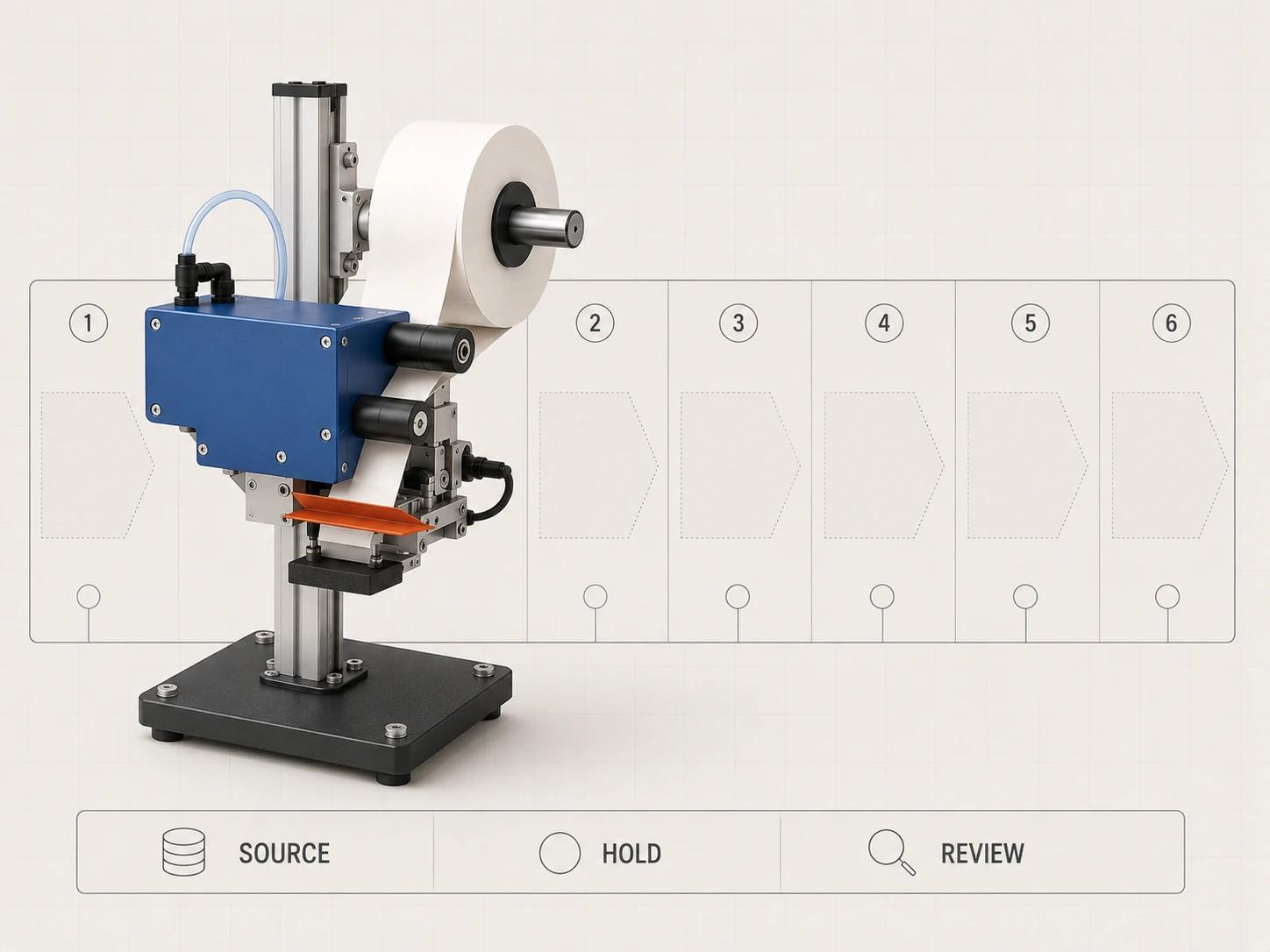
Give every row a scene ID, source revision, duration, camera, visible components, narration, on-screen label, reviewer and decision. Add a column for "must not imply." That short field catches common failures: energized work depicted during an isolation step, a guard disappearing without explanation, lifting gear omitted for visual neatness, or commissioning shown before inspection.
A hold point deserves its own beat. Use a pause, controlled camera move or state change so the viewer can distinguish "work completed" from "permission to continue." Do not invent a green approval symbol unless the approving party has defined what passes and has accepted the depicted evidence.
Show hidden components without inventing access
Animation is useful when the important interface sits behind an enclosure, under a base or inside a crowded cell. Use cutaways, ghosted housings and exploded spacing to reveal routing, anchor locations or connector relationships. Keep the physical and explanatory states distinct.
A training cut should state when a view is diagrammatic. If a panel is hidden or transparent, do not show a person reaching through it. If a cable path is simplified, say that it is schematic and direct the viewer to the controlled drawing. If a close-up changes scale or orientation, use a clear transition so the component is not mistaken for another location.
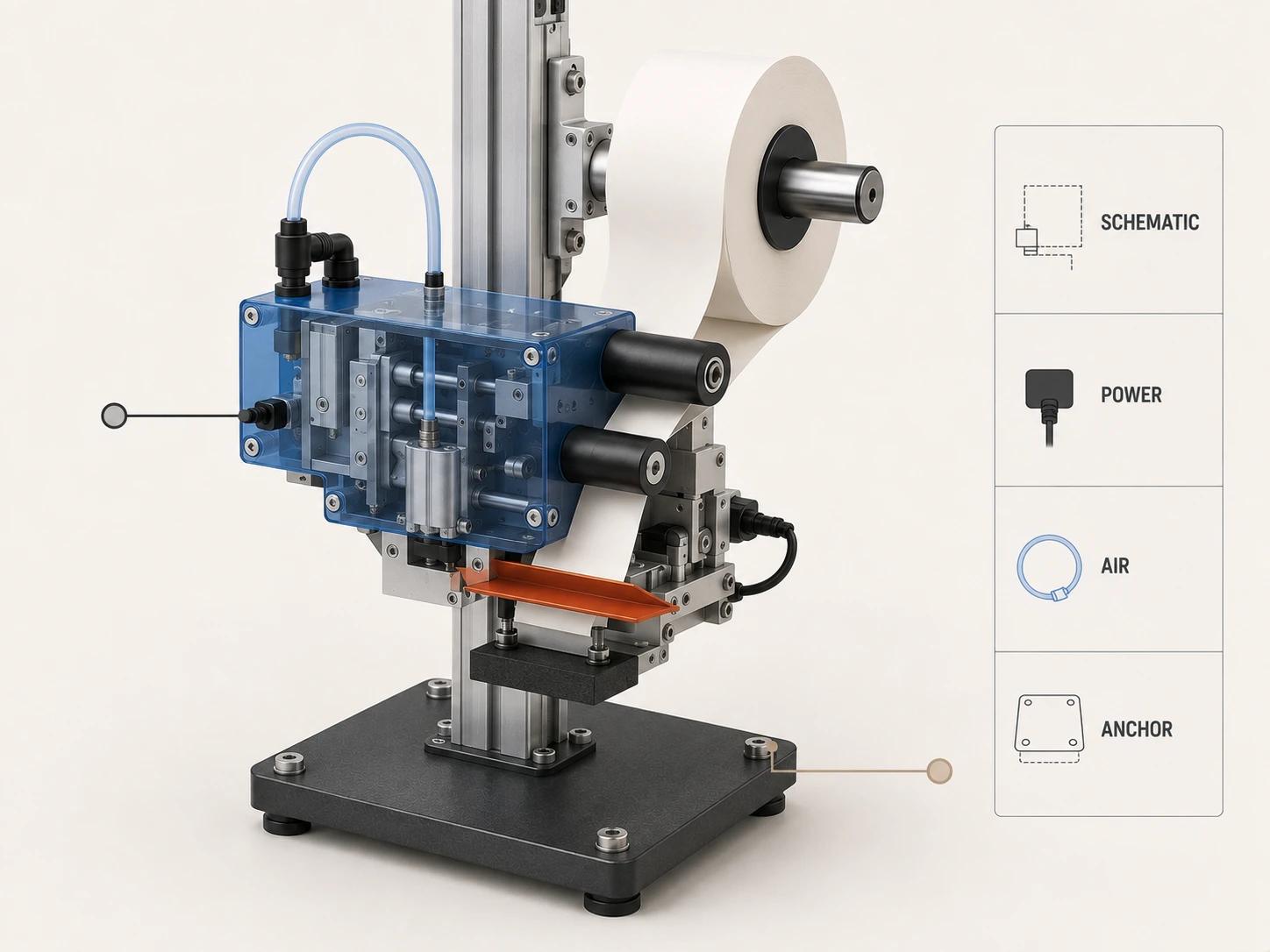
Review hidden-component shots in three passes. Engineering checks geometry and interfaces. The appointed safety or EHS reviewer checks what the depiction could encourage a viewer to do. Training checks whether the explanation sends the learner back to the correct procedure, instructor or supervised task. The animation studio records those decisions but does not assume any of those authorities.
Branch one approved master into training and sales cuts
Reuse works best at the scene and asset level. Build a technically approved sequence master, then publish purpose-specific edits. Do not let the sales edit become the uncontrolled master simply because it was approved first.
| Deliverable | Primary job | Keep | Remove or compress | Required review |
|---|---|---|---|---|
| Technical sequence master | Preserve approved order and scene-level traceability | Source-linked stages, hold points, hidden interfaces, revision metadata | Nothing that changes meaning; alternate camera material may remain offline | Engineering, installation and appointed safety reviewers |
| Instructor-led training cut | Support a trainer explaining the approved task and boundaries | Prerequisites, role labels, stop points, checks, captions and document references | Promotional claims and decorative speed ramps | Training owner plus technical and site safety reviewers |
| Learner refresher cut | Reinforce a task already covered by the required training path | Scope statement, critical cues, prohibited transitions and escalation route | Long context and repeated assembly motion | Training owner; confirm it is not positioned as qualification |
| Sales overview | Explain footprint, integration logic and completed value | Site context, major interfaces, clean final state and truthful options | Procedural detail that invites unsupervised imitation | Product, engineering and marketing/legal owners as applicable |
| Modular sales clips | Supply short approved moments for presentations or product pages | One capability per clip and the accepted machine revision | Safety-critical intermediate states unless context travels with the clip | Product and technical reviewer |
| Localized version set | Deliver the approved meaning for each audience and market | Locked picture where possible, captions, narration, units and terminology register | Region-inapplicable claims or instructions | Language reviewer, local technical owner and release owner |
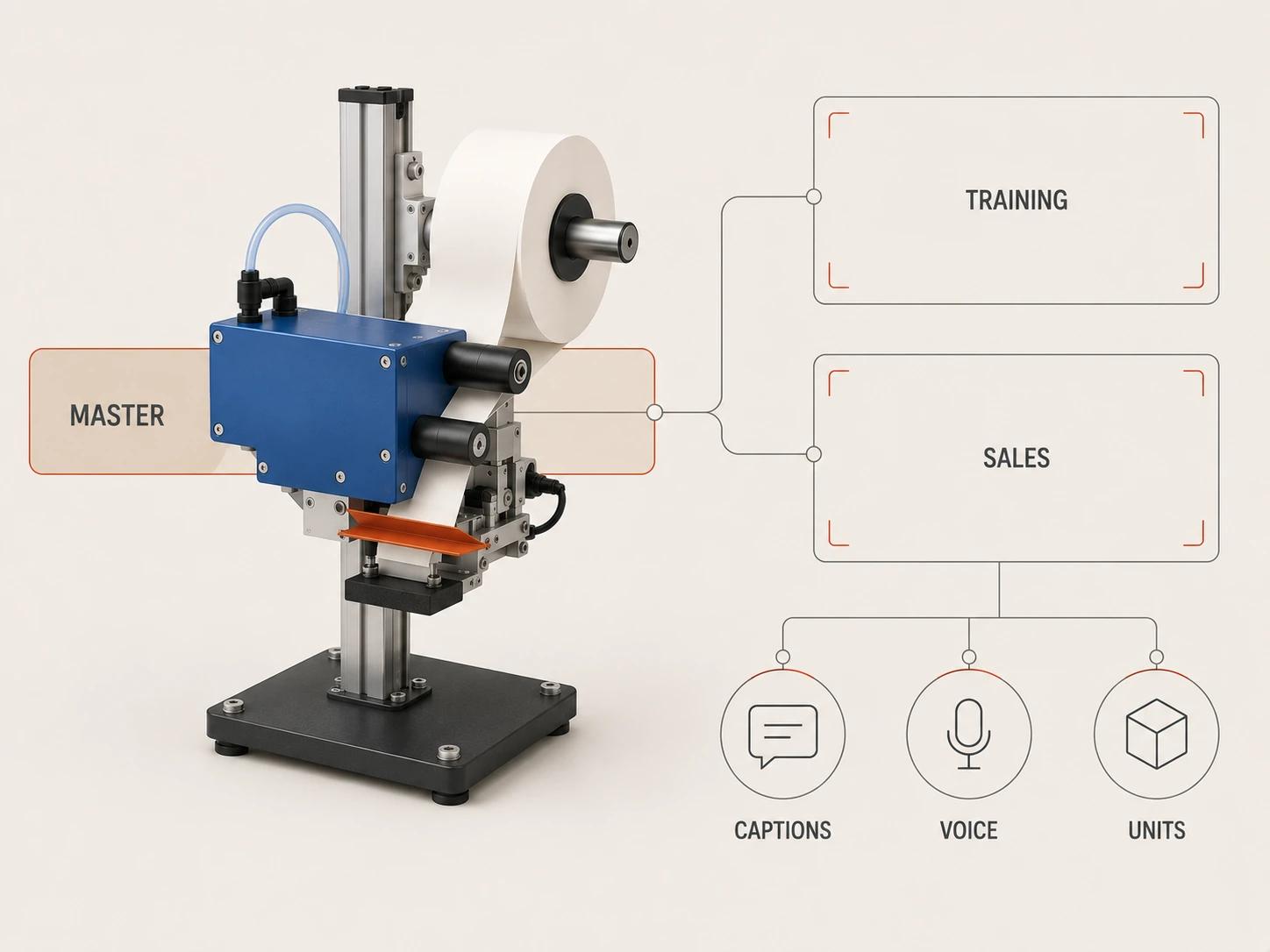
The training cut needs context that sales often removes: who may perform the task, what must already be true, where the controlling procedure lives, when to stop and who confirms completion. OSHA's training policy says required instruction must use language and vocabulary employees can understand.[3] An OSHA temporary-worker bulletin also gives a concrete warning against overreliance on media: in its machine-guarding scenario, a generic safety video may not have been effective, while the host employer remained responsible for machine- and task-specific training.[4] The bulletin is guidance rather than a new standard, but its distinction is useful here.
A sales cut still needs technical review. Removing procedural detail does not permit impossible clearances, missing guarding, fictional connection speed or a capability not present in the approved configuration. Use phrasing such as "configured for the approved line interface" rather than "installs anywhere." Do not attach performance, downtime, sales or training outcomes unless the project has separately approved evidence for those claims.
Design localization before the final render
Localization is a production constraint, not a late subtitle request. Keep narration, captions, labels and units in separate editable tracks. Reserve enough screen time for translated lines and enough physical space for longer labels. Avoid baking technical text into moving geometry unless it is part of the approved machine artwork.
Build a terminology register with the manufacturer-approved part name, site term, prohibited synonym, unit convention and language owner. Translate the meaning of warnings and role boundaries through qualified review; do not ask a motion designer to decide technical vocabulary. Reopen the relevant approval when translation changes the action, responsibility or hazard meaning.
For web delivery, WCAG 2.2 requires captions for prerecorded audio in synchronized media at Level A and provides requirements for alternatives or audio description in relevant prerecorded cases.[6] Accessibility scope depends on the destination and conformance target, so record it in the deliverable matrix. A transcript also helps technical review because reviewers can compare every spoken instruction with the controlling source.
Use an approval matrix with separate decisions
One status called "approved" is too vague for this work. Keep these decisions separate even if one person fills several roles.
| Decision | Accountable reviewer appointed by the project | Evidence reviewed | Reopen when |
|---|---|---|---|
| Geometry and configuration | Manufacturer or engineering authority | CAD revision, option list, guards, interfaces and site layout | Geometry, option or site interface changes |
| Installation sequence | Installation lead with engineering authority | Approved task order, responsibilities, hold points and acceptance evidence | Method, equipment, crew boundary or order changes |
| Safety depiction | Site-appointed safety/EHS authority and other required duty holders | Applicable procedures, isolation context, guarding states, warnings and excluded implications | Hazard, control, procedure, jurisdiction or site rule changes |
| Training use | Employer or training owner | Audience, prerequisites, instructor role, comprehension method and training records outside the video | Assignment, machine, procedure, language need or learner scope changes |
| Sales claims | Product owner and marketing/legal reviewers as applicable | Approved configuration, capability evidence and claim wording | Product option, claim, destination or commercial context changes |
| Localization and accessibility | Language owner, local technical reviewer and accessibility owner | Script, captions, units, terminology, audio-description or alternative plan | Script, picture timing, market, language or delivery platform changes |
| Final release | Project owner | Exact file IDs, review decisions, destinations and expiry/review date | Any approved source or output file changes |
Use immutable review filenames or checksums so an approval points to one exact output. A comment on final_v7.mp4 is not reliable after someone overwrites it. Record accepted exceptions and conditions alongside the decision. If a five-second clip is exported from the master, give it a release record rather than assuming the parent video's approval automatically survives the new context.
Run a representative scene through the full workflow
Choose one scene with a hidden interface, a safety-sensitive state and localized narration. Take it through source confirmation, storyboard, animation, technical review, training review, sales edit, captions and final release before producing the whole sequence. The purpose is to expose decision gaps while changes are still contained. It is not proof that the finished animation will improve safety, training performance or sales.
Before production scales, confirm:
- every installation action has a controlling source and reviewer;
- the approved sequence includes prerequisites, hold points and final acceptance;
- cutaways cannot be mistaken for physical access or an operating state;
- the training edit states audience, limits and route back to controlled instructions;
- the sales edit preserves guards, clearances, realistic interfaces and approved claims;
- narration, captions, labels, units and local terminology remain editable;
- training, technical, safety, sales, localization and release approvals are distinct;
- every derivative carries the machine revision, destination, language and release identity.
When choosing a partner, bring this truth package and matrix into the review process. How to Brief and Evaluate a 3D Product Animation Studio covers the wider vendor brief and ownership checks without repeating this installation-specific plan.
Prepare the project for a useful production discussion
A productive scope conversation needs the machine revision, intended site or representative environment, approved installation sources, audience list, languages and desired cuts. The 3D product animation service is the commercial destination for direct project evaluation; this article remains the planning guide.