A slow product configurator should not be rebuilt until the team can name where time is being spent and who controls the change. The delay may sit in a large 3D asset, a blocked browser main thread, repeated rule evaluation, unstable application state, an external pricing call or resources that are never released. A rewrite can reproduce the same fault under newer code if the diagnosis stops at “the viewer is slow.”
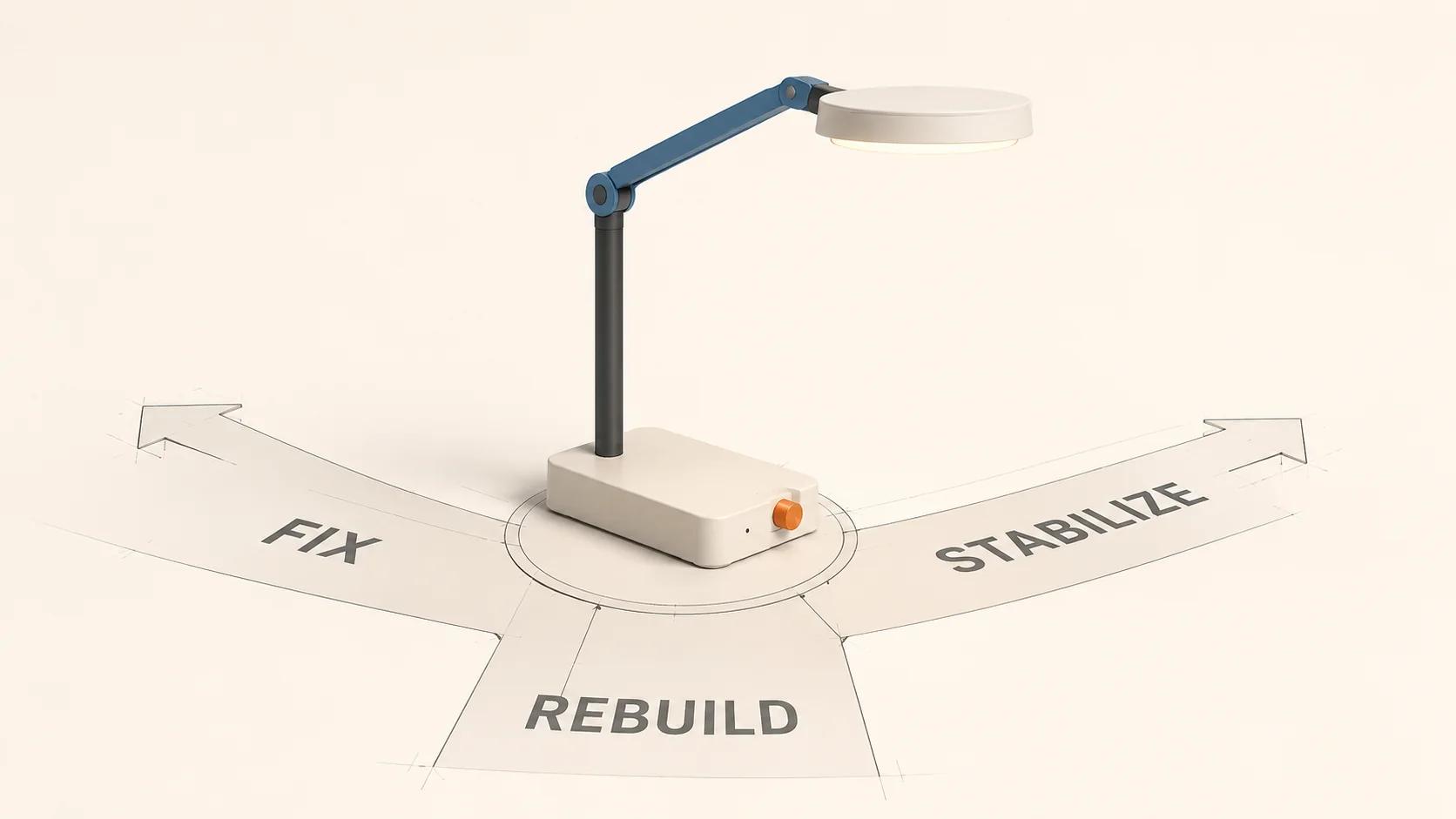
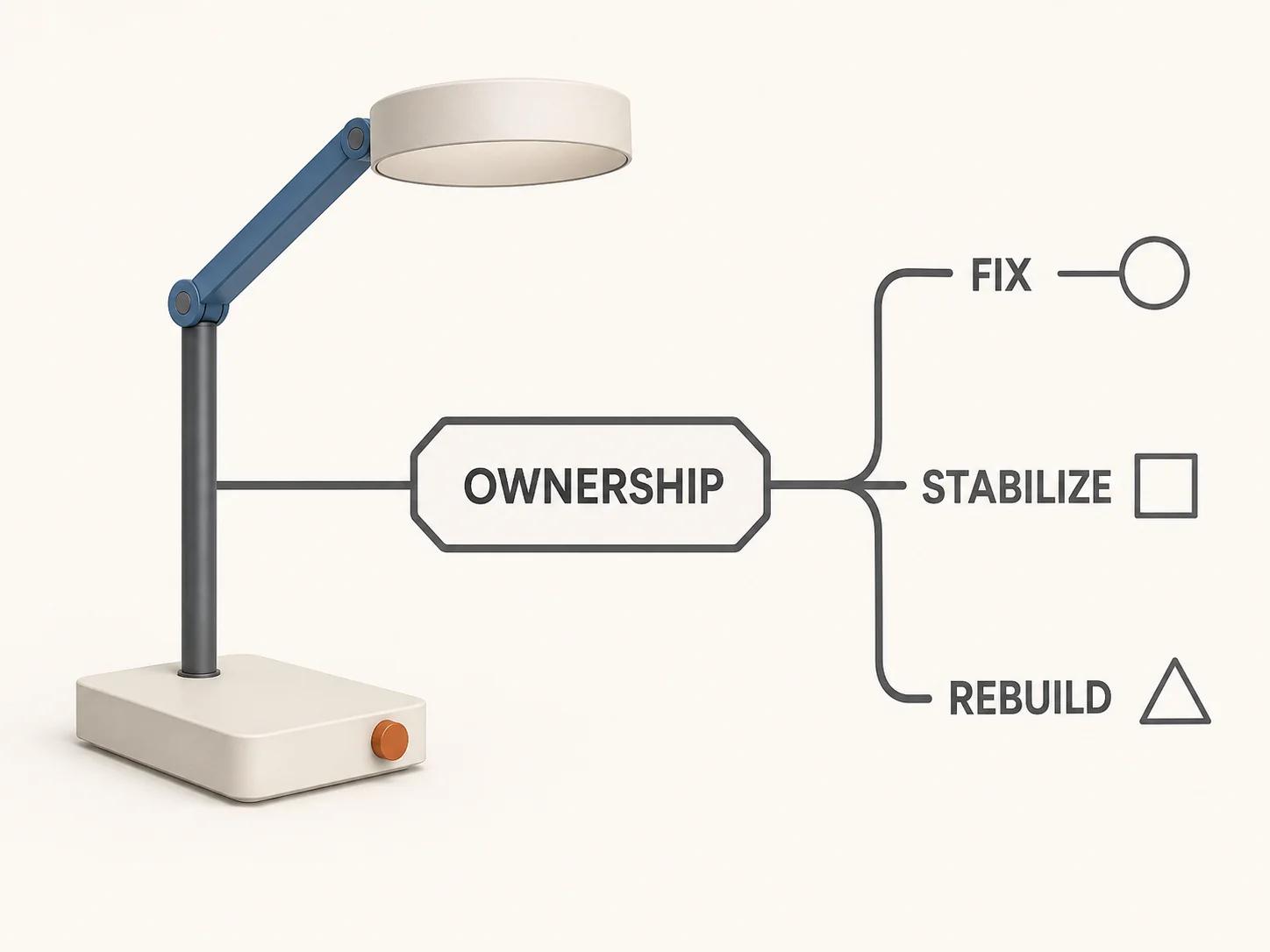
The working decision is narrower. Fix or optimize a bounded fault when the surrounding contracts are sound. Stabilize a live system when correctness or launch risk must be contained before structural work. Rebuild or replatform only when core parts cannot be changed and verified safely, and when the team can move rules, data and integrations through an explicit cutover. The 3D web configurator architecture guide explains the broader browser, state and deployment model. This guide helps you choose the rescue path.
Define “slow” as a failed journey
A useful diagnosis starts with one verb and one boundary: “selecting a finish takes too long to update the model,” not “performance is bad.” Separate at least five moments: initial page load, configurator activation, first usable product view, option-to-feedback time, and completion of an authoritative price or cart action. They can fail independently.
Google's guidance, reviewed on 31 August 2026, defines Interaction to Next Paint (INP) as the latency of click, tap and keyboard interactions through the next rendered frame.[1] It classifies 200 milliseconds or less as good page responsiveness and more than 500 milliseconds as poor.[1] That is a useful page-level signal, but it is not a complete configurator acceptance test. It does not prove that the selected option was valid, the correct material appeared, the price was authoritative or the state survived a back-button journey.
| Reported symptom | Measure directly | Do not infer |
|---|---|---|
| “It takes ages to start” | Page shell, configurator activation, asset fetch, decode and first usable view | That the 3D file is the only cause |
| “Choices lag” | Input delay, rule work, state update, scene change and next paint | That every option follows the same path |
| “Price is slow” | Client request, gateway, pricing service and response application | That the rendering engine caused the wait |
| “It gets worse over time” | Repeated scenario timings, memory, scene objects and network activity | That a fresh-page test represents a long session |
Pass the ownership gate first
Performance work changes production code, product rules, assets or integrations. Confirm written authorization and establish who can approve each layer before collecting sensitive traces or changing a vendor-managed system. The minimum ownership record should identify:
- the repository, build pipeline, deployment target and rollback owner;
- source 3D files, web derivatives, textures, material definitions and asset licences;
- rule definitions, product data, pricing authority and invalid-combination logic;
- state schema, saved-configuration format, deep links and analytics identifiers;
- API contracts, credentials owner, rate limits, test environment and third-party support terms; and
- the current production operator, incident contact and acceptance approver.
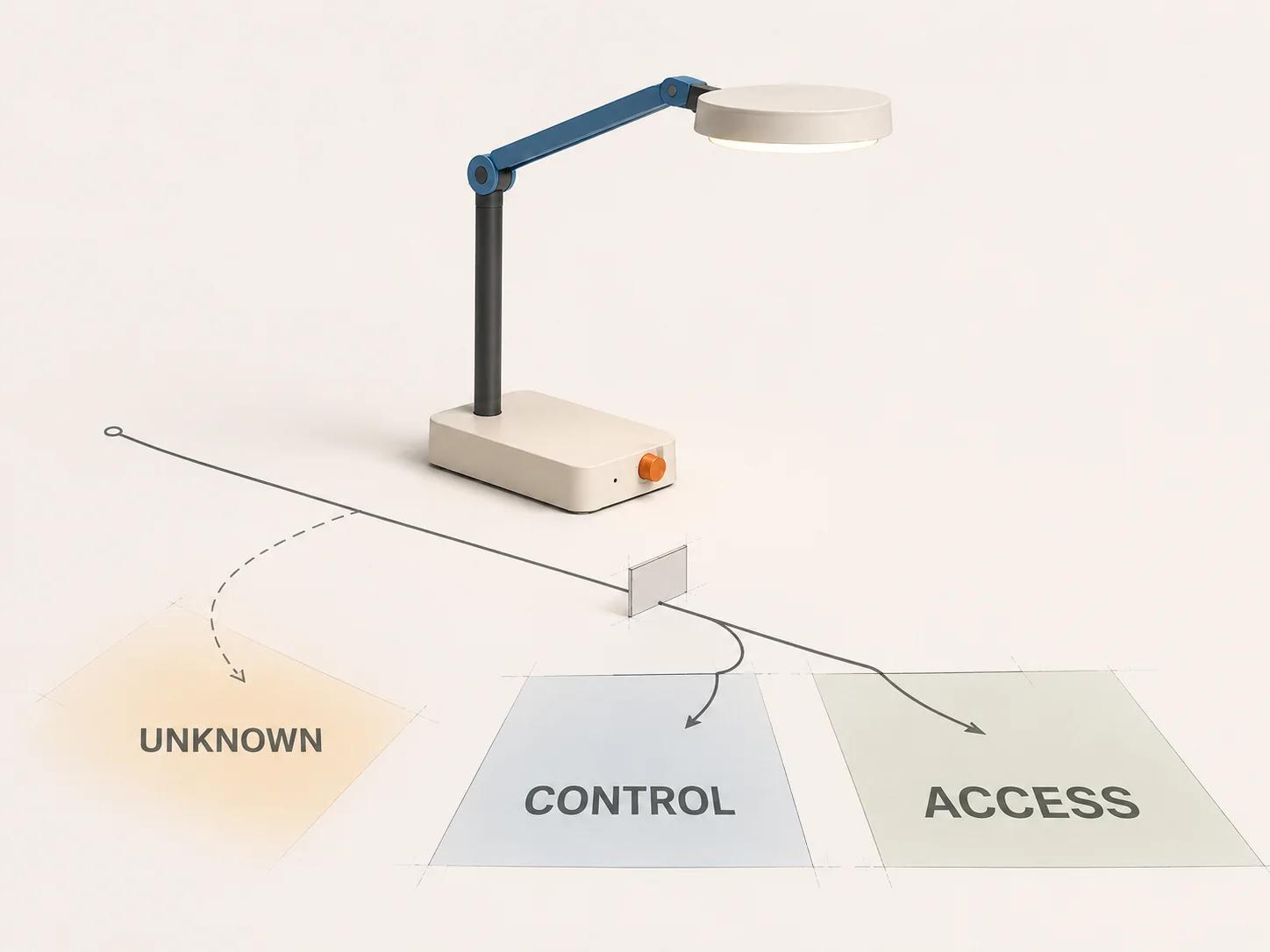
Access is not the same as ownership. A downloadable GLB may be available while the editable product master is missing. A browser bundle may be inspectable while the repository and deployment rights remain with a former supplier. A pricing response may be visible while its rule source is controlled elsewhere. Mark each item as controlled, accessible under authorization, exportable, replaceable or unknown. Unknowns block destructive changes; they do not automatically justify a rewrite.
Set a recovery order for the unknowns. Secure a production snapshot and rollback route first, then recover the rule source, catalog identifiers, editable assets, integration contracts and build path. Record any item that can be observed but cannot be exported. This turns “we inherited a black box” into a list of decisions with owners instead of using poor documentation as evidence that the whole system is unsalvageable.
Reproduce one controlled failure
Write a scenario that another person can repeat without interpretation. Name the product family, starting state, exact selections, expected visual state, expected valid options, expected price behavior and the point where the delay becomes visible. Record the build identifier, catalog revision, browser and operating system, physical device, viewport, network profile, cache state and account state.
Run a fixed number of cold and warm repetitions chosen before the test. Keep every result rather than reporting only the fastest trace. This is a diagnostic sample for that scenario, not a claim about every visitor or device.
Chrome’s Performance panel records CPU profiles and can show local LCP, CLS and INP while the tester performs the scenario.[2] Add named application marks around steps such as selection_received, rules_complete, scene_committed and price_rendered. The W3C User Timing specification defines high-precision PerformanceMark and PerformanceMeasure entries for measuring application work between named points.[3] Use Resource Timing for fetched resources and their client-side timing rather than estimating transfer cost from a file listing.[4]
Preserve the raw trace, timing export, console errors, network log and a short screen recording under the same scenario ID. A screenshot of a final load time cannot explain which boundary consumed it.
Classify the bottleneck before proposing a fix
Assets and network delivery
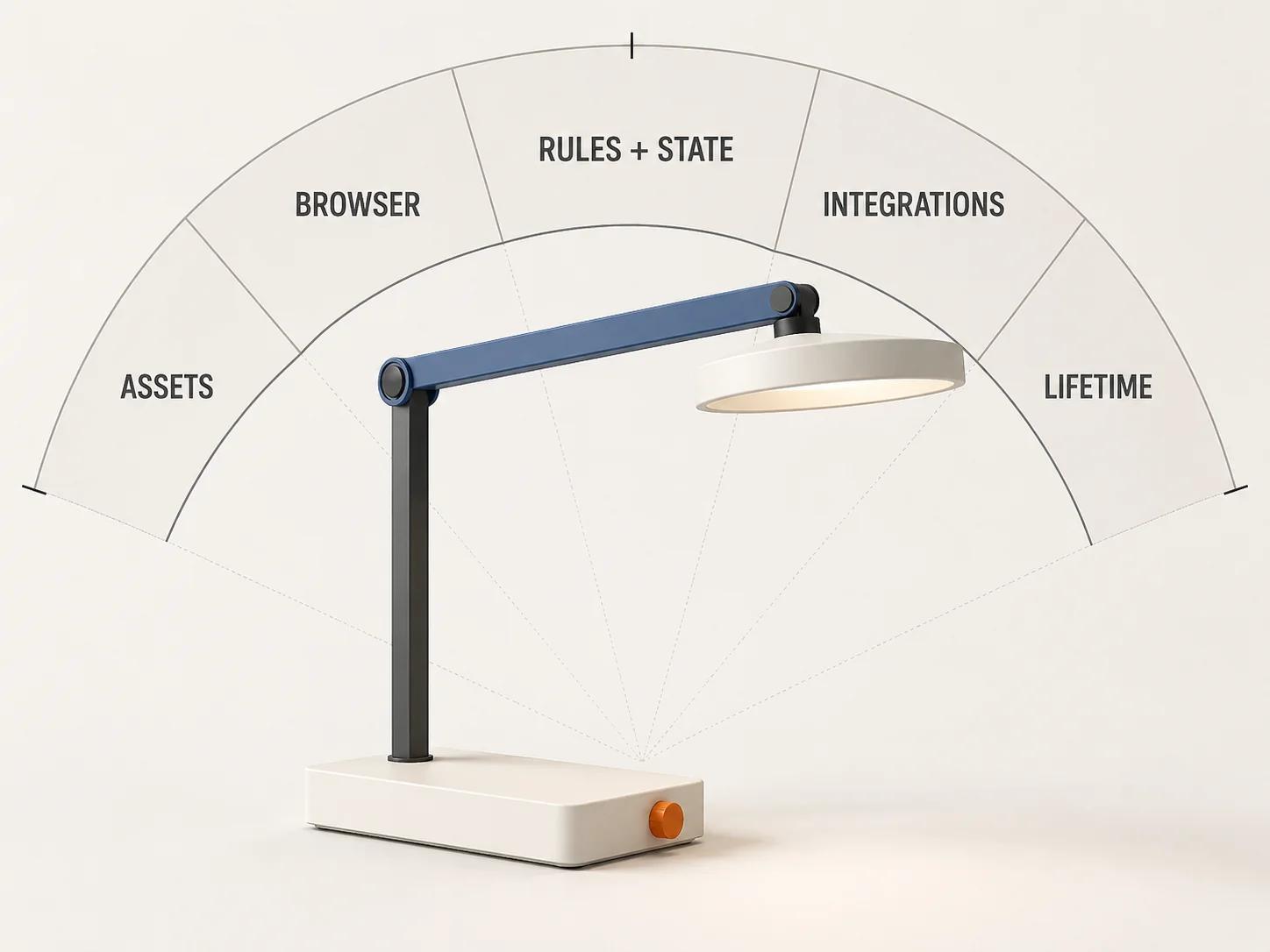
Inventory the exact GLB or glTF resources, textures, environment maps, decoder code, product data and option-specific assets fetched by the scenario. For each, record transfer size, decoded dimensions where relevant, cache result, start time, duration and initiator. Confirm whether switching one option starts a fresh asset download or re-downloads content already present.
Khronos notes that high-resolution textures affect both download size and GPU memory, and its glTF-Compressor workflow supports side-by-side quality review while tuning texture formats and resolution.[5] Compression is therefore a testable asset intervention, not a blind “make the file smaller” instruction. Compare approved product details before and after any geometry or texture change. A smaller transfer can still create unacceptable decode work, memory use or visible damage.
Browser work and rendering
Record the slow selection in a runtime trace. Split the interaction into input delay, event-handler processing and presentation delay, the three parts used to explain INP.[1] Then inspect which work dominates: rule code, state reconciliation, scene traversal, shader compilation, texture upload, layout, paint or unrelated third-party JavaScript.
Do not diagnose frame rate from an initial-load trace or initial load from an orbiting test. A configurator can open quickly and stall on material swaps; it can also orbit smoothly after making the buyer wait for an oversized first payload. Keep activation, selection and continuous interaction as separate scenarios.
Rules and state
Instrument the path from a selection event to the next valid state. Count rules evaluated, invalid branches rejected, state writes, component renders and scene mutations. Verify the result as well as its duration. A cached answer that exposes an invalid product is not an optimization.
Look for duplicated sources of truth: one selection in the interface, another in the 3D scene and a third in a pricing payload. Check whether a change triggers a full rule-graph evaluation when only one dependency branch changed, or rebuilds the entire scene when one material parameter changed. These observations support a bounded refactor only when tests describe the current valid combinations, prices and outputs.
Integrations
Carry one authorized correlation ID from the browser action through any gateway, product-information service, pricing engine, inventory check, quote service and cart call. OpenTelemetry describes a trace as the end-to-end path of a request, built from spans that can cross processes and services through shared context.[7] That model helps separate browser waiting from service execution and downstream contention.
Record duration, status and safe technical attributes at each boundary. Do not place customer data, credentials, confidential product formulas or full pricing payloads into general-purpose telemetry. If a vendor boundary cannot propagate trace context, pair client and server records with a controlled request ID and timestamp rather than guessing.
Resource lifetime
Repeat the same product-switch and material-switch sequence without reloading. Watch memory, renderer object counts, event listeners, animation loops and in-flight requests. In three.js, disposing a material does not dispose its textures, and the application remains responsible for the lifetime of user-created geometries and materials.[6] Other rendering stacks need an equivalent lifecycle audit.
A rising count is a lead, not a leak verdict. Some caches and renderer internals persist by design. Confirm that unreachable product-specific resources remain retained and that the retention correlates with the slowdown before changing lifecycle code.
Choose fix, stabilize or rebuild
This is an original Double Edged decision framework. It makes ownership, correctness and evidence gates explicit before the architecture choice.
- Can the authorized team reproduce the failure and control the affected layer? If not, begin with ownership recovery and bounded discovery. Do not make a destructive change.
- Does the system produce invalid configurations, wrong prices, broken orders or an active launch risk? Stabilize first. Freeze avoidable feature work, preserve evidence, add a safe fallback and restore correctness before chasing a cleaner architecture.
- Does the trace isolate one replaceable hotspot behind a sound contract? Fix or optimize that component, then rerun the same scenario and regression set.
- Are several hotspots coupled, but can stable seams be introduced around rules, assets, state or integrations? Stabilize the current path, introduce those seams and replace components incrementally.
- Are core dependencies inaccessible, unsupported or impossible to test, or does every small change require system-wide risk? Build a replatform case. It still needs exportable rules and data, acceptance tests, a transition route and rollback. A clean redesign sketch is not a migration plan.
| Route | Evidence that supports it | First controlled move | Exit evidence |
|---|---|---|---|
| Fix or optimize | One bounded cause; owned code or asset; stable interfaces; usable regression coverage | Change one variable behind the existing contract | Same scenario improves and product, price, cart and fallback checks still pass |
| Stabilize | Live correctness or reliability risk; several faults; incomplete observability; architecture still operable | Freeze risky change, add instrumentation, restore a safe path and set an error budget | Incident risk is contained and the next component decision has trace evidence |
| Rebuild or replatform | Change cannot be isolated; core technology or ownership blocks safe maintenance; migration assets are recoverable | Prove one vertical slice beside the current system | Rules, data, saved state, integrations, analytics and rollback pass a rehearsed cutover gate |
Use the existing-system mode to map current health, rules, assets, integrations and operating pressure. The result is a planning profile and budget-driver view, not a quote or a substitute for authorized technical discovery.
Turn the diagnosis into release gates
Set targets against named scenarios, devices and business requirements before making the change. Keep page-level INP as one guardrail, but define separate targets for first usable configuration, option feedback, visual completion, price confirmation and cart handoff. If field data exists, segment it by the relevant route and device class; do not present a single lab run as customer-wide performance.
| Gate | Required evidence | Acceptance rule |
|---|---|---|
| Activation | Cold and warm traces for the named product and network profile | Meets the approved project target without blocking ordinary page content |
| Selection feedback | Input, rules, state, scene and next-paint marks | Each stage is within its assigned budget and immediate feedback is visible |
| Rule correctness | Golden valid, invalid and dependency cases | Results match the approved rule source with no new invalid combination |
| Visual fidelity | Named camera and material comparisons on target devices | Critical geometry, finish and option mapping pass review |
| Pricing and cart | Correlated browser and service trace plus payload contract tests | Authoritative price, identifiers and selected options remain consistent |
| Repeated use | Fixed long-session script, memory and renderer counts | No unbounded product-specific growth or progressive scenario slowdown |
| Failure path | Blocked asset, timeout, unavailable service and recovery tests | The buyer receives a usable fallback and the operator receives diagnosable evidence |
Record the baseline, changed variable, result, regression outcome and approver for every gate. An improvement that changes material fidelity or rule correctness is a failed release, even if its timing chart is faster.
Migrate through seams rather than a blind rewrite
The product configurator replatforming guide owns the full migration, data-ownership and cutover problem. For this decision, establish whether one boundary can move safely while the existing configurator remains available.
AWS describes incremental replacement as a way to reduce transformation risk, while warning that it requires code access and that the routing layer can itself become a bottleneck.[8] Martin Fowler’s updated Strangler Fig description likewise stresses desired outcomes, manageable parts and seams that let legacy and new components coexist.[9]
Choose one authority for each rule, price, saved configuration and analytics event during transition. Shadow comparison can read from both paths, but dual writes need an explicit consistency and recovery design. Rehearse rollback before redirecting a product family, then remove transitional code after its dependants have moved. Otherwise, the “temporary” layer becomes another permanent source of latency and ambiguity.
Hand off evidence, not a verdict
A repair or rebuild team should receive the authorization record, ownership matrix, reproducible scenarios, raw traces, asset inventory, rule and integration contracts, current incident list, decision-tree result, release gates and unresolved unknowns. Include what was not tested. That package lets another team challenge the diagnosis without starting from screenshots and recollection.
The Spellexo case study contributes an owned-product operating perspective on observability, asset handoff, fallbacks and future updates.[10] It is not evidence that Double Edged rescued, migrated or replatformed a client configurator, and no such result is implied here.
When the evidence points to asset, interface, rules, integration or cutover work that the current owner cannot safely deliver, use the custom 3D product configurator service to frame a bounded technical review. Bring the failed scenarios and ownership record. Those two artifacts are more useful than a request to “make it faster.”